Ravi Sir's Cards › Excel
Grocery List in Excel (card 2 of 2)
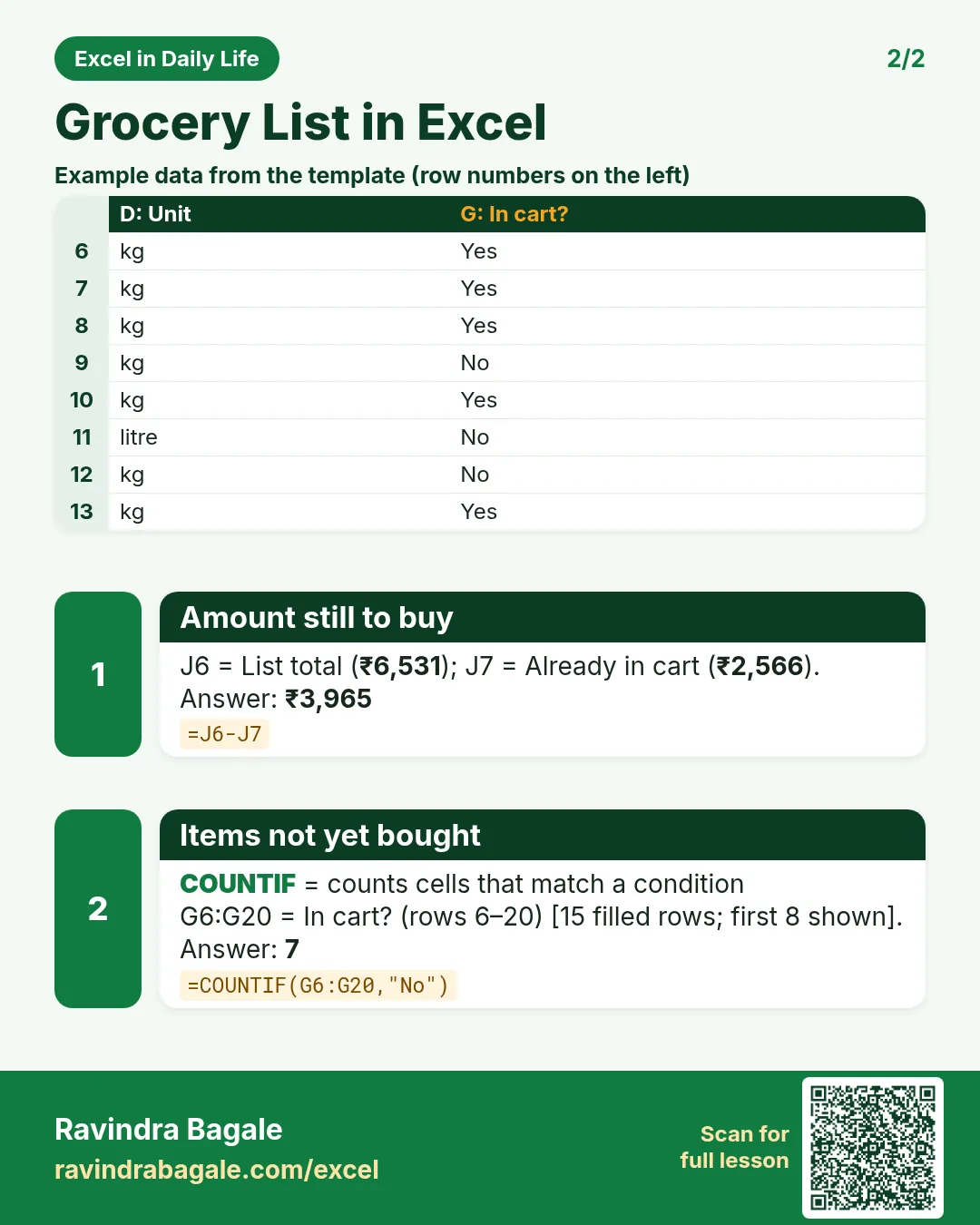
Revision card 2 for Grocery List in Excel: Amount still to buy: =J6-J7 gives ₹3,965; Items not yet bought: =COUNTIF(G6:G20,"No") gives 7. Includes an example data table.
Read card text
What this card says
2 for Grocery List in Excel: Amount still to buy: =J6-J7 gives ₹3,965
Items not yet bought: =COUNTIF(G6:G20,"No") gives 7. Includes an
Example
data table
Learn this in the lesson: Grocery List in Excel with Prices: Auto Total, Category Drop-Down and Tick Items as You Shop