Ravi Sir's Cards › Excel
Fuel Mileage Tracker in Excel (card 1 of 2)
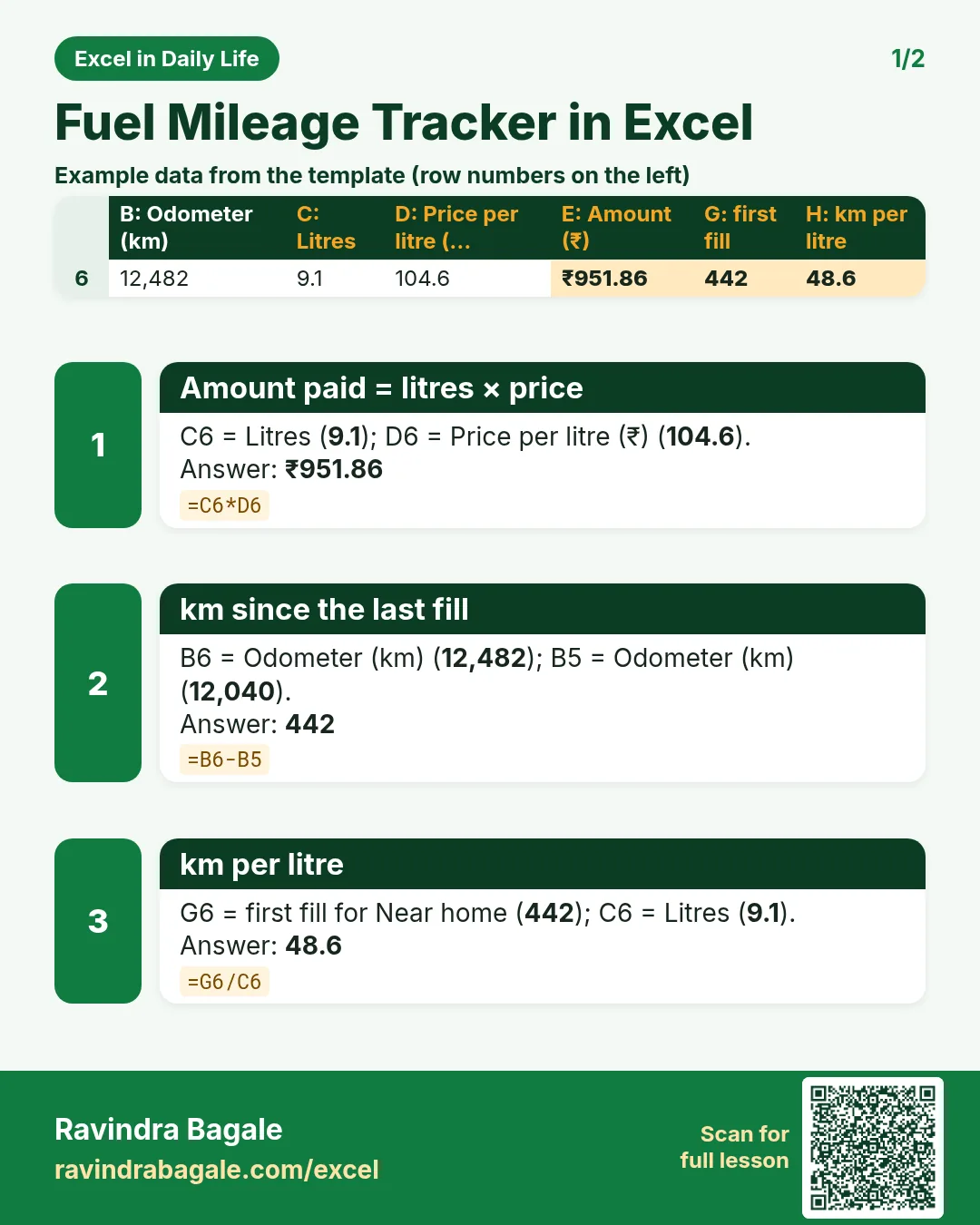
Revision card 1 for Fuel Mileage Tracker in Excel: Amount paid = litres × price: =C6*D6 gives ₹951.86; km since the last fill: =B6-B5 gives 442; km per litre: =G6/C6 gives 48.6. Includes an example data table.
Read card text
What this card says
1 for Fuel Mileage Tracker in Excel: Amount paid = litres × price: =C6*D6 gives ₹951.86
km since the last fill: =B6-B5 gives 442
km per litre: =G6/C6 gives 48.6. Includes an
Example
data table
Learn this in the lesson: Fuel Mileage Tracker in Excel: km per Litre and Cost per km for Your Bike or Car