Ravi Sir's Cards › Excel
Format Cells (Ctrl+1)
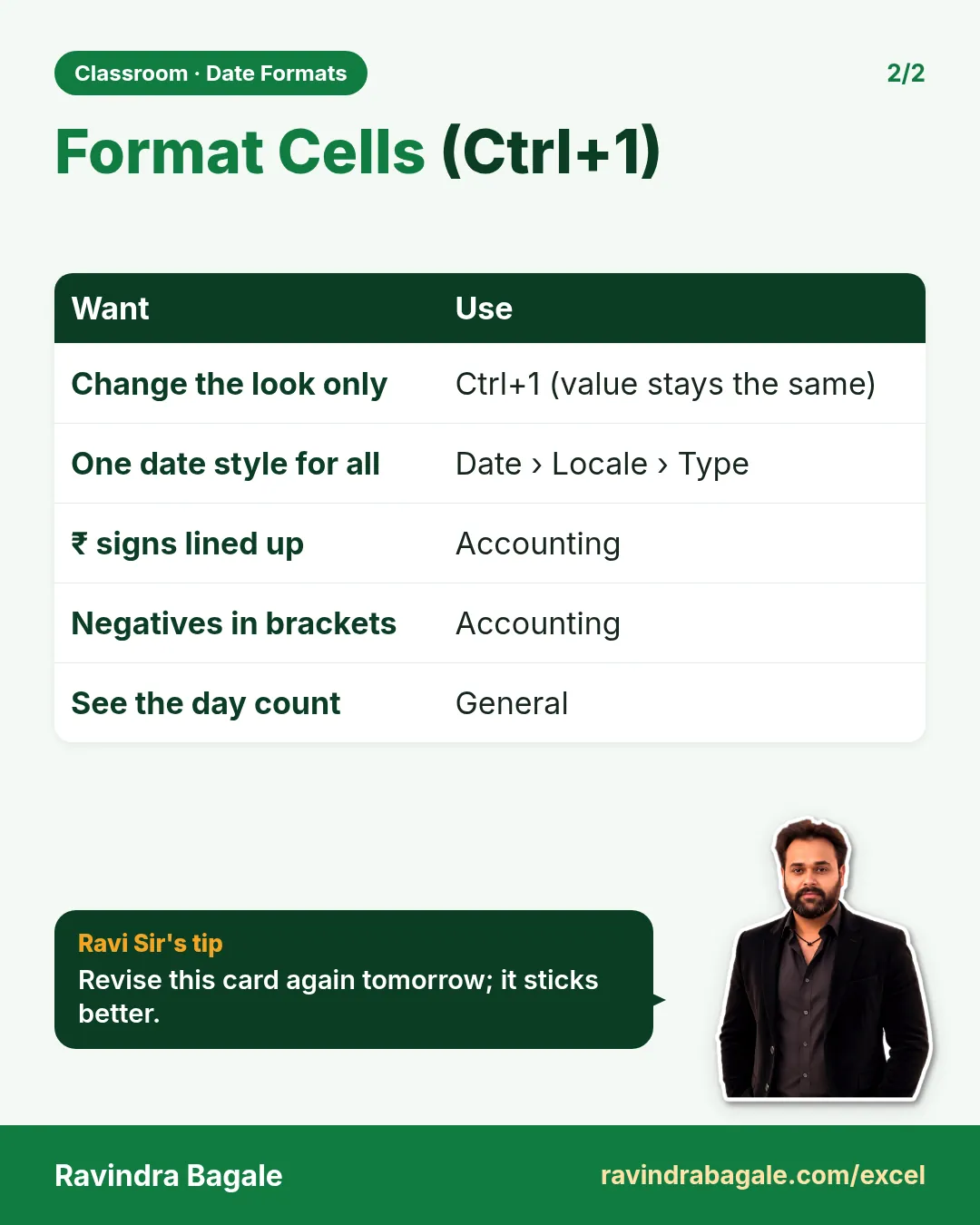
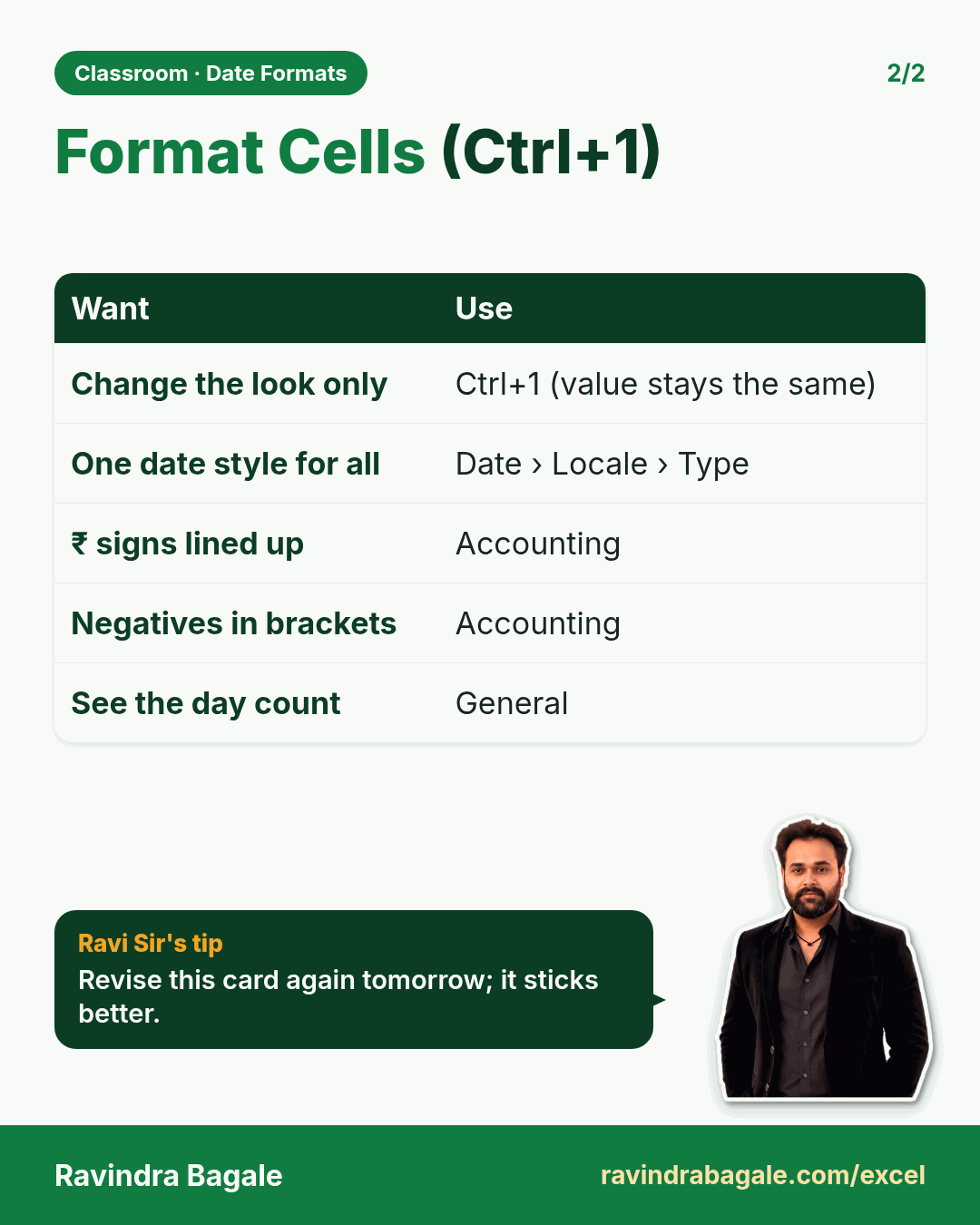
Revision card: Format Cells (Ctrl+1). Covers Change the look only; One date style for all; ₹ signs lined up; Negatives in brackets; See the day count. With a photo of Ravindra Bagale and a short tip.
Read card text
What this card says
Format Cells (Ctrl+1). Covers Change the look only
One date style for all
₹ signs lined up
Negatives in brackets
See the day count. With a photo of Ravindra Bagale and a short tip.
Learn this in the lesson: Excel Date Formats Explained: DD-MM vs MM-DD, Locale, Format Cells (Ctrl+1) and Custom Lists