Ravi Sir's Cards › Excel
Employee Attendance Management System in Excel (card 1 of 2)
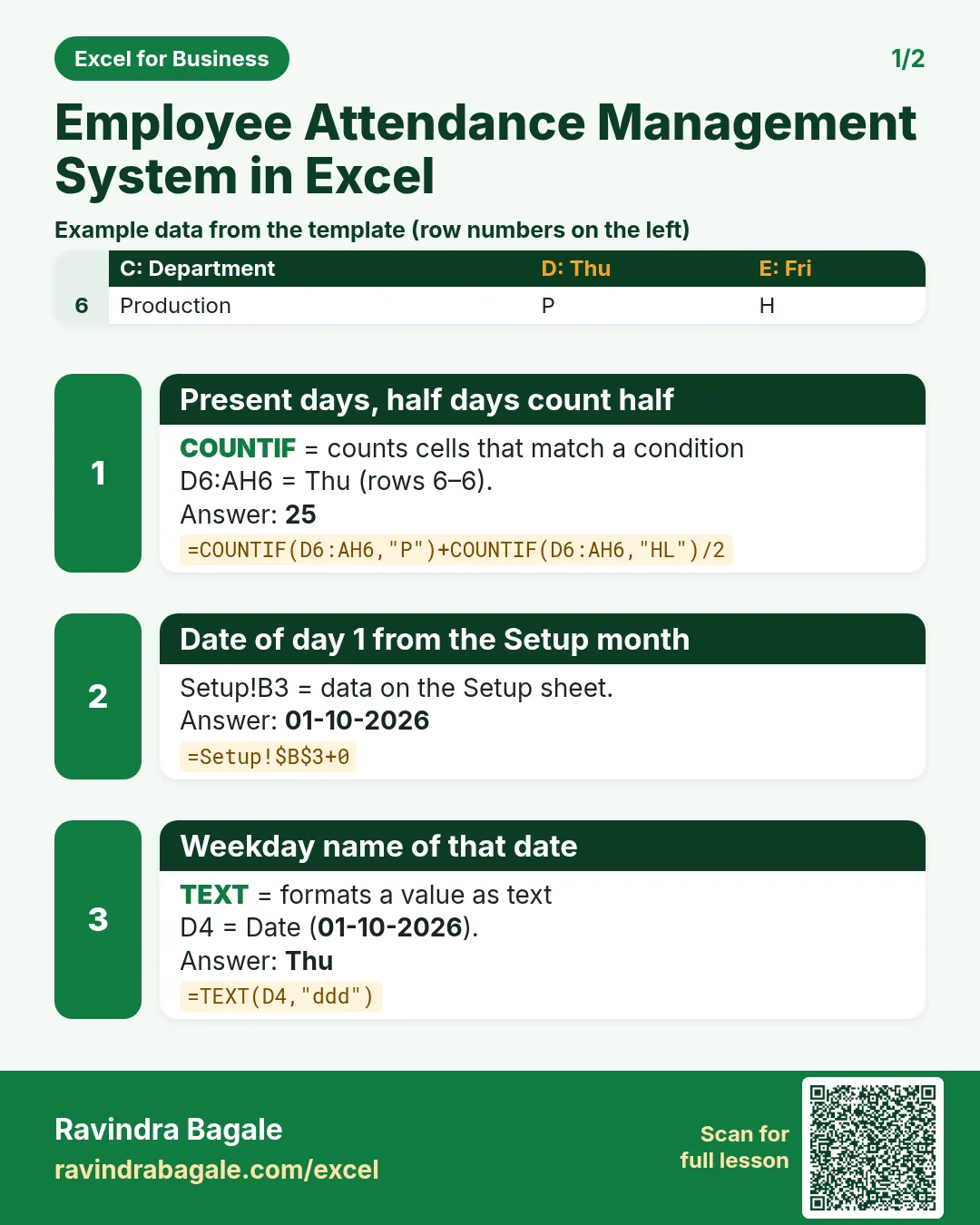
Revision card 1 for Employee Attendance Management System in Excel: Present days, half days count half: =COUNTIF(D6:AH6,"P")+COUNTIF(D6:AH6,"HL")/2 gives 25; Date of day 1 from the Setup month: =Setup!$B$3+0 gives 01-10-2026; Weekday name of that date: =TEXT(D4,"ddd") gives Thu. Includes an example data table.
Read card text
What this card says
1 for Employee Attendance Management System in Excel: Present days, half days count half: =COUNTIF(D6:AH6,"P")+COUNTIF(D6:AH6,"HL")/2 gives 25
Date of day 1 from the Setup month: =Setup!$B$3+0 gives 01-10-2026
Weekday name of that date: =TEXT(D4,"ddd") gives Thu. Includes an
Example
data table
Learn this in the lesson: Employee Attendance Management System in Excel: Monthly Codes, Leave Balance, Late Marks and Dashboard