Ravi Sir's Cards › Excel
Customer Credit in Excel (card 1 of 2)
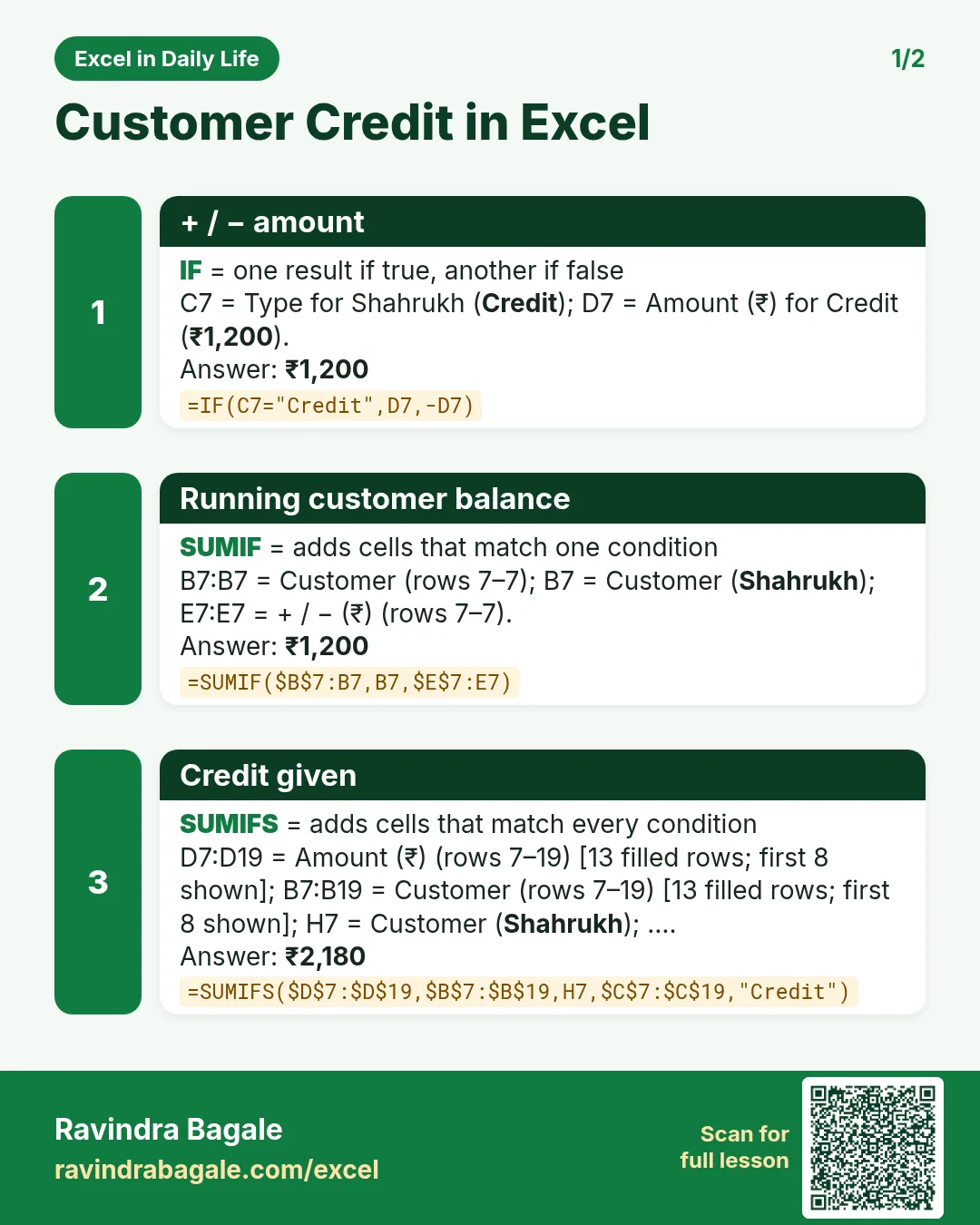
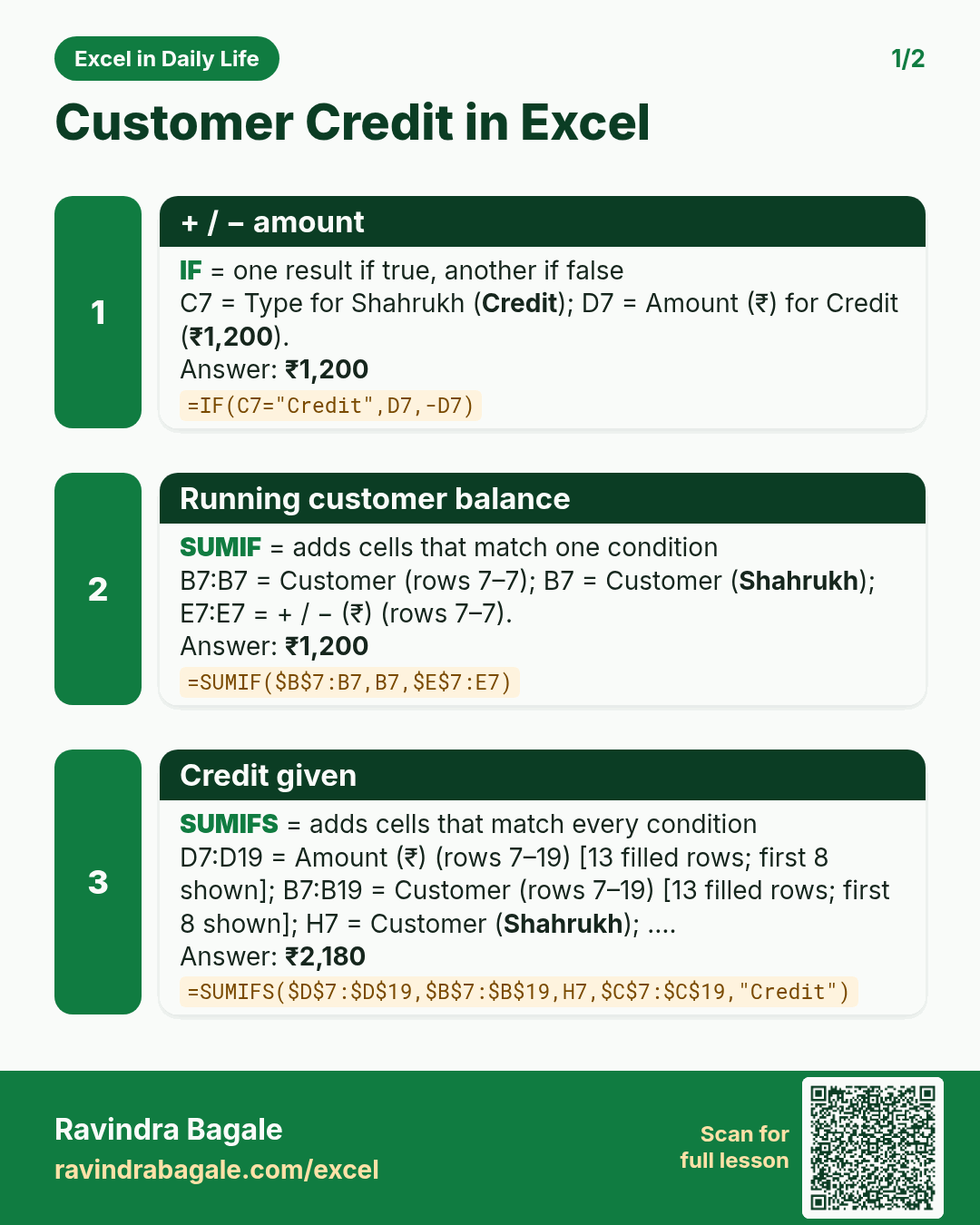
Revision card 1 for Customer Credit in Excel: + / − amount: =IF(C7="Credit",D7,-D7) gives ₹1,200; Running customer balance: =SUMIF($B$7:B7,B7,$E$7:E7) gives ₹1,200; Credit given: =SUMIFS($D$7:$D$19,$B$7:$B$19,H7,$C$7:$C$19,"Credit") gives ₹2,180.
Read card text
What this card says
1 for Customer Credit in Excel: + / − amount: =IF(C7="Credit",D7,-D7) gives ₹1,200
Running customer balance: =SUMIF($B$7:B7,B7,$E$7:E7) gives ₹1,200
Credit given: =SUMIFS($D$7:$D$19,$B$7:$B$19,H7,$C$7:$C$19,"Credit") gives ₹2,180.
Learn this in the lesson: Customer Credit (Khata) Book in Excel: Udhaar Balance per Customer with SUMIFS