Ravi Sir's Cards › Excel
Cricket Batting Stats in Excel (card 1 of 2)
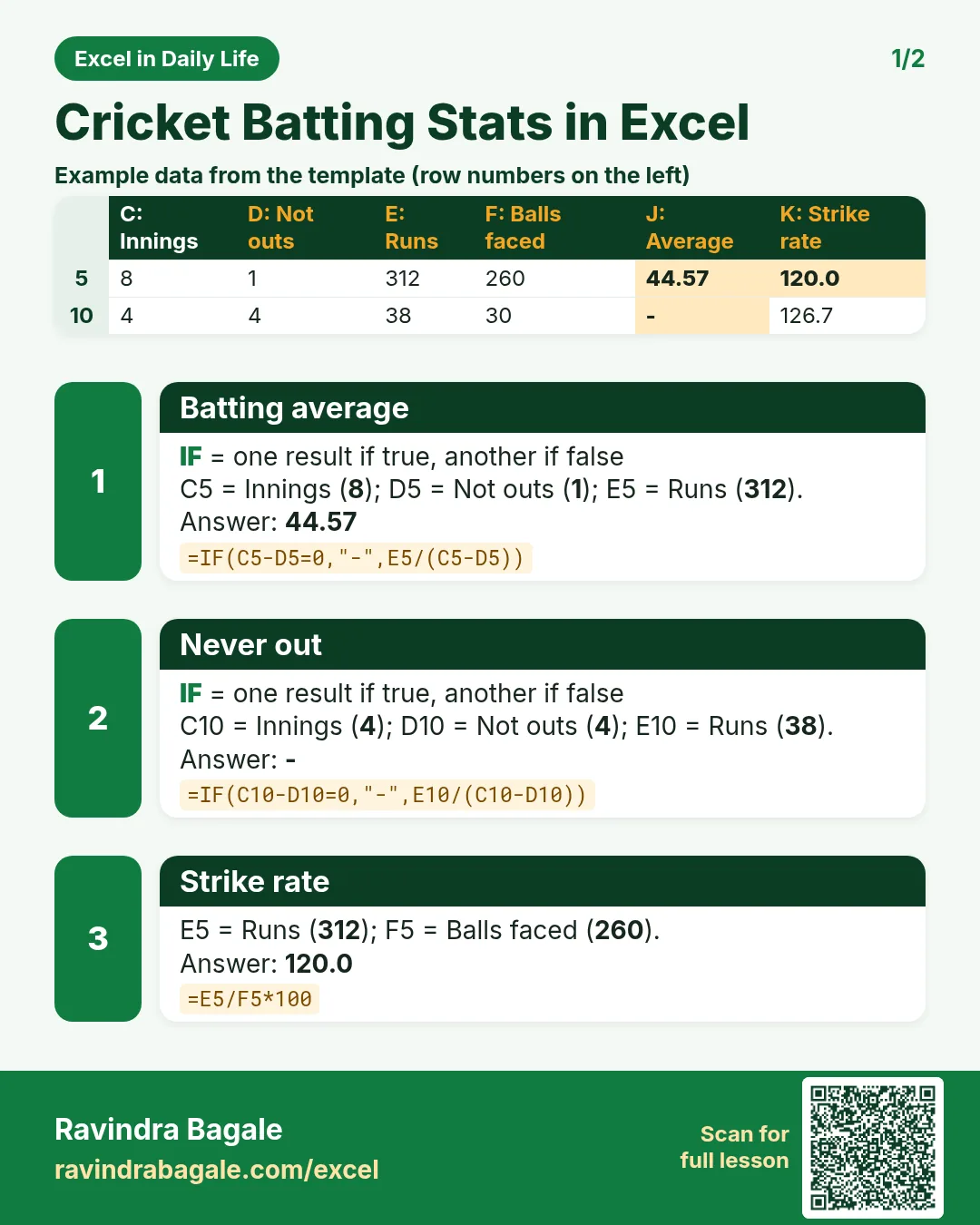
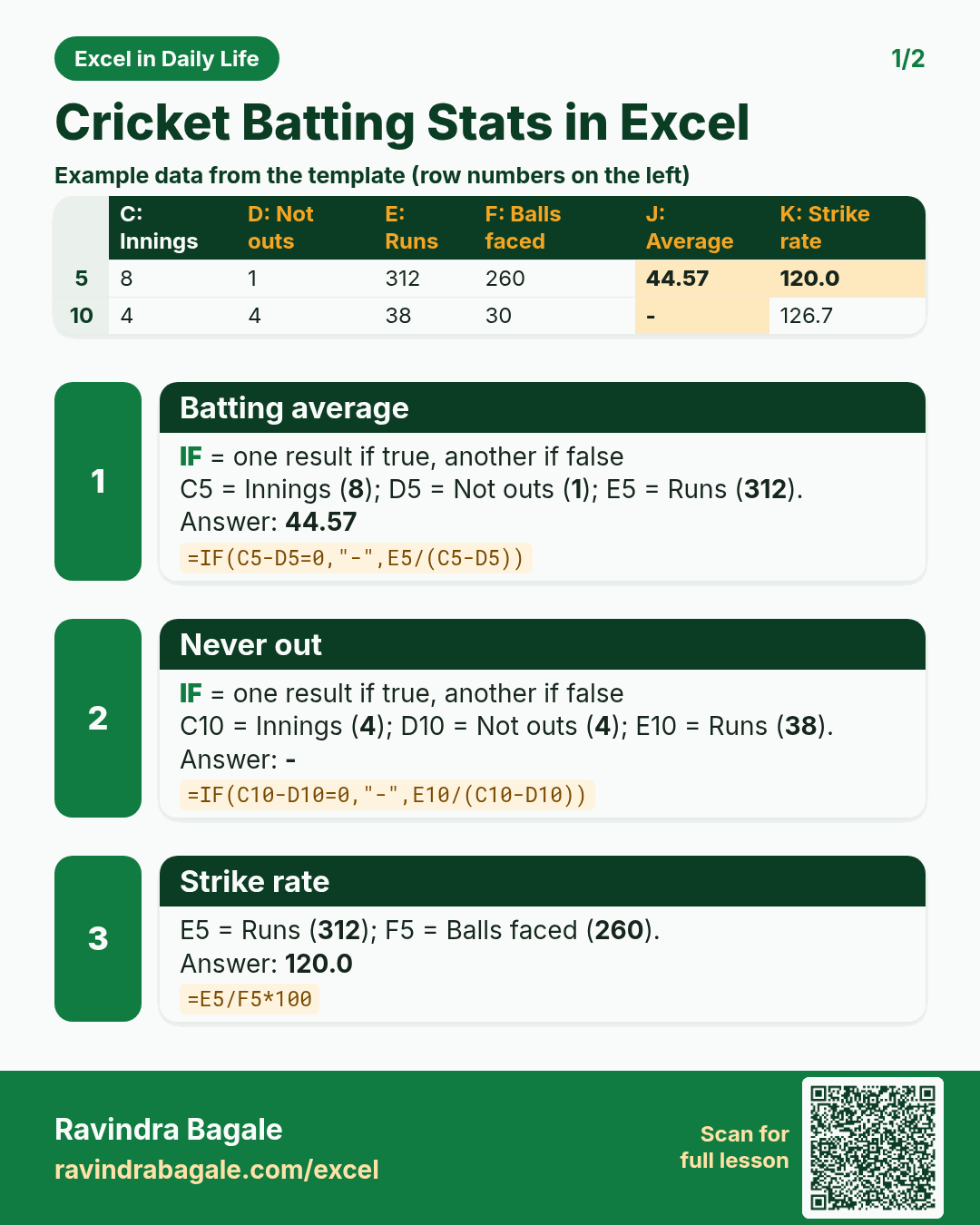
Revision card 1 for Cricket Batting Stats in Excel: Batting average: =IF(C5-D5=0,"-",E5/(C5-D5)) gives 44.57; Never out: =IF(C10-D10=0,"-",E10/(C10-D10)) gives -; Strike rate: =E5/F5*100 gives 120.0. Includes an example data table.
Read card text
What this card says
1 for Cricket Batting Stats in Excel: Batting average: =IF(C5-D5=0,"-",E5/(C5-D5)) gives 44.57
Never out: =IF(C10-D10=0,"-",E10/(C10-D10)) gives -
Strike rate: =E5/F5*100 gives 120.0. Includes an
Example
data table
Learn this in the lesson: Cricket Batting Stats in Excel: Batting Average, Strike Rate and Player Rank