Ravi Sir's Cards › AWS
Rollback and retention
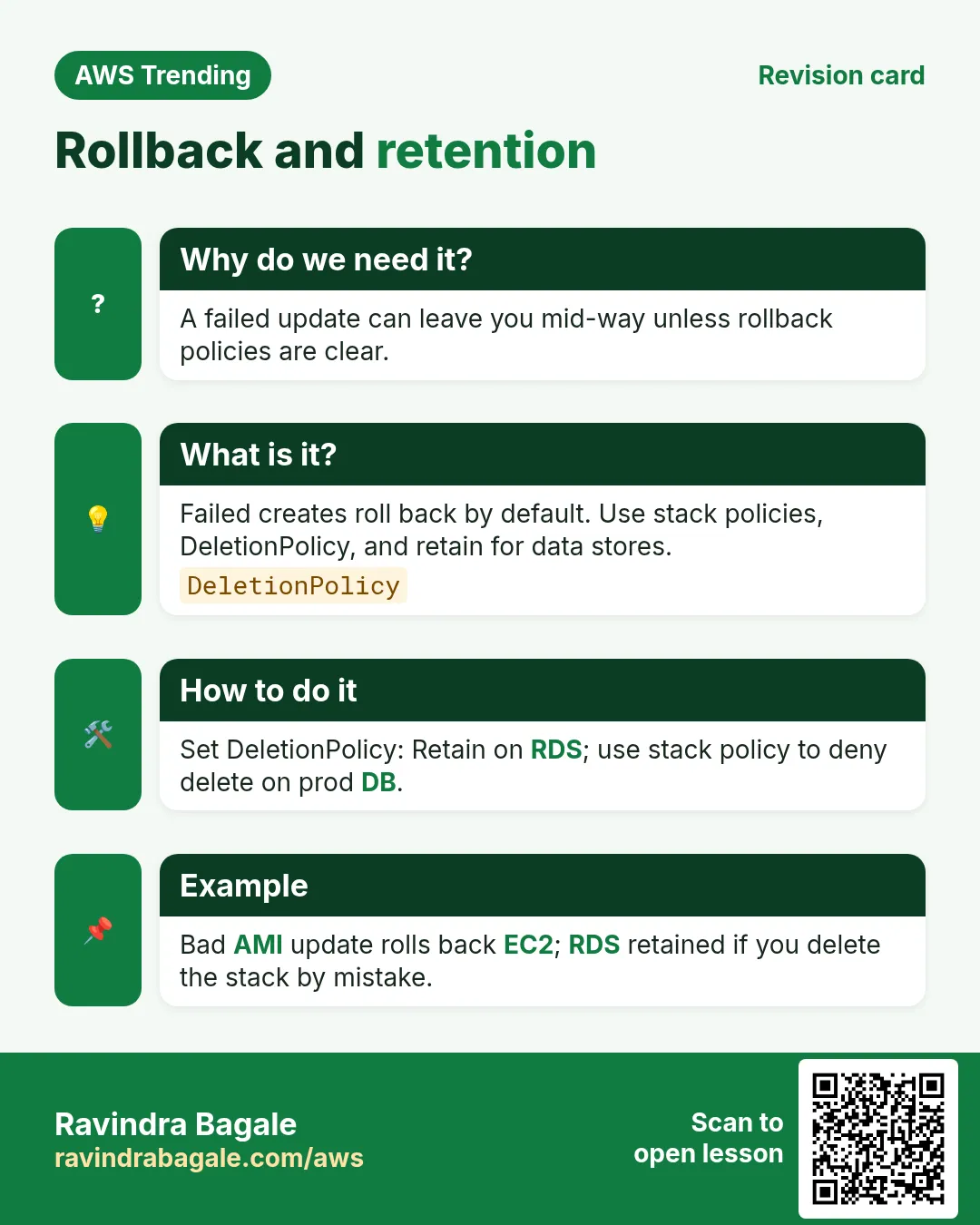
This revision card explains Rollback and retention. A failed update can leave you mid-way unless rollback policies are clear. It describes failed creates roll back by default. Use stack policies, DeletionPolicy, and retain for data stores. The how-to section covers how to set DeletionPolicy — Retain on RDS; use stack policy to deny delete on prod DB. An example on the card is bad AMI update rolls back EC2; RDS retained if you delete the stack by mistake.
Read card text
What this card says
Why do we need it?
A failed update can leave you mid-way unless rollback policies are clear.
What is it?
Failed creates roll back by default. Use stack policies, DeletionPolicy, and retain for data stores.
DeletionPolicy
How to do it
Set DeletionPolicy: Retain on RDS; use stack policy to deny delete on prod DB.
Example
Bad AMI update rolls back EC2; RDS retained if you delete the stack by mistake.