Ravi Sir's Cards › AWS
Hot partition
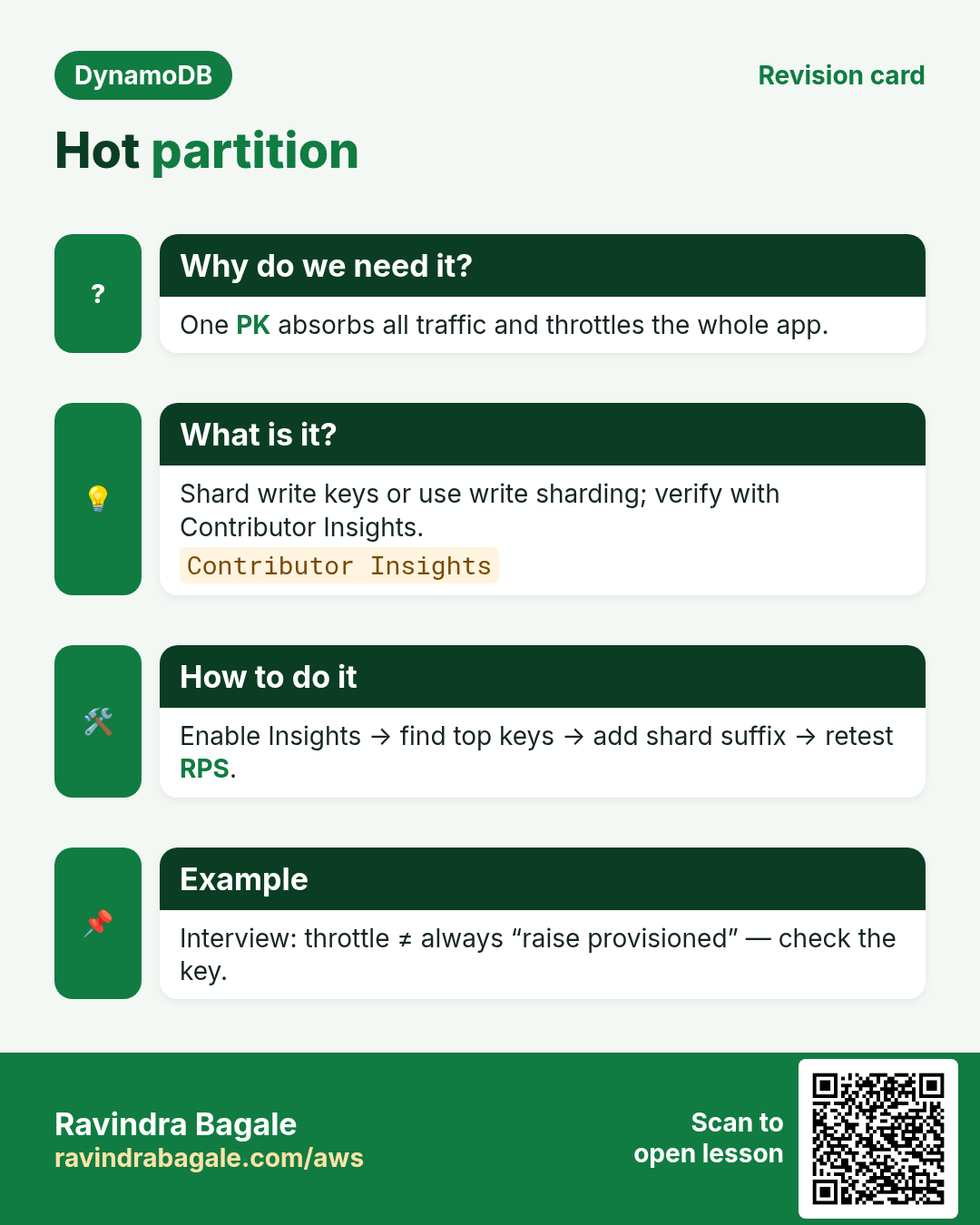
This revision card explains Hot partition. It starts from the need that one PK absorbs all traffic and throttles the whole app. It describes shard write keys or use write sharding; verify with Contributor Insights. The how-to section covers how to enable Insights , then find top keys , then add shard suffix , then retest RPS. An example on the card is interview: throttle ≠ always “raise provisioned” — check the key.
Read card text
What this card says
Why do we need it?
One PK absorbs all traffic and throttles the whole app.
What is it?
Shard write keys or use write sharding; verify with Contributor Insights.
Contributor Insights
How to do it
Enable Insights → find top keys → add shard suffix → retest RPS.
Example
Interview: throttle ≠ always “raise provisioned” — check the key.