Ravi Sir's Cards › AWS
Spot a hot partition
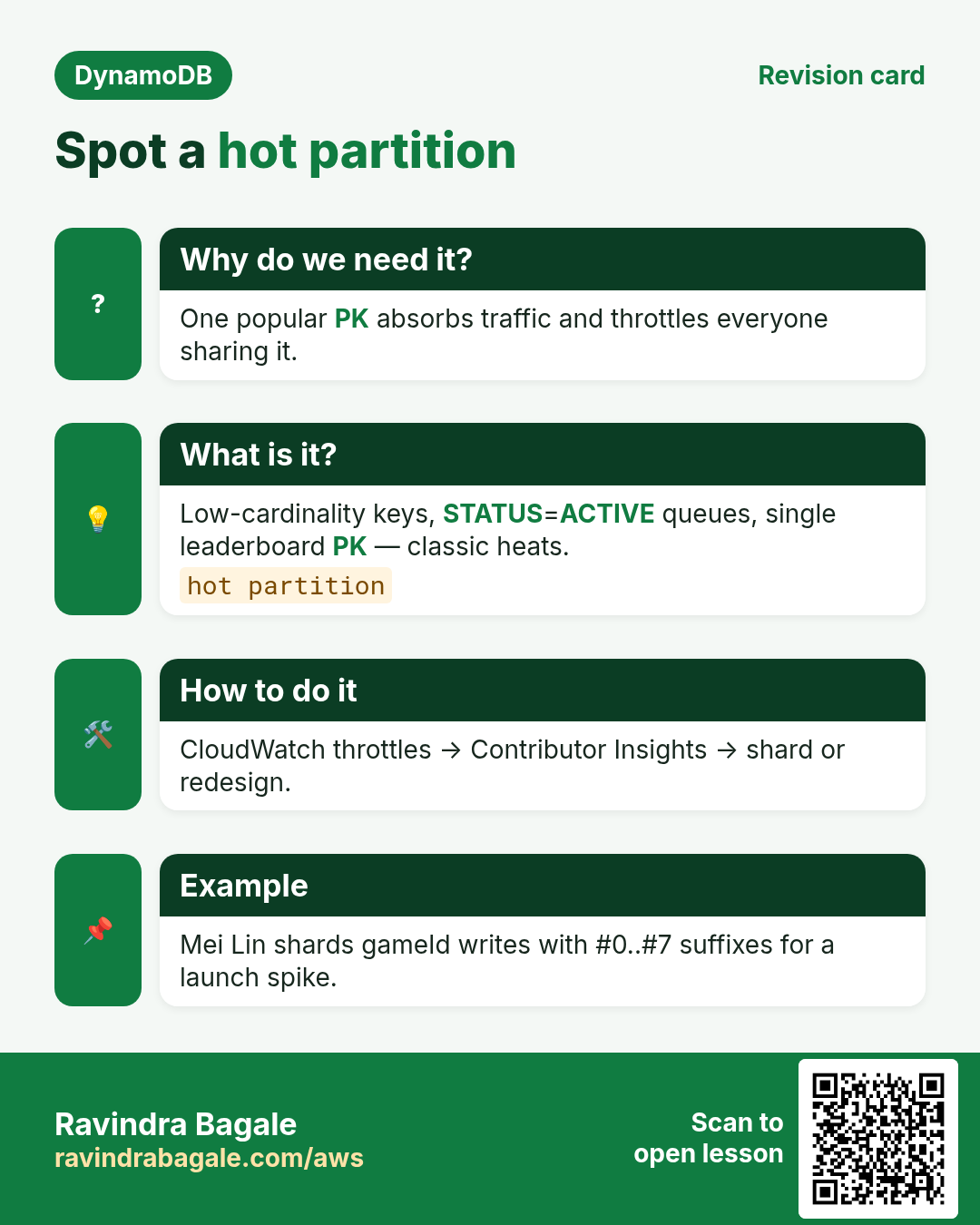
This revision card explains Spot a hot partition. It starts from the need that one popular PK absorbs traffic and throttles everyone sharing it. It describes low-cardinality keys, STATUS=ACTIVE queues, single leaderboard PK — classic heats. The how-to section notes cloudWatch throttles , then Contributor Insights , then shard or redesign. An example on the card is mei Lin shards gameId writes with #0.#7 suffixes for a launch spike.
Read card text
What this card says
Why do we need it?
One popular PK absorbs traffic and throttles everyone sharing it.
What is it?
Low-cardinality keys, STATUS=ACTIVE queues, single leaderboard PK — classic heats.
hot partition
How to do it
CloudWatch throttles → Contributor Insights → shard or redesign.
Example
Mei Lin shards gameId writes with #0..#7 suffixes for a launch spike.