25. Power BI Service
The report is ready in Desktop – now how do we get it to people? In this module we look at the Power BI Service: publishing, workspaces and roles, sharing, refresh, gateways and subscriptions.
Desktop मध्ये report तयार झाला, आता तो लोकांपर्यंत कसा पोचवायचा? या module मध्ये Power BI Service – publishing, workspaces आणि roles, sharing, refresh, gateways आणि subscriptions बघू.
Desktop में report तैयार हो गई, अब उसे लोगों तक कैसे पहुँचाएँ? इस module में Power BI Service – publishing, workspaces और roles, sharing, refresh, gateways और subscriptions देखेंगे.
What you will learn in this module
- Publishing from Desktop and working with workspaces and roles
- Reports vs dashboards (a pointer – full coverage in Module 24)
- Apps and sharing options
- Scheduled refresh and gateways
- Subscriptions and alerts
Live story: Publish on Friday, fresh numbers on Monday
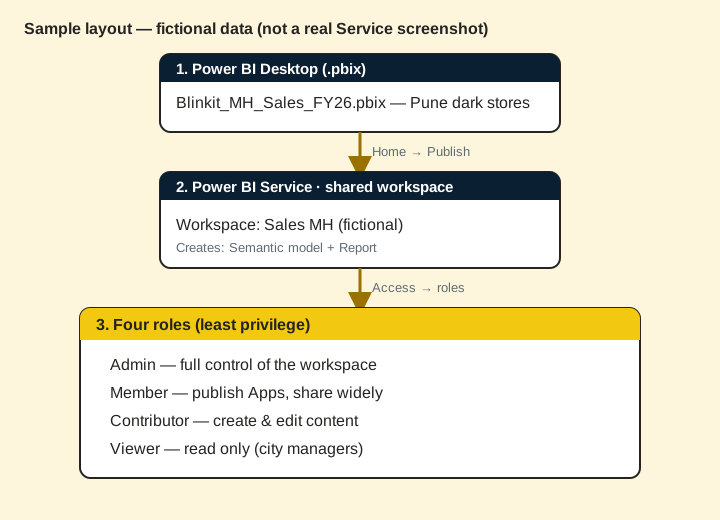
Suppose our Blinkit Maharashtra report is ready on Friday evening. City managers must open it in the browser on Monday at 9 am, with Sunday's orders already in. Nobody should e-mail a .pbix file. This chapter publishes to a workspace, sets roles, shares an app and schedules refresh at 7:00 IST.
All numbers in this story are fictional practice data.
Live story: शुक्रवारी publish, सोमवारी ताजे आकडे
समजा आपला Blinkit Maharashtra report शुक्रवारी संध्याकाळी तयार आहे. City managers नी तो सोमवारी सकाळी 9 वाजता browser मध्ये उघडला पाहिजे, रविवारच्या orders सकट. कोणीही .pbix file e-mail करायची नाही. हा chapter workspace मध्ये publish करतो, roles देतो, app share करतो आणि 7:00 IST ला refresh schedule करतो.
या story मधले सगळे आकडे काल्पनिक practice data आहेत.
Live story: शुक्रवार को publish, सोमवार को ताज़ा आँकड़े
मान लीजिए हमारी Blinkit Maharashtra report शुक्रवार शाम तैयार है. City managers को उसे सोमवार सुबह 9 बजे browser में खोलना है, रविवार के orders के साथ. कोई भी .pbix file e-mail नहीं करेगा. यह chapter workspace में publish करता है, roles देता है, app share करता है और 7:00 IST पर refresh schedule करता है.
इस story के सारे आँकड़े काल्पनिक practice data हैं.
Concepts in this chapter
- 25.1What is the Power BI Service?
- 25.2Publishing
- 25.3Workspaces and Roles
- 25.4Reports vs Dashboards
- 25.5Sharing and Distribution
- 25.6Refreshing Data
- 25.7Gateways
- 25.8Subscriptions and Alerts
- 25.9Other Service Features Worth Knowing
- 25.10When Refresh Fails, and How to Make It Cheaper
- 25.11Exporting from the Service
- 25.12Lineage View and Usage Metrics
- 25.13Dataflows
- 25.14Deployment Pipelines
- 25.15Sensitivity Labels and Endorsement
- 25.16Paginated Reports
- 25.17Metrics (Scorecards) and Embedding
Review and practice
The chapter recap is at the end of the last concept page.
Deepen this topic (Why / What / How)
Fictional Maharashtra example. Numbers and workspace names below are practice data only.
Why: Learners finish 25.x pages and miss that 37–44 exist as the deep Service course.
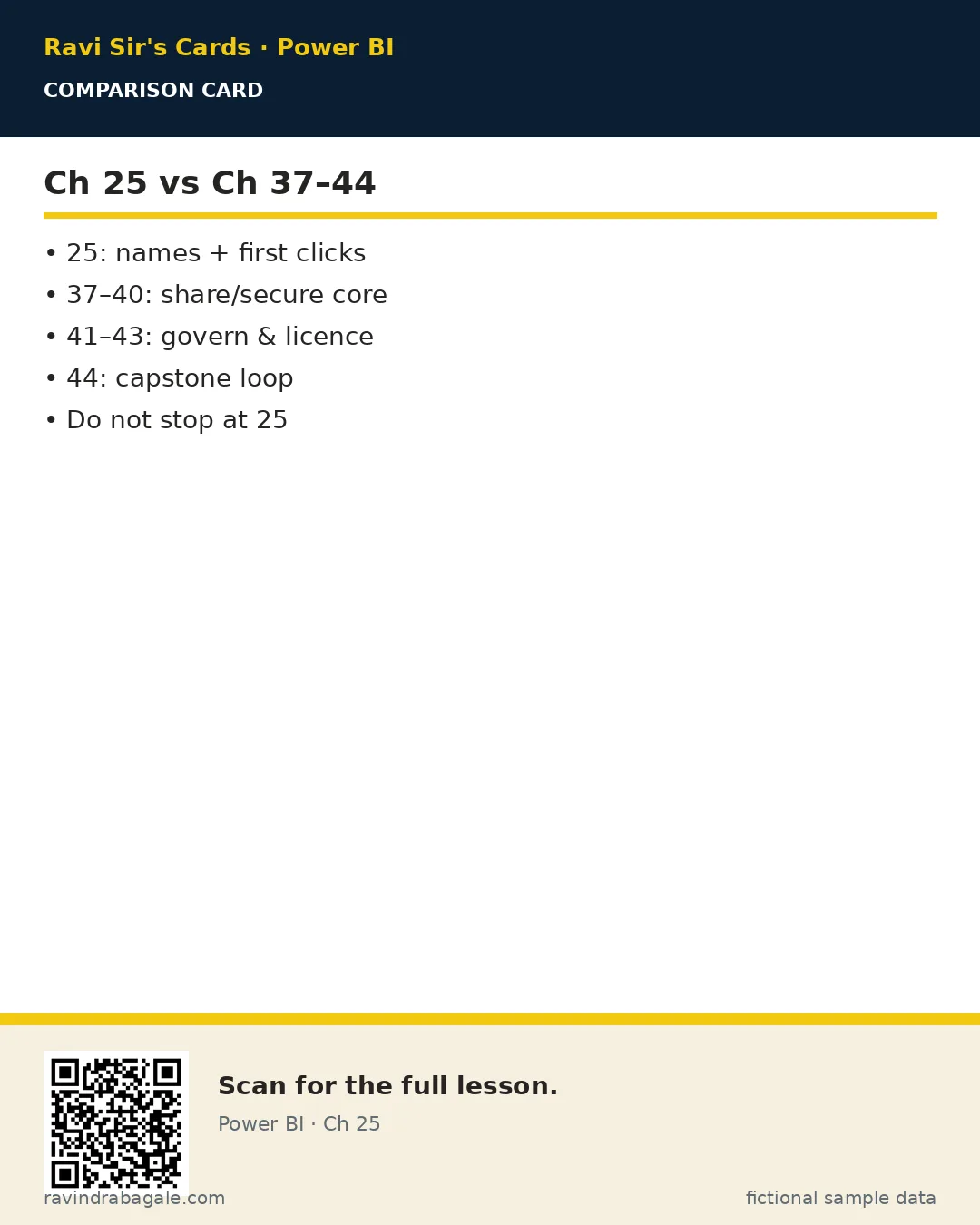
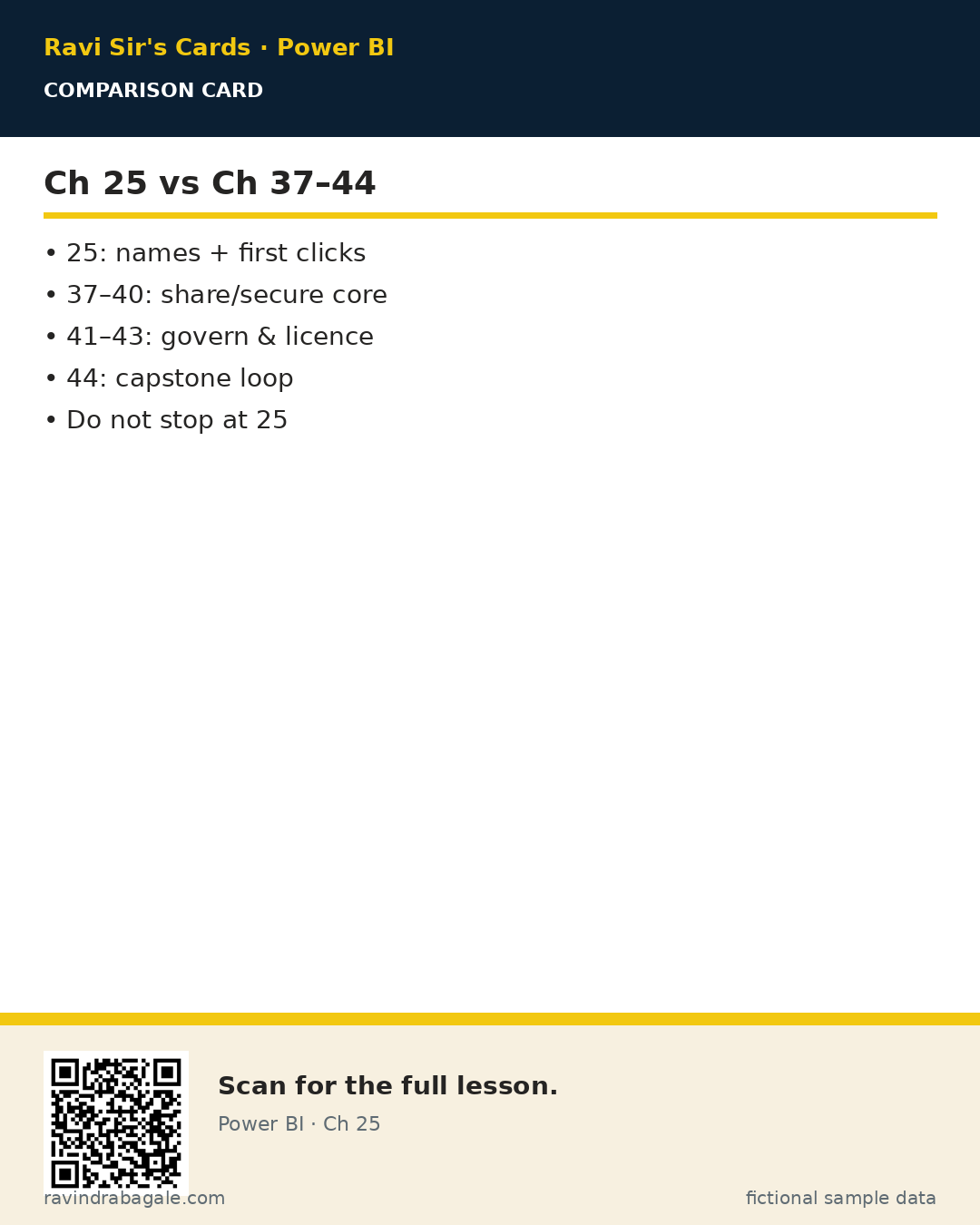
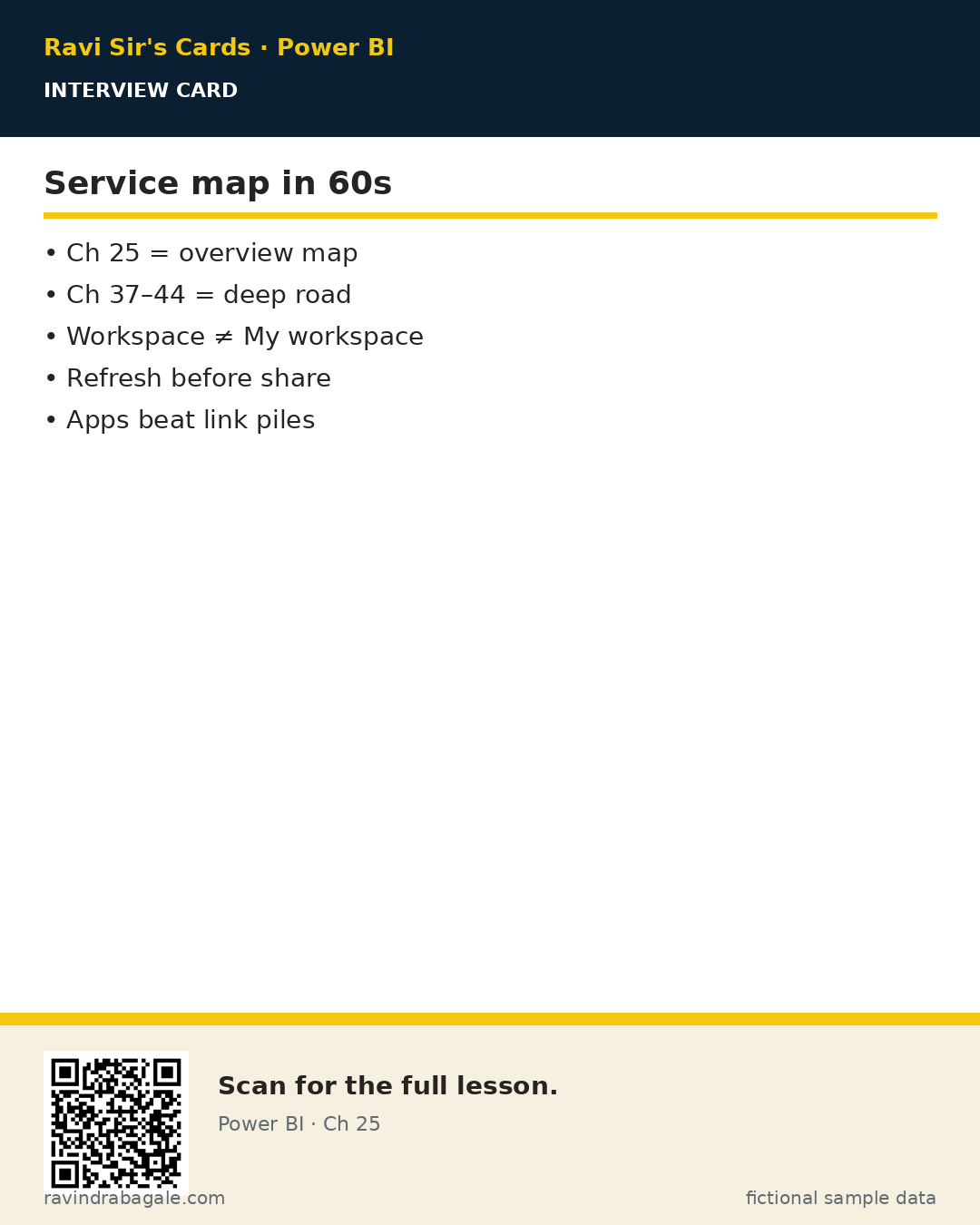
What: Chapter 25 is the Service overview map; Chapters 37–44 are the deep lessons (workspaces through capstone).
How — use this hub as a launch pad:
Vertical steps (one under another)
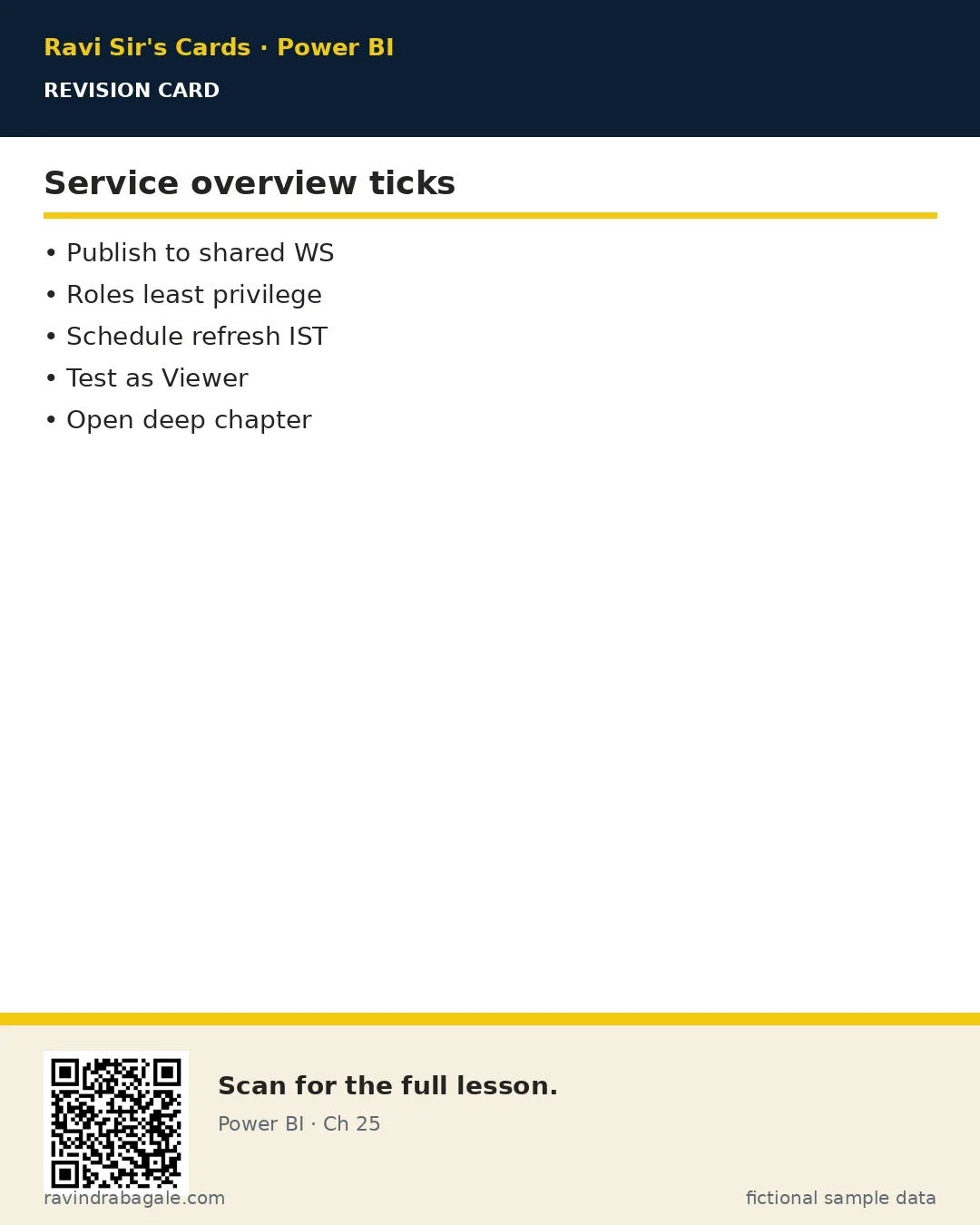
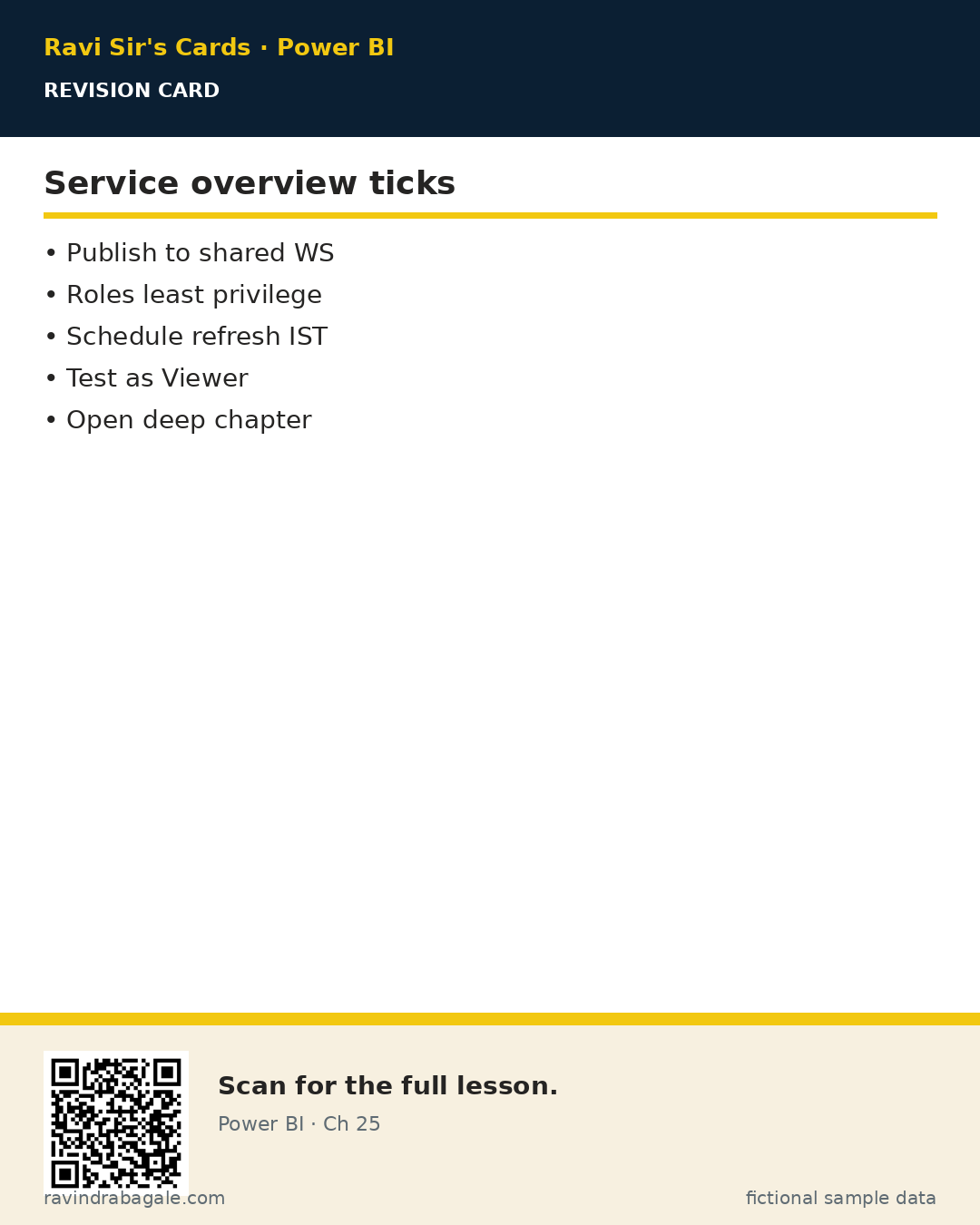
- Read 25.1–25.8 for the core map (publish, roles, share, refresh, gateway, alerts).
- Skim 25.9–25.17 for advanced names (lineage, dataflows, pipelines, labels, paginated, embed).
- Then study Ch 37 → Ch 44 in order for depth.
- Return here only as a quick overview checklist.
- Pair with Ch 34 brief/wireframe before any new Service project.
Tiny example: Fictional study plan: Week 1 = Ch 25 map; Week 2–3 = Ch 37–44 deep + Ch 44 lab.
Ravindra Bagale's Tip
Friends, overview without the deep series is like knowing station names but never riding the train.
Ravindra Bagale's Tip – मराठी
मित्रांनो, फक्त overview = स्थानकांची नावे; deep series = गाडीत बसणे.
Ravindra Bagale's Tip – हिंदी
दोस्तों, सिर्फ़ overview = स्टेशन के नाम; deep series = ट्रेन में बैठना।
Go deeper next
This Chapter 25 page is the overview. For the full Service deep lesson, open Ch 37 · Start the Service deep series. Chapters 37–44 are the deep Service series; Chapter 44 is the publish–secure–refresh–share capstone.
Roadmap: Chapter 25 → Chapters 37–44
Why: Overview pages name features; deep chapters teach production habits.
What: A suggested order after you finish this hub.
How — study order:
Vertical steps
- Ch 37 — Workspaces, roles, publishing.
- Ch 38 — Reports vs dashboards, sharing, Apps.
- Ch 39 — Scheduled refresh, incremental, gateways.
- Ch 40 — RLS and OLS in the Service.
- Ch 41 — Dataflows, pipelines, lineage, usage.
- Ch 42 — Subscriptions, alerts, Teams, Excel, embedding.
- Ch 43 — Licensing, capacity, Fabric, admin basics.
- Ch 44 — Capstone: publish, secure, refresh, share.
Ravindra Bagale's Tip
Friends, tick each deep chapter only after you click the Service UI yourself.
Ravindra Bagale's Tip – मराठी
मित्रांनो, deep chapter tick फक्त Service UI क्लिक केल्यावर.
Ravindra Bagale's Tip – हिंदी
दोस्तों, deep chapter tick तभी जब Service UI क्लिक करो।
Quiz (5 questions)
1. Ch 25 is:
2. Deep Service series is:
3. Ch 44 is:
4. After Ch 25 you should:
5. Ch 34 (brief/wireframe) helps Service projects by:
Practice tasks (12) — hints only, no full answers
- Task. Write the business question this index page answers in one sentence.
Hint: Name the user and the decision. - Task. List three mistakes learners make with index.
Hint: Use Fix common mistakes as a seed. - Task. Draw a 5-box flow on paper for index (fictional MH Ops).
Hint: Photo counts as artefact. - Task. Explain index to a friend in 60 seconds using Why/What/How.
Hint: Record voice memo if you can. - Task. Open the linked deep chapter and write three new facts not on this overview page.
Hint: Cite section titles only. - Task. Create a checklist of 7 ticks before you call index “done”.
Hint: Include a verify step. - Task. Invent fictional refresh/share/role data that fits index.
Hint: Keep IST times. - Task. Map who is Admin / Member / Contributor / Viewer for a fictional workspace using index.
Hint: Least privilege. - Task. Write an interview STAR story that uses index.
Hint: 45–60 seconds. - Task. Find one unused habit you will stop (e.g. My workspace for team content) related to index.
Hint: Be specific. - Task. Link index forward to the correct Ch 37–44 lesson and say why.
Hint: One sentence why. - Task. Teach index back using Marathi or Hindi tip language once.
Hint: Keep English terms for product UI.
Ravi Sir's cards
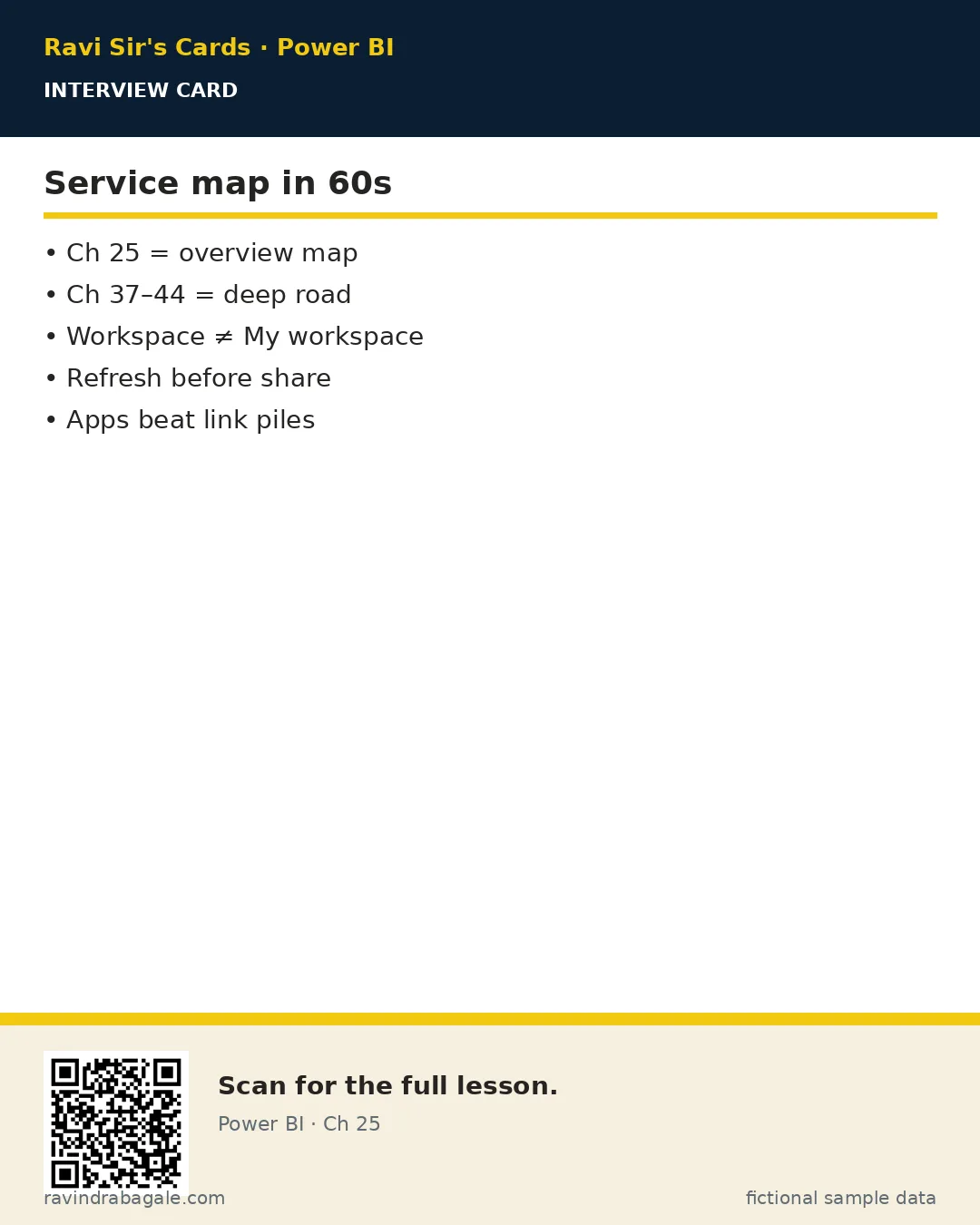
Standalone cards — QR points to this lesson. Download PNG to revise offline.
Ravi Sir's Cards: 21 revision, interview and comparison cards for this chapter · मराठी cards