25.11 Exporting from the Service
Start with a problem
Rani needs the sales page as a PDF for a meeting and the underlying numbers in Excel.
Explain simply
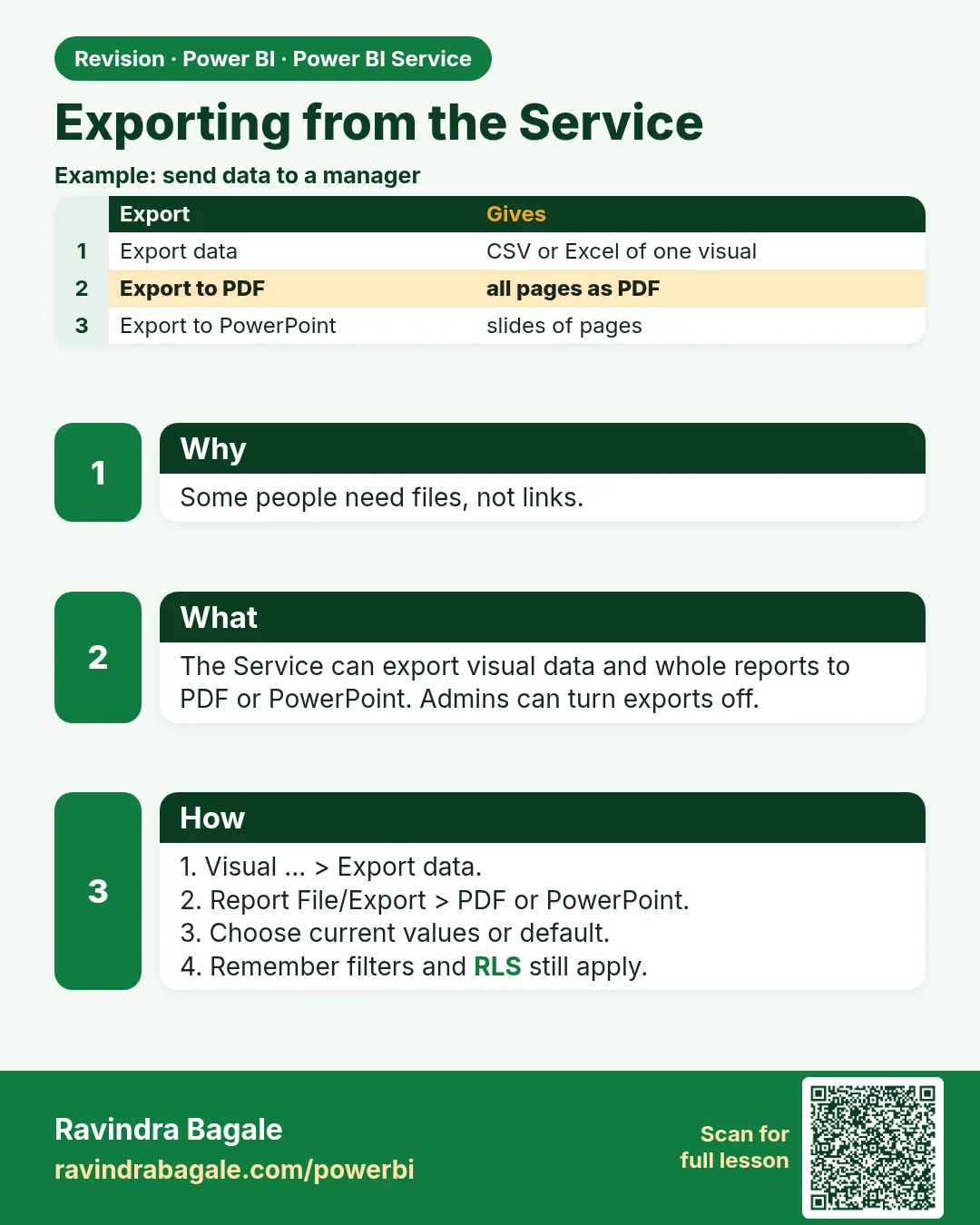
From the Service you can Export to PDF/PowerPoint, Export data from a visual, or use Analyze in Excel. Admin settings and sensitivity labels may limit these.
Show the data
| City | Total Sales (₹) |
|---|---|
| Pune | 850 |
| Nashik | 800 |
| Kolhapur | 450 |
| Total | 2,100 |
Fictional sample data. Practice file: visuals_orders_apr_may_2026.csv (source: src/practice/).
Demonstrate
- Report › Export › PDF › Export.
- City visual › … › Export data › Summarized data › .xlsx.
- Open the file and check totals.
Show the result
Your result should look like this (fictional sample):
| City | Total Sales |
|---|---|
| Pune | 850 |
| Nashik | 800 |
| Kolhapur | 450 |
Explain what happened
Export data takes the visual's current filter context (and RLS).
Explore further
- Large exports have row limits (see reference).
Detailed reference for this lesson:
Seeing data on the page does not mean every row will come out in the export file.
Page वर data दिसतोय म्हणजे export file मध्ये प्रत्येक row येईलच असं नाही.
Page पर data दिख रहा है, इसका मतलब यह नहीं कि export file में हर row आएगी.
From a report in the Service:
| Export | What the user gets | Watch-out |
|---|---|---|
| Export to PDF or PowerPoint | A picture of the pages, with the current filters | A slicer you forgot is printed for everyone |
| Export data on a visual | Summarized rows, or underlying rows if the admin allows | There is a row limit. It is not a backup of the model |
| Analyze in Excel | Excel connects live to the semantic model and builds a PivotTable | The user needs permission on the model, and RLS still applies |
Publish to web is a different button. It makes a public link. Do not use it for the Maharashtra orders, even though the course data is fictional, because the habit is dangerous on a real model. Workspace export settings can turn some of these formats off. If the menu is missing, an admin removed it.
Worked example. Zoya exports the Kolhapur page to PDF to mail Rani. The city slicer was still Kolhapur, so the PDF is right. The next day she exports with Pune selected and labels the file Kolhapur. The file is not the label. Check the slicer state on the PDF itself.
Ravindra Bagale's Tip
A common mistake is Export data, then a second report built on that CSV. The CSV is a dead extract. For shared numbers use Analyze in Excel or the report itself. A PDF is a print, not a model. Remember this rule.
Ravindra Bagale's Tip – मराठी
एक common चूक म्हणजे Export data करून त्या CSV वर दुसरा report बनवणं. CSV म्हणजे मेलेला extract. Shared numbers साठी Analyze in Excel किंवा report च वापरा. PDF म्हणजे print, model नाही. हा नियम लक्षात ठेवा.
Ravindra Bagale's Tip – हिंदी
एक common गलती है Export data करके उस CSV पर दूसरी report बनाना. CSV एक मरा हुआ extract है. Shared numbers के लिए Analyze in Excel या report ही इस्तेमाल करो. PDF एक print है, model नहीं. यह नियम याद रखो.
Fix common mistakes
| Wrong result | Reason | Correction |
|---|---|---|
| Export missing | Tenant setting off | Ask the admin |
| Export shows only Pune | Slicer selected | Clear filters |
| Customer emails exported | Underlying data export allowed | Use OLS/limit export |
Practise independently
Practice task
If Ravindra (RLS Pune) exports the City visual, what does he get?
Hints
- RLS applies.
Solution
Pune ₹850 only.
Think like a professional
Exports leave governance control; prefer sharing the report.
 Revision card