25.13 Dataflows
In short: A dataflow runs Power Query in the Service once and stores clean tables that many models can use.
Start with a problem
Three reports each clean the same Orders CSV with the same Power Query steps.
Explain simply
A dataflow runs Power Query in the Service once and stores clean tables that many models can use.
Show the data
| Without dataflow | With dataflow |
|---|---|
| 3 copies of the cleaning steps | 1 copy |
| 3 refreshes of the source | 1 |
Fictional sample data. Practice file: folder_orders/Orders_2026_04.csv, folder_orders/Orders_2026_05.csv (source: src/practice/).
Demonstrate
- Workspace › New › Dataflow.
- Add the folder/CSV source and the same cleaning steps.
- Save and refresh.
- In Desktop: Get data › Dataflows › pick the table.
Show the result
Your result should look like this (fictional sample):
| Table | Rows | Total Amount |
|---|---|---|
| Orders (dataflow) | 8 | ₹2,100 |
Explain what happened
Cleaning logic is centralised; models just import the result.
Explore further
- Schedule the dataflow refresh before model refreshes.
Detailed reference for this lesson:
A dataflow is Power Query running in the Service, where other models can reuse the same steps.
A dataflow stores Power Query transformations in a workspace, separate from any one report. Two semantic models can connect to the same dataflow and share the cleaning (city name fixes, types, the fictional store list). Dataflow Gen1 is the Power BI dataflow. Dataflow Gen2 lives in Microsoft Fabric and is the newer pipeline-style flow. The menus differ. Learn the idea here; follow the buttons in your tenant.
Steps – Gen1 shape
- Workspace › New › Dataflow.
- Add tables the same way as Get data: the SQL view, the SharePoint file, or a folder the gateway can see.
- Apply the cleaning you would have applied in Desktop. Save and refresh the dataflow once.
- In Desktop: Get data › Power Platform › Dataflows (the path moves). Sign in, pick the workspace and the tables. Then build relationships as usual.
The dataflow refresh and the semantic model refresh are two schedules. If the model refreshes first, it reads yesterday's dataflow. Set the dataflow earlier.
Worked example. Pune and Nagpur reports both need the city-name map from section 7.9. You put that map in one dataflow. Both models connect to it. You fix "Sambhajinagar" to "Sambhaji Nagar" once. You do not copy the Power Query steps into two PBIX files and watch them drift apart.
Ravindra Bagale's Tip
A common mistake is a dataflow that still points at someone's laptop path. A Service dataflow needs a gateway or a cloud path. And do not schedule the dataflow refresh and the dataset refresh at the same time; the dataflow goes first. Remember the order.
Ravindra Bagale's Tip – मराठी
एक common चूक म्हणजे अजूनही कोणाच्या तरी laptop path कडे बघणारा dataflow. Service dataflow ला gateway किंवा cloud path लागतो. आणि dataflow refresh आणि dataset refresh एकाच वेळी ठेवू नका; dataflow आधी. क्रम लक्षात ठेवा.
Ravindra Bagale's Tip – हिंदी
एक common गलती है ऐसा dataflow जो अब भी किसी के laptop path की ओर इशारा करता है. Service dataflow को gateway या cloud path चाहिए. और dataflow refresh और dataset refresh एक ही समय पर मत रखो; dataflow पहले. क्रम याद रखो.
Fix common mistakes
| Wrong result | Reason | Correction |
|---|---|---|
| Model refreshes before dataflow | Wrong order | Stagger schedules |
| Dataflow not visible | Wrong workspace/permission | Check access |
| Logic duplicated anyway | Old queries kept | Remove local copies |
Practise independently
Practice task
If the dataflow refresh is at 06:30 IST, when should the model refresh?
Hints
- After.
Solution
After it completes, e.g. 07:00 IST.
Think like a professional
Reuse is a sign of good architecture.
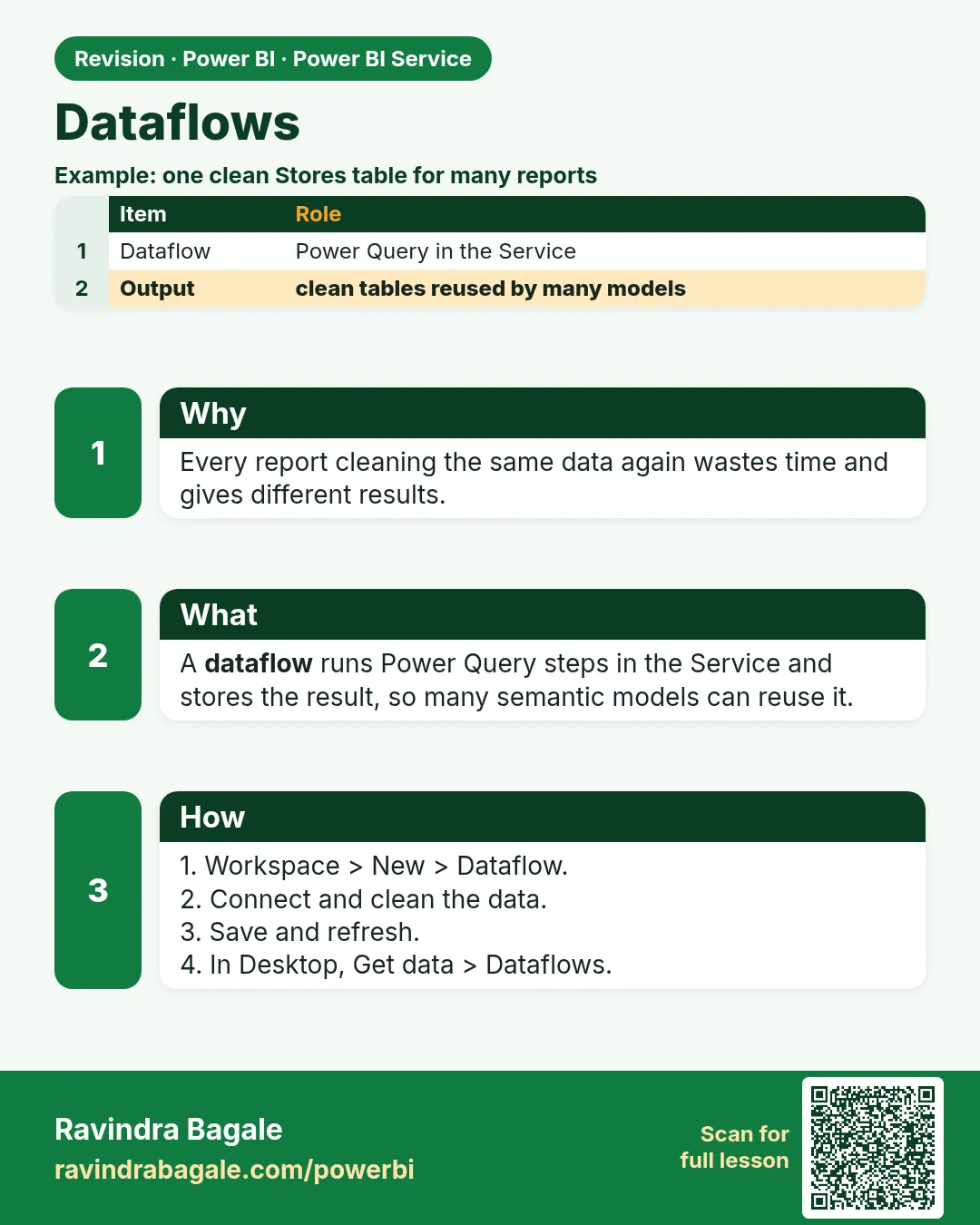 Revision card
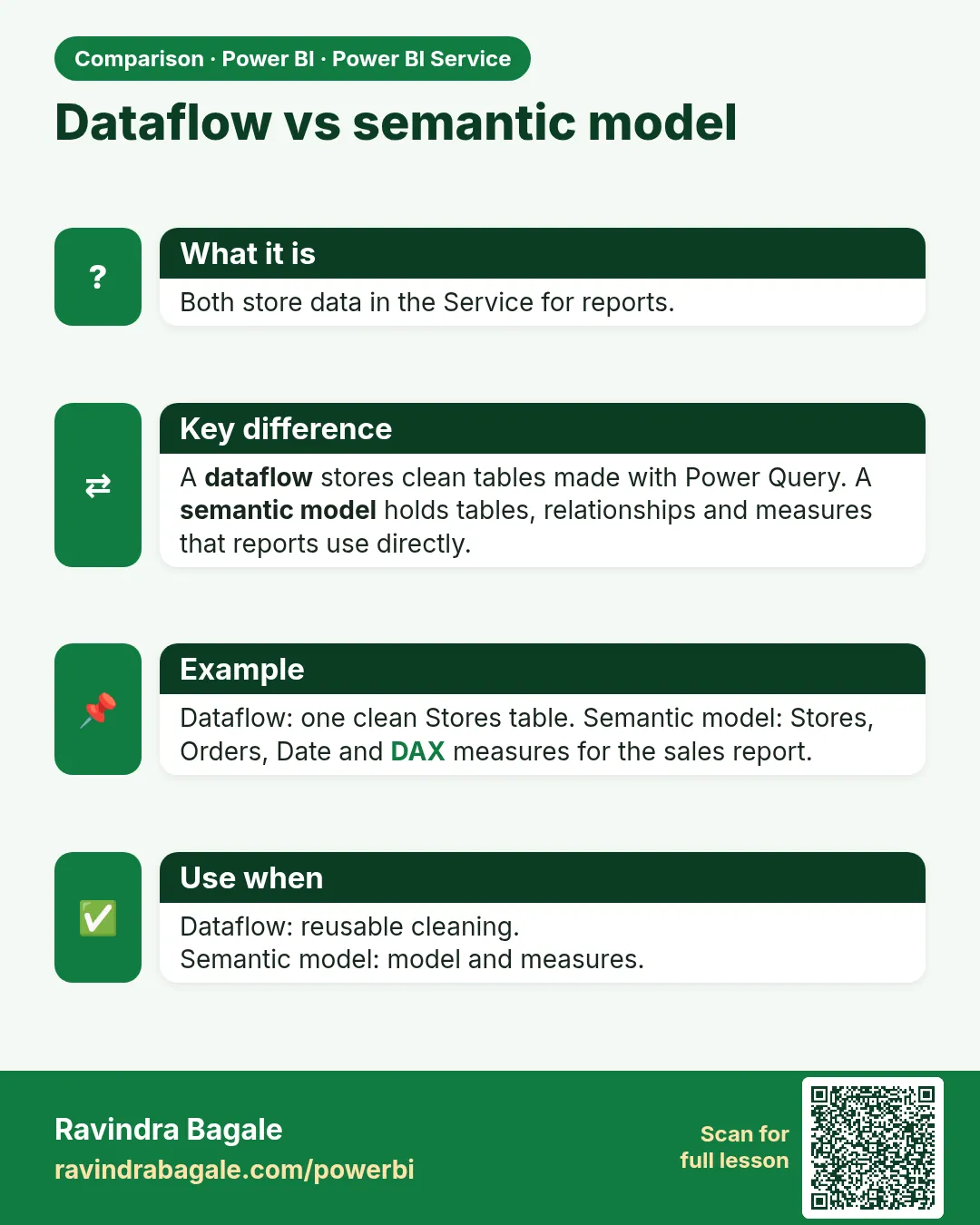 Comparison card