How to Add an Index Column in Power Query (From 0, From 1 and Custom Start)
Each year's sales export numbers its orders from 1. That is fine on its own, but the moment you append 2023, 2024 and 2025 into one table, order 1 appears three times, order 2 three times, and so on. Any count of distinct orders is now wrong, and you cannot point to "that one row". An Index Column fixes it in one click: Power Query writes 1, 2, 3 … down the table, a number no other row has. In this chapter you add it the three ways Power Query offers and learn the one habit that keeps it reliable.
What you'll learn in this chapter
- Why order_id repeats after an append
- Index Column: the plain button starts at 0
- From 1, and Custom start and increment
- Index, Index.1, Index.2: renaming
- Sort first: the index follows the current order
- When a combined key is better
Practice files: blinkit-orders-2023.csv (5 orders), blinkit-orders-2024.csv (4 orders) and blinkit-orders-2025.csv (3 orders).
Made-up data: fictional Blinkit-style orders, for practice only. Amounts are in ₹ and dates are DD-MM-YYYY.
1. The problem
Three tables, one per year, each with order_id starting at 1. After Append, the combined table has 12 rows but order_id only goes 1 to 5, with 1, 2 and 3 appearing three times each. A card with Count (Distinct) of order_id shows 5 instead of 12.
2. The idea in simple words
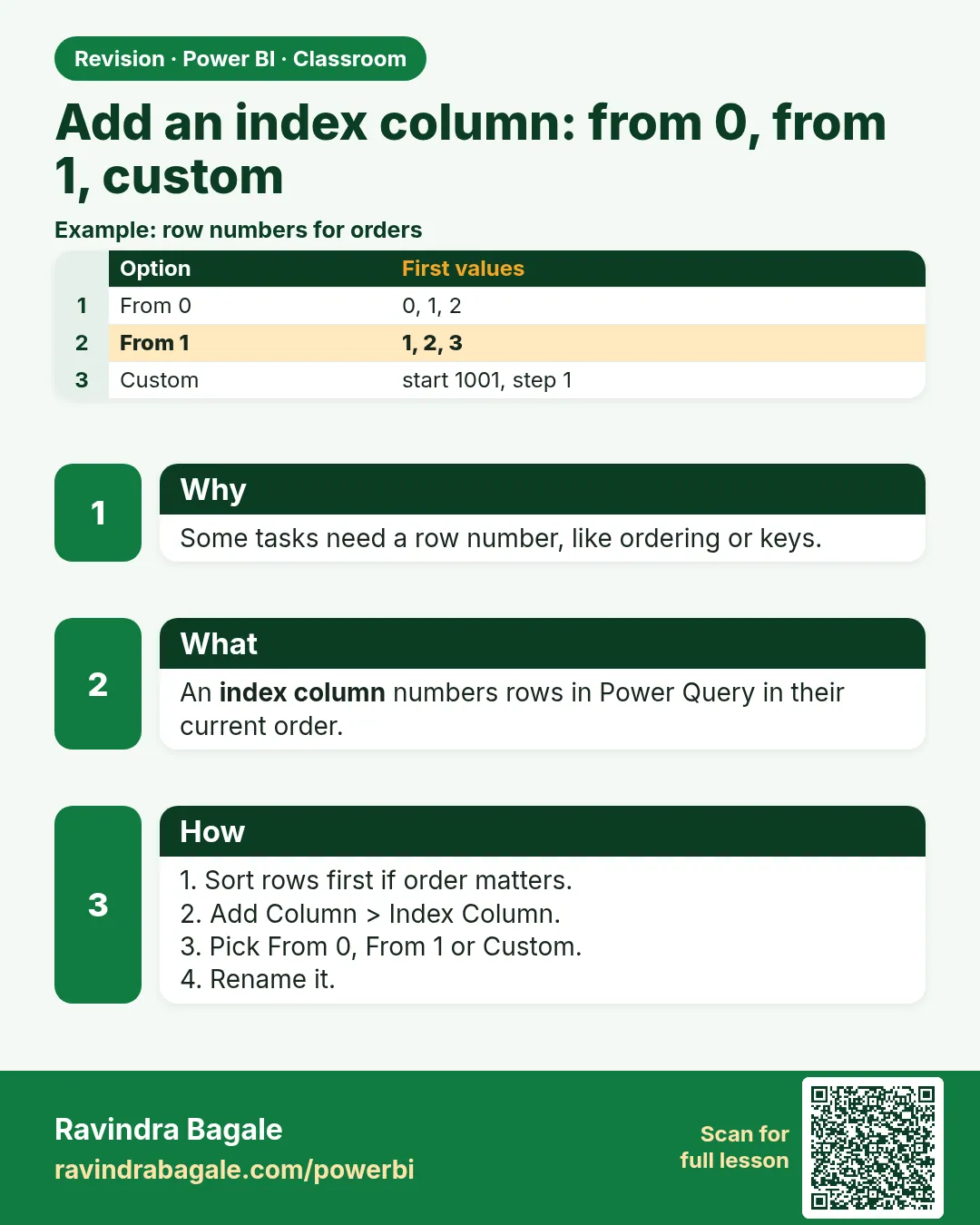
An Index Column is a running number Power Query adds as a new column. The Index Column menu on the Add Column tab has three choices:
| Option | First values |
|---|---|
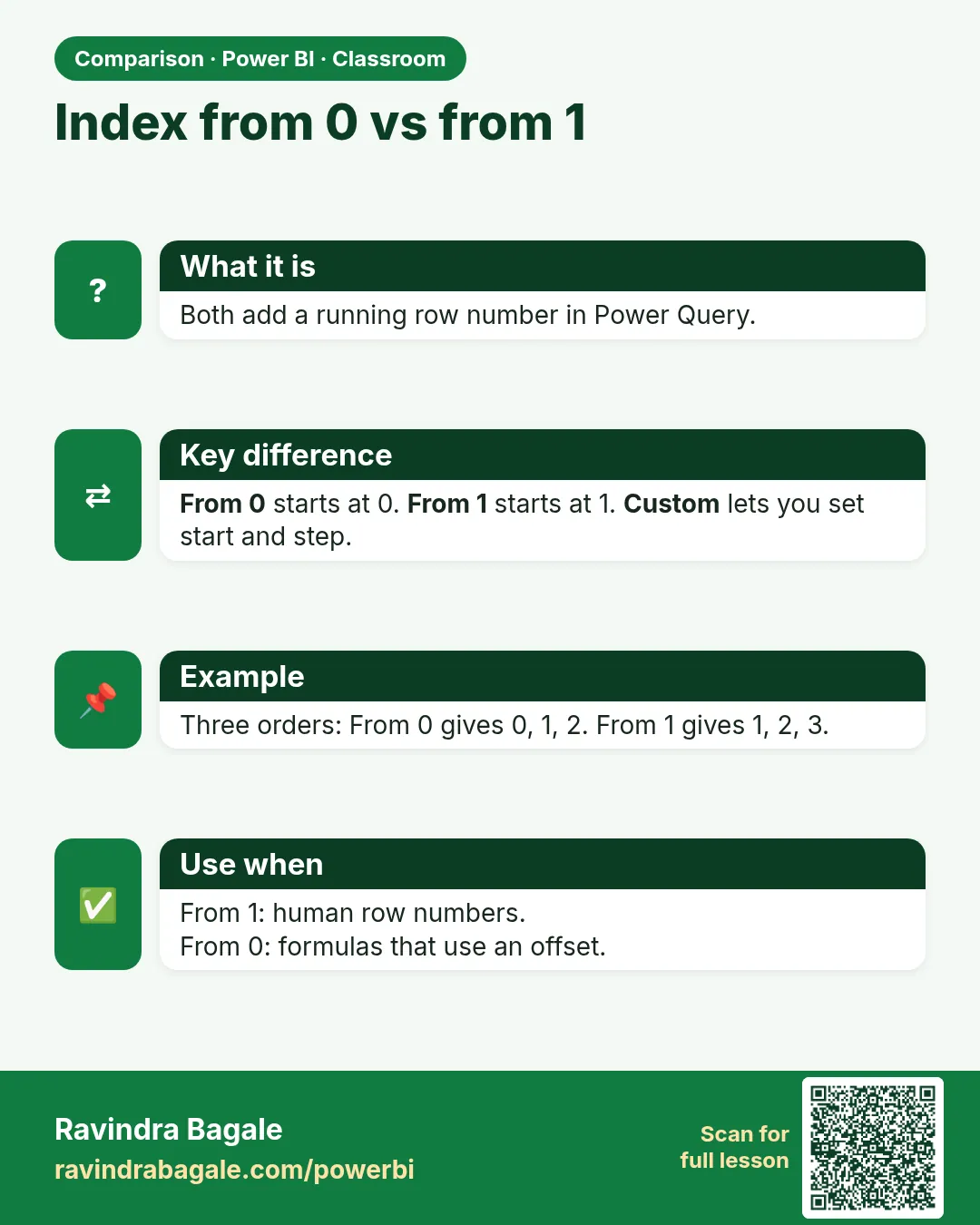
| Index Column (click the button itself) or From 0 | 0, 1, 2, 3 … |
| From 1 | 1, 2, 3, 4 … |
| Custom… (start 1001, increment 1) | 1001, 1002, 1003 … |
| Custom… (start 1001, increment 2) | 1001, 1003, 1005 … |
Custom works like hotel room numbers: you decide where numbering starts and how big each step is. The main course lesson Index Column – Power Query / DAX lists the same options in reference form.
Figure 1. The four ways to number rows: From 0, From 1, Custom start 1001 with increment 1, and with increment 2 (illustration).
Classroom line
When we append all three tables, these order IDs should be unique.
Class मधलं वाक्य
तिन्ही tables append केल्यावर हे order IDs unique असायला हवेत.
Classroom line – हिंदी
"Jab hum teeno file ko append karenge toh yeh order ID unique hone chahiye."
3. The data
After appending the three files:
| order_id | order_date | product_id | revenue (₹) |
|---|---|---|---|
| 1 | 09-04-2023 | P206 | 132 |
| 2 | 24-05-2023 | P209 | 480 |
| 3 | 10-08-2023 | P212 | 150 |
| 4 | 27-09-2023 | P214 | 297 |
| 5 | 17-11-2023 | P201 | 220 |
| 1 | 08-02-2024 | P214 | 297 |
| 2 | 23-10-2024 | P207 | 90 |
| 3 | 02-12-2024 | P209 | 160 |
| 4 | 17-12-2024 | P209 | 160 |
| 1 | 17-05-2025 | P201 | 330 |
| 2 | 04-10-2025 | P212 | 300 |
| 3 | 06-11-2025 | P208 | 1,300 |
12 rows, total revenue ₹3,916, but only 5 distinct order_id values.
4. Step by step
Append the three years
- Get data › Text/CSV, load each of the three files and click Transform data.
- Home › Append Queries › Append Queries as New › Three or more tables. Add 2023, 2024 and 2025 to the right-hand list. OK. Rename the new query
orders_all. - Click the arrow on order_date › Sort Ascending, so the rows are in date order.
Index from 1
- Add Column › click the small arrow next to Index Column › From 1. A column named Index appears: 1 to 12.
- Double-click the header and rename it
row_id.
The other options (try, then delete)
- Click the Index Column button itself (not the arrow). It adds Index starting at 0: 0 to 11.
- Index Column › Custom… › Starting index
1001, Increment1. OK: 1001 to 1012. - Custom… again with Starting index
1001, Increment2: 1001, 1003 … 1023. - Each new one is named Index, then Index.1, Index.2 … Keep the one you need, rename it, and delete the rest (right-click › Remove).
- Close & Apply. A card with Count (Distinct) of row_id shows 12.
Figure 2. After the append, order_id repeats; Index Column › From 1 gives rows 1 to 12 (illustration).
Classroom line
It's simple: open Transform data, go to Add Column, and click Index Column.
Class मधलं वाक्य
"काय simple आहे फक्त... Transform data open करायचंय... Add Column मध्ये जायचंय... आणि Index Column ला click करायचंय."
एकदम simple आहे: Transform data open करायचं, Add Column मध्ये जायचं, आणि Index Column ला click करायचं.
Classroom line
It's simple: open Transform data, go to Add Column, and click Index Column.
5. Your result should look like this
| row_id | order_id | order_date | revenue (₹) |
|---|---|---|---|
| 1 | 1 | 09-04-2023 | 132 |
| 2 | 2 | 24-05-2023 | 480 |
| … | … | … | … |
| 6 | 1 | 08-02-2024 | 297 |
| … | … | … | … |
| 12 | 3 | 06-11-2025 | 1,300 |
Distinct count of row_id = 12; distinct count of order_id = 5.
6. What happened
- Power Query numbered the rows in the order they had at that step, top to bottom.
- The plain button and From 0 start at 0 because Power Query counts positions from 0; From 1 is what most people expect for an ID.
- Custom only changes the start and the step; it still follows the row order.
- The index is a real column, stored in the model like any other added column.
Classroom line
If you click the Index Column button directly, it will start from zero.
Class मधलं वाक्य
Index Column वर direct click केलं, तर ते zero पासून सुरू होतं.
Classroom line – हिंदी
"Agar aapne directly index column pe click kiya toh zero se start hoga."
7. Explore further
- Sort first. The index follows the current row order. Sort (for example by order_date) before adding it, so row_id 1 is always the oldest order.
- The index can move. If the source tables change order or new rows arrive in the middle, the same order can get a different number after refresh. Use the index as a row number, not as a business ID you send to others.
- A combined key. If you need an ID that never moves, build one from the data: Custom Column
Text.From(Date.Year([order_date])) & "-" & Text.From([order_id])gives 2023-1, 2024-1, 2025-1. - Index before or after the append? After. An index added to each year separately restarts at 1 again, which brings back the same problem.
- AND conditions. Index Column is one of the Add Column tools; for rules such as "revenue over 100 and year 2025", use a Custom Column with
if … and … then … else …, as shown in How to Create a Conditional Column in Power BI: Weekday vs Weekend (Power Query and DAX IF).
Classroom line
Some conditions cannot be written in the dialog.
Class मधलं वाक्य
काही conditions अशा असतात ज्या आपण dialog मध्ये लिहू शकत नाही.
Classroom line – हिंदी
"Kuch conditions aise hote hain jo hum UI ke andar nahi likh sakte."
8. Common mistakes
| Wrong result | Reason | Fix |
|---|---|---|
| Index starts at 0 | Clicked the button itself | Use the arrow › From 1 (or Custom) |
| row_id 1 is not the oldest order | Index added before sorting | Sort first, then add the index |
| Index restarts at 1 for each year | Index added in each yearly query | Add it once, after the append |
| Columns named Index.1, Index.2 | Several index columns added | Keep one, rename it, remove the rest |
| Distinct count still 5 | Counting order_id, not the index | Count row_id |
Ravindra Bagale's Tip
Give the index a name that says what it is: row_id, not Index. Six months later, "Index.2" tells nobody anything, while row_id tells everyone it is a row number and not a real order number.
Ravindra Bagale's Tip – मराठी
Index ला ते काय आहे हे सांगणारं नाव द्या: Index नाही, row_id. सहा महिन्यांनी "Index.2" कुणालाच काही सांगत नाही, पण row_id सगळ्यांना सांगतो की हा row number आहे, खरा order number नाही.
Ravindra Bagale's Tip – हिंदी
Index को ऐसा नाम दें जो बताए कि वह क्या है: Index नहीं, row_id. छह महीने बाद "Index.2" किसी को कुछ नहीं बताता, पर row_id सबको बताता है कि यह row number है, असली order number नहीं.
Classroom line
For this, we use an index column.
Class मधलं वाक्य
यासाठी आपण index column वापरतो.
Classroom line – हिंदी
"Iske liye hum log index column use karte hain."
9. Practise on your own
Practice task
Append blinkit-orders-2023.csv, blinkit-orders-2024.csv and blinkit-orders-2025.csv, sorted by order_date.
- With an index From 1, what is the row_id of the first 2024 order?
- With Custom start 1001, increment 2, what is the last value?
- What is the total revenue of the appended table?
- Which row_id has the biggest order, and what is it?
Show solution
- 6 (08-02-2024, after the five 2023 orders).
- 1023 (1001 + 2 × 11).
- ₹3,916.
- row_id 12: P208 on 06-11-2025, ₹1,300.
10. Think like a professional
- Business view. Every analysis that counts or matches rows needs a key that is unique; after an append, check that first.
- Test uniqueness. In Power Query, the column profile shows Distinct and Unique counts; both should equal the row count for an ID.
- Index vs business key. Use the index inside the model; use a combined key (year-order) when people outside need to refer to an order.
- Keep it simple. From 1 covers most needs; use Custom only when numbering has to fit an existing scheme.
Interview questions
- Why add an Index Column after appending tables? The original IDs repeat across tables; the index gives every row a unique number.
- What is the difference between From 0 and From 1? Only the start value: 0, 1, 2 … or 1, 2, 3 …
- What does Custom index let you set? The starting index and the increment.
- Does the index depend on sort order? Yes; it numbers rows in their current order, so sort first.
Recap
In short
- Appended yearly tables repeat order_id.
- Add Column › Index Column: the button starts at 0; From 1 starts at 1.
- Custom sets the start (1001) and the increment (1 or 2).
- Rename Index to row_id; remove extra Index.1, Index.2 columns.
- Sort first; add the index once, after the append.
 Revision card
 Comparison card