How to Append Multiple Years of Sales Data in Power BI Power Query
Your dashboard is built on 2023 orders. Now the 2024 file arrives, and next year the 2025 file will too. You do not want to rebuild the dashboard each time. You want one sales table that grows: 2023 rows, then 2024 rows below them, then 2025. That is what Append does in Power Query. In this chapter you append two yearly files, find out why one wrong column name quietly breaks your totals, and set things up so the next file is a two-minute job.
What you'll learn in this chapter
- What Append does (rows below rows)
- Clean the new file to match the old one
- Column names must match exactly
- Replace NA with null by typing null
- Append Queries as New, named sales
- Turn off Enable load on source queries
- Check rows and revenue after the append
Practice files: blinkit-orders-2023-small.csv and blinkit-orders-2024-small.csv (the rows on this page), and blinkit-orders-2023.csv and blinkit-orders-2024.csv (120 and 140 rows, for the practice task).
Made-up data: all orders, products and stores are fictional practice data imitating a Blinkit-style export from Maharashtra cities. Amounts are in ₹ and dates are DD-MM-YYYY.
1. The problem
Last year's report reads one file, blinkit-orders-2023.csv. The 2024 file has the same kind of orders, but it was exported by a different system:
| 2023 file | 2024 file | |
|---|---|---|
| Revenue column | revenue |
revenue (₹) |
| Delivery date column | delivery_date |
delivery_date_format2 (and an empty delivery_date_format1) |
| Extra column | – | promo_bin (empty) |
| Missing price | – | NA |
| Missing order ID | – | one blank |
If you just stack the two files, Power BI does not see revenue (₹) as revenue. It adds it as a separate column, the 2024 revenue sits there with nulls under revenue, and your Total Revenue card ignores 2024 completely.
2. The idea in simple words
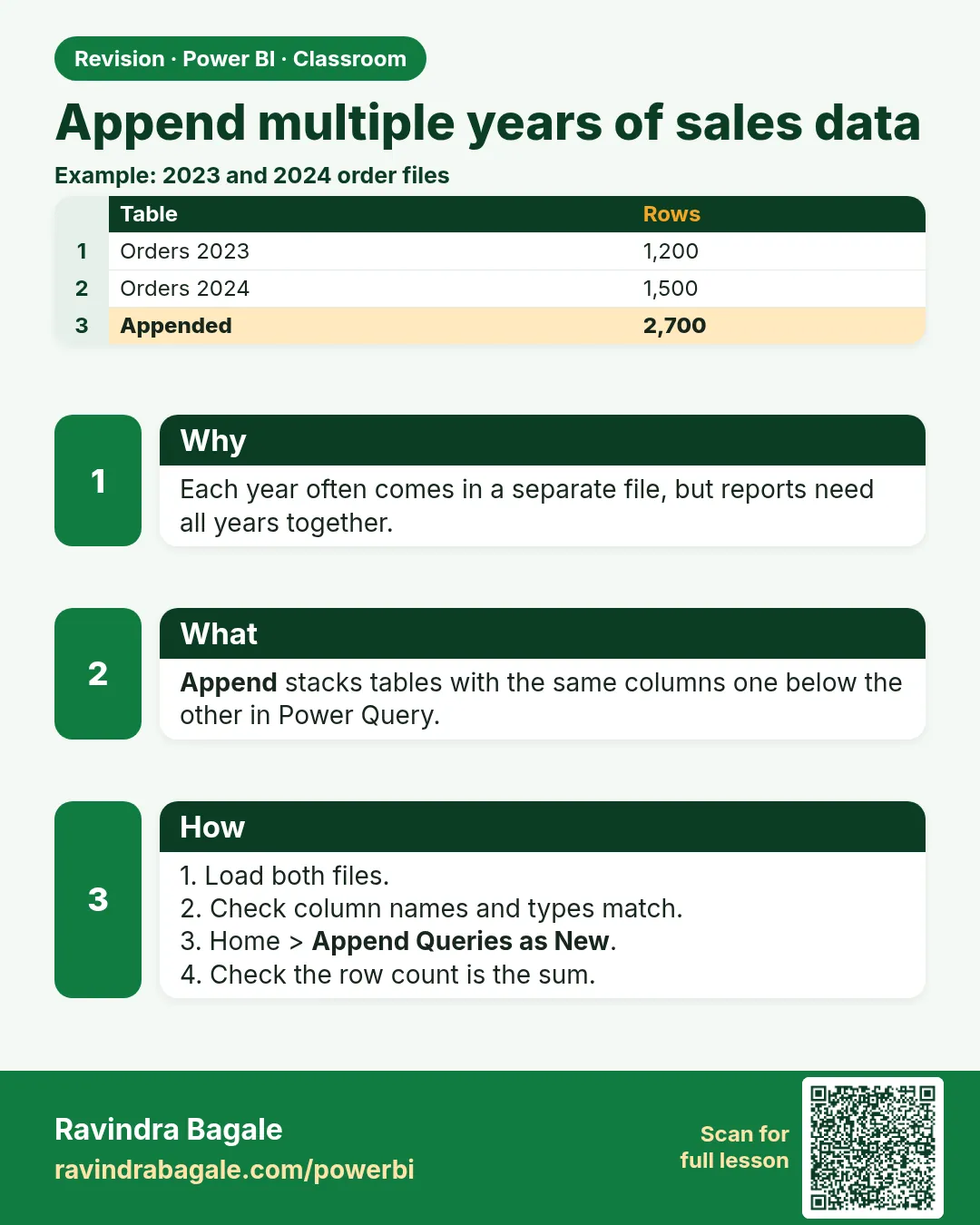
Append puts the rows of one table under the rows of another, like stapling this year's register pages behind last year's. It matches columns by name:
- Same name → the values go into the same column.
- A name only in one table → a new column, with null for the rows of the other table.
So before you append, make the new file look exactly like the old one: same column names, same data types, same cleaning rules (blank IDs removed, NA in metrics turned into null).
Figure 1. Append matches columns by name: "revenue" stacks into one column, while "revenue (₹)" becomes a separate column with nulls (illustration).
3. The data
2023 file (already clean):
| order_id | product_id | store_id | city | order_date | sales | price | revenue | stock |
|---|---|---|---|---|---|---|---|---|
| BLK3001 | P101 | PUN01 | Pune | 12-01-2023 | 2 | 120 | 240 | 30 |
| BLK3002 | P102 | NSK01 | Nashik | 03-03-2023 | 1 | 450 | 450 | 15 |
| BLK3003 | P103 | SLP01 | Solapur | 21-07-2023 | 3 | 90 | 270 | 22 |
| BLK3004 | P105 | KOP01 | Kolhapur | 30-11-2023 | 1 | 999 | 999 | 8 |
2024 file (raw; the delivery date and the two empty columns are not shown):
| order_id | product_id | store_id | city | order_date | sales | price | revenue (₹) | stock |
|---|---|---|---|---|---|---|---|---|
| BLK4001 | P101 | PUN01 | Pune | 05-02-2024 | 4 | 120 | 480 | 26 |
| BLK4002 | P104 | NGP01 | Nagpur | 18-06-2024 | 2 | NA | 120 | 40 |
| (blank) | P102 | NSK01 | Nashik | 02-08-2024 | 1 | 450 | 450 | 14 |
| BLK4003 | P109 | PUN02 | Pune | 09-10-2024 | 1 | 75 | 75 | 60 |
Predict before you build: how many rows will sales have, and what is the total revenue? (Section 5.)
4. Step by step
Load the 2023 file
- Home › Get data › Text/CSV ›
blinkit-orders-2023-small.csv› Transform Data. - In the Query Settings pane, rename the query to
orders_2023. - Set the types: order_date and delivery_date › Change Type › Using Locale… › Date, English (India); sales and stock › Whole Number; price and revenue › Decimal Number.
Load and clean the 2024 file
- Home › New Source › Text/CSV ›
blinkit-orders-2024-small.csv› OK. Rename the query toorders_2024. - Open the filter arrow on order_id. If the list says List may be incomplete, click Load more. Untick (blank) and any NA, OK. Do the same check on product_id.
- Ctrl+click promo_bin and delivery_date_format1, right-click › Remove Columns.
- Double-click the header revenue (₹) and type
revenue. Rename delivery_date_format2 todelivery_date. The spelling must match the 2023 query exactly: same letters, same underscores, no extra spaces. - Right-click price › Replace Values. Value To Find:
NA. Replace With: typenull. OK. The cell shows null in italics. - Set the same types as in step 3.
Append as a new query
- Home › Append Queries › Append Queries as New.
- Choose Two tables. First table:
orders_2023. Second table:orders_2024. OK. - A new query called Append1 appears. Rename it to
sales.
Load only the result
- Right-click
orders_2023in the Queries pane and untick Enable load. Do the same fororders_2024. Their names turn italic: they still feedsalesbut are not loaded as separate tables. - Home › Close & Apply.
- In Table view select
salesand read the row count. In Report view, put revenue and sales on two cards.
Figure 2. orders_2023 (4 rows) and orders_2024 (3 rows after the blank ID is removed) feed one loaded query, sales, with 7 rows; the source queries have Enable load turned off (illustration).
5. Your result should look like this
sales has 7 rows, and only sales appears in the Data pane:
| order_id | city | order_date | sales | price | revenue |
|---|---|---|---|---|---|
| BLK3001 | Pune | 12-01-2023 | 2 | 120 | 240 |
| BLK3002 | Nashik | 03-03-2023 | 1 | 450 | 450 |
| BLK3003 | Solapur | 21-07-2023 | 3 | 90 | 270 |
| BLK3004 | Kolhapur | 30-11-2023 | 1 | 999 | 999 |
| BLK4001 | Pune | 05-02-2024 | 4 | 120 | 480 |
| BLK4002 | Nagpur | 18-06-2024 | 2 | null | 120 |
| BLK4003 | Pune | 09-10-2024 | 1 | 75 | 75 |
| Check | Value |
|---|---|
| Rows | 4 + 3 = 7 |
| Total revenue | 1,959 (2023) + 675 (2024) = ₹2,634 |
| Total sales | 7 + 7 = 14 units |
| Columns | 10, the same as orders_2023 (no extra revenue (₹) column) |
6. What happened
- The blank order ID row was removed from 2024 before the append, so only real orders were stacked.
- Because every 2024 column now has the same name as a 2023 column, Append put each value into the matching column. Nothing new was added on the side.
salesis built from the two source queries. When you later changeorders_2024,saleschanges with it on the next refresh.- With Enable load off, the 2023 and 2024 rows are loaded once (inside
sales), not three times.
Classroom line
If there is a spelling mistake in a column name, Power BI adds it as a new column on the side instead.
Class मधलं वाक्य
"Otherwise jar column chya navachya spelling madhe mistake disla, tar tya navin column mhanun bajula add karel."
नाहीतर column च्या नावाच्या spelling मध्ये mistake असेल, तर Power BI तो नवीन column म्हणून बाजूला add करेल.
Classroom line
If there is a spelling mistake in a column name, Power BI adds it as a new column on the side instead.
7. Explore further
- Next year's file. When the 2025 file comes, load it as
orders_2025, clean it the same way, then selectsales› Home › Append Queries (not "as New") ›orders_2025. Every visual on the dashboard updates after Close & Apply. The next chapter does exactly this. - Column order does not matter, names do. If 2024 has revenue before price, Append still matches them by name.
- Data types should match too. If revenue is Decimal in one query and Text in the other, the appended column becomes a mix and sums fail. Set types in both source queries.
- Append Queries vs Append Queries as New. Plain Append adds a step to the selected query; as New makes a separate query. As New keeps each year's cleaning in its own query and the result in one clearly named query.
- Three or more tables at once: choose Three or more tables in the Append dialog and add them to the list.
- Power BI Desktop runs only on Windows. On a Mac, use a Windows PC or a Windows virtual machine for this work.
8. Common mistakes
| Wrong result | Reason | Fix |
|---|---|---|
| Revenue card shows 1,959 instead of 2,634 | 2024 revenue sits in a separate revenue (₹) column |
Rename the column in orders_2024 to revenue exactly |
sales has a delivery_date_format2 column full of nulls for 2023 |
That column was not renamed | Rename it to delivery_date |
| 8 rows instead of 7 | The blank order ID row was not removed from 2024 | Filter out (blank) on order_id in orders_2024 |
| Three tables in the Data pane and the model is bigger than needed | Enable load is still on for the source queries | Untick Enable load on orders_2023 and orders_2024 |
| price for BLK4002 shows 0 | NA was replaced with 0 | Replace NA with null; 0 would pull averages down |
| Replace With was left empty and the cell shows an empty text, not null | On a text column an empty Replace With gives empty text | Type null in Replace With |
Ravindra Bagale's Tip
Before you append, put the two queries' column lists side by side and read them letter by letter. One extra space or "(₹)" is enough to create a new column, and the total quietly stops including the new year.
Ravindra Bagale's Tip – मराठी
Append करण्याआधी दोन्ही queries च्या columns ची list शेजारी शेजारी ठेवा आणि अक्षर न अक्षर वाचा. एक extra space किंवा "(₹)" पुरेसं आहे नवीन column बनायला, आणि मग total मध्ये नवीन वर्ष गुपचूप येणंच बंद होतं.
Ravindra Bagale's Tip – हिंदी
Append करने से पहले दोनों queries के columns की list साथ-साथ रखिए और अक्षर-अक्षर पढ़िए. एक extra space या "(₹)" काफ़ी है नया column बनने के लिए, और फिर total में नया साल चुपचाप आना बंद हो जाता है.
9. Practise on your own
Practice task
Append blinkit-orders-2023.csv and blinkit-orders-2024.csv into a query named sales.
- How many rows does
orders_2024have after removing blank order IDs? - How many rows does
saleshave? - What is the total revenue, and the total sales in units?
- How many nulls are in price, revenue and stock after the append?
Hints: the 2024 file has 5 blank order IDs, and NA in price, revenue (₹) and stock.
Show solution
- 135 rows (140 − 5).
- 255 rows (120 + 135).
- Revenue ₹1,23,822 (53,186 for 2023 + 70,636 for 2024); sales 551 units (263 + 288).
- price 11, revenue 8, stock 6 nulls (all from 2024).
If the revenue is 53,186, the 2024 revenue column was not renamed.
10. Think like a professional
- Business view. One table per subject (sales), not one per year. Reports then compare years with a simple year filter.
- Performance. Turn off Enable load on helper queries. Each loaded table uses memory and refresh time.
- Maintenance. Name queries clearly:
orders_2023,orders_2024,sales. Next year someone else can follow the chain in View › Query Dependencies. - Many yearly files? Put them in one folder and use Get data › Folder, so a new file is picked up on refresh.
Interview questions
- What is the difference between Append and Merge? Append adds rows from tables with the same columns; Merge adds columns from another table using a common key.
- Why does an append sometimes create new columns full of nulls? A column name differs between the tables, so Append treats them as different columns.
- Why turn off Enable load on the source queries? So the same rows are not loaded twice and the model stays small.
- How do you add next year's data? Load and clean the new file to match, then append it into the existing sales query.
Recap
In short
- Append stacks rows and matches columns by name.
- Clean the new file the same way; rename columns to match exactly.
- Replace NA with null by typing null in Replace With.
- Append Queries as New, rename the result to sales.
- Untick Enable load on the source queries; check rows (4 + 3 = 7) and revenue (₹2,634).
 Revision card