Clustered vs Stacked Column Chart in Power BI: Bar vs Column, Legend, 100% Stacked and Small Multiples
The column chart is the visual you will use most, and it comes in several versions that look alike but answer different questions. Bar or column? Clustered or stacked? Stacked or 100% stacked? Pick the wrong one and the chart still draws, but it tells the wrong story. In this chapter you build each version from the same Blinkit sales table, learn the one question that decides between them, and finish with Small multiples and the Tooltips well.
What you'll learn in this chapter
- Bar vs column: long labels vs time order
- Clustered: groups side by side, using Legend
- Field order: what goes on X and what goes in Legend
- Stacked: parts of one whole
- 100% stacked: shares, e.g. weekday vs weekend
- Small multiples, switching visual type, and the Tooltips well
Practice file: blinkit-sales-2023-2025.csv (1,702 order lines).
Made-up data: fictional Blinkit-style sales, for practice only. Amounts are in ₹ and dates are DD-MM-YYYY.
1. The problem
The category names are long ("Home, Kitchen & Pet Supplies"), and the manager wants to compare online and cash-on-delivery revenue, see each state's category mix, and know which categories sell more on weekends. One chart type cannot do all of that well.
2. The idea in simple words
| Chart | Use it when |
|---|---|
| Bar (horizontal) | Labels are long, or you show a ranked list |
| Column (vertical) | The X-axis is time (months, years, left to right) or labels are short |
| Clustered | Comparing sub-groups side by side (Online vs COD) |
| Stacked | The pieces add up to one whole (each category's share of a state's revenue) |
| 100% stacked | Only the shares matter (weekday vs weekend %) |
Put the comparison in Legend, and keep it to 2–4 values; a legend with many items is hard to read.
Classroom line
When do we use a bar chart? When the names are long and the full word must show.
Class मधलं वाक्य
Bar chart कधी वापरायचा? जेव्हा नावं लांब लांब असतात आणि पूर्ण शब्द दाखवायचा असतो.
Classroom line – हिंदी
"Bar chart kab use karenge? Jab names lambe lambe hain... pura word dikhana hai."
3. The data
| Category | Revenue (₹) | Online | COD | Weekday | Weekend |
|---|---|---|---|---|---|
| Atta, Rice, Oil & Dals | 1,01,540 | 74,905 | 26,635 | 70,247 | 31,293 |
| Dairy, Bread & Eggs | 55,512 | 38,895 | 16,617 | 40,521 | 14,991 |
| Home, Kitchen & Pet Supplies | 52,843 | 38,068 | 14,775 | 52,843 | — |
| Snacks & Munchies | 44,655 | 32,425 | 12,230 | 27,250 | 17,405 |
| Fruits & Vegetables | 39,107 | 27,024 | 12,083 | 29,077 | 10,030 |
| Cold Drinks & Juices | 37,186 | 25,509 | 11,677 | 26,708 | 10,478 |
| Total | 3,30,843 | 2,36,826 | 94,017 | 2,46,646 | 84,197 |
Home, Kitchen & Pet Supplies has no weekend orders in this data.
4. Step by step
Bar vs column
- Add a Stacked bar chart: Y-axis category, X-axis revenue. Every category name shows in full.
- Switch it to a Stacked column chart (click the icon while the visual is selected). The fields carry over; the long names wrap or get cut.
Figure 1. A bar chart keeps long category names readable (illustration).
Clustered
- New Clustered column chart: X-axis category, Y-axis revenue, Legend payment. Each category gets two columns, Online and COD.
- Swap them: X-axis payment, Legend category. Now there are two clusters with six thin columns each: harder to read. Field order matters.
Stacked and 100% stacked
- Switch the first chart to Stacked column: Online and COD sit one on top of the other, and each column's height is the category total.
- New chart: X-axis state, Y-axis revenue, Legend category: each state's column is split into its categories.
- Switch to 100% stacked column, with X-axis category and Legend week_type: every column is 100% tall, showing the weekday and weekend shares.
Figure 2. Clustered puts Online and COD side by side; stacked puts them on top of each other as parts of the category total (illustration).
Small multiples and tooltips
- In the state chart, move category from Legend to Small multiples: one small chart per category, each showing revenue by state.
- Drag sales into the Tooltips well: hover over a column to see units sold, without a second series on the chart.
Classroom line
What does stacked column chart mean? One on top of the other.
Class मधलं वाक्य
Stacked column chart म्हणजे काय? एकावर एक.
Classroom line – हिंदी
"Stacked column chart ka matlab kya hai? Ek ke upar ek."
Classroom line
Clustered means side by side; that's the difference.
Class मधलं वाक्य
Clustered म्हणजे शेजारी शेजारी येतं, हाच फरक आहे.
Classroom line – हिंदी
"Clustered ka matlab hai aaju baaju mein aayega, ye difference hai."
5. Your result should look like this
Figure 3. 100% stacked: weekday vs weekend share for each category (illustration).
- Clustered: Atta, Rice, Oil & Dals has the tallest pair, Online 74,905 and COD 26,635.
- State chart with Legend: Maharashtra's column (₹1,22,142) is largest; its biggest segment is Atta, Rice, Oil & Dals (₹39,276).
- 100% stacked: Snacks & Munchies has the biggest weekend share (39%); Home, Kitchen & Pet Supplies is 100% weekday.
Classroom line
People go out on weekends; maybe nobody cooks at home.
Class मधलं वाक्य
लोक बाहेर फिरायला जातात; कदाचित घरी कोणी जेवण बनवत नाही.
Classroom line – हिंदी
"Log bahar ghumne jate hai, khane ko ghar me nahi khata koi shayad."
6. What happened
- Legend splits each column by a second field, by colour.
- Clustered draws the pieces next to each other; stacked piles them up, so the total is the column height.
- 100% stacked divides each piece by its column total, so all columns are the same height.
- Changing visual type keeps the fields in their wells.
Classroom line
What is a legend? It splits the data by colour; that's what we call the legend.
Class मधलं वाक्य
Legend म्हणजे काय? तो data रंगानुसार वाटतो, त्याला आपण legend म्हणतो.
Classroom line – हिंदी
"Legend matlab kya hai, colour-wise distribution karta hai usko hum legend kahate hai."
7. Explore further
- Weekend snacks. Snacks & Munchies earns 39% of its revenue on weekends, the highest share: weekend habits are different, with more snacking and less cooking. Home, Kitchen & Pet Supplies orders arrive only on weekdays.
- Small multiples. They can look crowded with many groups; use them for 3–6 groups, and keep the Y-axis shared so the small charts compare fairly.
- Don't stack unlike things. Revenue (₹) and sales (units) are not parts of one whole; show them clustered, or put sales in the tooltip.
- More. The main course lessons Bar and Column Charts: Stacked, Clustered, 100% and Small Multiples and Visual Calculations go further.
Classroom line
Small multiples means groups get created here, one small chart each.
Class मधलं वाक्य
Small multiples म्हणजे इथे groups तयार होतात, प्रत्येकाचा एक छोटा chart.
Classroom line – हिंदी
"Small multiples ka matlab hai yaha pe groups create hote hai."
Classroom line
Small multiples don't look that good, so we mostly don't use them.
Class मधलं वाक्य
Small multiples तितके चांगले दिसत नाहीत, म्हणून आपण ते फार वापरत नाही.
Classroom line – हिंदी
"Small multiples utna achha dikhta nahi, zyada tar hum log wo use nahi karte."
8. Common mistakes
| Wrong result | Reason | Fix |
|---|---|---|
| Category names cut off | Column chart with long labels | Use a bar chart |
| Two clusters of thin columns | Category in Legend, payment on X | Category on X, payment in Legend |
| Revenue and units piled up | Stacked used for unlike values | Clustered, or units in Tooltips |
| Legend with 20 colours | Field with many values in Legend | Keep Legend to 2–4 values |
| 100% chart says nothing | Values are not parts of one whole | Use a Legend like week_type |
Ravindra Bagale's Tip
Before choosing a chart, finish this sentence: "I want to compare …". If it is groups side by side, cluster. If it is parts of one total, stack. If it is only the percentages, use 100%.
Ravindra Bagale's Tip – मराठी
Chart निवडण्याआधी हे वाक्य पूर्ण करा: "मला … compare करायचं आहे". Groups शेजारी शेजारी असतील तर cluster. एका total चे भाग असतील तर stack. फक्त percentages असतील तर 100%.
Ravindra Bagale's Tip – हिंदी
Chart चुनने से पहले यह वाक्य पूरा करें: "मुझे … compare करना है". Groups साथ-साथ हों तो cluster. एक total के हिस्से हों तो stack. सिर्फ percentages हों तो 100%.
Classroom line
Interviews will ask the difference between a bar chart and a column chart.
Class मधलं वाक्य
Interview मध्ये विचारलं जाईल: bar chart आणि column chart मधला फरक.
Classroom line – हिंदी
"Interview mein pucha jayega: difference between bar chart versus column chart."
9. Practise on your own
Practice task
Using blinkit-sales-2023-2025.csv:
- Build a clustered column: category on X, revenue on Y, payment in Legend. What is COD revenue for Dairy, Bread & Eggs?
- Build a 100% stacked column with category on X and week_type in Legend. What is Fruits & Vegetables' weekday share?
- Build a stacked column with state on X and category in Legend. What is Karnataka's Atta, Rice, Oil & Dals segment?
- Online vs COD overall: which chart and what totals?
Show solution
- ₹16,617.
- 74% (29,077 of 39,107).
- ₹23,464.
- A simple column (or a pie) by payment: Online ₹2,36,826, COD ₹94,017.
10. Think like a professional
- Business view. The chart type is part of the message; pick it from the question.
- Time left to right. Use columns (or lines) for time; bars for categories and rankings.
- Few legend items. Two to four colours read at a glance.
- Use the tooltip. Secondary numbers belong in the tooltip, not as another series.
Interview questions
- Bar vs column chart? Bars are horizontal and suit long labels and rankings; columns are vertical and suit time order.
- Clustered vs stacked? Clustered places sub-groups side by side; stacked piles them as parts of one total.
- When is 100% stacked useful? When only the shares matter, e.g. weekday vs weekend.
- What do Small multiples do? Split one visual into a grid of small charts, one per value of a field.
Recap
In short
- Bar for long labels and rankings; column for time.
- Clustered: side by side, via Legend; field order matters.
- Stacked: parts of one whole; 100% stacked: shares.
- Small multiples: one small chart per group.
- Switching visual type keeps the fields; extras go in Tooltips.
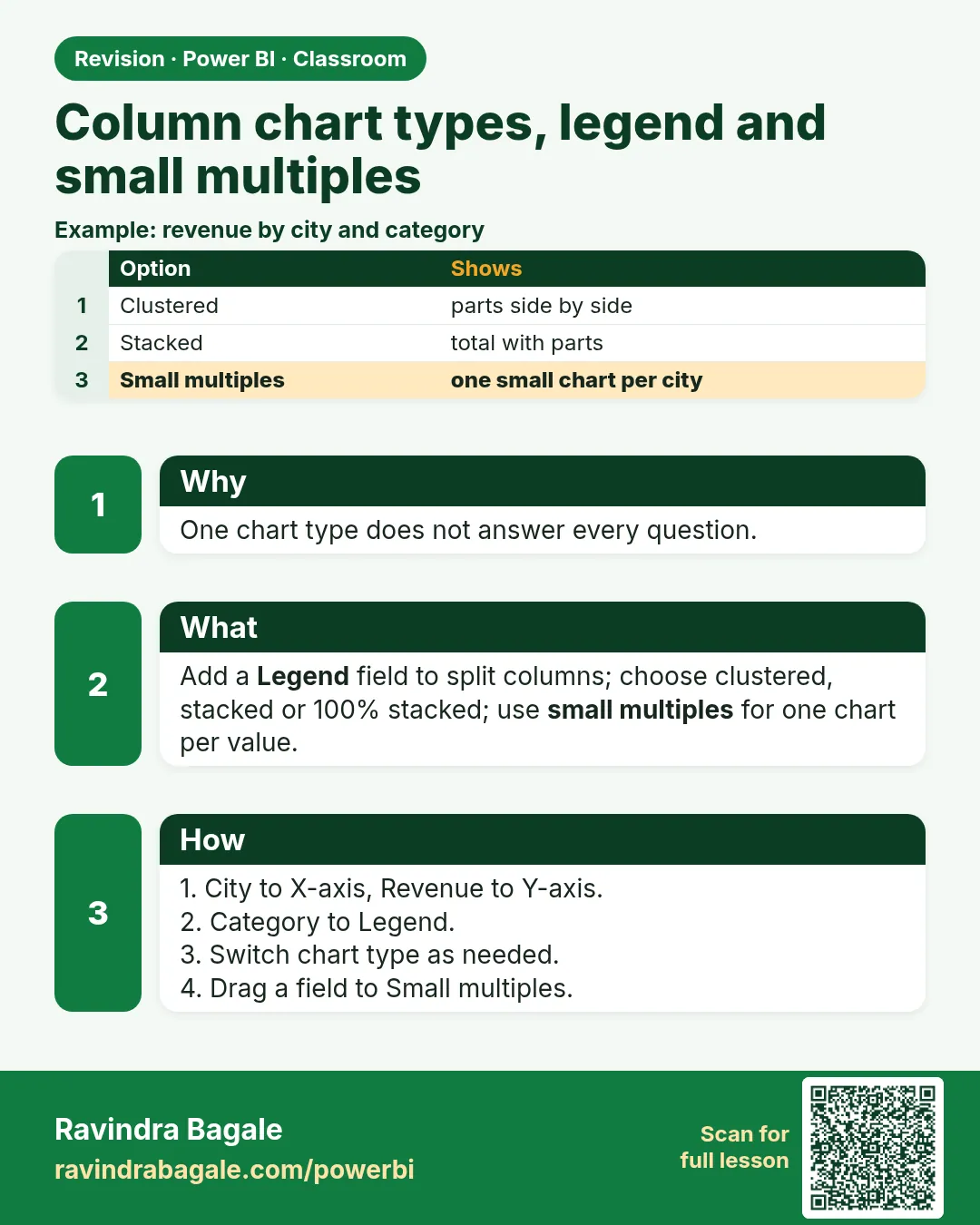 Revision card