25.17 Metrics (Scorecards) and Embedding
Start with a problem
Rani wants to track the May target (₹1,100) on a scorecard, and the web team wants the report inside an internal portal.
Explain simply
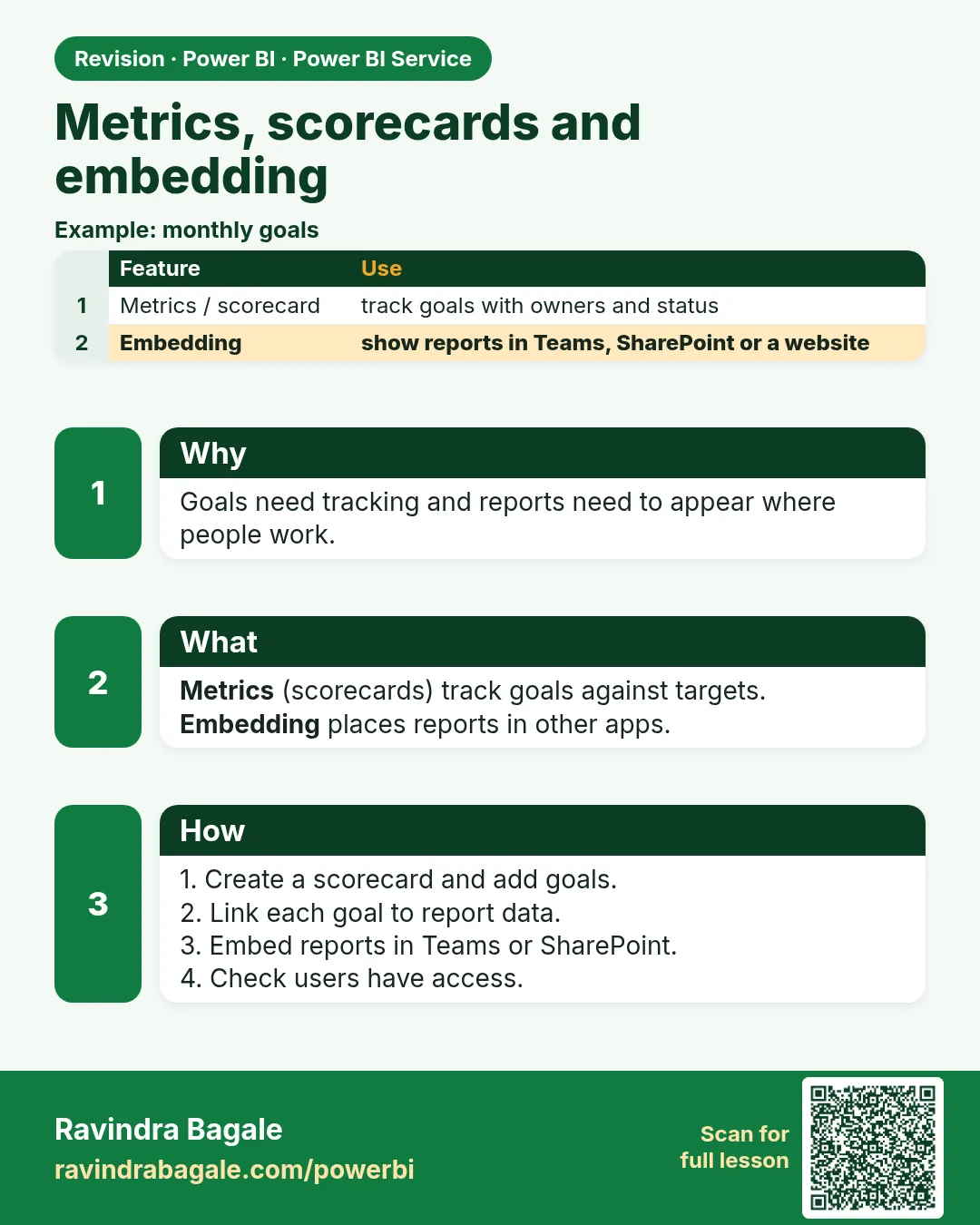
Metrics (scorecards) track goals against targets with owners and check-ins. Embedding places reports in other apps (Teams, SharePoint, portals).
Show the data
| Month | Current (₹) | Target (₹) | Status |
|---|---|---|---|
| Apr-2026 | 900 | 1,000 | Behind (90.0%) |
| May-2026 | 1,200 | 1,100 | On track (109.1%) |
Fictional sample data. Practice file: monthly_targets_fy2026_27.csv (source: src/practice/).
Demonstrate
- Metrics › New scorecard › add metric Monthly Sales.
- Connect current value to the report card; target ₹1,100; owner Rani.
- Report › Share › Embed report › SharePoint Online › copy link.
Show the result
Your result should look like this (fictional sample):
| Metric | Value |
|---|---|
| May Sales | ₹1,200 / ₹1,100 – 109.1% |
Explain what happened
Scorecards connect to report values; embedding reuses the same report with the viewer's permissions.
Explore further
- Publish to web is public – never use it for company data.
Detailed reference for this lesson:
Goals, scorecards and metrics: the feature name has changed over time. Embedding means showing a report inside another app.
Scorecards in the Service hold metrics (the feature was called Goals earlier). Each metric has a current value, a target and a status. The names in the portal move; today you will see Metrics more often than Goals. Treat the menu as version-dependent. A metric can be typed, or connected to a measure in a semantic model. It is for a target conversation ("are we near the delivery target?"), not for exploring products. If the tenant has no scorecard entry, the feature is off or renamed. Your KPI card in the report still works.
Embedding puts a report in another application.
| Kind | Who sees it | Caution |
|---|---|---|
| Embed for your organisation (secure embed, Teams, SharePoint) | Signed-in colleagues, with their own permissions and RLS | The right default for a company |
| Embed for customers (app owns data) | People who may not have Power BI licences, through your app and embed tokens | Needs a capacity and a developer. Not a student lab |
| Publish to web | Anyone with the link | Public. Do not use it for real data |
Worked example. The executive page for the fictional cities is embedded in a Teams tab so Raja can open it without a second URL. He still signs in, and RLS still hides other cities if he is a city manager. You do not turn on Publish to web to "make Teams easier". That would drop the sign-in.
Ravindra Bagale's Tip
A common mistake is Publish to web, because the embed dialog looks friendly. That is a public link. For company data use organisational embed or an app. A metric tile also has no RLS when the value is typed by hand; once it is connected to a measure, the model's security applies. Pay attention!
Ravindra Bagale's Tip – मराठी
एक common चूक म्हणजे embed dialog मैत्रीपूर्ण दिसतो म्हणून Publish to web करणं. ती public link आहे. Company data साठी organisational embed किंवा app वापरा. Value हाताने type केली असेल तर metric tile ला पण RLS लागत नाही; measure ला जोडल्यावर model ची security लागते. लक्षात ठेवा!
Ravindra Bagale's Tip – हिंदी
एक common गलती है embed dialog दोस्ताना दिखता है इसलिए Publish to web करना. वह public link है. Company data के लिए organisational embed या app इस्तेमाल करो. Value हाथ से type की हो तो metric tile पर भी RLS नहीं लगता; measure से जोड़ने पर model की security लगती है. ध्यान रखो!
Fix common mistakes
| Wrong result | Reason | Correction |
|---|---|---|
| Company data visible publicly | Publish to web used | Use secure embed |
| Target % wrong | Divided target by actual | Actual ÷ target |
| Embed shows nothing | Viewer lacks access | Grant access |
Practise independently
Practice task
April achievement %?
Hints
- 900 ÷ 1,000.
Solution
90.0%.
Think like a professional
Never use Publish to web for internal data – a common interview warning.
 Revision card