25.16 Paginated Reports
In short: Paginated reports (Report Builder, .rdl) are pixel-perfect, print-ready reports that grow across pages.
Start with a problem
Finance wants a printable invoice-style list of all 8 orders with page numbers.
Explain simply
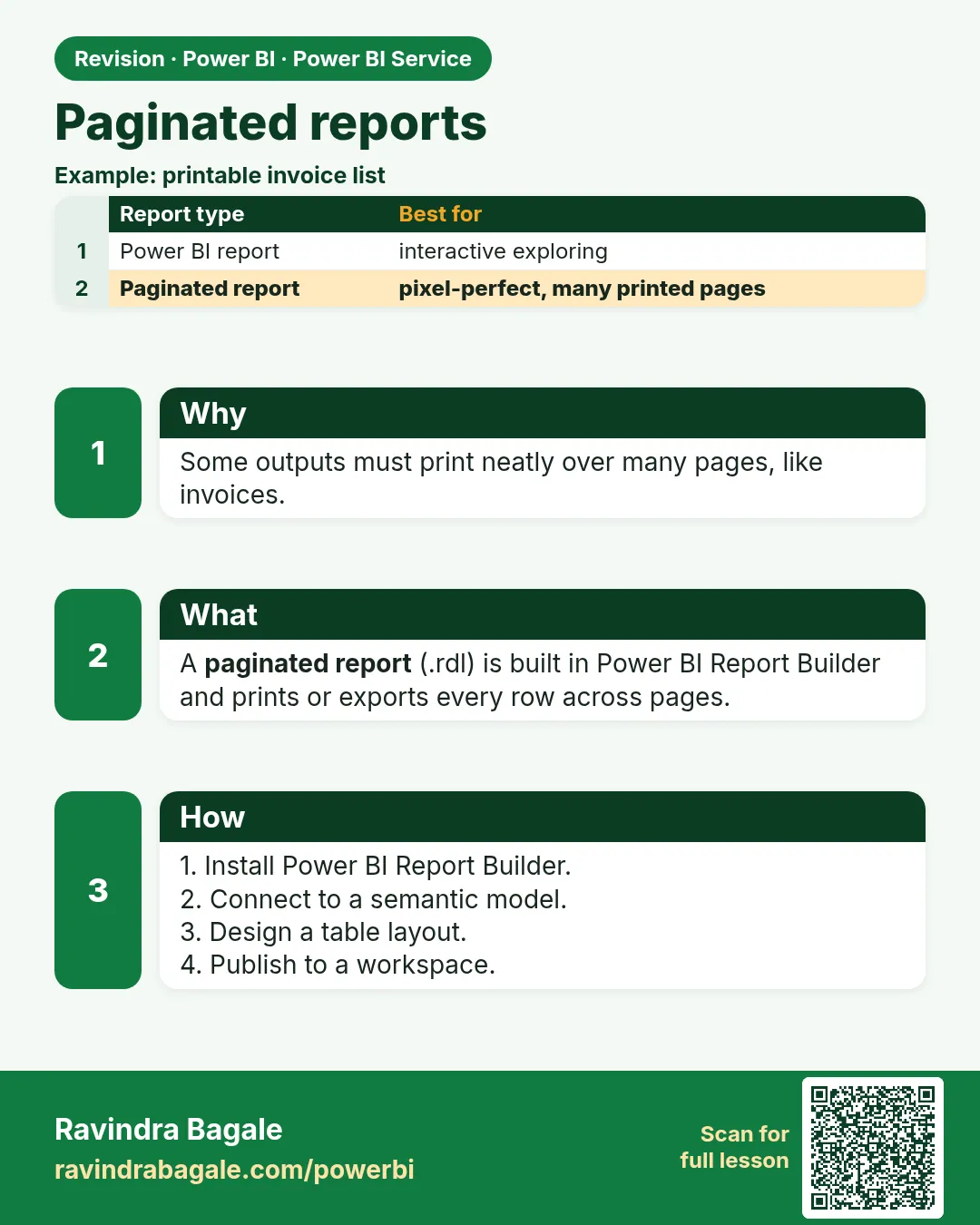
Paginated reports (Report Builder, .rdl) are pixel-perfect, print-ready reports that grow across pages.
Show the data
| Order ID | Order Date | City | Store | Platform | Category | Amount (₹) | Delivery mins | Status |
|---|---|---|---|---|---|---|---|---|
| 301 | 06-Apr-2026 | Pune | Kothrud | Blinkit | Dairy | 400 | 8 | Delivered |
| 302 | 06-Apr-2026 | Pune | Baner | Amazon Now | Snacks | 200 | 12 | Delivered |
| 303 | 07-Apr-2026 | Nashik | Gangapur | Blinkit | Dairy | 300 | 14 | Delivered |
| 304 | 04-May-2026 | Nashik | College Road | Blinkit | Fruits | 150 | 9 | Delivered |
| 305 | 04-May-2026 | Kolhapur | Rajarampuri | Amazon Now | Snacks | 450 | 7 | Delivered |
| 306 | 05-May-2026 | Pune | Kothrud | Blinkit | Fruits | 250 | 16 | Delivered |
| 307 | 05-May-2026 | Nashik | College Road | Amazon Now | Dairy | 350 | 11 | Delivered |
| 308 | 05-May-2026 | Kolhapur | Rajarampuri | Blinkit | Dairy | 0 | Cancelled |
Fictional sample data. Practice file: visuals_orders_apr_may_2026.csv (source: src/practice/).
Demonstrate
- Open Power BI Report Builder.
- Connect to the published semantic model.
- Insert a table with Order ID, City, Amount.
- Add a page-number footer; publish.
Show the result
Your result should look like this (fictional sample):
| Page | Rows |
|---|---|
| 1 | 301–308 with total ₹2,100 |
Explain what happened
Paginated reports render every row for printing instead of interactive exploring.
Explore further
- Good for invoices and statutory lists.
Detailed reference for this lesson:
Paginated reports are for pixel-perfect printing: invoices, statements, a table that fits a page exactly. You build them in Report Builder, not as an interactive report.
Power BI Report Builder (a separate download) builds paginated reports (.rdl). They print the same way on each page: headers repeat, rows flow onto page 2, page numbers work. A normal Power BI report is for clicking and filtering. A paginated report is for a pack slip or a monthly statement that must look identical in PDF.
You can bind a paginated report to SQL or to a Power BI semantic model you may use. It does not replace the star schema, and it does not give you a Model view full of relationships inside Report Builder. Publish the .rdl to a workspace that allows paginated reports (capacity rules apply and they change).
Worked example. Rani wants a PDF, one city per page, of fictional delivered orders: customer name, city, amount in ₹. The interactive report is the wrong tool because a matrix does not guarantee page breaks. You design that statement in Report Builder, with a parameter for city (Pune, Mumbai, Nashik, Sambhaji Nagar, Kolhapur, Nagpur). The interactive report remains the place for slicers and DAX.
Ravindra Bagale's Tip
Many students try to force an invoice out of a dashboard by exporting a PDF. The alignment breaks. For a print layout, use a paginated report. For a dashboard, use a normal report. Do not think both are the same file. Remember this rule.
Ravindra Bagale's Tip – मराठी
बरेच students PDF export करून dashboard मधून invoice काढायचा प्रयत्न करतात. Alignment बिघडतं. Print layout साठी paginated report. Dashboard साठी normal report. दोन्ही एकच file आहेत असं समजू नका. हा नियम लक्षात ठेवा.
Ravindra Bagale's Tip – हिंदी
बहुत से students PDF export करके dashboard से invoice निकालने की कोशिश करते हैं. Alignment बिगड़ जाता है. Print layout के लिए paginated report. Dashboard के लिए normal report. दोनों एक ही file हैं, ऐसा मत समझो. यह नियम याद रखो.
Fix common mistakes
| Wrong result | Reason | Correction |
|---|---|---|
| Long table cut off in normal report | Interactive visuals scroll | Use paginated report |
| Cannot publish | Licence/capacity | Check requirements |
| Slow export | Huge rows | Add parameters |
Practise independently
Practice task
Which report type for a 20-page printable order list?
Hints
- Pixel-perfect.
Solution
A paginated report.
Think like a professional
Choose the tool by output: interactive vs printed.
 Revision card