Revision cards
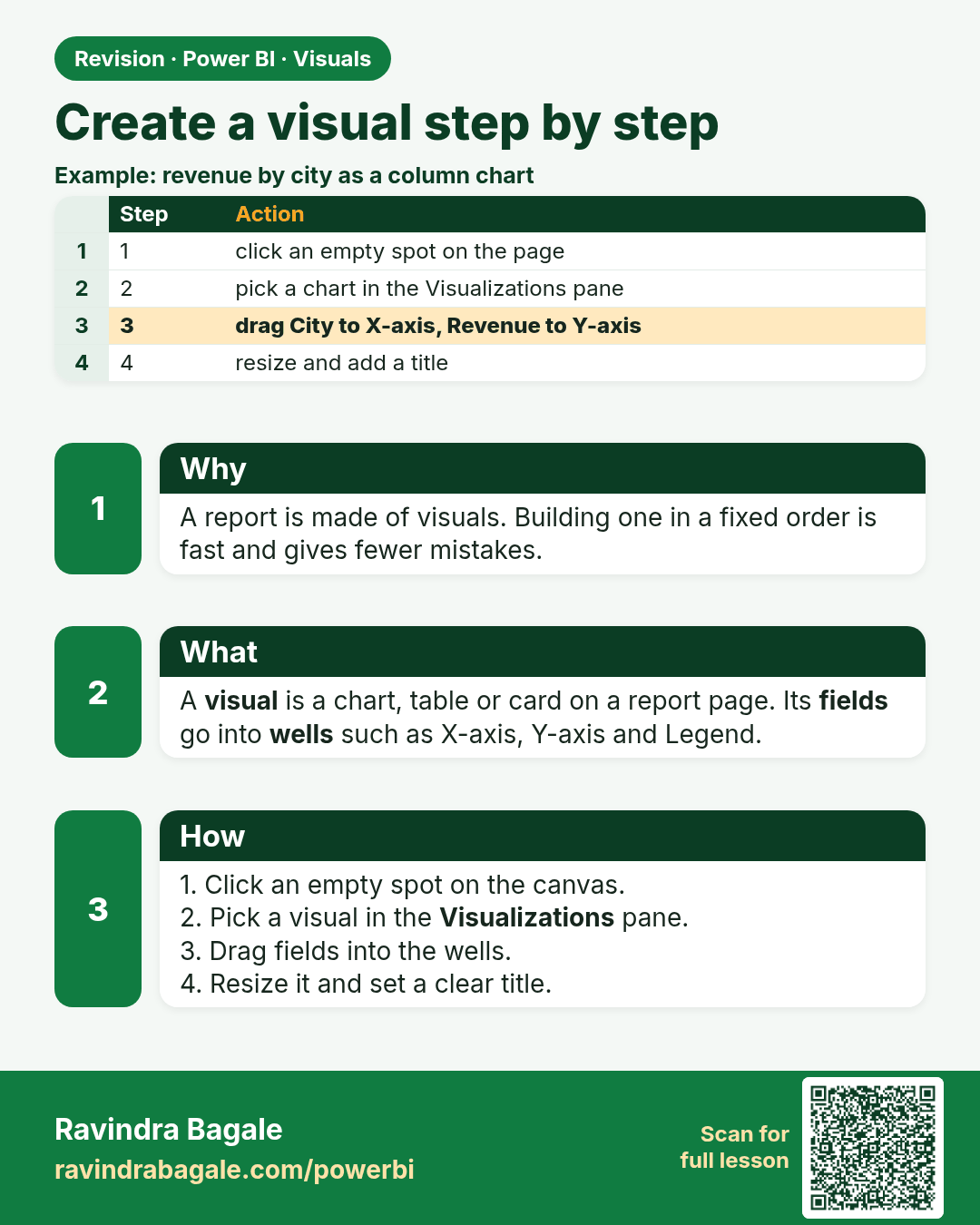
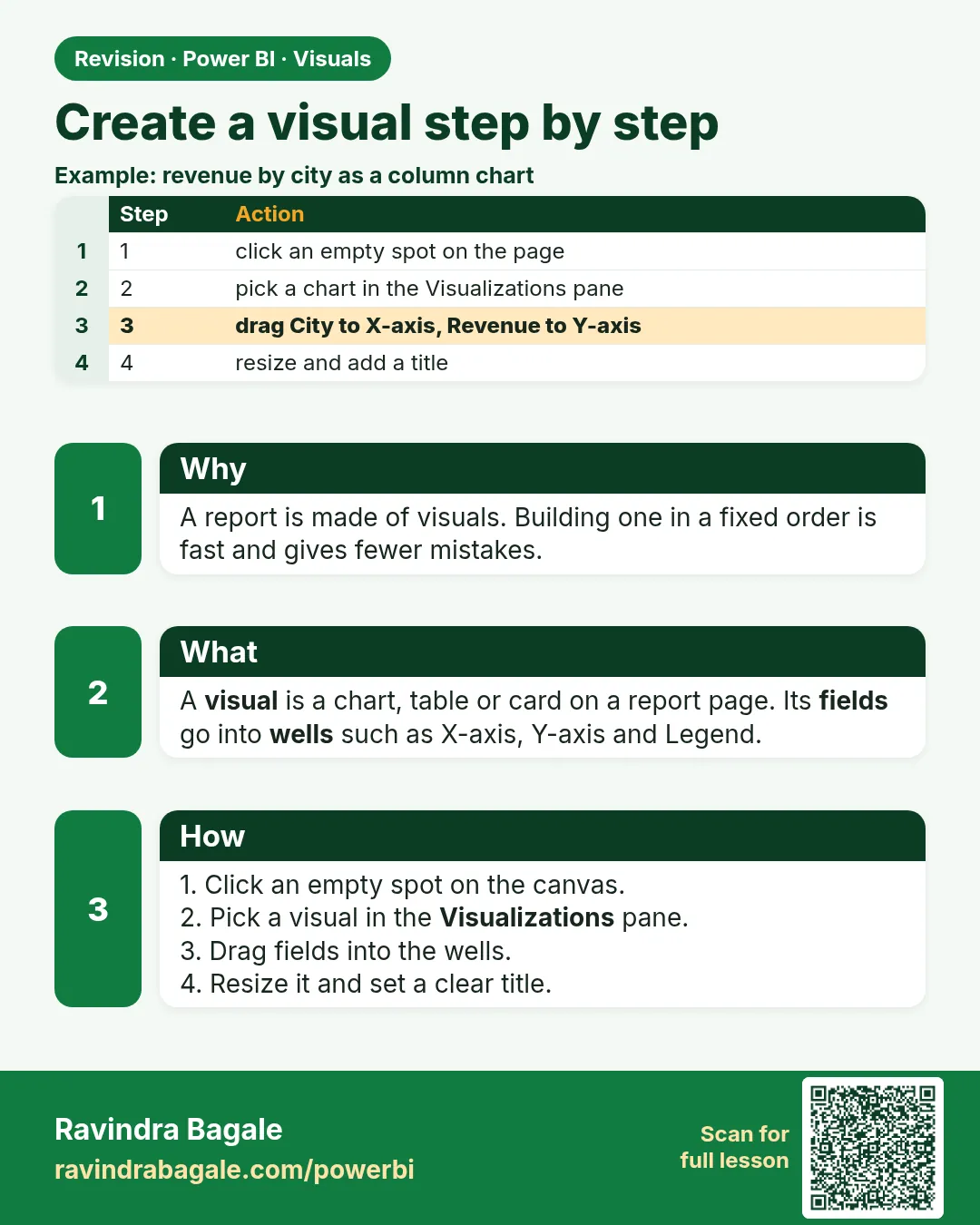 Revision card 1 of 27: Create a visual step by step · Download PNG · Open card page
Lesson: 14.1 Creating a Visual Step by Step
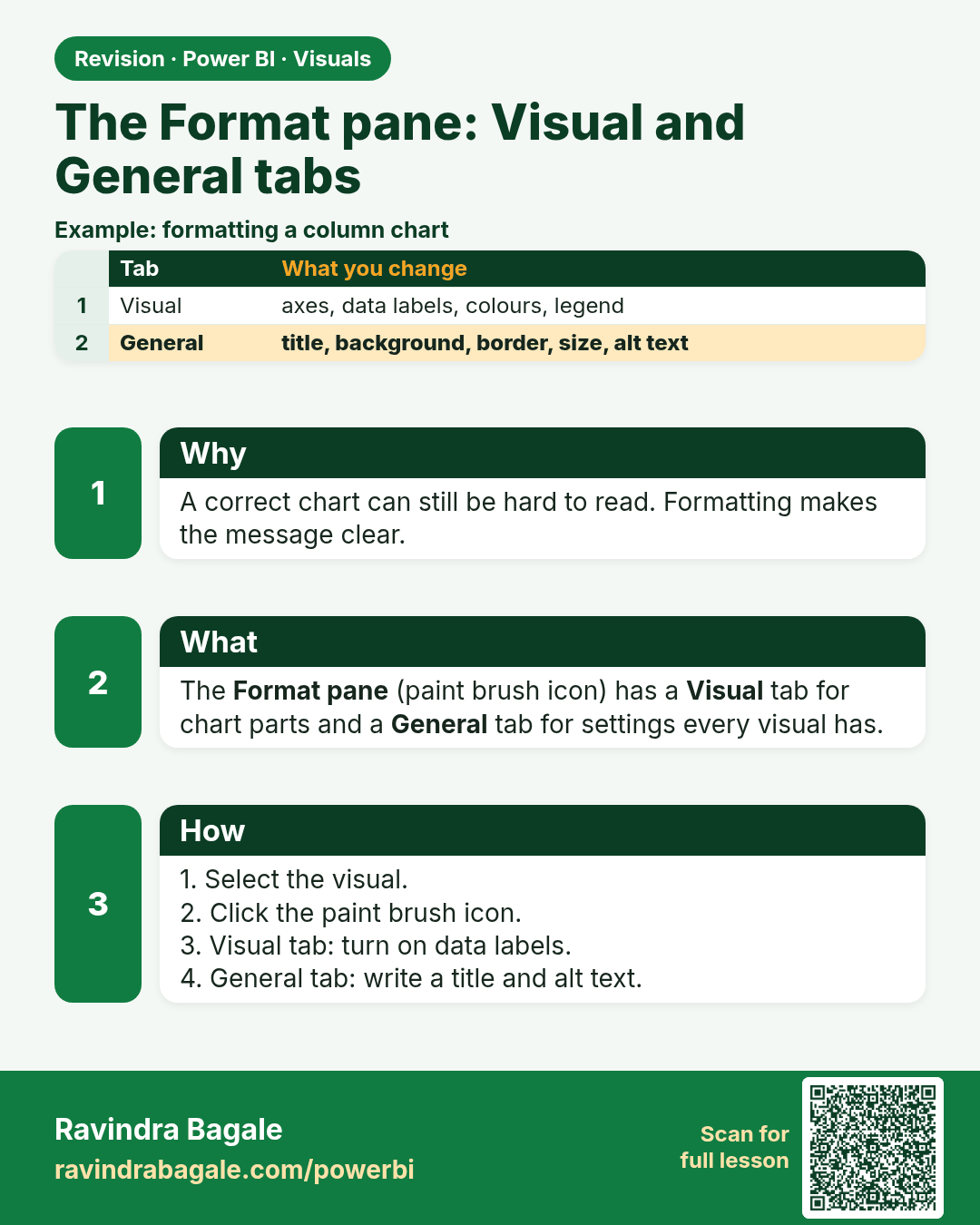
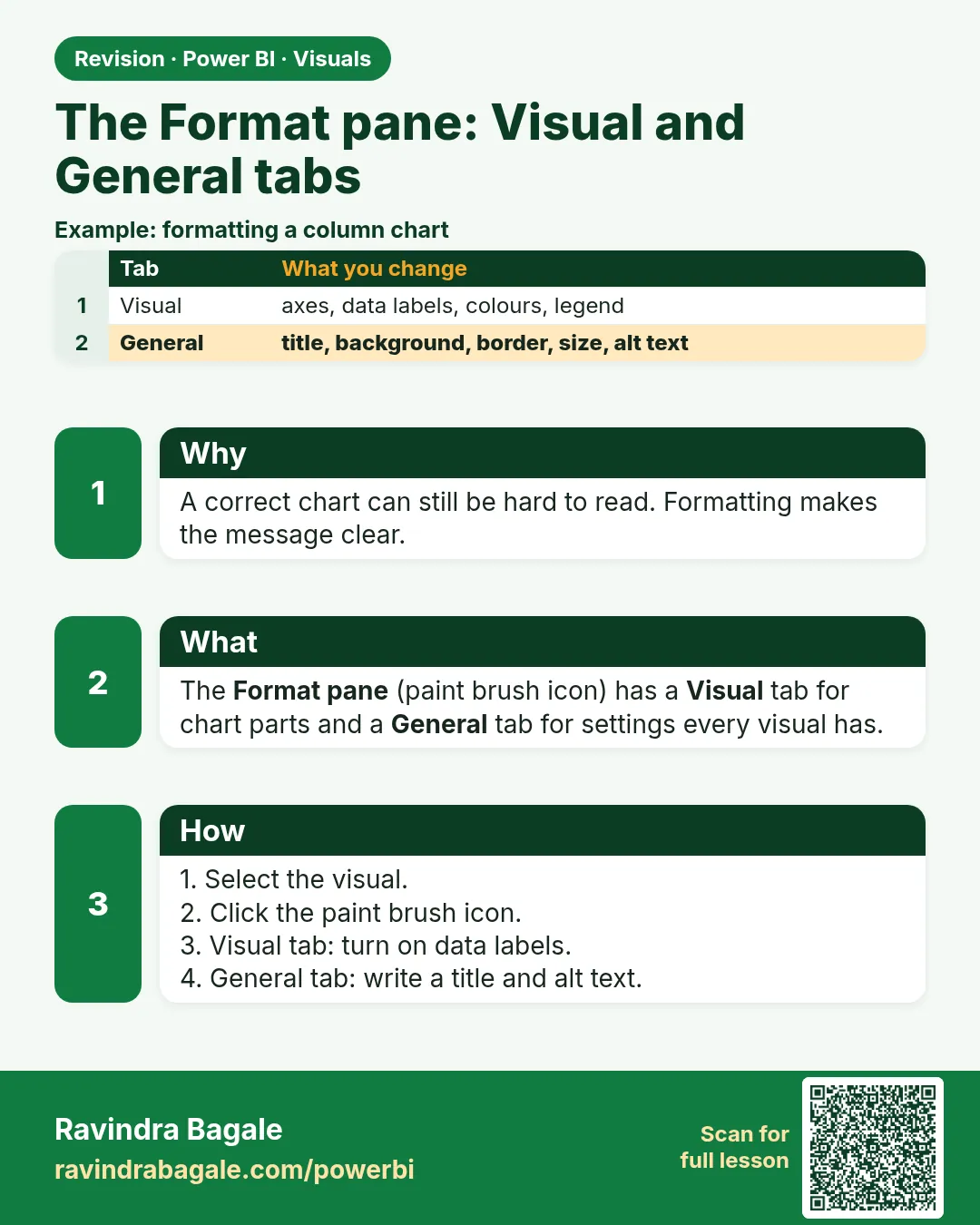 Revision card 2 of 27: The Format pane: Visual and General tabs · Download PNG · Open card page
Lesson: 14.2 The Format Pane: Visual Tab, General Tab and Analytics
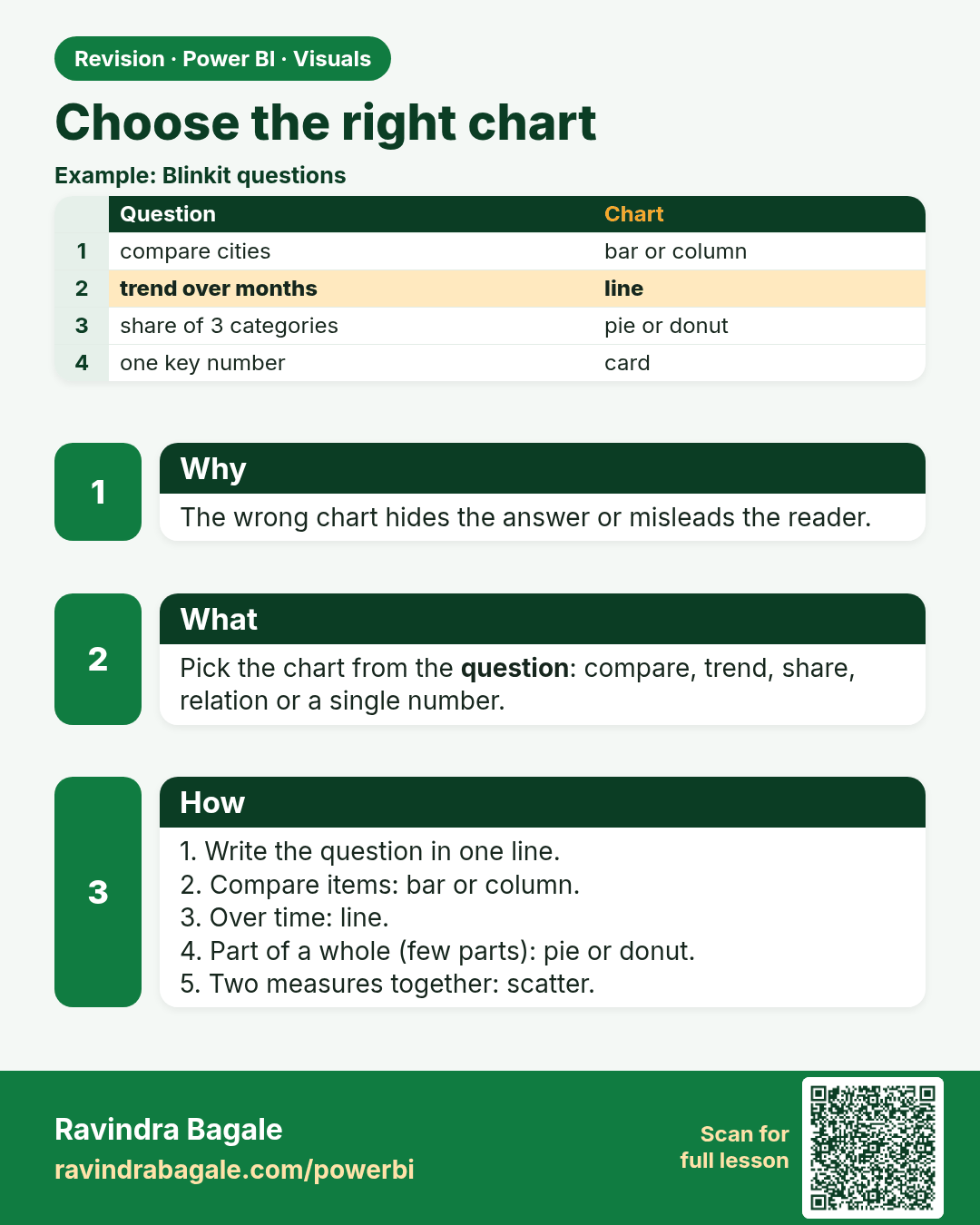
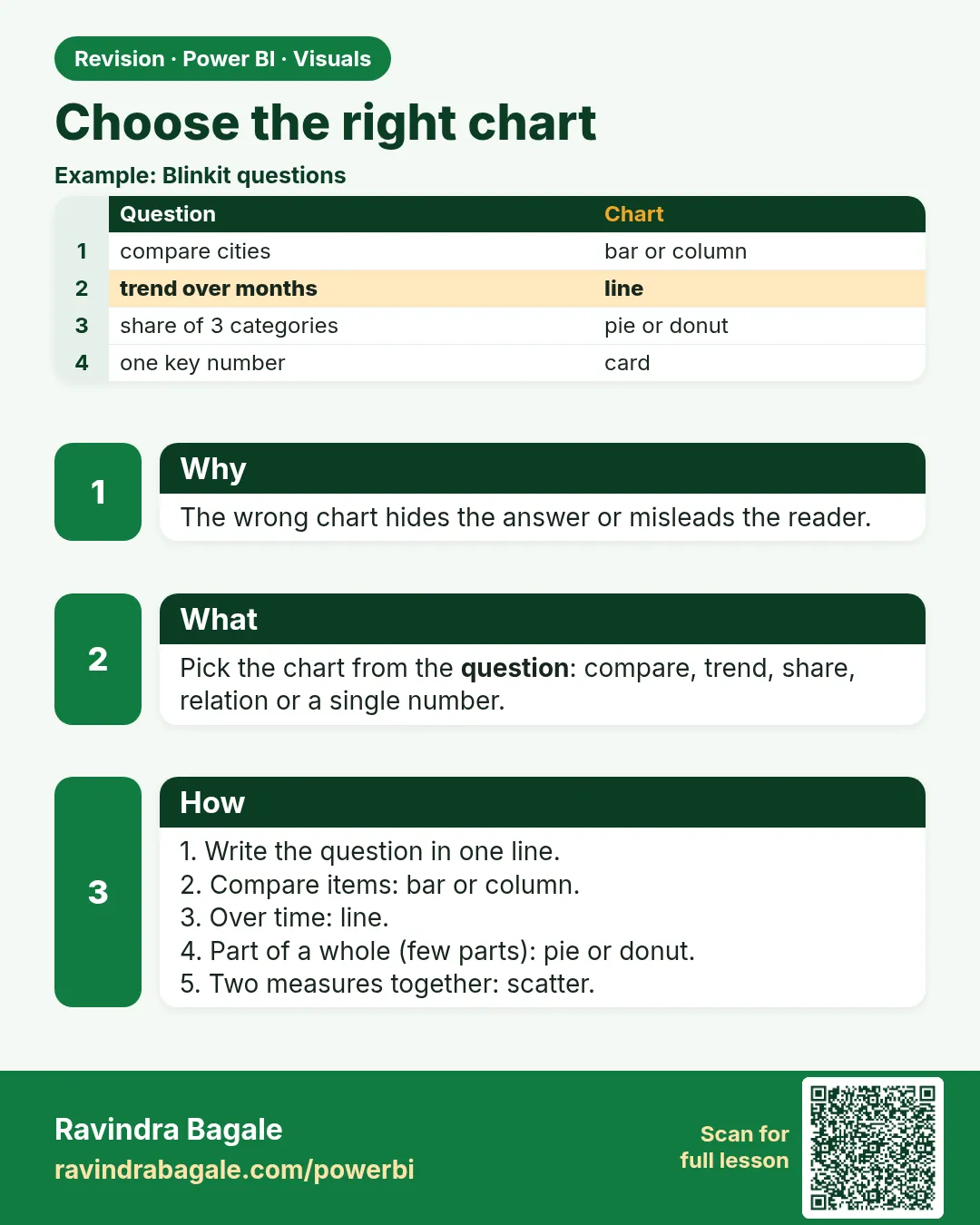 Revision card 3 of 27: Choose the right chart · Download PNG · Open card page
Lesson: 14.3 Choose the Right Chart
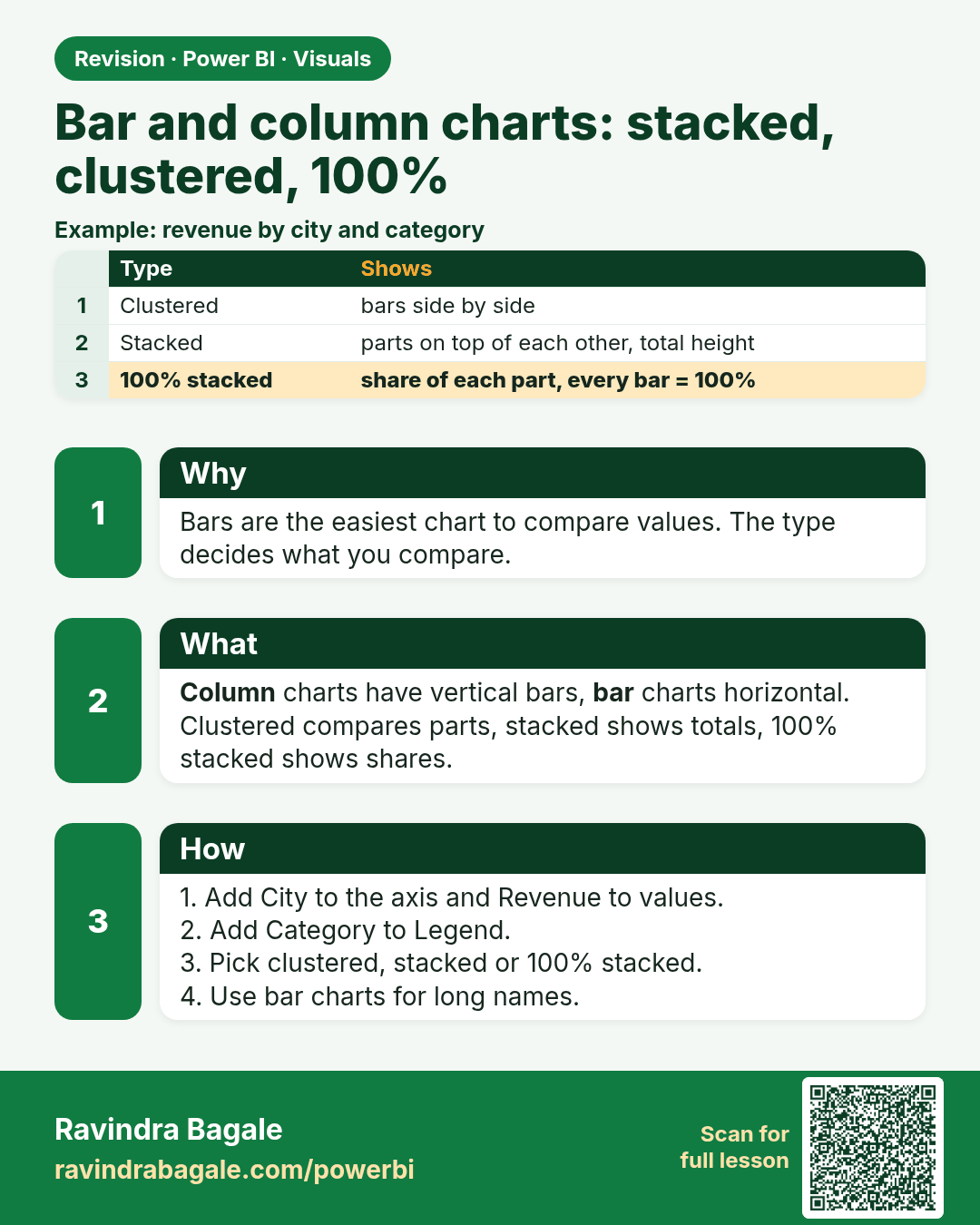
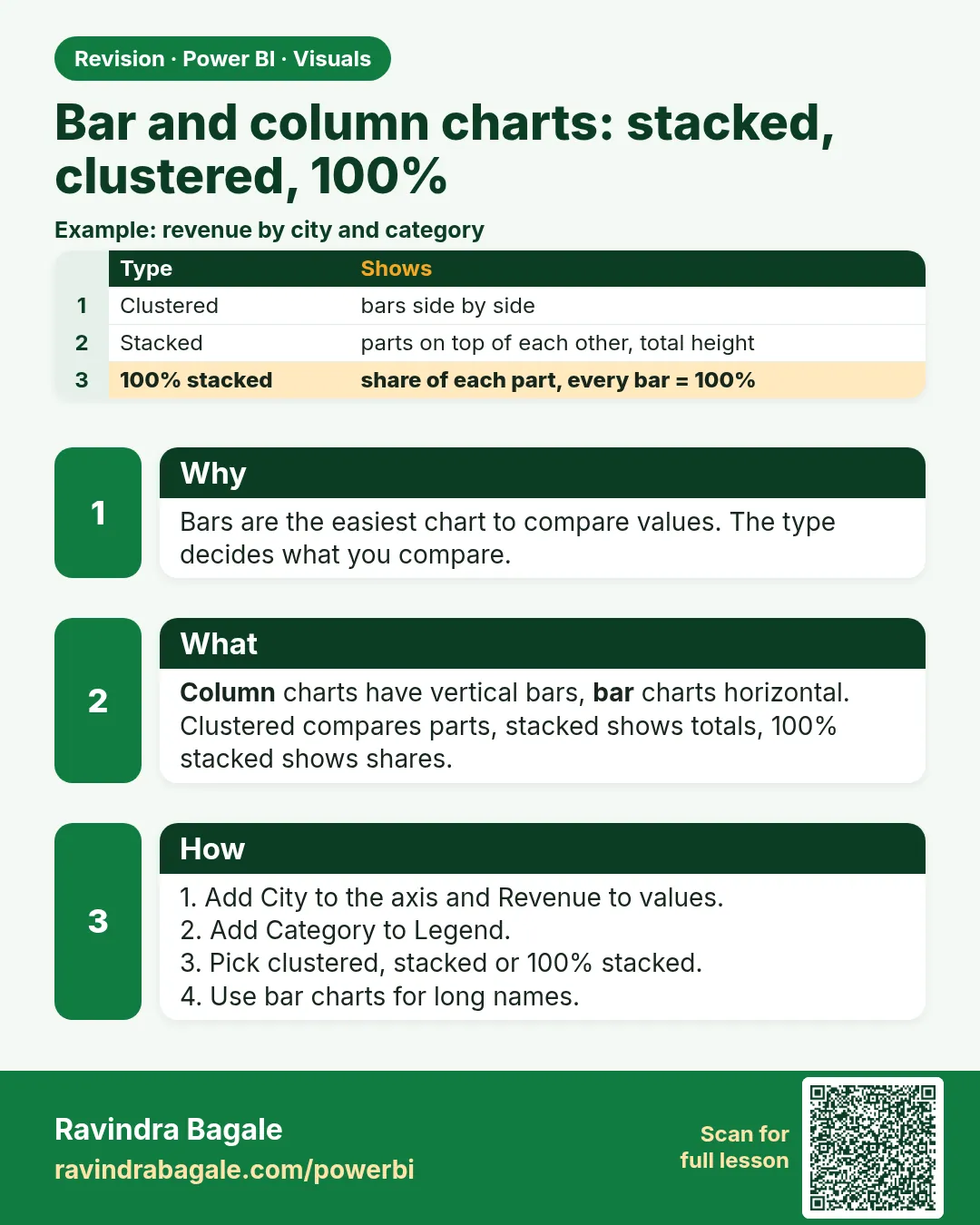 Revision card 4 of 27: Bar and column charts: stacked, clustered, 100% · Download PNG · Open card page
Lesson: 14.4 Bar and Column Charts (Stacked, Clustered, 100% Stacked)
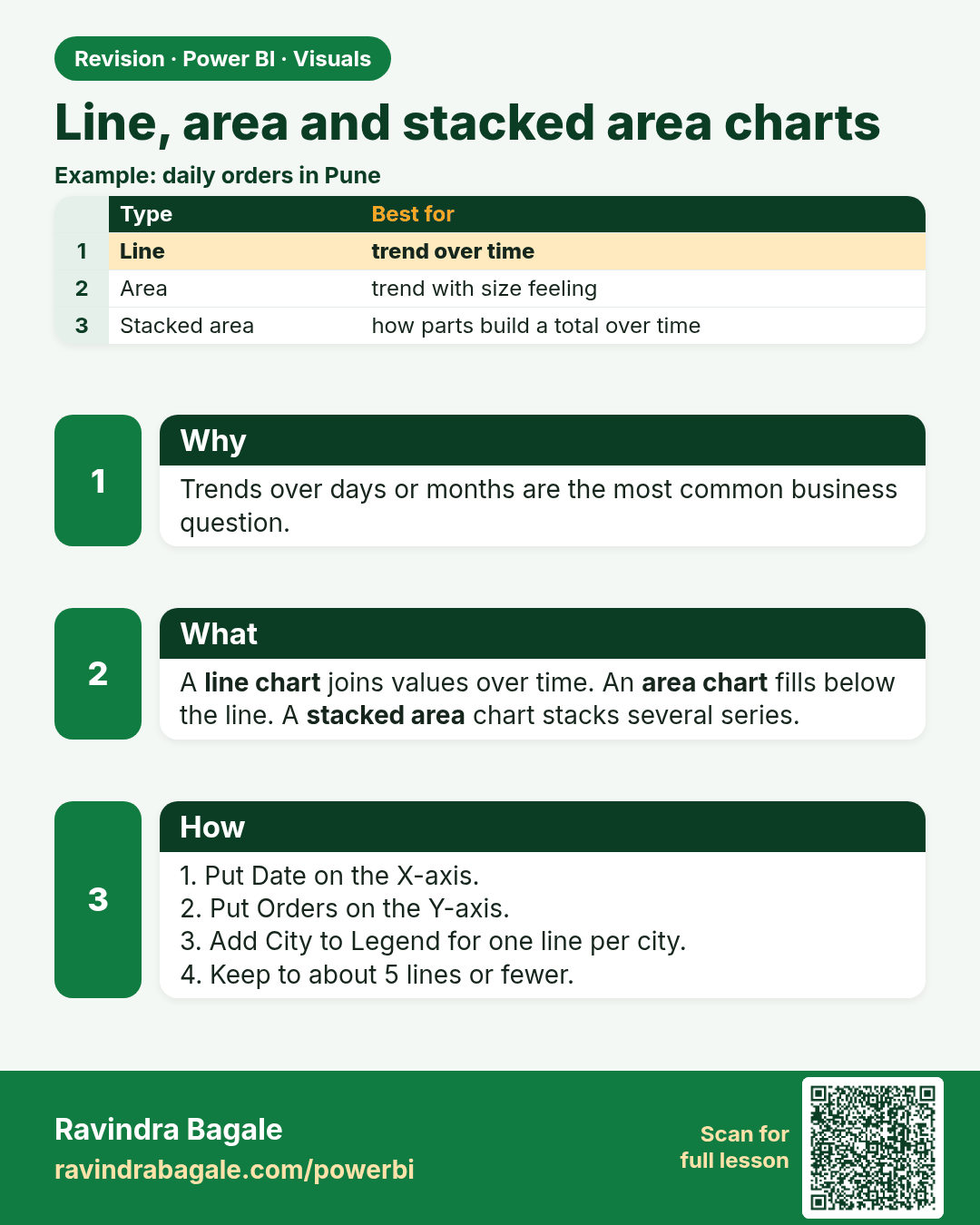
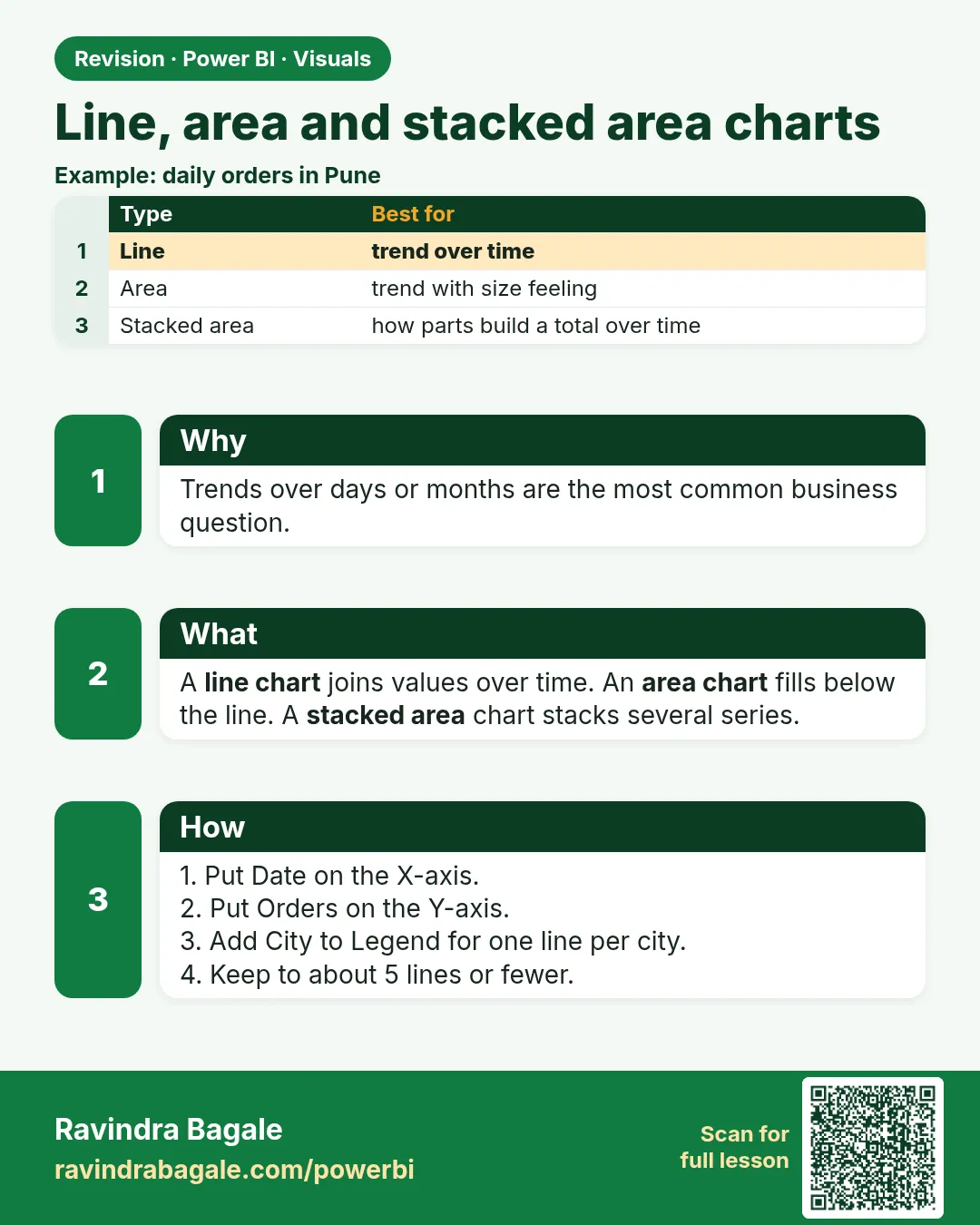 Revision card 5 of 27: Line, area and stacked area charts · Download PNG · Open card page
Lesson: 14.5 Line, Area and Stacked Area Charts
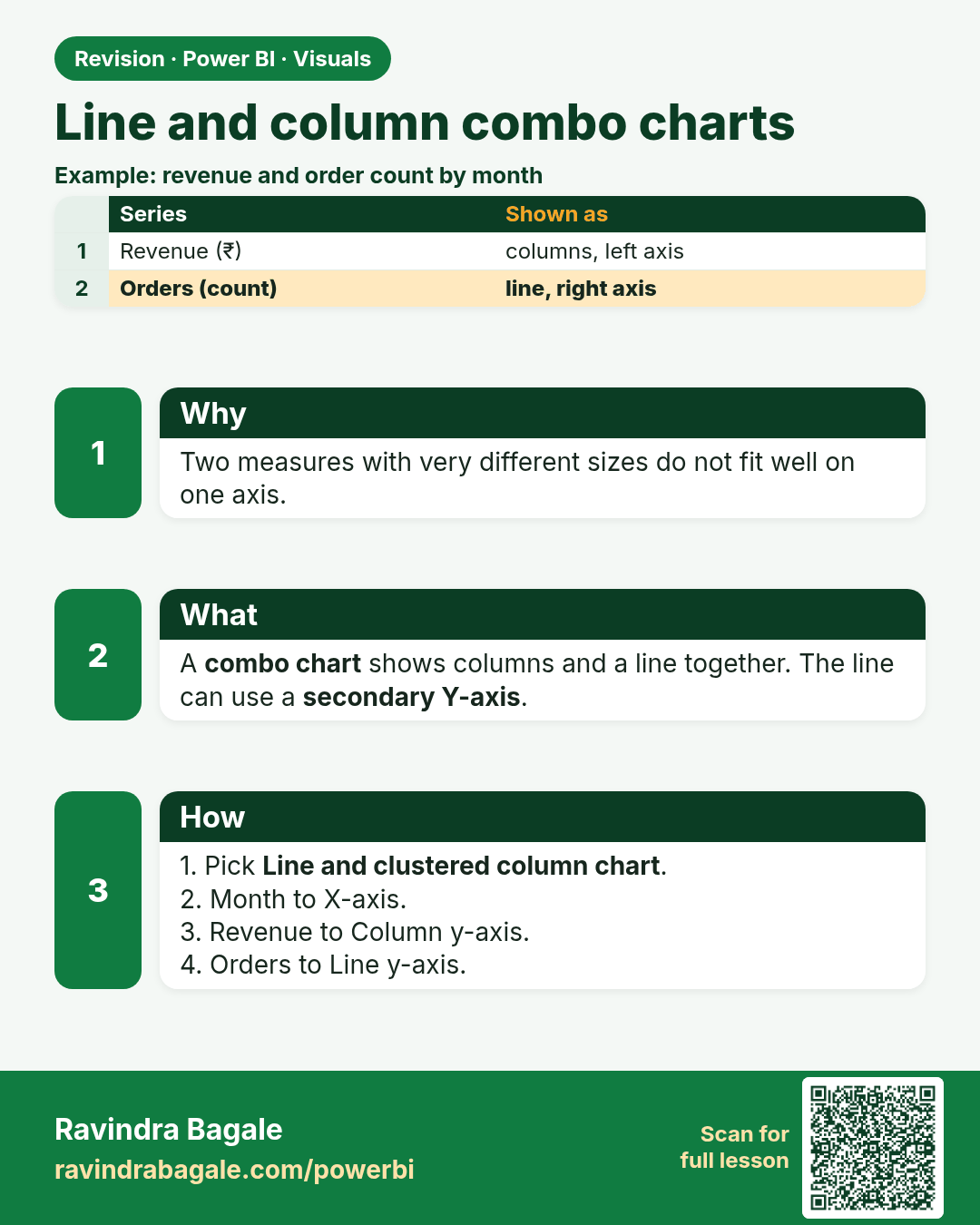
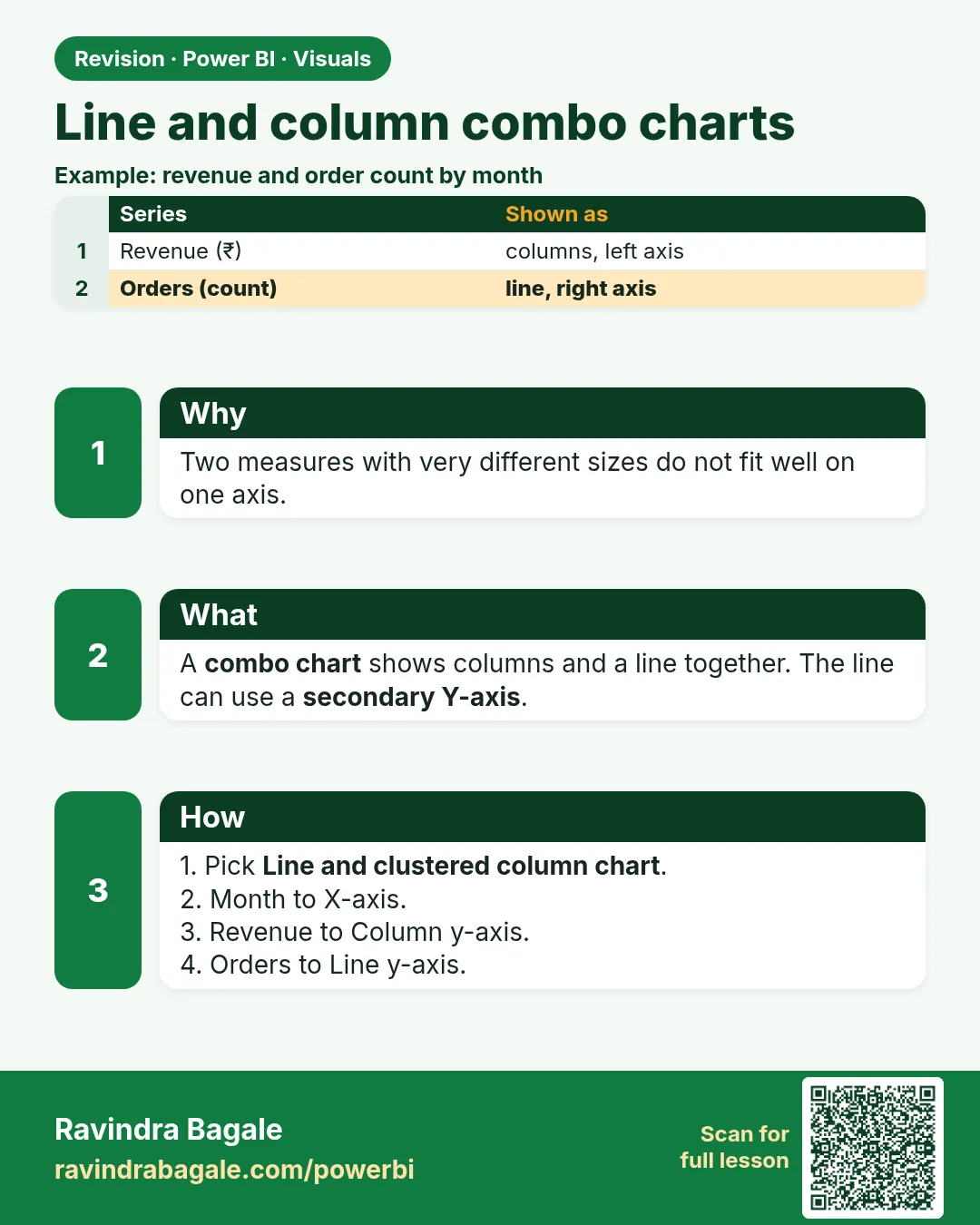 Revision card 6 of 27: Line and column combo charts · Download PNG · Open card page
Lesson: 14.6 Line and Column Combo Charts
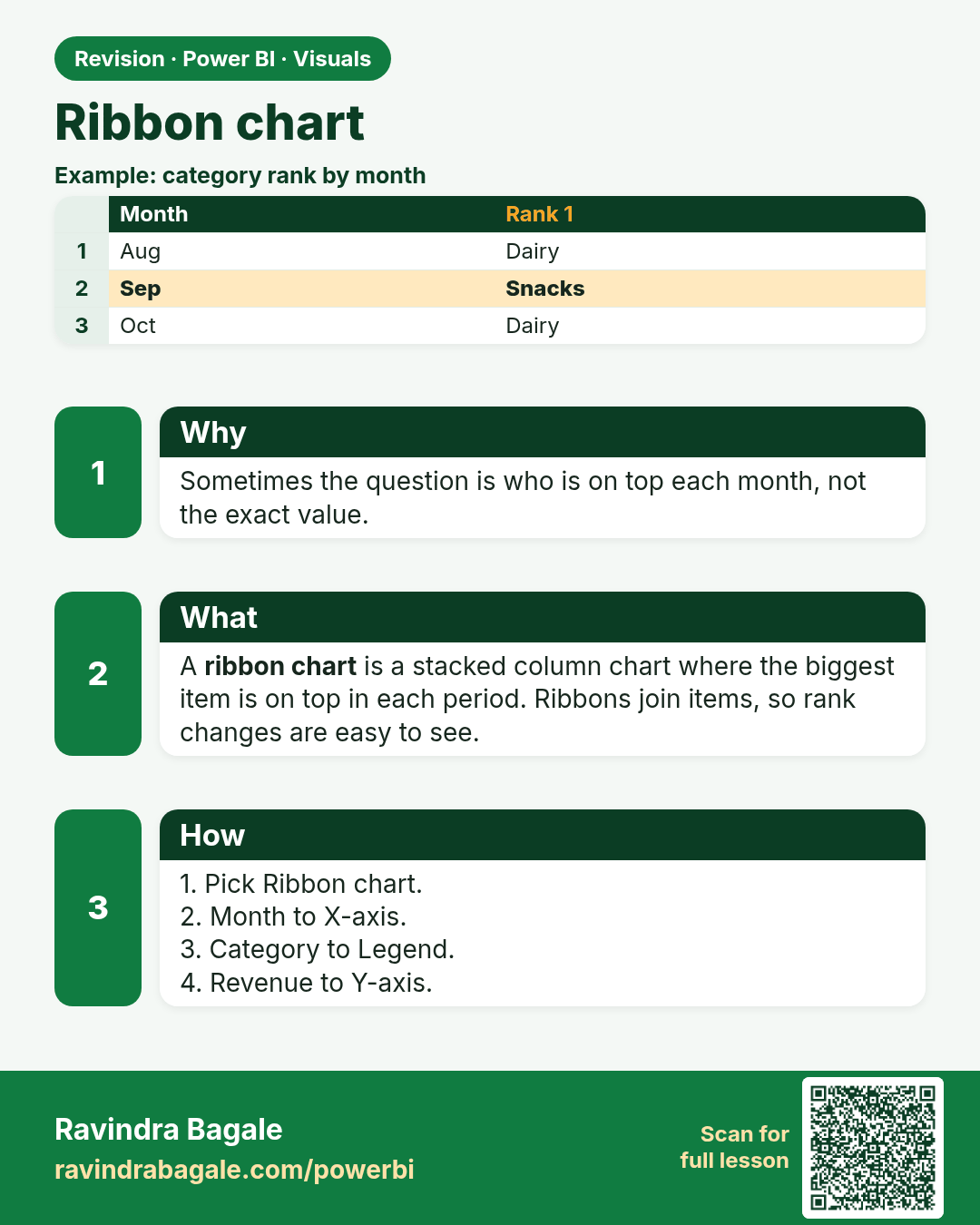
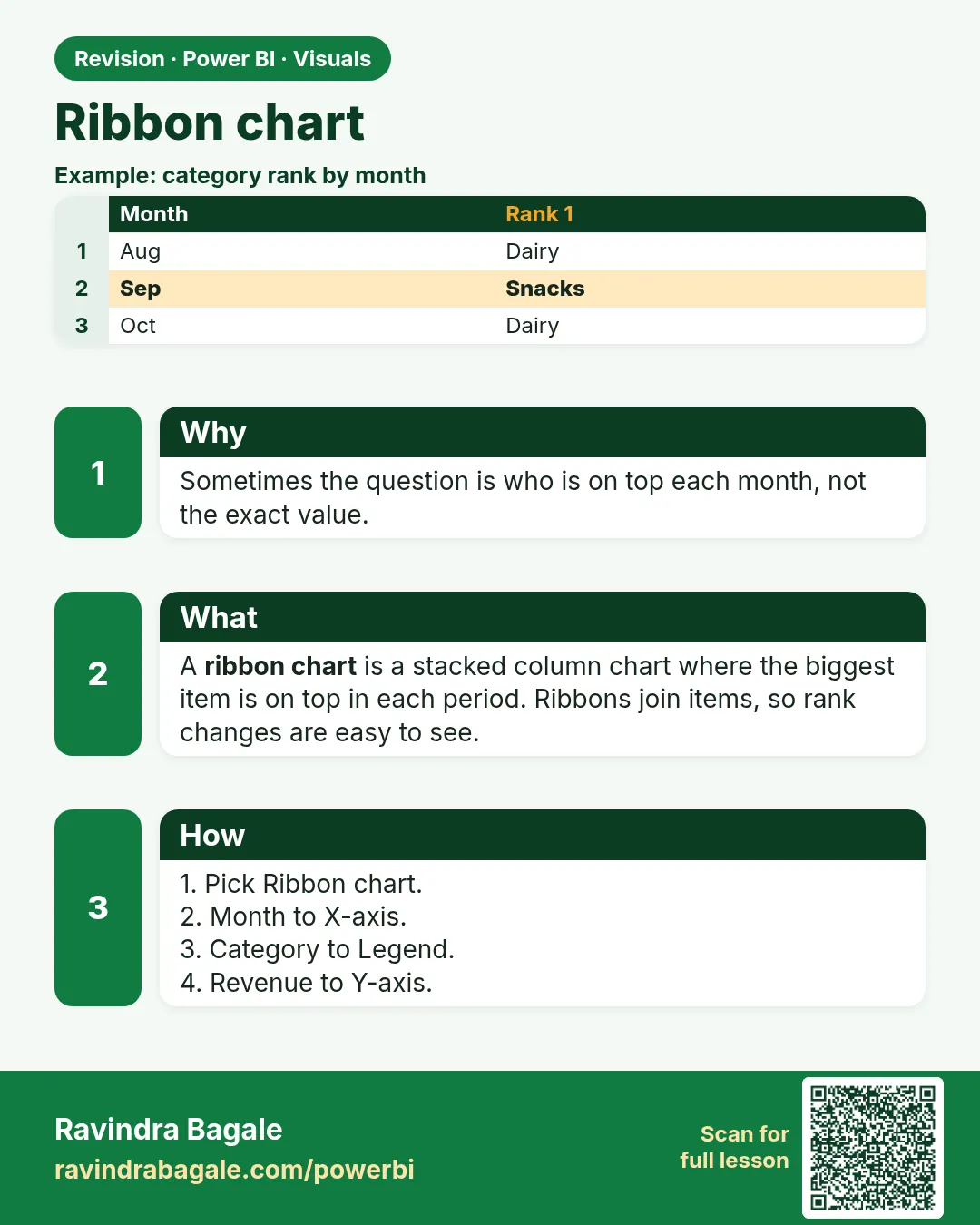 Revision card 7 of 27: Ribbon chart · Download PNG · Open card page
Lesson: 14.7 Ribbon Chart
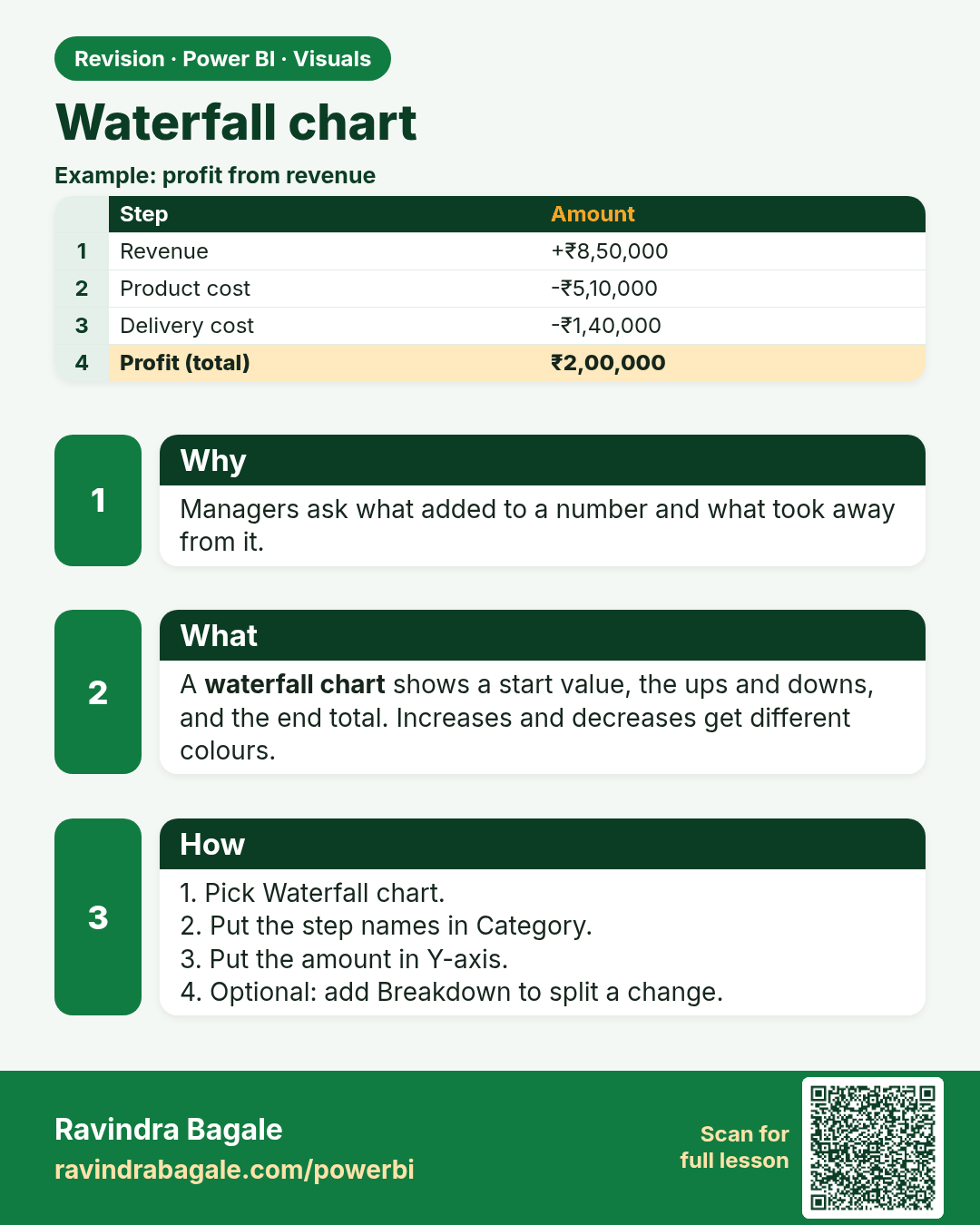
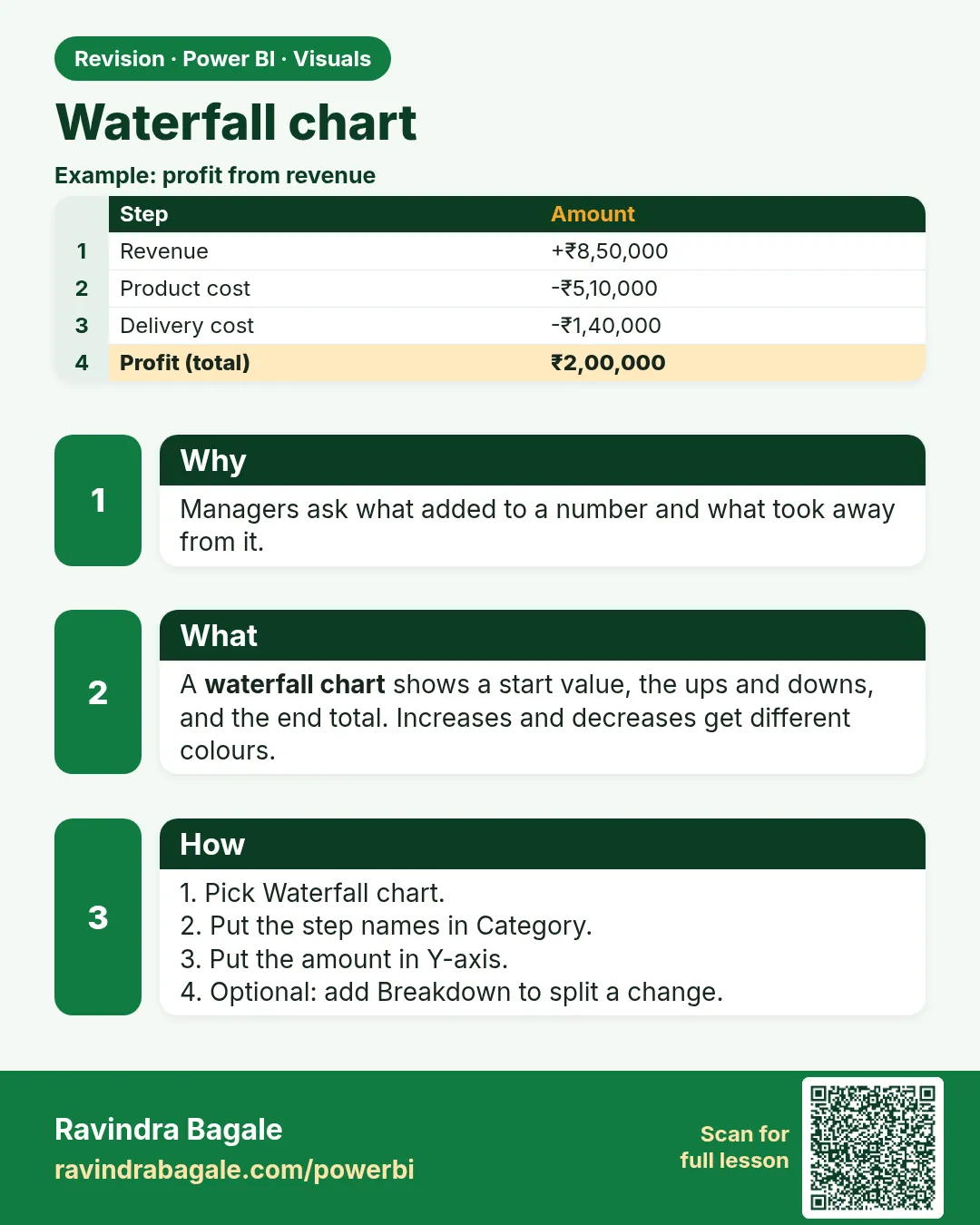 Revision card 8 of 27: Waterfall chart · Download PNG · Open card page
Lesson: 14.8 Waterfall Chart
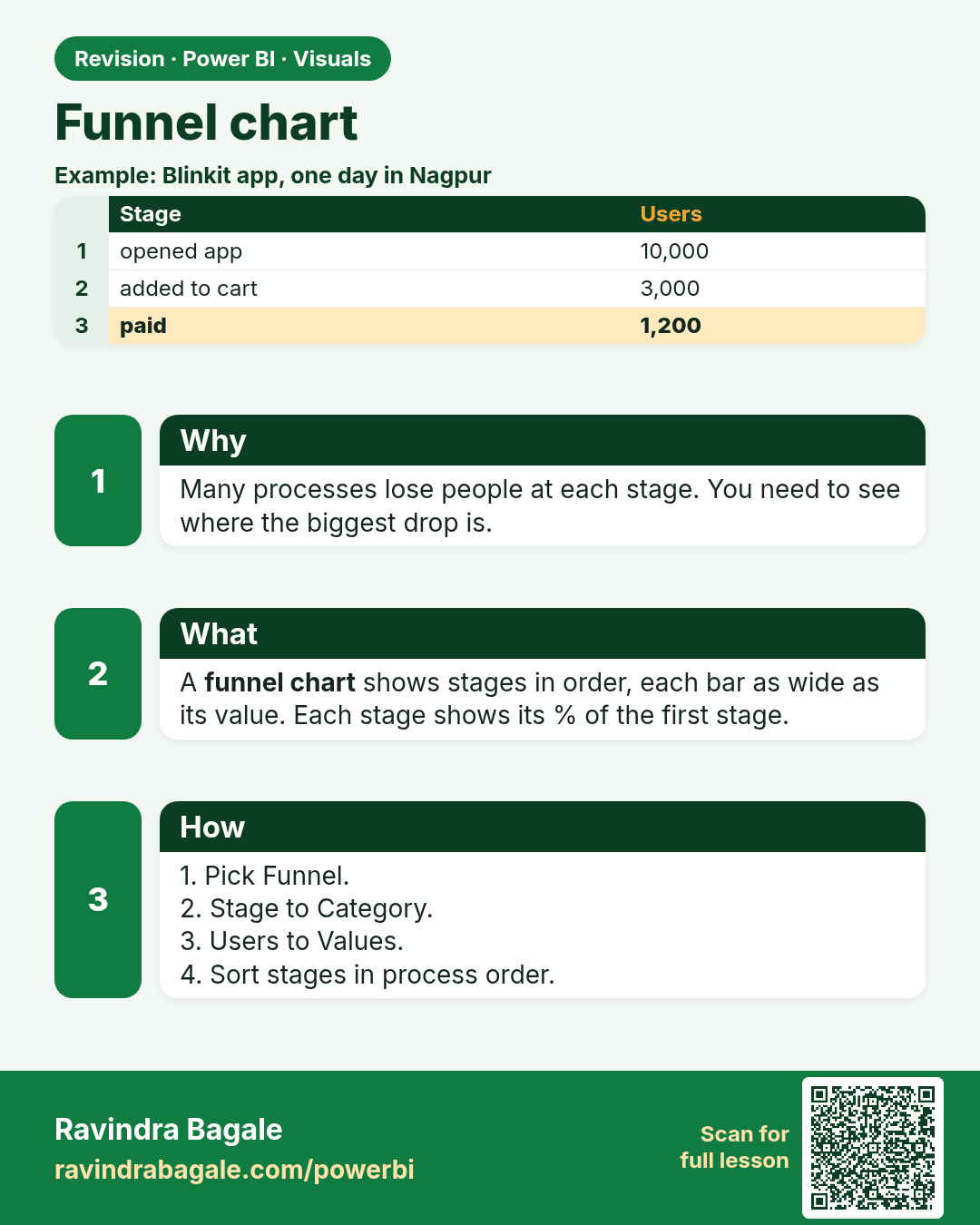
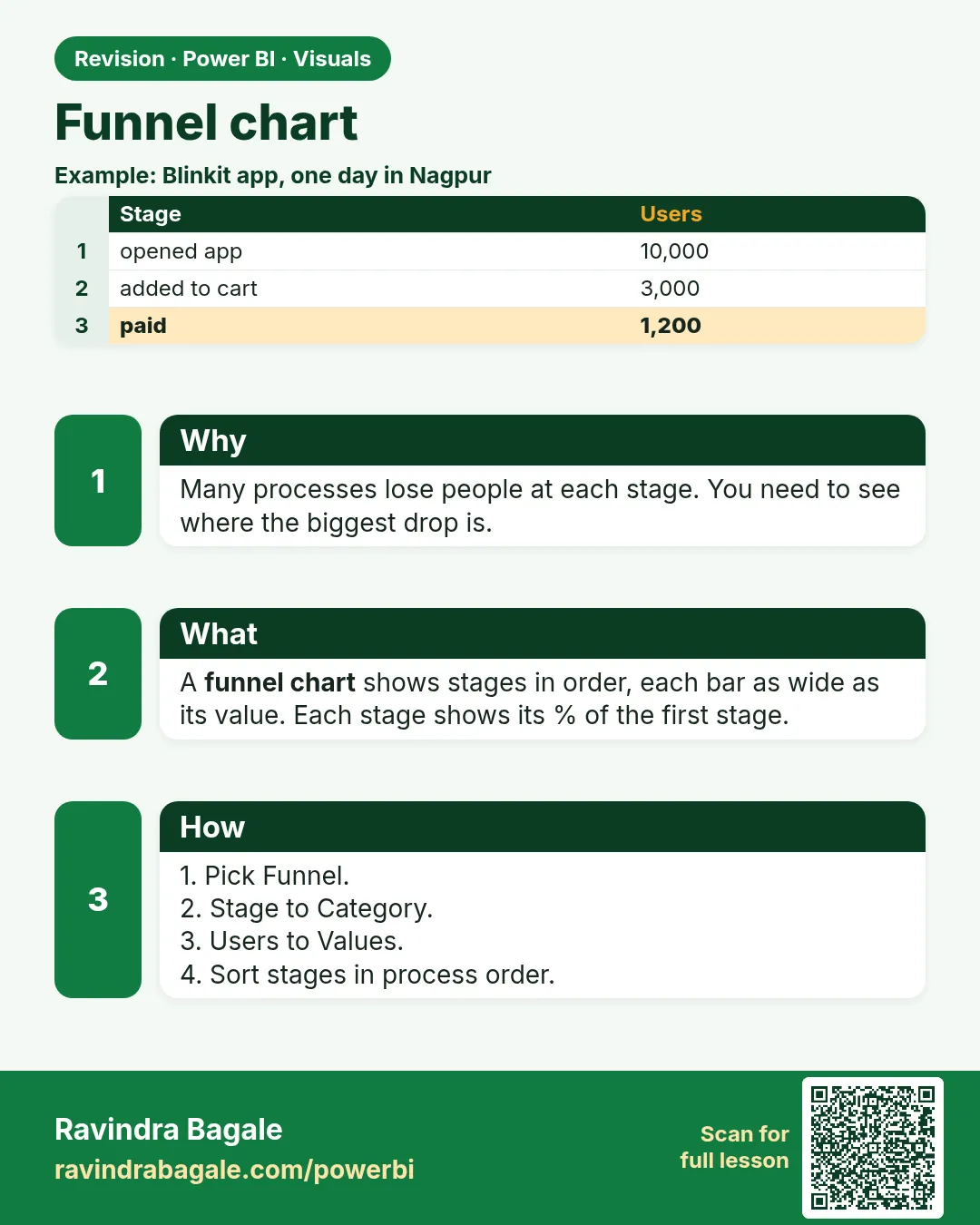 Revision card 9 of 27: Funnel chart · Download PNG · Open card page
Lesson: 14.9 Funnel Chart
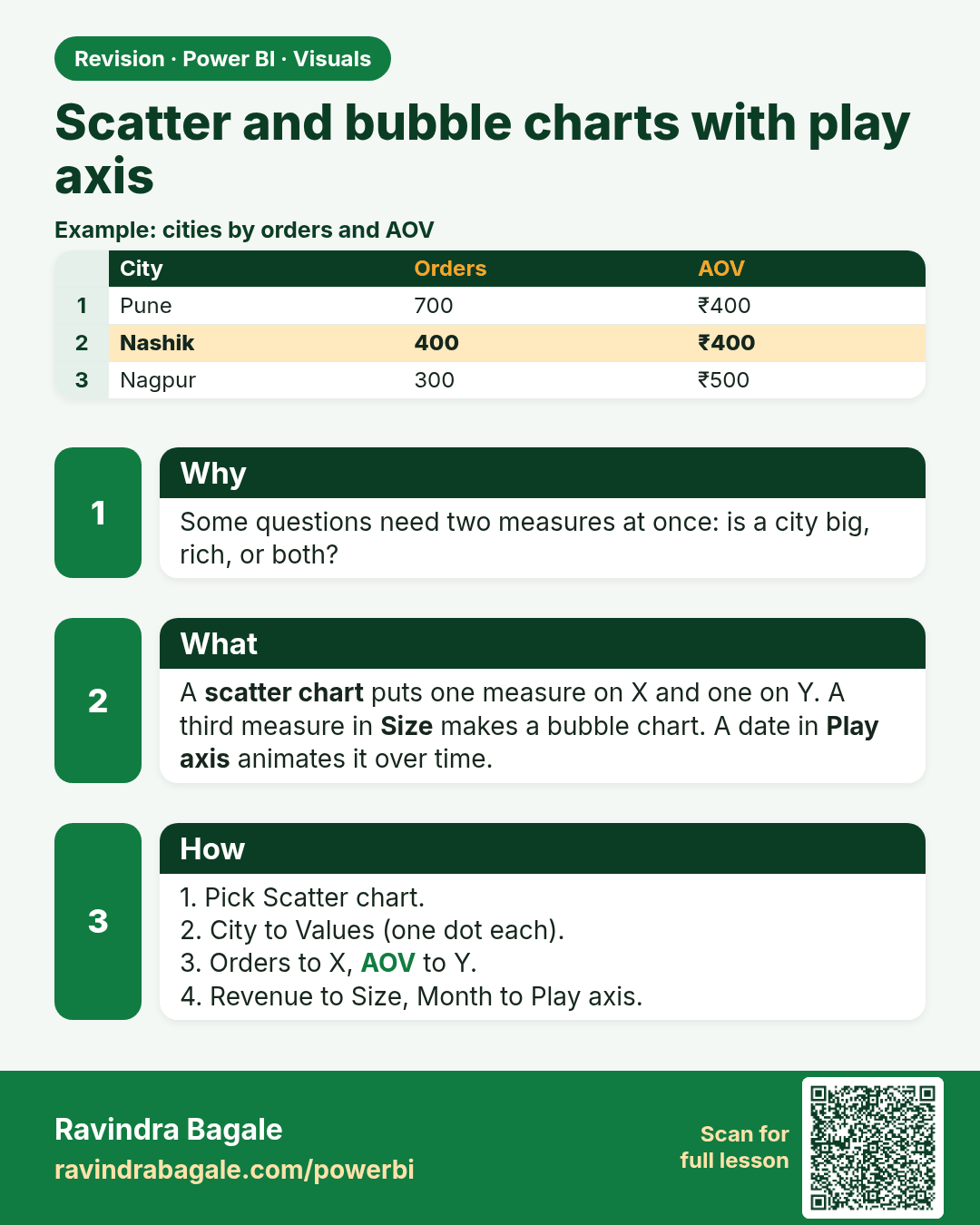
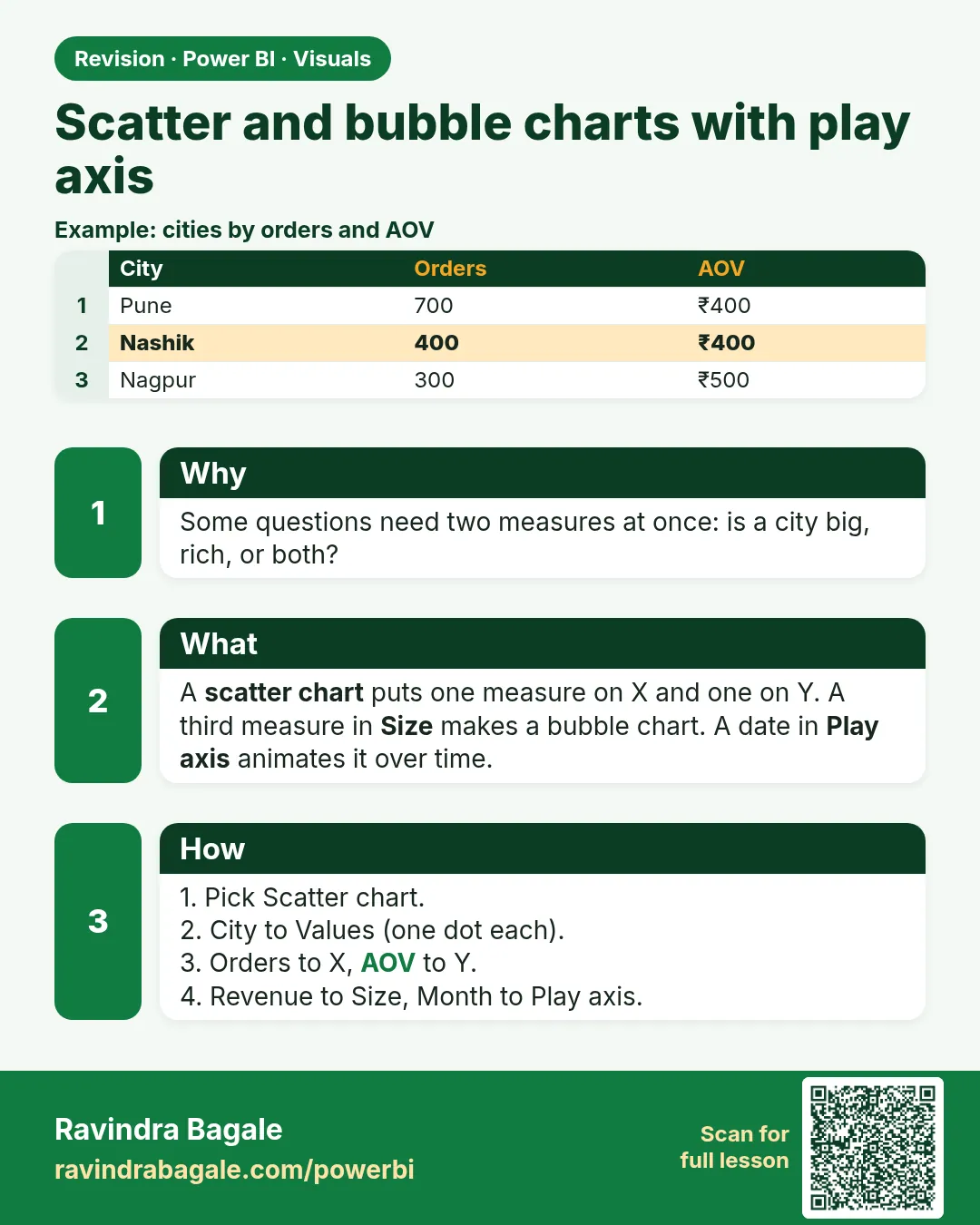 Revision card 10 of 27: Scatter and bubble charts with play axis · Download PNG · Open card page
Lesson: 14.10 Scatter and Bubble Charts (with Play Axis)
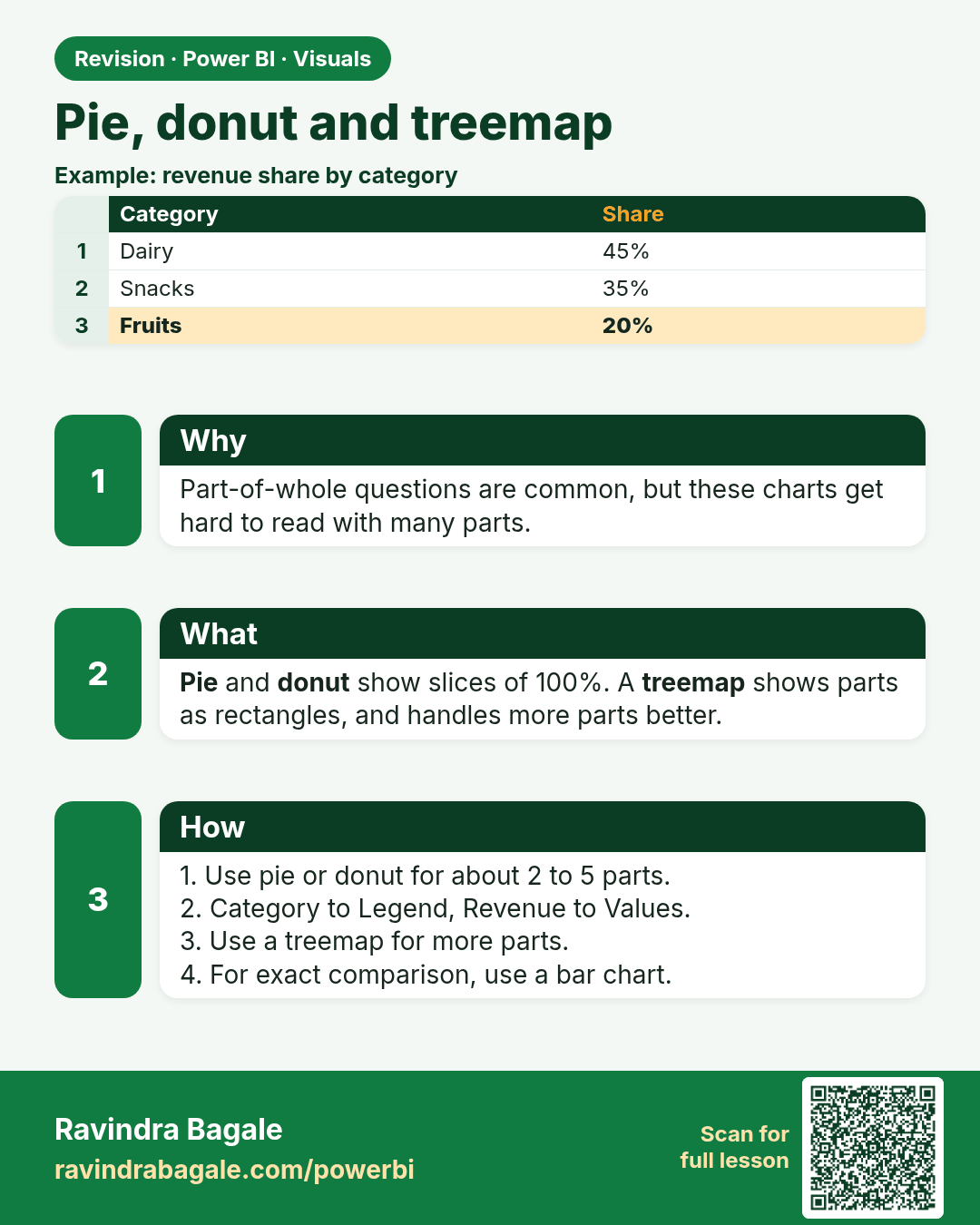
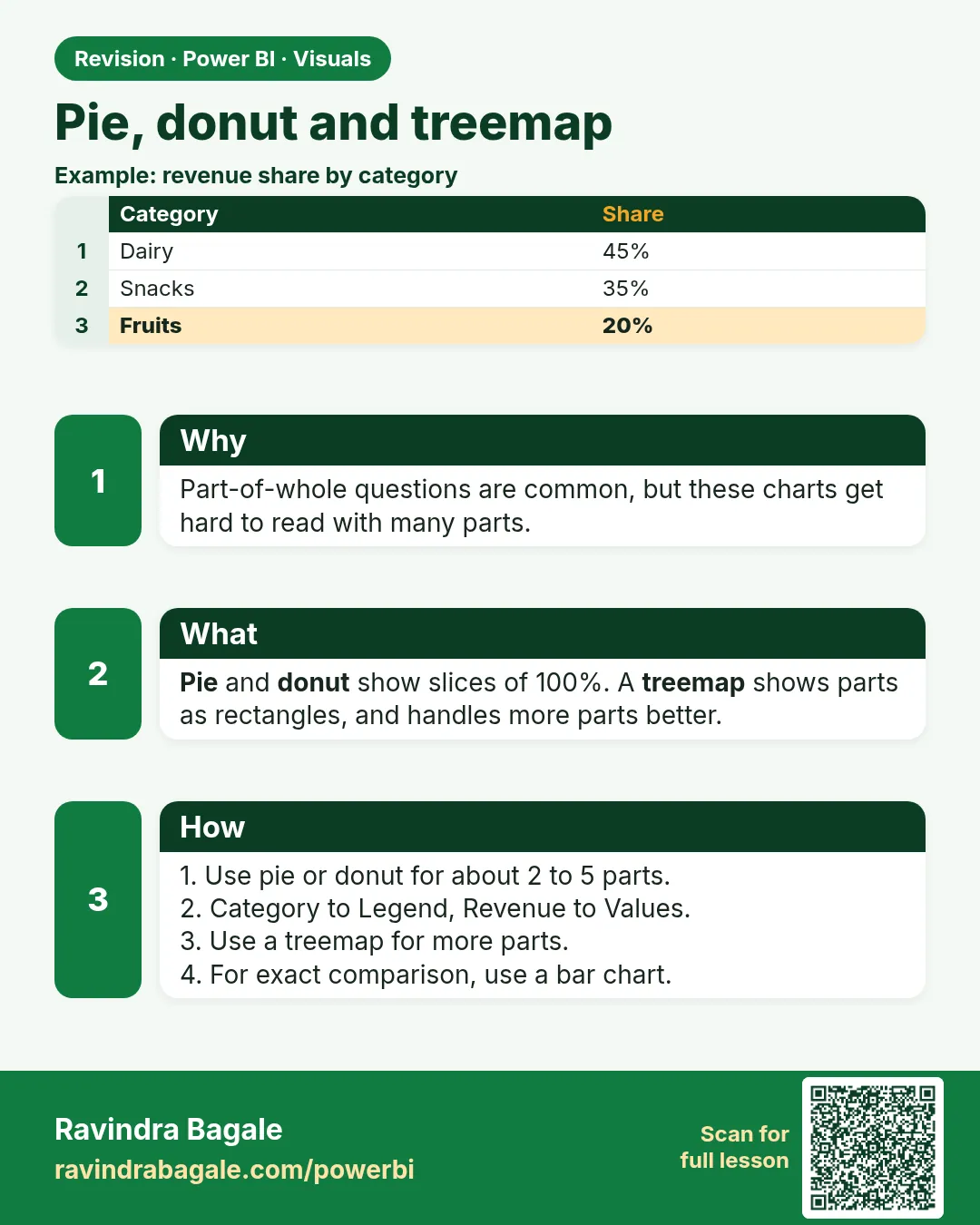 Revision card 11 of 27: Pie, donut and treemap · Download PNG · Open card page
Lesson: 14.11 Pie, Donut and Treemap
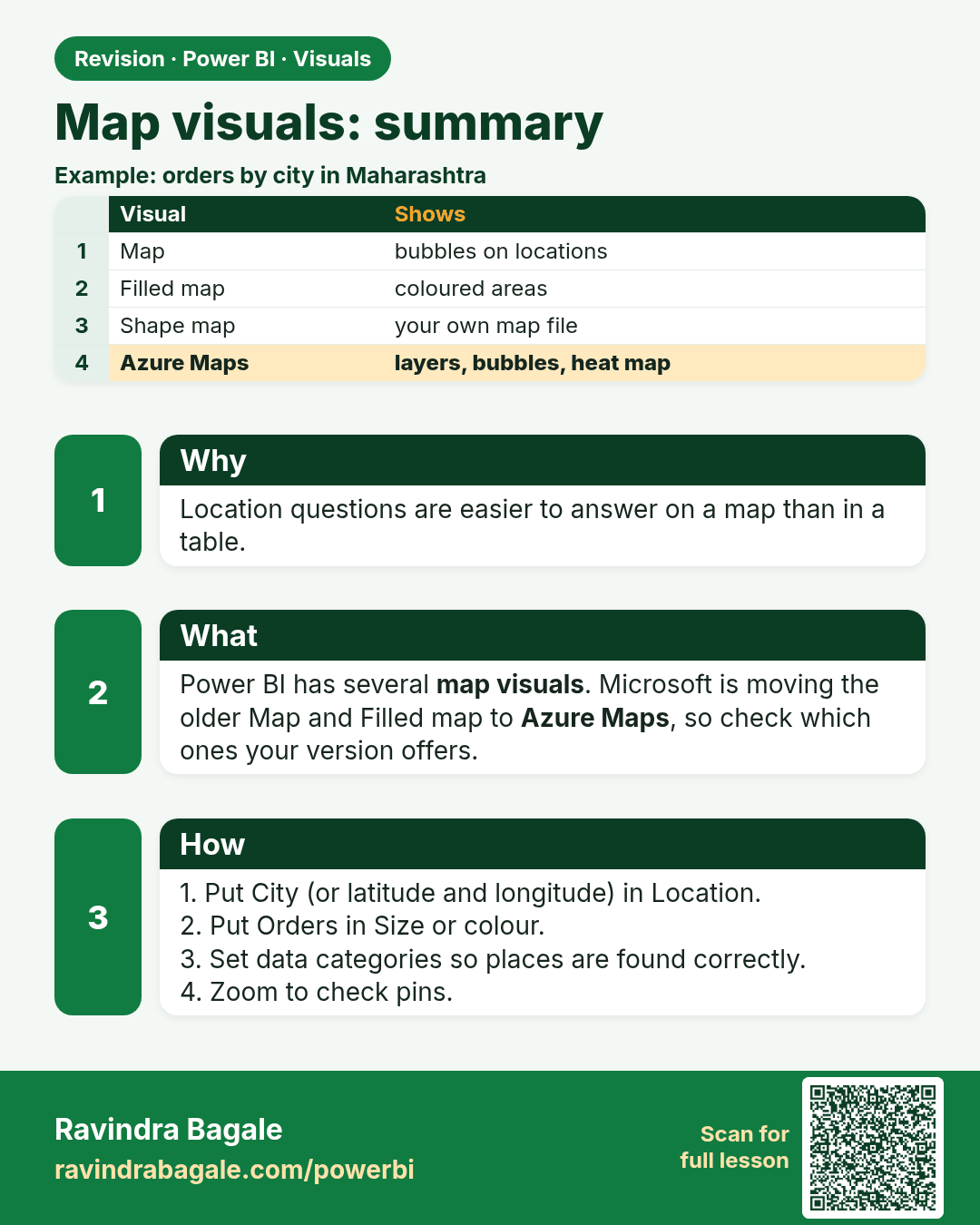
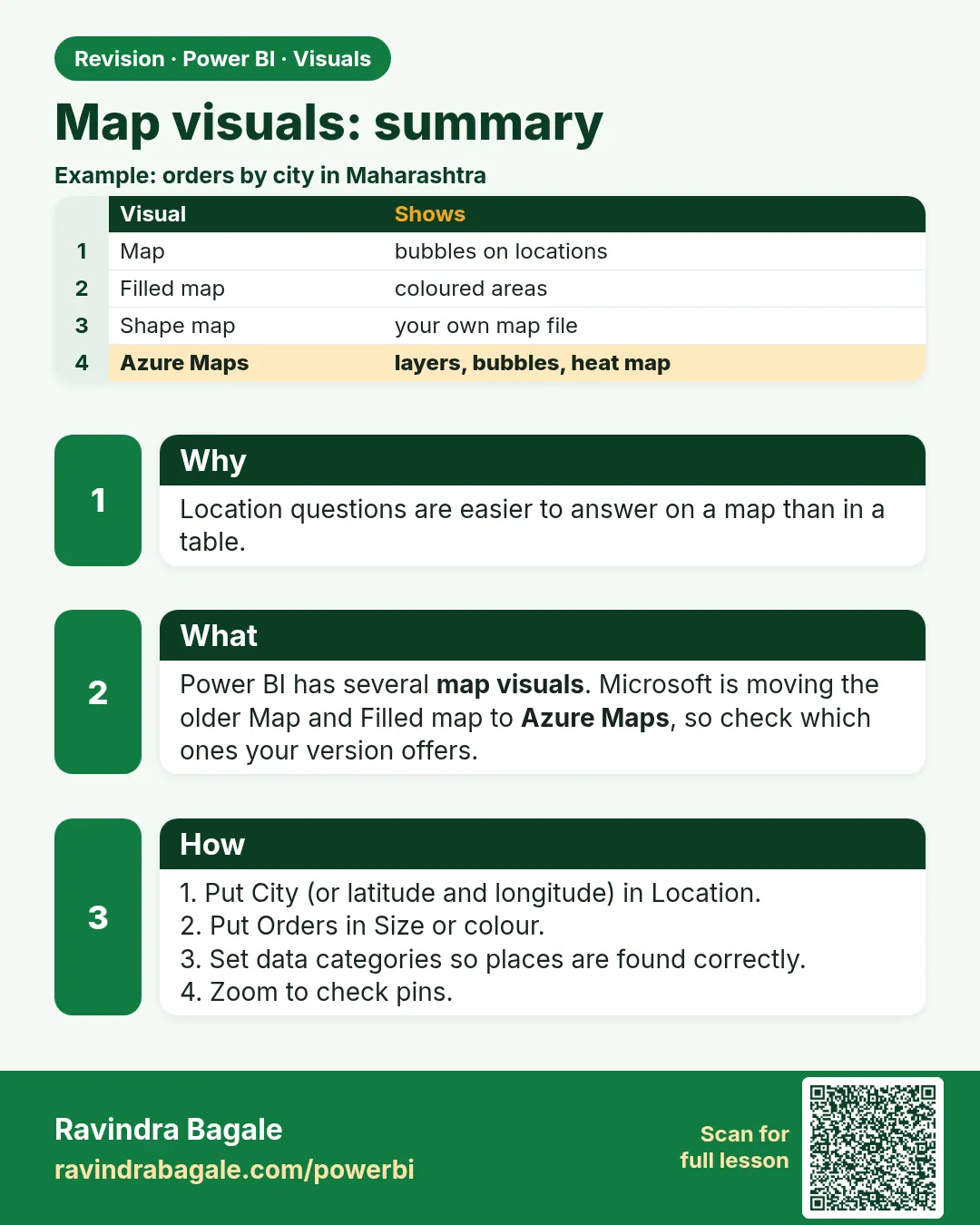 Revision card 12 of 27: Map visuals: summary · Download PNG · Open card page
Lesson: 14.12 Map, Filled Map, Shape Map and Azure Map (Summary)
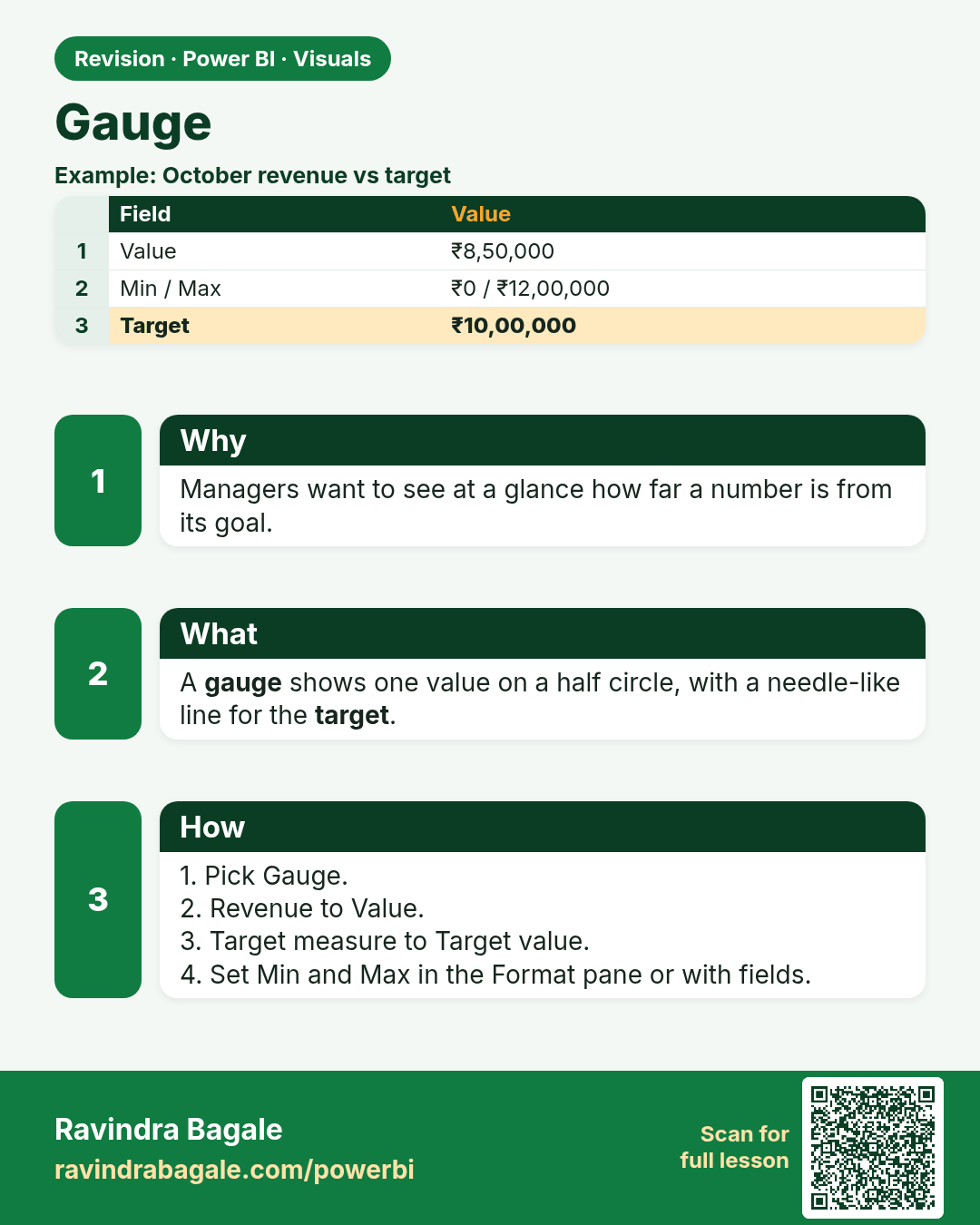
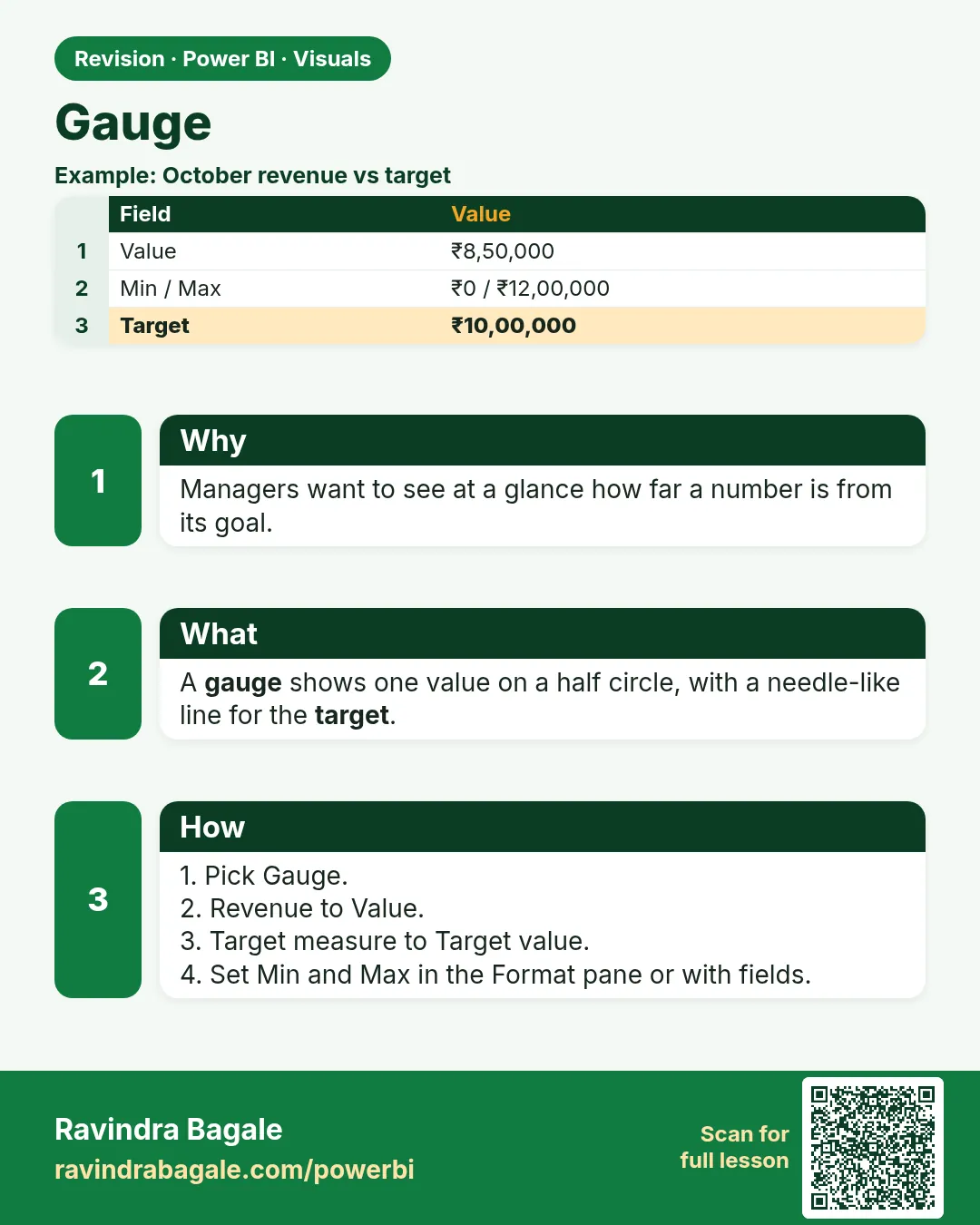 Revision card 13 of 27: Gauge · Download PNG · Open card page
Lesson: 14.13 Gauge
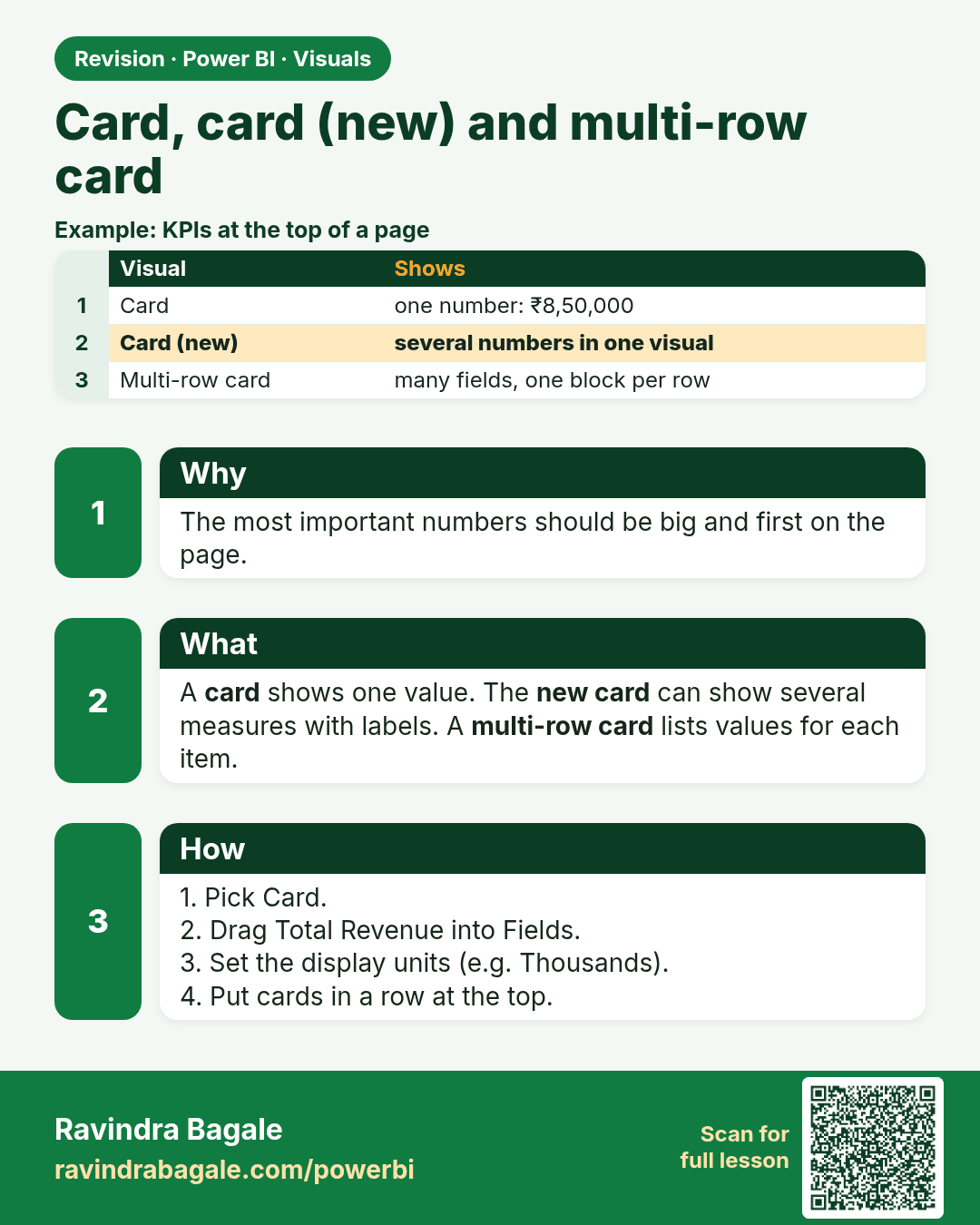
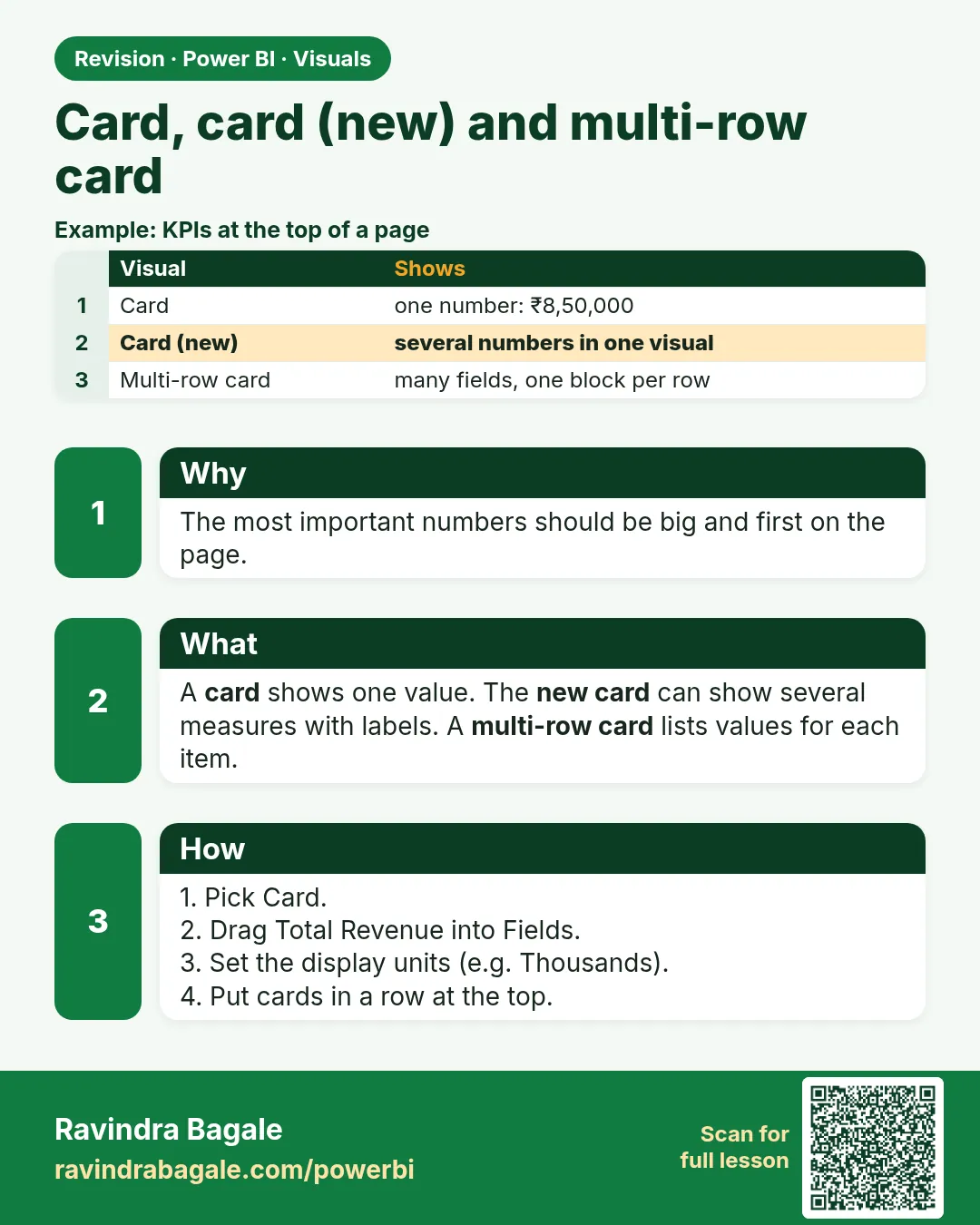 Revision card 14 of 27: Card, card (new) and multi-row card · Download PNG · Open card page
Lesson: 14.14 Card, Card (new) and Multi-row Card
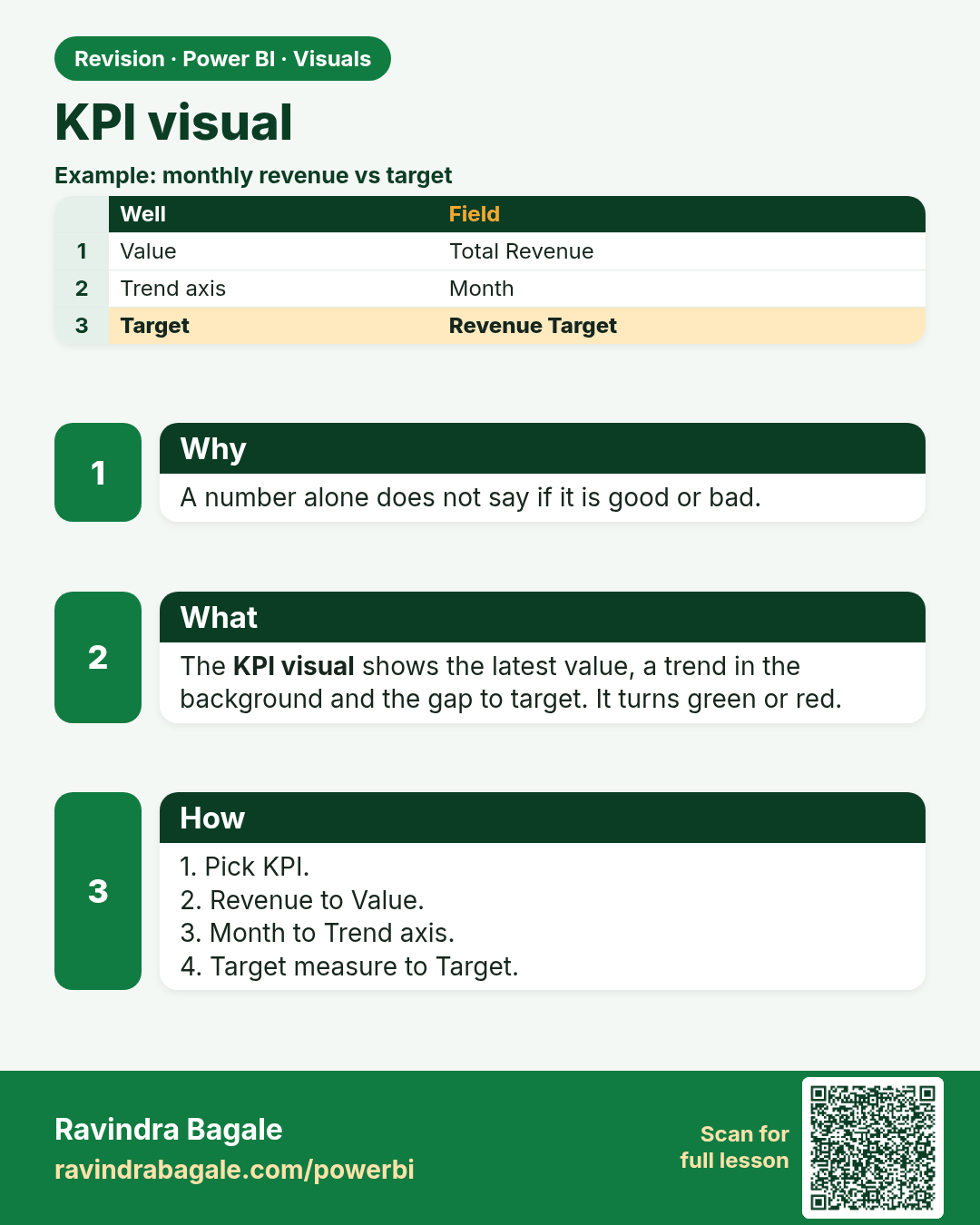
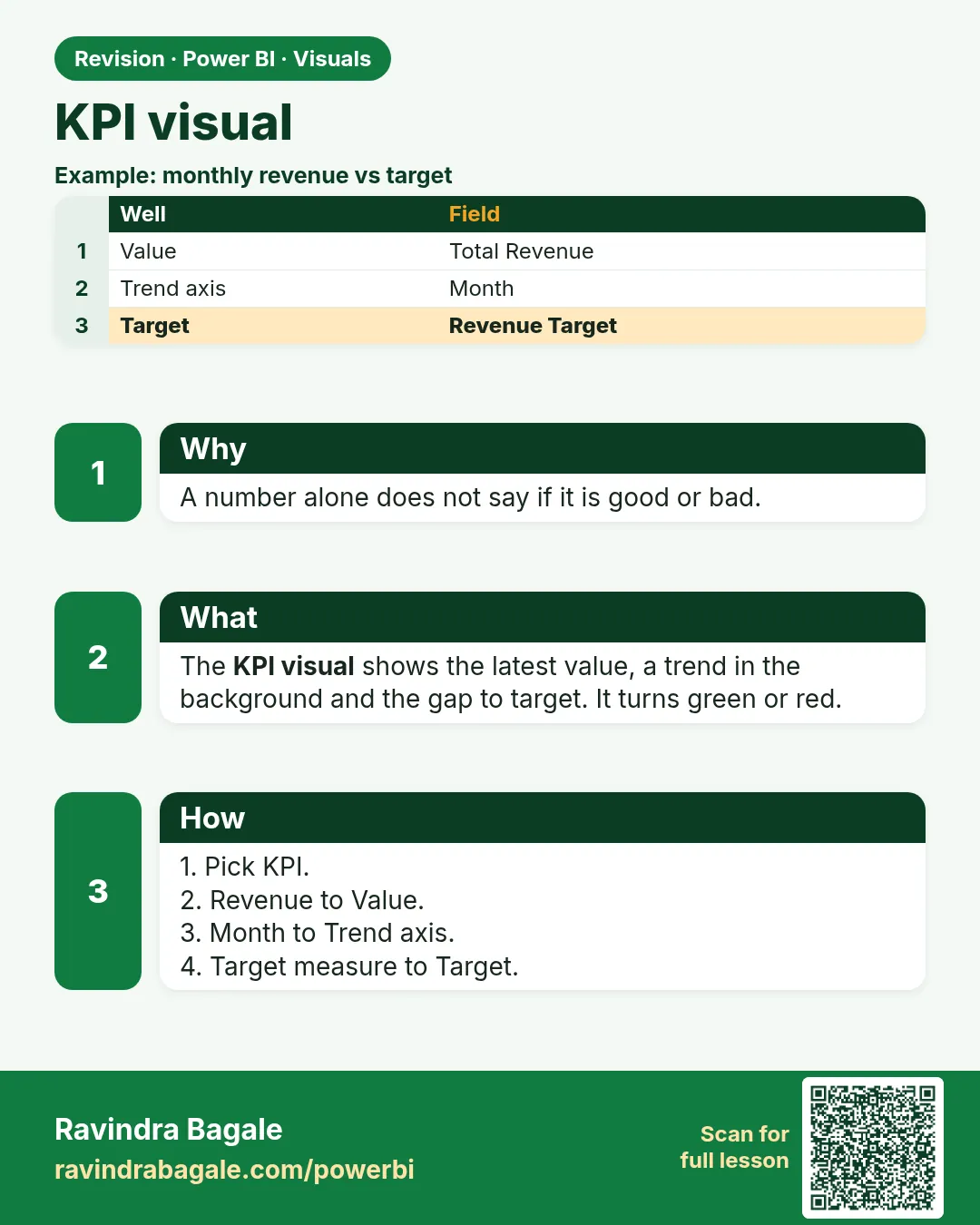 Revision card 15 of 27: KPI visual · Download PNG · Open card page
Lesson: 14.15 KPI Visual
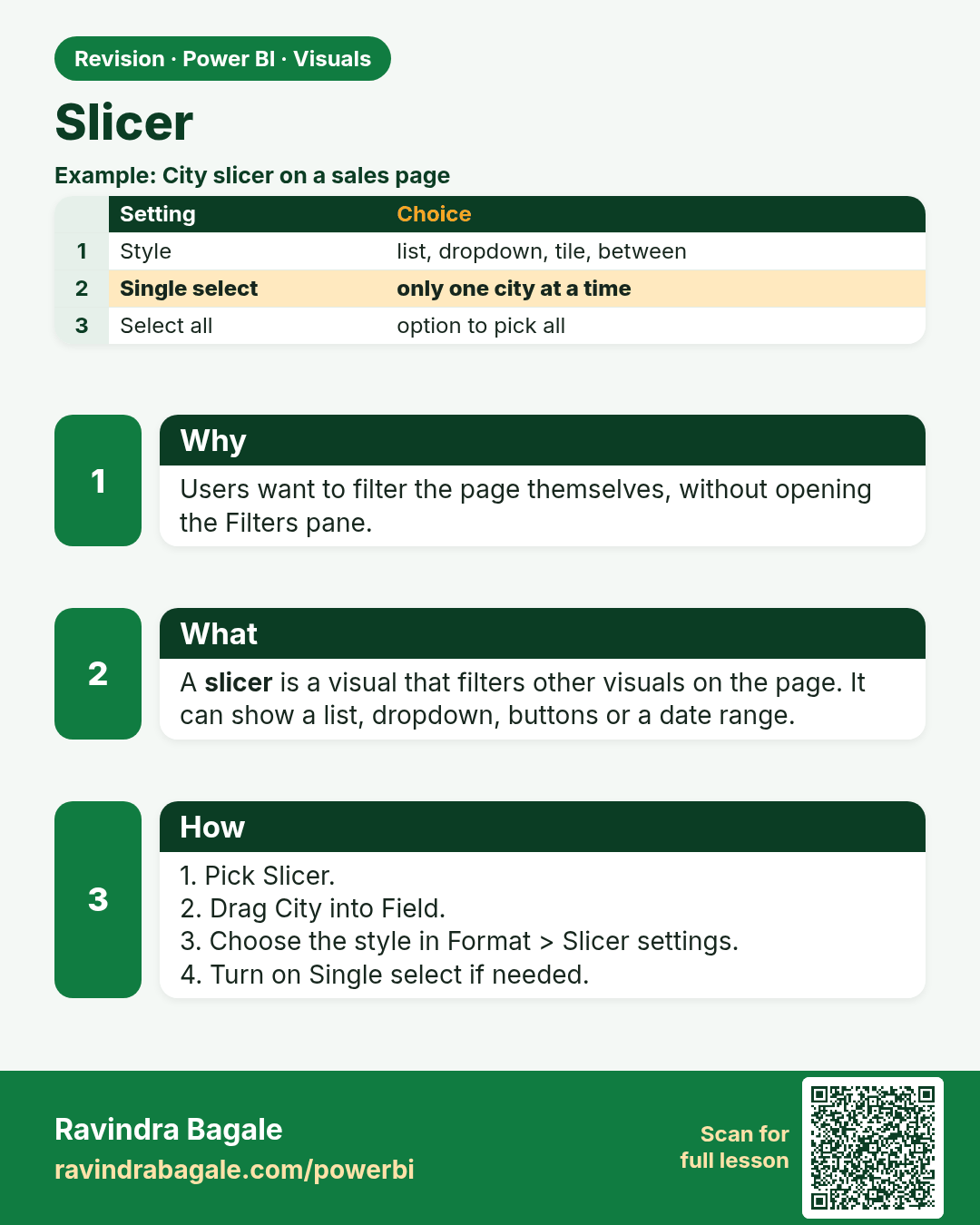
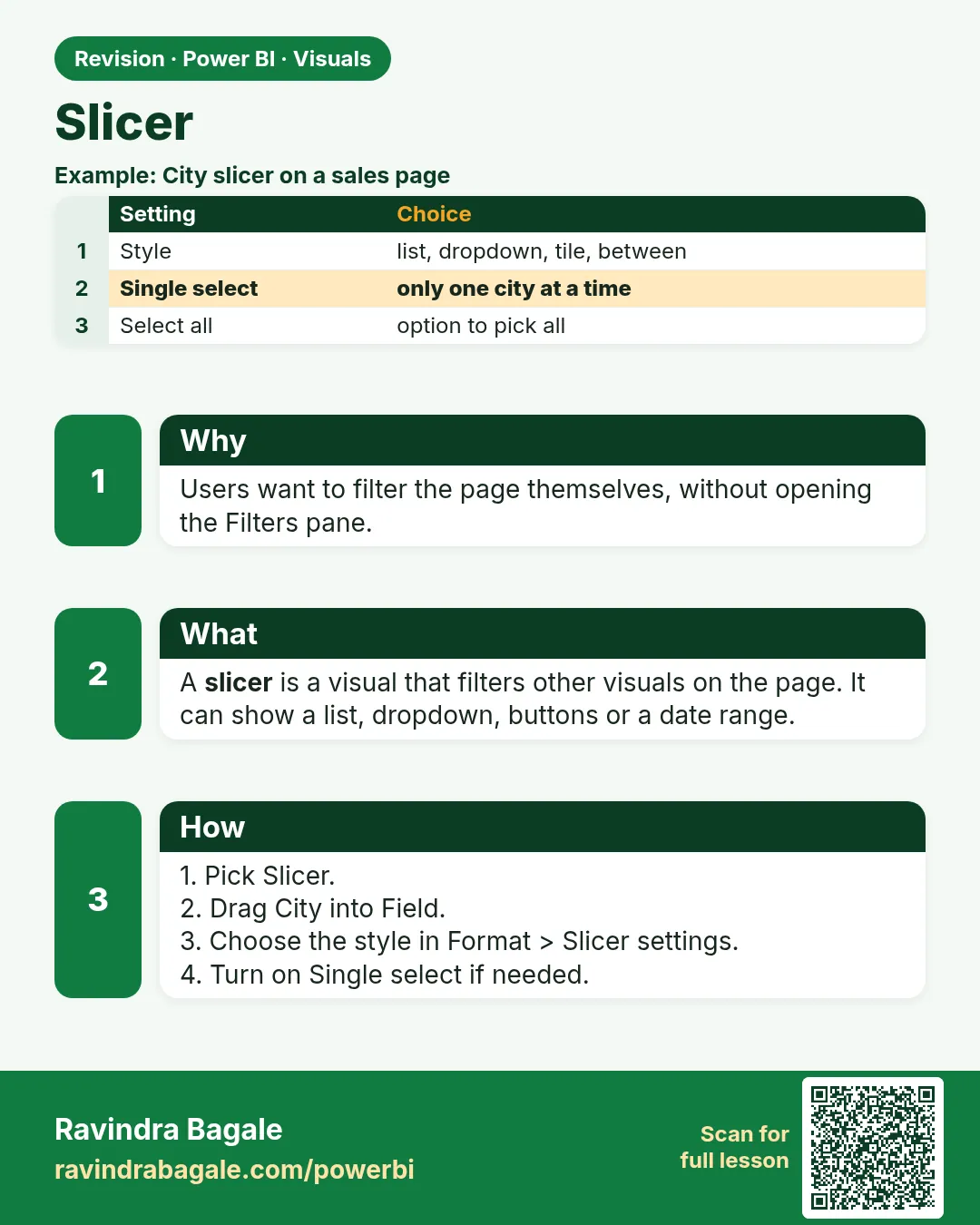 Revision card 16 of 27: Slicer · Download PNG · Open card page
Lesson: 14.16 Slicer
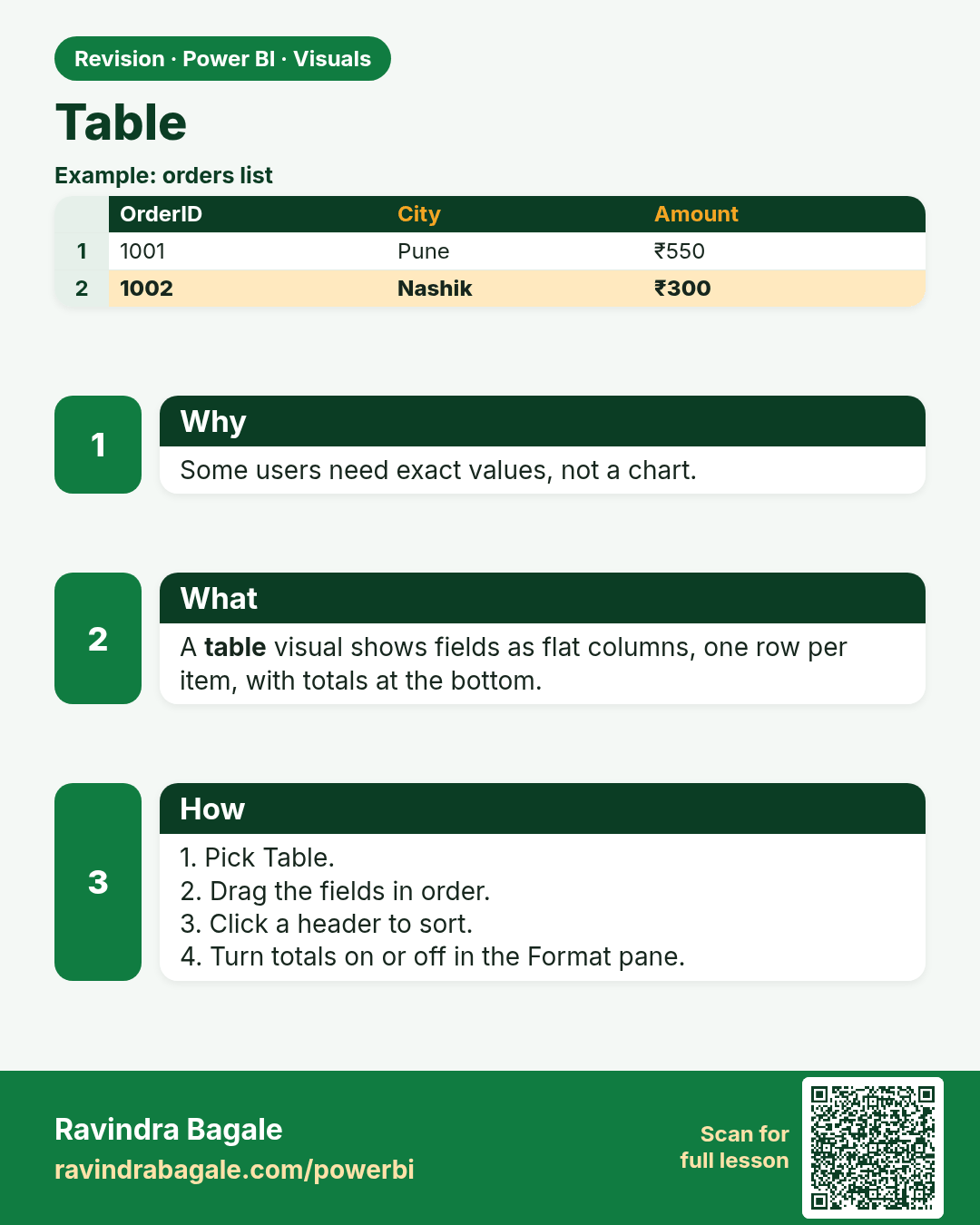
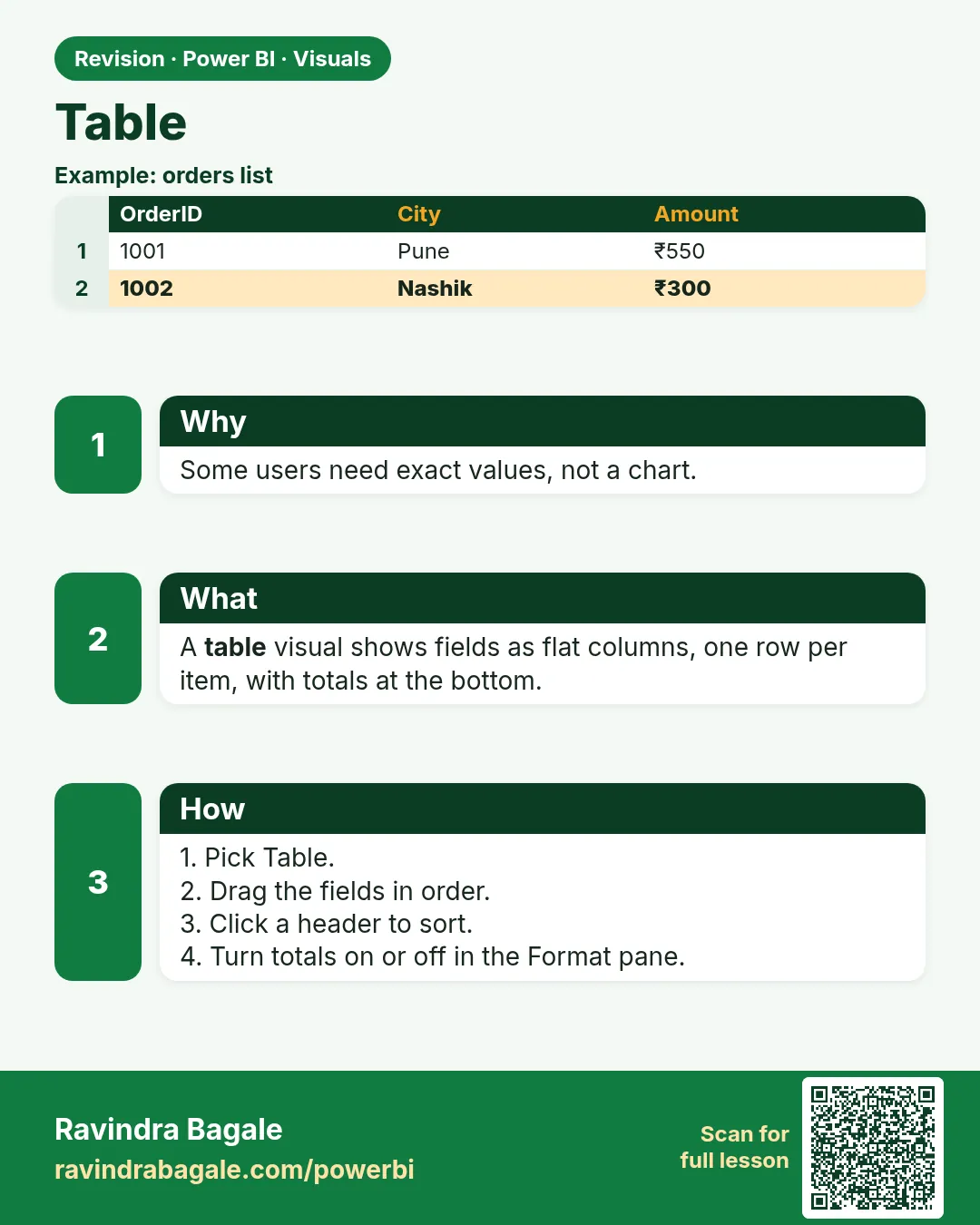 Revision card 17 of 27: Table · Download PNG · Open card page
Lesson: 14.17 Table
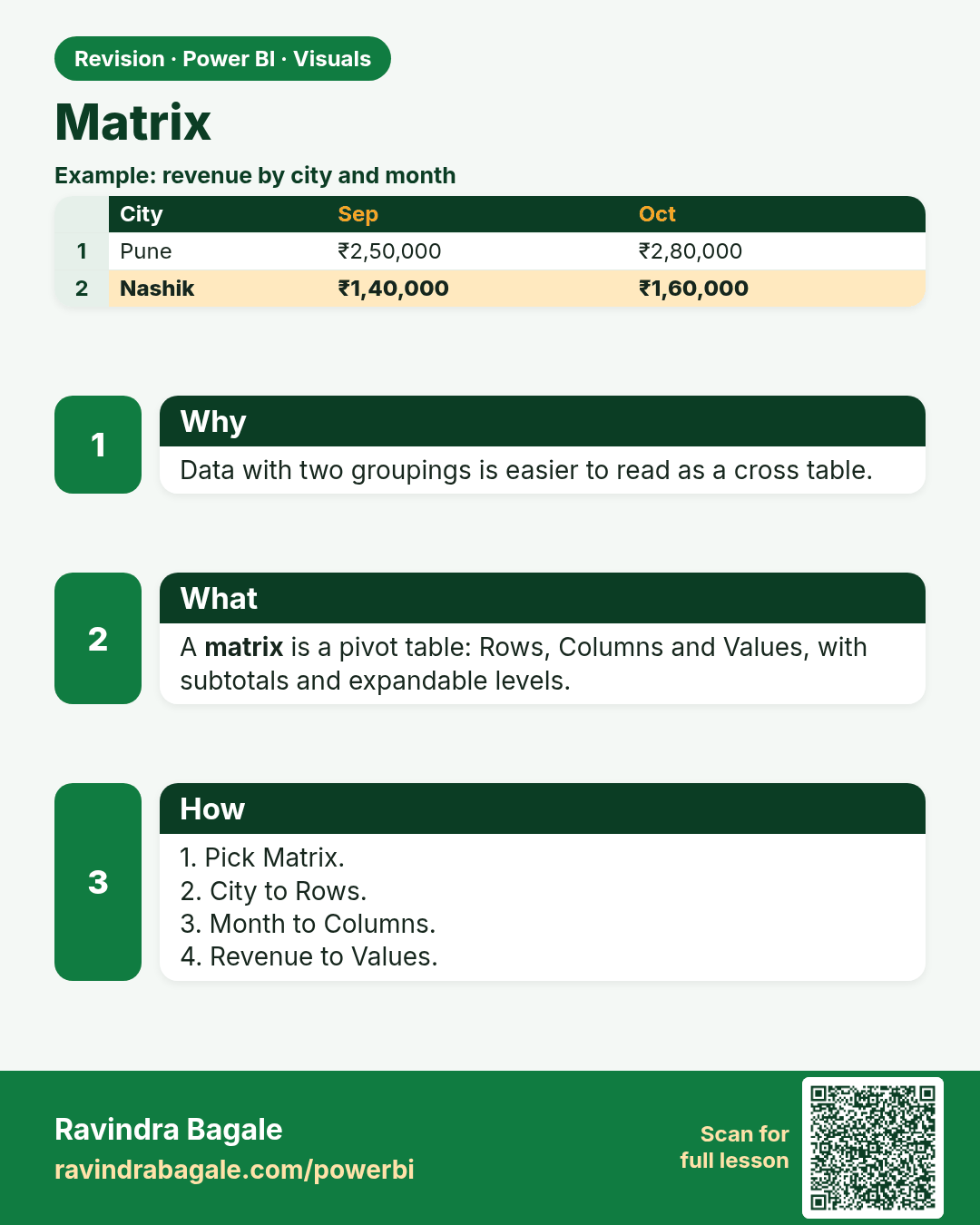
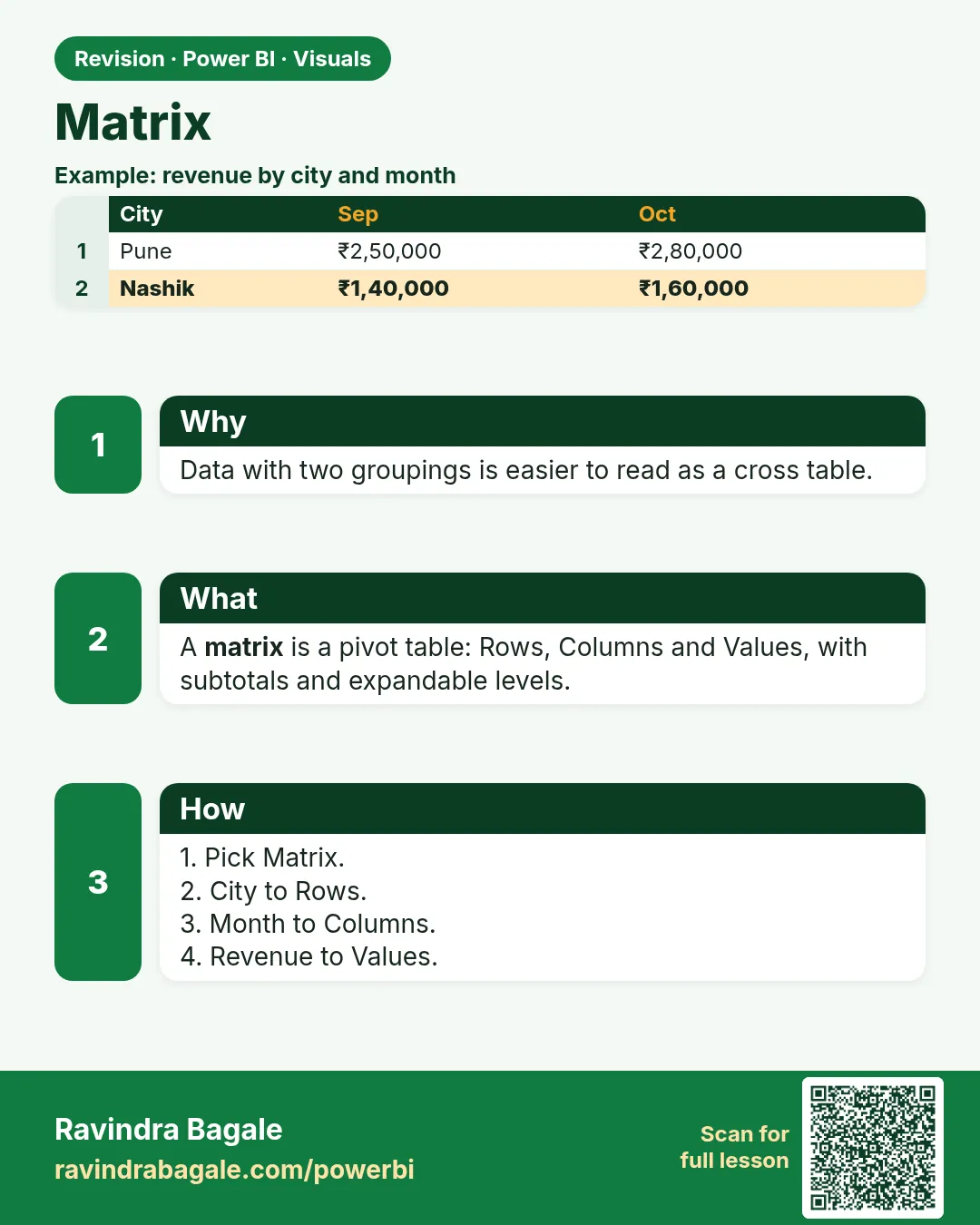 Revision card 18 of 27: Matrix · Download PNG · Open card page
Lesson: 14.18 Matrix
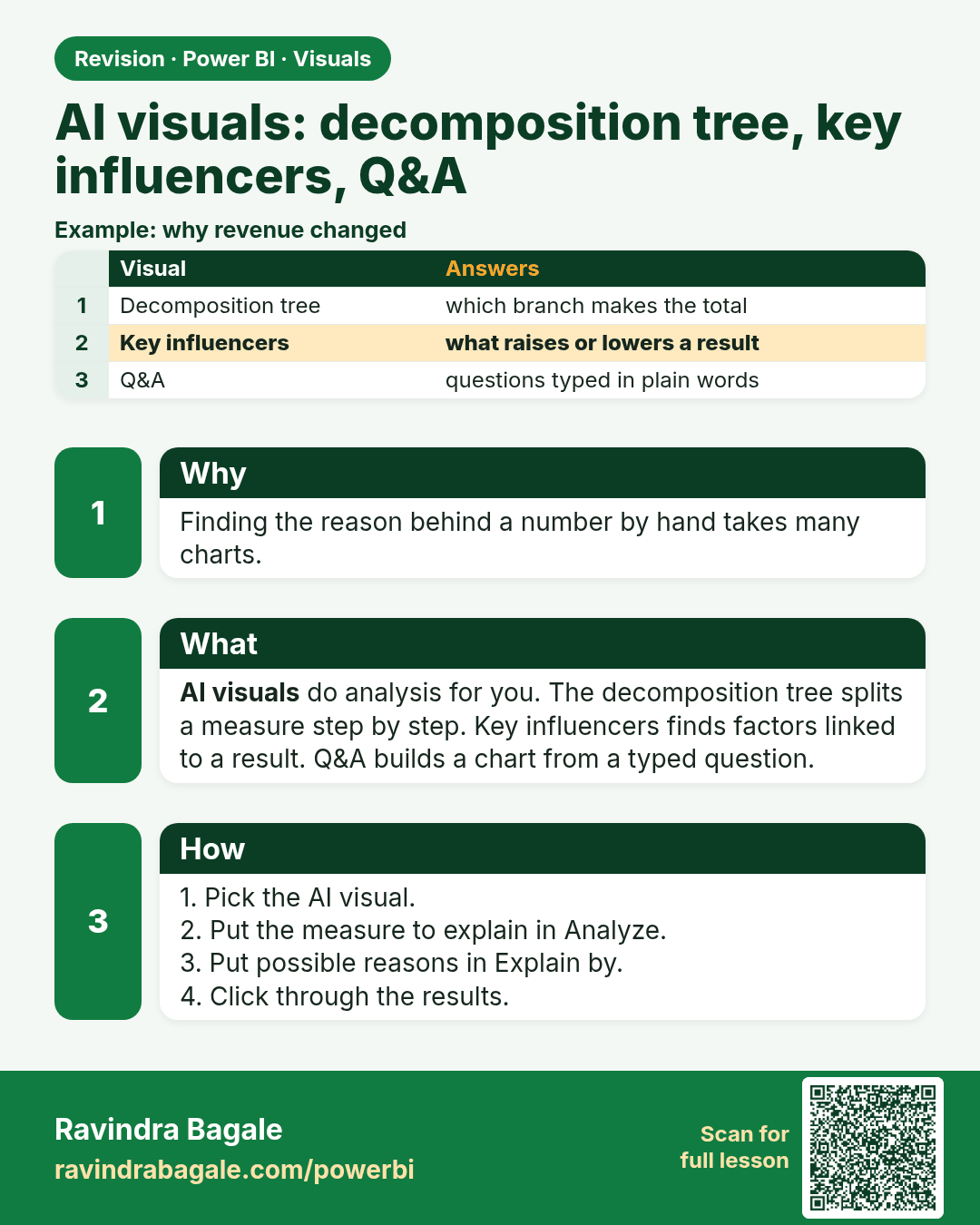
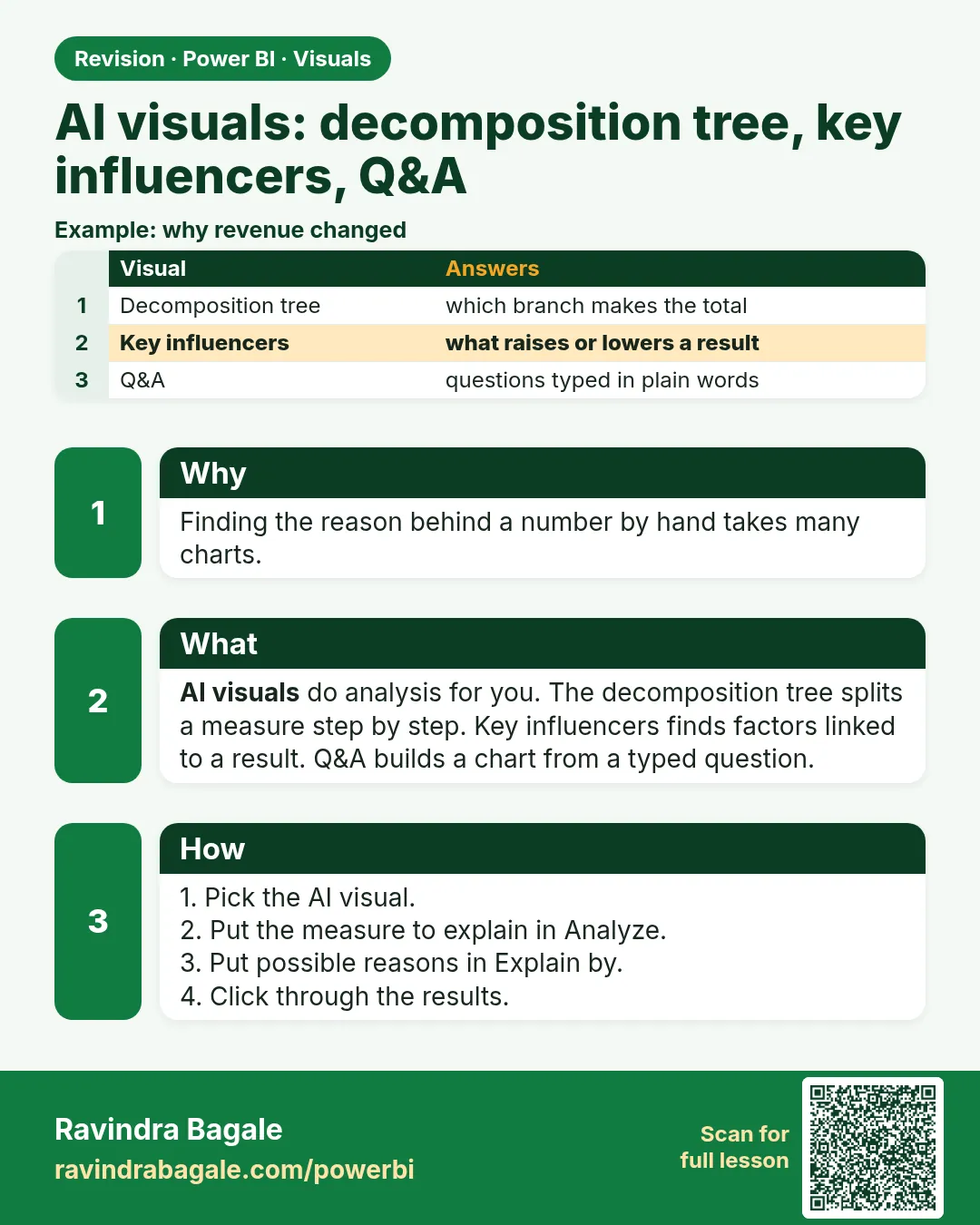 Revision card 19 of 27: AI visuals: decomposition tree, key influencers, Q&A · Download PNG · Open card page
Lesson: 14.19 AI Visuals: Decomposition Tree, Key Influencers, Q&A, Narrative
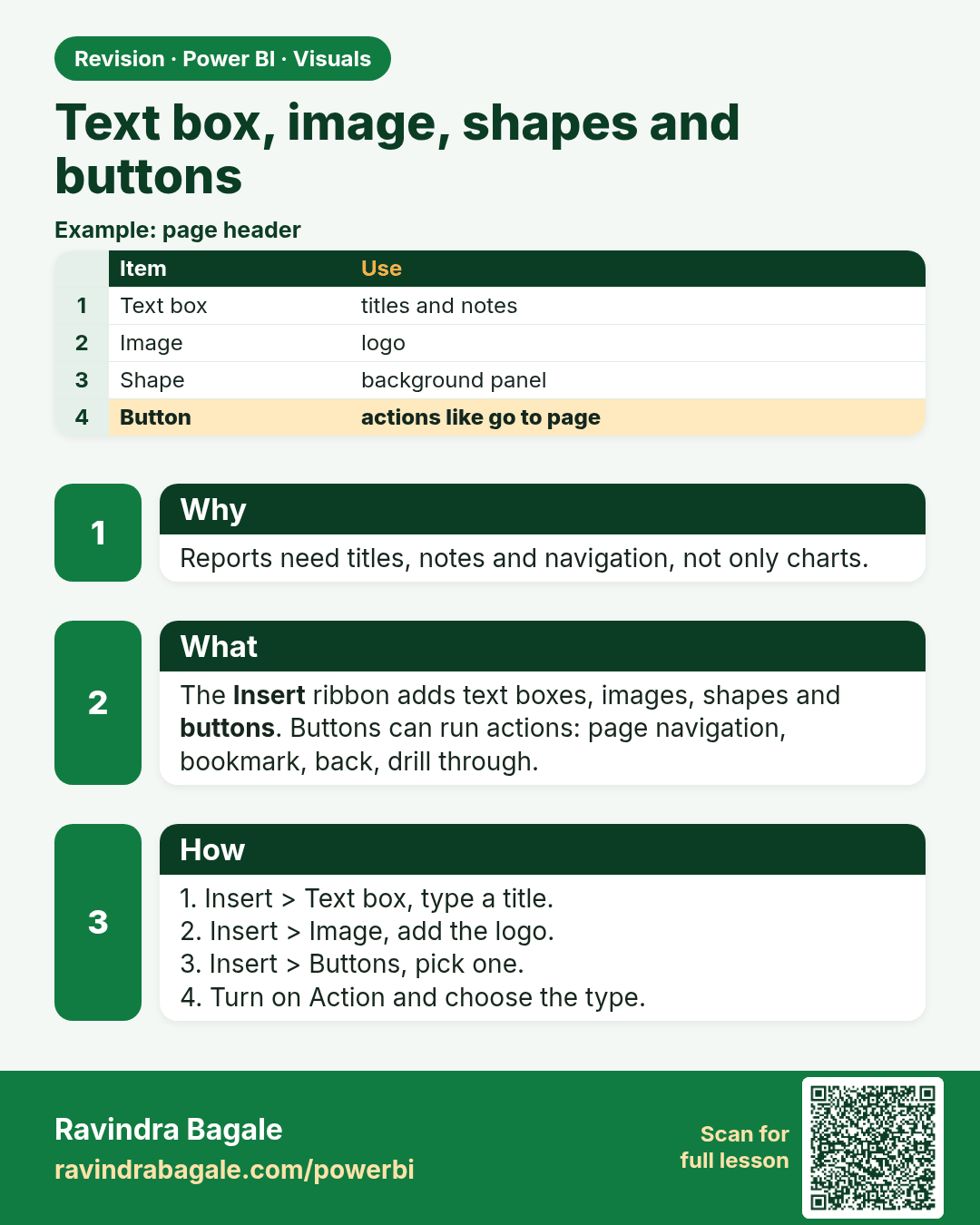
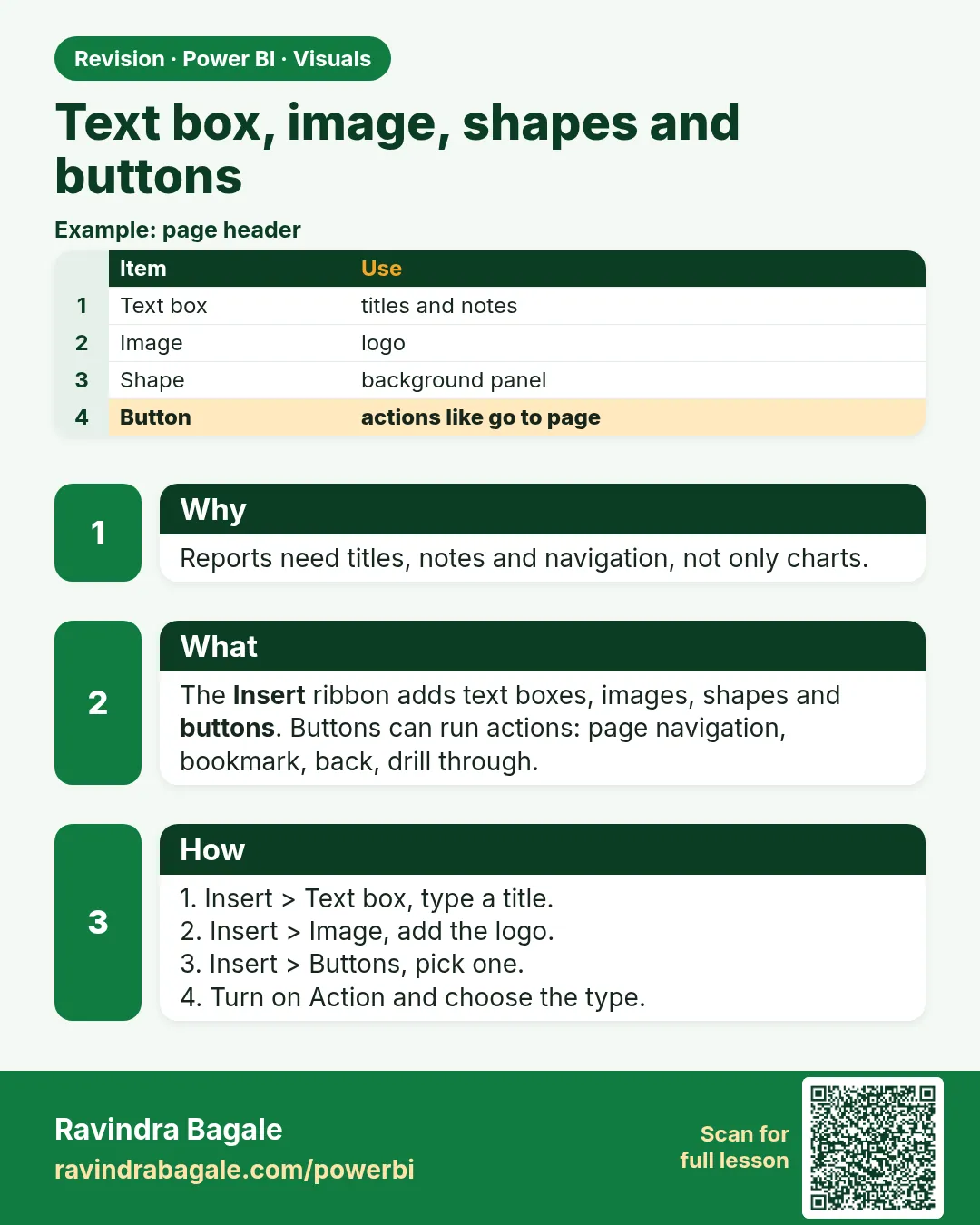 Revision card 20 of 27: Text box, image, shapes and buttons · Download PNG · Open card page
Lesson: 14.20 Text Box, Image, Shapes and Buttons
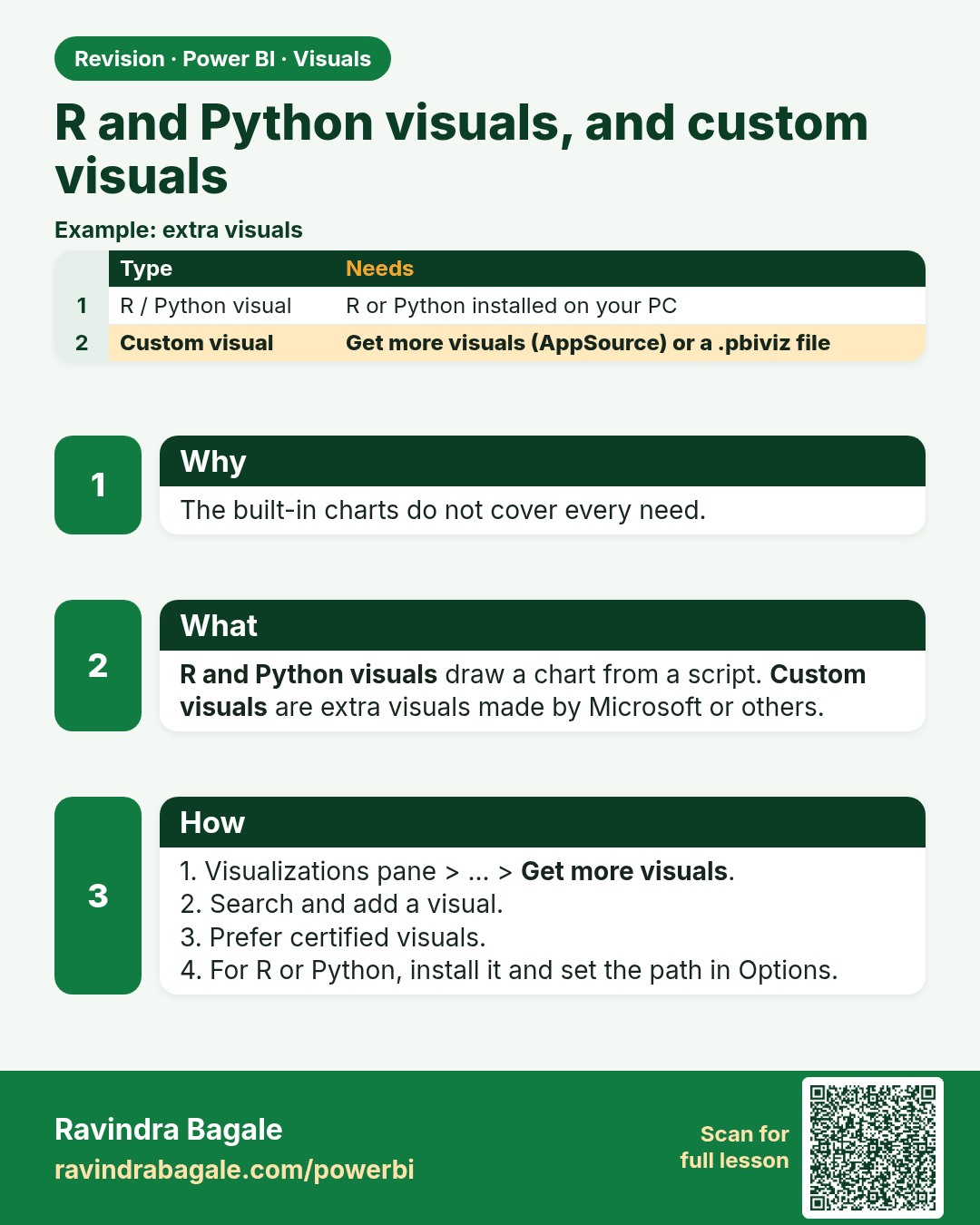
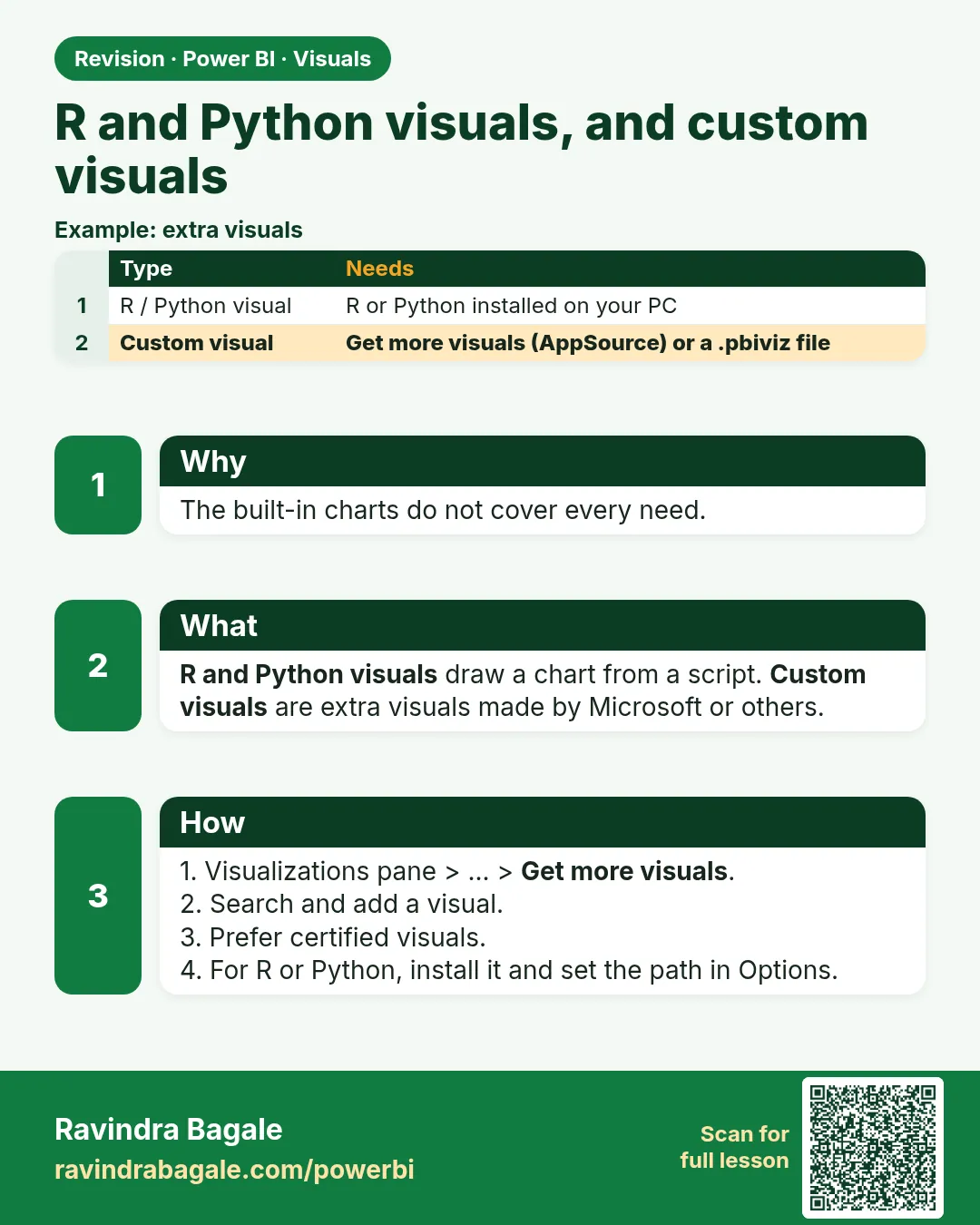 Revision card 21 of 27: R and Python visuals, and custom visuals · Download PNG · Open card page
Lesson: 14.21 R and Python Visuals, and Custom Visuals from AppSource
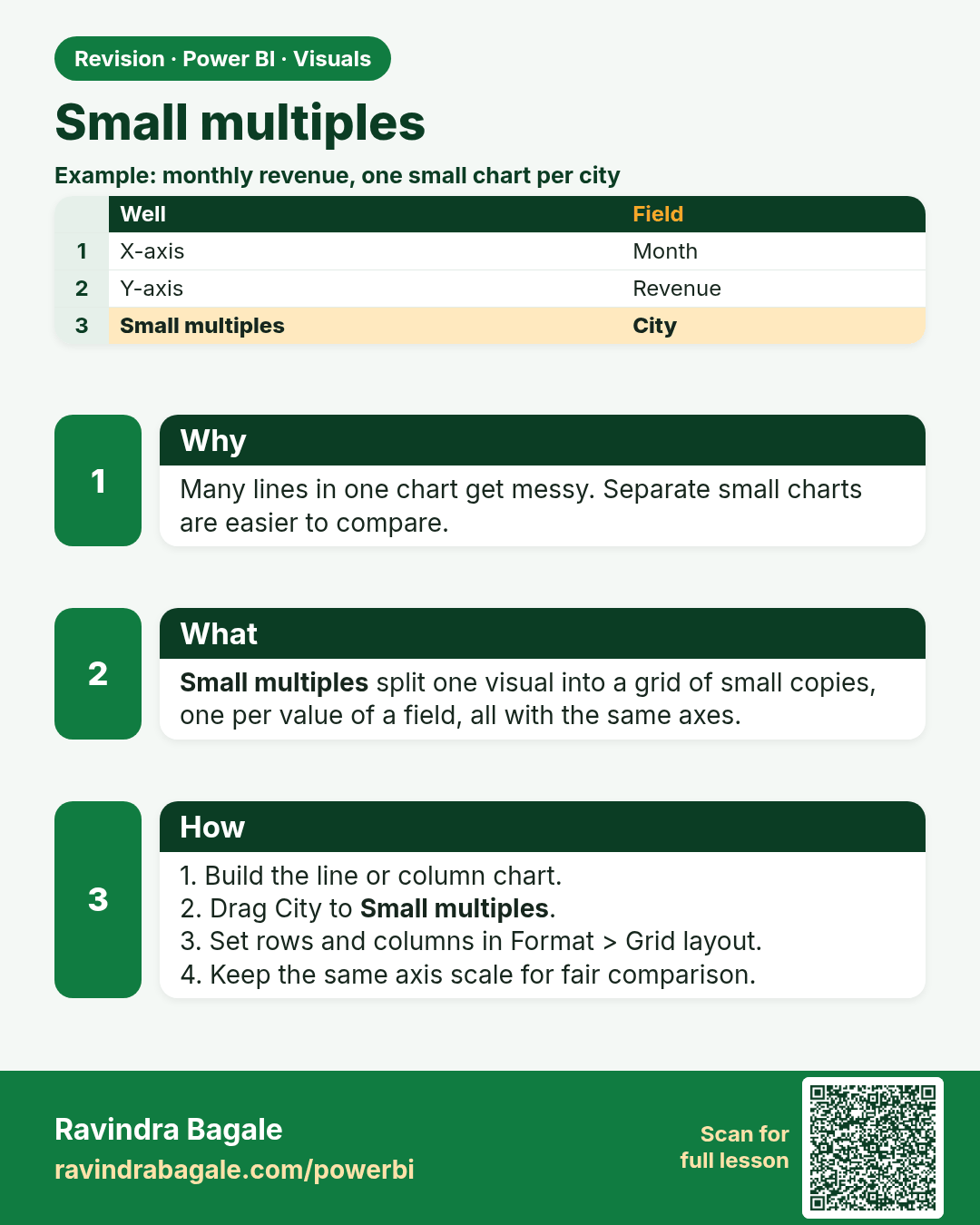
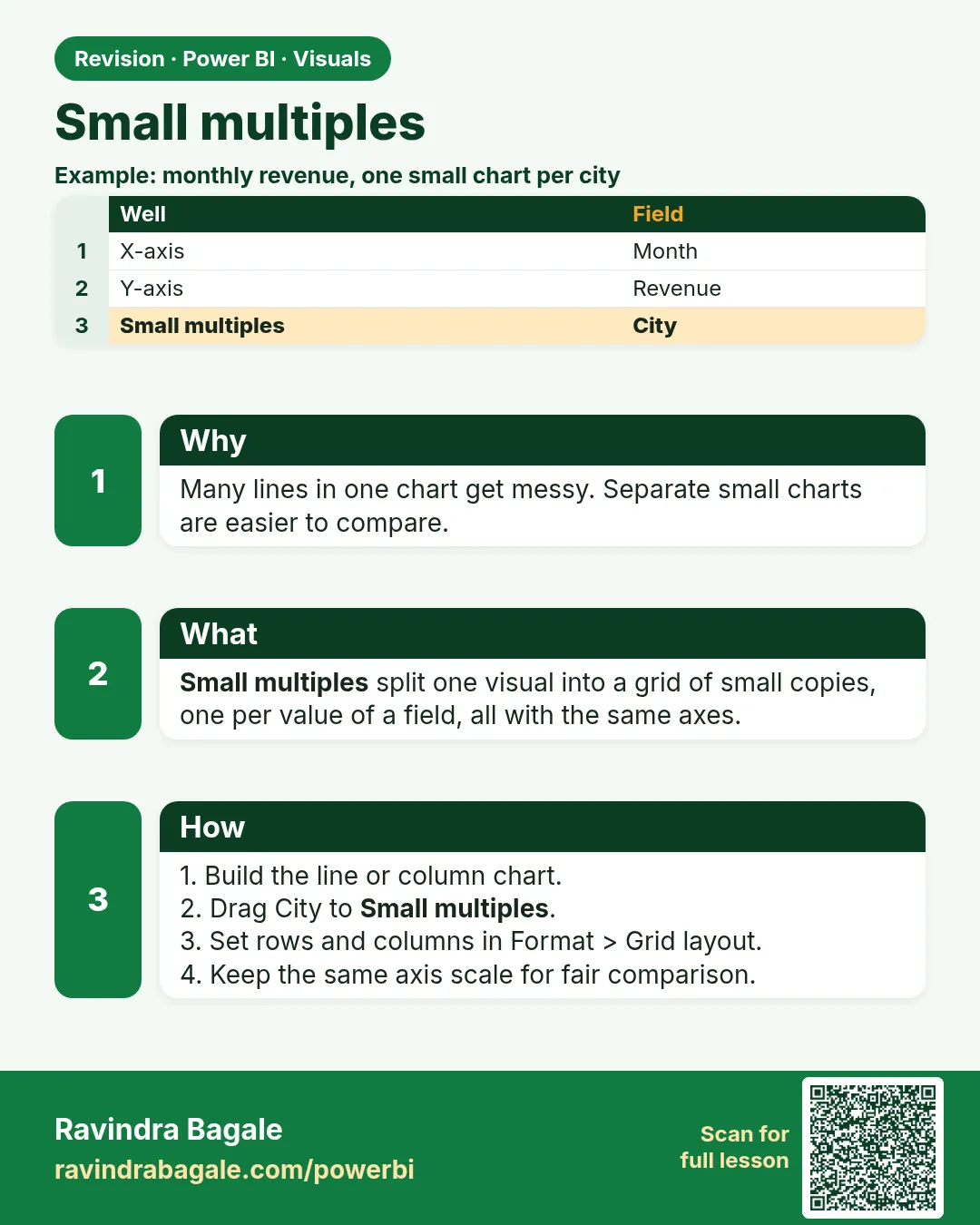 Revision card 22 of 27: Small multiples · Download PNG · Open card page
Lesson: 14.22 Small Multiples and Visual Calculations (Quick Look)
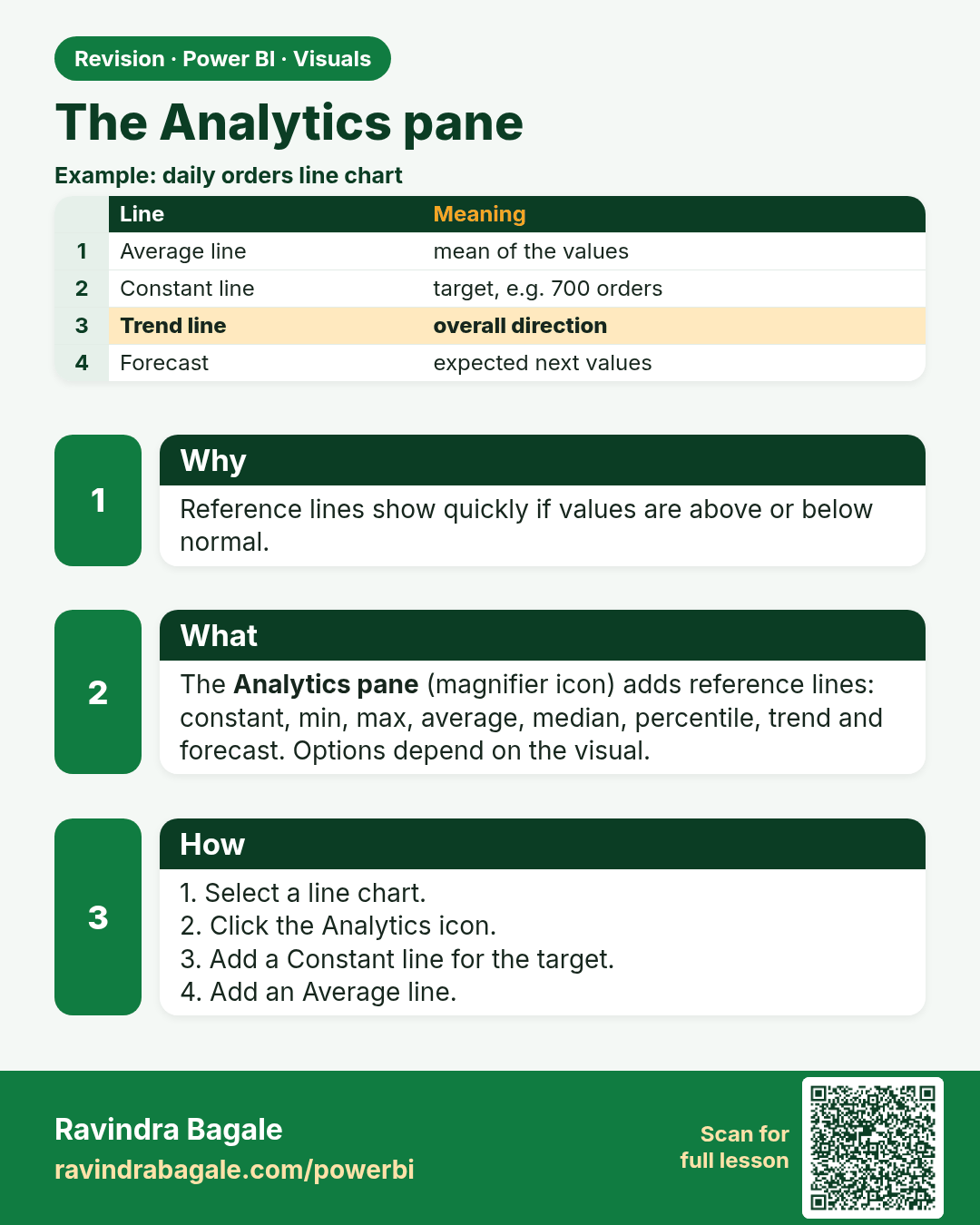
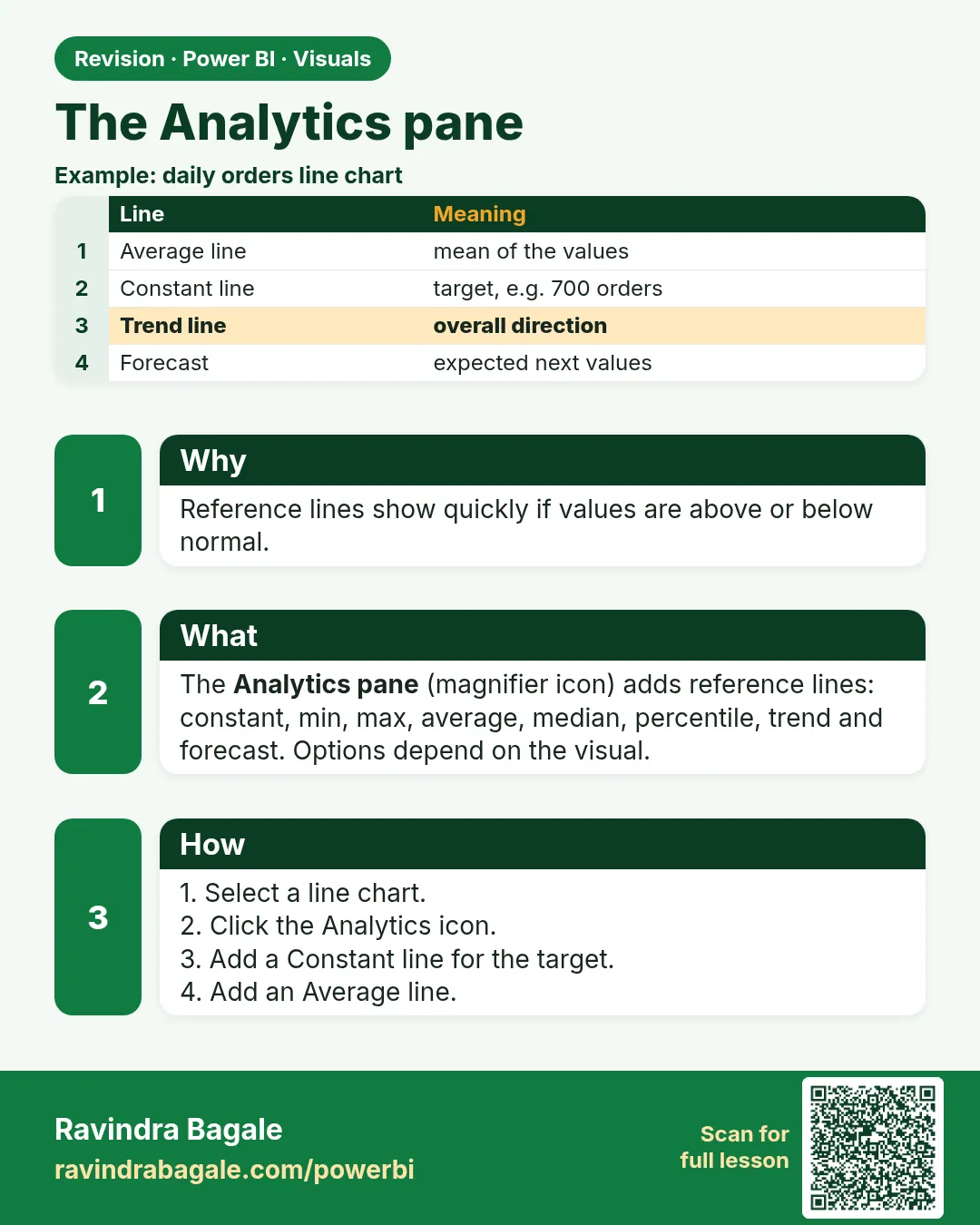 Revision card 23 of 27: The Analytics pane · Download PNG · Open card page
Lesson: 14.23 The Analytics Pane
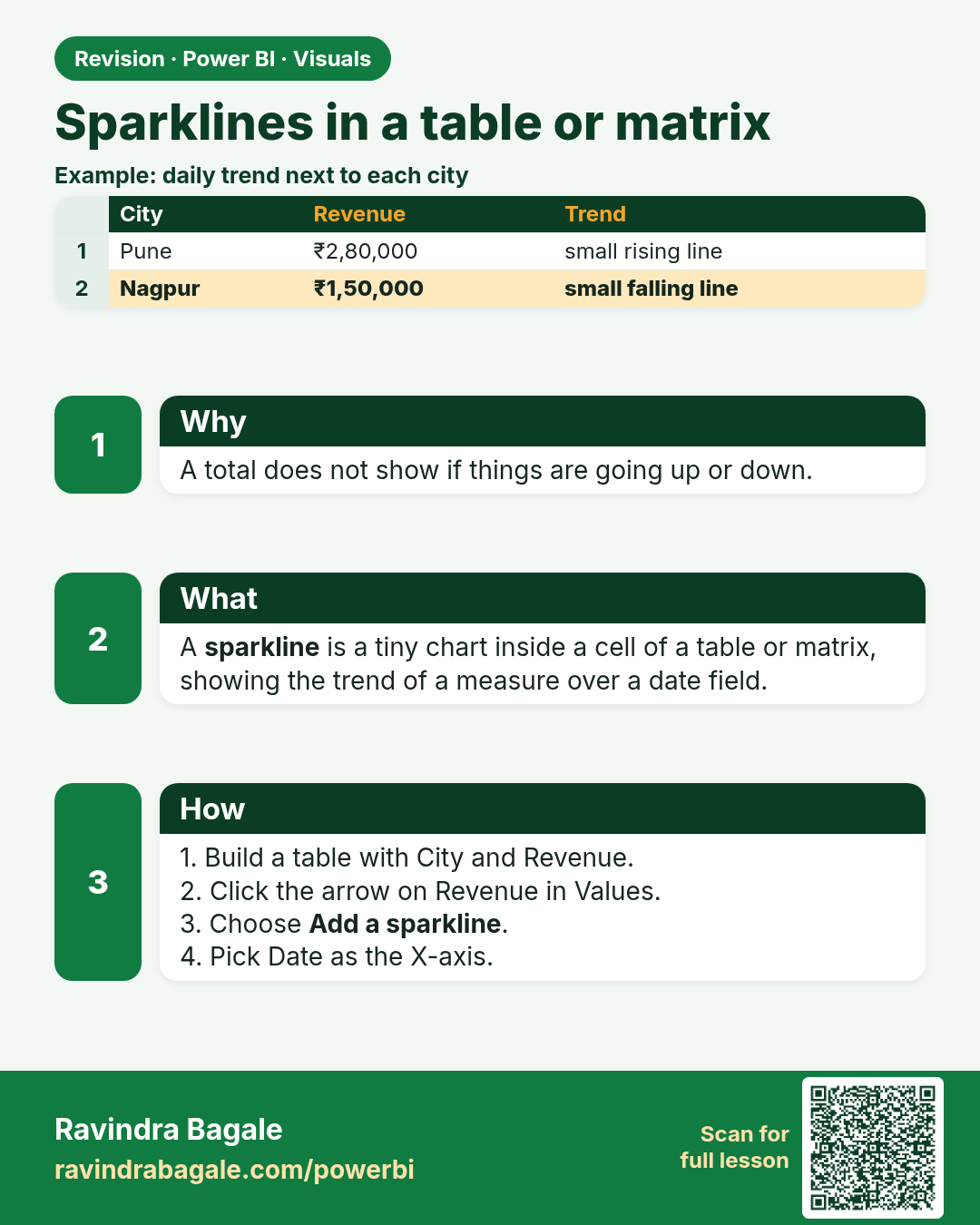
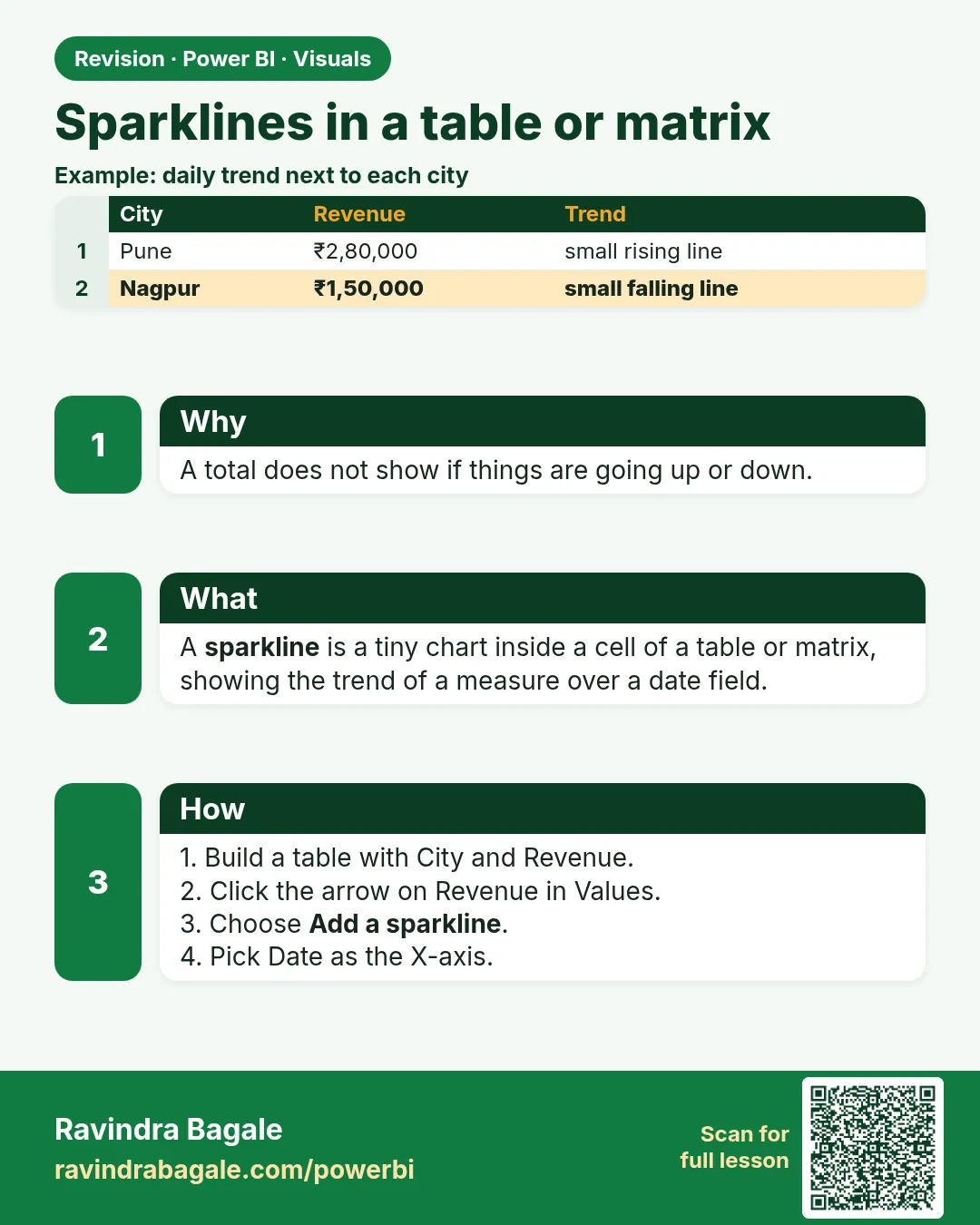 Revision card 24 of 27: Sparklines in a table or matrix · Download PNG · Open card page
Lesson: 14.24 Sparklines in a Table or Matrix
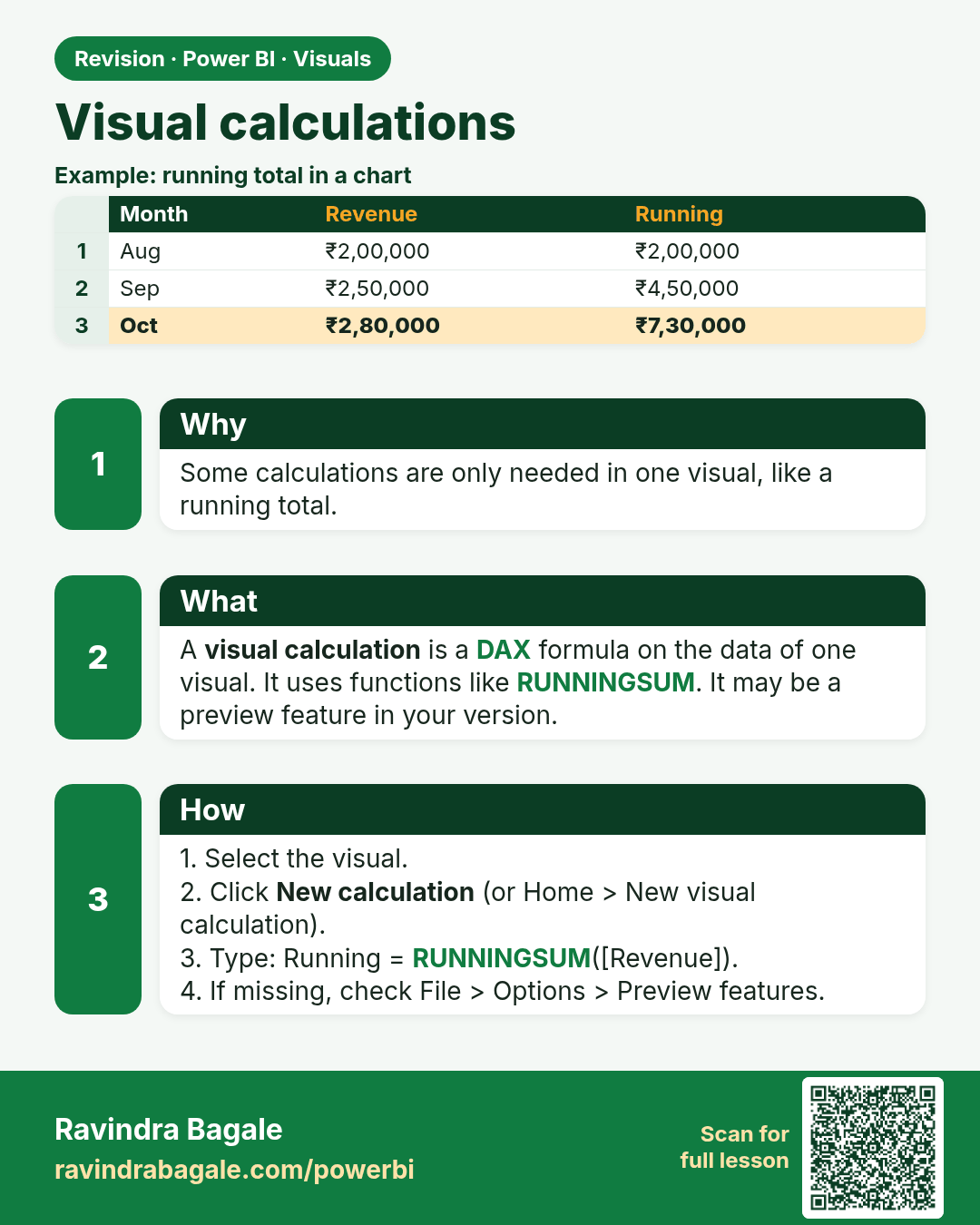
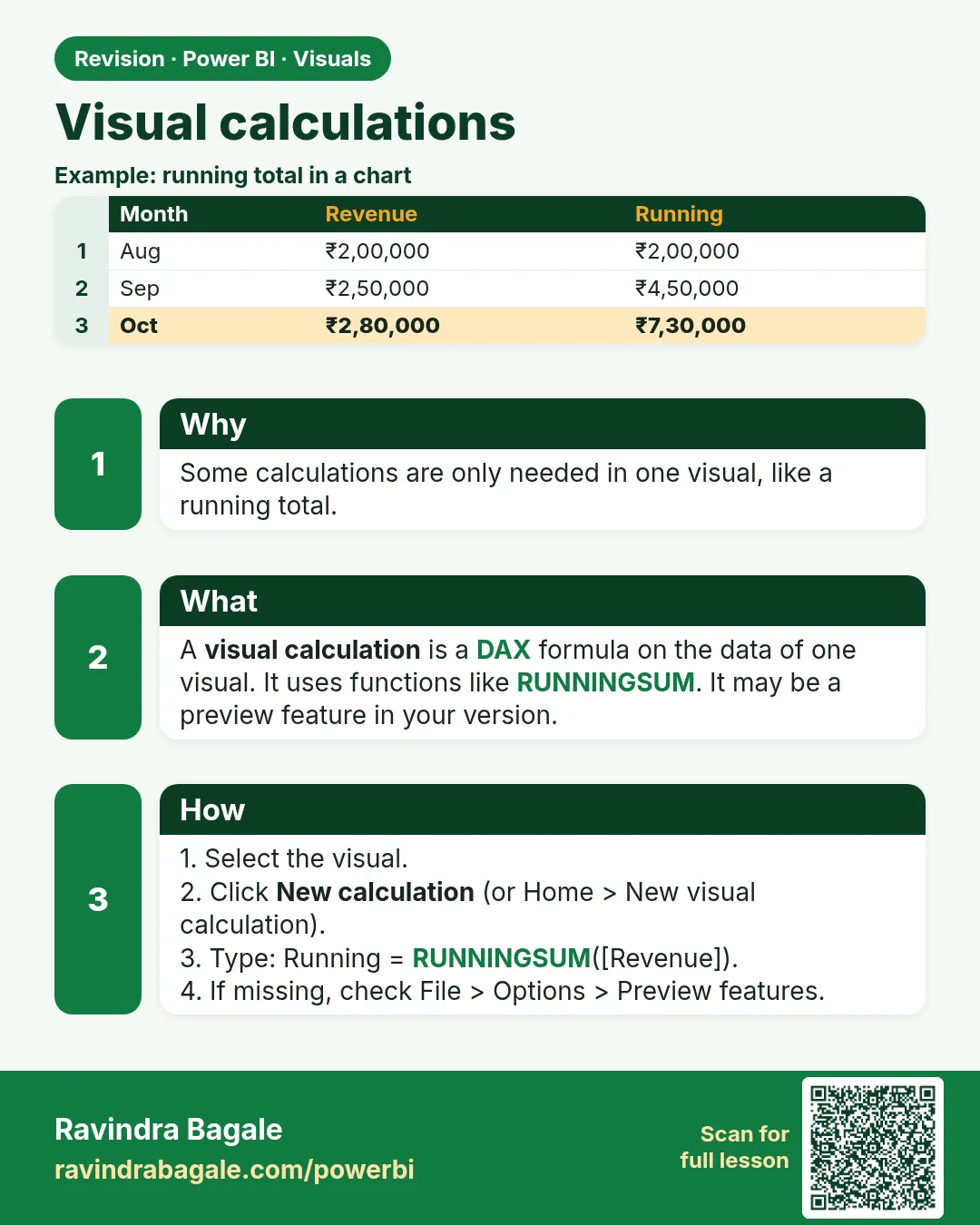 Revision card 25 of 27: Visual calculations · Download PNG · Open card page
Lesson: 14.25 Visual Calculations (Version-Dependent)
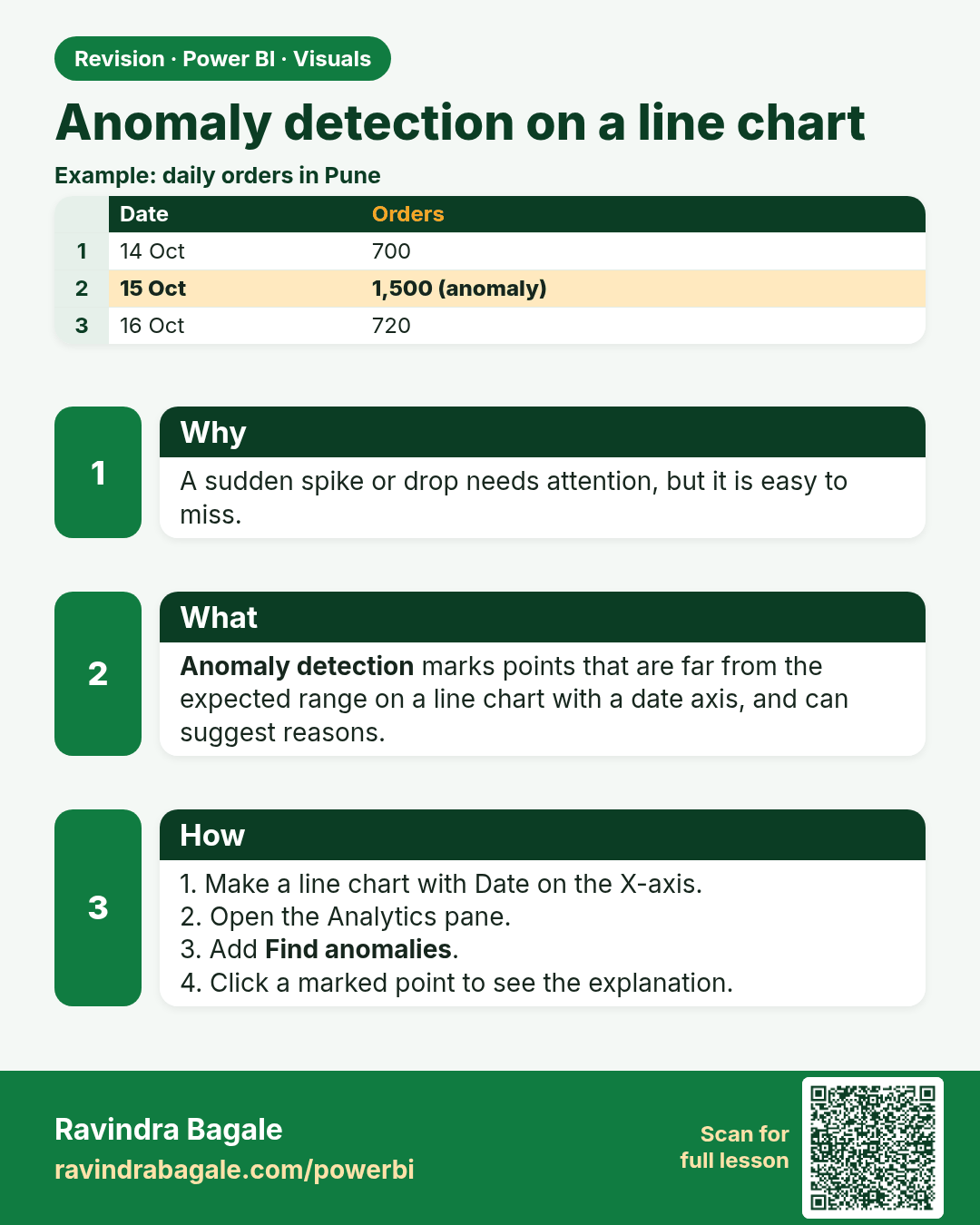
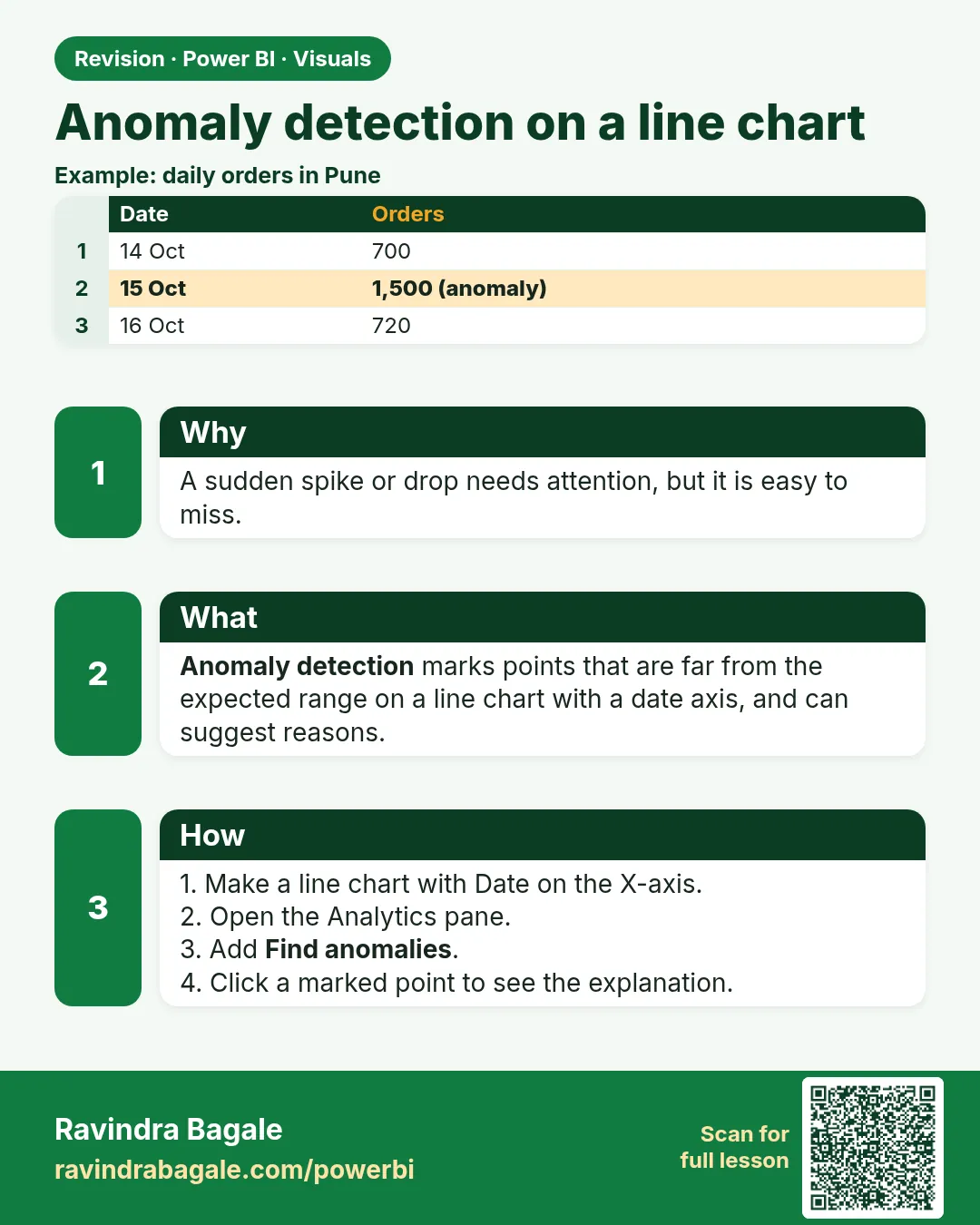 Revision card 26 of 27: Anomaly detection on a line chart · Download PNG · Open card page
Lesson: 14.26 Anomaly Detection on a Line Chart
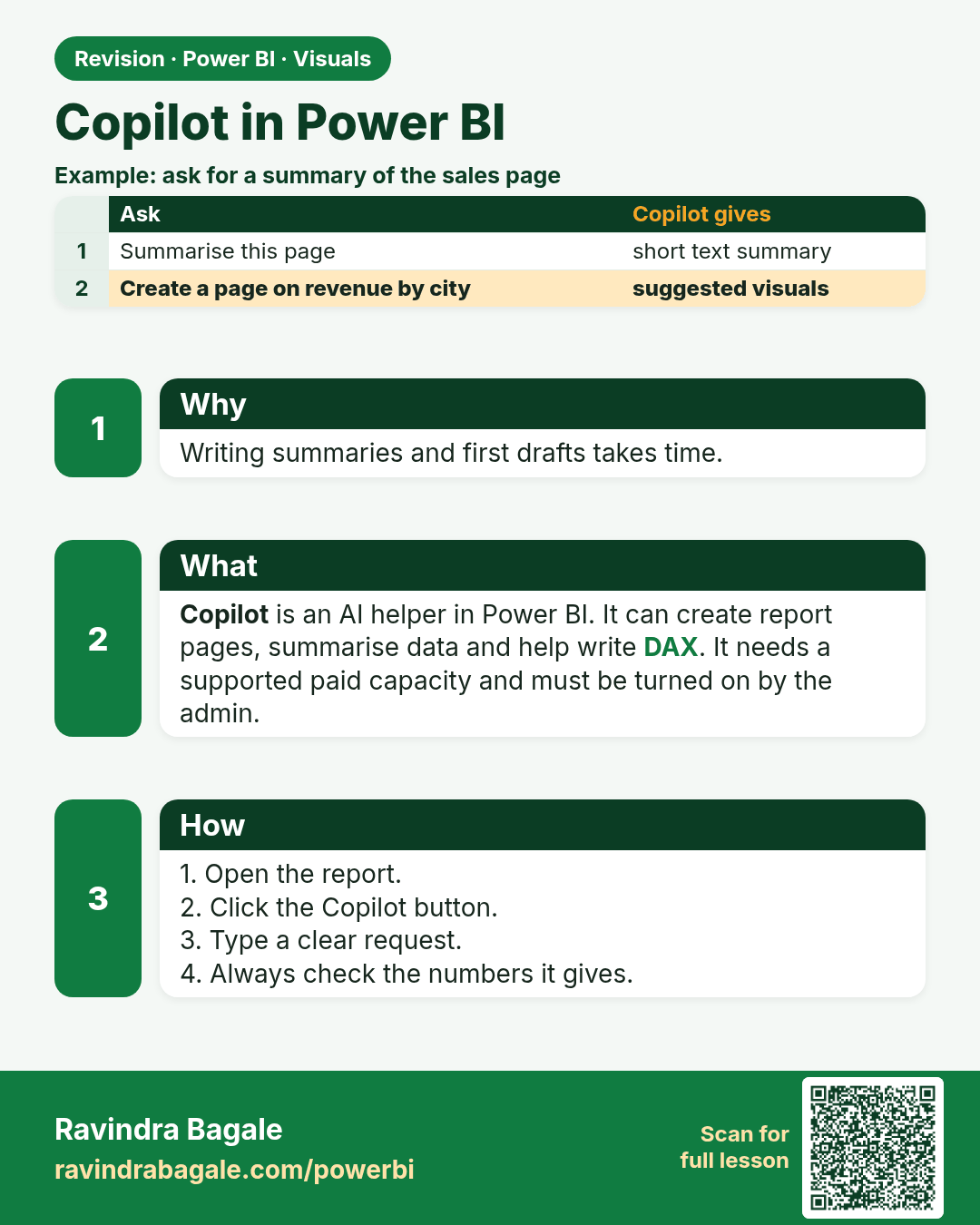
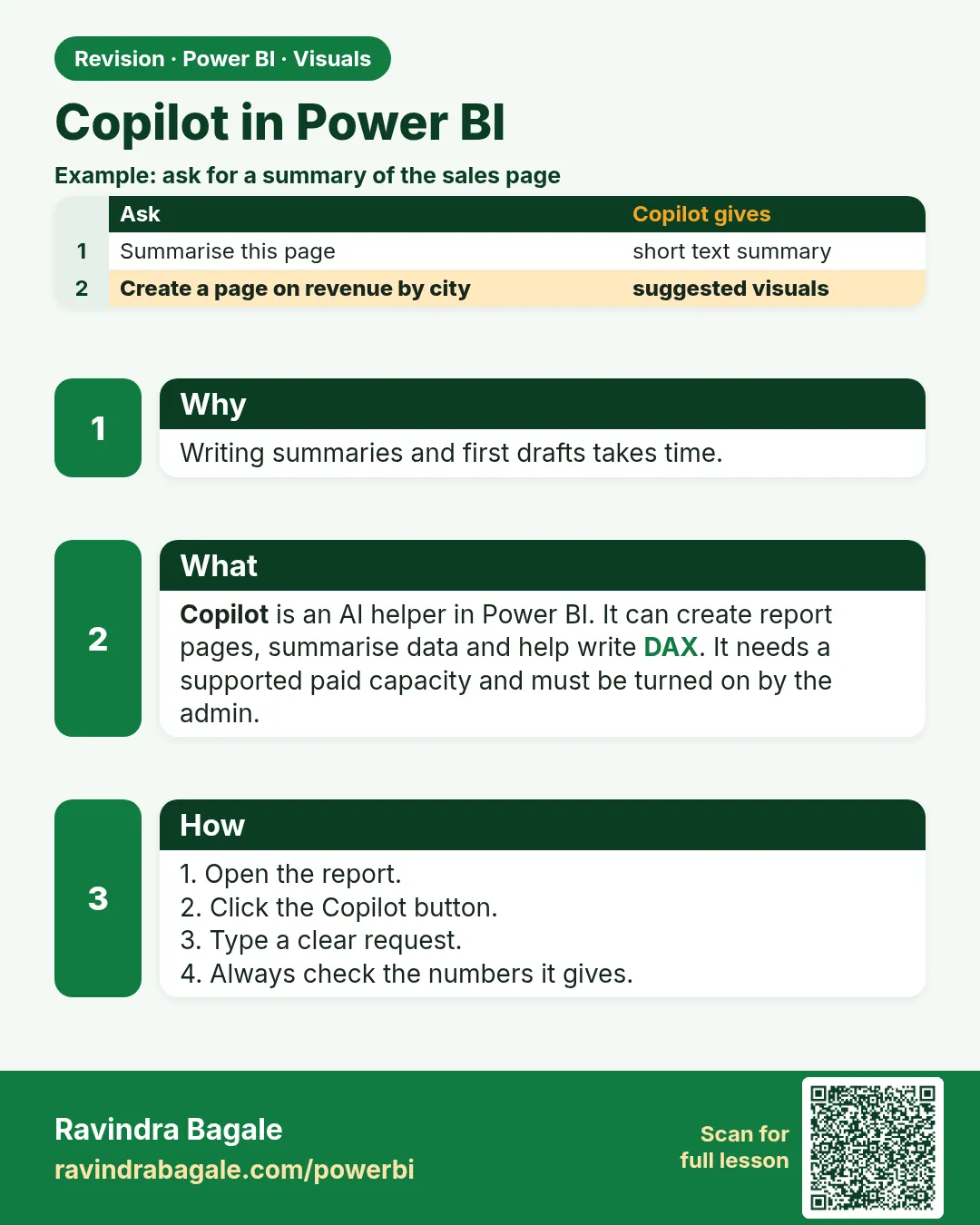 Revision card 27 of 27: Copilot in Power BI · Download PNG · Open card page
Lesson: 14.27 Copilot in Power BI
Interview cards
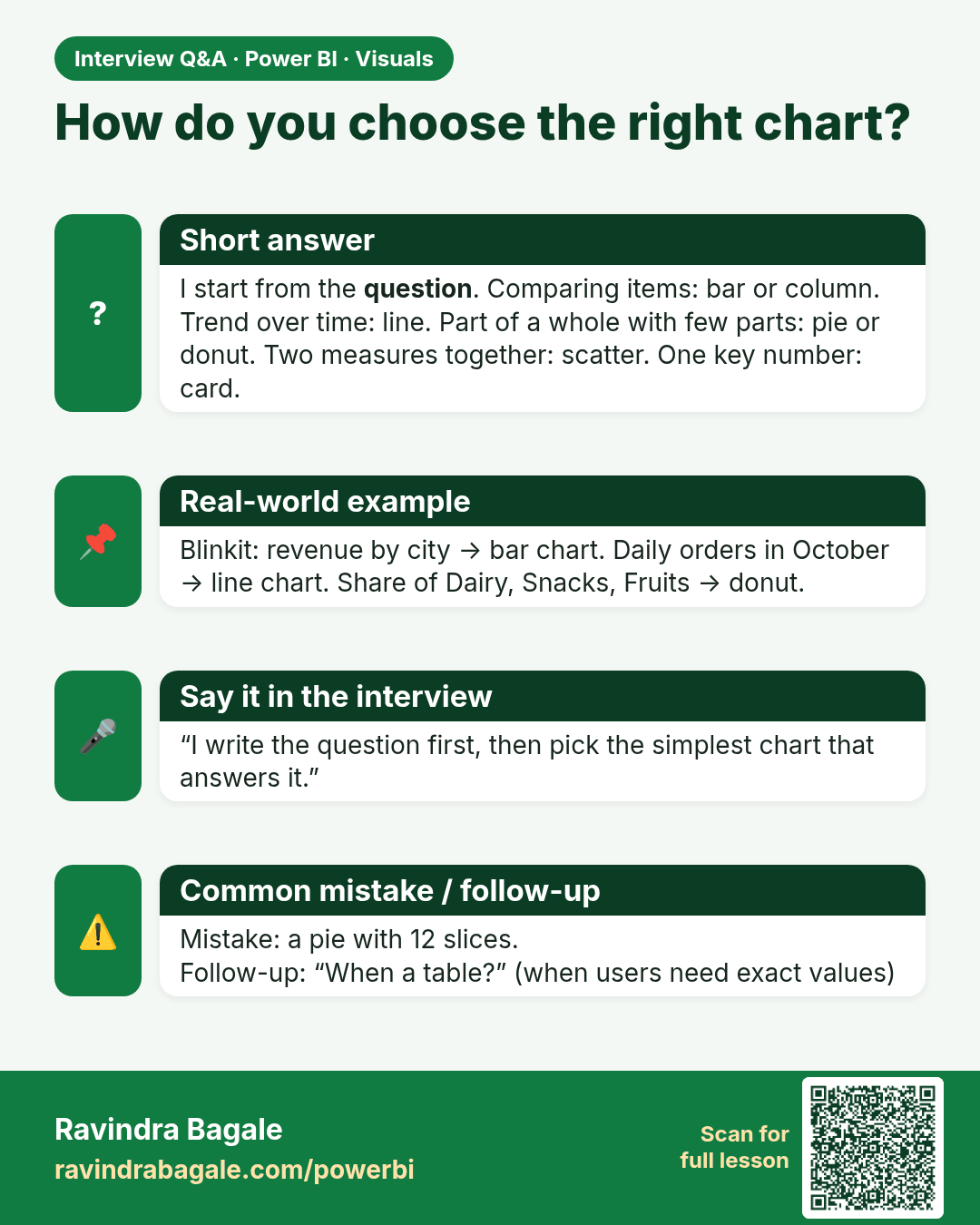
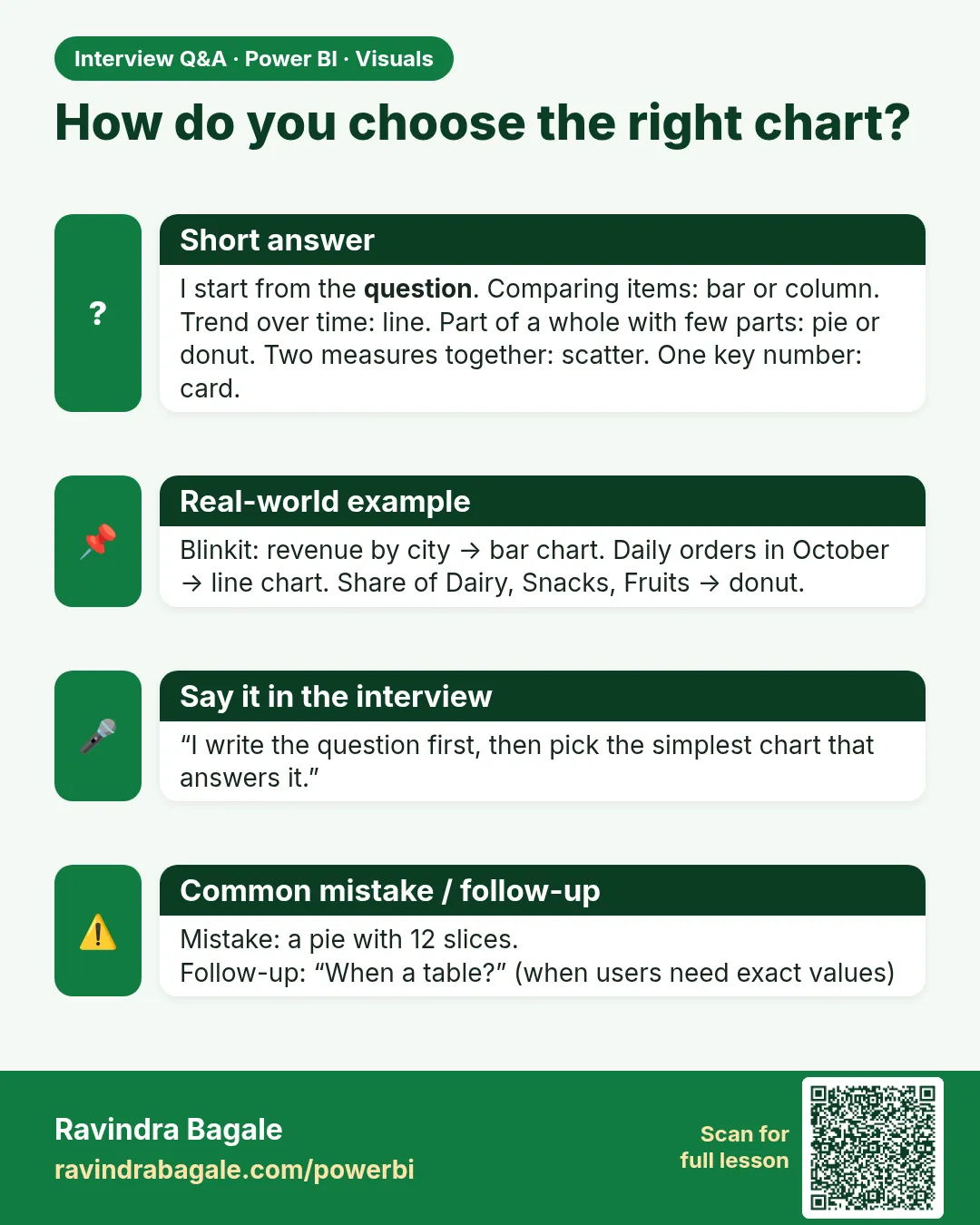 Interview card 1 of 2: How do you choose the right chart? · Download PNG · Open card page
Lesson: 14.3 Choose the Right Chart
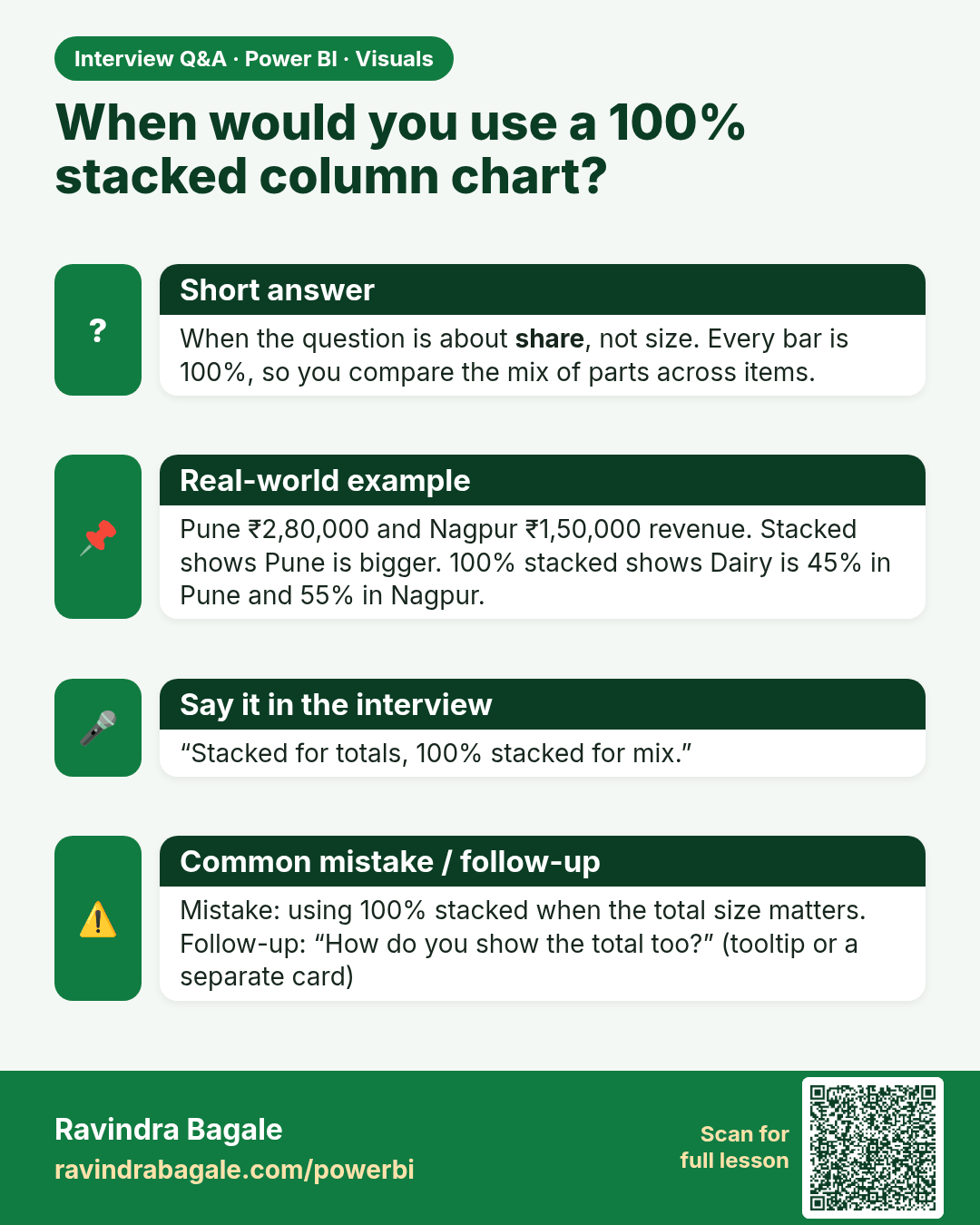
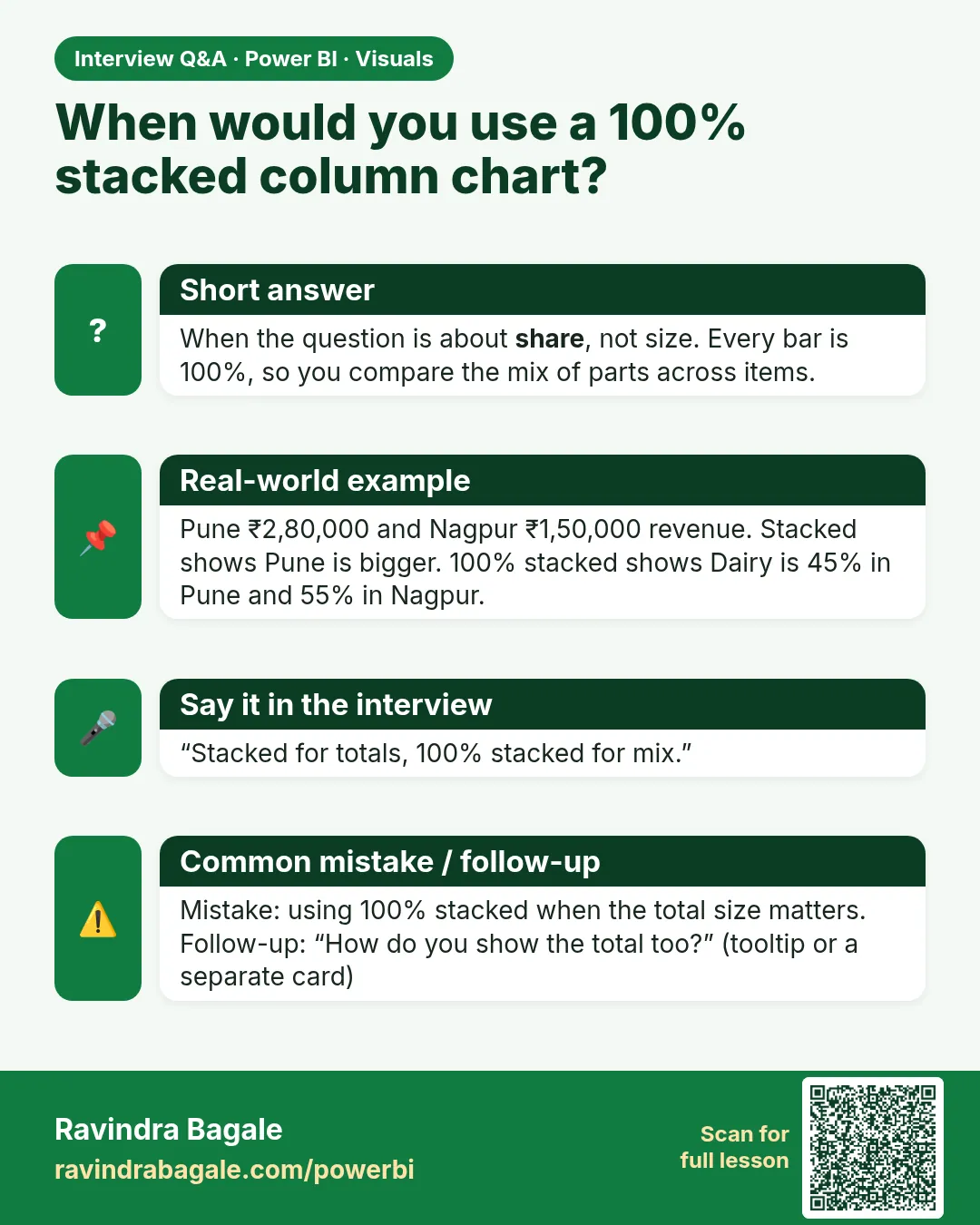 Interview card 2 of 2: When would you use a 100% stacked column chart? · Download PNG · Open card page
Lesson: 14.4 Bar and Column Charts (Stacked, Clustered, 100% Stacked)
Comparison cards
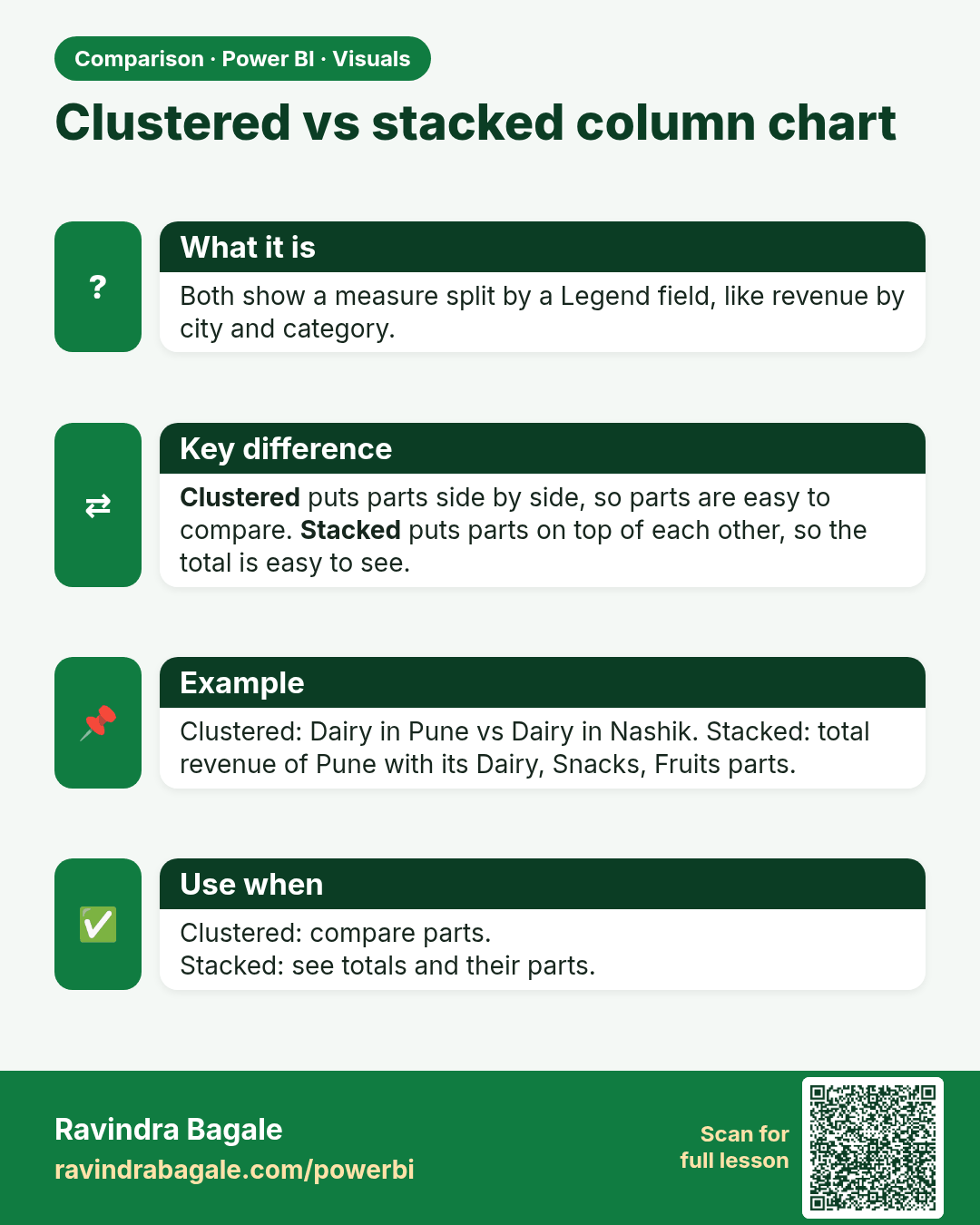
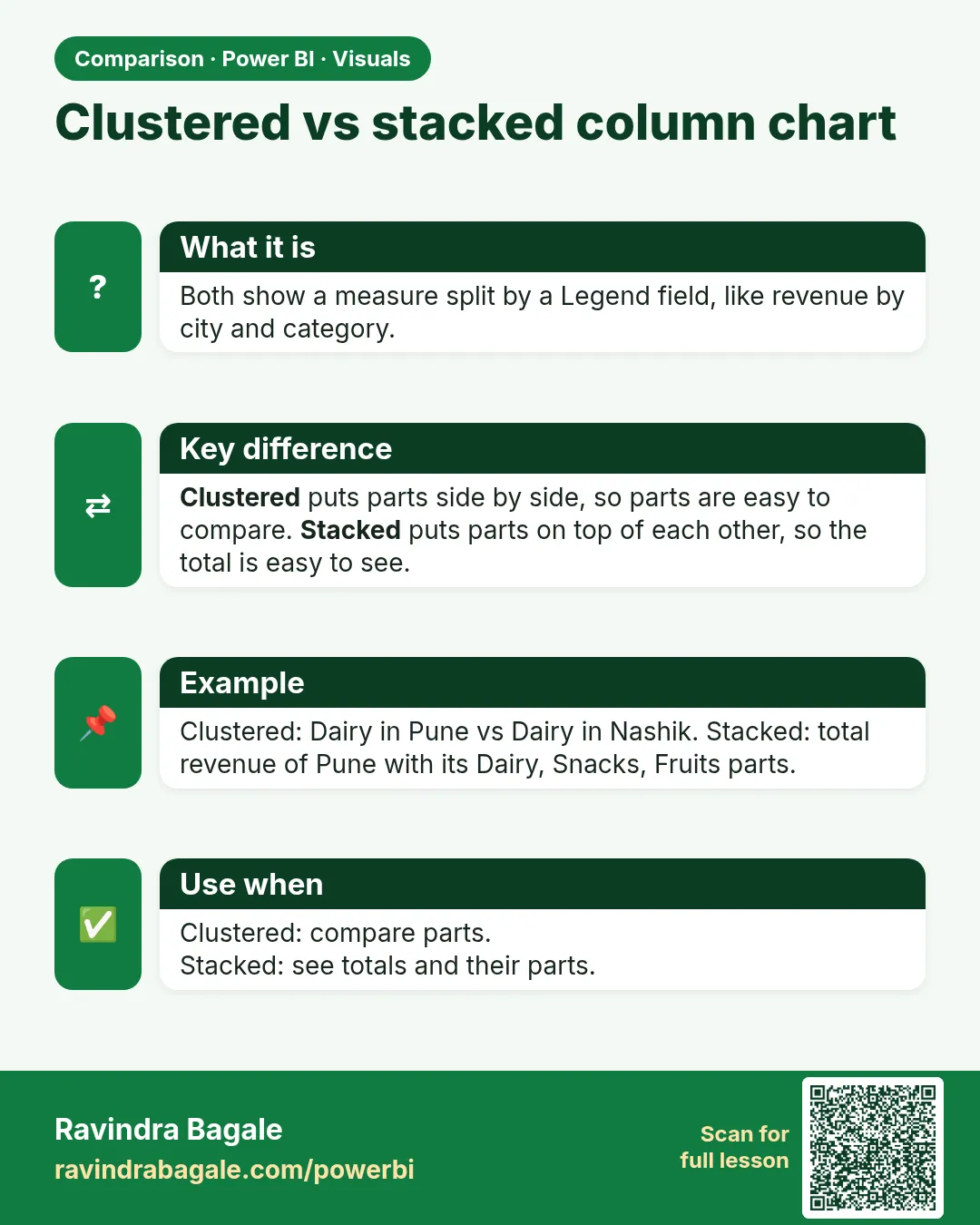 Comparison card 1 of 3: Clustered vs stacked column chart · Download PNG · Open card page
Lesson: 14.4 Bar and Column Charts (Stacked, Clustered, 100% Stacked)
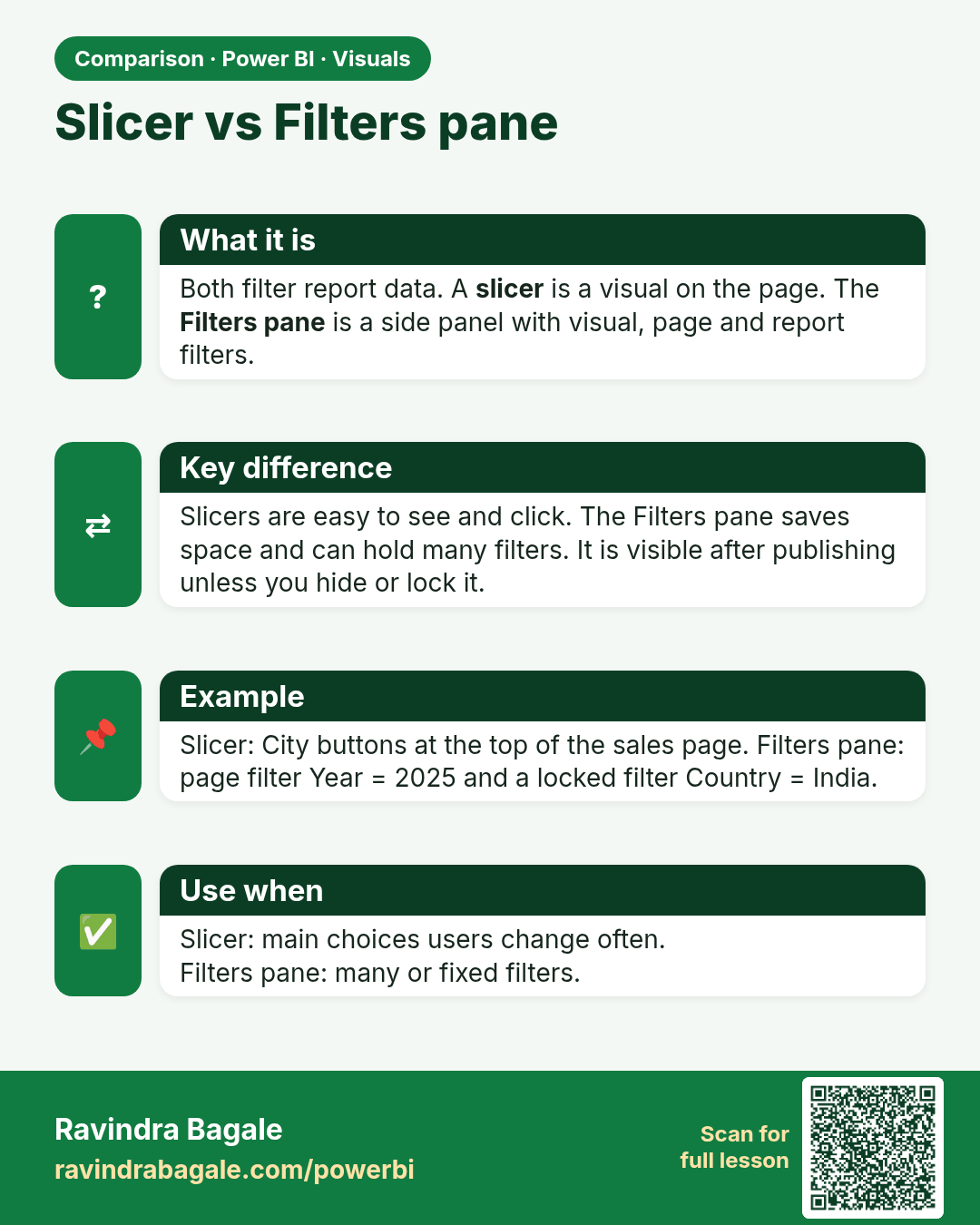
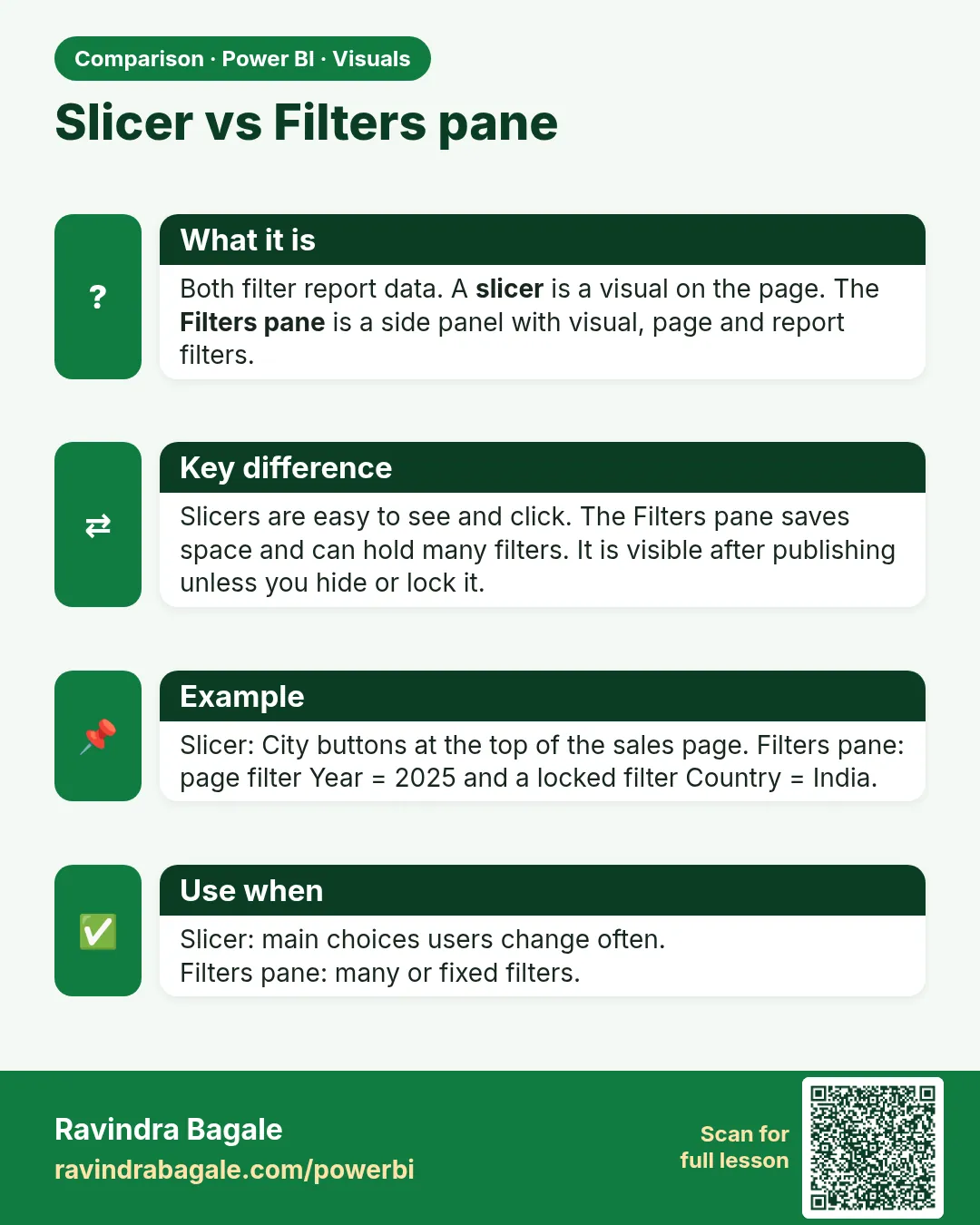 Comparison card 2 of 3: Slicer vs Filters pane · Download PNG · Open card page
Lesson: 14.16 Slicer
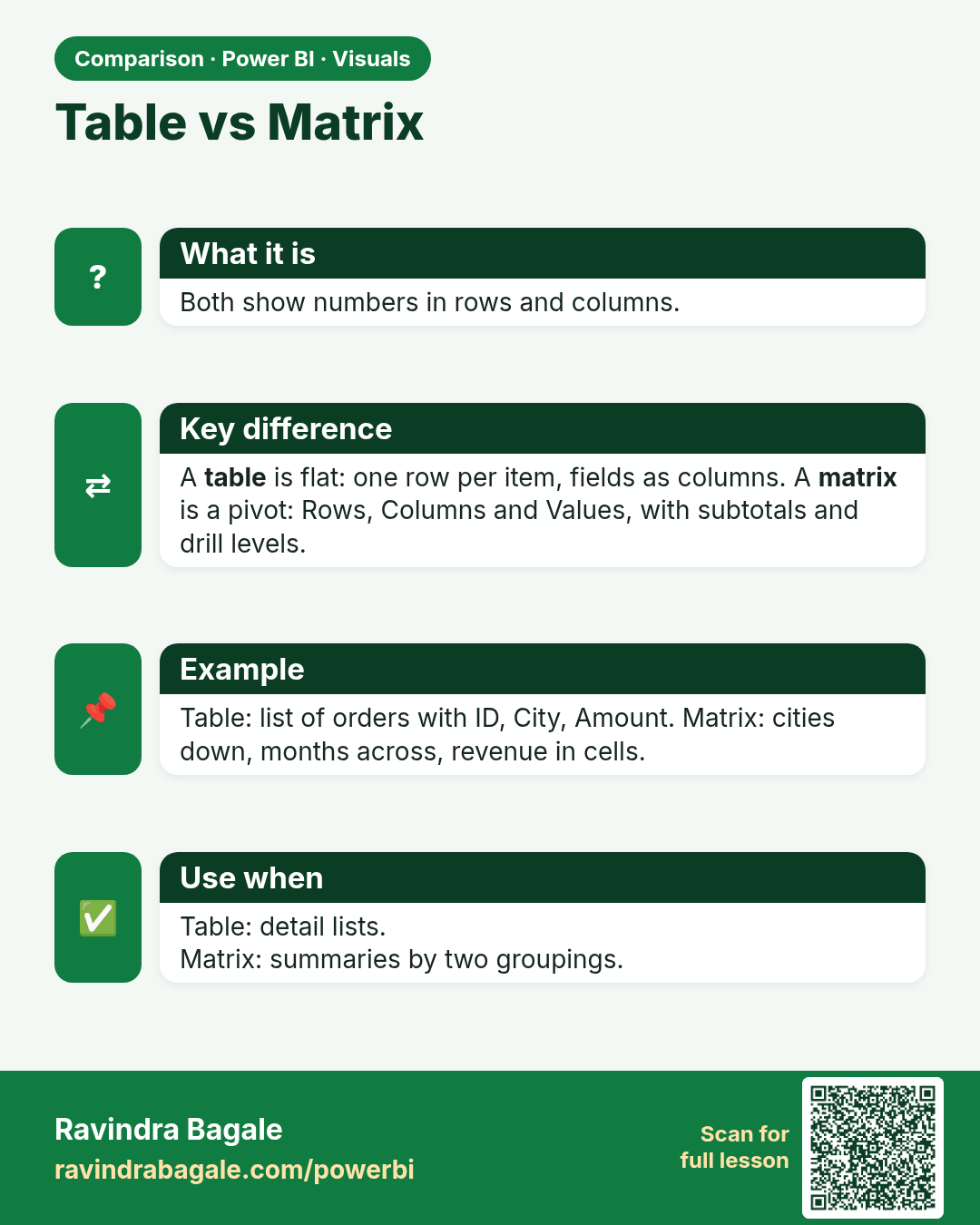
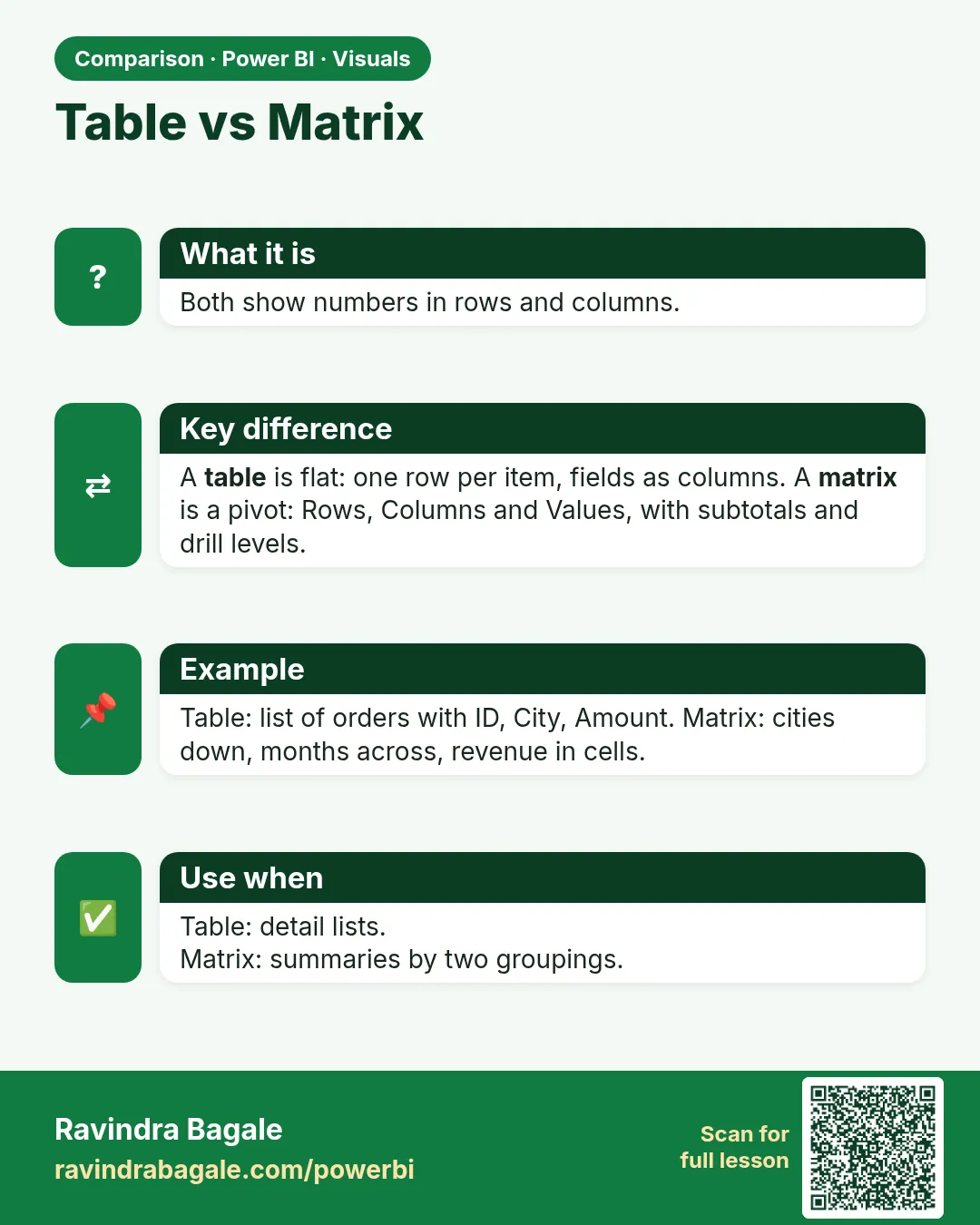 Comparison card 3 of 3: Table vs Matrix · Download PNG · Open card page
Lesson: 14.18 Matrix