14. Visuals and Their Formatting
14.16 Slicer
Start with a problem
Zoya wants managers to pick a city themselves instead of asking for a new report each time.
Explain simply
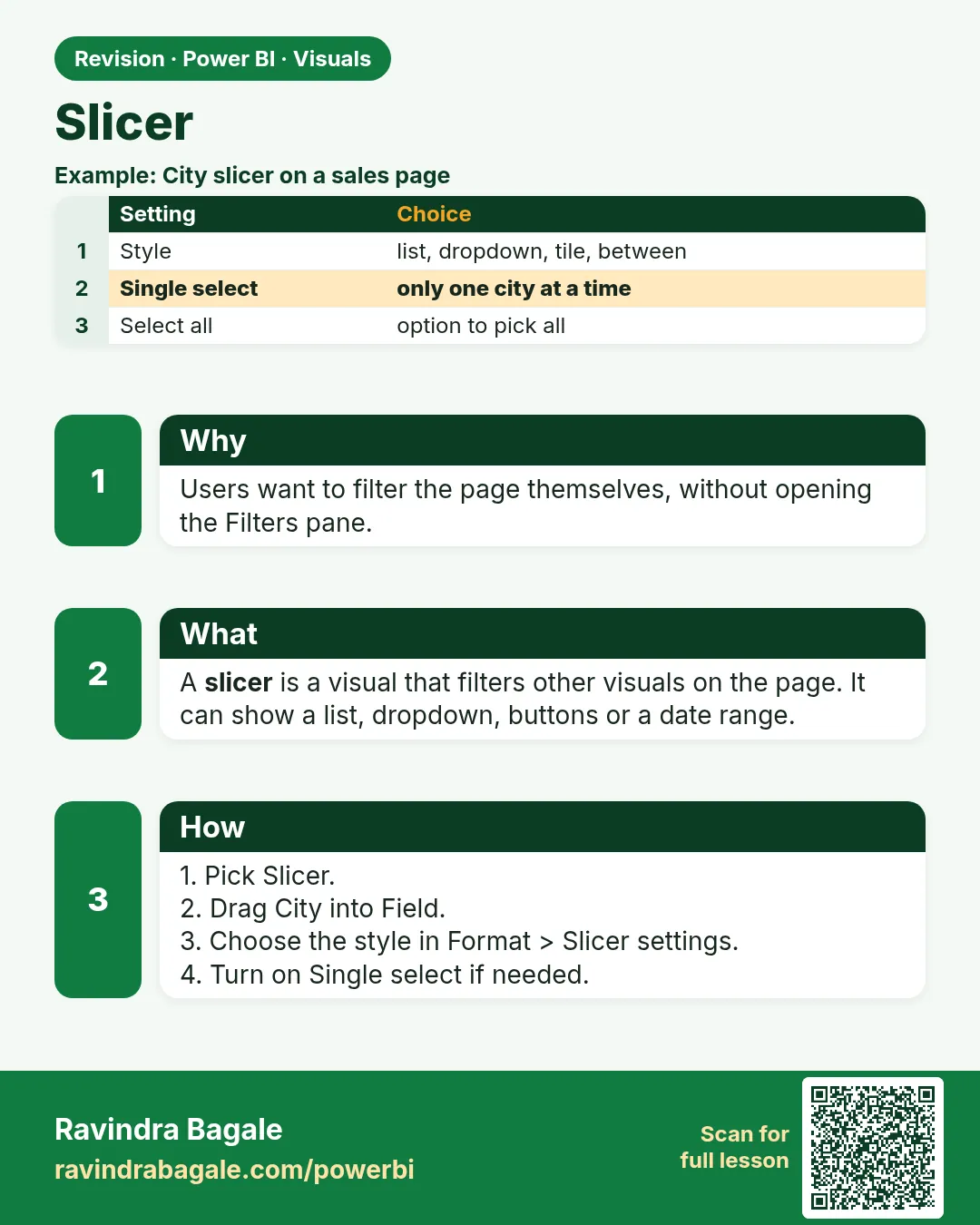
A slicer is an on-canvas filter. Selecting values filters the other visuals on the page (Module 22 covers styles, sync and interactions).
Show the data
| City | Total Sales (₹) |
|---|---|
| Pune | 850 |
| Nashik | 800 |
| Kolhapur | 450 |
| Total | 2,100 |
About this data: This table uses columns: City, Total Sales (₹). This table uses columns: Selection, Total Sales card. This table uses columns: Wrong result, Reason, Correction. Values shown are the lesson examples already on this page (not a new dataset).
Fictional sample data. Practice file: visuals_orders_apr_may_2026.csv (source: src/practice/).
Demonstrate
- Insert Slicer. Field:
City. - Format › Visual › Slicer settings › Style Tile (or Vertical list).
- Click Pune.
- Ctrl + click Nashik to add it.
Show the result
Your result should look like this (fictional sample):
| Selection | Total Sales card |
|---|---|
| None (all) | ₹2,100 |
| Pune | ₹850 |
| Pune + Nashik | ₹1,650 |
Explain what happened
The slicer adds a filter City IN {...} to every visual on the page that interacts with it, so the card re-evaluates.
Explore further
- Use Single select when combining cities would confuse readers.
Detailed reference for this lesson:
A slicer is an on-canvas filter. Styles include vertical list, tile, dropdown, between (range), relative date/time, hierarchy, and the newer button and list slicers. Module 22 covers slicers fully: styles, selection options, sync slicers and edit interactions.
Ravindra Bagale's Tip
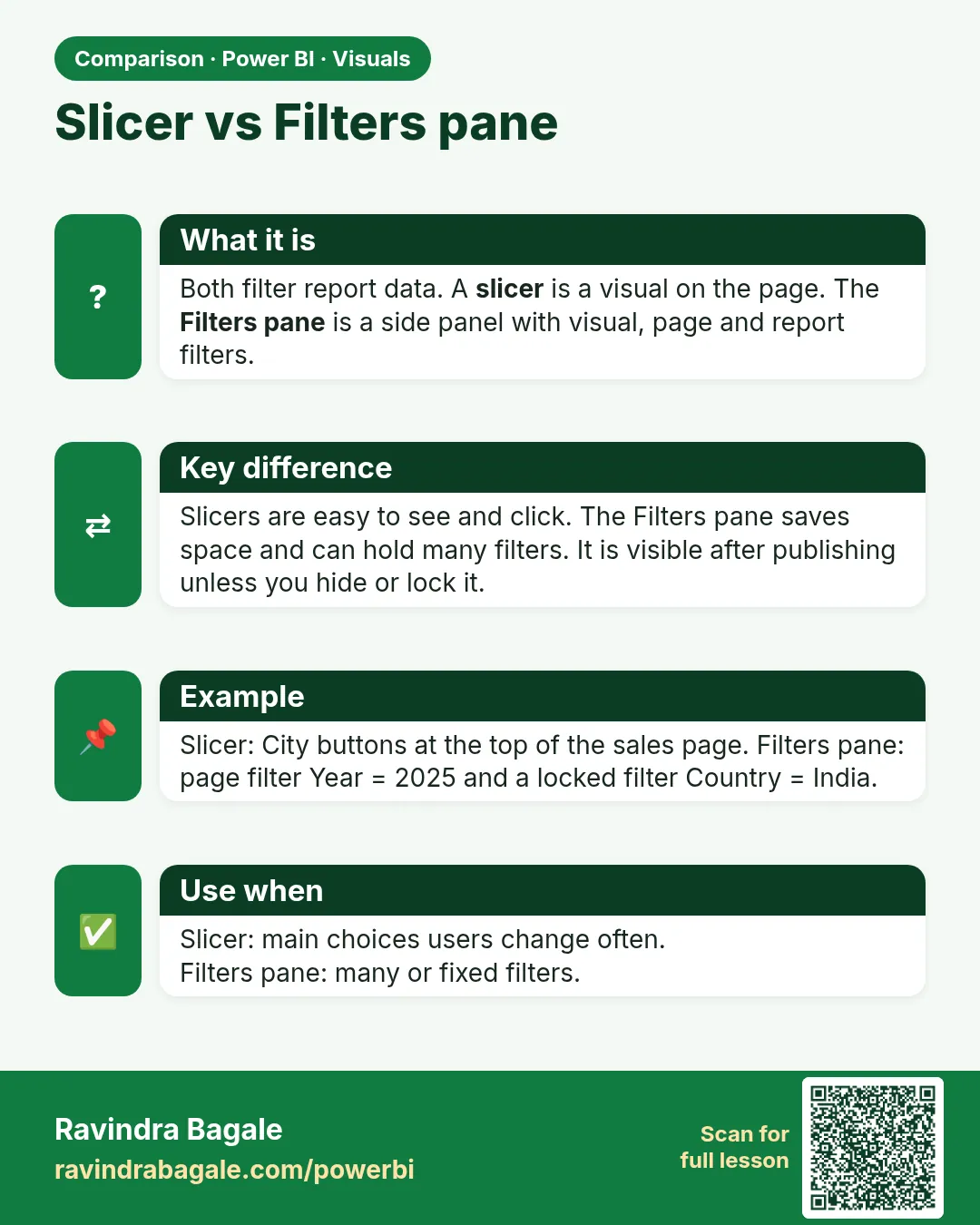
Friends, many students place many slicers on every page, and the report becomes slow and cluttered. Keep two to four slicers for the choices users change often, and move the rest into the Filters pane. Module 22 covers slicer settings and syncing. Don't make this mistake!
Ravindra Bagale's Tip – मराठी
मित्रांनो, बरेच students प्रत्येक page वर खूप slicers ठेवतात, आणि report slow आणि गच्च होतो. Users वारंवार बदलतात अशा निवडींसाठी दोन ते चार slicers ठेवा, आणि बाकीचे Filters pane मध्ये हलवा. Slicer settings आणि syncing Module 22 मध्ये आहे. ही चूक करू नका!
Ravindra Bagale's Tip – हिंदी
दोस्तों, बहुत से students हर page पर बहुत सारे slicers रख देते हैं, और report slow और भरी-भरी हो जाती है. Users जो choices अक्सर बदलते हैं उनके लिए दो से चार slicers रखो, और बाकी को Filters pane में ले जाओ. Slicer settings और syncing Module 22 में है. यह गलती मत करना!
Fix common mistakes
| Wrong result | Reason | Correction |
|---|---|---|
| Slicer filters nothing | Field from an unrelated table | Use the related dimension column |
| A visual ignores the slicer | Edit interactions set to None | Format › Edit interactions (Module 22.10) |
| Users think All means blank | No header | Turn on the slicer header |
Practise independently
Practice task
Add a Platform slicer. Select Amazon Now with City = Pune. What is Total Sales?
Hints
- Only order 302 matches.
Solution
₹200.
Think like a professional
Slicers give self-service, but every slicer is one more combination to test. Keep 2–4 per page.
 Revision card
 Comparison card