Ravindra BagaleCourses & study guides मराठी Track your progress

Ravi Sir's Cards › Power BI

28. End-to-End Project: Blinkit Quick-Commerce Dashboard: Cards

मराठी cards · Open the chapter

Revision cards
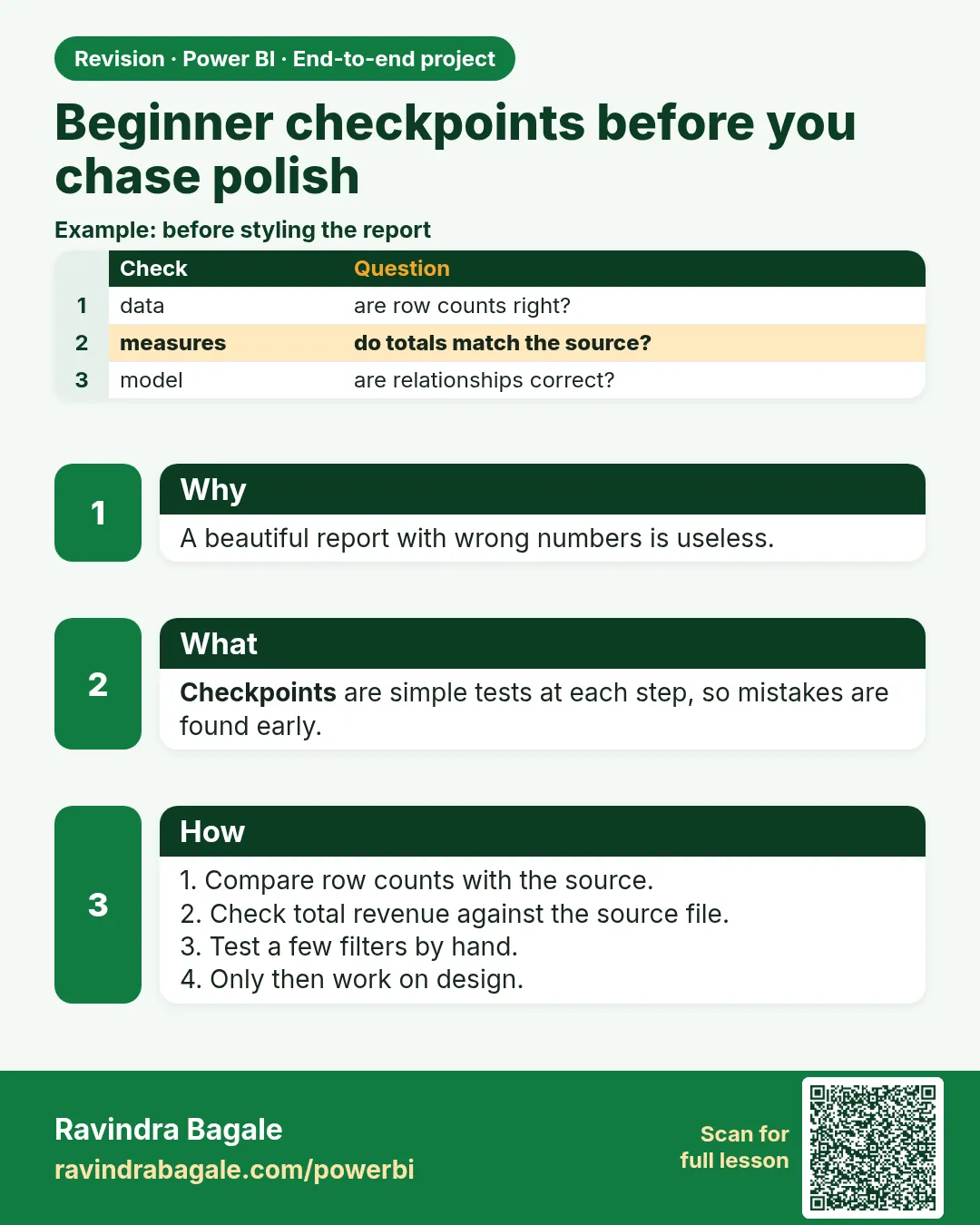
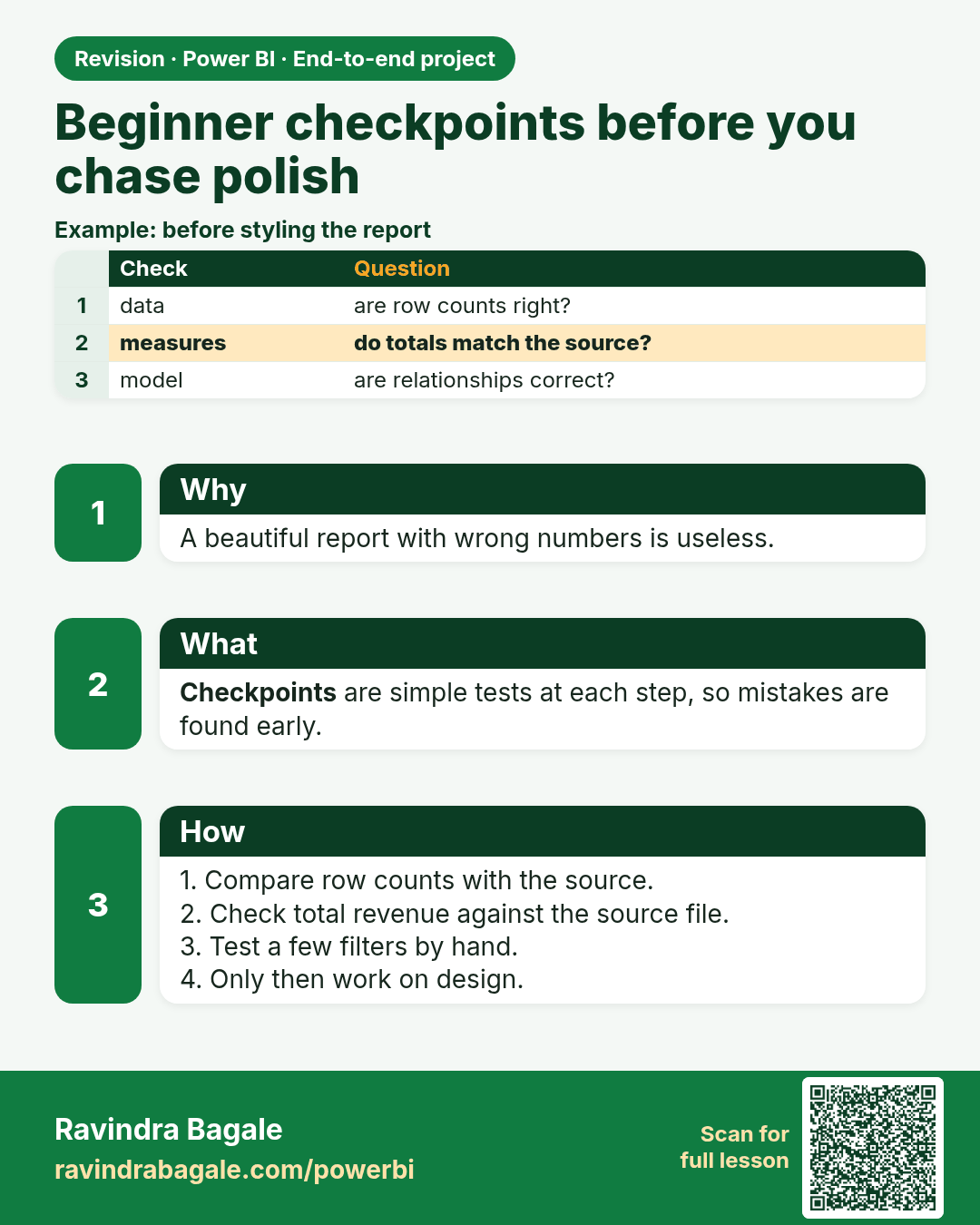
Beginner checkpoints before you chase polish. A beautiful report with wrong numbers is useless.
Revision card 1 of 10: Beginner checkpoints before you chase polish · Download PNG · Open card page

Lesson: 28.0 Beginner checkpoints (before you chase polish)
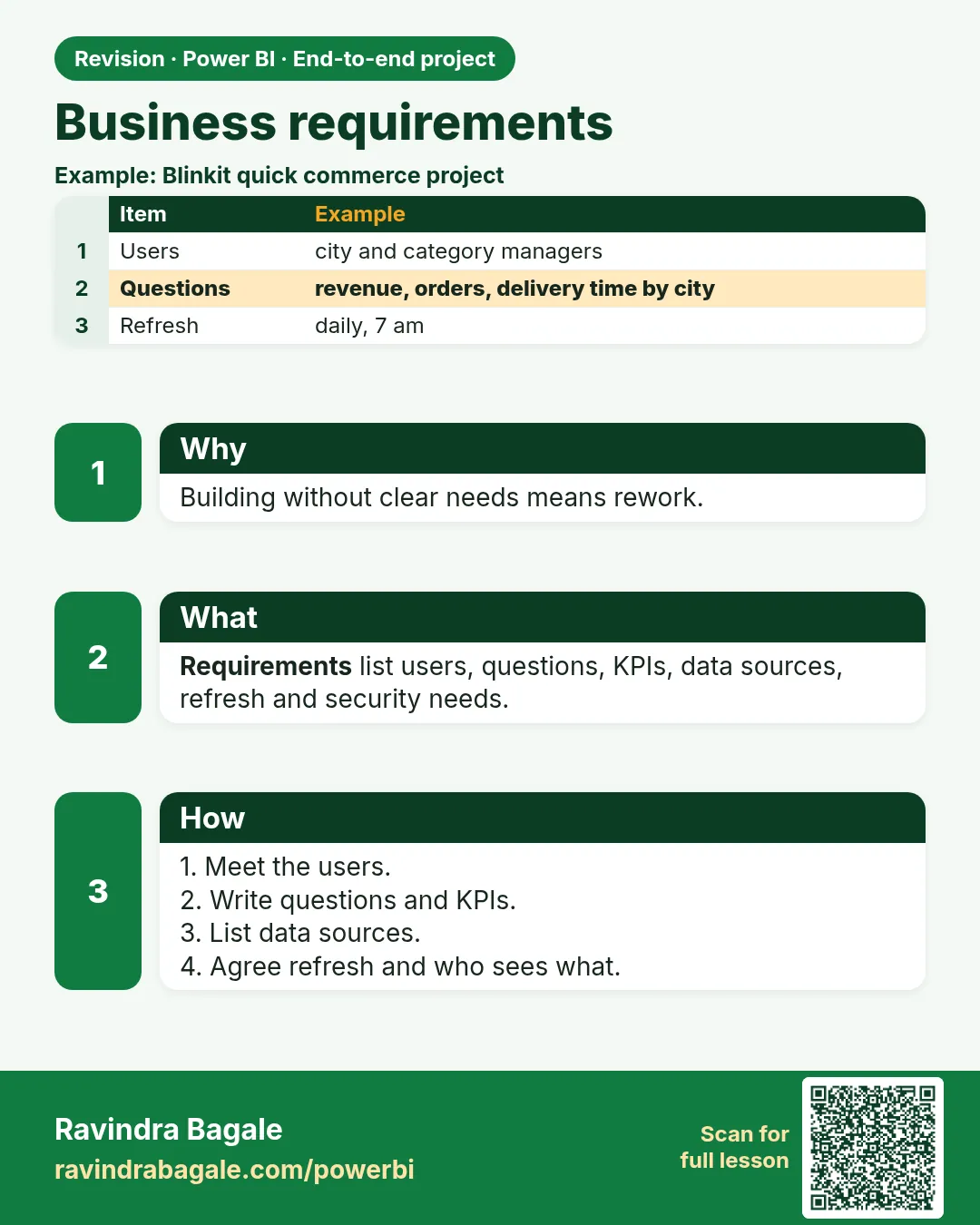
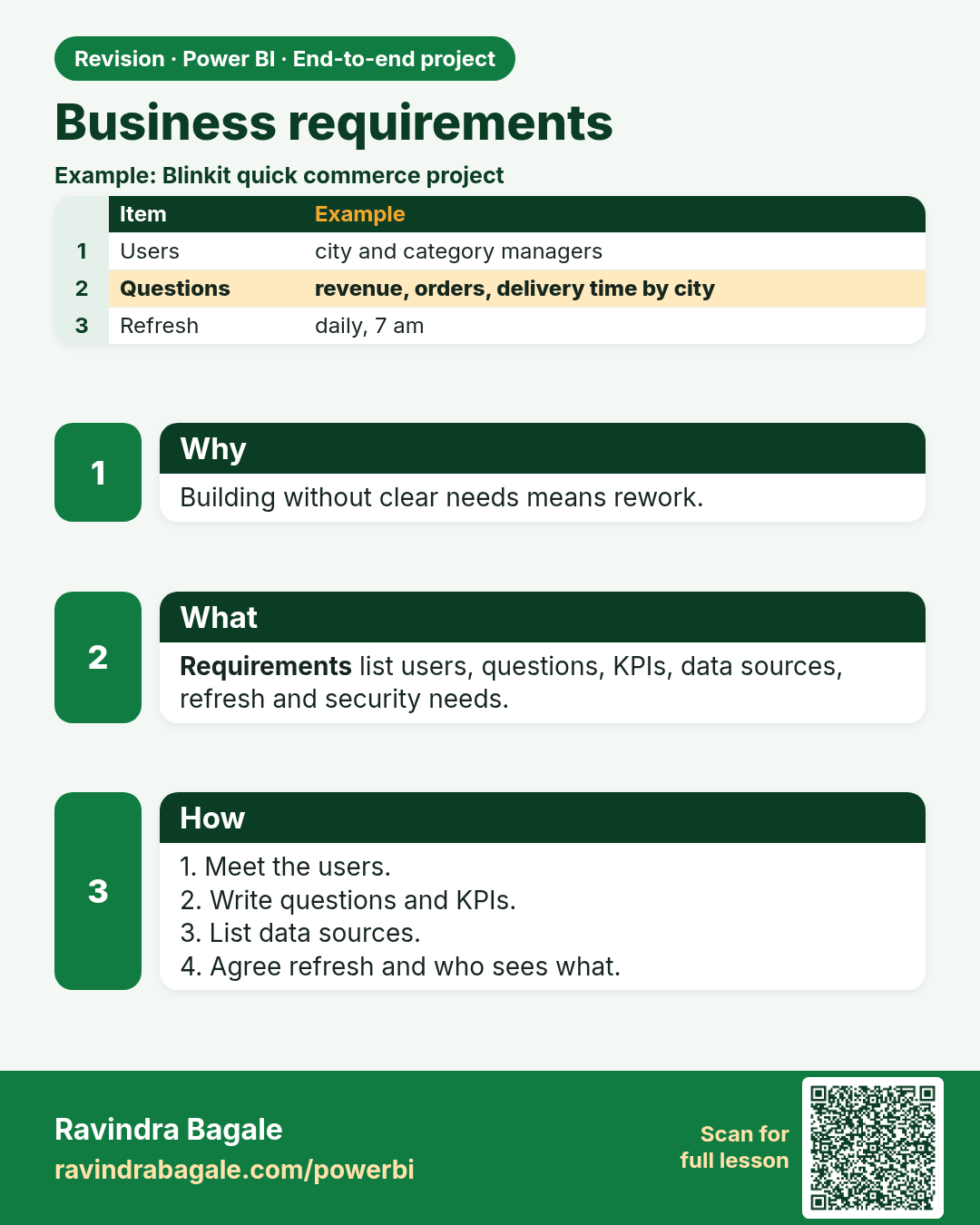
Business requirements. Building without clear needs means rework.
Revision card 2 of 10: Business requirements · Download PNG · Open card page

Lesson: 28.1 Business Requirements

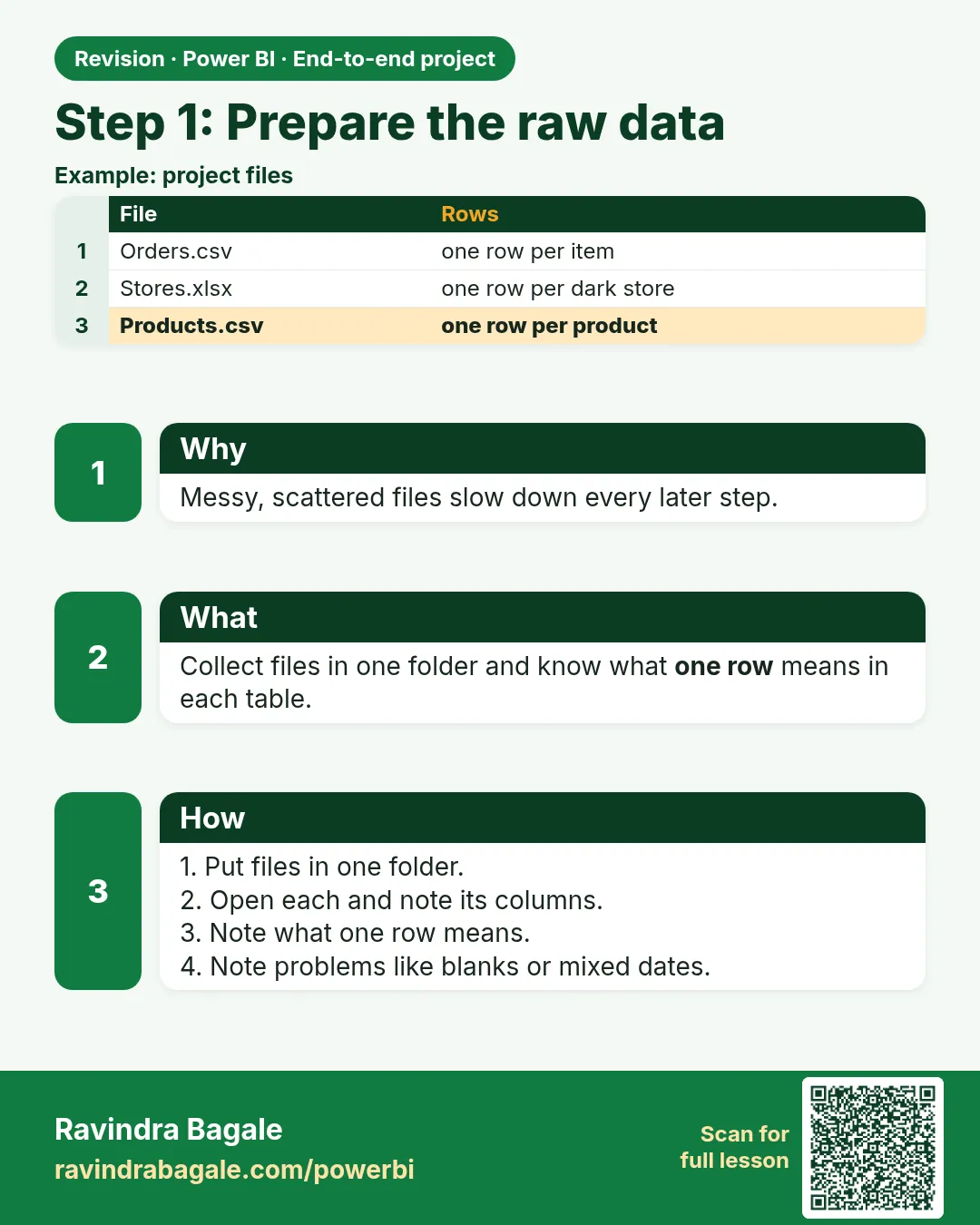
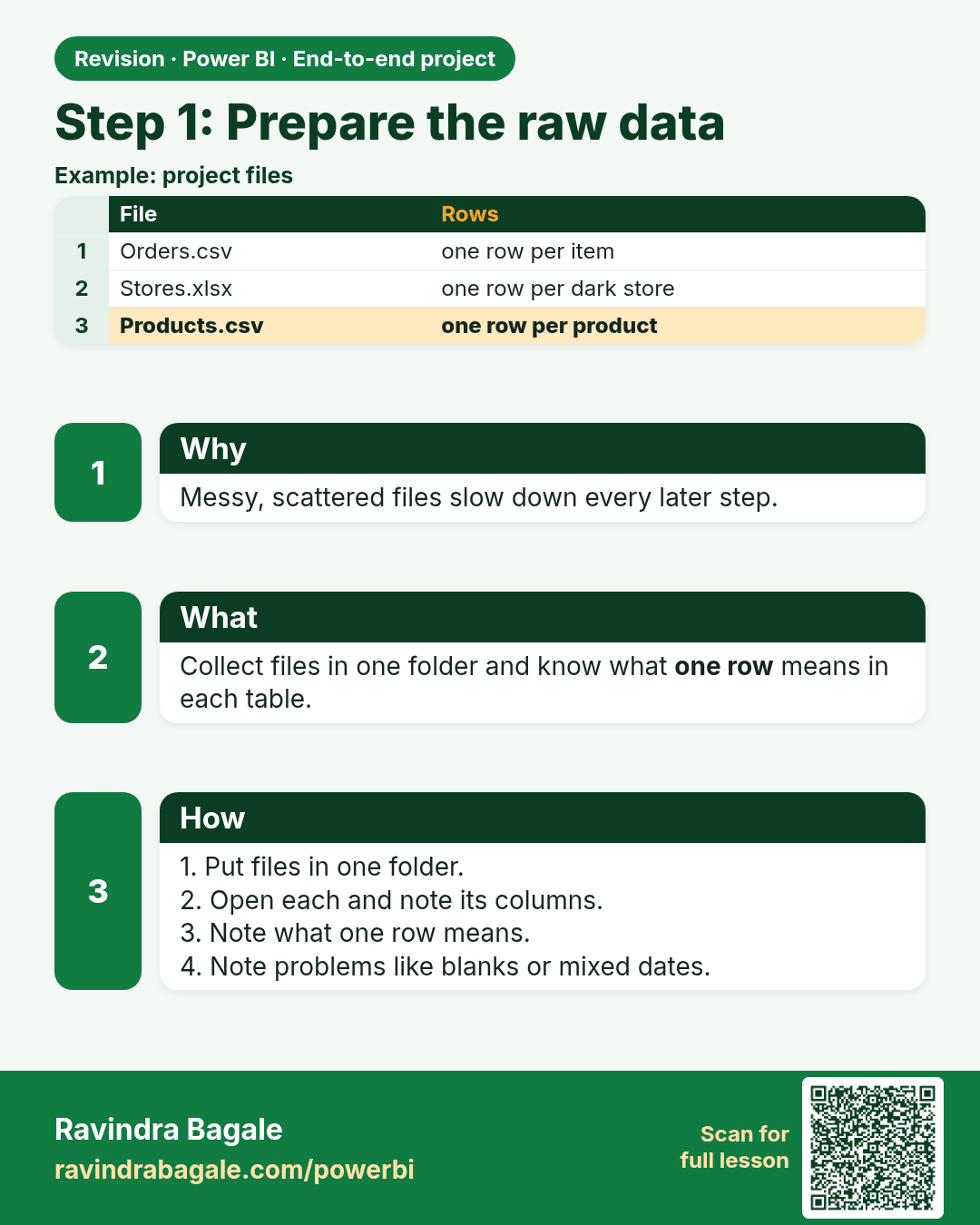
Step 1: Prepare the raw data. Messy, scattered files slow down every later step.
Revision card 3 of 10: Step 1: Prepare the raw data · Download PNG · Open card page

Lesson: 28.2 Step 1 – Prepare the Raw Data
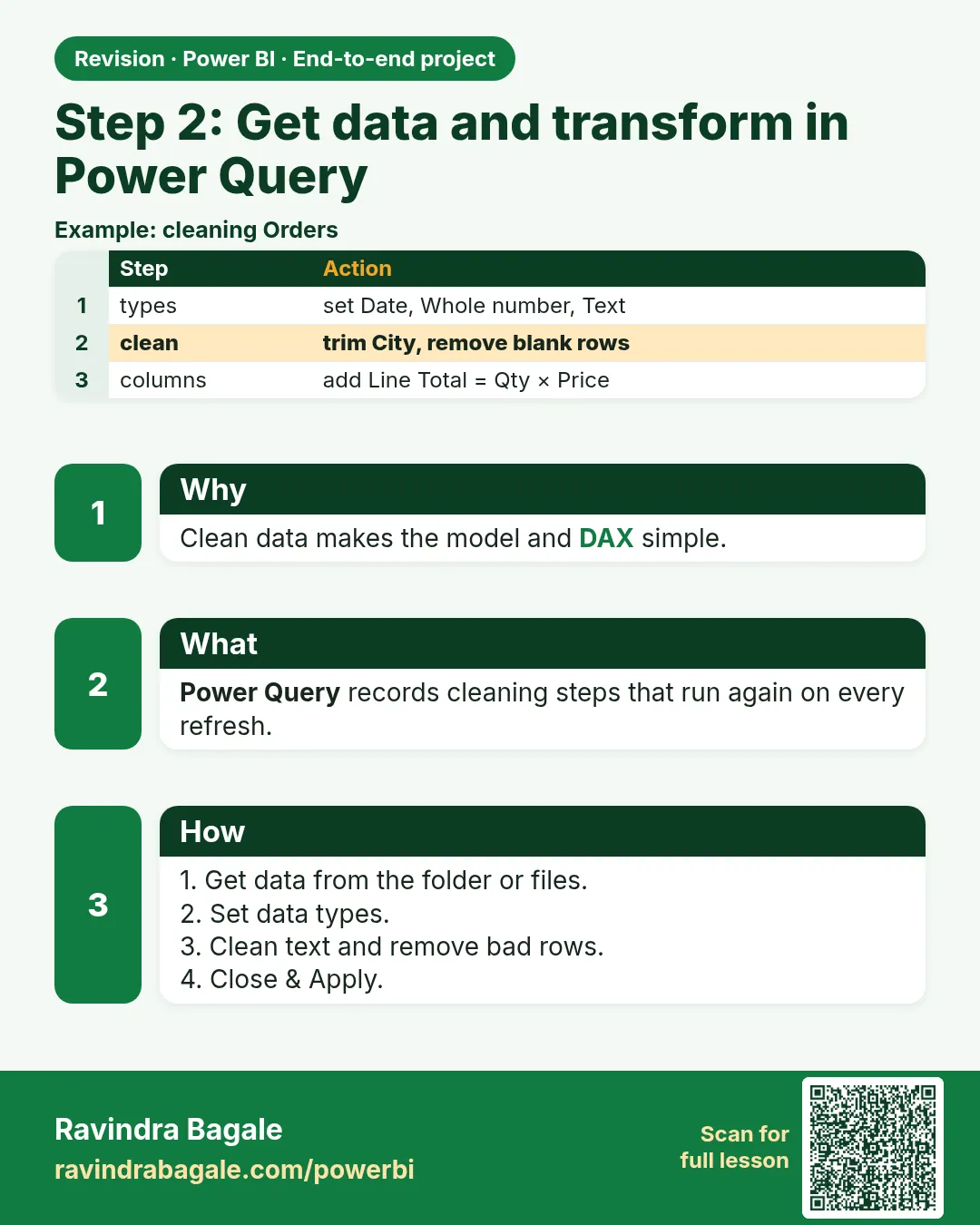
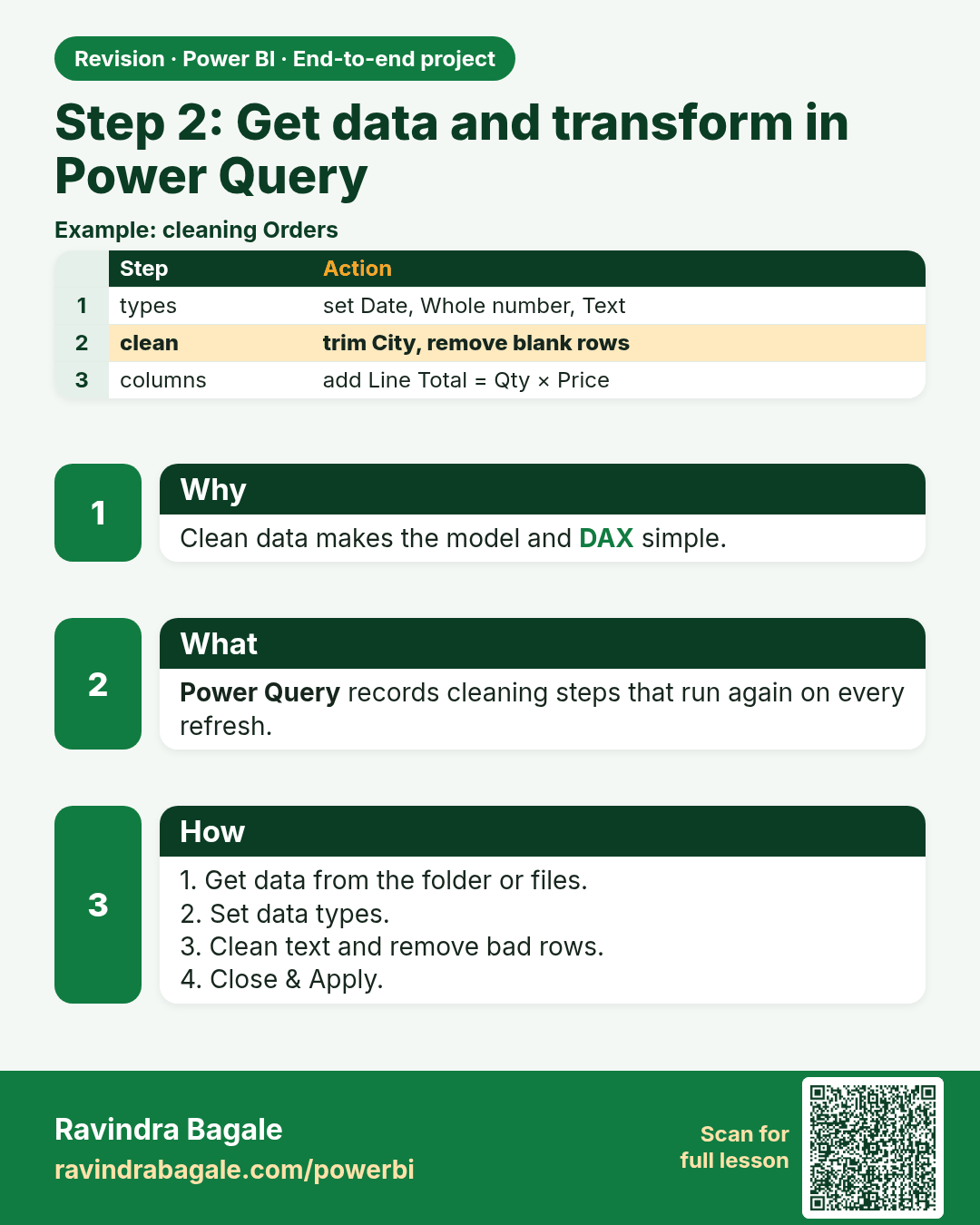
Step 2: Get data and transform in Power Query. Clean data makes the model and DAX simple.
Revision card 4 of 10: Step 2: Get data and transform in Power Query · Download PNG · Open card page

Lesson: 28.3 Step 2 – Get Data and Transform in Power Query
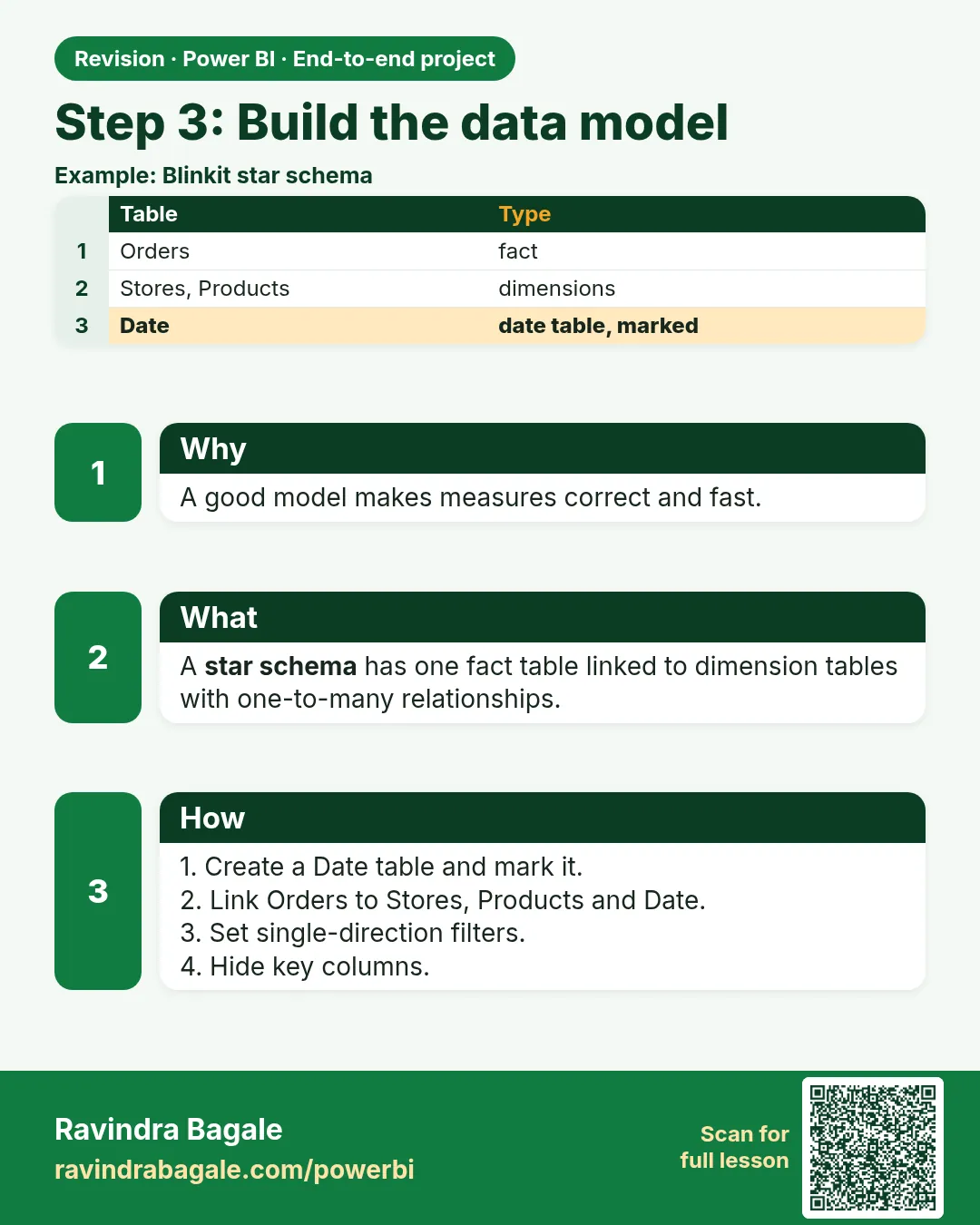
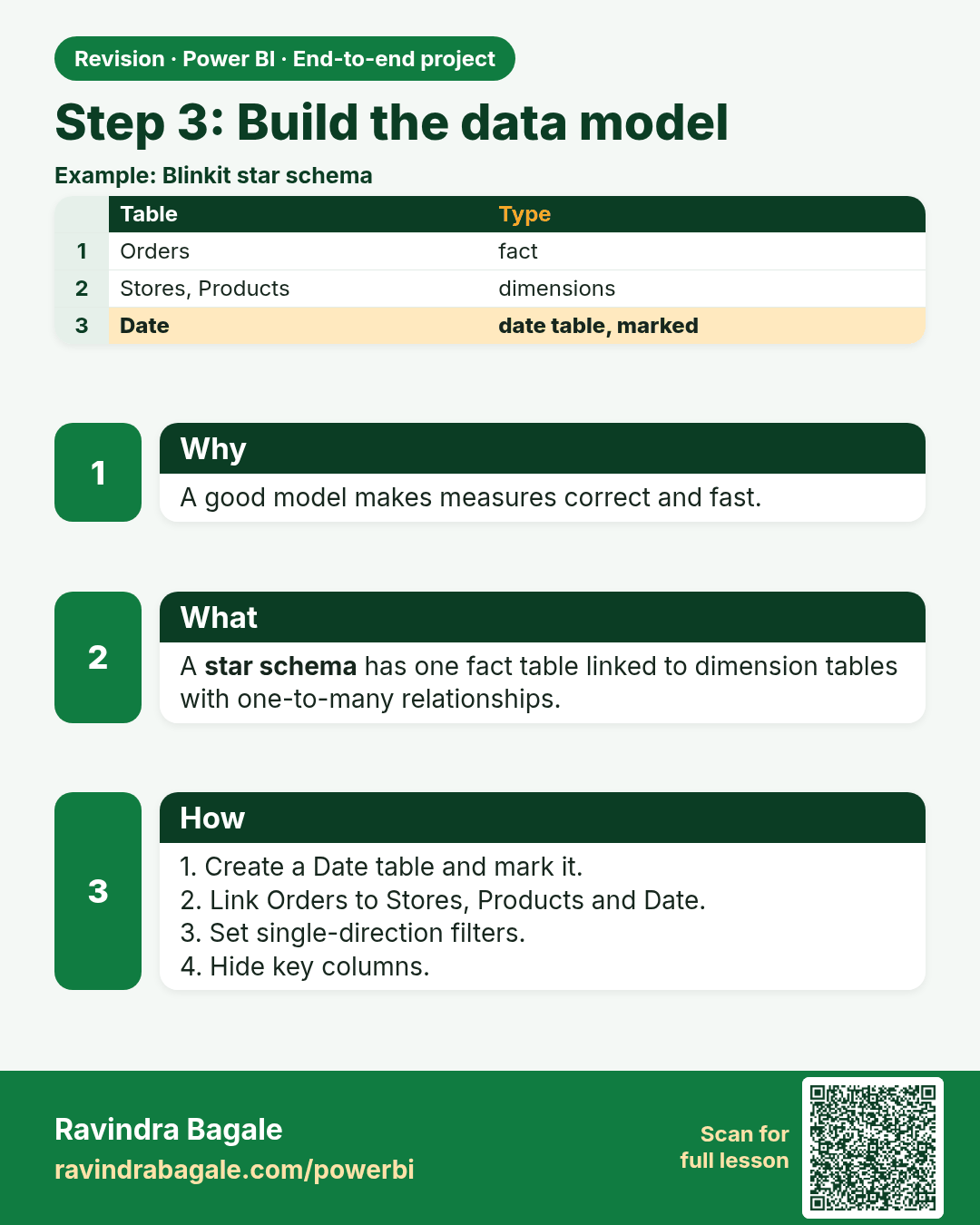
Step 3: Build the data model. A good model makes measures correct and fast.
Revision card 5 of 10: Step 3: Build the data model · Download PNG · Open card page

Lesson: 28.4 Step 3 – Build the Data Model
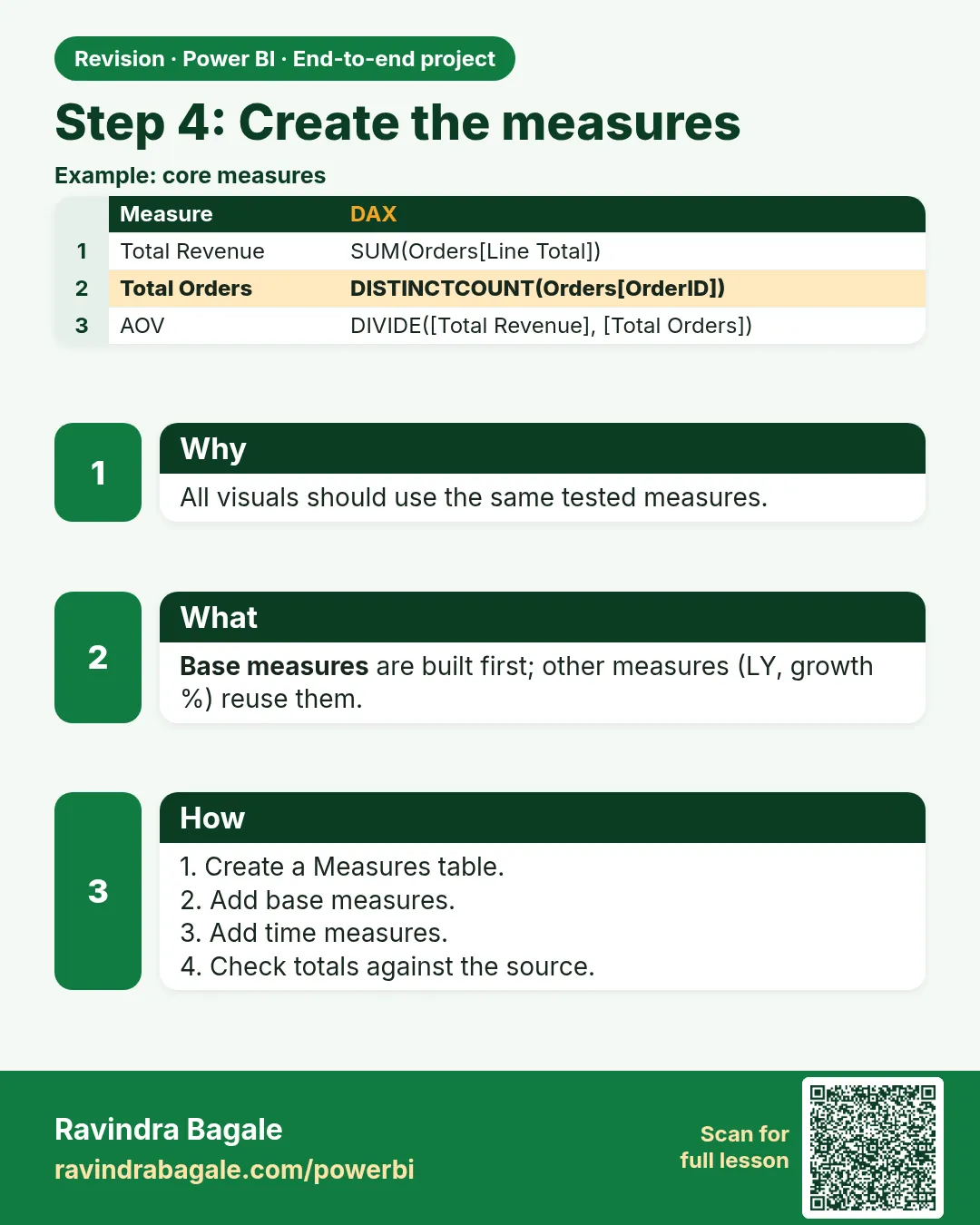
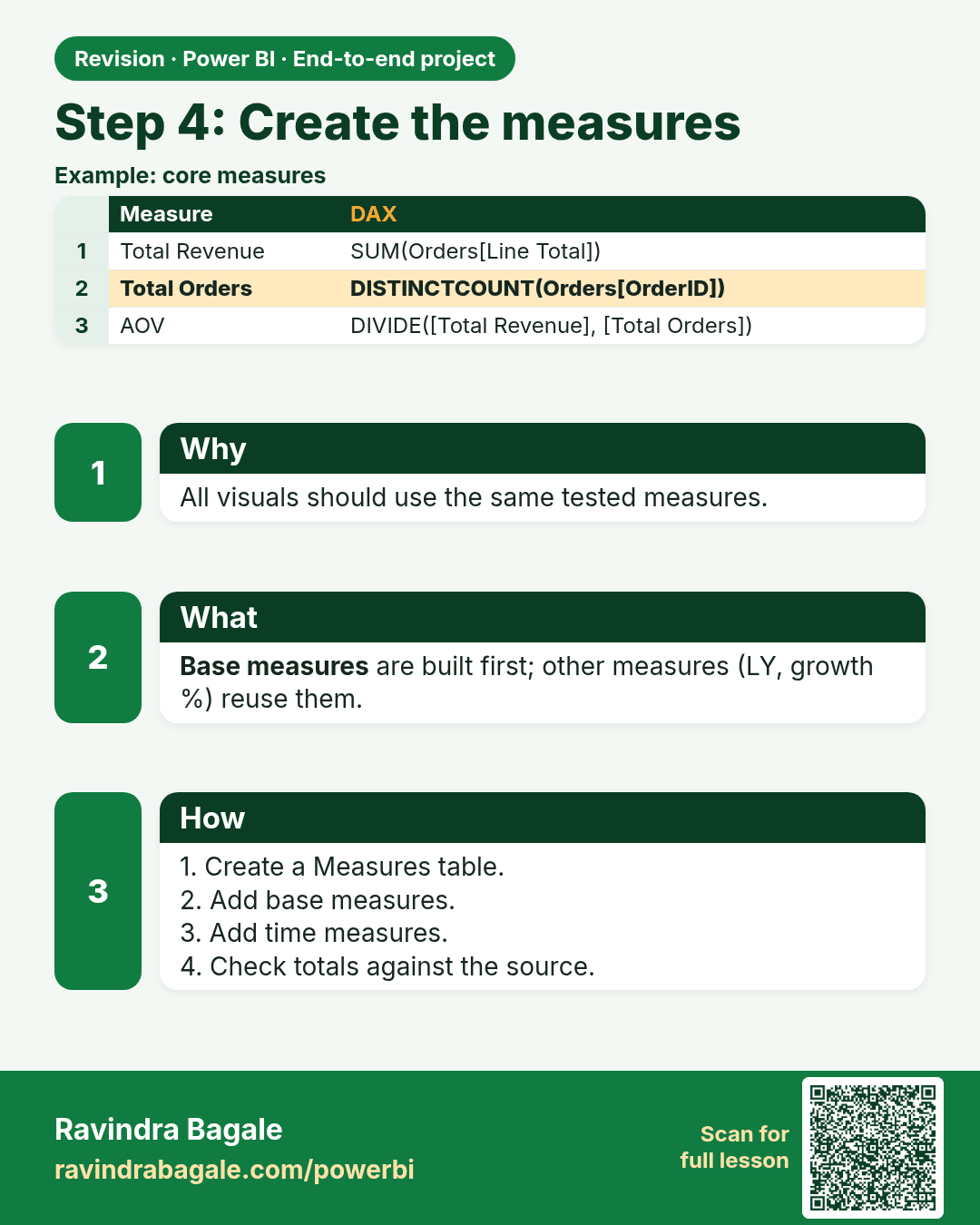
Step 4: Create the measures. All visuals should use the same tested measures.
Revision card 6 of 10: Step 4: Create the measures · Download PNG · Open card page

Lesson: 28.5 Step 4 – Create the Measures
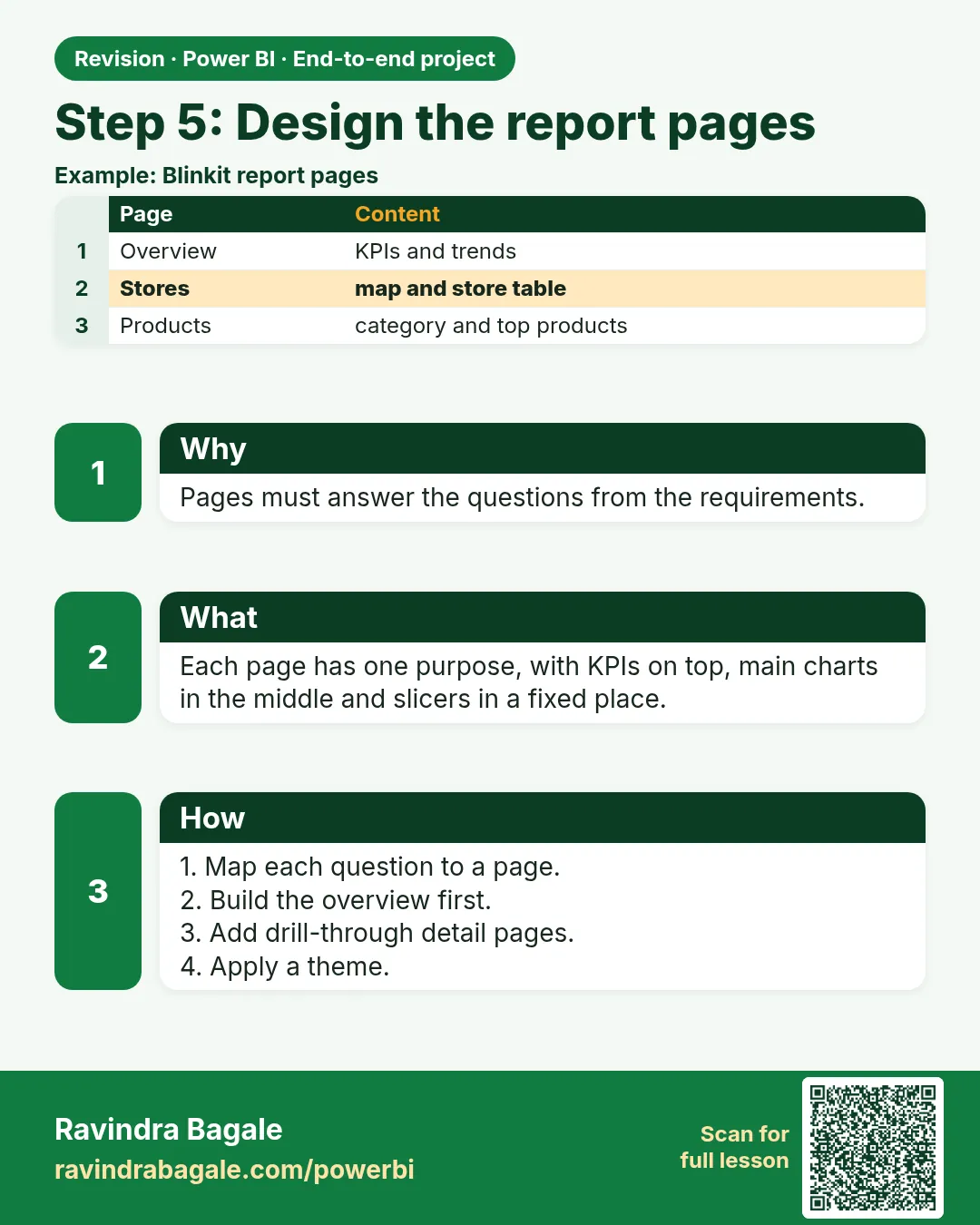
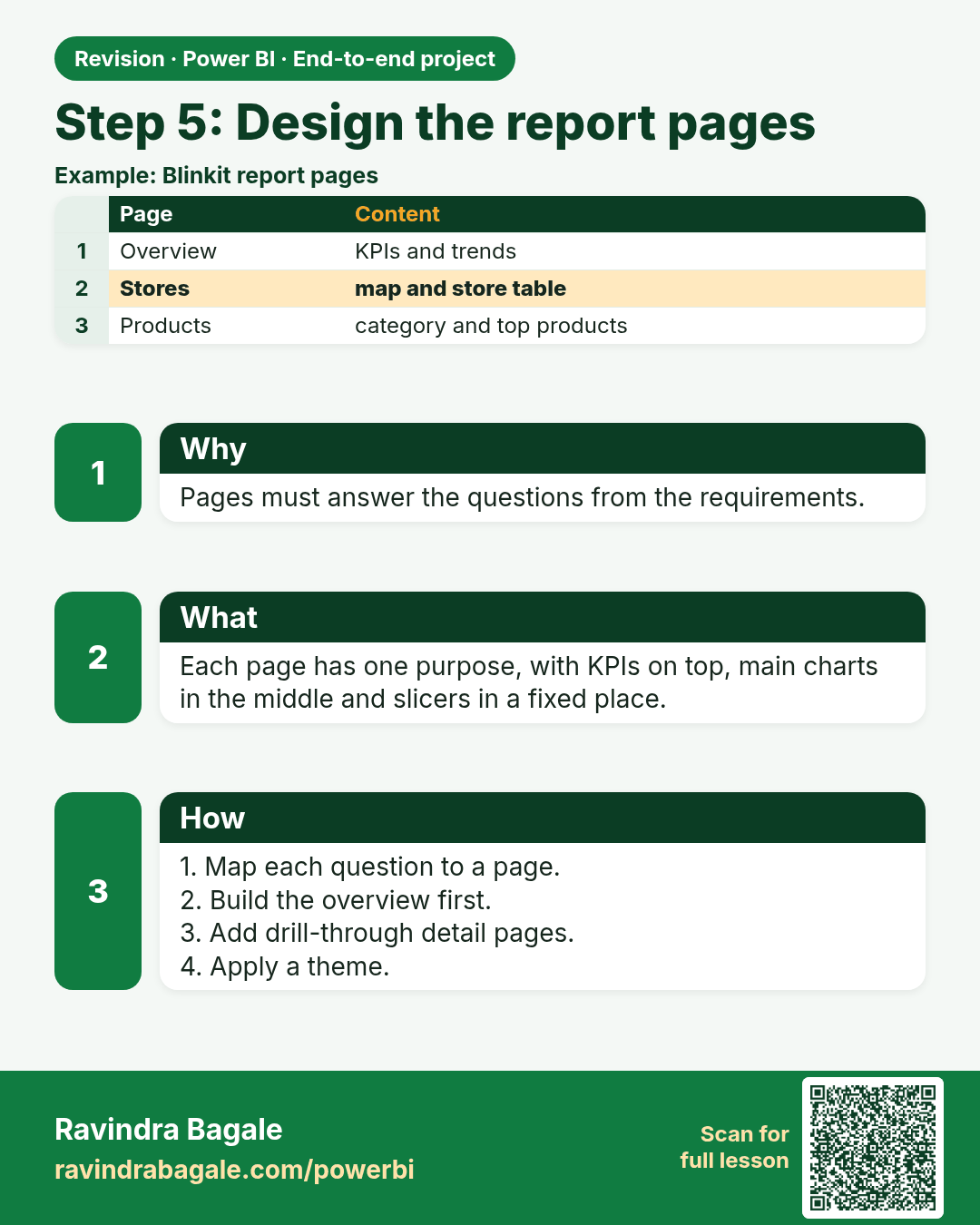
Step 5: Design the report pages. Pages must answer the questions from the requirements.
Revision card 7 of 10: Step 5: Design the report pages · Download PNG · Open card page

Lesson: 28.6 Step 5 – Design the Report Pages
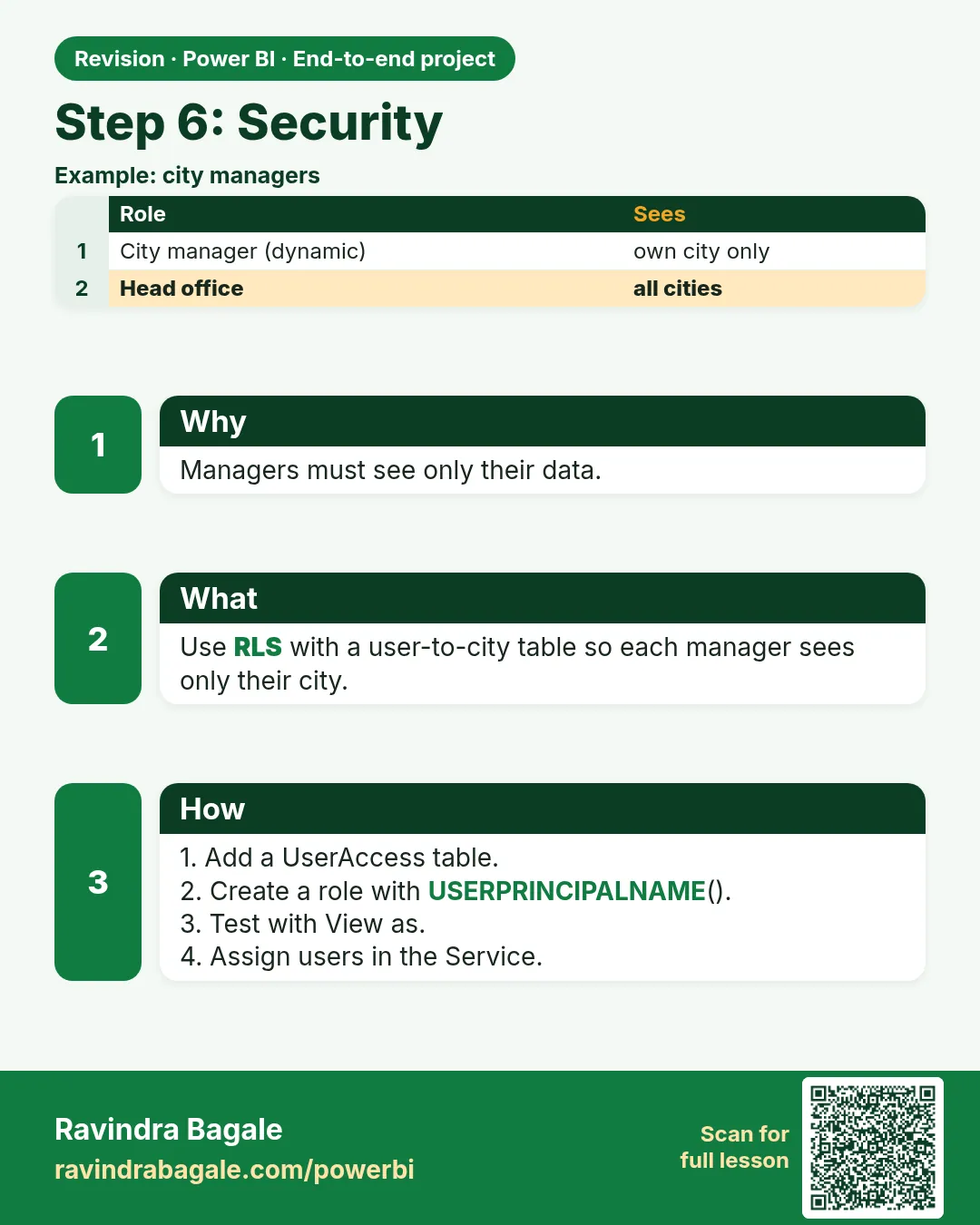
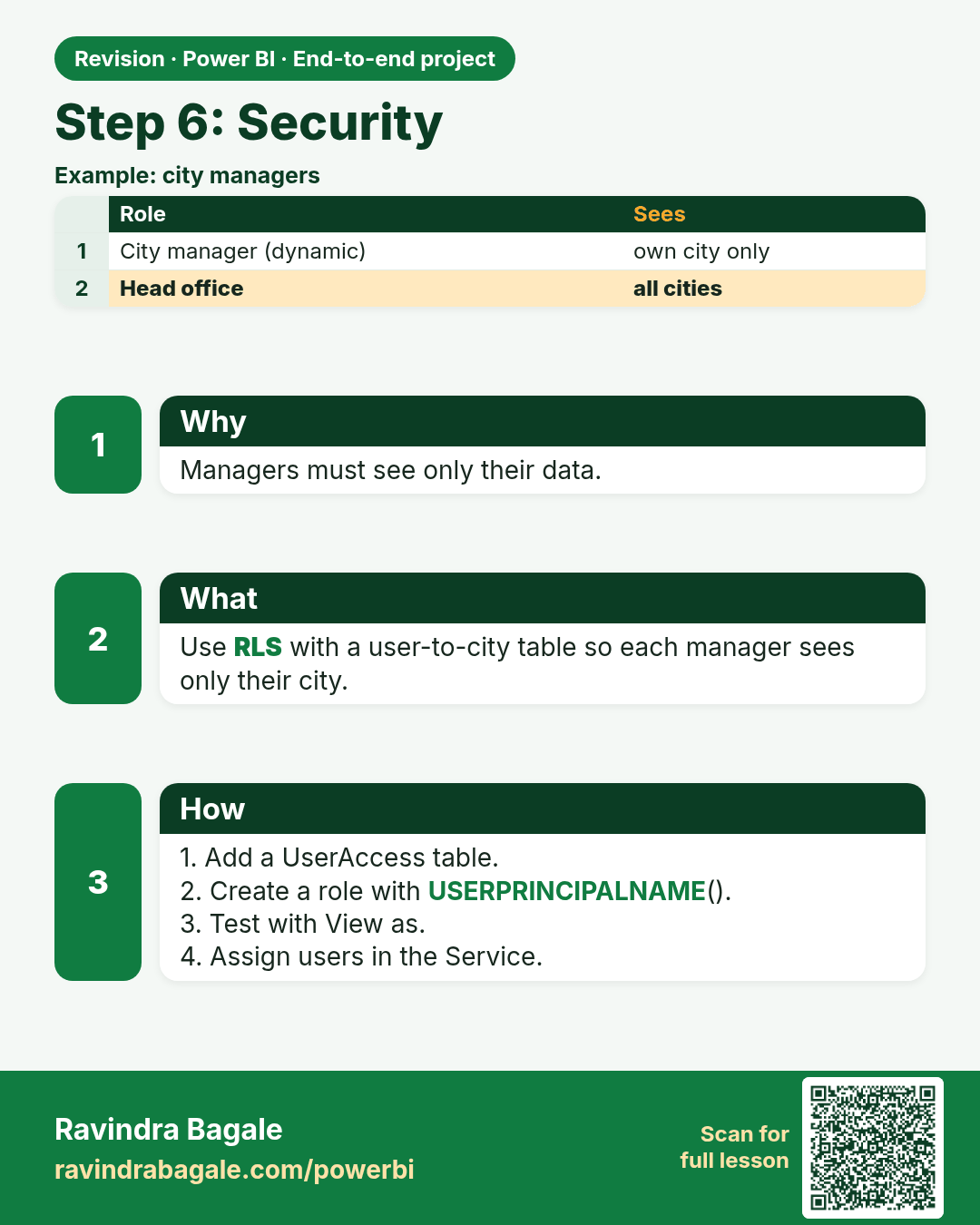
Step 6: Security. Managers must see only their data.
Revision card 8 of 10: Step 6: Security · Download PNG · Open card page

Lesson: 28.7 Step 6 – Security

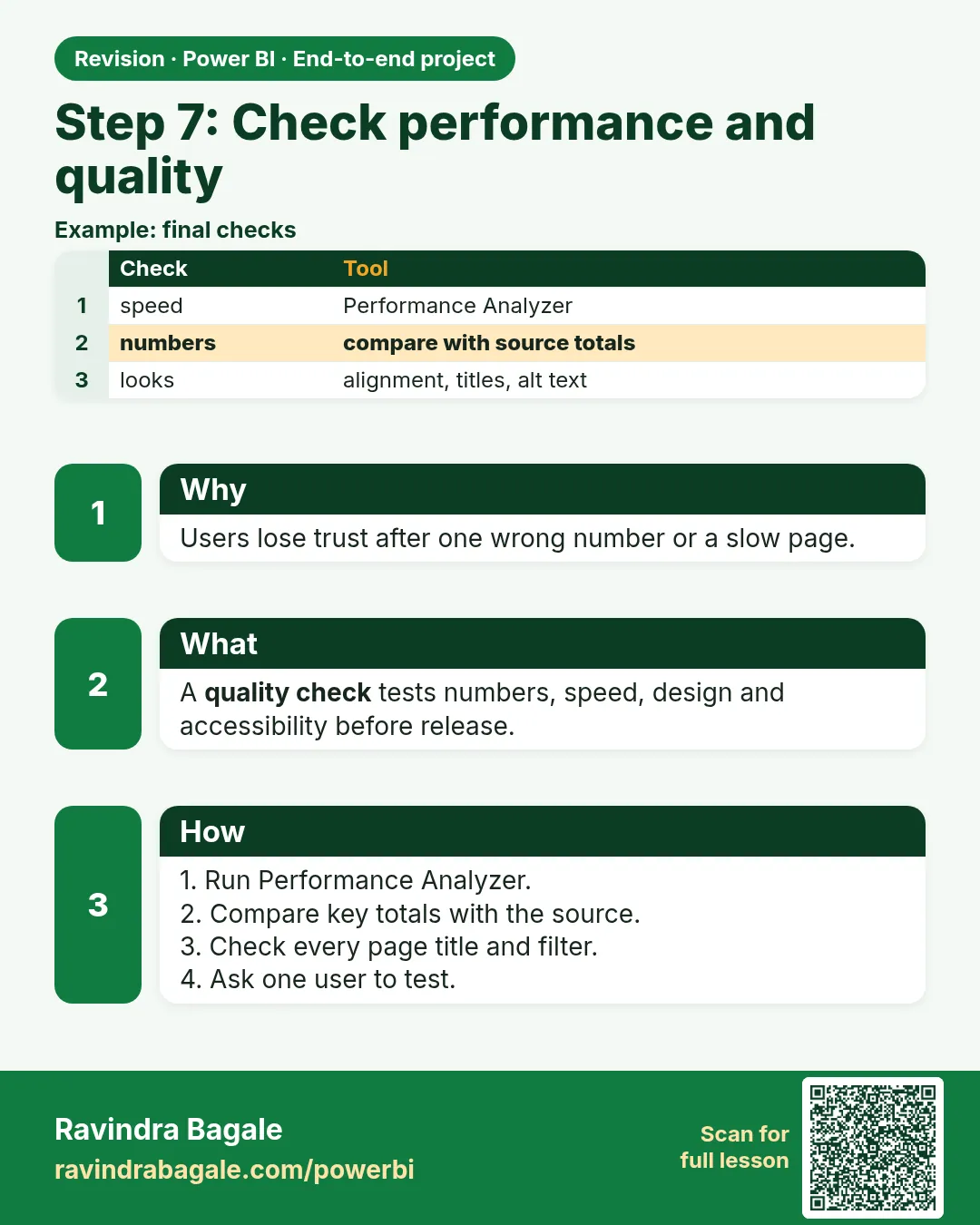
Step 7: Check performance and quality. Users lose trust after one wrong number or a slow page.
Revision card 9 of 10: Step 7: Check performance and quality · Download PNG · Open card page

Lesson: 28.8 Step 7 – Check Performance and Quality
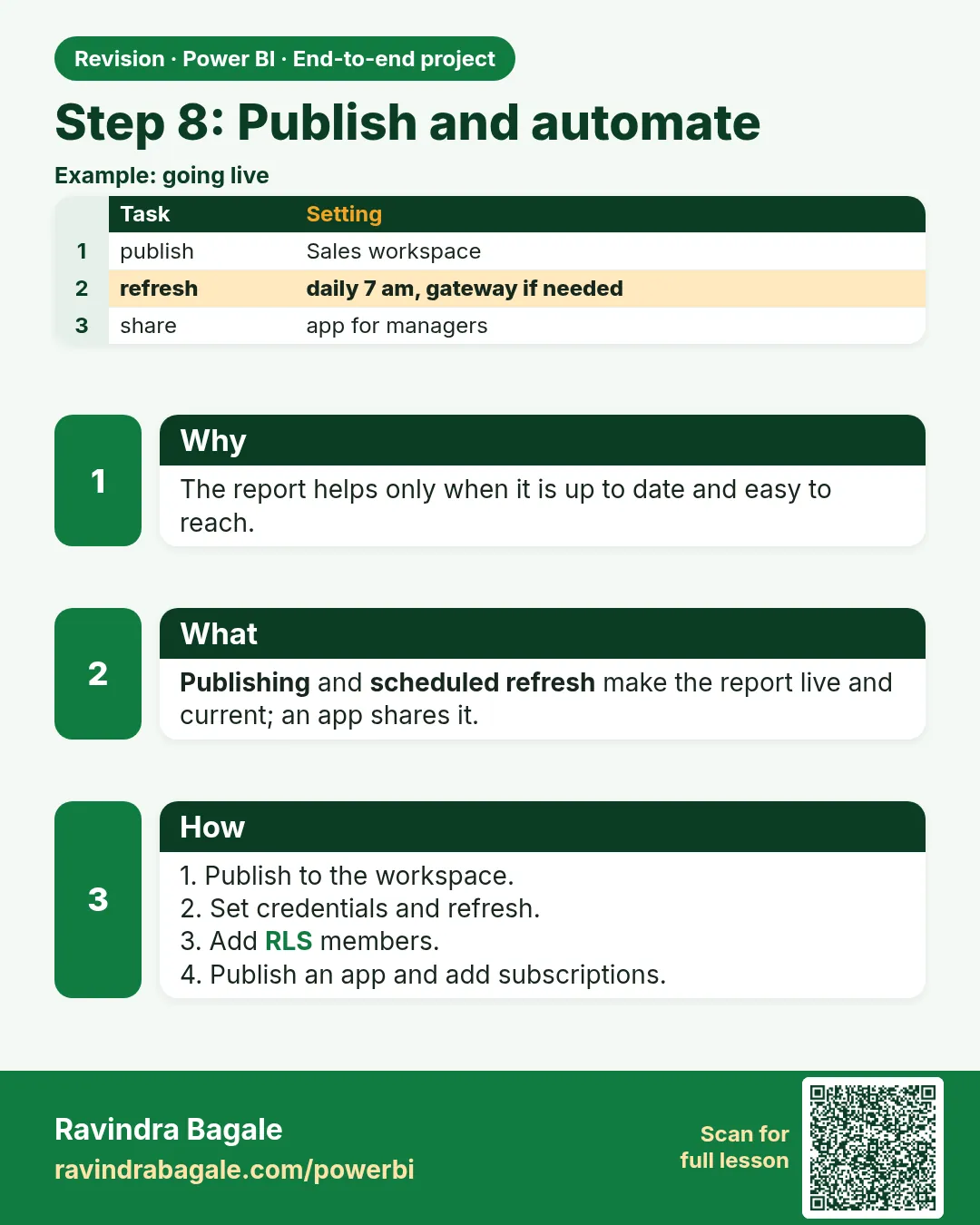
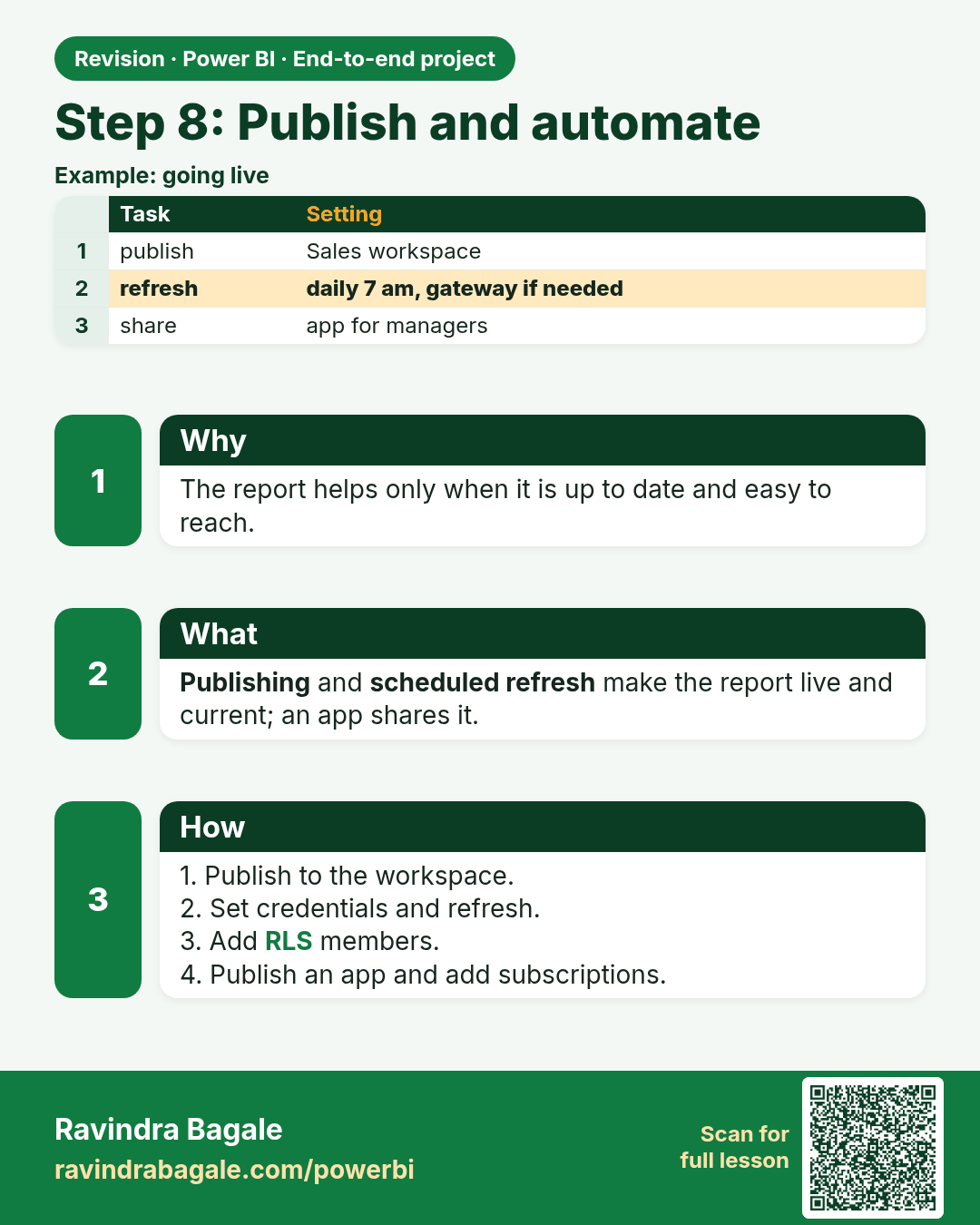
Step 8: Publish and automate. The report helps only when it is up to date and easy to reach.
Revision card 10 of 10: Step 8: Publish and automate · Download PNG · Open card page

Lesson: 28.9 Step 8 – Publish and Automate

Interview cards
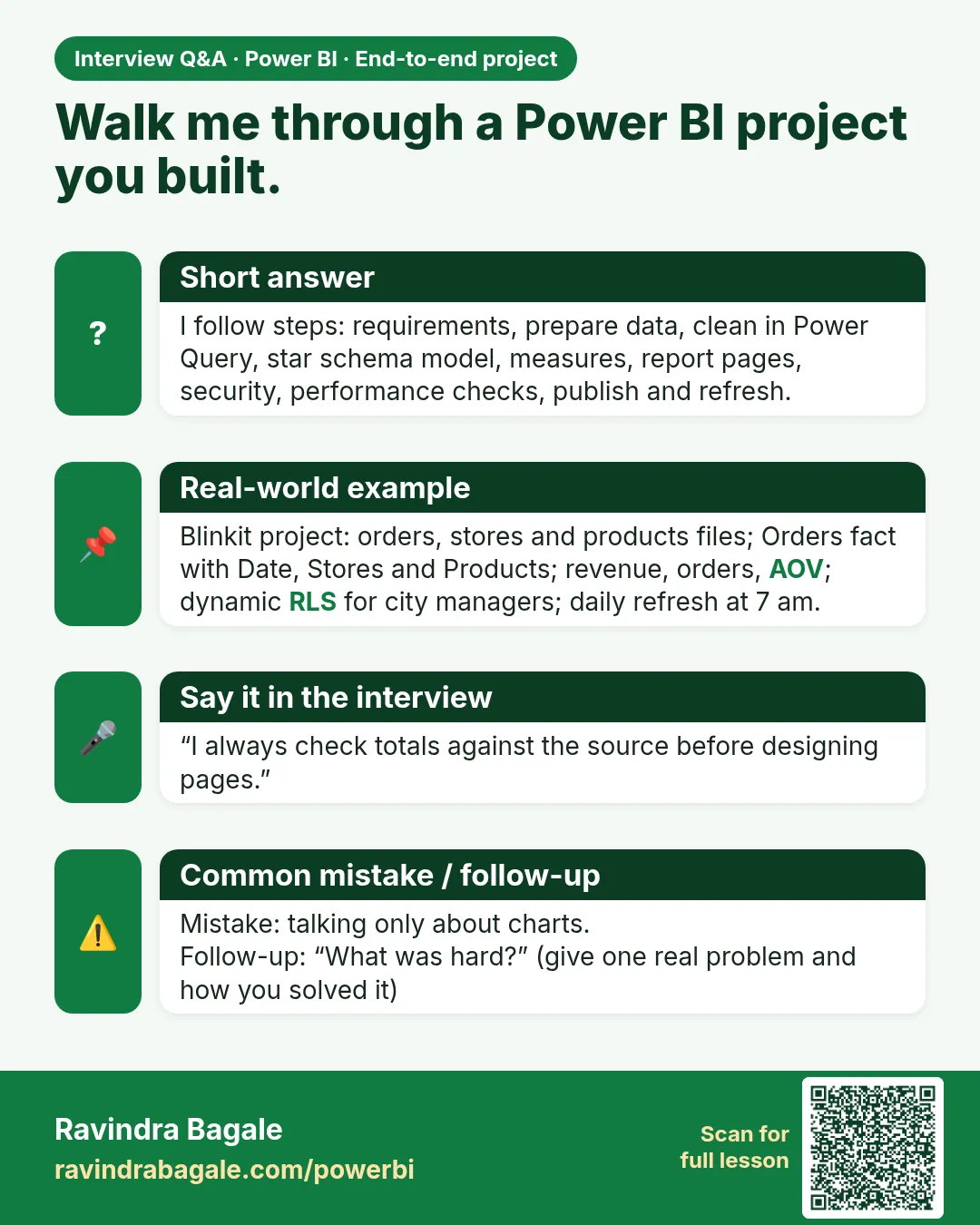
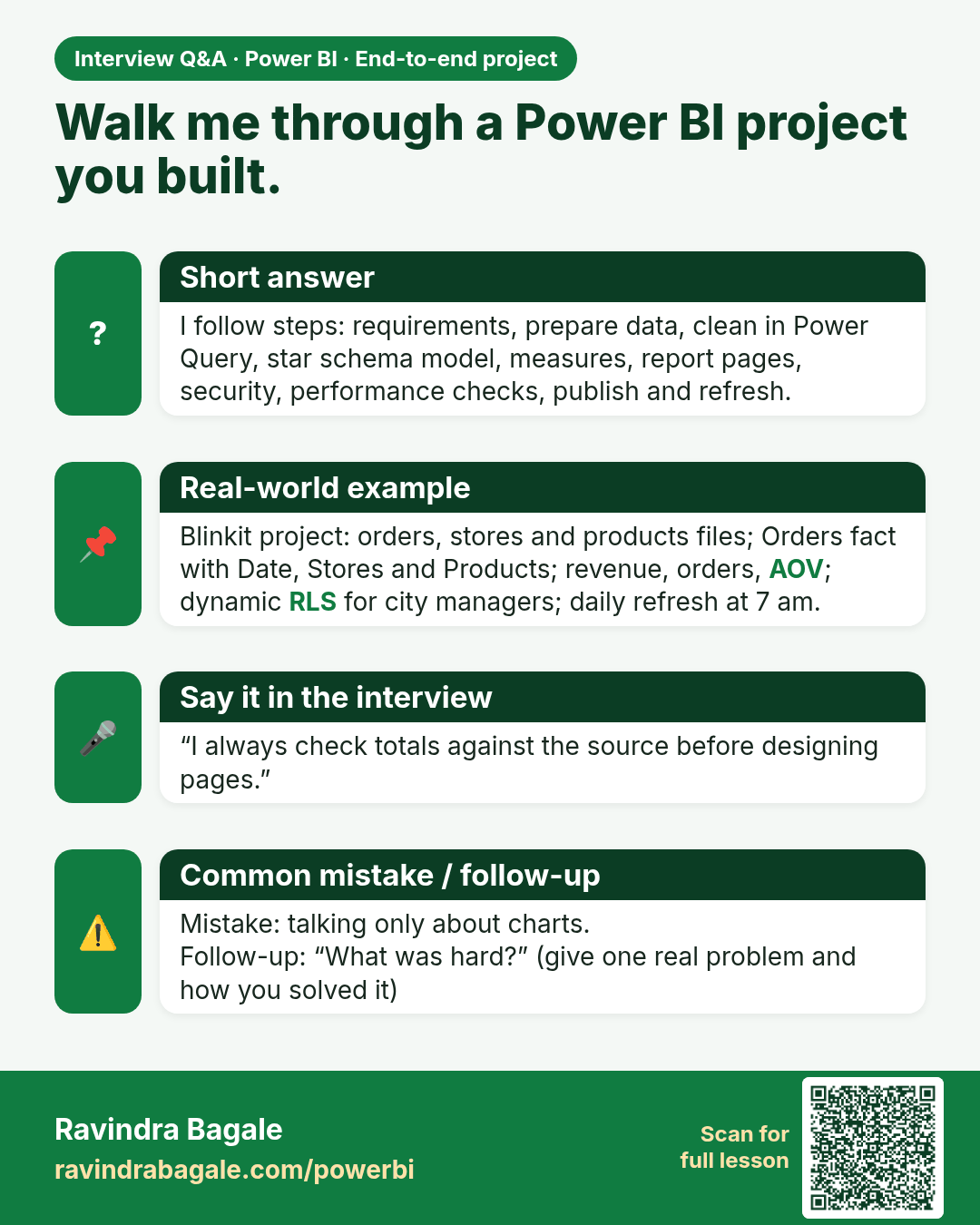
Walk me through a Power BI project you built. I follow steps: requirements, prepare data, clean in Power Query, star schema model, measures, report pages, security, performance checks, publish and refresh.
Interview card 1 of 1: Walk me through a Power BI project you built. · Download PNG · Open card page

Lesson: 28.1 Business Requirements

Comparison cards
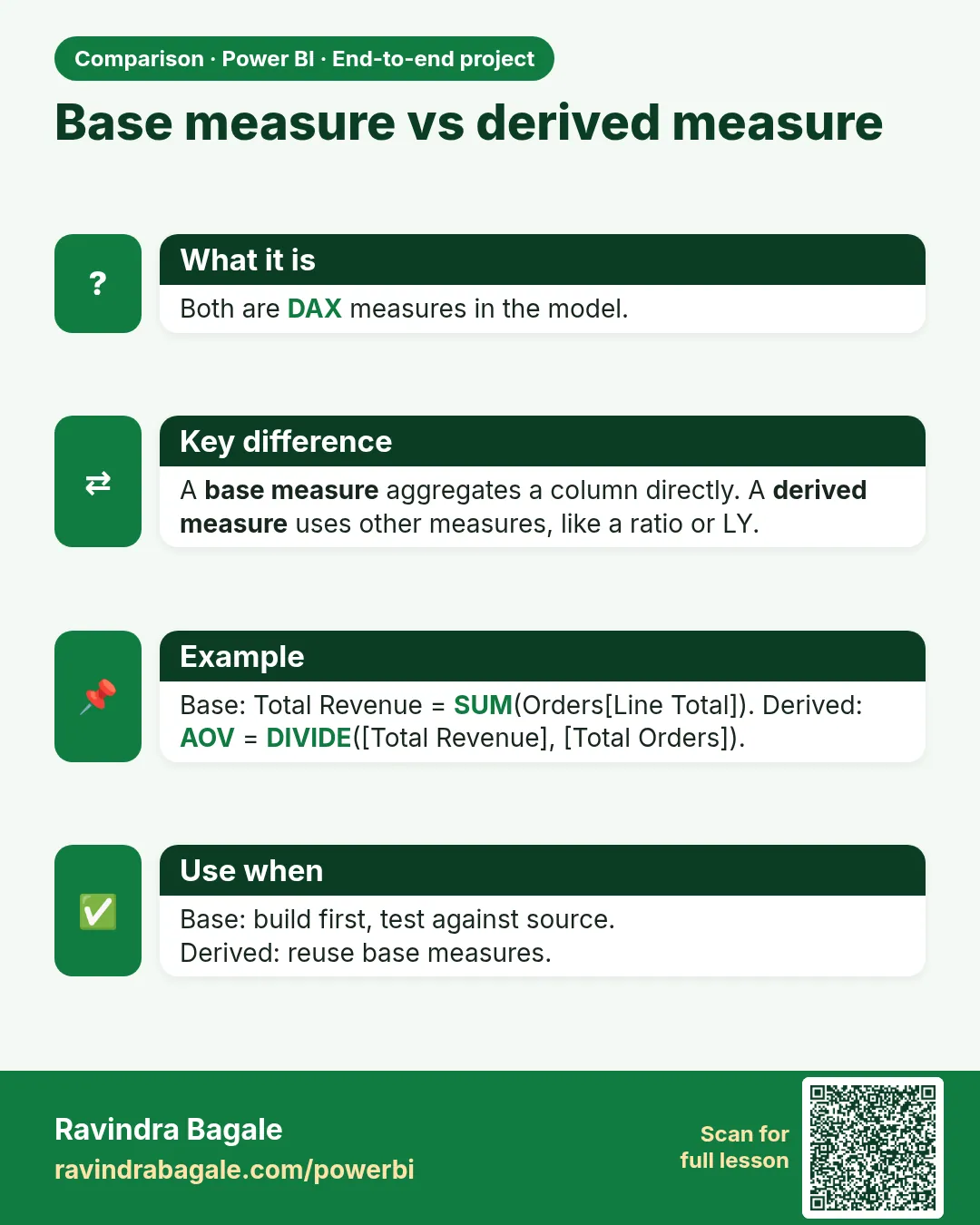
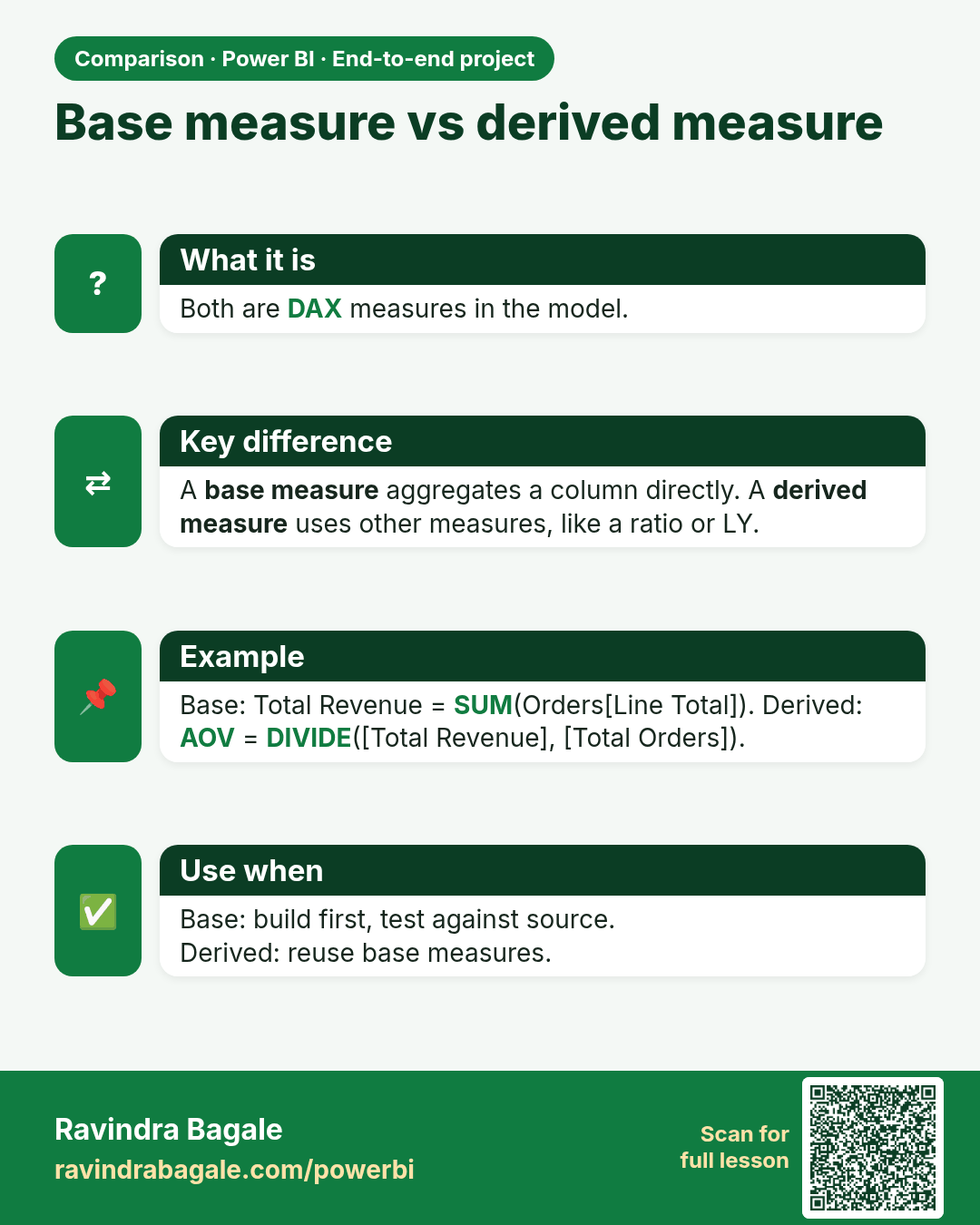
Base measure vs derived measure. Both are DAX measures in the model.
Comparison card 1 of 1: Base measure vs derived measure · Download PNG · Open card page

Lesson: 28.5 Step 4 – Create the Measures