28. End-to-End Project: Blinkit Quick-Commerce Dashboard
28.9 Step 8 – Publish and Automate
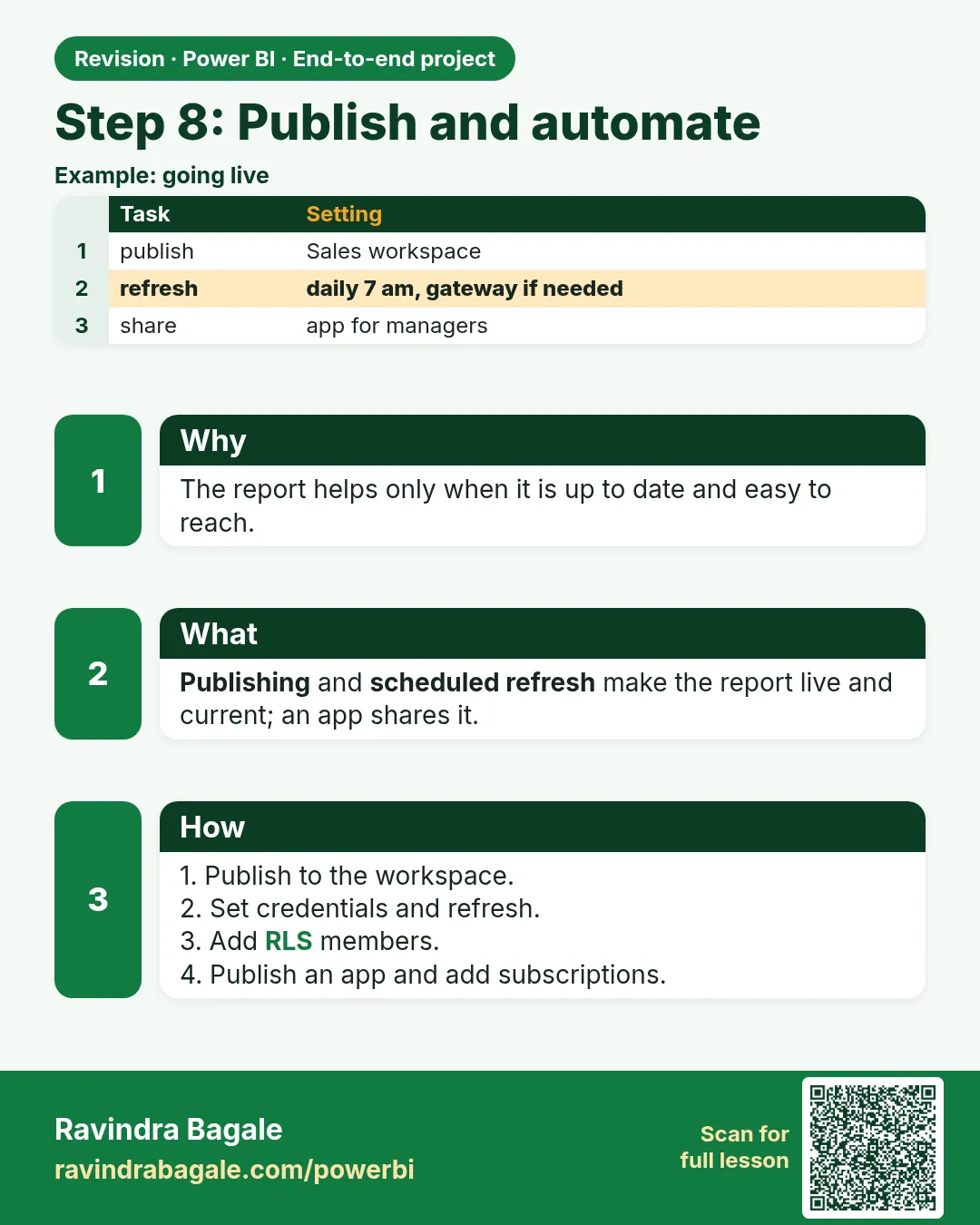
- Home › Publish to the Quick Commerce – Dev workspace; test there.
- Promote to the production workspace (or via a deployment pipeline).
- In the semantic model settings: enter data source credentials; configure the gateway if files/databases are on-premises; set scheduled refresh daily at 7:00 AM; add failure notification contacts.
- Security: add each city manager (or a security group) to the
City Managerrole. - Pin the key cards and the orders-by-hour chart to an Operations Dashboard; add a data alert on the Total Orders tile.
- Create an app for the operations team with audiences, and set up a daily subscription for the operations head.
Portfolio advice
Write a short project summary: business problem, data sources, modelling decisions (for example, why orders are counted with DISTINCTCOUNT), key measures, insights found and screenshots of your own report. Clearly label the data as fictional sample data. Interviewers value your ability to explain why you made each design choice.
Congratulations, friends! Your first full Power BI project is ready. Practise explaining this project in your own words.
अभिनंदन मित्रांनो! तुमचा पहिला पूर्ण Power BI project तयार आहे. हा project स्वतःच्या शब्दांत explain करायचा सराव करा.
बधाई हो दोस्तों! आपका पहला पूरा Power BI project तैयार है. यह project अपने शब्दों में explain करने की practice कीजिए.
Ravindra Bagale's Tip
Friends, many students publish and forget to set up scheduled refresh or the gateway, so the report shows old data the next day. After publishing, configure the credentials, the gateway (if needed), a refresh schedule and failure notifications, then check the refresh history the next morning. Clear?
Ravindra Bagale's Tip – मराठी
मित्रांनो, बरेच students publish करतात आणि scheduled refresh किंवा gateway set करायला विसरतात, त्यामुळे दुसऱ्या दिवशी report जुना data दाखवतो. Publish केल्यानंतर credentials, gateway (लागत असेल तर), refresh schedule आणि failure notifications configure करा, मग दुसऱ्या दिवशी सकाळी refresh history चेक करा. समजलं का?
Ravindra Bagale's Tip – हिंदी
दोस्तों, बहुत से students publish करते हैं और scheduled refresh या gateway set करना भूल जाते हैं, जिससे अगले दिन report पुराना data दिखाती है. Publish करने के बाद credentials, gateway (ज़रूरत हो तो), refresh schedule और failure notifications configure करो, फिर अगली सुबह refresh history check करो. समझ आया?
Fix common mistakes
| Wrong result | Reason | Correction |
|---|---|---|
| Report shows yesterday's data | No scheduled refresh | Configure credentials, gateway, schedule |
| Numbers don't match source | No reconciliation | Check row count and total for one city/day |
About this data: This table uses columns: Wrong result, Reason, Correction. Values shown are the lesson examples already on this page (not a new dataset).
Practise independently
Practice task
Reconcile the sample: rows, total and Pune total.
Practice file (fictional): visuals_orders_apr_may_2026.csv
Hints
- Card vs CSV.
Solution
8 rows, ₹2,100, Pune ₹850.
Thodkyaat sangaycha tar (quick recap)
Requirements aadhi, raw data untouched, Power Query madhe cleaning, star schema, base measures, consistent pages, RLS, quality check aani scheduled refresh. Ha flow interview madhe "explain your project" la uttar mhanun vapra. Page 1 var promise, page 2 var store, ani total orders he title nahi. Aata pudhe jaauya practice exercises kade.
 Revision card