Ravindra BagaleCourses & study guides मराठी Track your progress

Ravi Sir's Cards › Power BI

28. End-to-End Project: Blinkit Quick-Commerce Dashboard: मराठी Cards

English cards · Chapter उघडा

उजळणी (Revision) cards

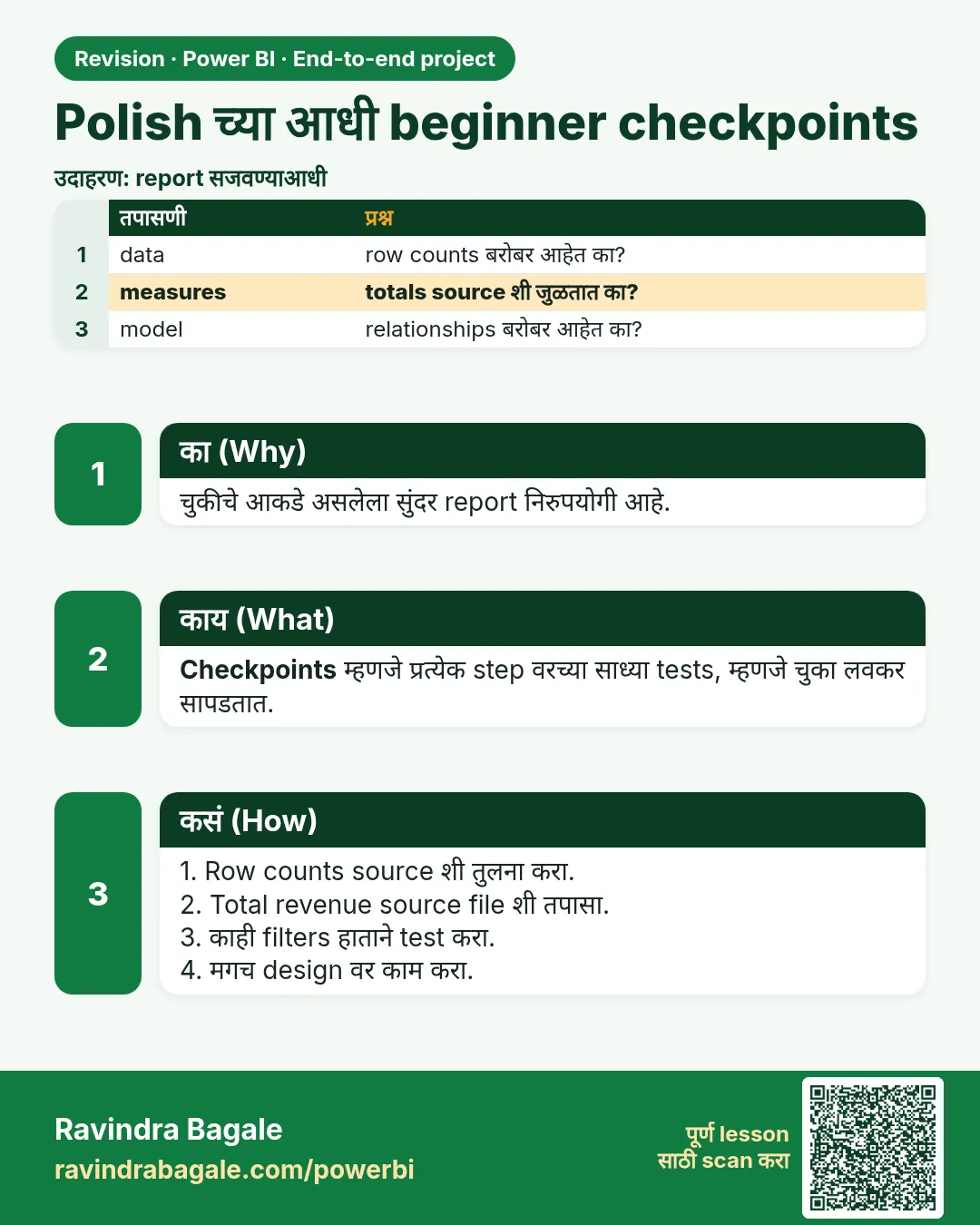
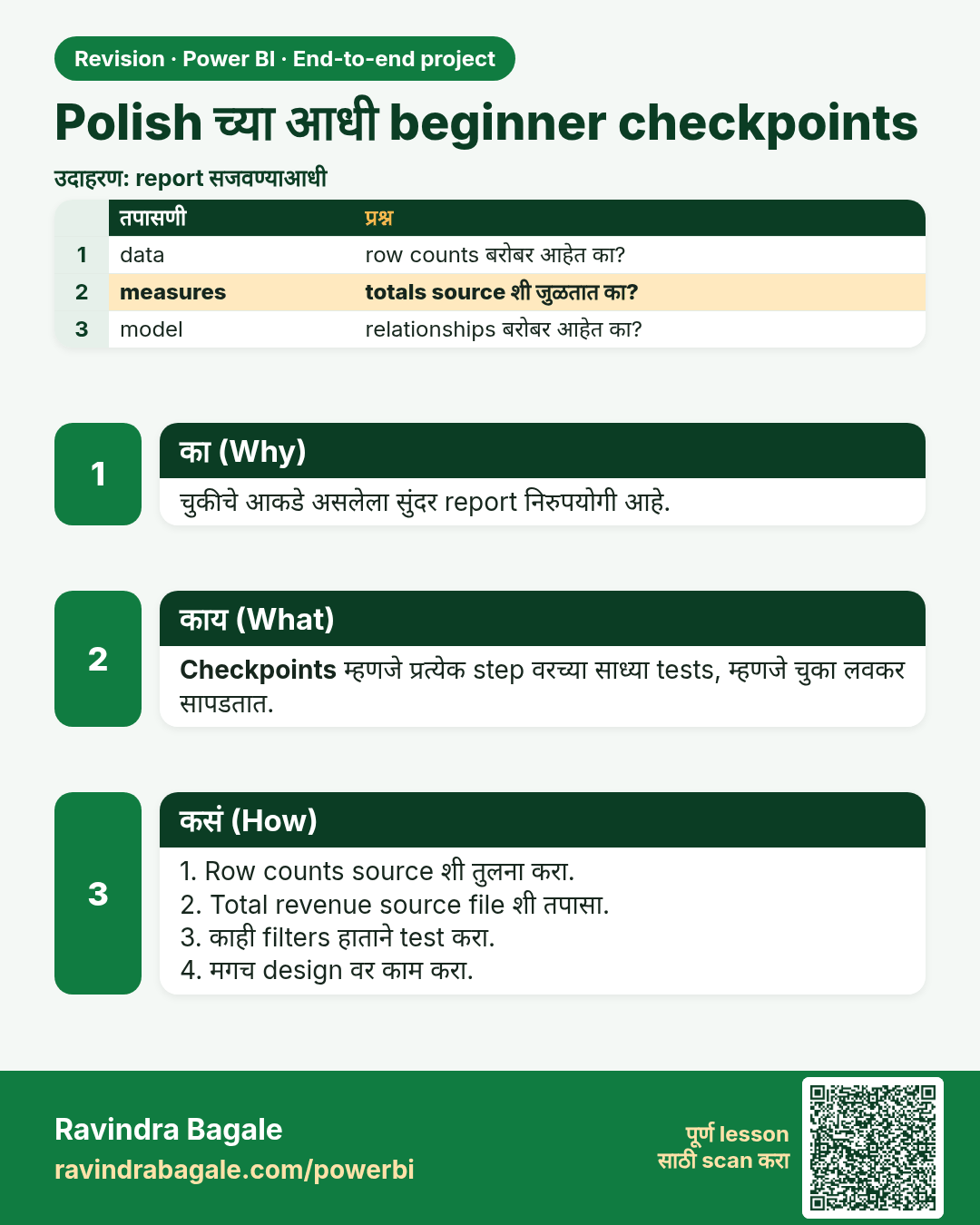
Polish च्या आधी beginner checkpoints. चुकीचे आकडे असलेला सुंदर report निरुपयोगी आहे.
उजळणी (Revision) card 1 of 10: Polish च्या आधी beginner checkpoints · PNG download करा · Card page उघडा

Lesson: 28.0 Beginner checkpoints (before you chase polish)
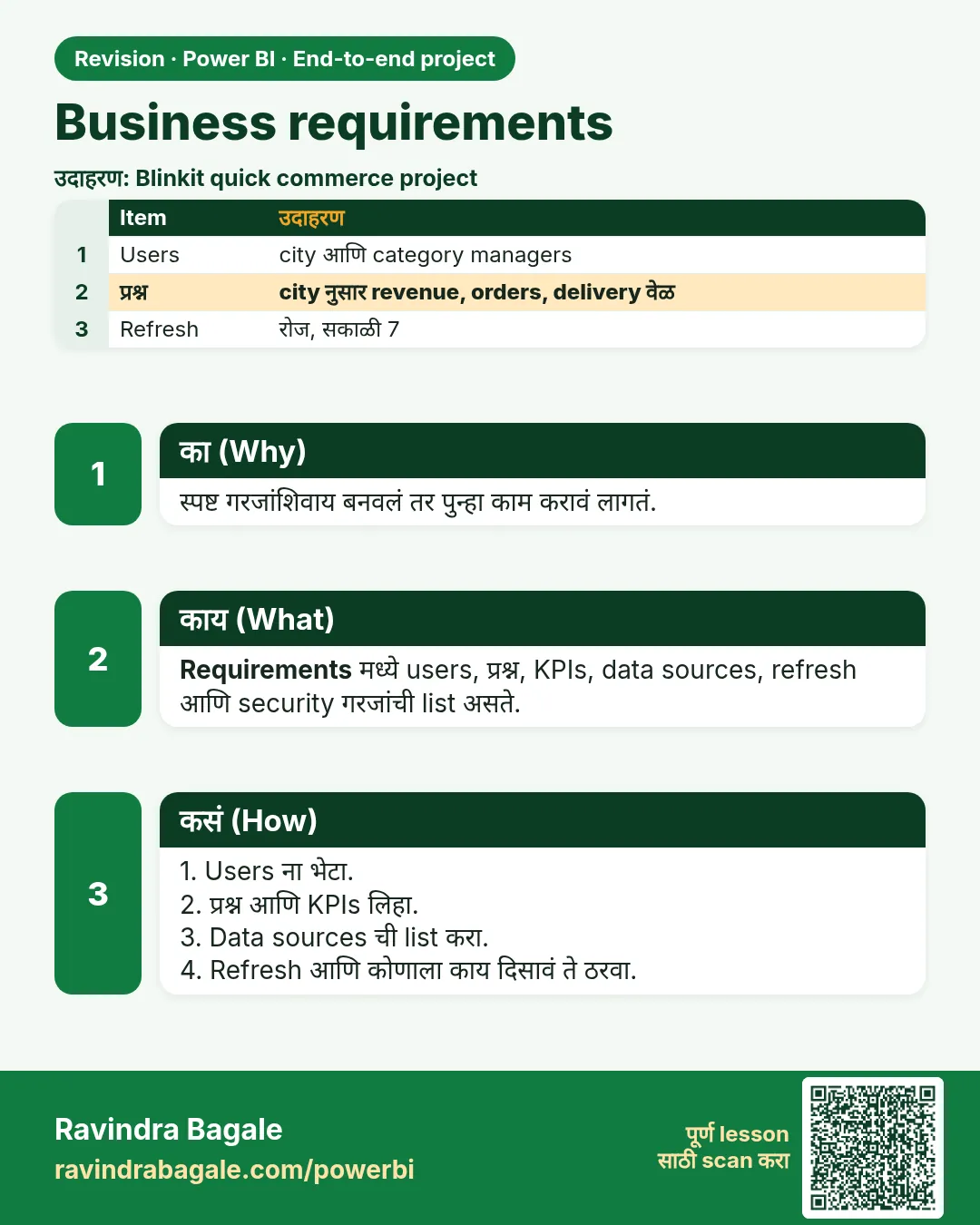
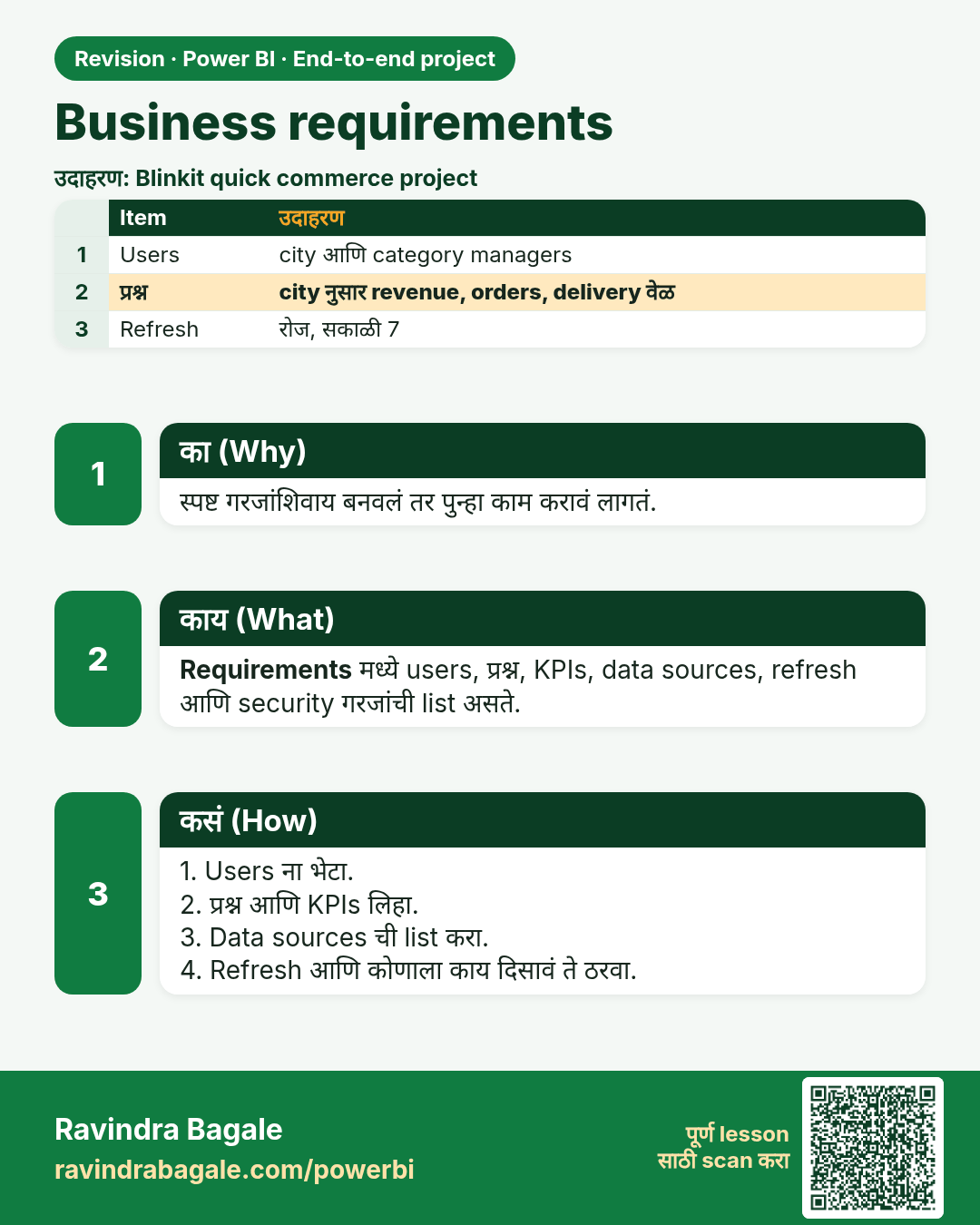
Business requirements. स्पष्ट गरजांशिवाय बनवलं तर पुन्हा काम करावं लागतं.
उजळणी (Revision) card 2 of 10: Business requirements · PNG download करा · Card page उघडा

Lesson: 28.1 Business Requirements

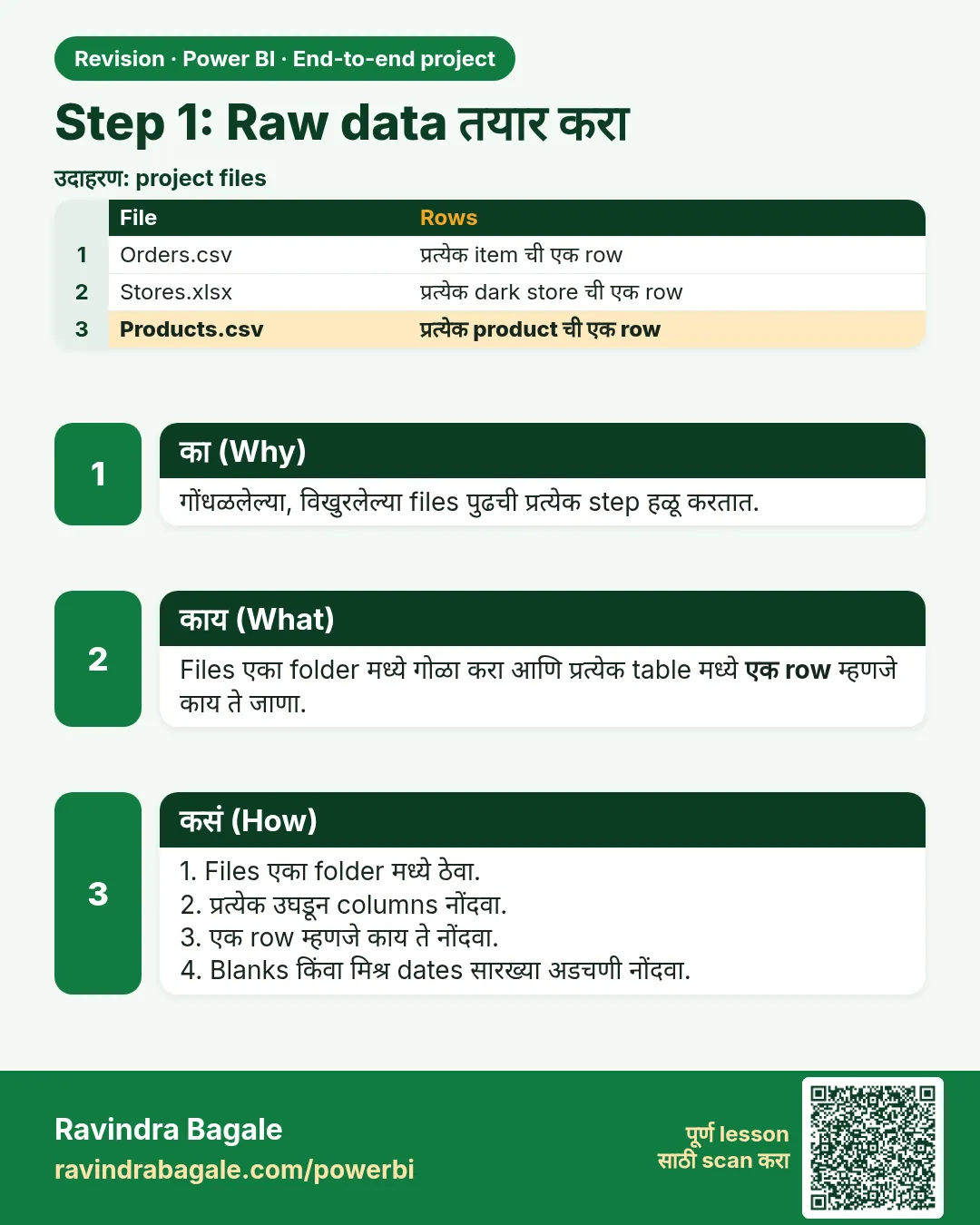
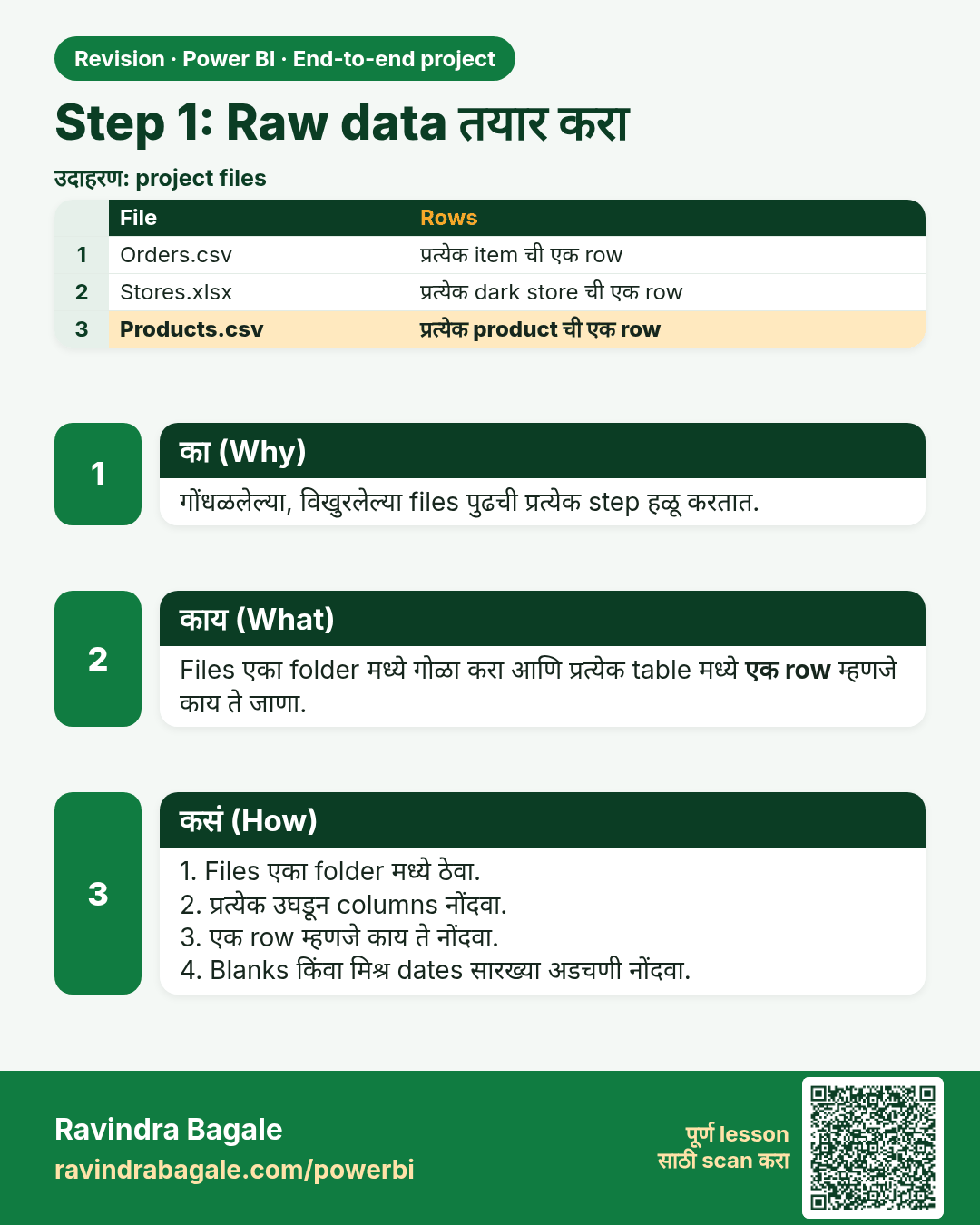
Step 1: Raw data तयार करा. गोंधळलेल्या, विखुरलेल्या files पुढची प्रत्येक step हळू करतात.
उजळणी (Revision) card 3 of 10: Step 1: Raw data तयार करा · PNG download करा · Card page उघडा

Lesson: 28.2 Step 1 – Prepare the Raw Data
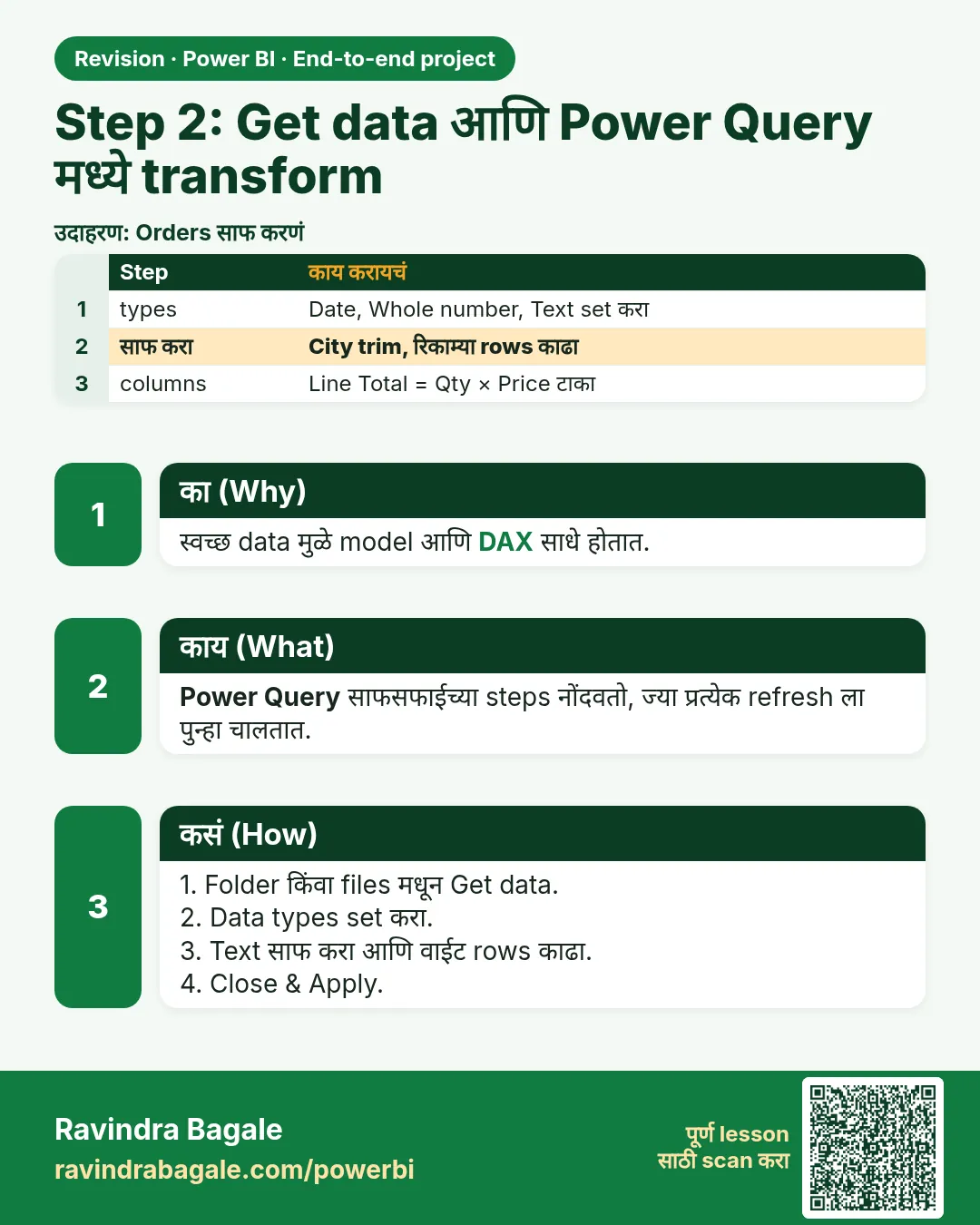
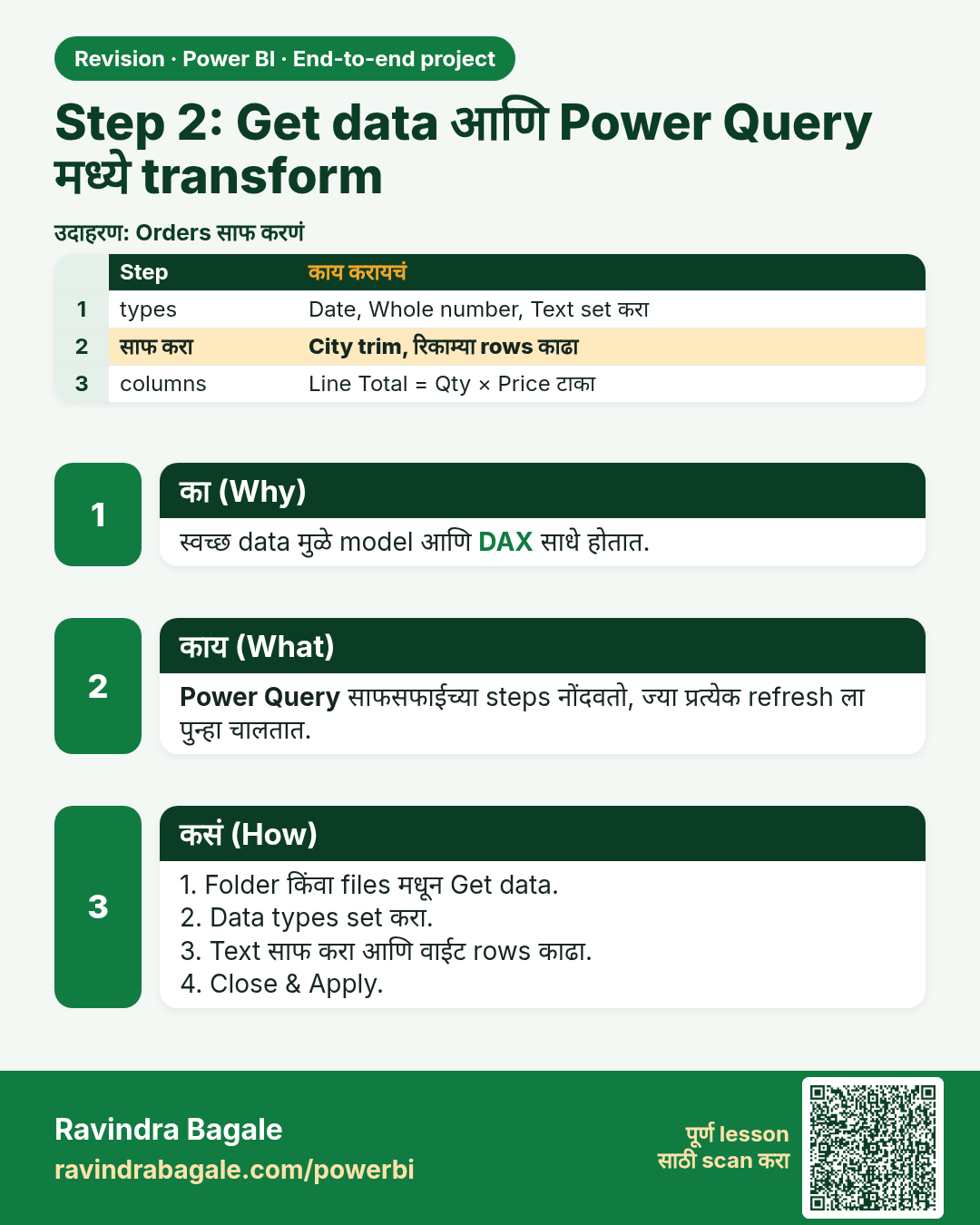
Step 2: Get data आणि Power Query मध्ये transform. स्वच्छ data मुळे model आणि DAX साधे होतात.
उजळणी (Revision) card 4 of 10: Step 2: Get data आणि Power Query मध्ये transform · PNG download करा · Card page उघडा

Lesson: 28.3 Step 2 – Get Data and Transform in Power Query
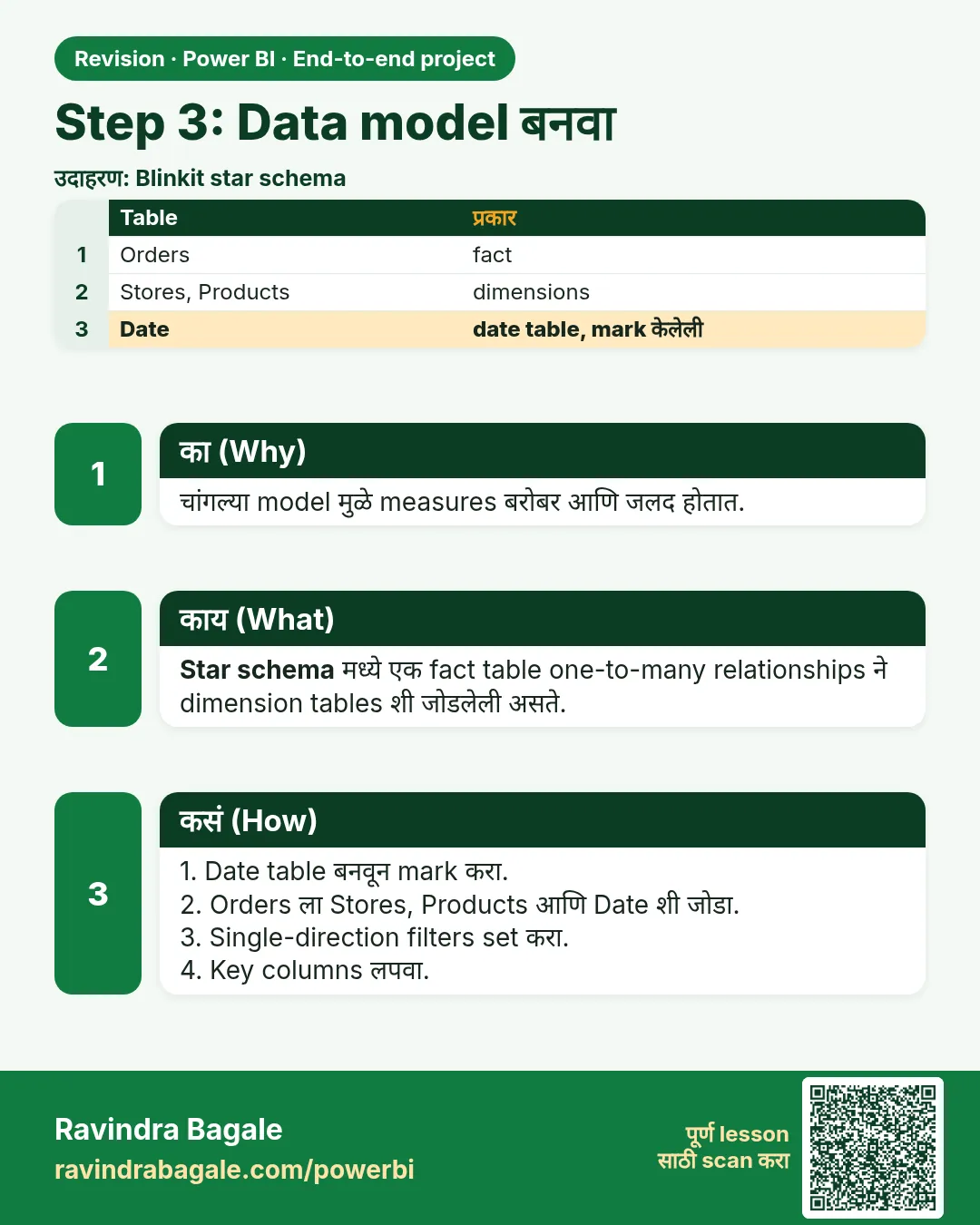
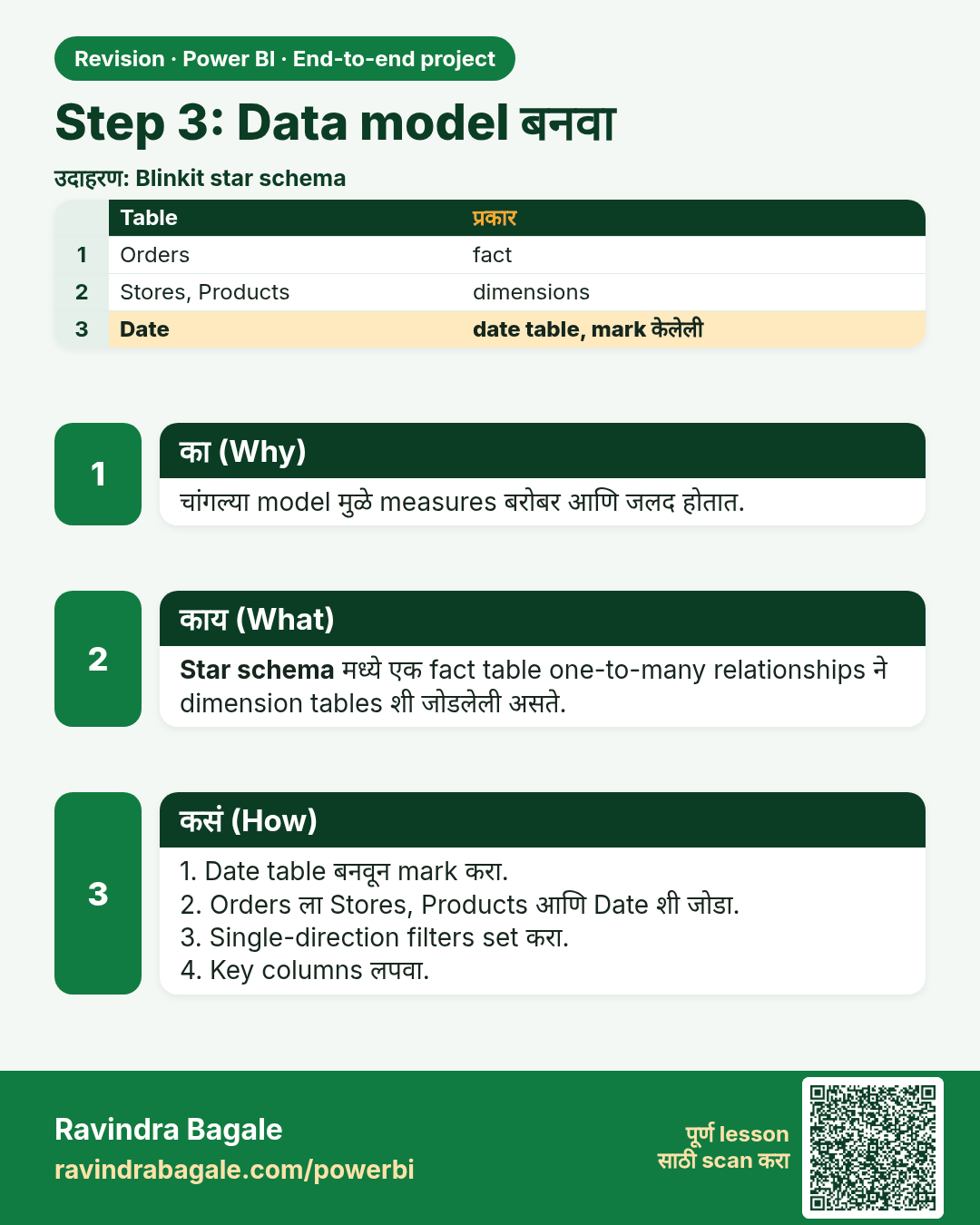
Step 3: Data model बनवा. चांगल्या model मुळे measures बरोबर आणि जलद होतात.
उजळणी (Revision) card 5 of 10: Step 3: Data model बनवा · PNG download करा · Card page उघडा

Lesson: 28.4 Step 3 – Build the Data Model
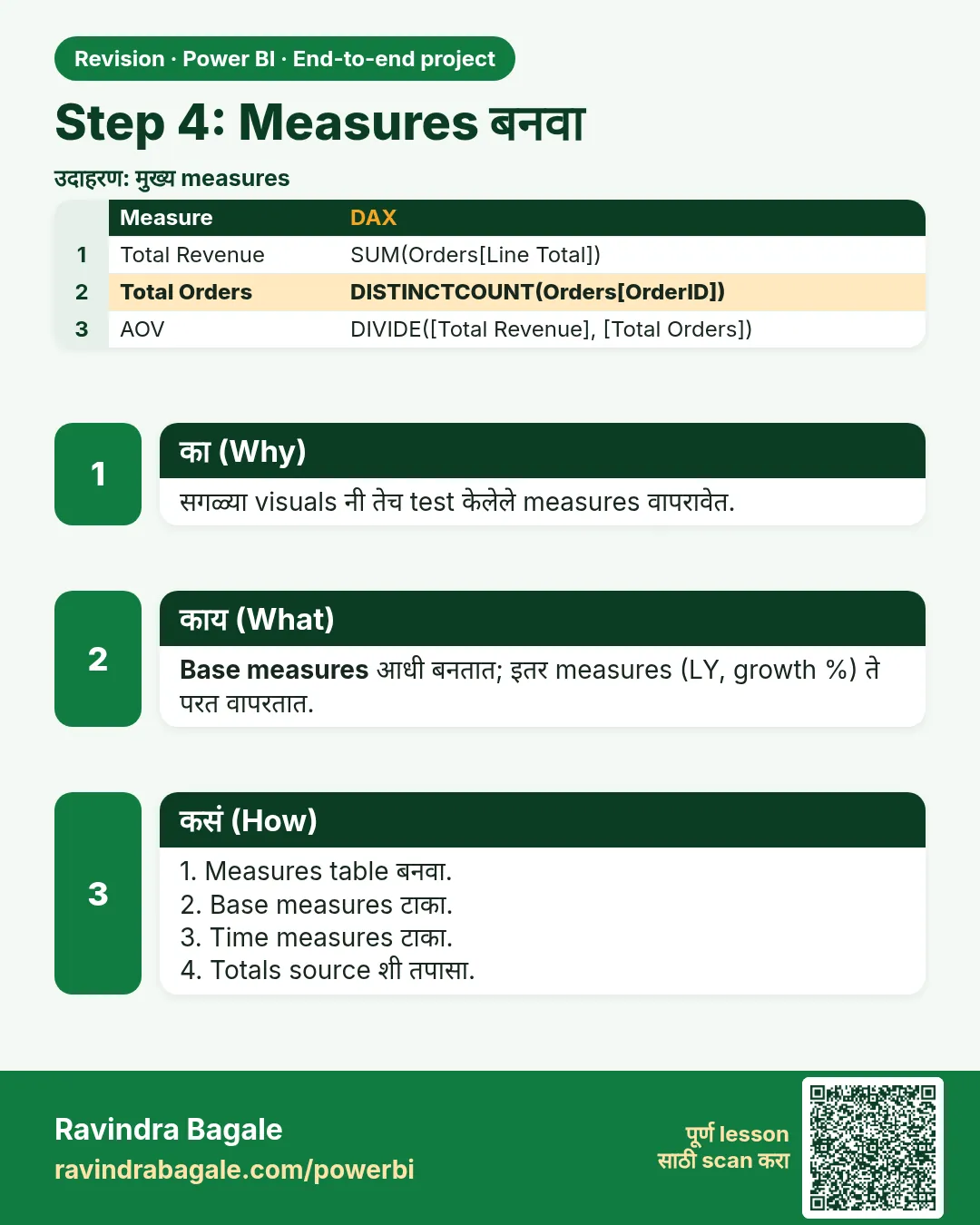
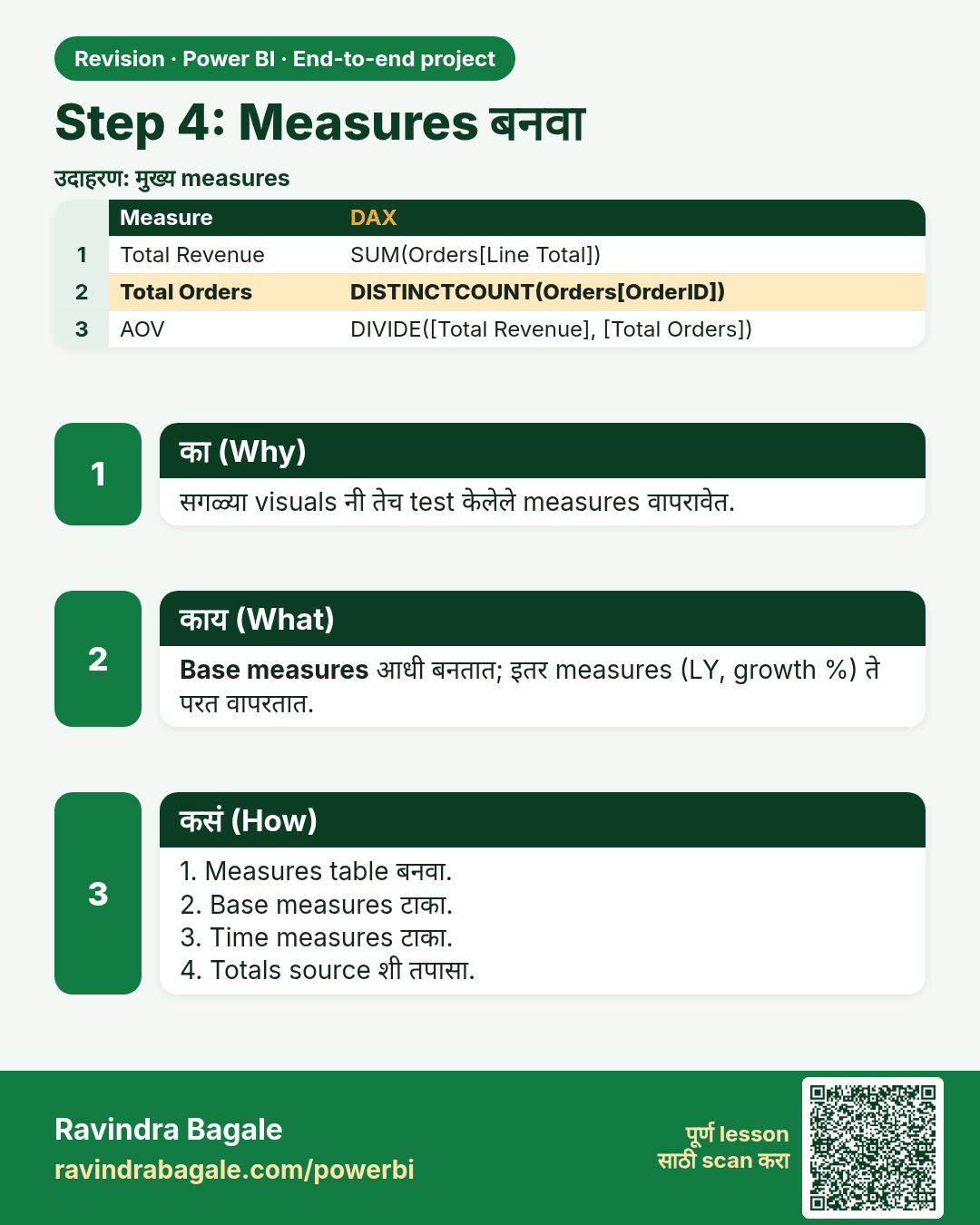
Step 4: Measures बनवा. सगळ्या visuals नी तेच test केलेले measures वापरावेत.
उजळणी (Revision) card 6 of 10: Step 4: Measures बनवा · PNG download करा · Card page उघडा

Lesson: 28.5 Step 4 – Create the Measures
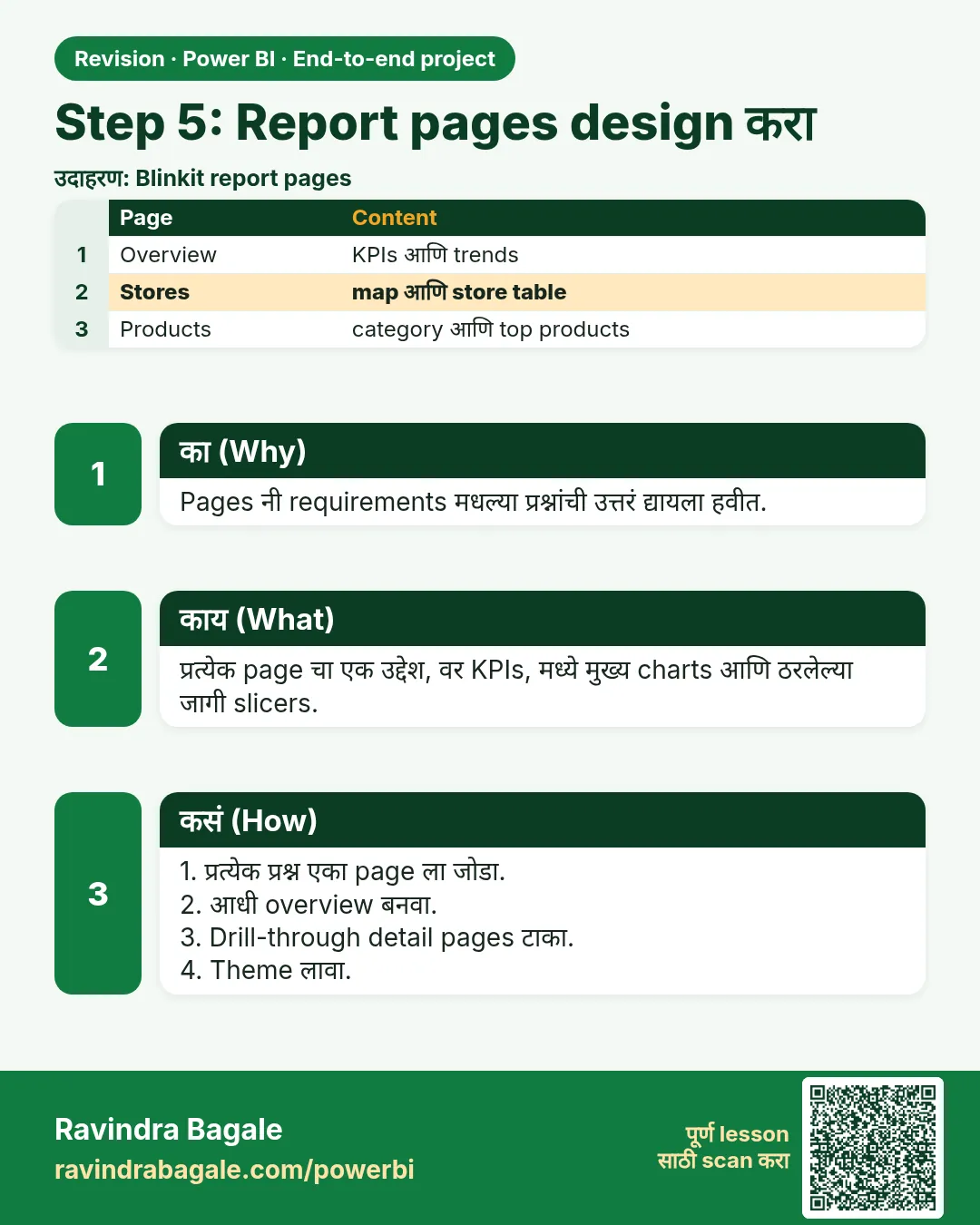
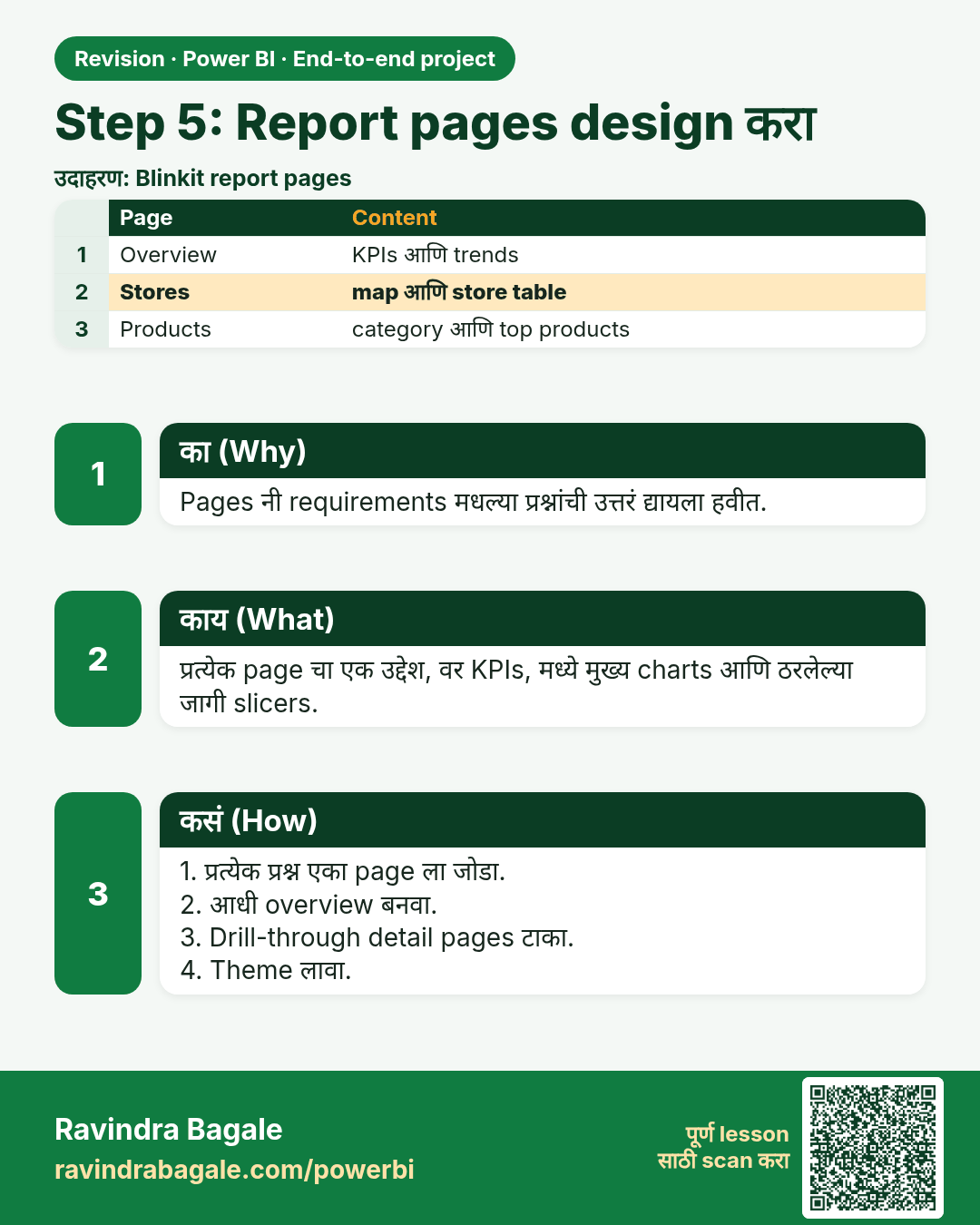
Step 5: Report pages design करा. Pages नी requirements मधल्या प्रश्नांची उत्तरं द्यायला हवीत.
उजळणी (Revision) card 7 of 10: Step 5: Report pages design करा · PNG download करा · Card page उघडा

Lesson: 28.6 Step 5 – Design the Report Pages
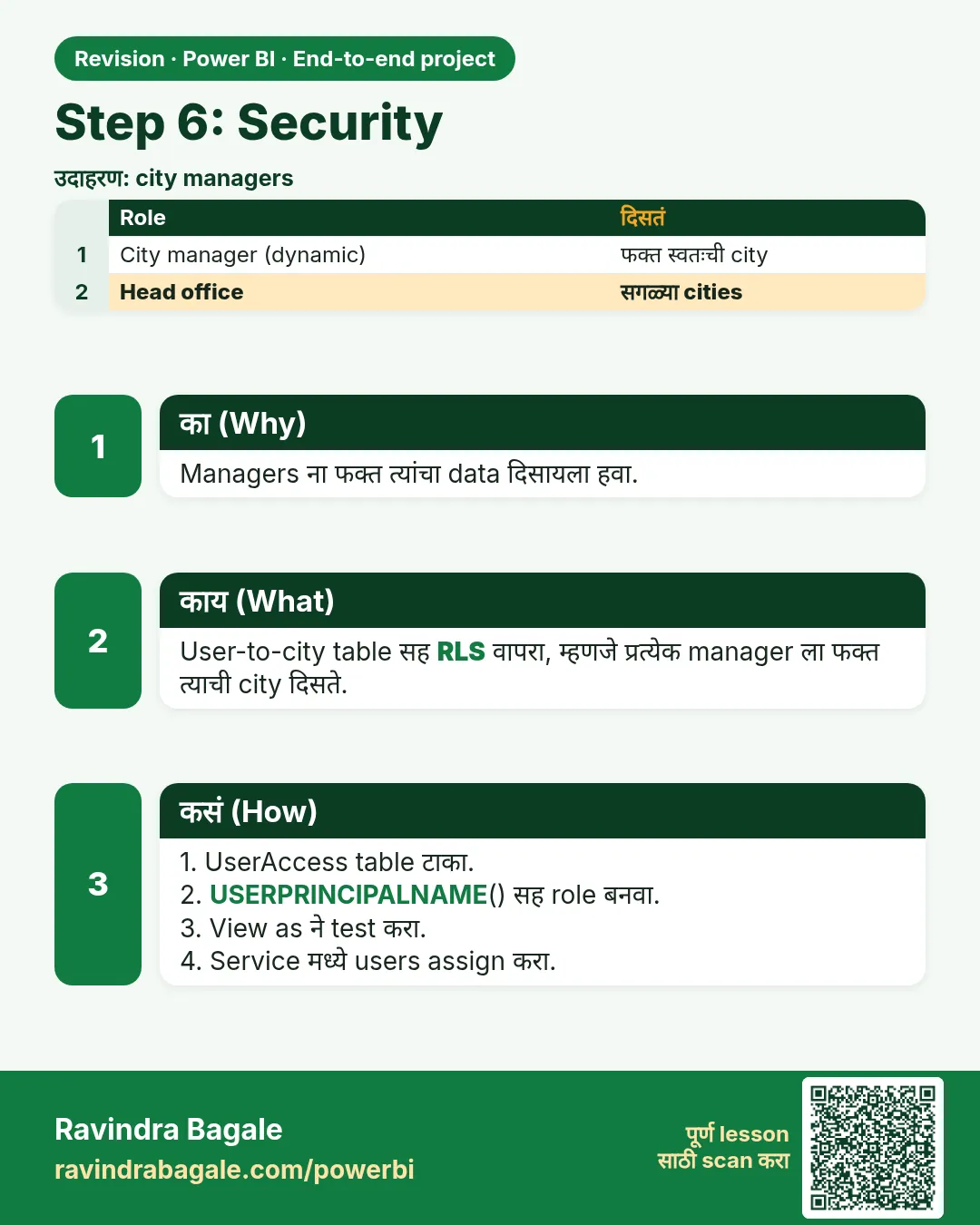
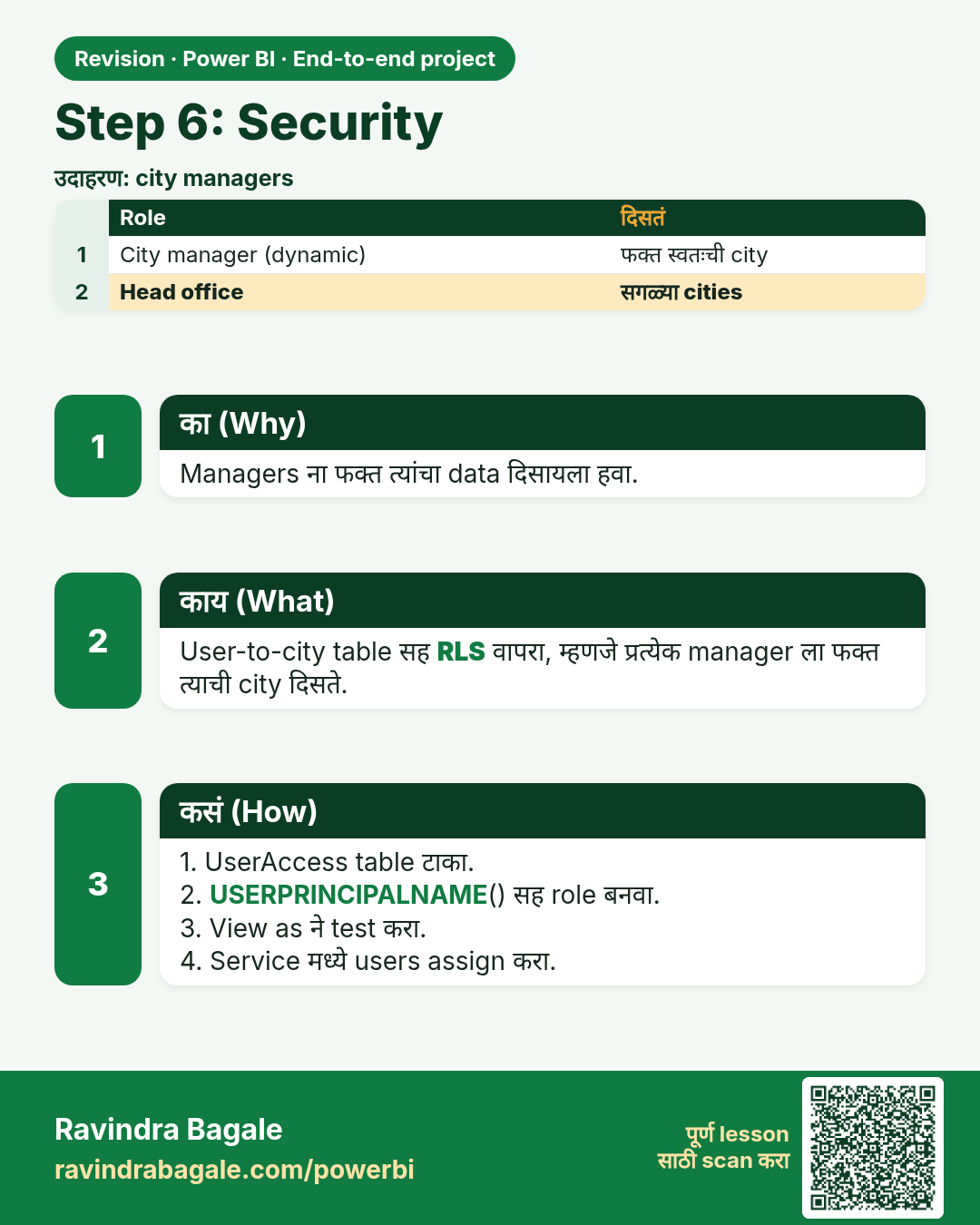
Step 6: Security. Managers ना फक्त त्यांचा data दिसायला हवा.
उजळणी (Revision) card 8 of 10: Step 6: Security · PNG download करा · Card page उघडा

Lesson: 28.7 Step 6 – Security

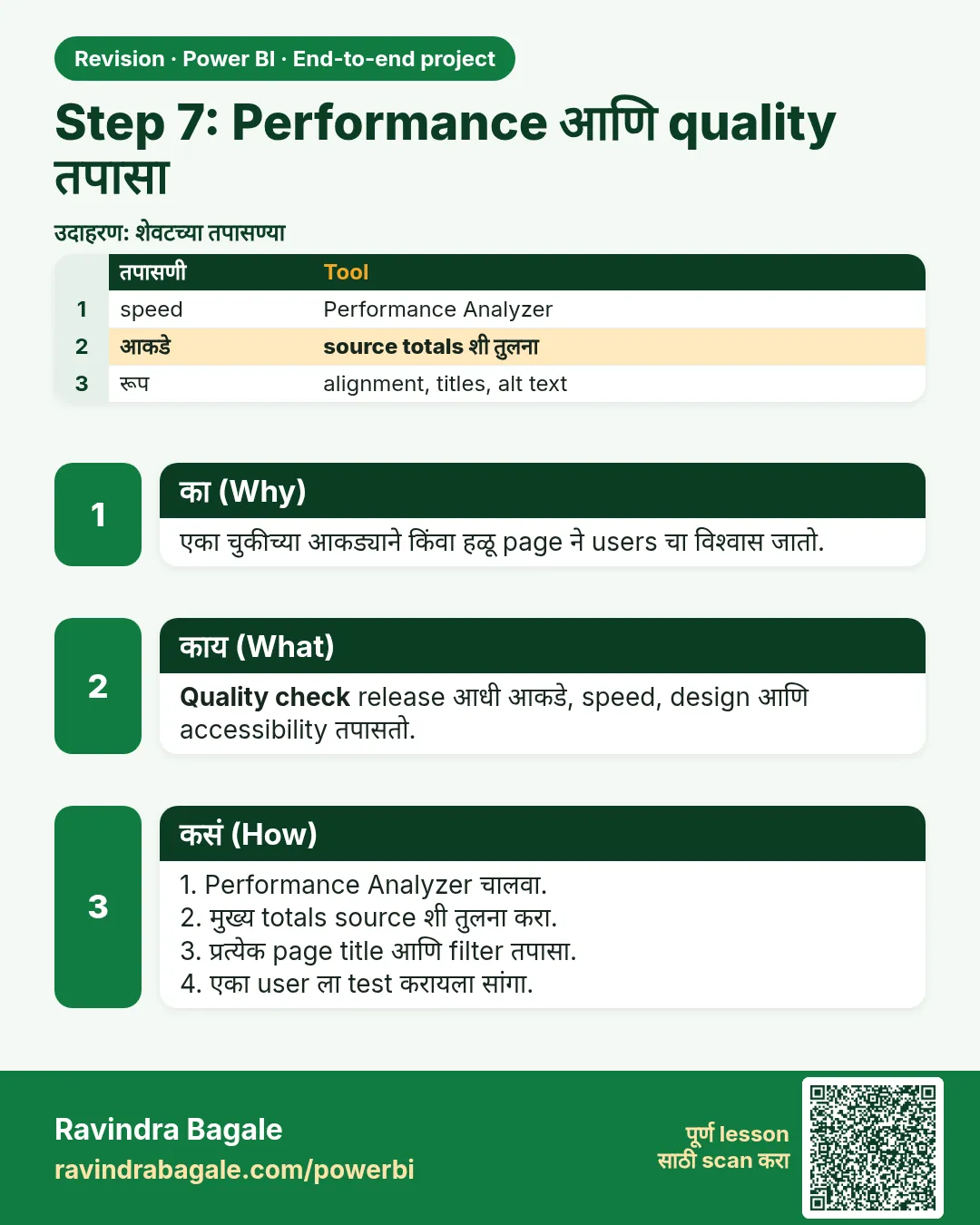
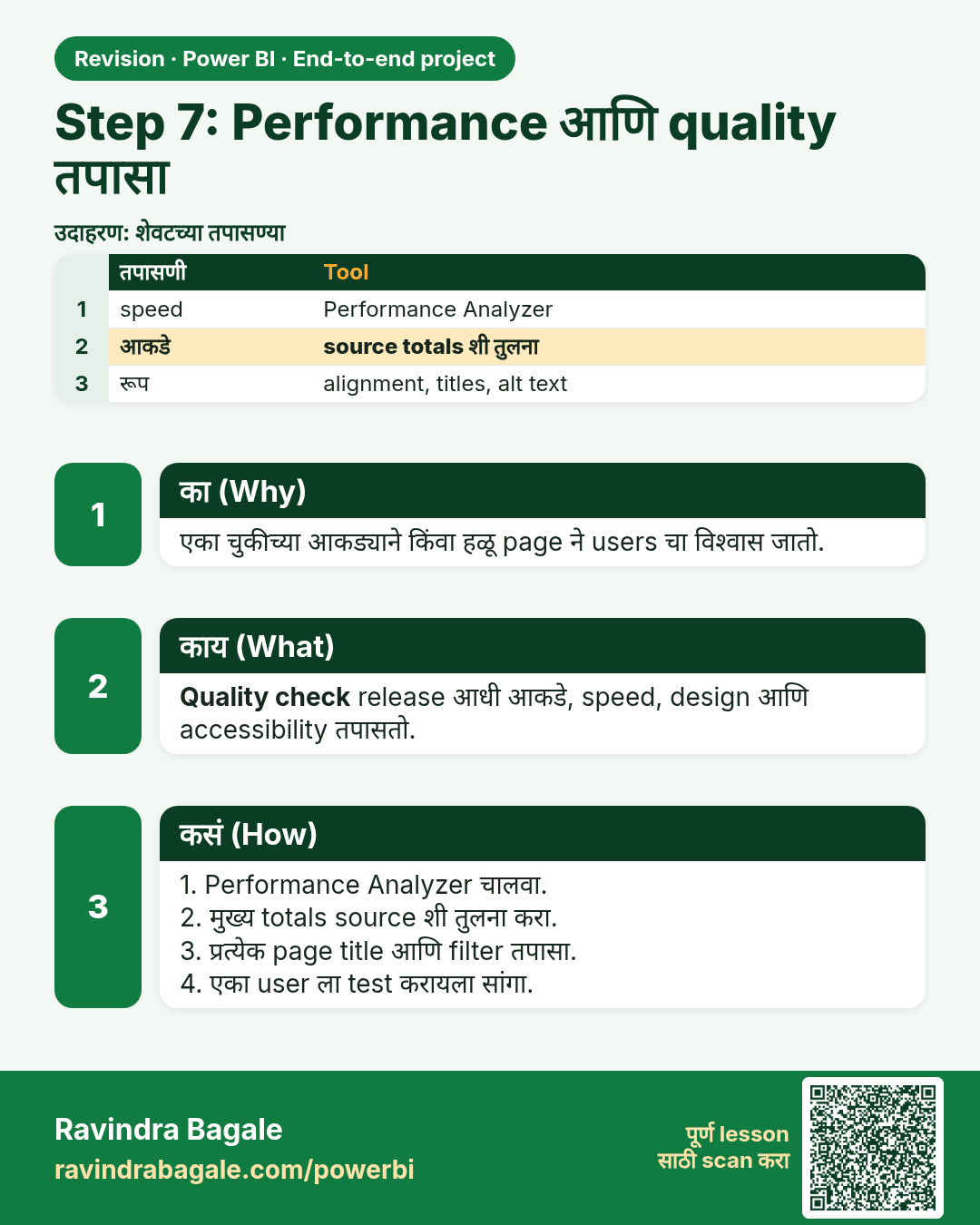
Step 7: Performance आणि quality तपासा. एका चुकीच्या आकड्याने किंवा हळू page ने users चा विश्वास जातो.
उजळणी (Revision) card 9 of 10: Step 7: Performance आणि quality तपासा · PNG download करा · Card page उघडा

Lesson: 28.8 Step 7 – Check Performance and Quality
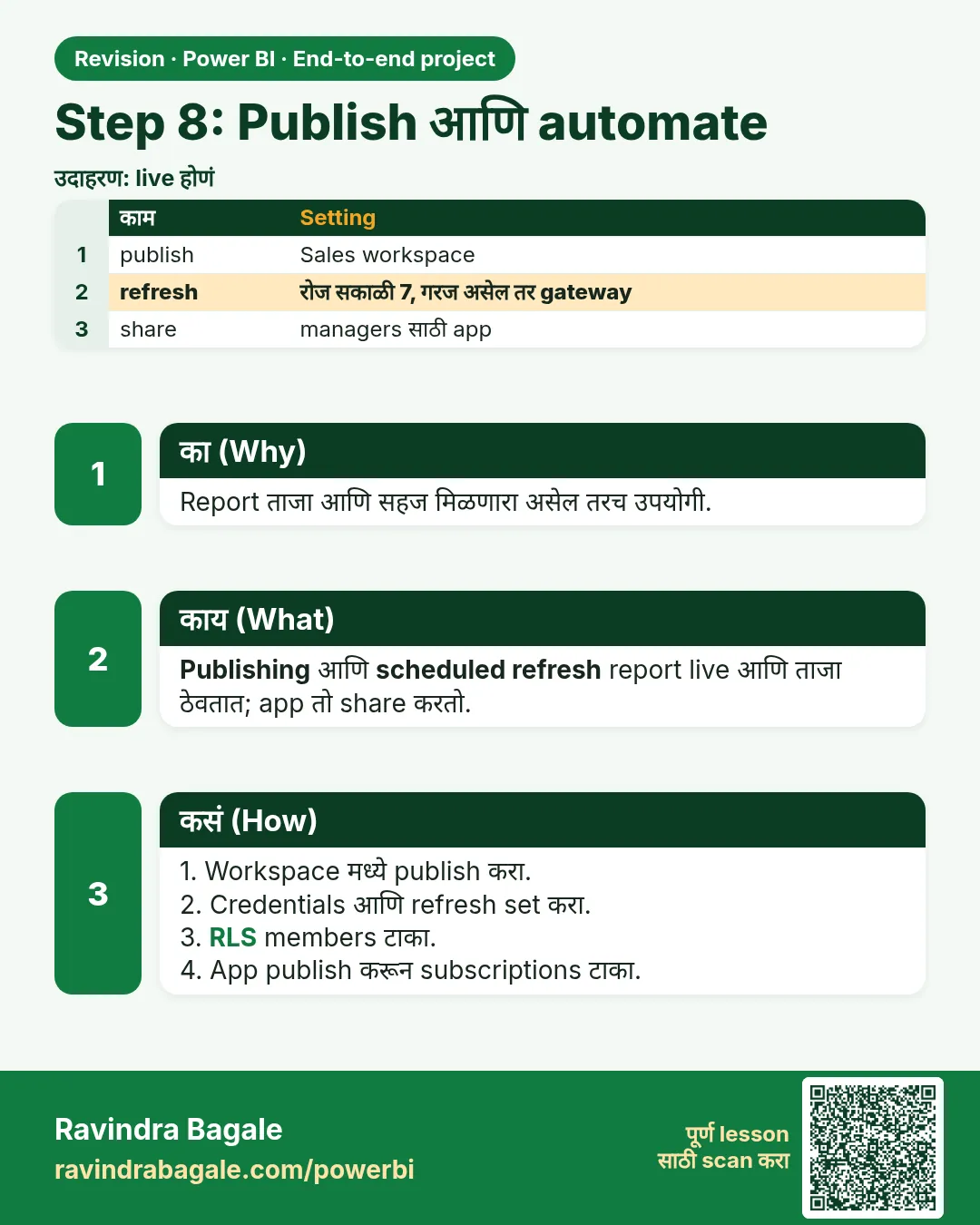
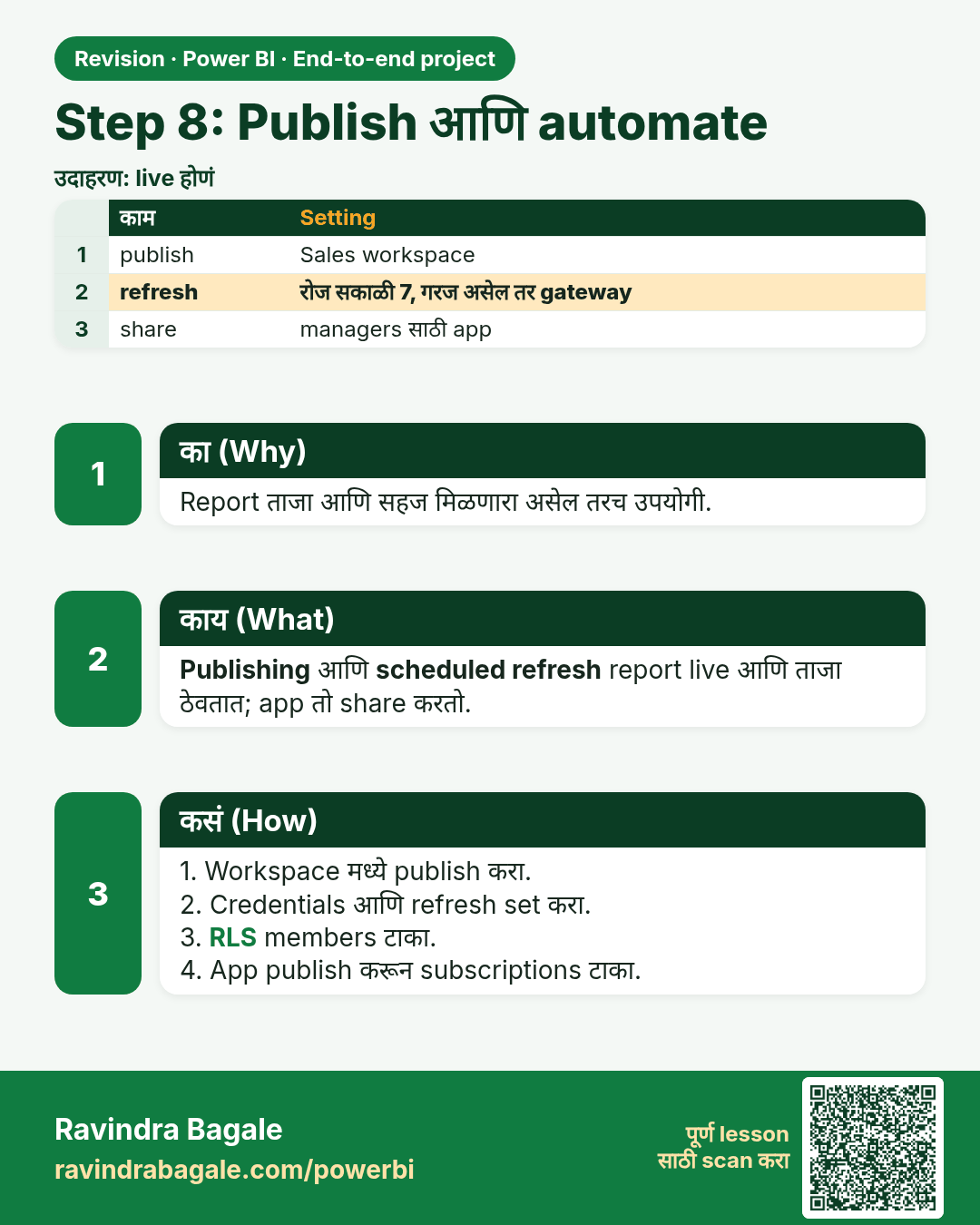
Step 8: Publish आणि automate. Report ताजा आणि सहज मिळणारा असेल तरच उपयोगी.
उजळणी (Revision) card 10 of 10: Step 8: Publish आणि automate · PNG download करा · Card page उघडा

Lesson: 28.9 Step 8 – Publish and Automate

मुलाखत (Interview) cards
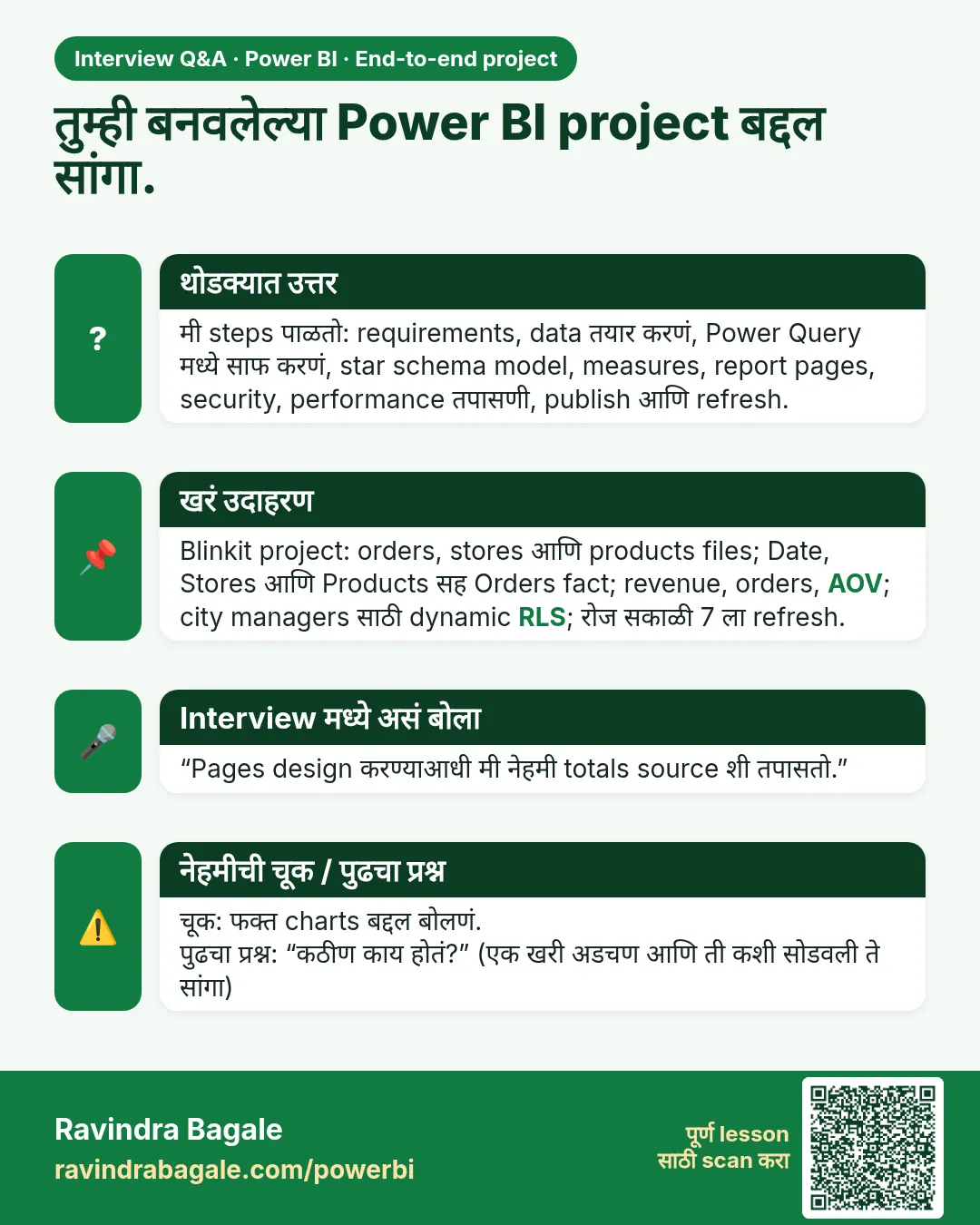
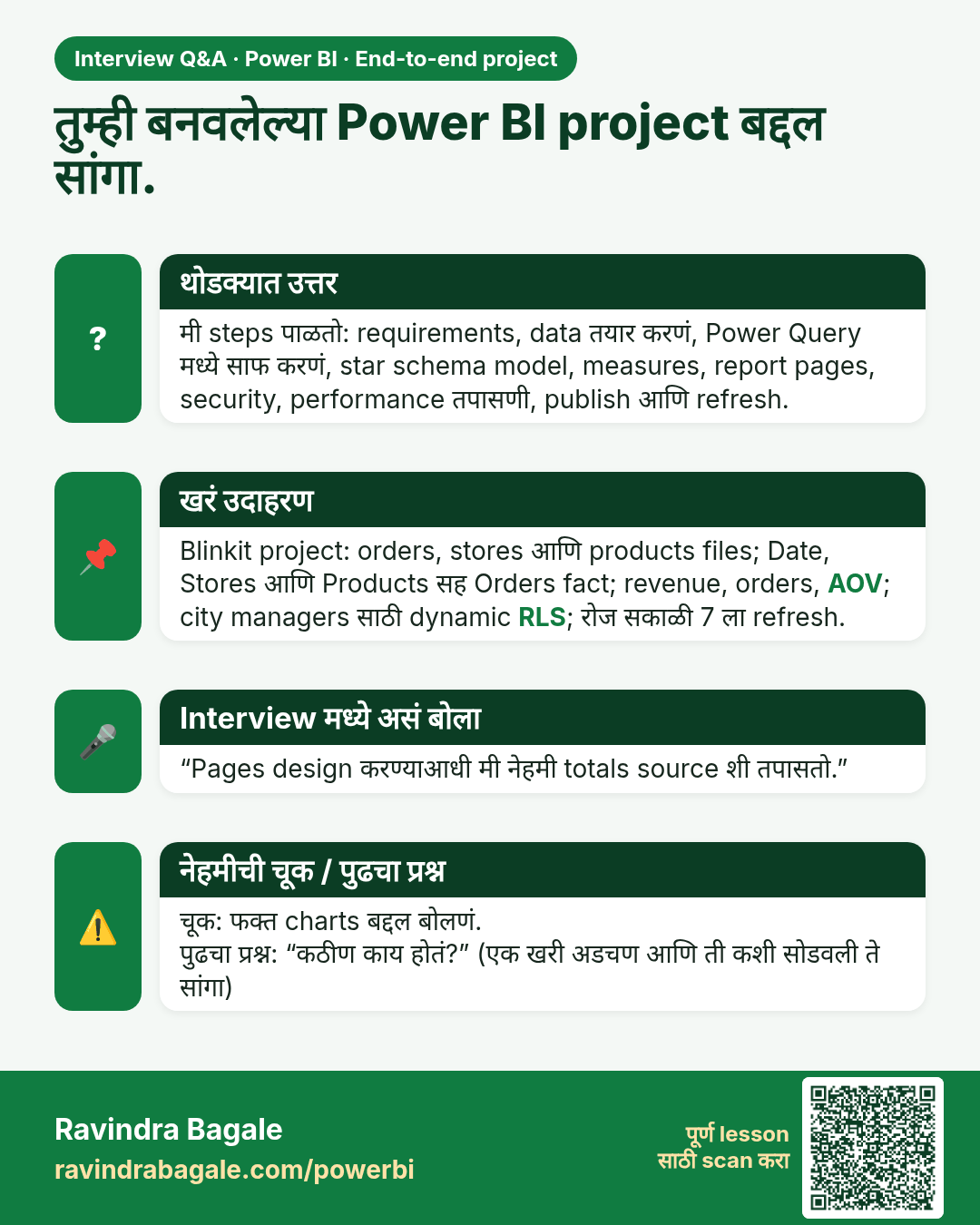
तुम्ही बनवलेल्या Power BI project बद्दल सांगा. मी steps पाळतो: requirements, data तयार करणं, Power Query मध्ये साफ करणं, star schema model, measures, report pages, security, performance तपासणी, publish आणि refresh.
मुलाखत (Interview) card 1 of 1: तुम्ही बनवलेल्या Power BI project बद्दल सांगा. · PNG download करा · Card page उघडा

Lesson: 28.1 Business Requirements

तुलना (Comparison) cards
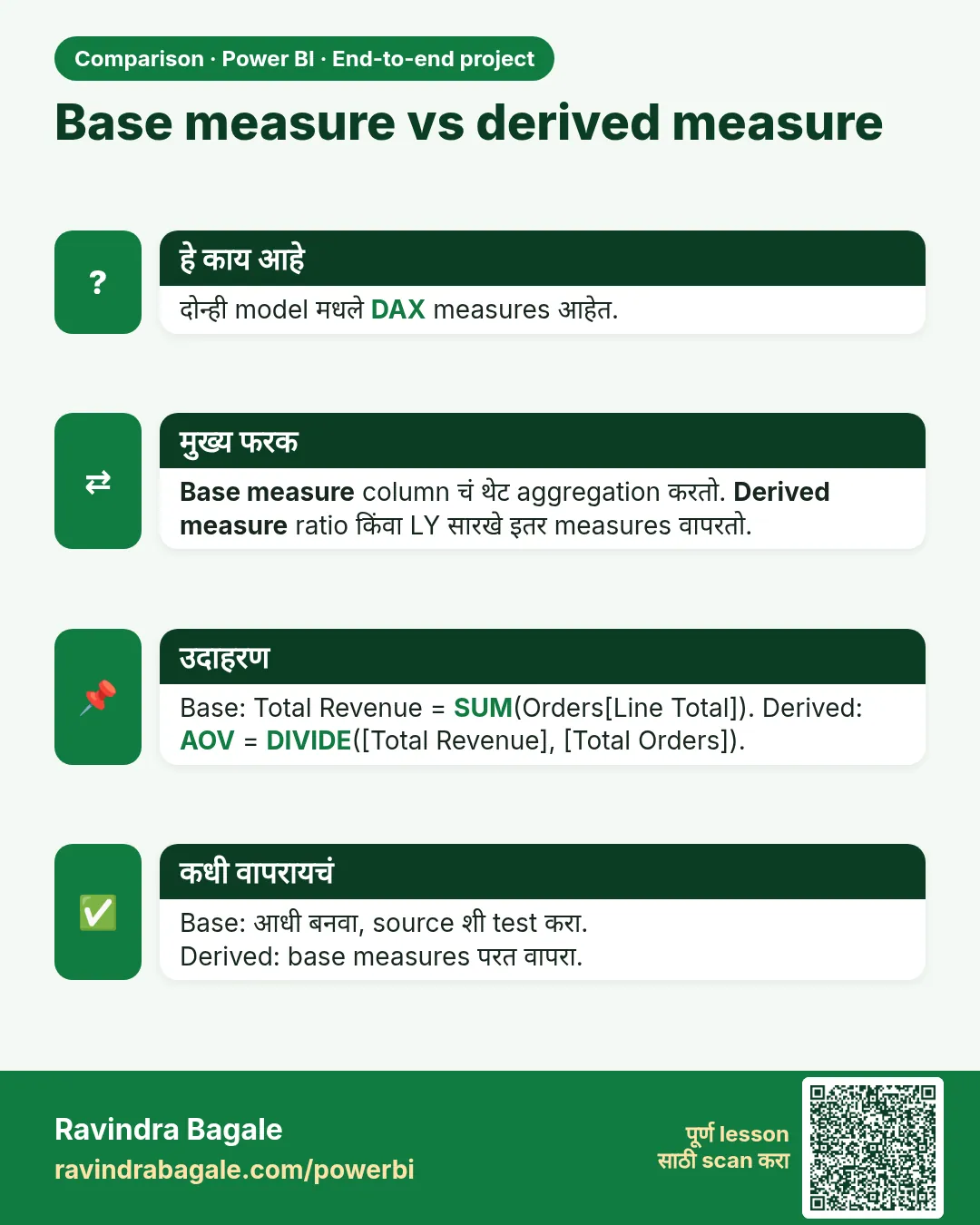
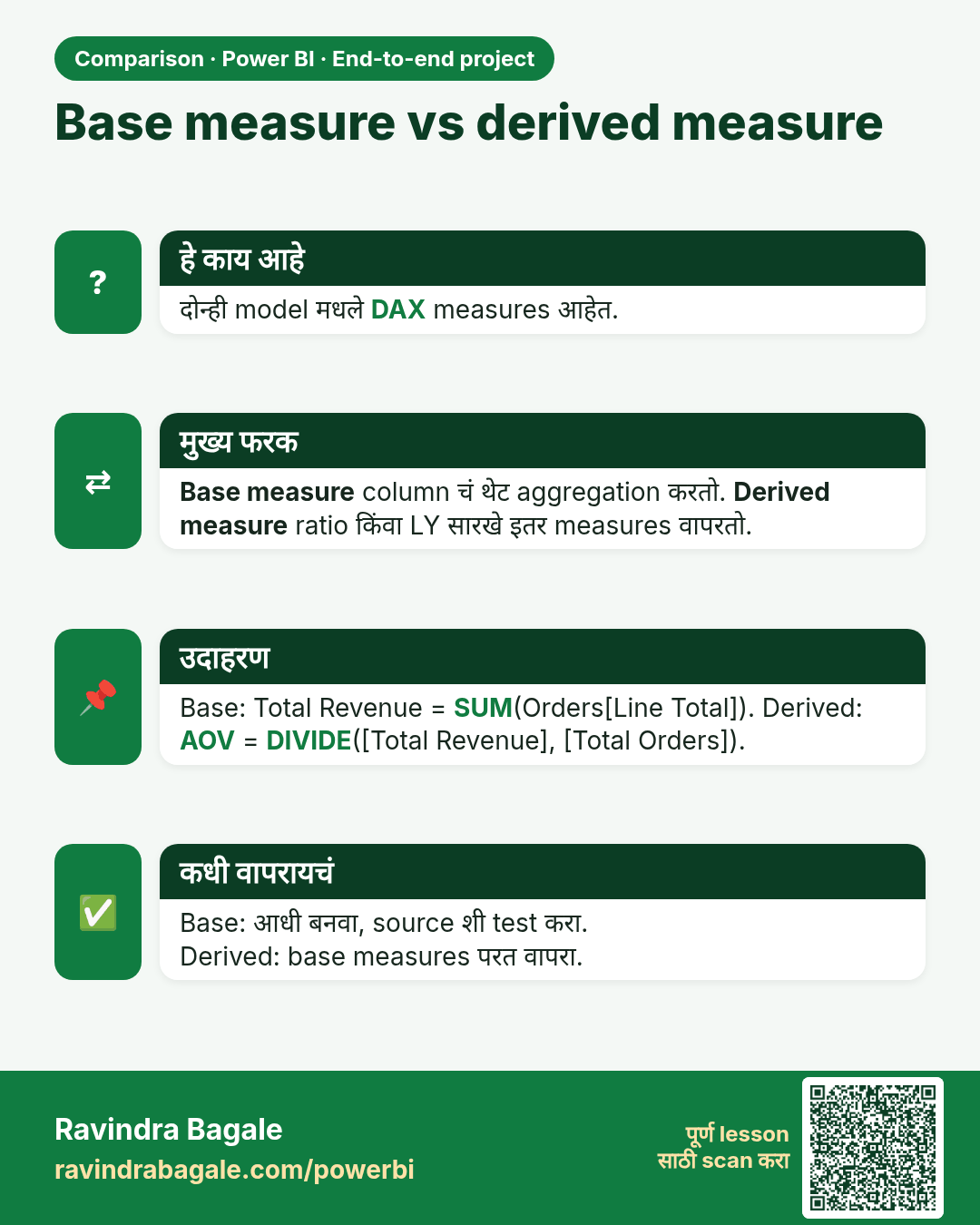
Base measure vs derived measure. दोन्ही model मधले DAX measures आहेत.
तुलना (Comparison) card 1 of 1: Base measure vs derived measure · PNG download करा · Card page उघडा

Lesson: 28.5 Step 4 – Create the Measures