Ravindra BagaleCourses & study guides मराठी Track your progress

Ravi Sir's Cards › Power BI

24. Reports and Dashboards: Cards

मराठी cards · Open the chapter

Revision cards
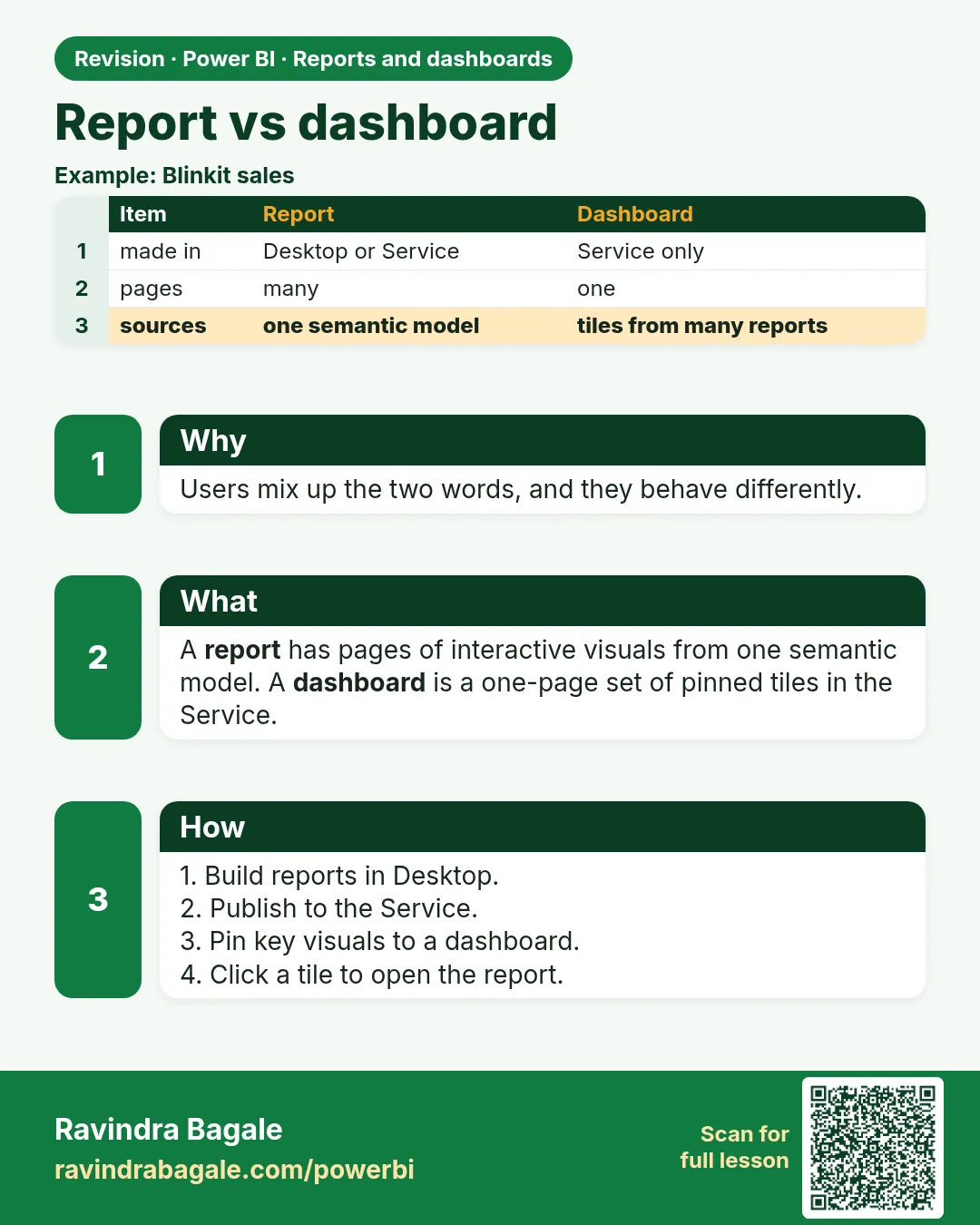
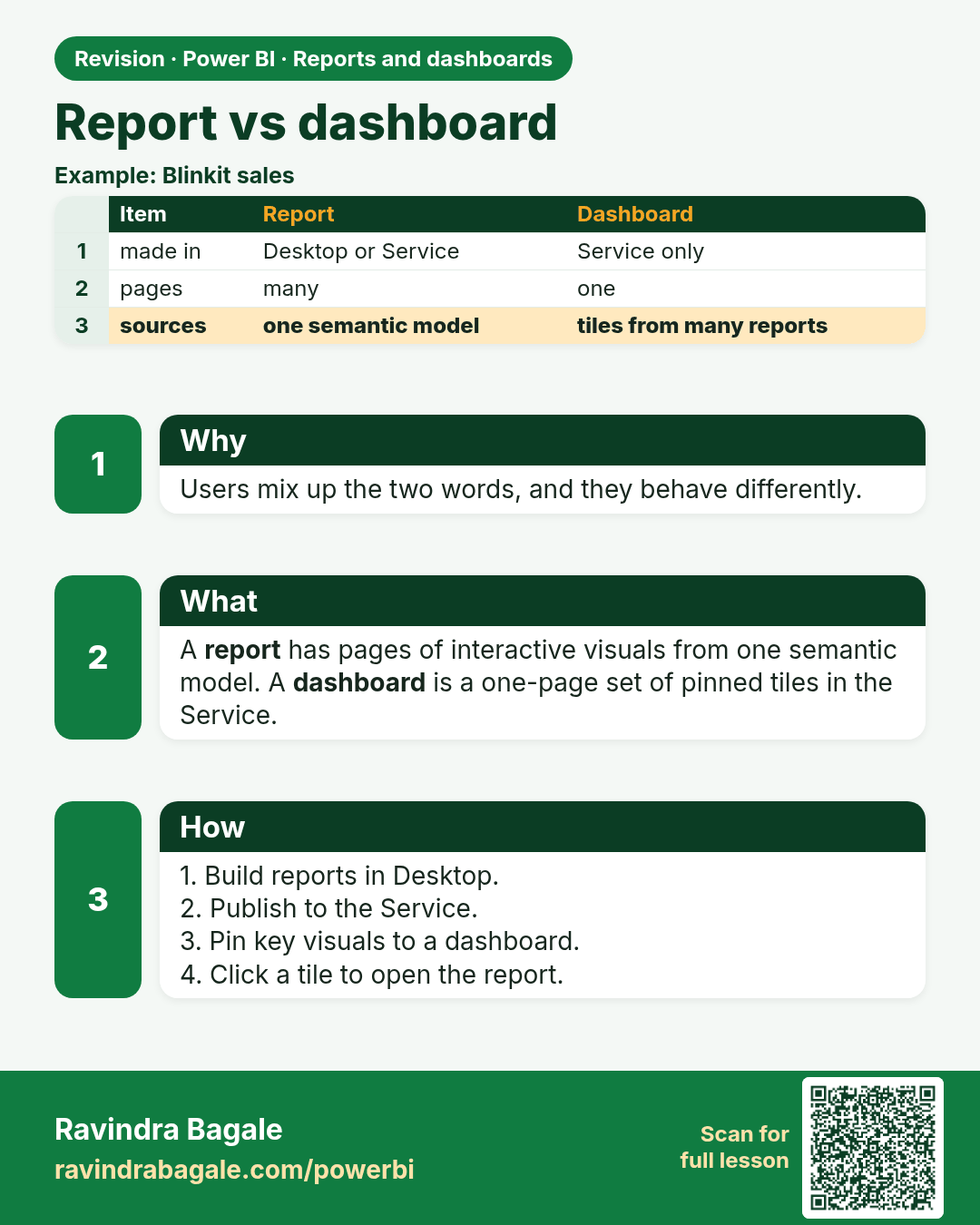
Report vs dashboard. Users mix up the two words, and they behave differently.
Revision card 1 of 9: Report vs dashboard · Download PNG · Open card page

Lesson: 24.1 Report vs Dashboard

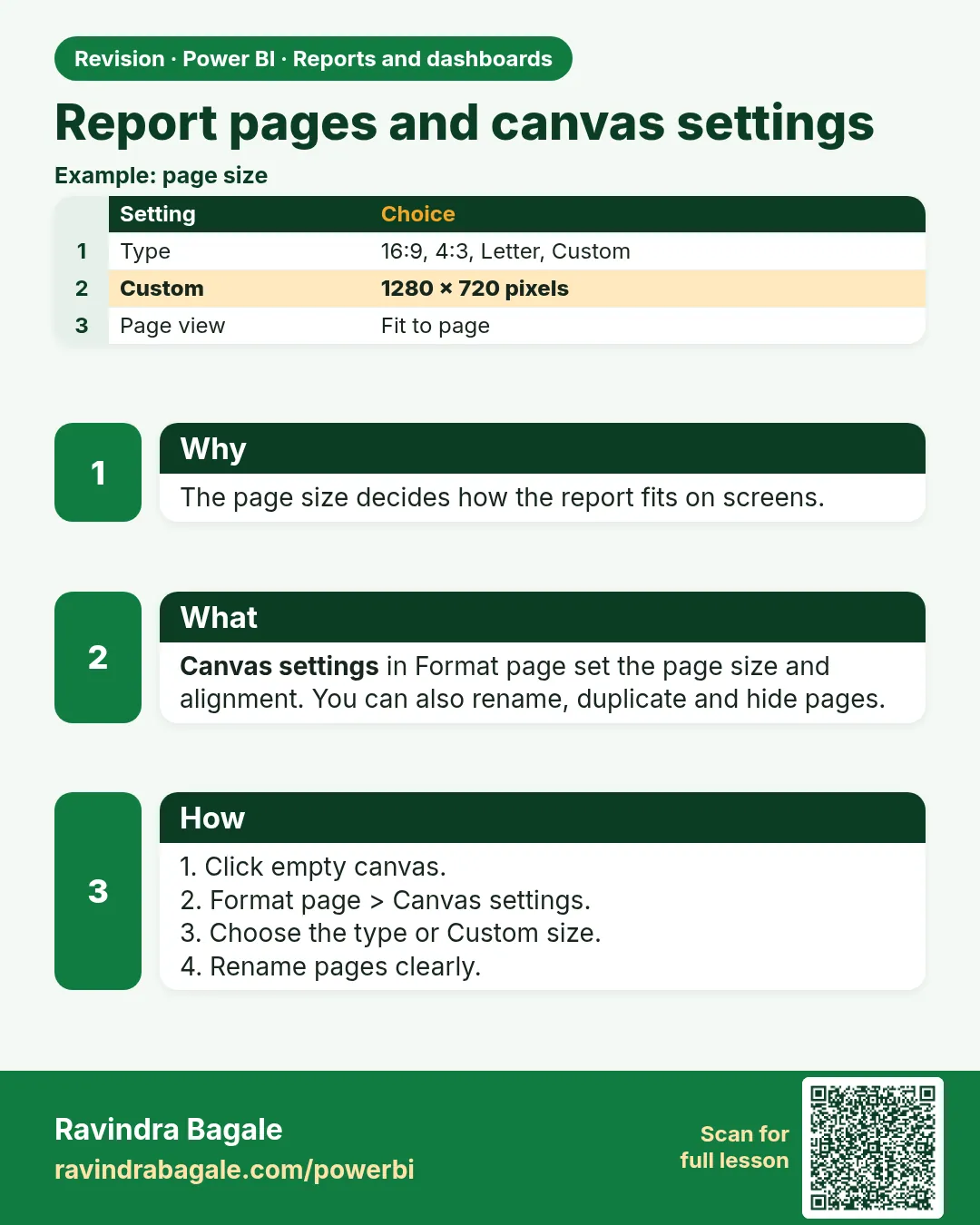
Report pages and canvas settings. The page size decides how the report fits on screens.
Revision card 2 of 9: Report pages and canvas settings · Download PNG · Open card page

Lesson: 24.2 Report Pages and Canvas Settings
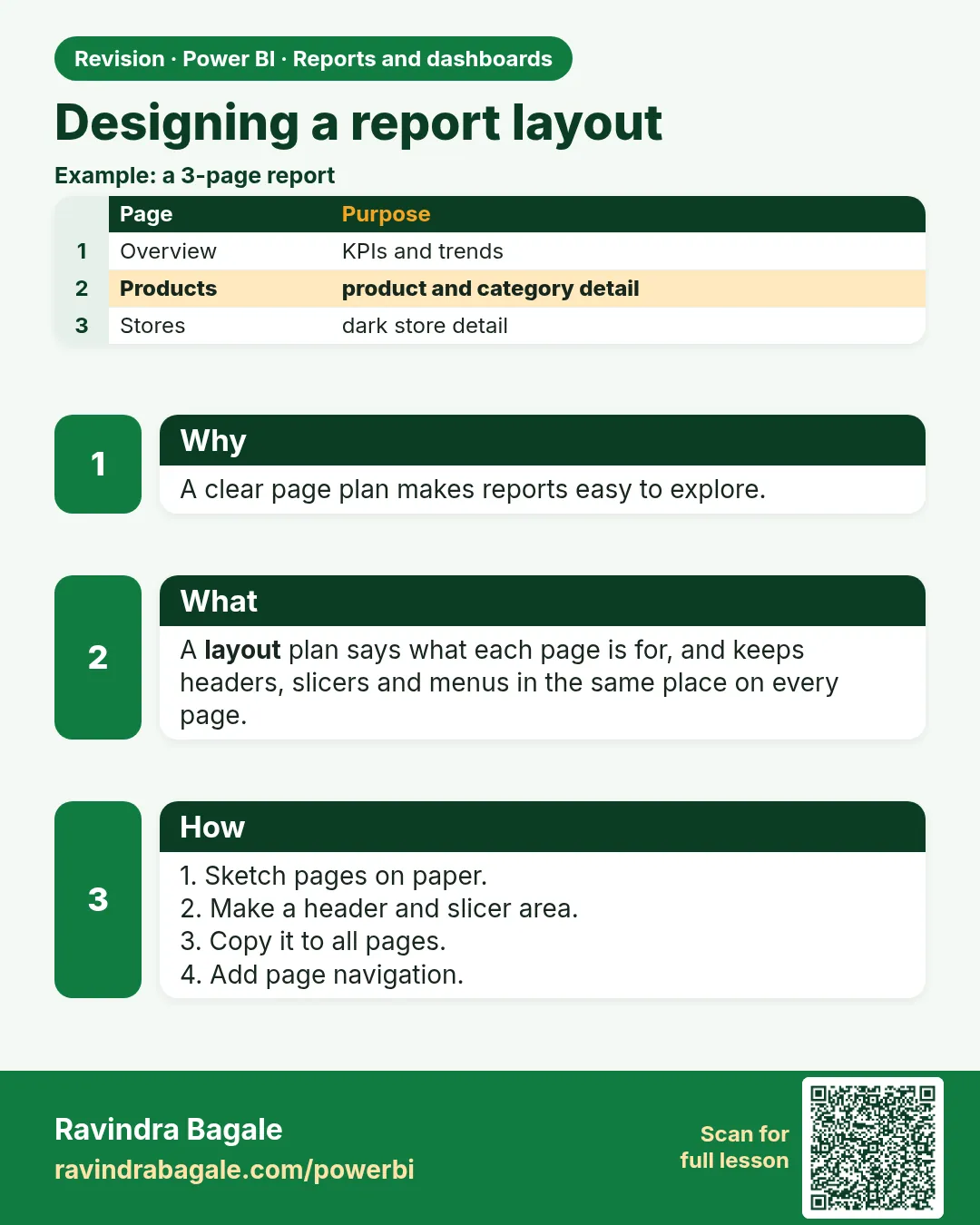
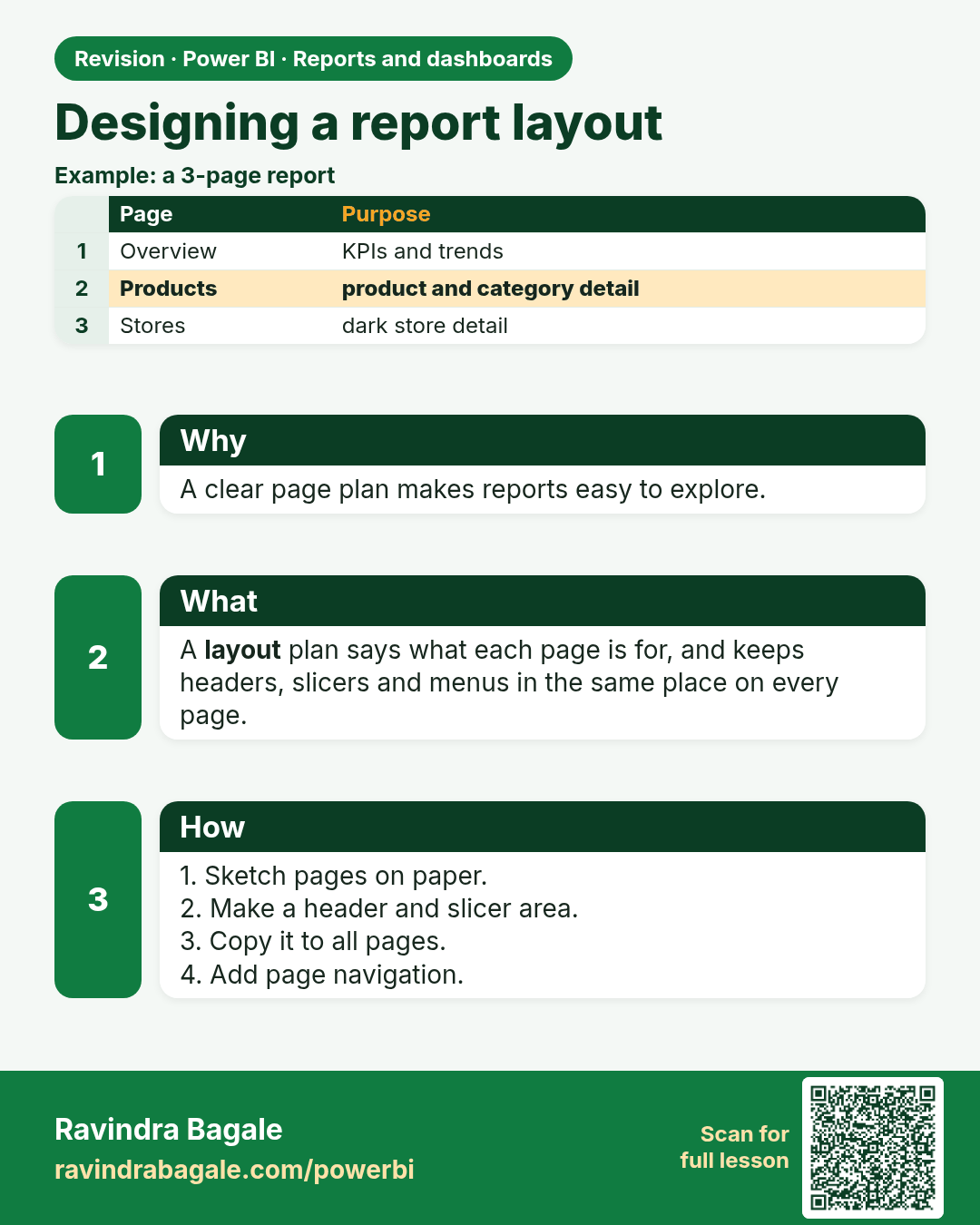
Designing a report layout. A clear page plan makes reports easy to explore.
Revision card 3 of 9: Designing a report layout · Download PNG · Open card page

Lesson: 24.3 Designing a Report Layout
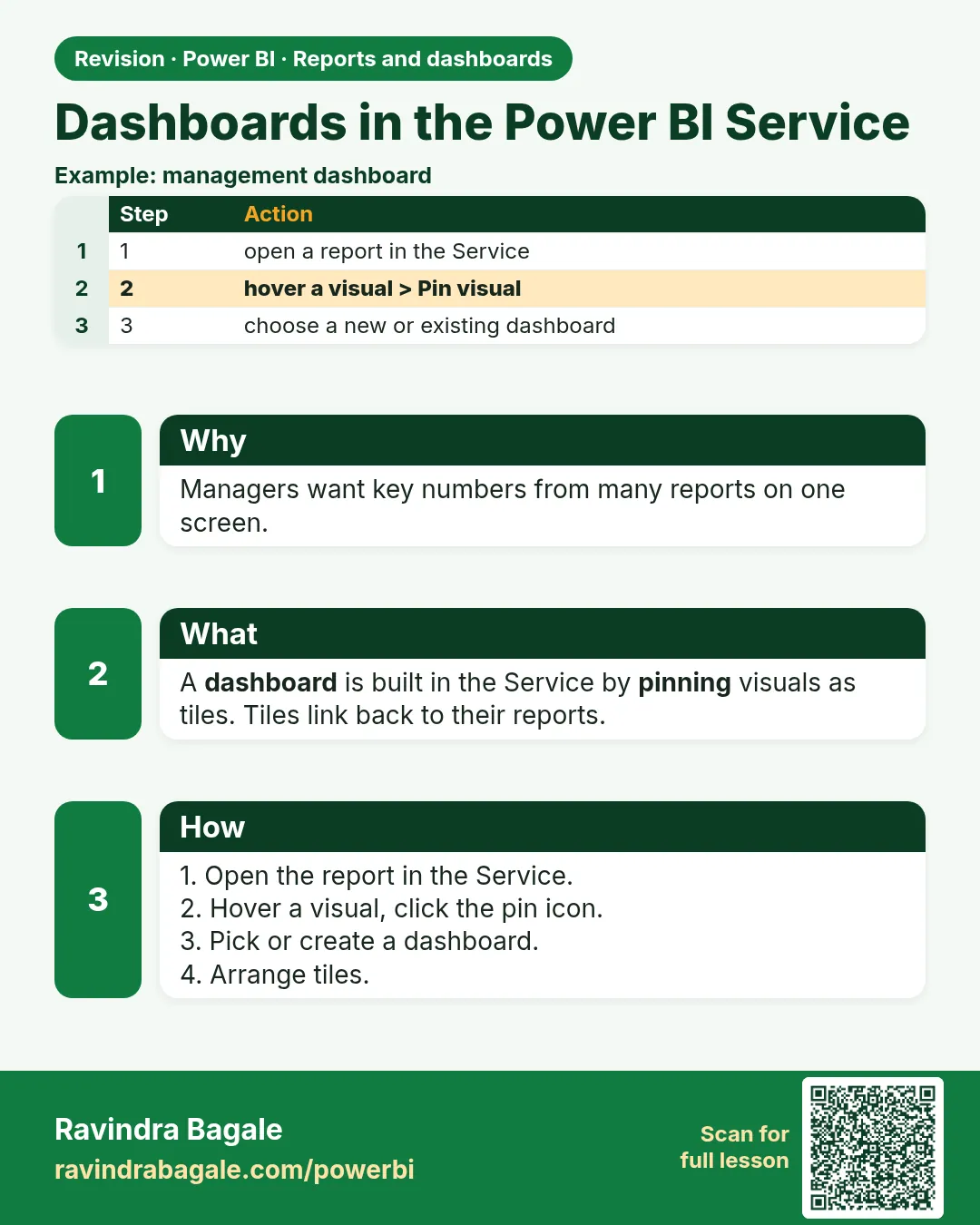
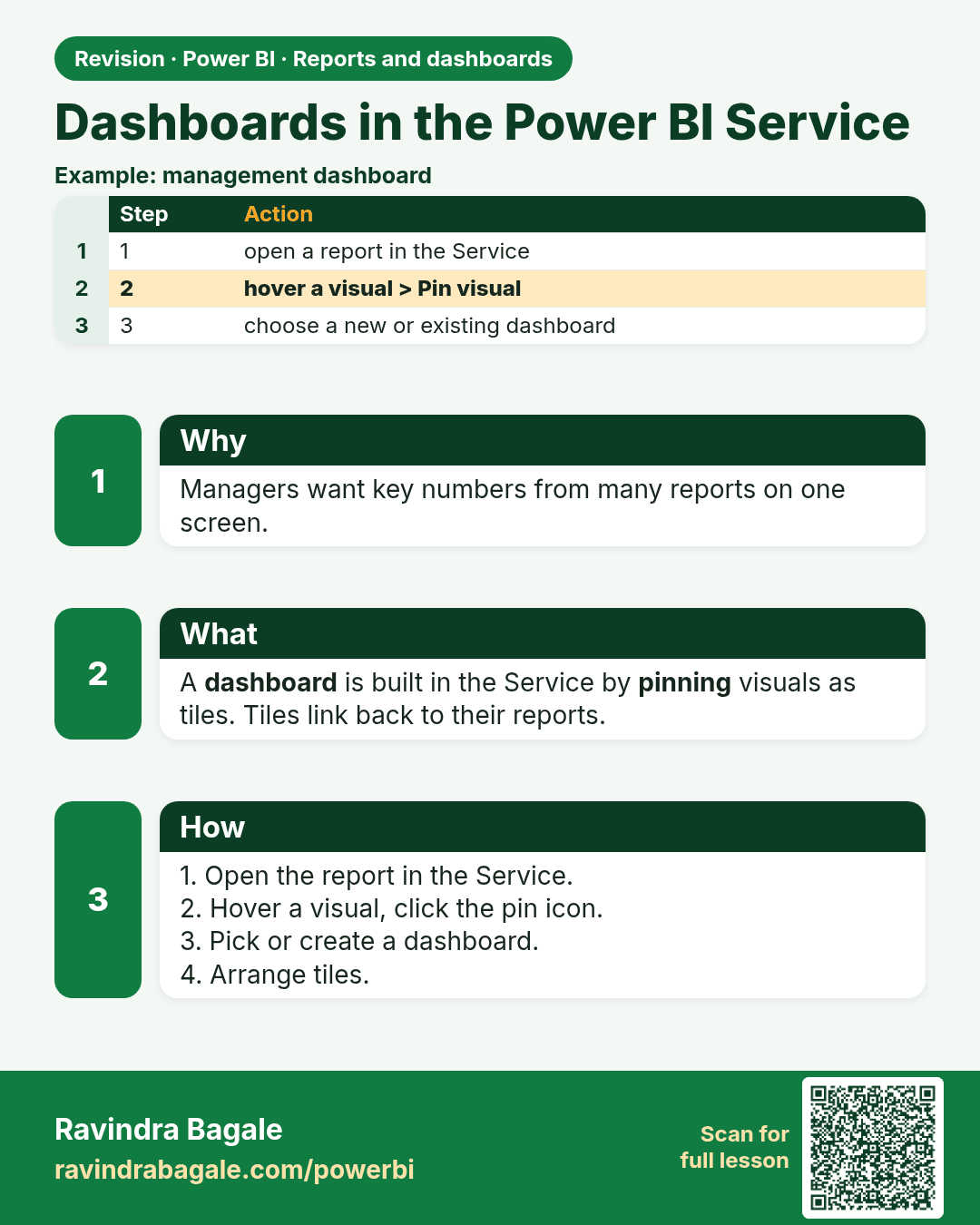
Dashboards in the Power BI Service. Managers want key numbers from many reports on one screen.
Revision card 4 of 9: Dashboards in the Power BI Service · Download PNG · Open card page

Lesson: 24.4 Dashboards in the Power BI Service
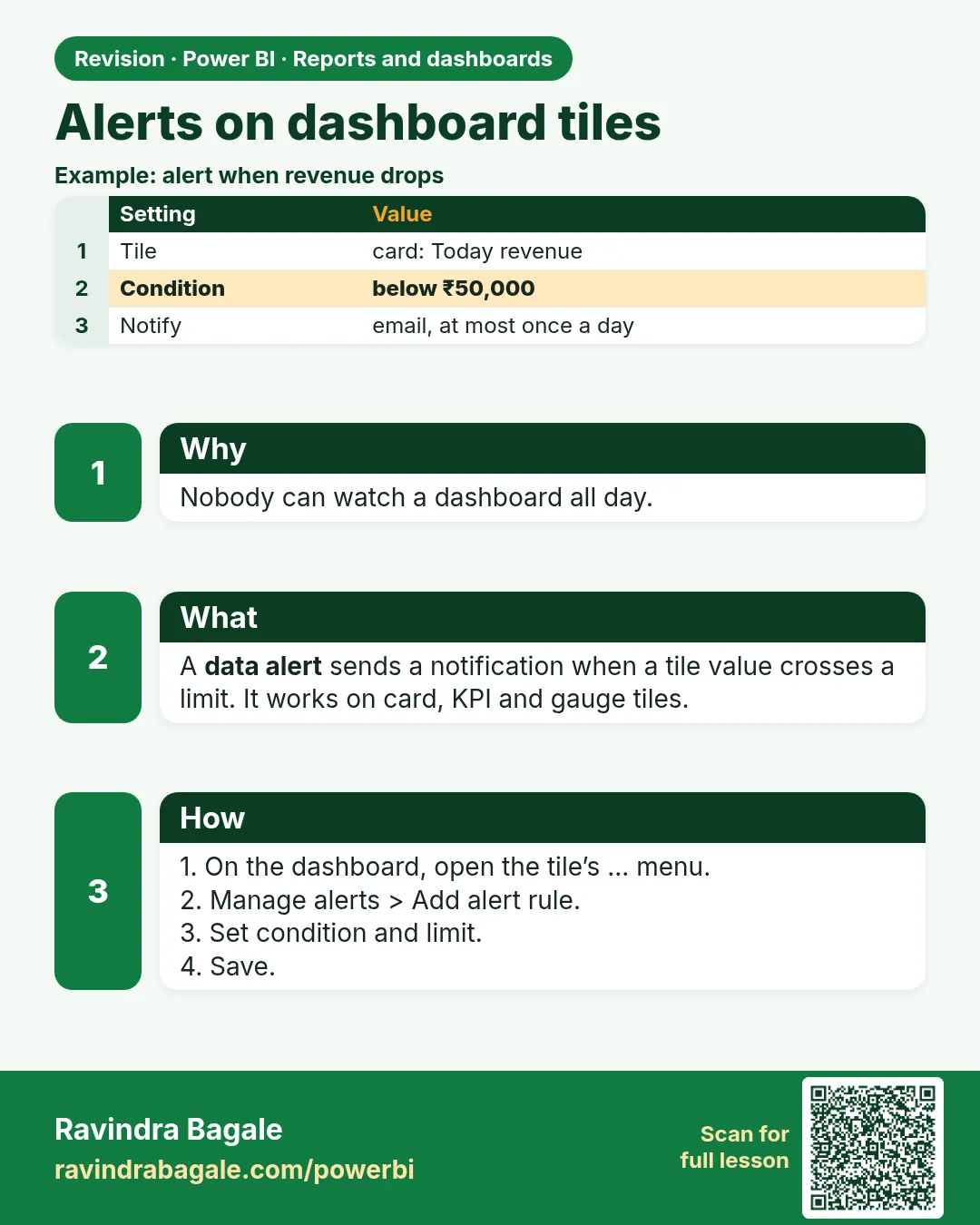
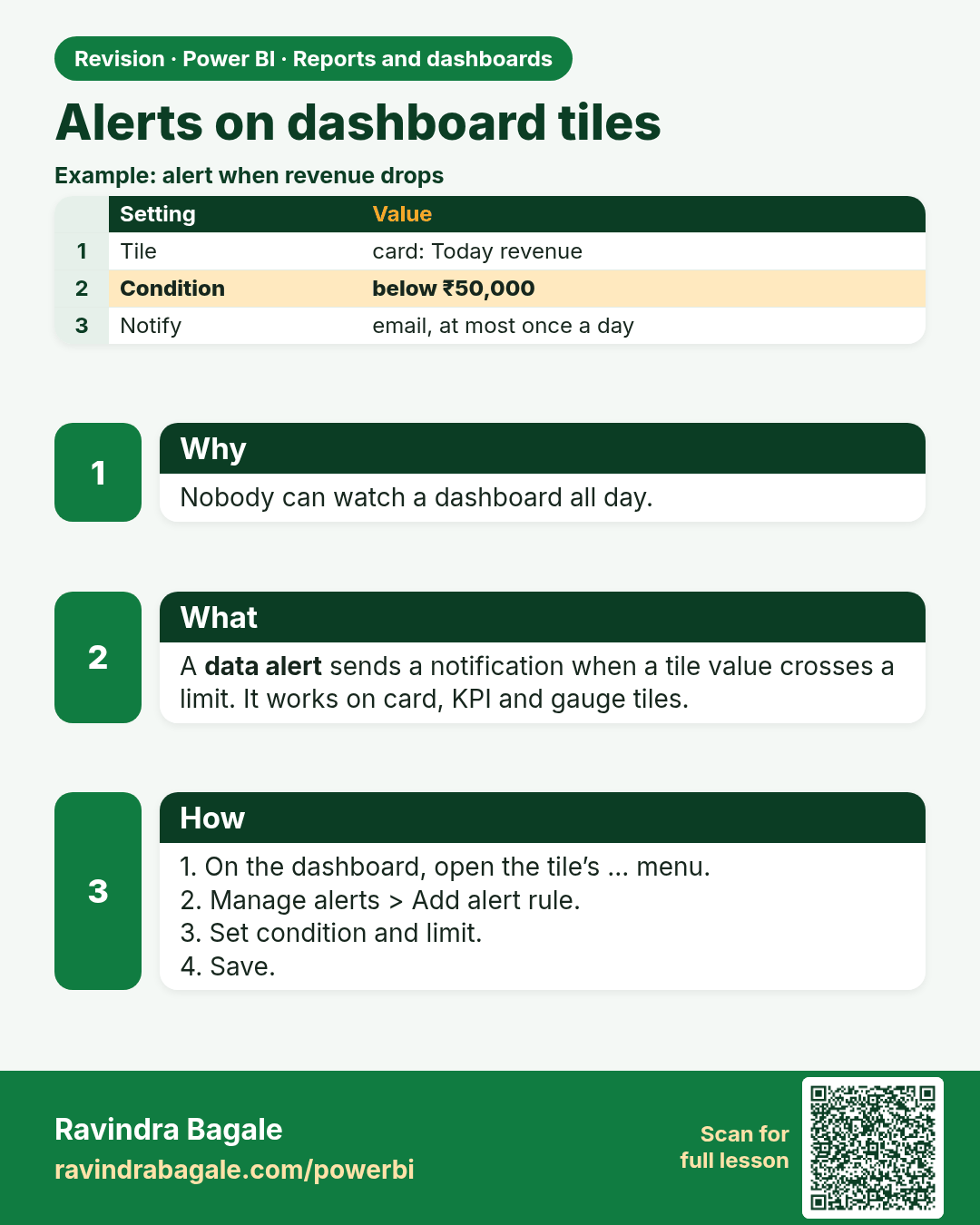
Alerts on dashboard tiles. Nobody can watch a dashboard all day.
Revision card 5 of 9: Alerts on dashboard tiles · Download PNG · Open card page

Lesson: 24.5 Alerts on Dashboard Tiles
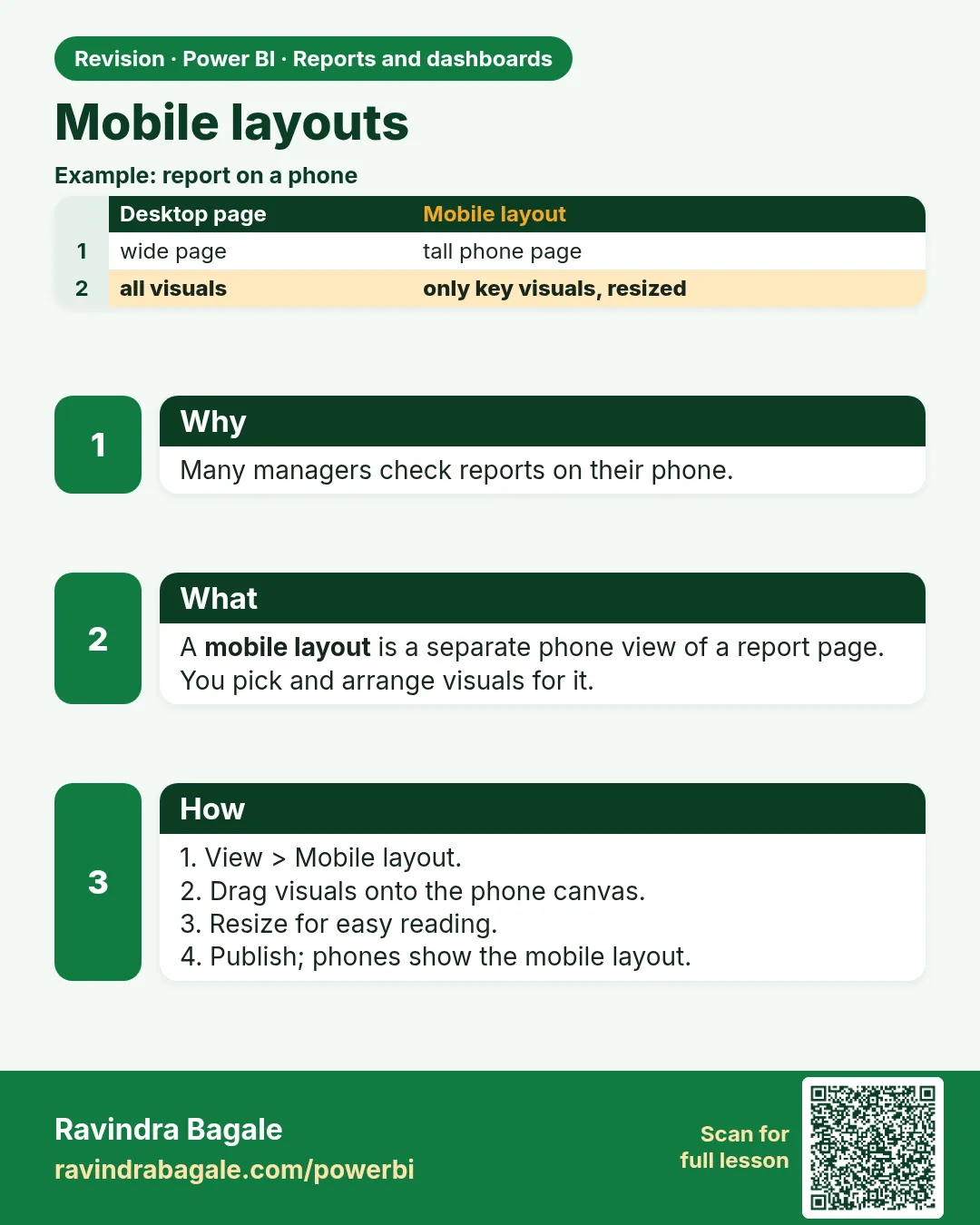
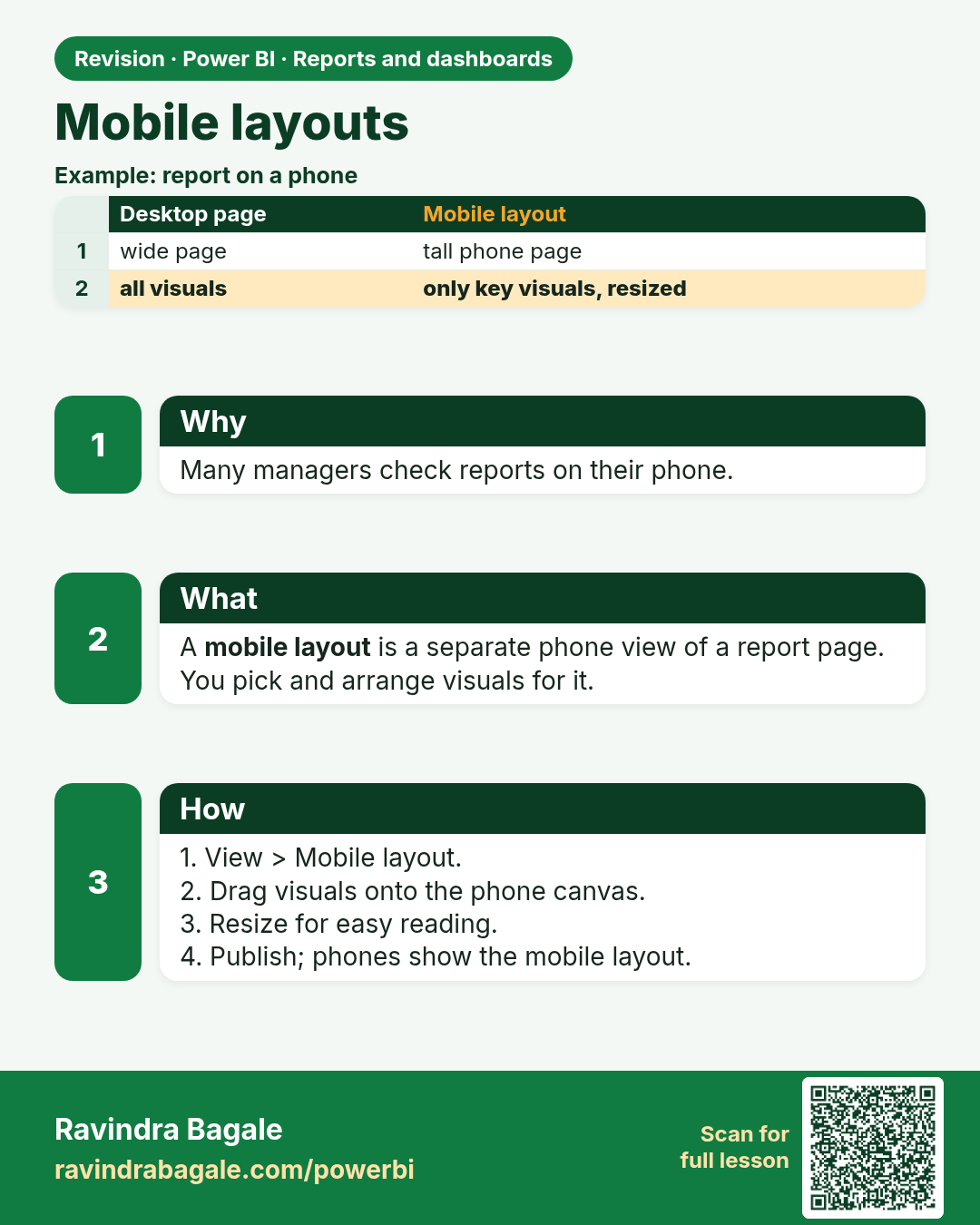
Mobile layouts. Many managers check reports on their phone.
Revision card 6 of 9: Mobile layouts · Download PNG · Open card page

Lesson: 24.6 Mobile Layouts

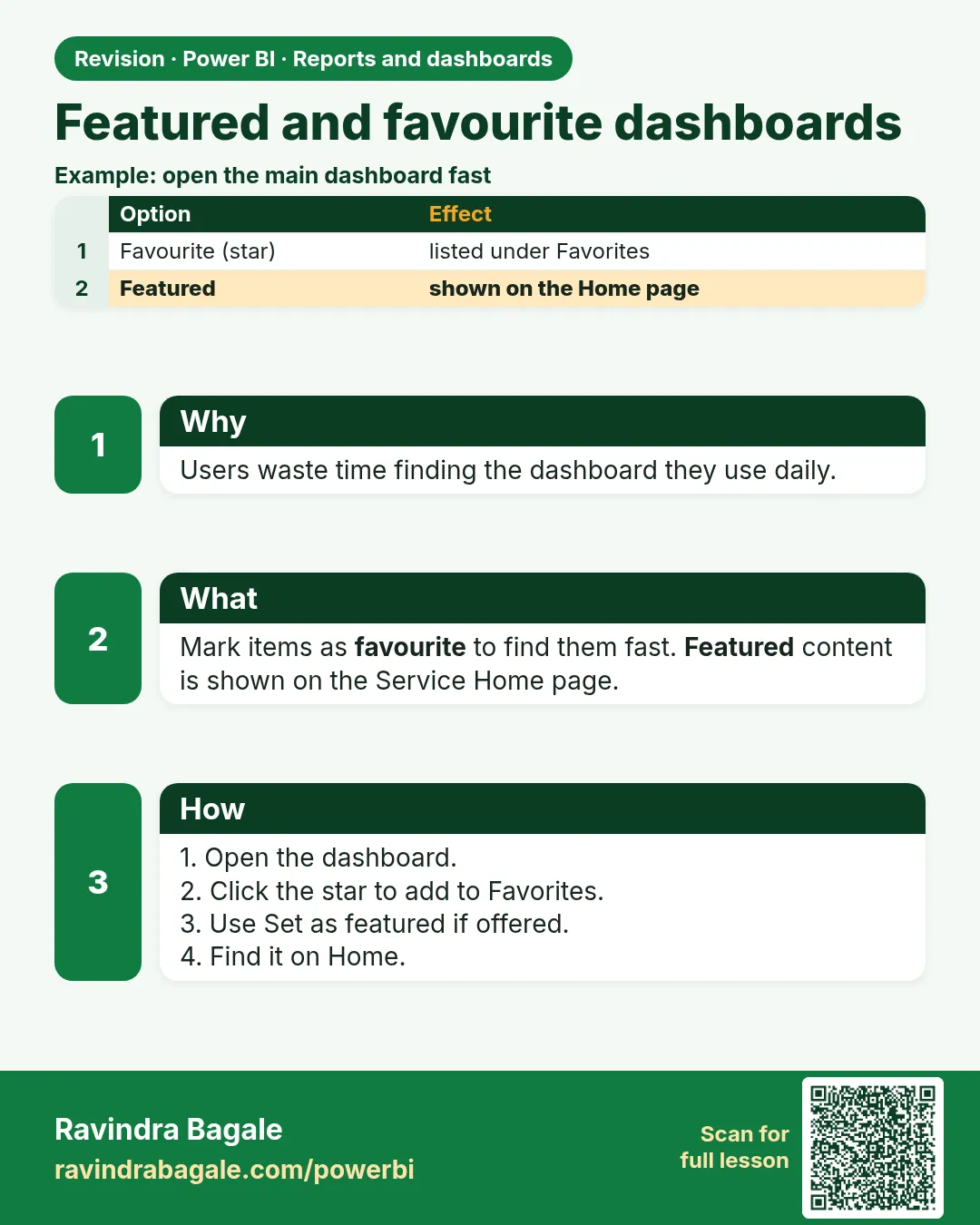
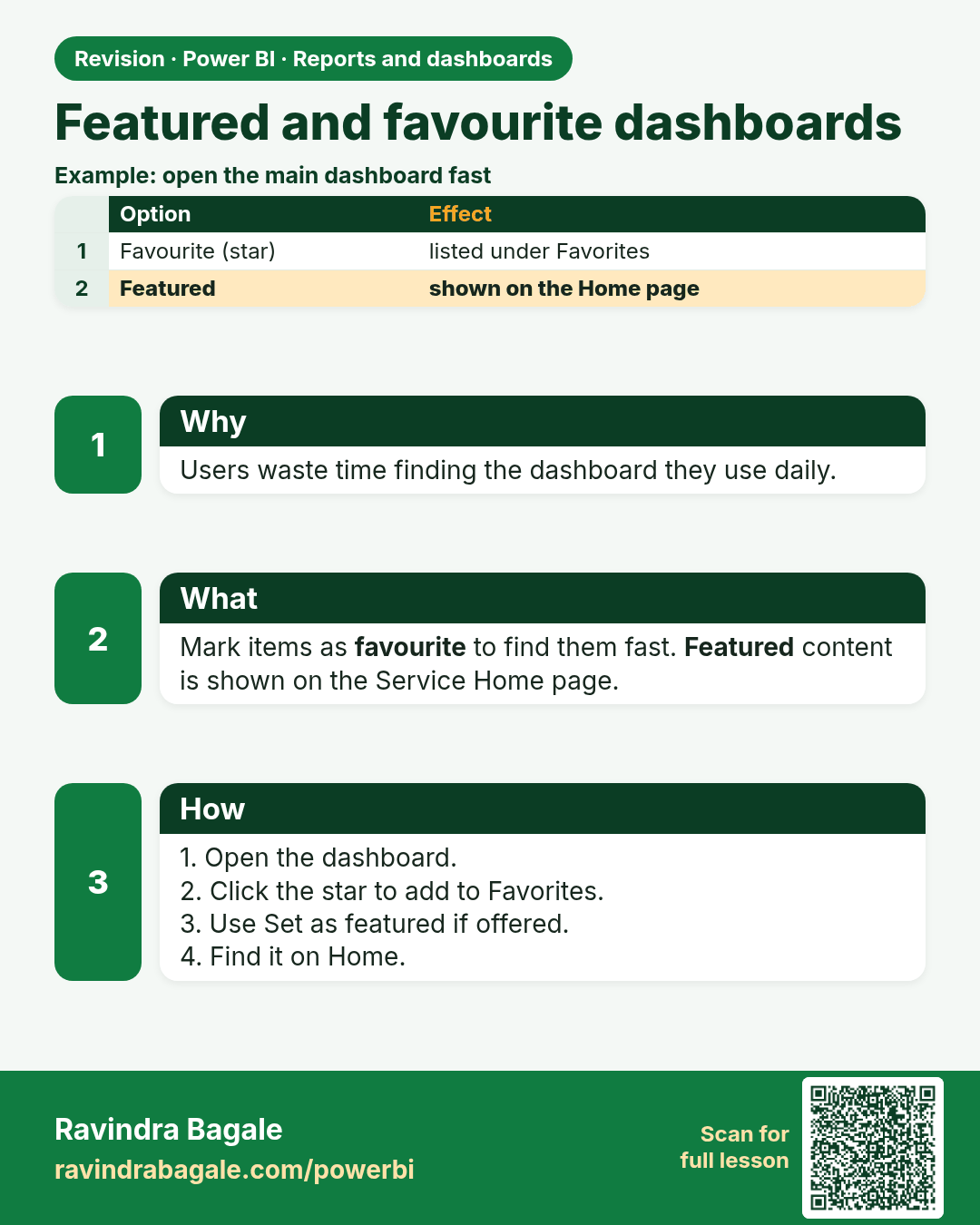
Featured and favourite dashboards. Users waste time finding the dashboard they use daily.
Revision card 7 of 9: Featured and favourite dashboards · Download PNG · Open card page

Lesson: 24.7 Featured and Favourite Dashboards
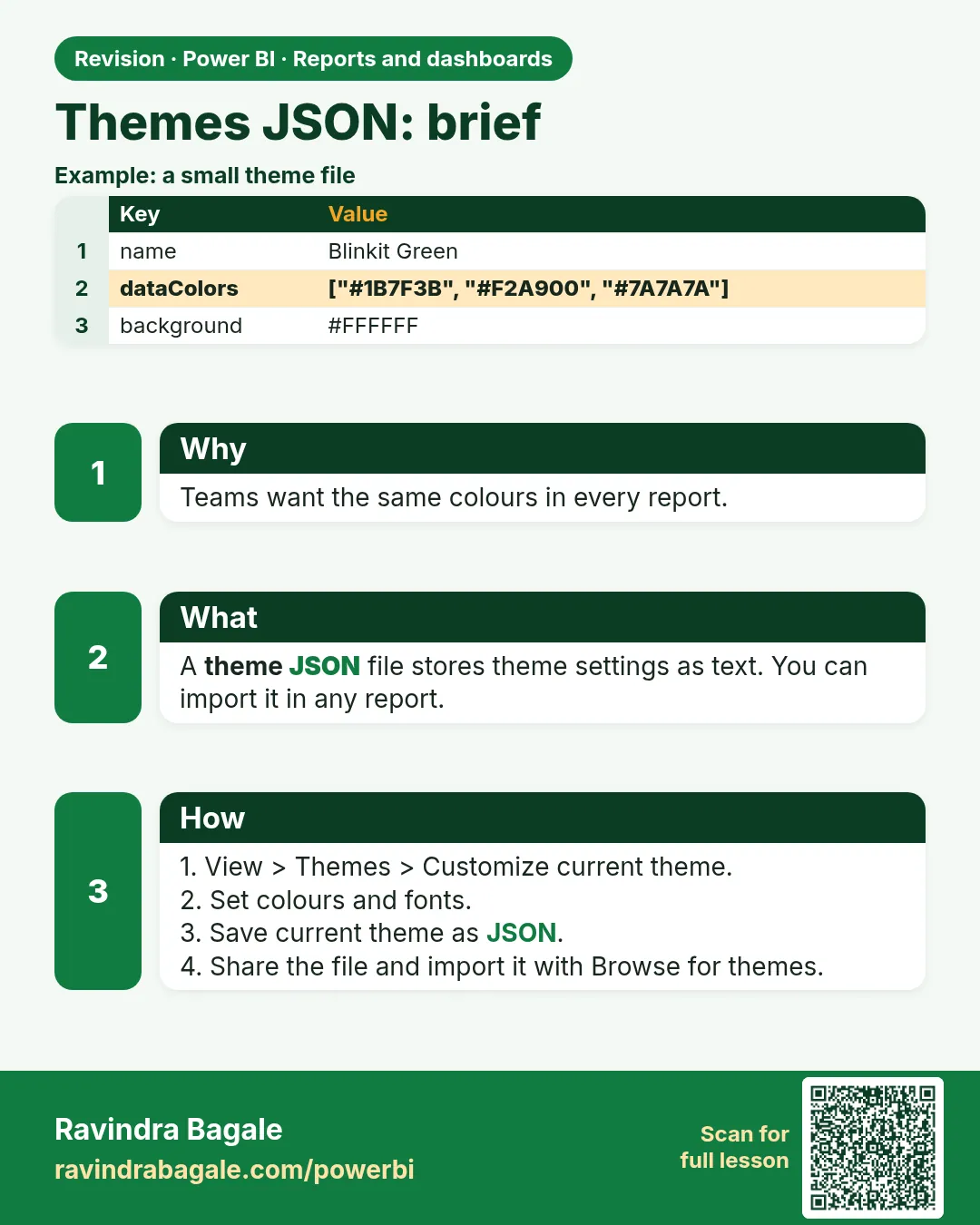
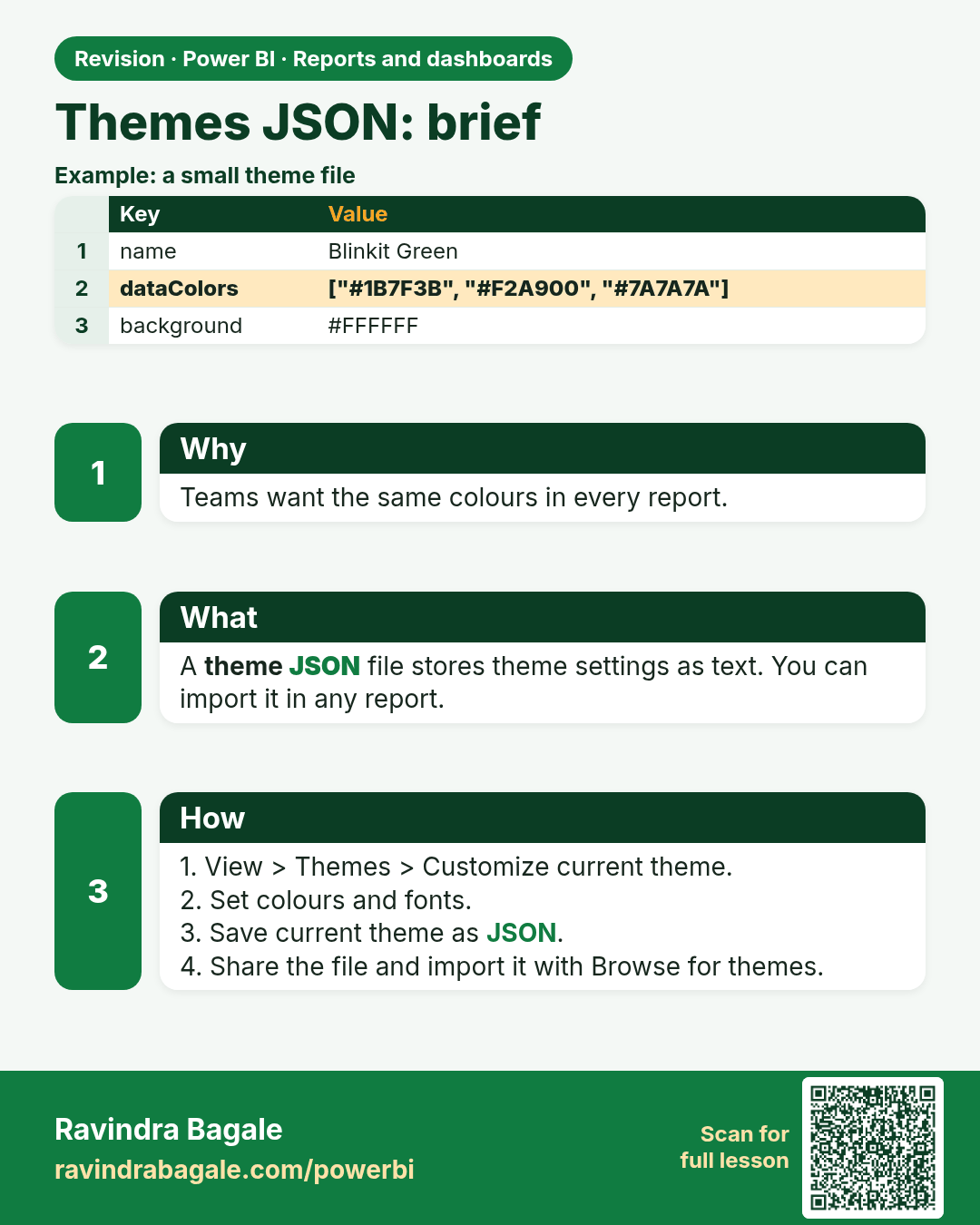
Themes JSON: brief. Teams want the same colours in every report.
Revision card 8 of 9: Themes JSON: brief · Download PNG · Open card page

Lesson: 24.8 Themes (JSON) – Brief

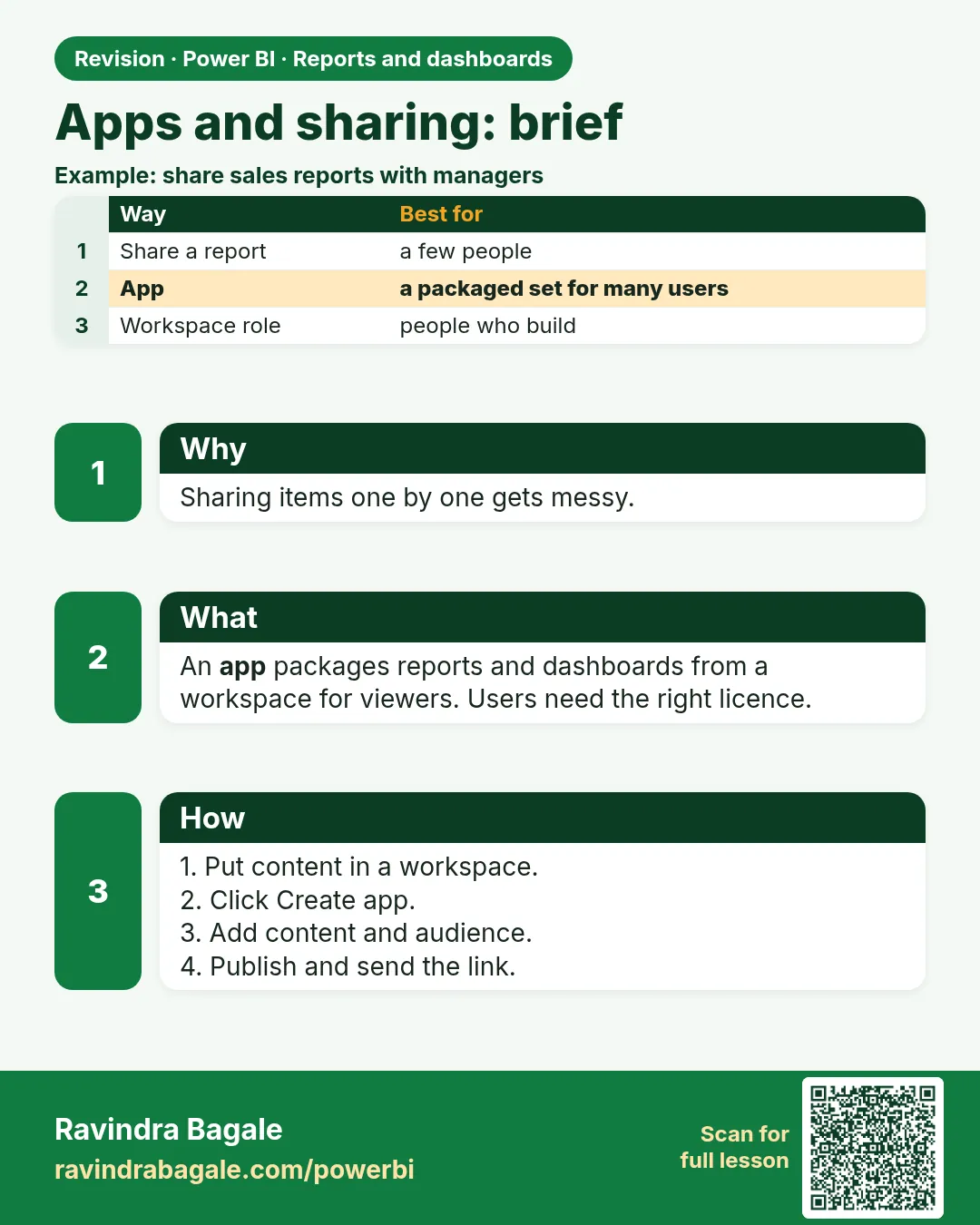
Apps and sharing: brief. Sharing items one by one gets messy.
Revision card 9 of 9: Apps and sharing: brief · Download PNG · Open card page

Lesson: 24.9 Apps and Sharing (Brief)

Interview cards
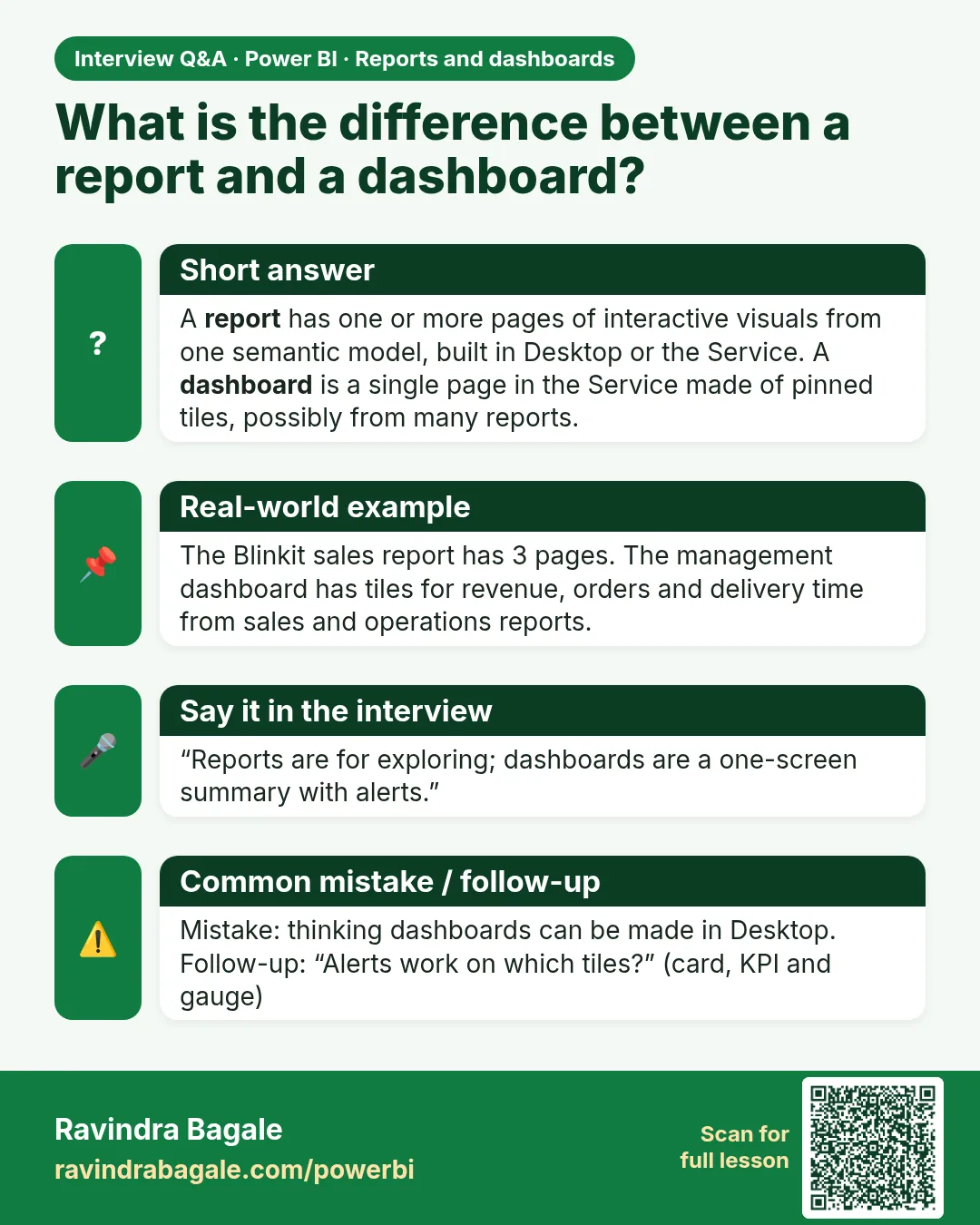
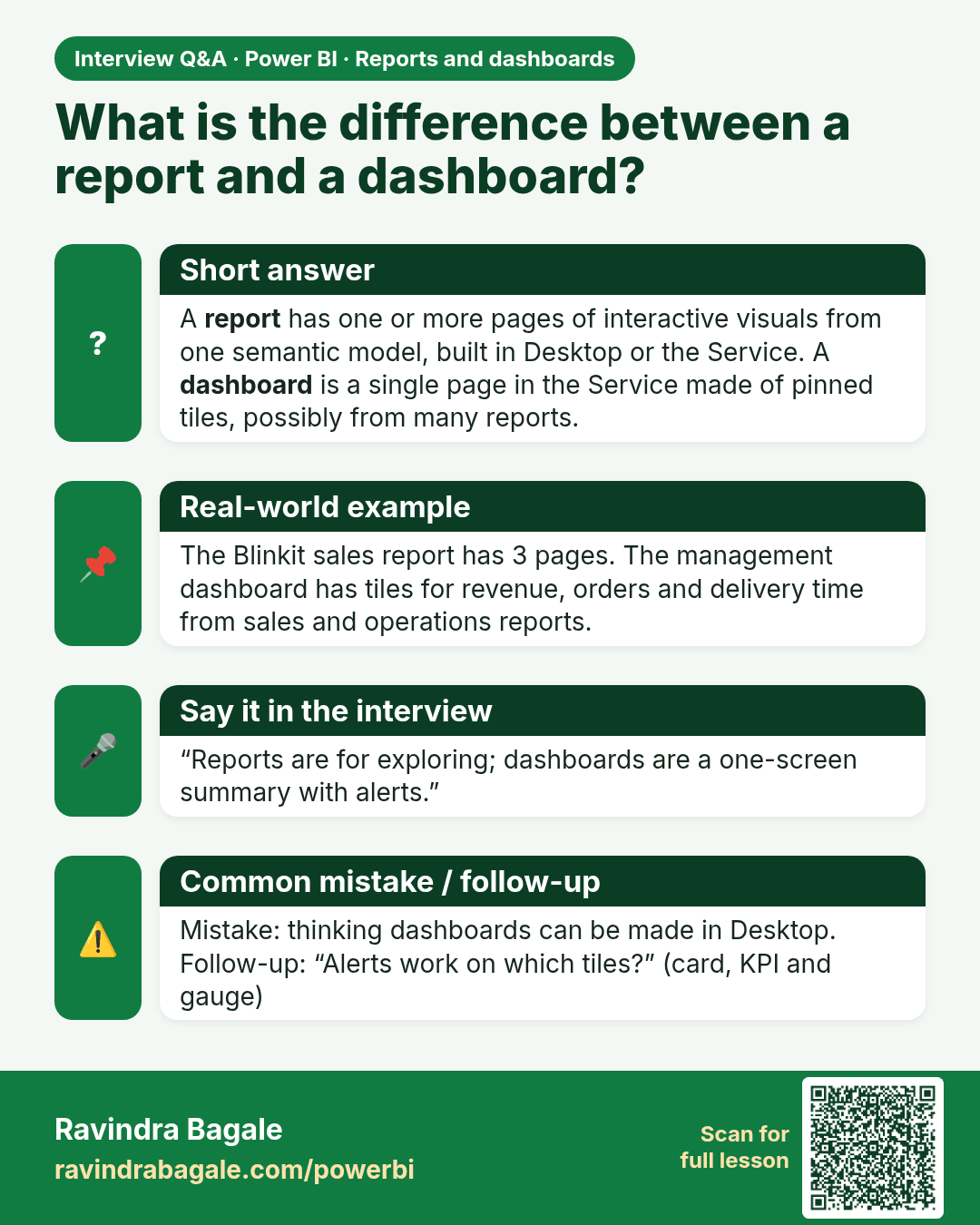
What is the difference between a report and a dashboard? A report has one or more pages of interactive visuals from one semantic model, built in Desktop or the Service. A dashboard is a single page in the Service made of pinned tiles, possibly from many reports.
Interview card 1 of 1: What is the difference between a report and a dashboard? · Download PNG · Open card page

Lesson: 24.1 Report vs Dashboard

Comparison cards
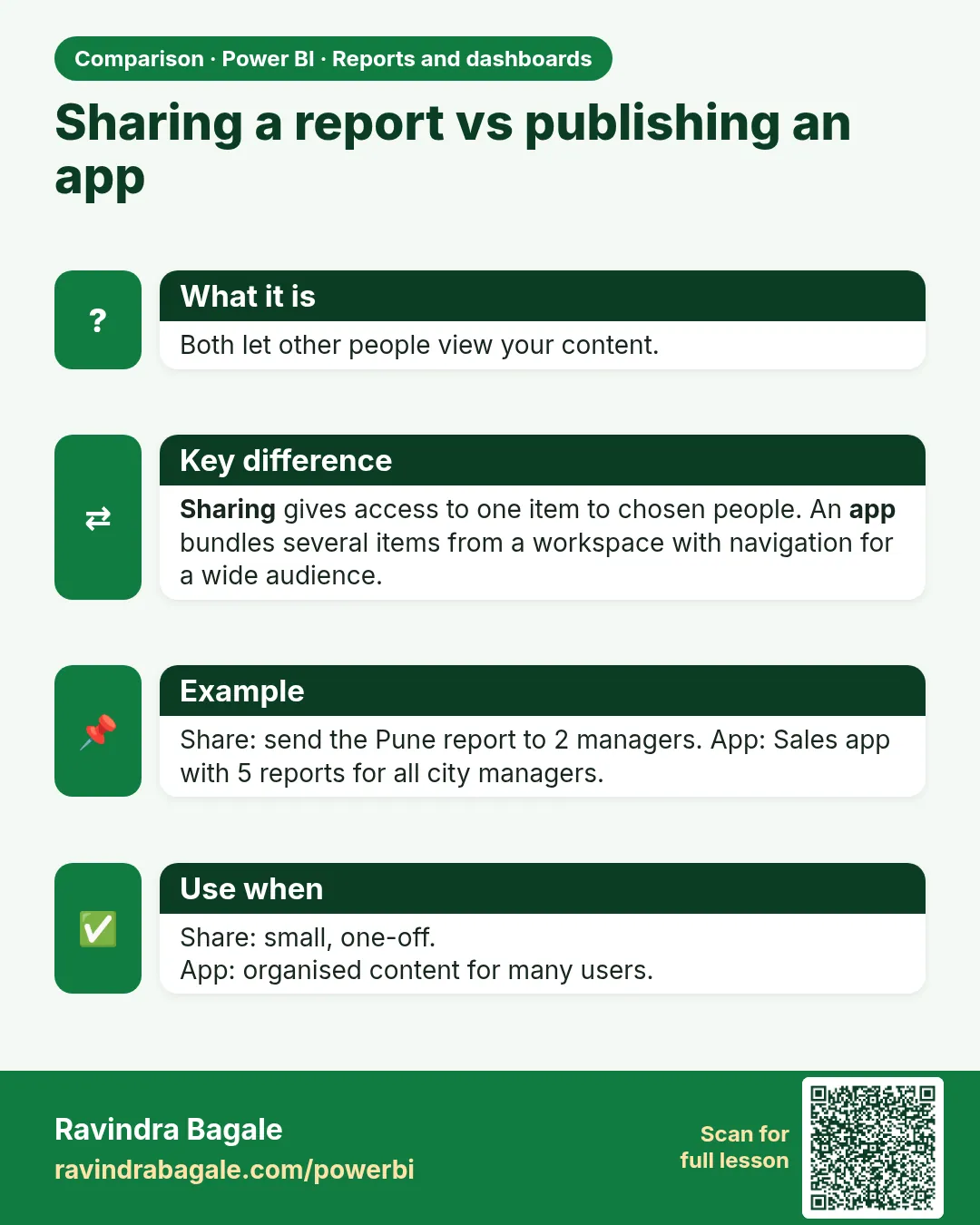
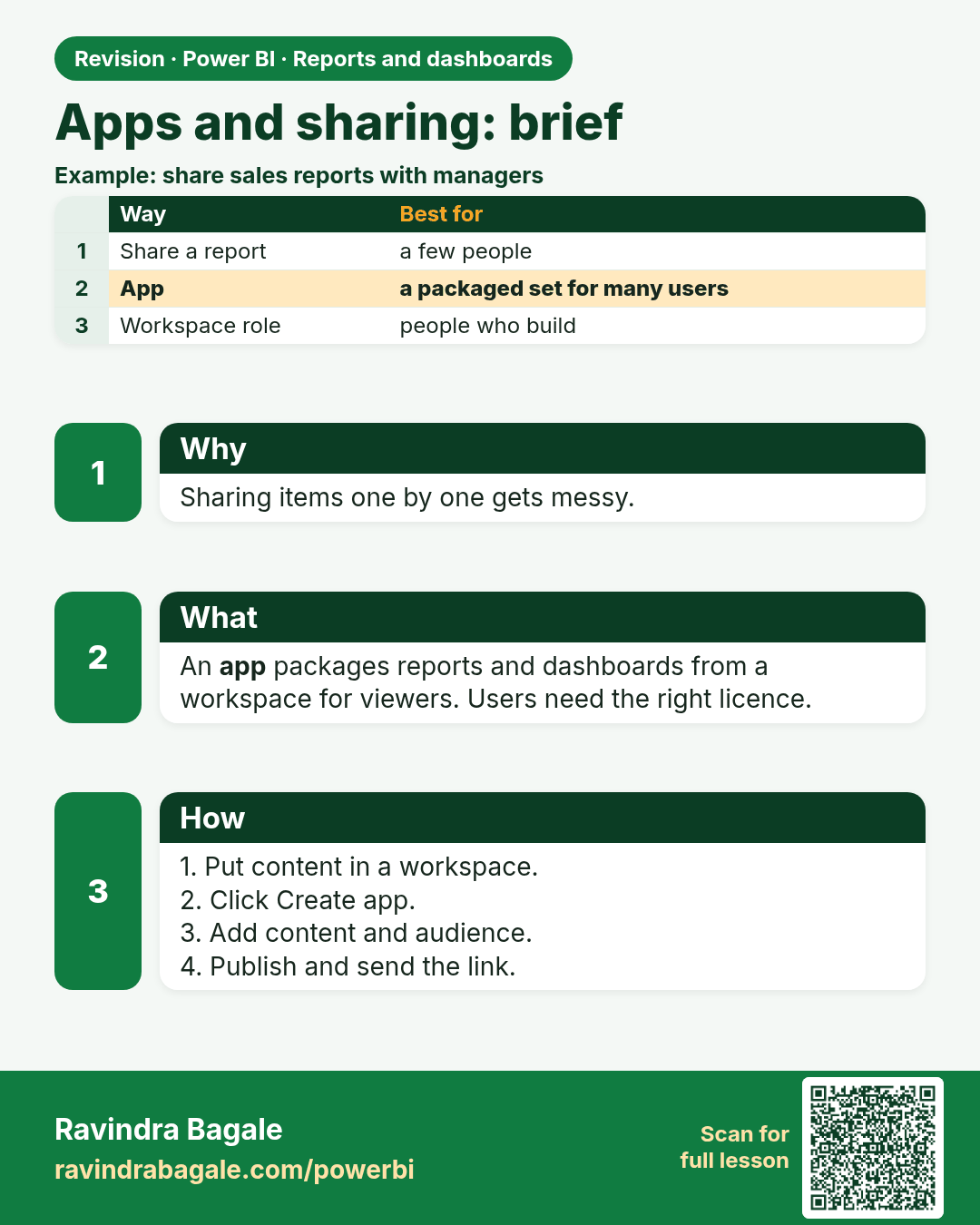
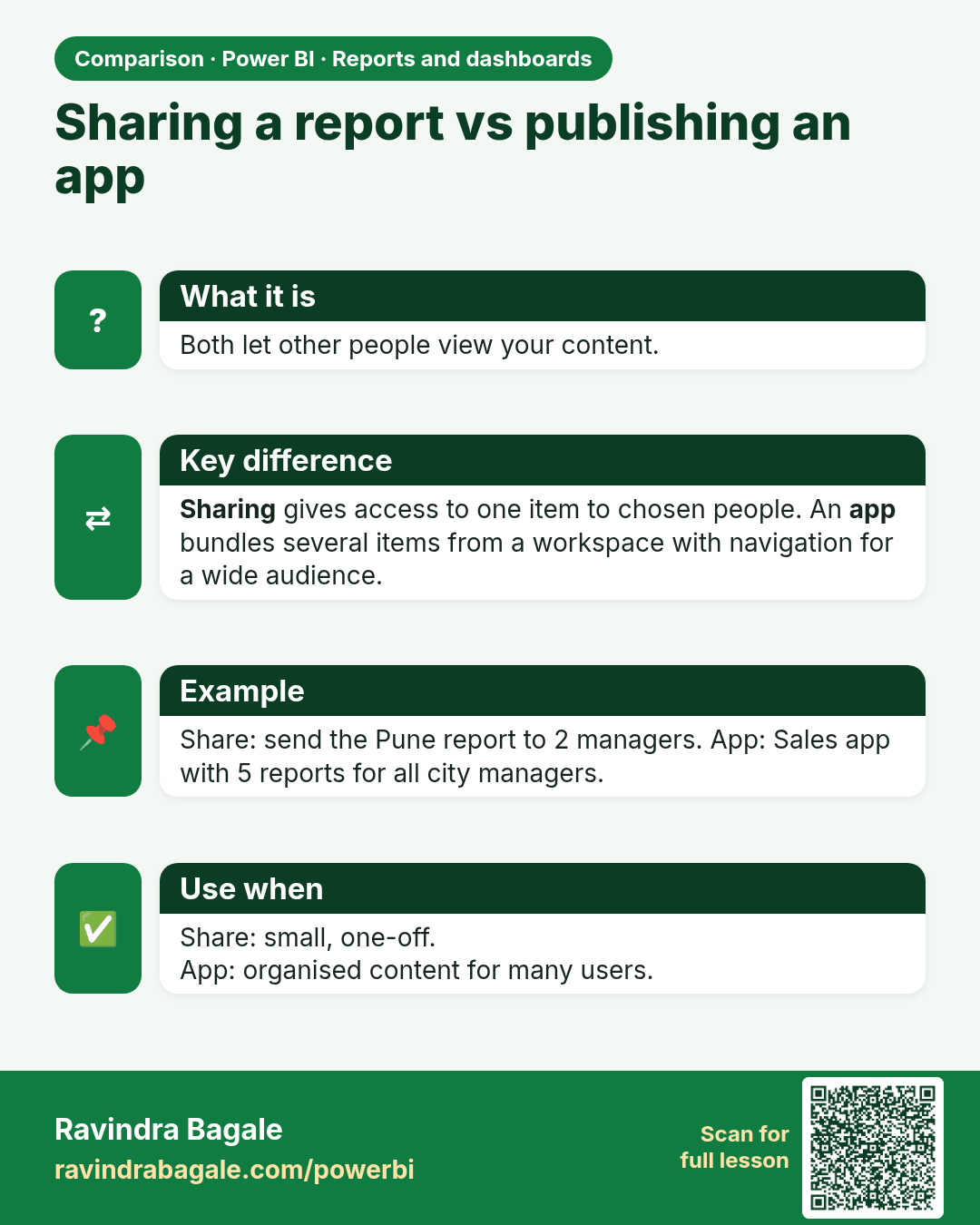
Sharing a report vs publishing an app. Both let other people view your content.
Comparison card 1 of 1: Sharing a report vs publishing an app · Download PNG · Open card page

Lesson: 24.9 Apps and Sharing (Brief)