24.8 Themes (JSON) – Brief
A theme applies colours, fonts and visual defaults to the whole report (Module 23.4 shows the basics).
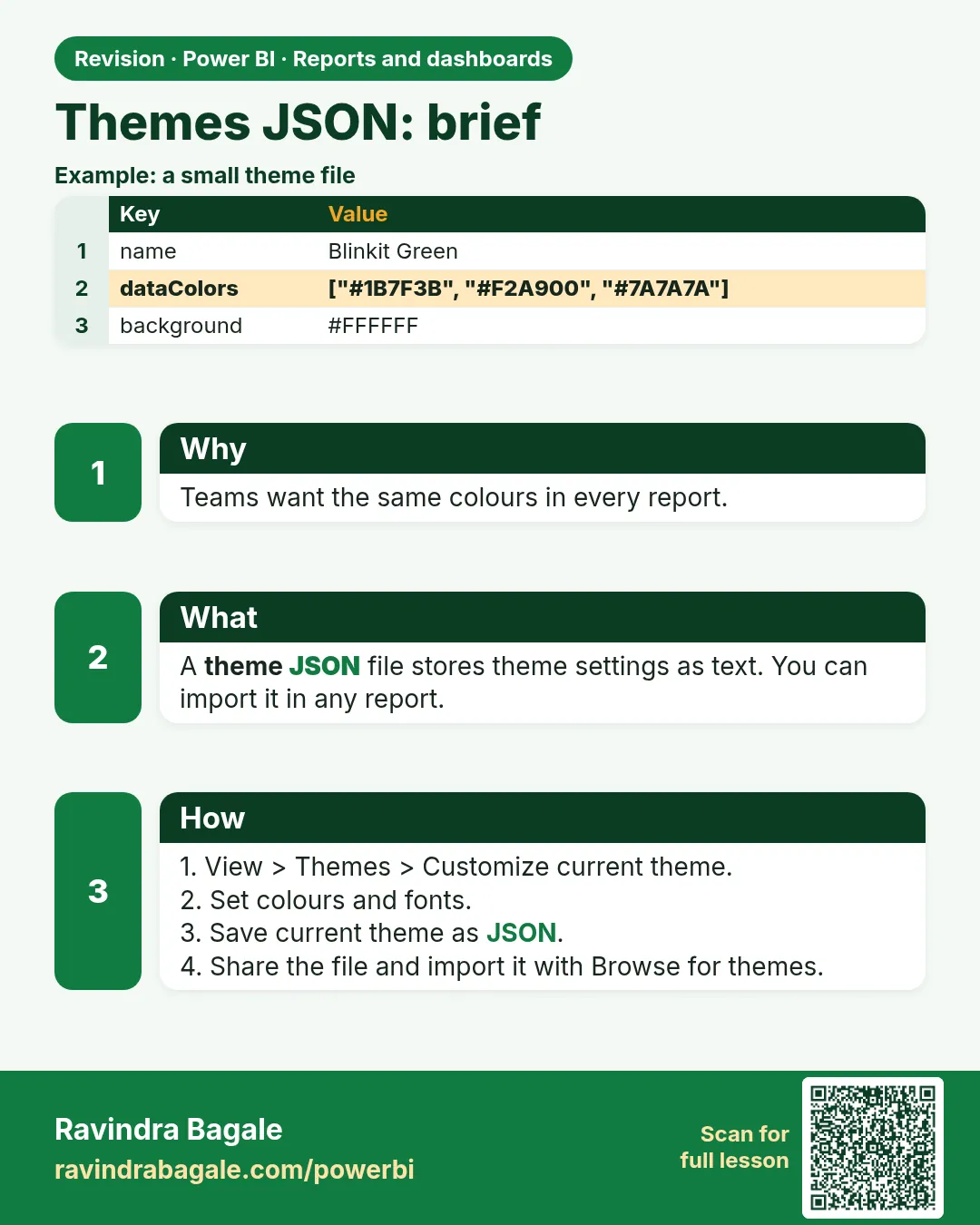
- View › Themes › choose a built-in theme, Customize current theme (colours, text, visuals, page, filter pane), Save current theme (exports JSON) or Browse for themes (imports JSON).
- A JSON theme can also set defaults for visuals, e.g. all card titles in Segoe UI Semibold, 12 pt:
{
  "name": "Quick Commerce Theme",
  "dataColors": ["#F2C811", "#252423", "#118DFF", "#E66C37", "#6B007B", "#744EC2"],
  "textClasses": { "title": { "fontFace": "Segoe UI Semibold", "fontSize": 12, "color": "#252423" } },
  "visualStyles": { "card": { "*": { "labels": [{ "color": { "solid": { "color": "#252423" } } }] } } }
}
Ravindra Bagale's Tip
A common theme mistake is editing a JSON theme file by hand and breaking it with one missing comma. Start from an exported theme or a theme generator, change a few values at a time and re-import. Keep a copy of the last working file. It's very simple – just make it a habit.
Ravindra Bagale's Tip – मराठी
Theme मधली एक common चूक म्हणजे JSON theme file हाताने edit करणं आणि एक comma राहिल्याने ती बिघडवणं. Export केलेल्या theme किंवा theme generator पासून सुरुवात करा, एका वेळी थोड्याच values बदला आणि पुन्हा import करा. शेवटच्या चालणाऱ्या file ची copy ठेवा. एकदम simple आहे, फक्त सवय लावून घ्या.
Ravindra Bagale's Tip – हिंदी
Theme की एक common गलती है JSON theme file को हाथ से edit करना और एक comma छूटने से उसे तोड़ देना. Export की गई theme या theme generator से शुरू करो, एक बार में कुछ ही values बदलो और फिर import करो. आख़िरी चलने वाली file की copy रखो. बहुत आसान है, बस आदत बना लो.
Fix common mistakes
| Wrong result | Reason | Correction |
|---|---|---|
| JSON import error | Missing comma | Start from exported theme |
| Manual colours not updated | Manual formatting overrides theme | Reset to default |
About this data: This table uses columns: Wrong result, Reason, Correction. Values shown are the lesson examples already on this page (not a new dataset).
Practise independently
Practice task
Export the current theme and change the first data colour.
Practice file (fictional): visuals_orders_apr_may_2026.csv
Hints
- View › Themes › Save current theme.
Solution
Re-imported theme updates all visuals using theme colours.
 Revision card