24.2 Report Pages and Canvas Settings
Steps in Power BI
- Add a page: click + at the bottom. Rename: double-click the tab. Duplicate / Hide / Delete: right-click the tab.
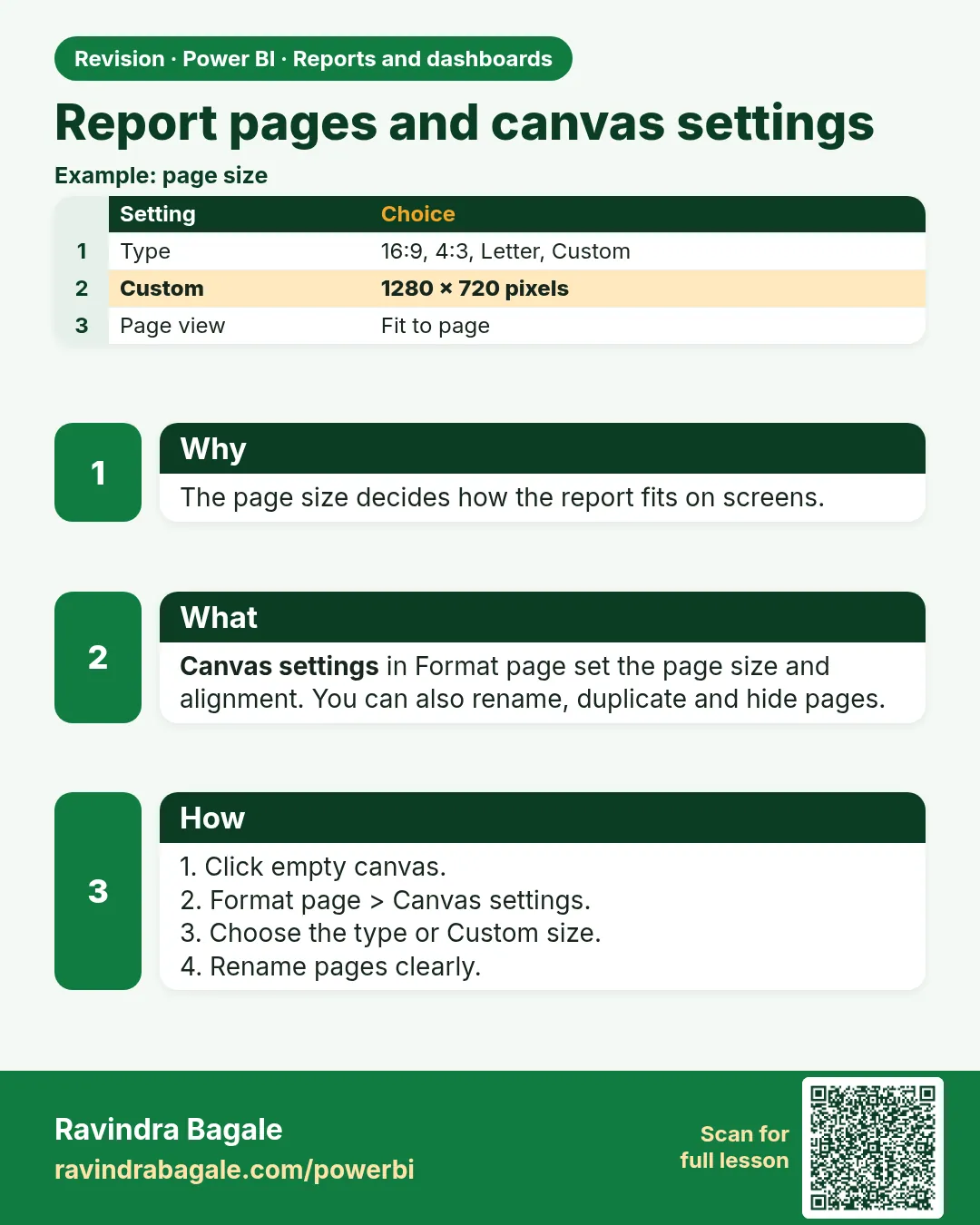
- Click an empty canvas area › Format page (paintbrush).
- Canvas settings › Type: 16:9 (default, 1280 × 720), 4:3, Letter, Tooltip, or Custom (e.g. 1280 × 1800 for a long scrolling page). Vertical alignment: Top/Middle.
- Canvas background (behind the visuals, inside the page): colour, image (e.g. a background designed in PowerPoint with panels), transparency, Image fit.
- Wallpaper (outside the page area): colour or image.
- Page information › Name, Allow use as tooltip, Q&A settings.
- View › Page view › Fit to page / Fit to width / Actual size controls how it looks in Desktop.
Background images
Mhanje asa: many professionals design the page layout (header band, KPI boxes, side menu) as an image in PowerPoint or Figma, export it as PNG at the canvas size, and set it as Canvas background with 0% transparency. The visuals then sit on top with transparent backgrounds.
Ravindra Bagale's Tip
A common mistake is leaving page view on "Fit to page" with a custom canvas size, so text becomes tiny on smaller screens. Test the report on a laptop screen and set page view and canvas size deliberately. Never forget this.
Ravindra Bagale's Tip – मराठी
एक common चूक म्हणजे custom canvas size सोबत page view "Fit to page" वरच ठेवणं, त्यामुळे लहान screens वर text खूप बारीक होतो. Report laptop screen वर test करा आणि page view आणि canvas size विचारपूर्वक set करा. हे अजिबात विसरू नका.
Ravindra Bagale's Tip – हिंदी
एक common गलती है custom canvas size के साथ page view को "Fit to page" पर छोड़ देना, जिससे छोटी screens पर text बहुत छोटा हो जाता है. Report को laptop screen पर test करो और page view और canvas size सोच-समझकर set करो. यह बिल्कुल मत भूलना.
Fix common mistakes
| Wrong result | Reason | Correction |
|---|---|---|
| Text tiny on laptop | Canvas size + Fit to page | Set 16:9 and test on a laptop |
| Hidden page visible to users | Page not hidden | Right-click › Hide page |
About this data: This table uses columns: Wrong result, Reason, Correction. Values shown are the lesson examples already on this page (not a new dataset).
Practise independently
Practice task
Create a tooltip page sized Tooltip and a hidden drill-through page.
Practice file (fictional): visuals_orders_apr_may_2026.csv
Hints
- Format › Canvas settings.
Solution
Tooltip page uses Tooltip size; drill-through page hidden but still reachable by right-click.
 Revision card