11.12 Perspectives
Start with a problem
Store managers see six tables and forty measures in the field list. They need only Orders, Date and DarkStore with five measures.
Explain simply
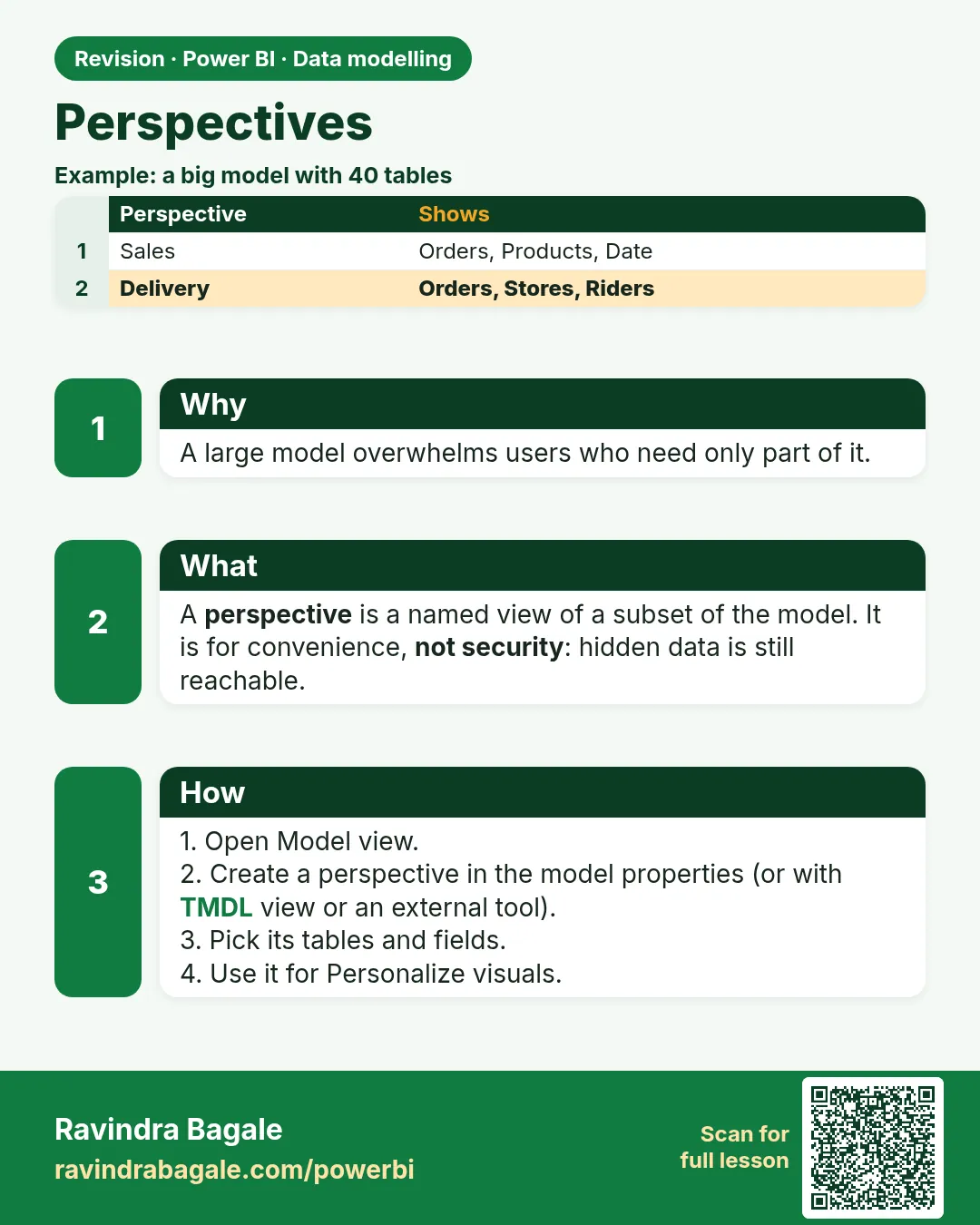
A perspective is a named subset of tables, columns and measures. It hides clutter; it does not secure data.
Show the data
| Table | In the model | In the Store managers perspective |
|---|---|---|
| Orders | Yes | Yes |
| Date | Yes | Yes |
| DarkStore | Yes | Yes |
| Product | Yes | No |
| Customer | Yes | No |
| OrderPartner (bridge) | Yes | No |
Fictional sample data. Practice file: visuals_orders_apr_may_2026.csv, dark_stores_maharashtra.csv (source: src/practice/).
Demonstrate
- Desktop › External Tools › Tabular Editor.
- Model › Perspectives › New perspective › name
Store managers. - Include Orders, Date, DarkStore and the measures Total Sales, Total Orders, AOV, Avg Delivery, Cancellation % › save to the model.
-
In Power BI, turn on Personalize visuals for the report and choose the perspective (Format pane › Personalize visual › Perspective).
Your result should look like this:
Fields offered to viewers Orders, Date, DarkStore · 5 measures
Show the result
Your result should look like this (fictional sample):
| Measure | Value |
|---|---|
| Total Sales | ₹2,100 |
| Total Orders | 8 |
| AOV (delivered) | ₹300 |
| Avg Delivery (min) | 11.0 |
| Cancellation % | 12.5% |
Explain what happened
The perspective changed only what is offered in the field list. The values are the same, and a user with model access can still query hidden tables.
Explore further
- Use RLS (rows) and OLS (objects) when data must be secured.
Detailed reference for this lesson:
A perspective (a smaller named view of the model) does not delete anything from the model. It only shows a report author fewer tables.
Perspective (model चा एक छोटा, नाव दिलेला view) model मधून काहीच delete करत नाही. तो फक्त report author ला कमी tables दाखवतो.
Perspective (model का एक छोटा, नाम वाला view) model से कुछ भी delete नहीं करता. वह सिर्फ़ report author को कम tables दिखाता है.
A perspective is a named subset of tables, columns and measures. It does not secure data. A user who can open the model another way can still see the hidden objects. Row security stays RLS (Module 26). Object hiding for security is OLS (section 26.6), not a perspective.
Power BI Desktop's everyday ribbon does not always show a Perspectives button. Perspectives are created in the model metadata, often with Tabular Editor or TMDL view, and they matter when a large model is used from Excel (Analyze in Excel) so an author is not lost in fifty tables. If your Desktop has no perspective command, do not invent one. Use display folders and hidden technical columns (section 11.7) for a student report.
Worked example. The fictional model has Orders, Product, Customer, DarkStore, Date and a technical OrderPartner bridge. A perspective called Store authors includes DarkStore, Date, Orders and the sales measures, and leaves the bridge out of that view. Ravindra Bagale still has the bridge in the full model for the partner page. Hiding it from one perspective does not stop a DAX query that names the table.
Ravindra Bagale's Tip
In interviews, do not call a perspective security. It controls visibility; it is not a short form of RLS. Many students say this the wrong way round. Remember this.
Ravindra Bagale's Tip – मराठी
Interview मध्ये perspective ला security म्हणू नका. ते visibility आहे, RLS चं summary नाही. बरेच students हे उलट सांगतात. लक्षात ठेवा.
Ravindra Bagale's Tip – हिंदी
Interview में perspective को security मत कहो. वह visibility है, RLS का summary नहीं. बहुत से students यह उल्टा बताते हैं. याद रखो.
Fix common mistakes
| Wrong result | Reason | Correction |
|---|---|---|
| Thought Customer data was now secured | Perspectives only hide | Use RLS/OLS for security |
| No Perspectives button in Desktop | Perspectives are edited with an external tool | Use Tabular Editor |
| A new measure is missing for managers | Perspective not updated | Add it to the perspective |
Practise independently
Practice task
Which belong in the Store managers perspective: Cancellation %, OrderPartner, Date[FY]?
Hints
- Think about what a store manager filters and reads.
Solution
Cancellation % (12.5% overall) and Date[FY]: yes. OrderPartner: no, it is a technical bridge table.
Think like a professional
Say it plainly in interviews: a perspective is convenience, RLS is security.
 Revision card