11.11 Bridge Tables and Many-to-Many
Start with a problem
On a training day, order 301 has two delivery partners (Shahrukh and Rani). Raja's partner report shows ₹1,300 in total, but the three orders are worth only ₹900.
Explain simply
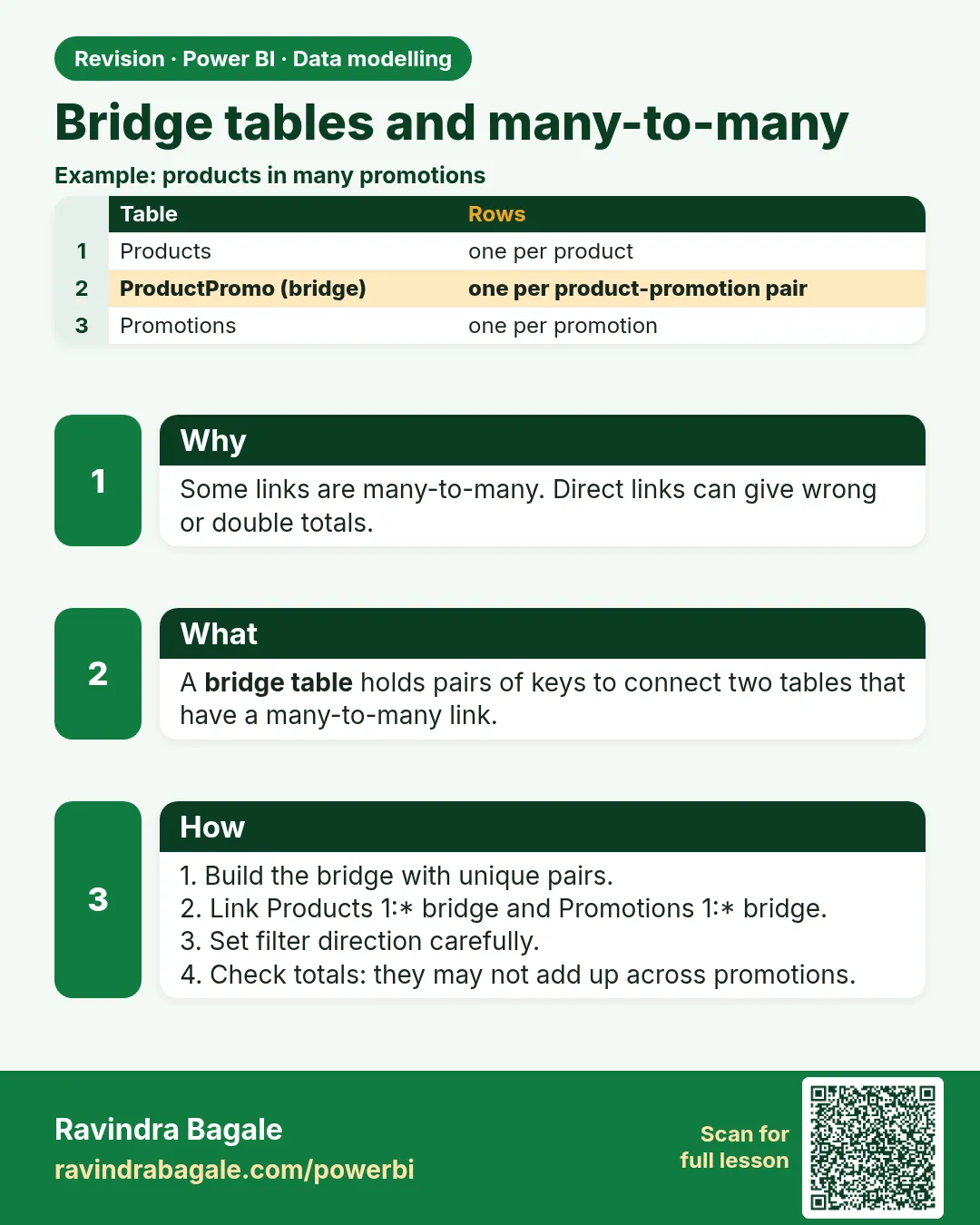
A bridge table lists key pairs (Order ID, Partner ID). It sits between Orders and DeliveryPartner with two one-to-many relationships. Totals by partner are then correct, and the grand total counts each order once.
Show the data
Orders (bridge_orders.csv):
| Order ID | Store | Amount (₹) |
|---|---|---|
| 301 | Kothrud | 400 |
| 302 | Baner | 200 |
| 303 | Gangapur | 300 |
OrderPartner bridge (order_partner_bridge.csv):
| Order ID | Partner ID |
|---|---|
| 301 | P-Shahrukh |
| 301 | P-Rani |
| 302 | P-Raja |
| 303 | P-Shahrukh |
Fictional sample data. Practice file: bridge_orders.csv, delivery_partners.csv, order_partner_bridge.csv (source: src/practice/).
Demonstrate
- Load bridge_orders.csv (Orders), delivery_partners.csv (DeliveryPartner) and order_partner_bridge.csv (OrderPartner).
-
OrderPartner: keep the two key columns › Remove Duplicates.
Your result should look like this:
OrderPartner rows 4 -
Relate DeliveryPartner[Partner ID] 1 → * OrderPartner[Partner ID], single direction.
- Relate Orders[Order ID] 1 → * OrderPartner[Order ID] and set Cross filter direction: Both on this one relationship, so a partner filter can travel from the bridge up to Orders.
-
Matrix: DeliveryPartner[Partner Name] + Total Sales.
Your result should look like this:
Partner Total Sales (₹) Raja 200 Rani 400 Shahrukh 700 Total 900 -
Slicer: select Shahrukh and Rani together.
Your result should look like this:
Total Sales card ₹700 (301 once + 303), not ₹1,100
Show the result
Your result should look like this (fictional sample):
| Partner | Orders | Total Sales (₹) |
|---|---|---|
| Shahrukh | 301, 303 | 700 |
| Rani | 301 | 400 |
| Raja | 302 | 200 |
| Total | 301, 302, 303 | 900 (not 1,300) |
Explain what happened
Each partner row counts the orders that partner worked on, so order 301 appears under two partners. The total row has no partner filter and counts each order once. That is correct, not a bug.
Explore further
- Instead of Both on the relationship, keep it single and use
CALCULATE([Total Sales], CROSSFILTER(OrderPartner[Order ID], Orders[Order ID], BOTH))in a dedicated measure.
Detailed reference for this lesson:
Many-to-many cardinality (कार्डिनॅलिटी – how many rows on each side match) means duplicate keys on both sides. The relationship line works, but it can give a wrong total. A bridge table is the middle path.
A many-to-many relationship (*:*) is allowed. Use it only when you understand the grain. The safe classroom pattern is a bridge table. It is a narrow table of key pairs. It has a one-to-many relationship on each side, both single direction. Filters flow from the dimensions, through the bridge, into the fact (or as your diagram needs). Do not turn both directions to Both "so the slicer works".
Fictional case. One order can have two delivery partners on a training day (a senior and a junior). Orders is one row per order. DeliveryPartner is one row per person. The pair list is the bridge OrderPartner:
| Order ID | Partner ID |
|---|---|
| B-201 | P-Shahrukh |
| B-201 | P-Rani |
| B-202 | P-Raja |
Steps
- Load
OrderPartnerwith only the two key columns. Remove duplicates on the pair. - Relate
Orders[Order ID](1) toOrderPartner[Order ID](), single direction fromOrdersif you must filter the bridge from orders. To filter orders by partner, relateDeliveryPartner[Partner ID](1) toOrderPartner[Partner ID]() and relateOrders[Order ID](1) toOrderPartner[Order ID]() with cross-filter direction Both* on that one relationship (or keep it single and useCROSSFILTER(OrderPartner[Order ID], Orders[Order ID], BOTH)inside the measure). A single-direction one-to-many relationship only filters from the one side, so without this the partner filter cannot reachOrders. Check filter direction arrows in Model view before you trust a card. - Hide both key columns on the bridge.
- Test: select partner Shahrukh. Order B-201 should appear. Select Rani. The same order should appear. The sales card must not add B-201 twice if both partners are selected together. If the amount doubles, the filter path is wrong; fix the relationships before you hide the bug with
DISTINCT.
A direct *:* between Orders and DeliveryPartner can show that double count with no bridge to inspect. That is why the caution exists. Bi-directional filter on that path makes the double count harder to see, because filters also flow back into the partner slicer.
Ravindra Bagale's Tip
Many students set cardinality to many-to-many and cross-filter to Both because the relationship dialog suggested it. The total then changes when they click a slicer that should not affect that measure. Prefer a bridge and single direction, and test one order that has two partners. Don't panic, but check the total with your own head.
Ravindra Bagale's Tip – मराठी
बरेच students relationship dialog ने सुचवलं म्हणून cardinality many-to-many आणि cross-filter Both ठेवतात. मग ज्या slicer चा त्या measure वर परिणाम व्हायला नको, तो click केल्यावर total बदलतो. Bridge आणि single direction वापरा, आणि दोन partners असलेली एक order test करा. घाबरू नका, पण total डोक्याने verify करा.
Ravindra Bagale's Tip – हिंदी
बहुत से students relationship dialog के सुझाने पर cardinality many-to-many और cross-filter Both रख देते हैं. फिर जिस slicer का उस measure पर असर नहीं होना चाहिए, उसे click करने पर total बदल जाता है. Bridge और single direction अपनाओ, और दो partners वाली एक order test करो. घबराओ मत, पर total दिमाग़ से verify करो.
Fix common mistakes
| Wrong result | Reason | Correction |
|---|---|---|
| Every partner shows ₹900 | The partner filter cannot reach Orders (single direction from Orders) | Both on the Orders–OrderPartner relationship, or CROSSFILTER |
| Total ₹1,300 | Amount copied onto the bridge and summed | Keep amounts in Orders only |
| Ambiguous path warning | Both direction set on several relationships | Use Both only on the bridge relationship |
Practise independently
Practice task
Add a bridge row 302 – P-Shahrukh. What are Shahrukh's total and the grand total now?
Hints
- Shahrukh now has 301, 302 and 303.
Solution
Shahrukh ₹900 (301 + 302 + 303); Rani ₹400; Raja ₹200; grand total still ₹900.
Think like a professional
Explain non-additive totals on the visual (a footnote: "orders with two partners are counted under each partner") before a stakeholder reports it as an error.
 Revision card