11.6 Hierarchies and Groups
Start with a problem
In one week, Zoya asks for "drill from region to store" and "Fresh vs Packaged". Are these the same feature?
Explain simply
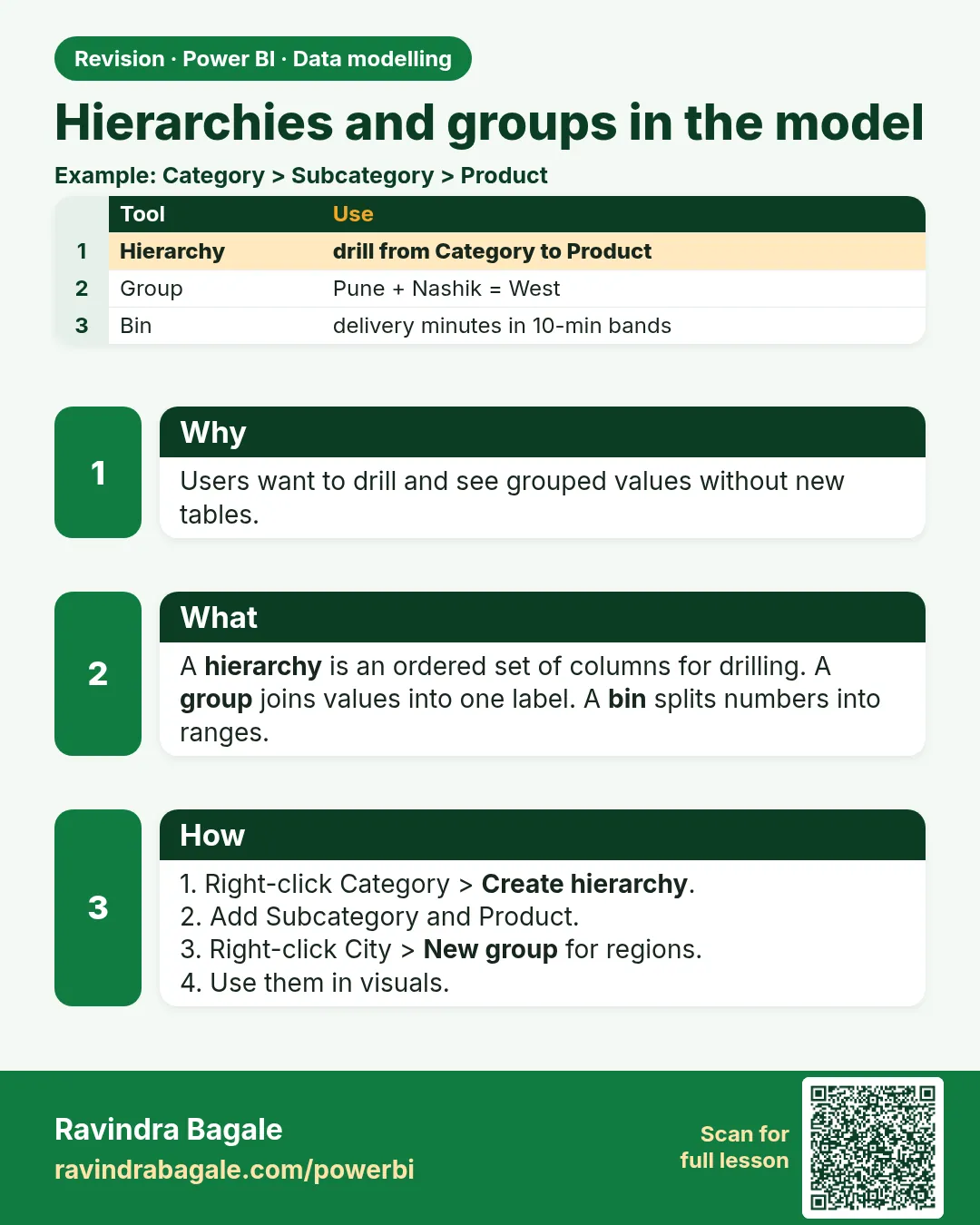
A hierarchy is a drill path inside one table (Region › City › Store). A group combines values into buckets (Dairy + Fruits = Fresh). Module 12 covers both in depth.
Show the data
| Store | City | Region | Manager |
|---|---|---|---|
| Kothrud | Pune | West Maharashtra | Ravindra |
| Baner | Pune | West Maharashtra | Ravindra |
| Gangapur | Nashik | North Maharashtra | Shraddha |
| College Road | Nashik | North Maharashtra | Shraddha |
| Rajarampuri | Kolhapur | South Maharashtra | Zoya |
About this data: This table uses columns: Store, City, Region, Manager. This table uses columns: Visual, Rows, Amount (₹). This table uses columns: Wrong result, Reason, Correction. Values shown are the lesson examples already on this page (not a new dataset).
Fictional sample data. Practice file: visuals_orders_apr_may_2026.csv, dark_stores_maharashtra.csv (source: src/practice/).
Demonstrate
-
DarkStore › right-click Region › Create hierarchy; then right-click City and Store › Add to hierarchy.
Your result should look like this:
DarkStore Region Hierarchy: Region › City › Store -
Orders › right-click Category › New group › select Dairy + Fruits › Group › rename
Fresh; group Snacks asPackaged› OK.Your result should look like this:
New field Category (groups): Fresh, Packaged -
Matrix: Region Hierarchy on Rows, Sum of Amount. Bar chart: Category (groups), Sum of Amount.
Show the result
Your result should look like this (fictional sample):
| Visual | Rows | Amount (₹) |
|---|---|---|
| Matrix | West Maharashtra › Pune › Kothrud | 650 |
| Matrix | West Maharashtra › Pune › Baner | 200 |
| Matrix | North Maharashtra | 800 |
| Matrix | South Maharashtra | 450 |
| Bar chart | Fresh | 1,450 |
| Bar chart | Packaged | 650 |
Explain what happened
The hierarchy gave the matrix a drill path; the group created a new column that maps each category to a bucket.
Explore further
- Hierarchy levels must come from one table; groups always live on one column.
Detailed reference for this lesson:
Lakshat theva, hierarchies (Date, State › City › Area › Store Name, Category › Product) and groups (regions, bins) are khup important enough to have their own module. See Module 12.
Ravindra Bagale's Tip
Friends, many students build hierarchies with levels from different tables and wonder why they can't. All levels of a hierarchy must be in the same table, so flatten dimensions first. The full steps are in Module 12. Try it once more, then move on.
Ravindra Bagale's Tip – मराठी
मित्रांनो, बरेच students वेगवेगळ्या tables मधल्या levels ने hierarchies बनवायचा प्रयत्न करतात आणि ते का जमत नाही याचा विचार करतात. Hierarchy चे सगळे levels एकाच table मध्ये असायला हवेत, म्हणून आधी dimensions flatten करा. पूर्ण steps Module 12 मध्ये आहेत. पुन्हा एकदा करून बघा, मग पुढे जा.
Ravindra Bagale's Tip – हिंदी
दोस्तों, बहुत से students अलग-अलग tables के levels से hierarchies बनाने की कोशिश करते हैं और सोचते हैं कि यह क्यों नहीं हो रहा. Hierarchy के सारे levels एक ही table में होने चाहिए, इसलिए पहले dimensions को flatten करो. पूरे steps Module 12 में हैं. एक बार फिर करके देखो, फिर आगे बढ़ो.
Fix common mistakes
| Wrong result | Reason | Correction |
|---|---|---|
| Cannot add Orders[Category] to the Region hierarchy | Levels from different tables | Build each hierarchy inside one table |
| A new category lands in Other | Group membership is fixed | Edit the group, or use a mapping column |
| No drill buttons | Fields dragged separately on a visual that does not show drill | Drag the hierarchy and use the drill icons |
Practise independently
Practice task
What is North Maharashtra's amount split by store?
Hints
- College Road has two orders.
Solution
College Road ₹500 (₹150 + ₹350) and Gangapur ₹300; total ₹800.
Think like a professional
Use hierarchies for drill paths and groups for buckets. Mixing them up is a common interview trap.
 Revision card