Ravindra BagaleCourses & study guides मराठी Track your progress

Ravi Sir's Cards › Power BI

27. Performance Tips: Cards

मराठी cards · Open the chapter

Revision cards
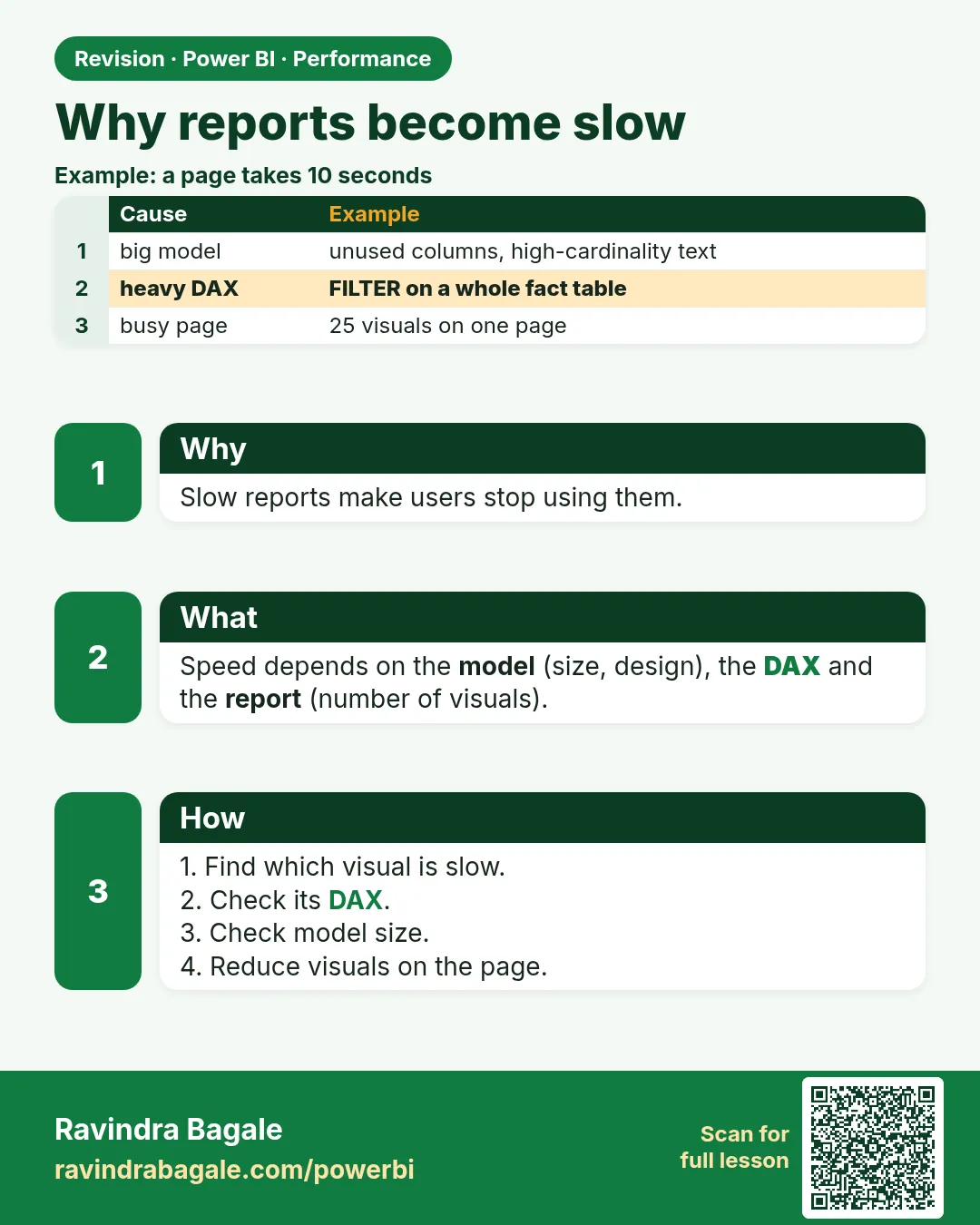
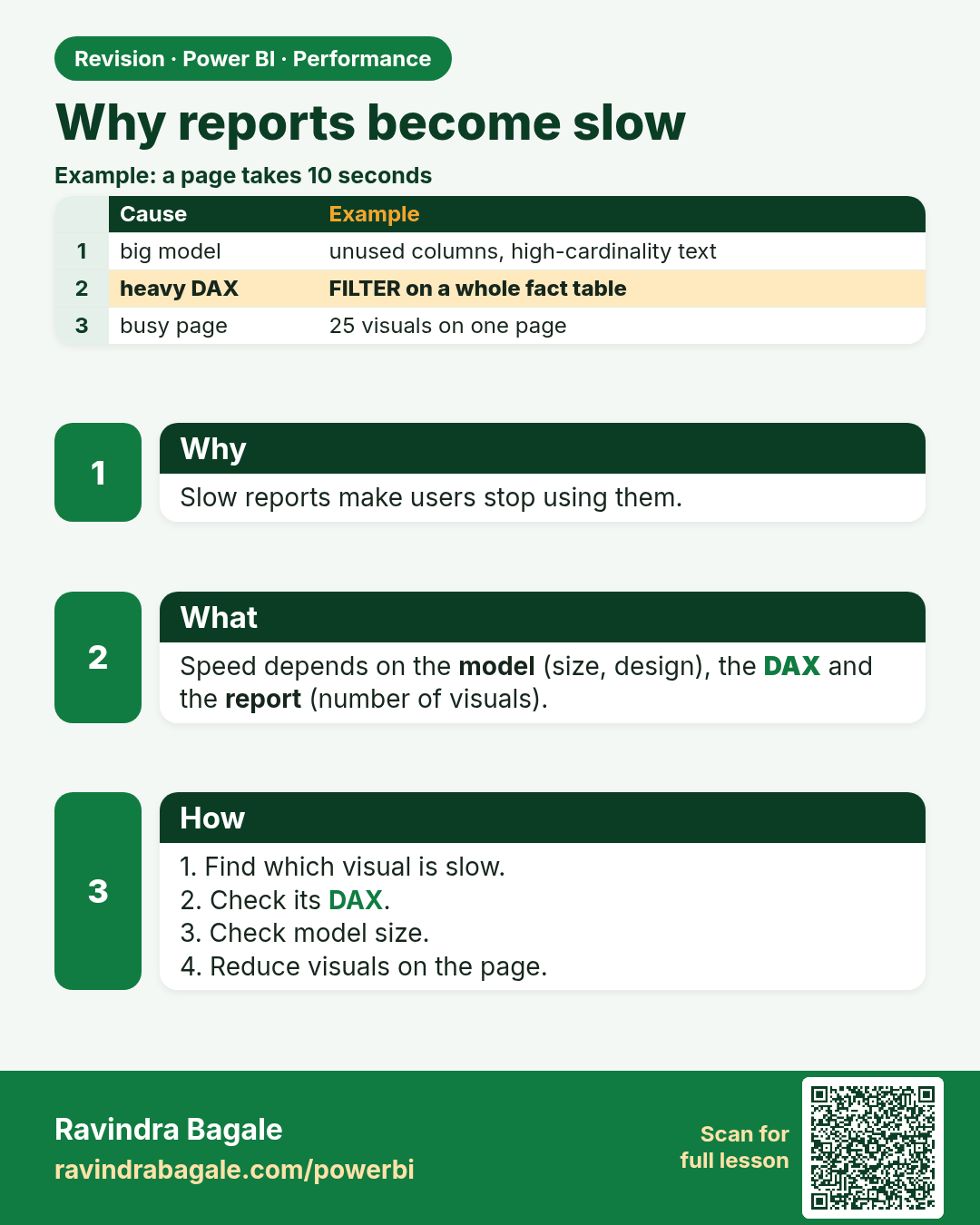
Why reports become slow. Slow reports make users stop using them.
Revision card 1 of 8: Why reports become slow · Download PNG · Open card page

Lesson: 27.1 Why Reports Become Slow
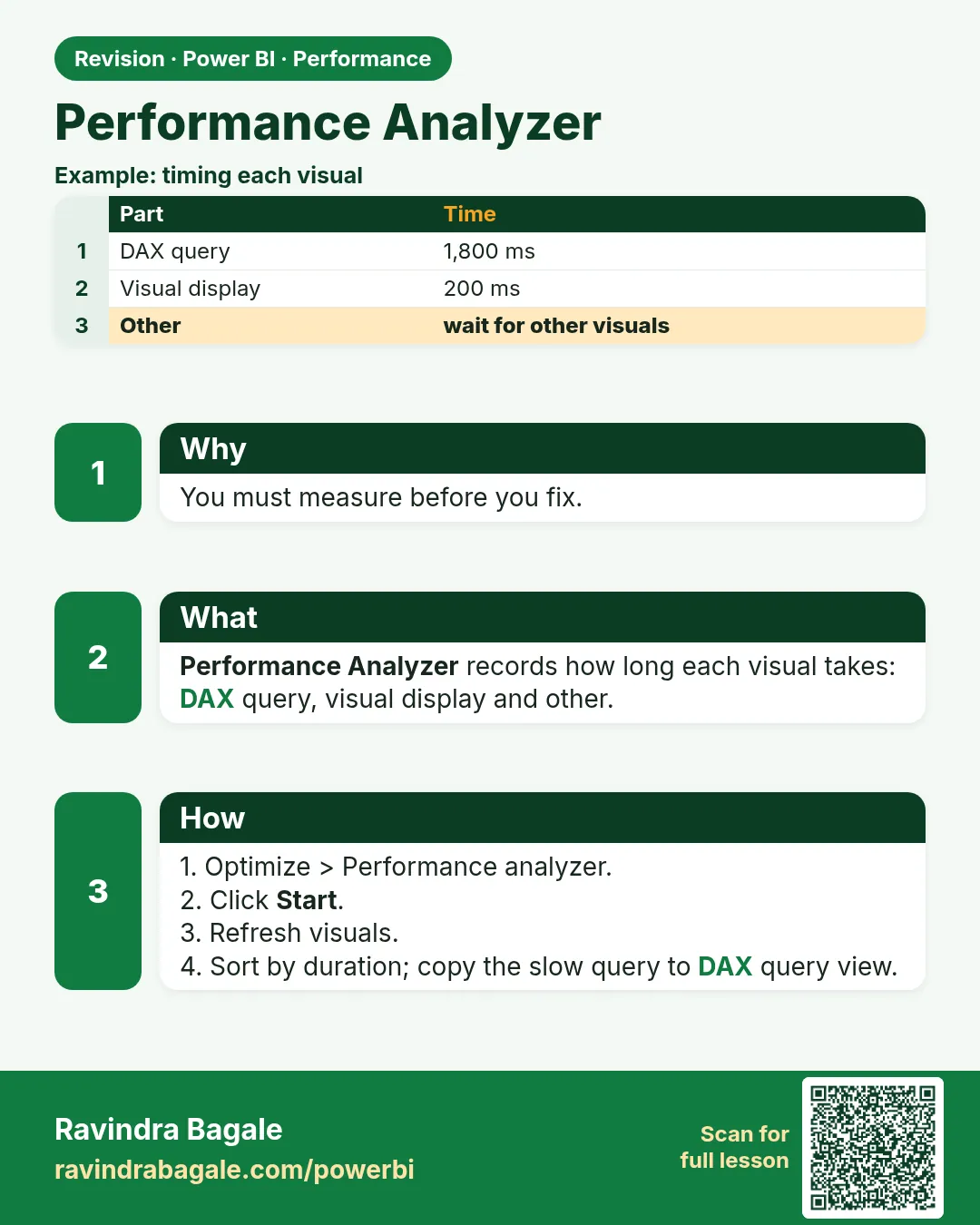
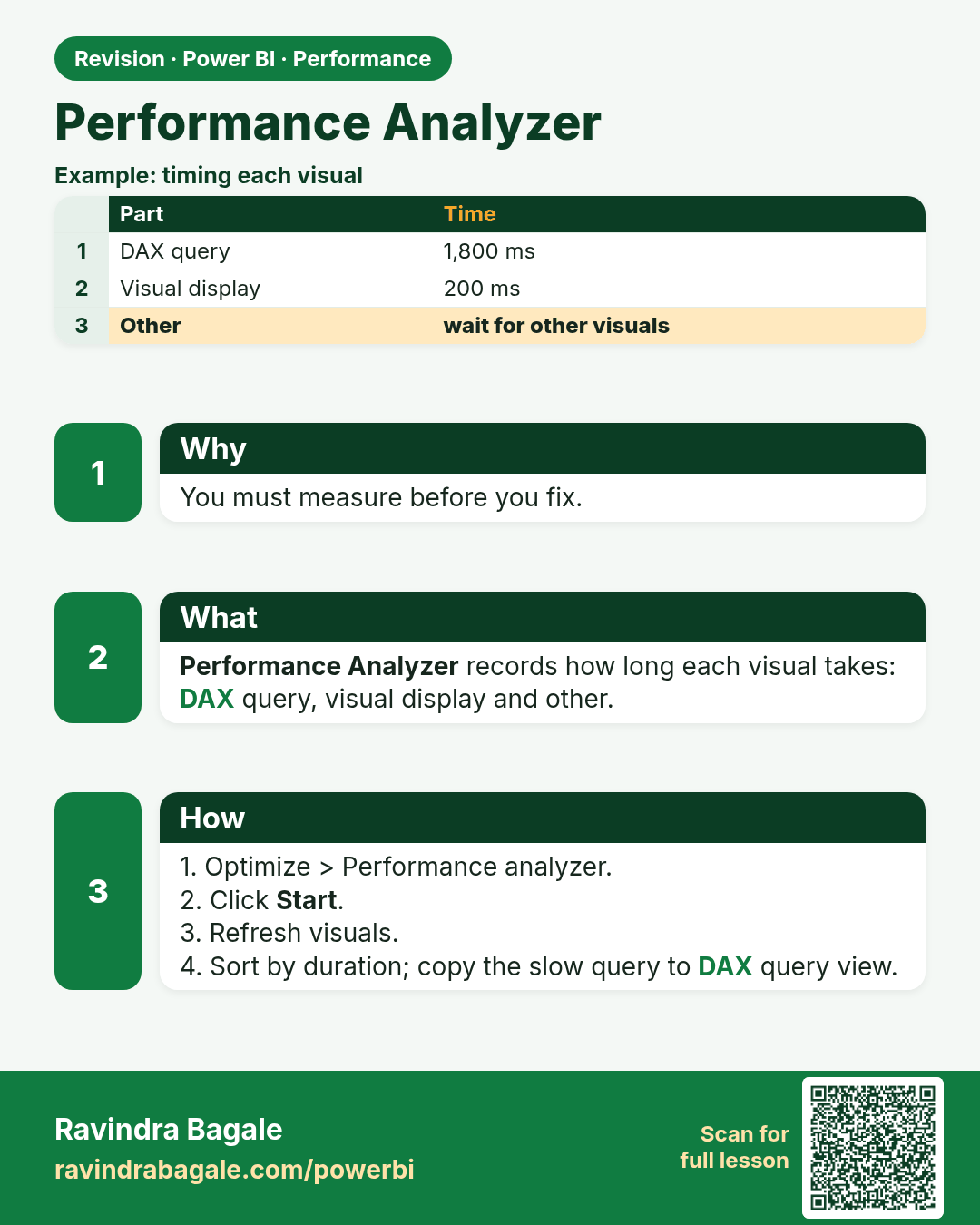
Performance Analyzer. You must measure before you fix.
Revision card 2 of 8: Performance Analyzer · Download PNG · Open card page

Lesson: 27.2 Performance Analyzer

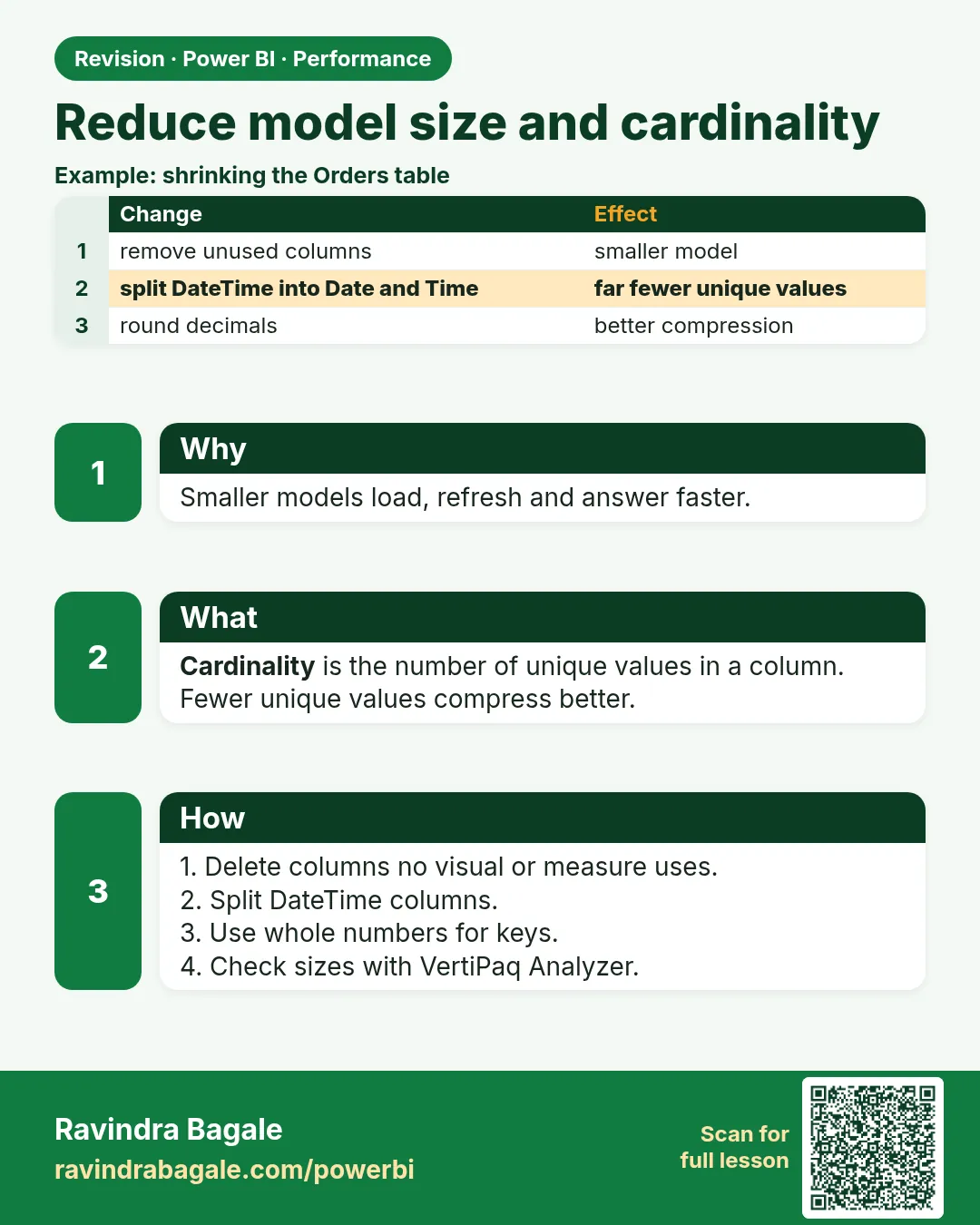
Reduce model size and cardinality. Smaller models load, refresh and answer faster.
Revision card 3 of 8: Reduce model size and cardinality · Download PNG · Open card page

Lesson: 27.3 Reduce Model Size and Cardinality
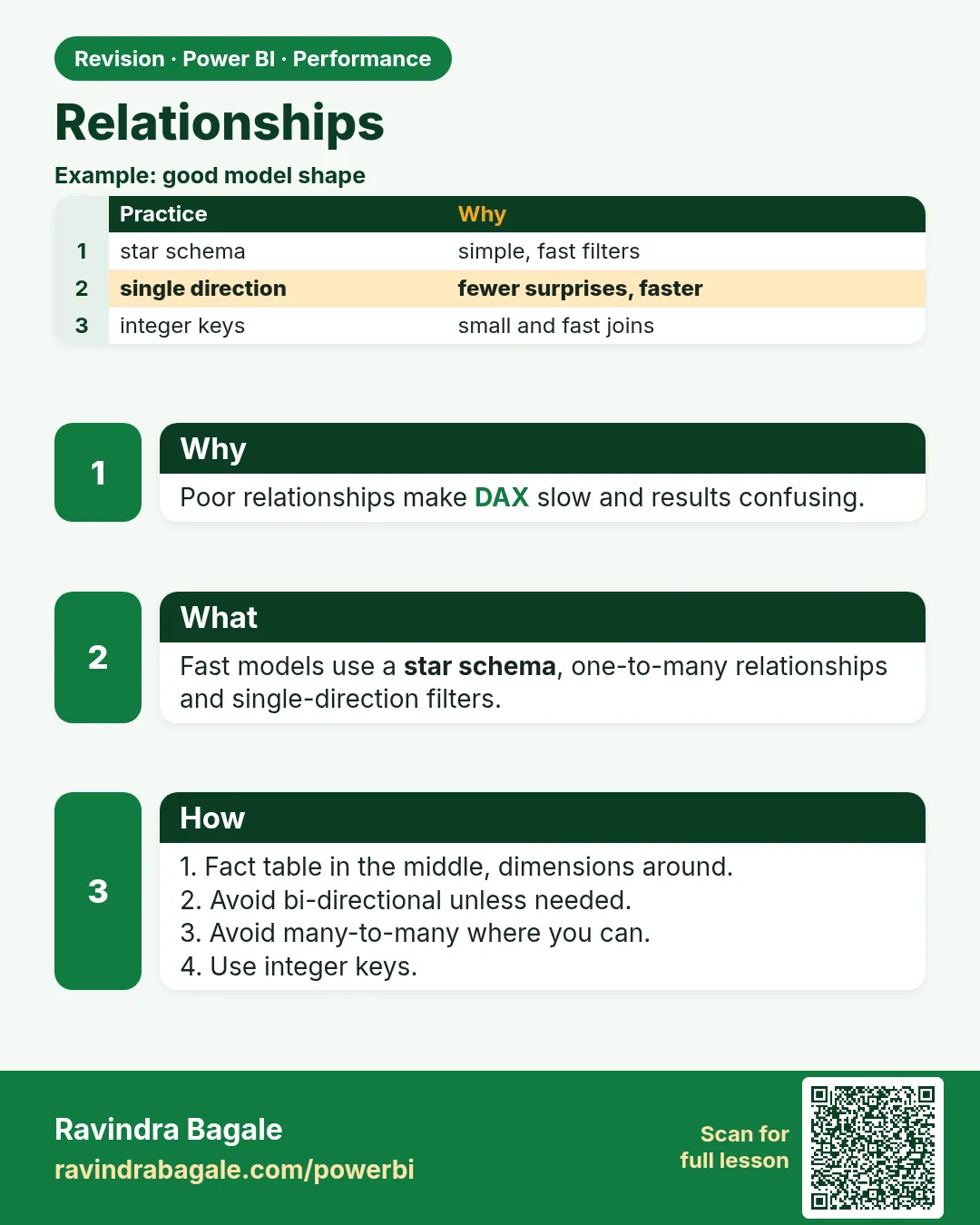
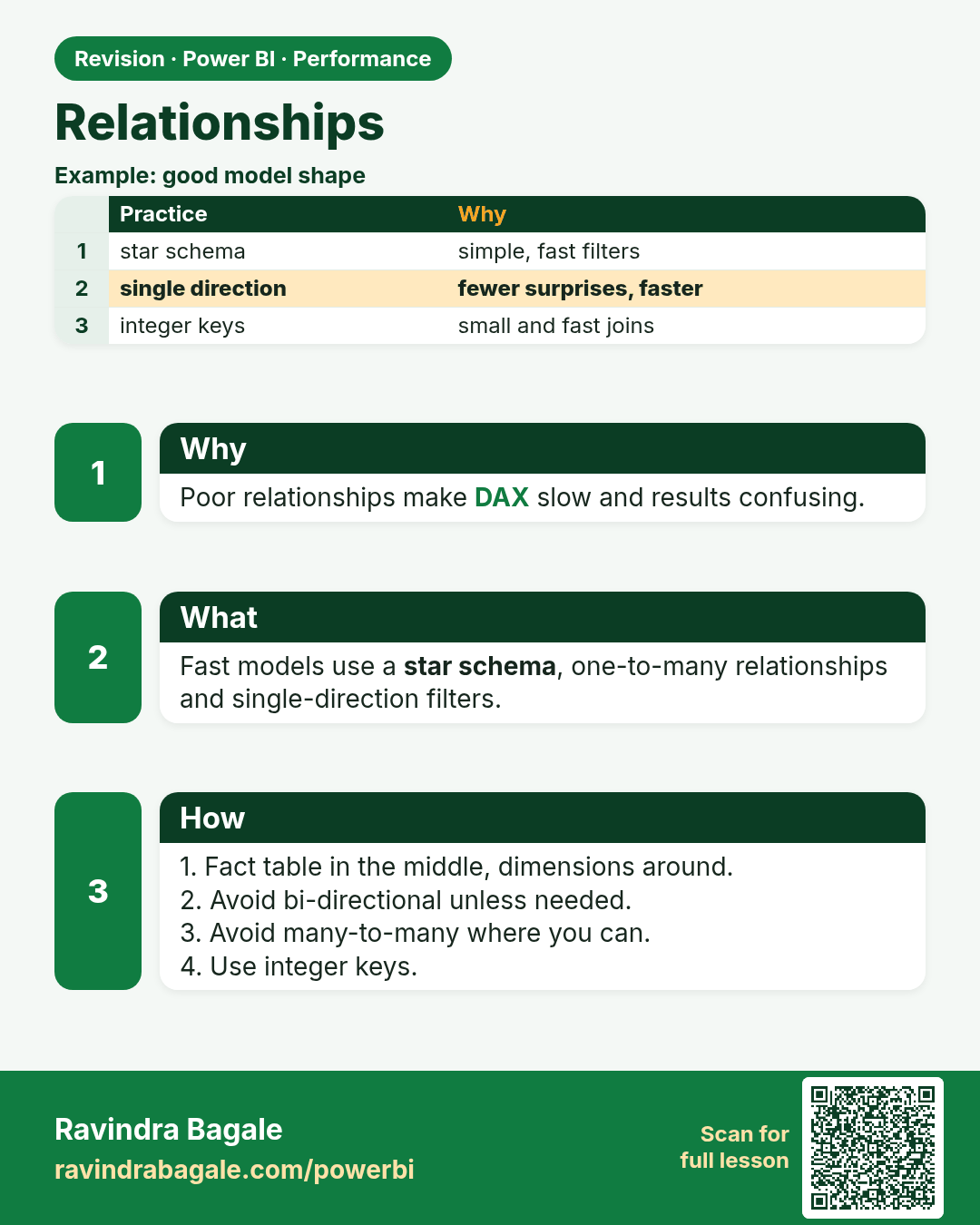
Relationships. Poor relationships make DAX slow and results confusing.
Revision card 4 of 8: Relationships · Download PNG · Open card page

Lesson: 27.4 Relationships

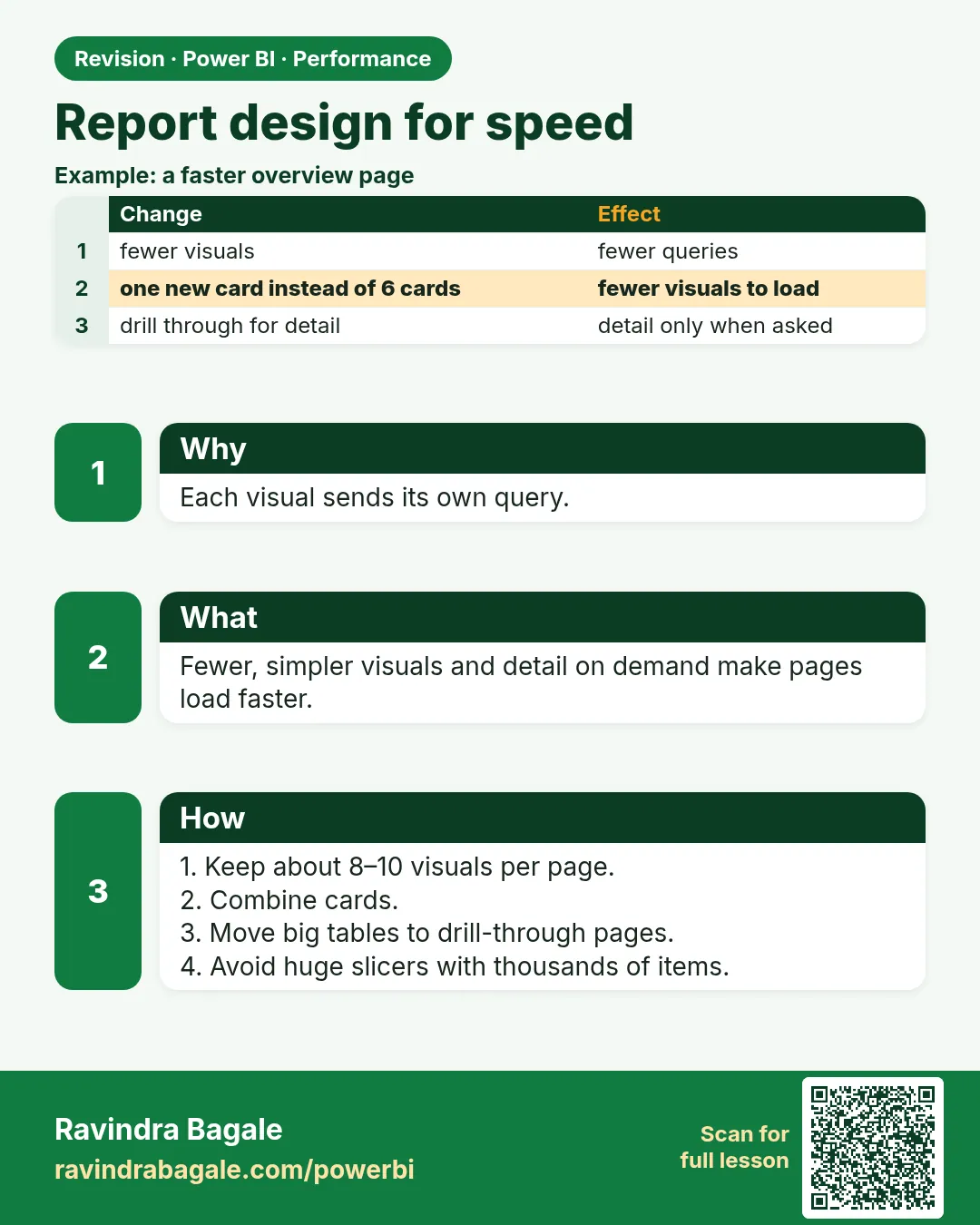
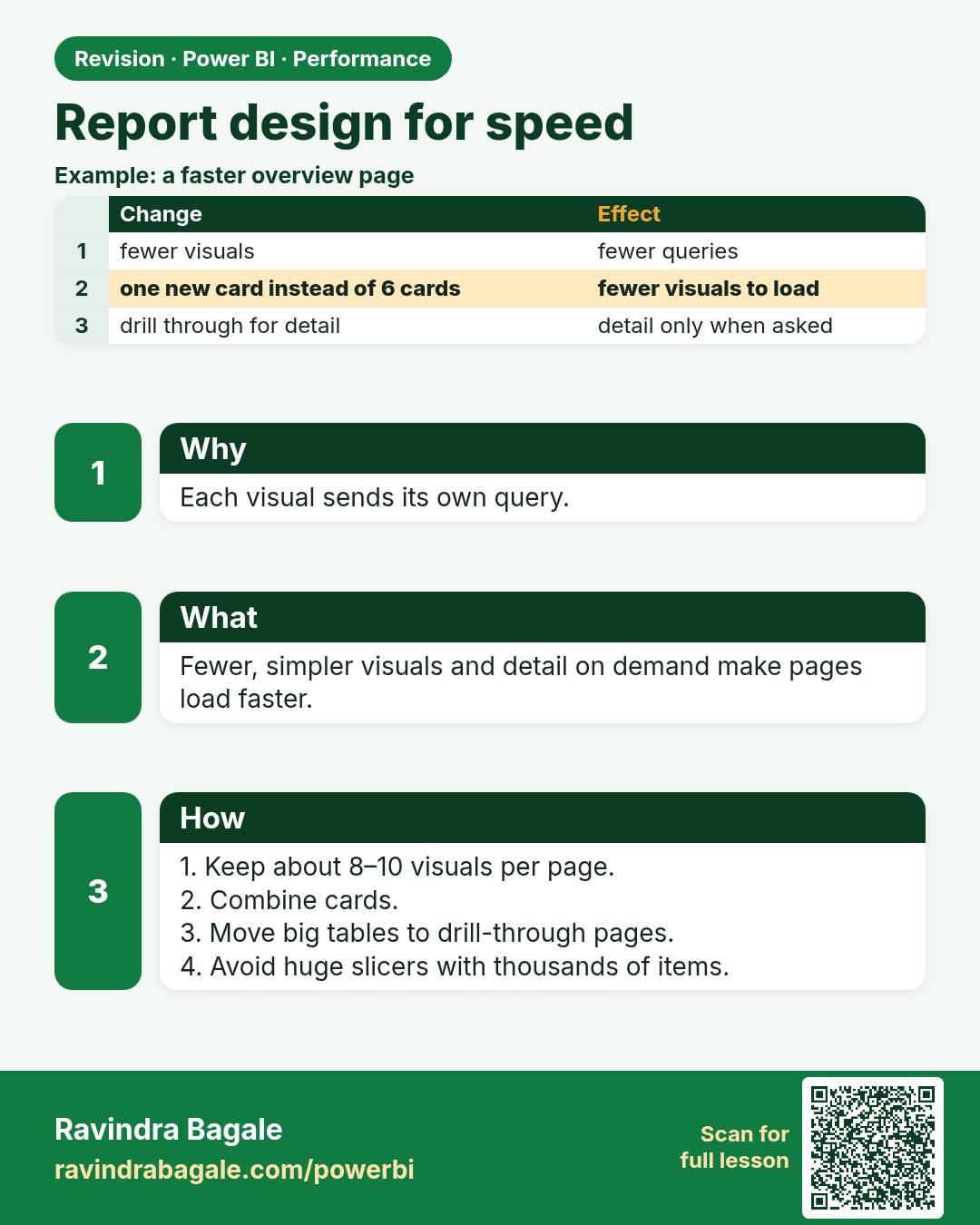
Report design for speed. Each visual sends its own query.
Revision card 5 of 8: Report design for speed · Download PNG · Open card page

Lesson: 27.6 Report Design

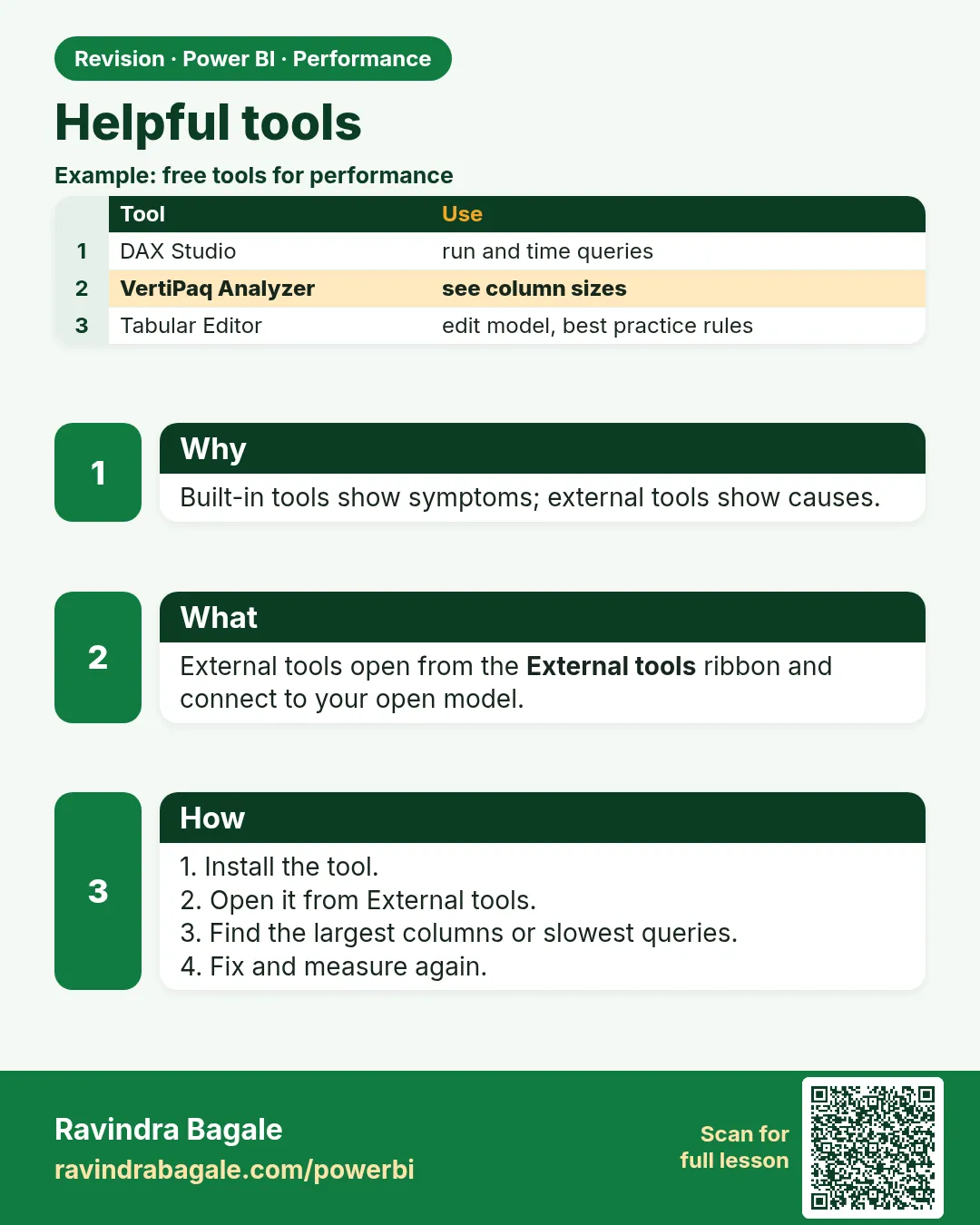
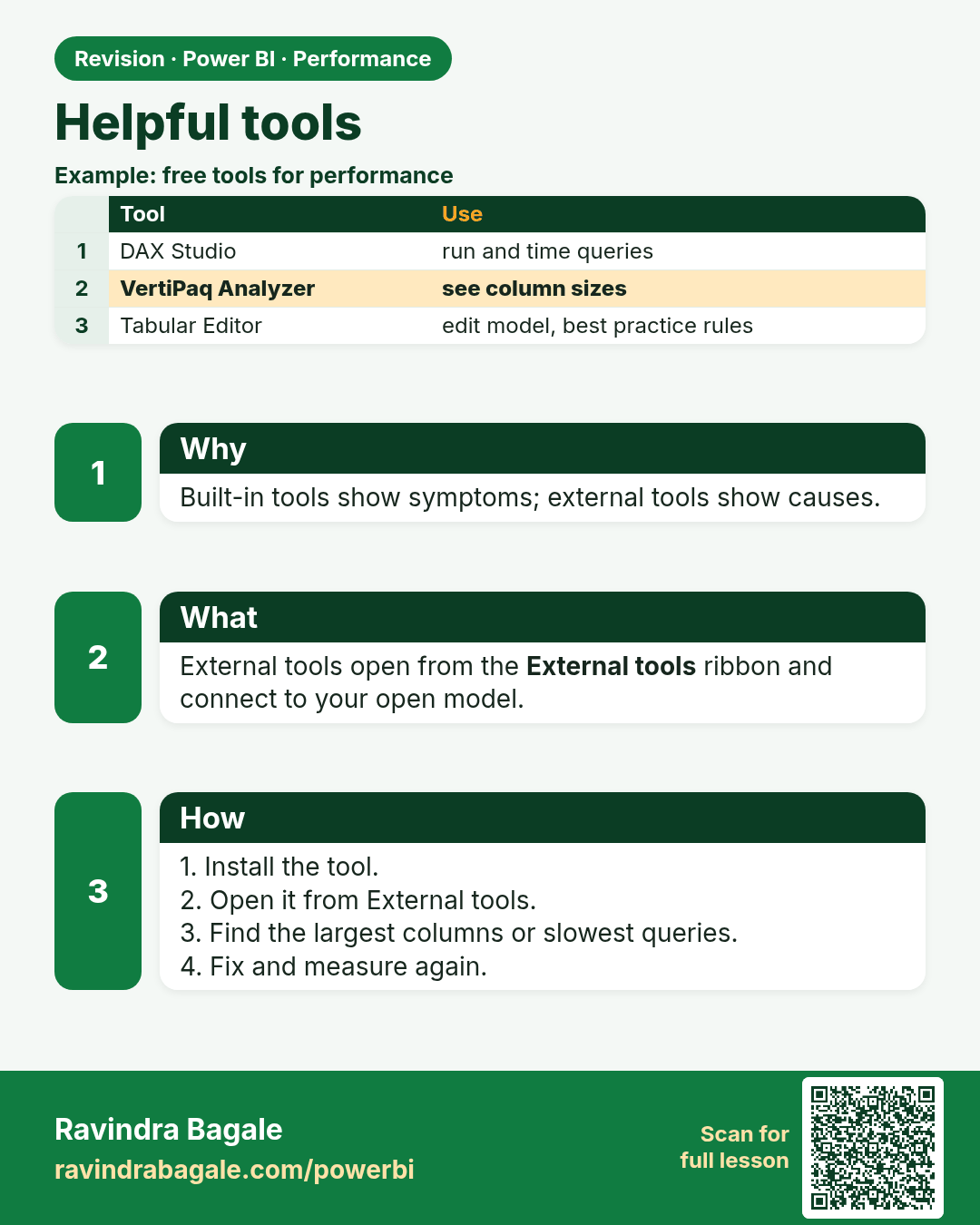
Helpful tools. Built-in tools show symptoms; external tools show causes.
Revision card 6 of 8: Helpful tools · Download PNG · Open card page

Lesson: 27.7 Helpful Tools

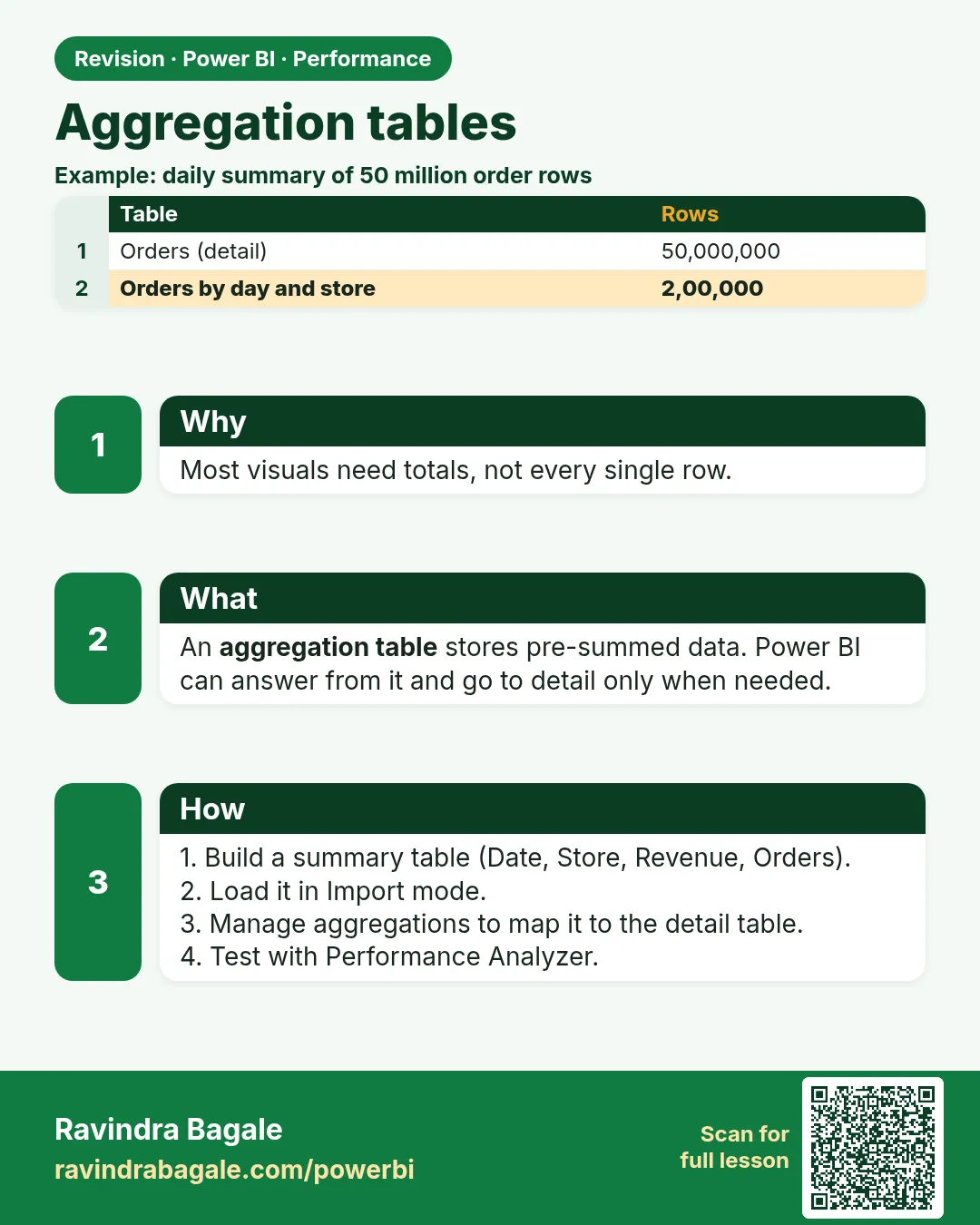
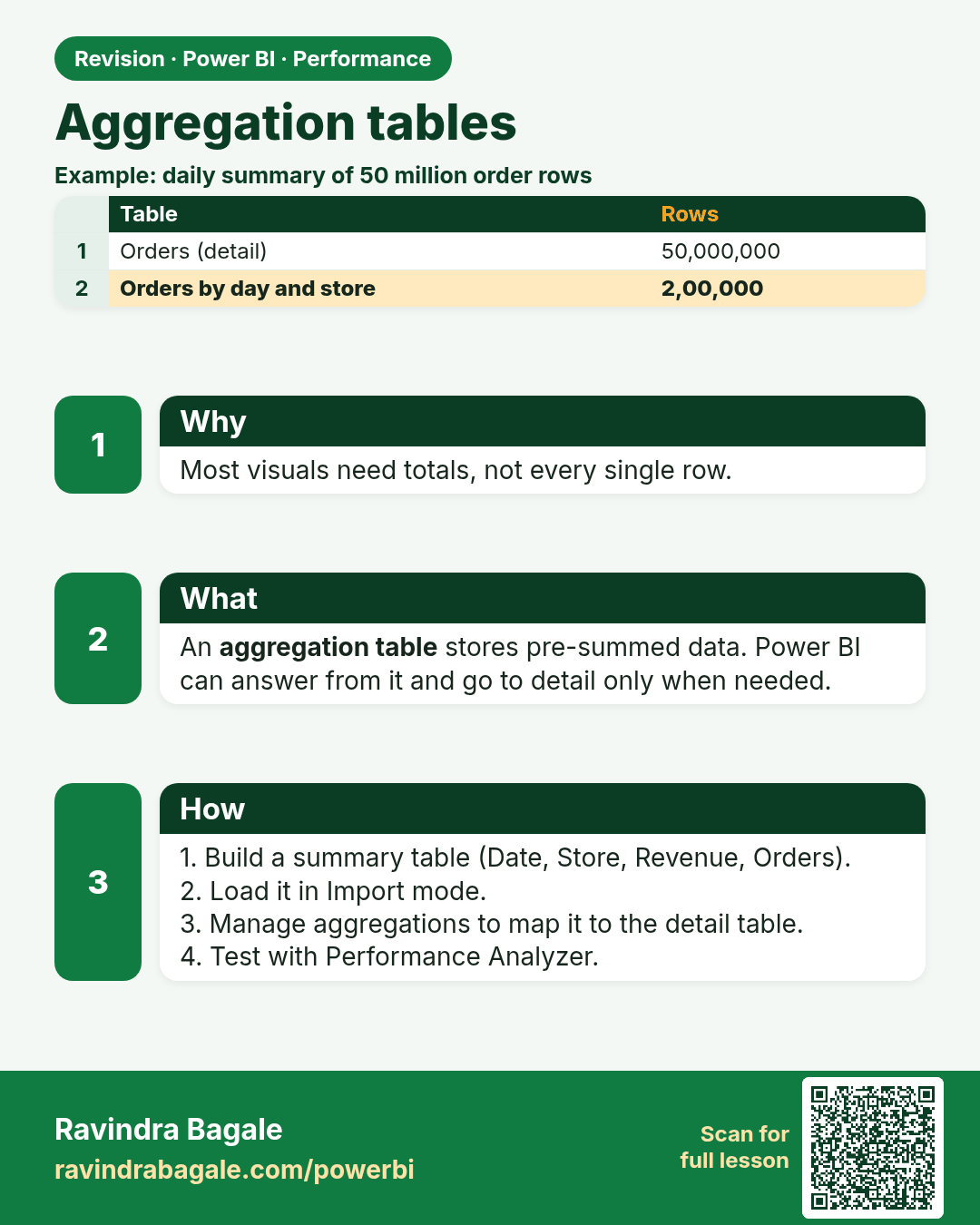
Aggregation tables. Most visuals need totals, not every single row.
Revision card 7 of 8: Aggregation tables · Download PNG · Open card page

Lesson: 27.8 Aggregation Tables

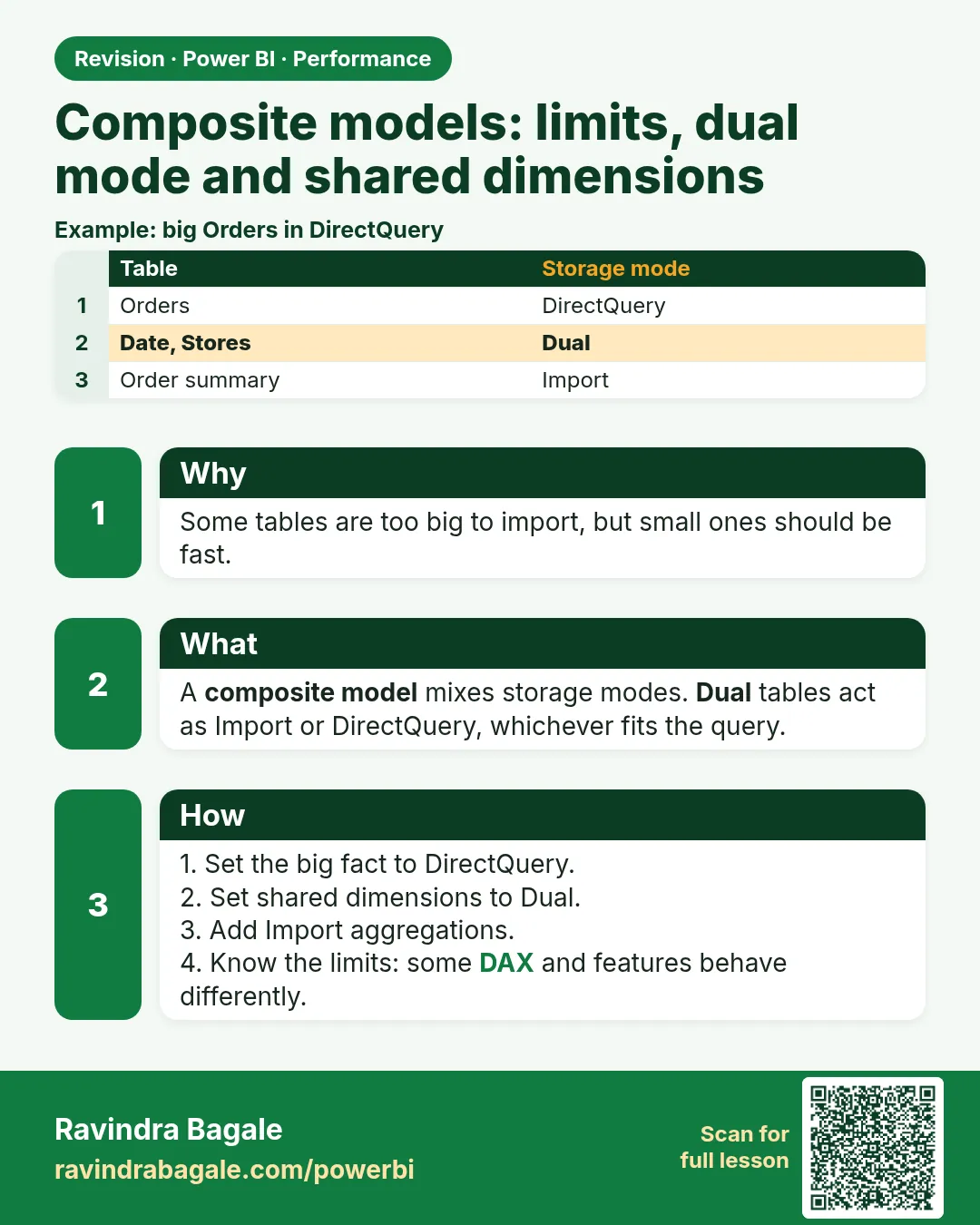
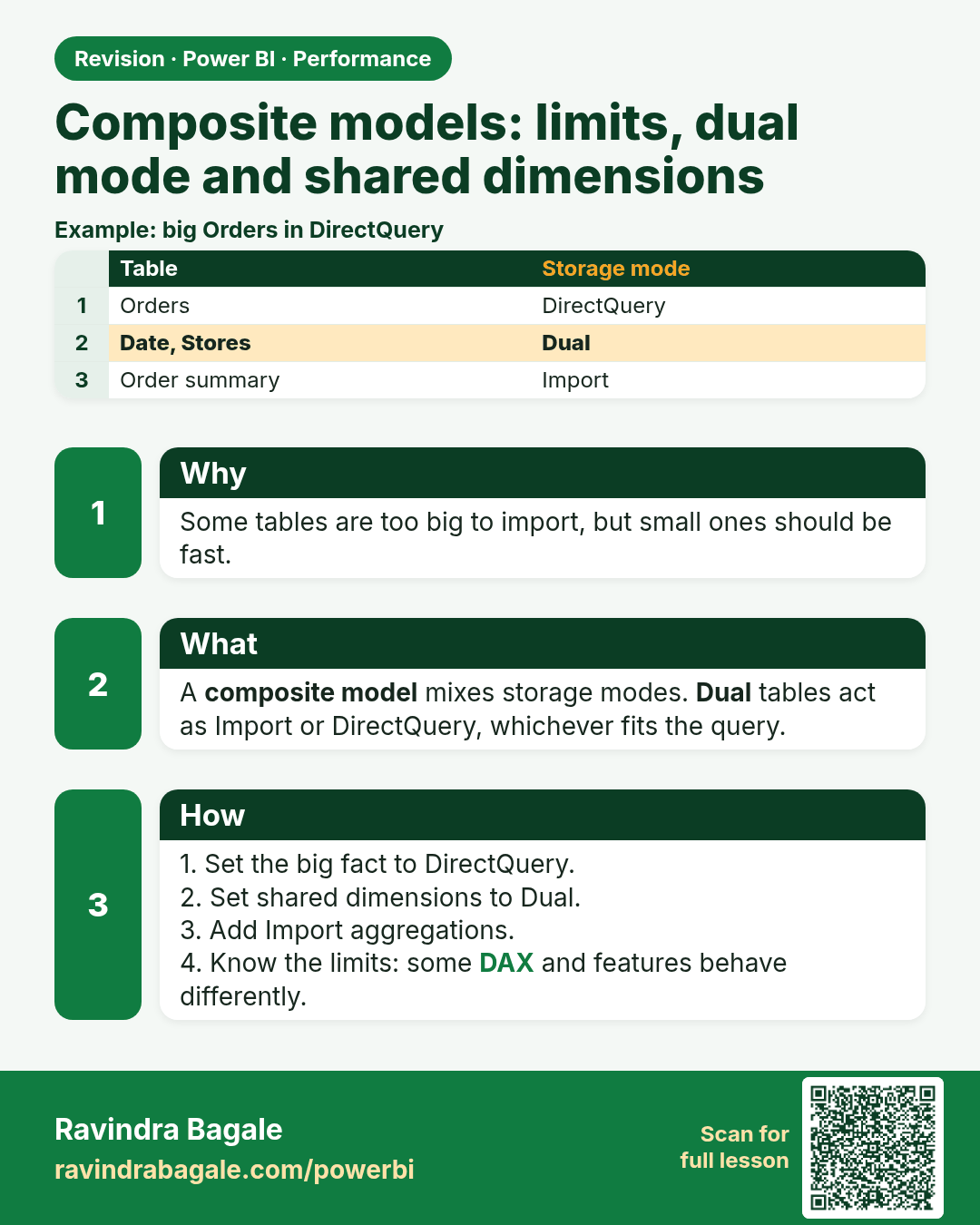
Composite models: limits, dual mode and shared dimensions. Some tables are too big to import, but small ones should be fast.
Revision card 8 of 8: Composite models: limits, dual mode and shared dimensions · Download PNG · Open card page

Lesson: 27.9 Composite Models: Limits, Dual Mode and a Shared Model

Interview cards
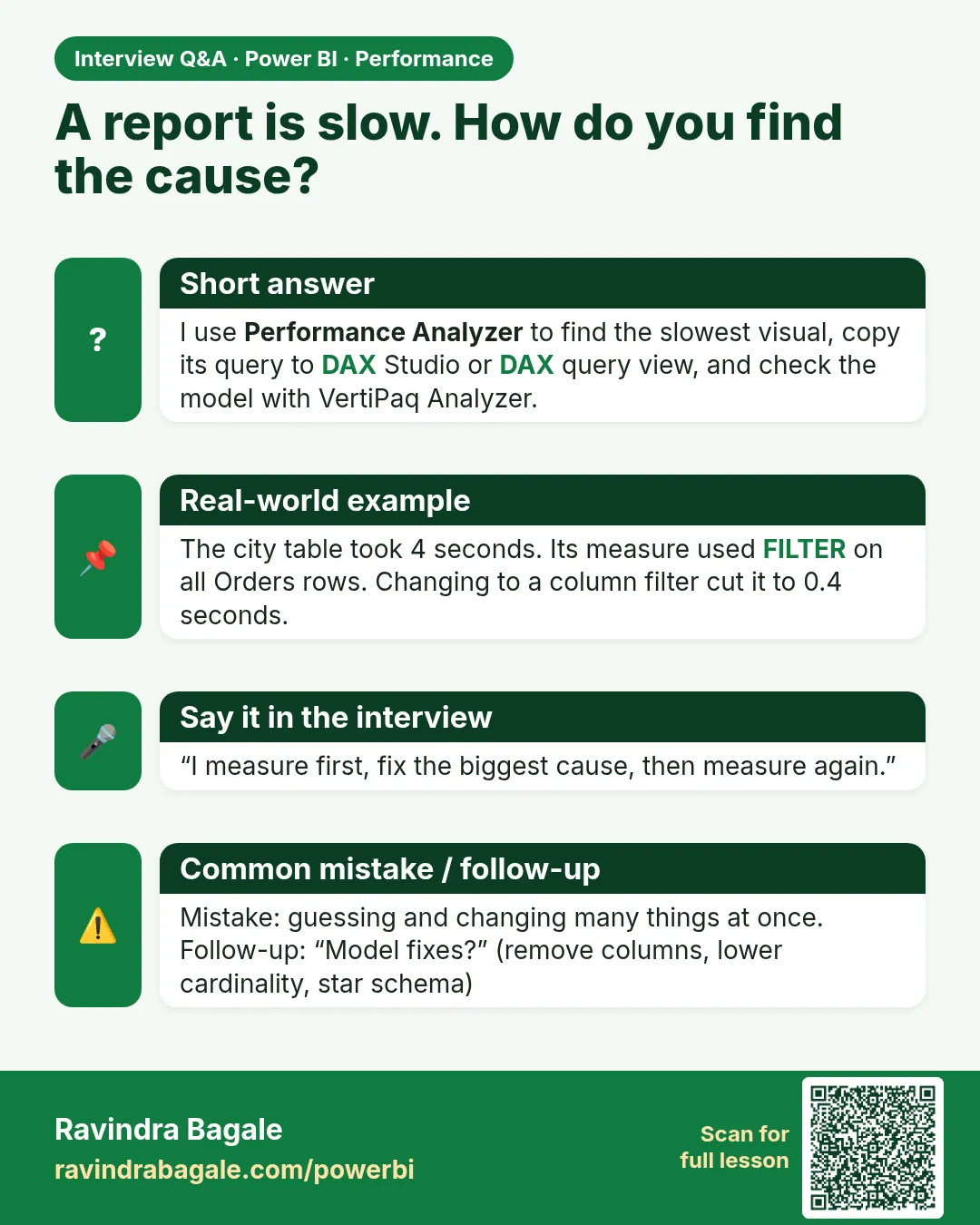
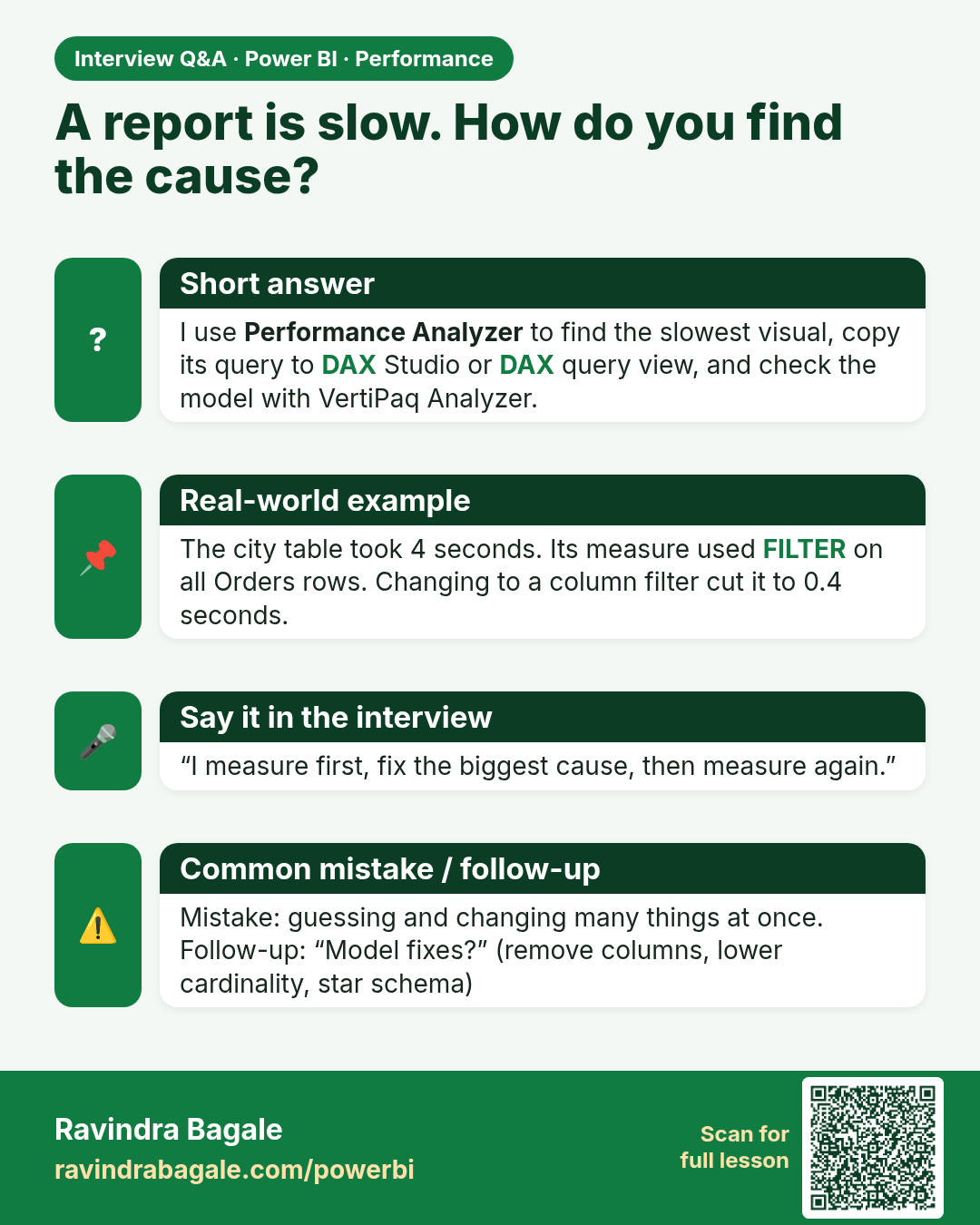
A report is slow. How do you find the cause? I use Performance Analyzer to find the slowest visual, copy its query to DAX Studio or DAX query view, and check the model with VertiPaq Analyzer.
Interview card 1 of 1: A report is slow. How do you find the cause? · Download PNG · Open card page

Lesson: 27.2 Performance Analyzer

Comparison cards
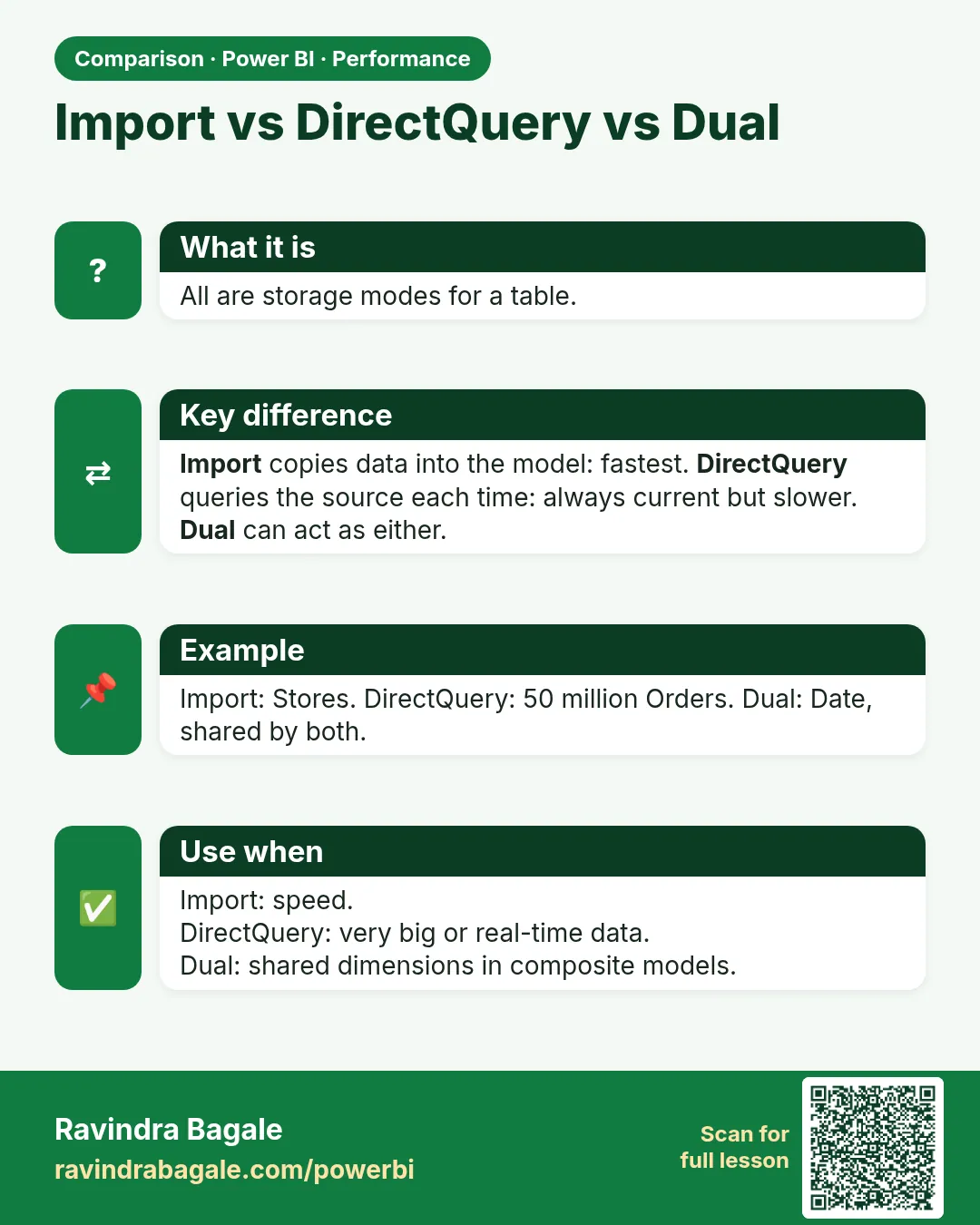
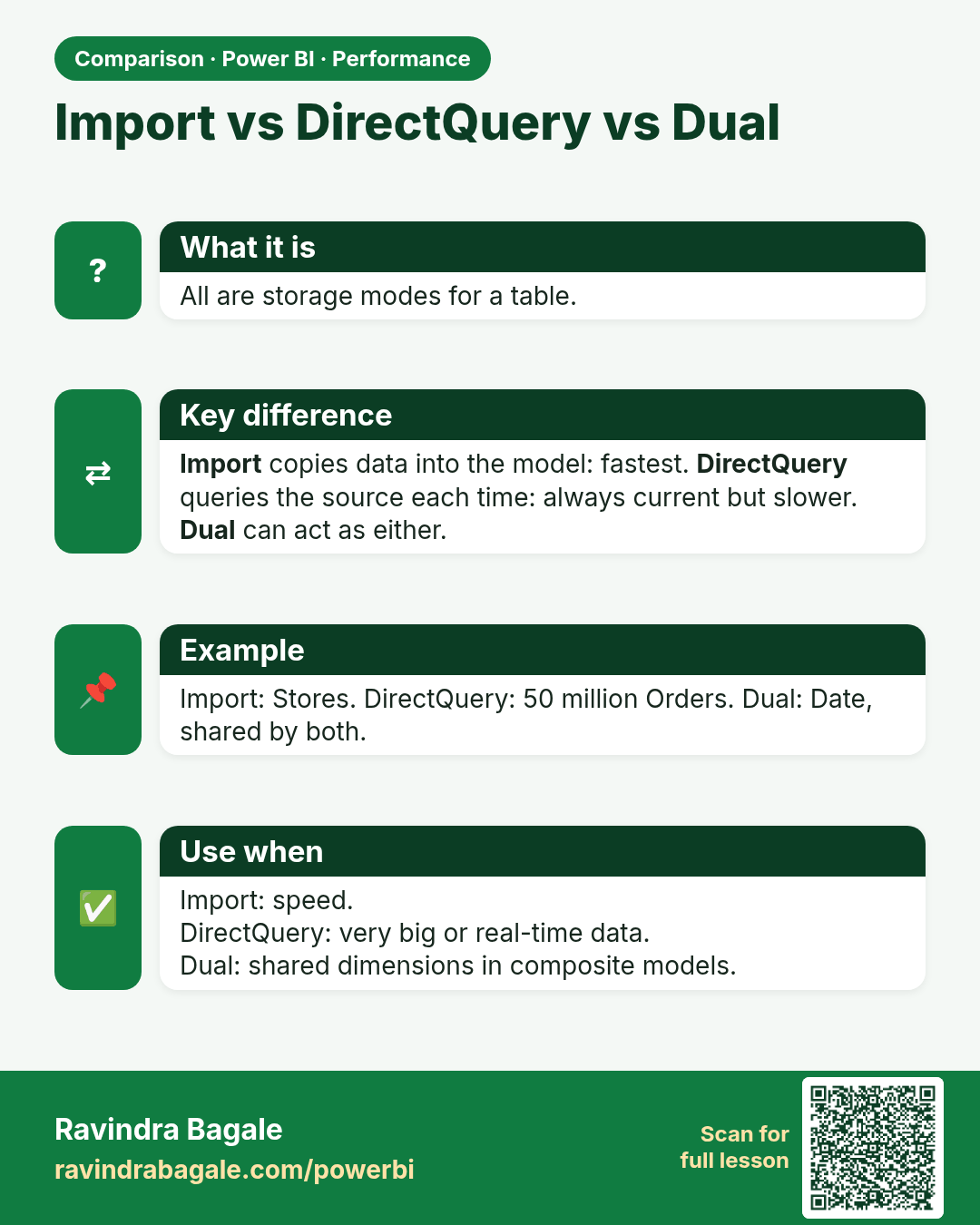
Import vs DirectQuery vs Dual. All are storage modes for a table.
Comparison card 1 of 1: Import vs DirectQuery vs Dual · Download PNG · Open card page

Lesson: 27.9 Composite Models: Limits, Dual Mode and a Shared Model