Ravindra BagaleCourses & study guides मराठी Track your progress

Ravi Sir's Cards › Power BI

19. Bookmarks, Selection Pane, Buttons and Navigation: Cards

मराठी cards · Open the chapter

Revision cards
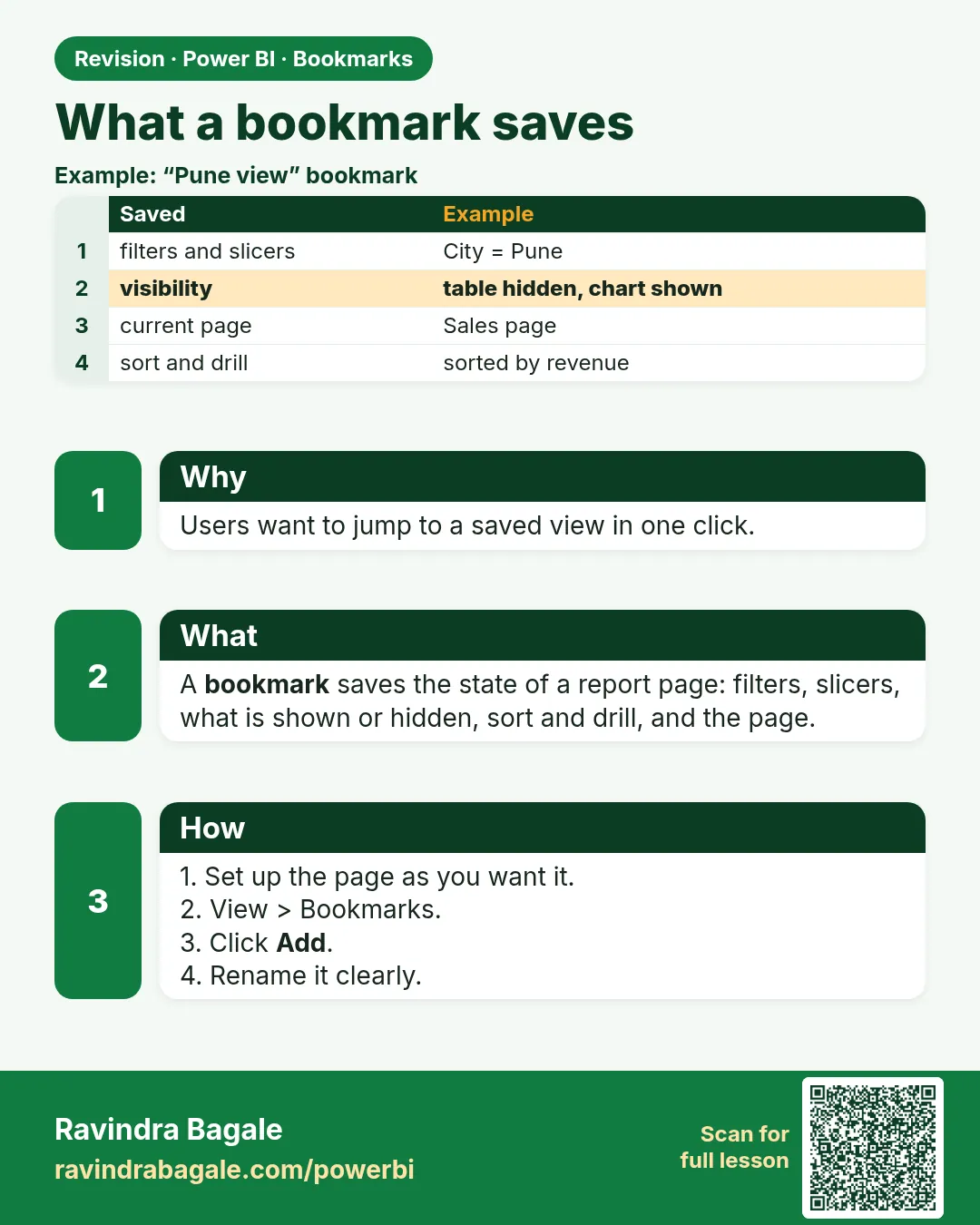
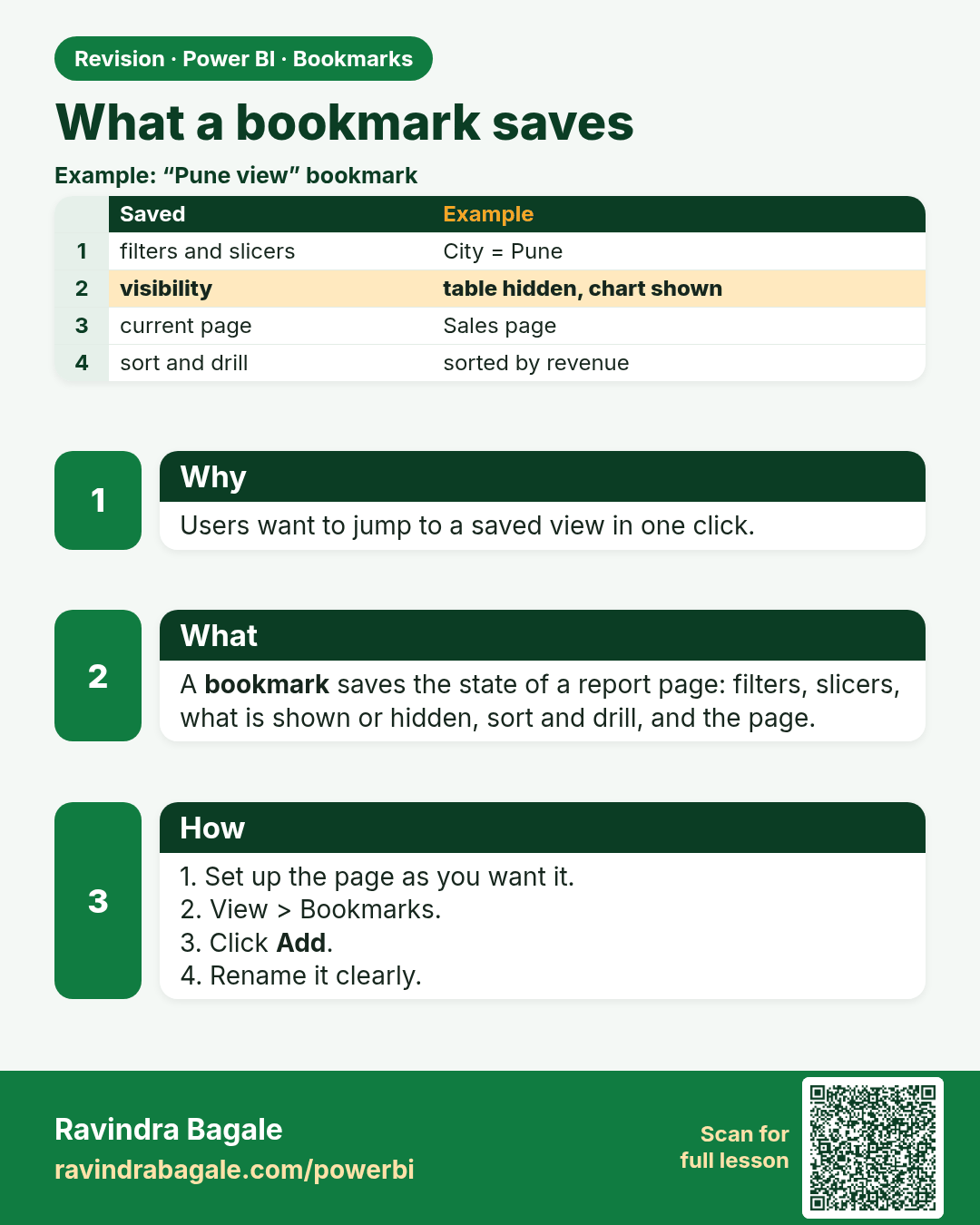
What a bookmark saves. Users want to jump to a saved view in one click.
Revision card 1 of 8: What a bookmark saves · Download PNG · Open card page

Lesson: 19.1 What a Bookmark Saves

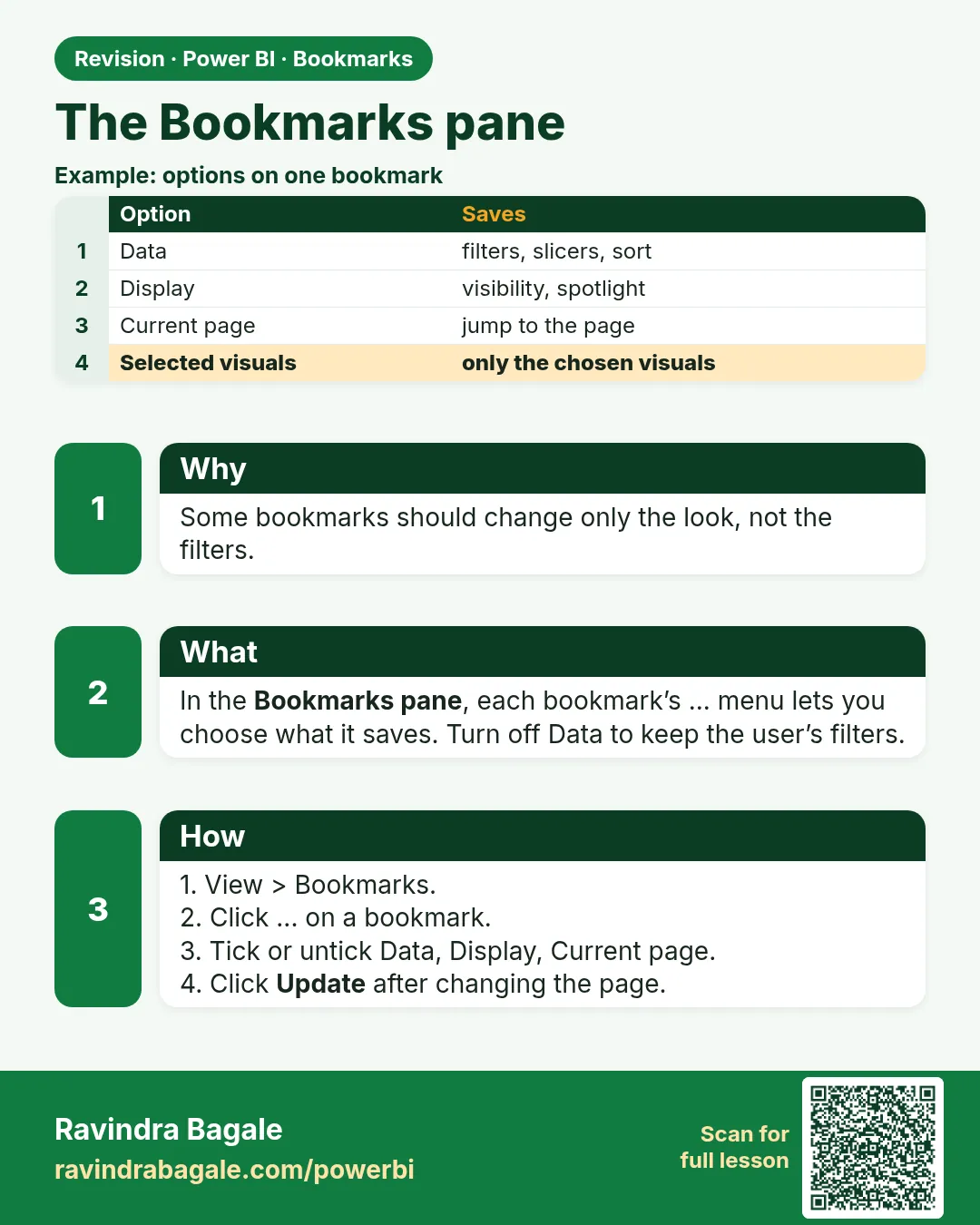
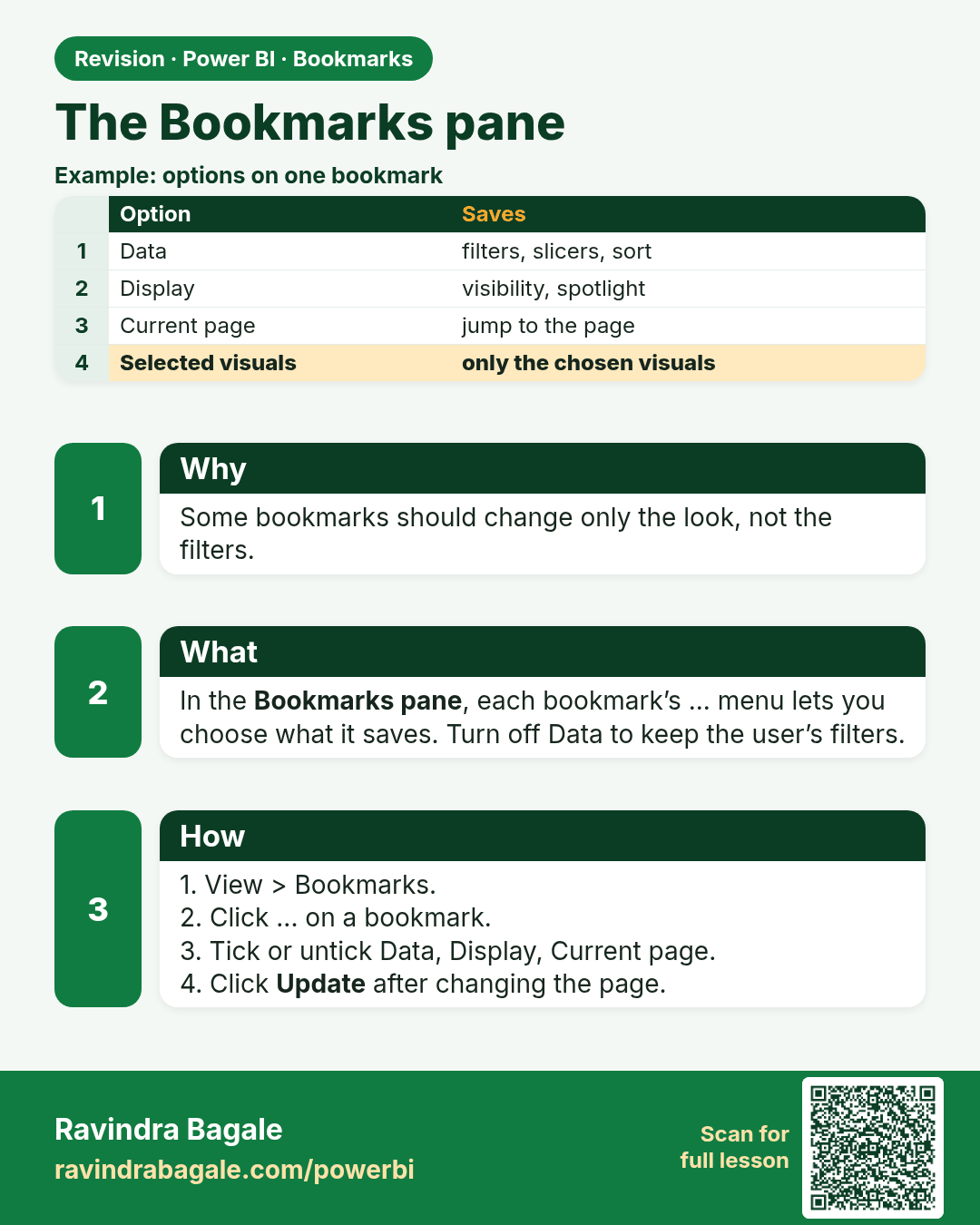
The Bookmarks pane. Some bookmarks should change only the look, not the filters.
Revision card 2 of 8: The Bookmarks pane · Download PNG · Open card page

Lesson: 19.2 The Bookmarks Pane

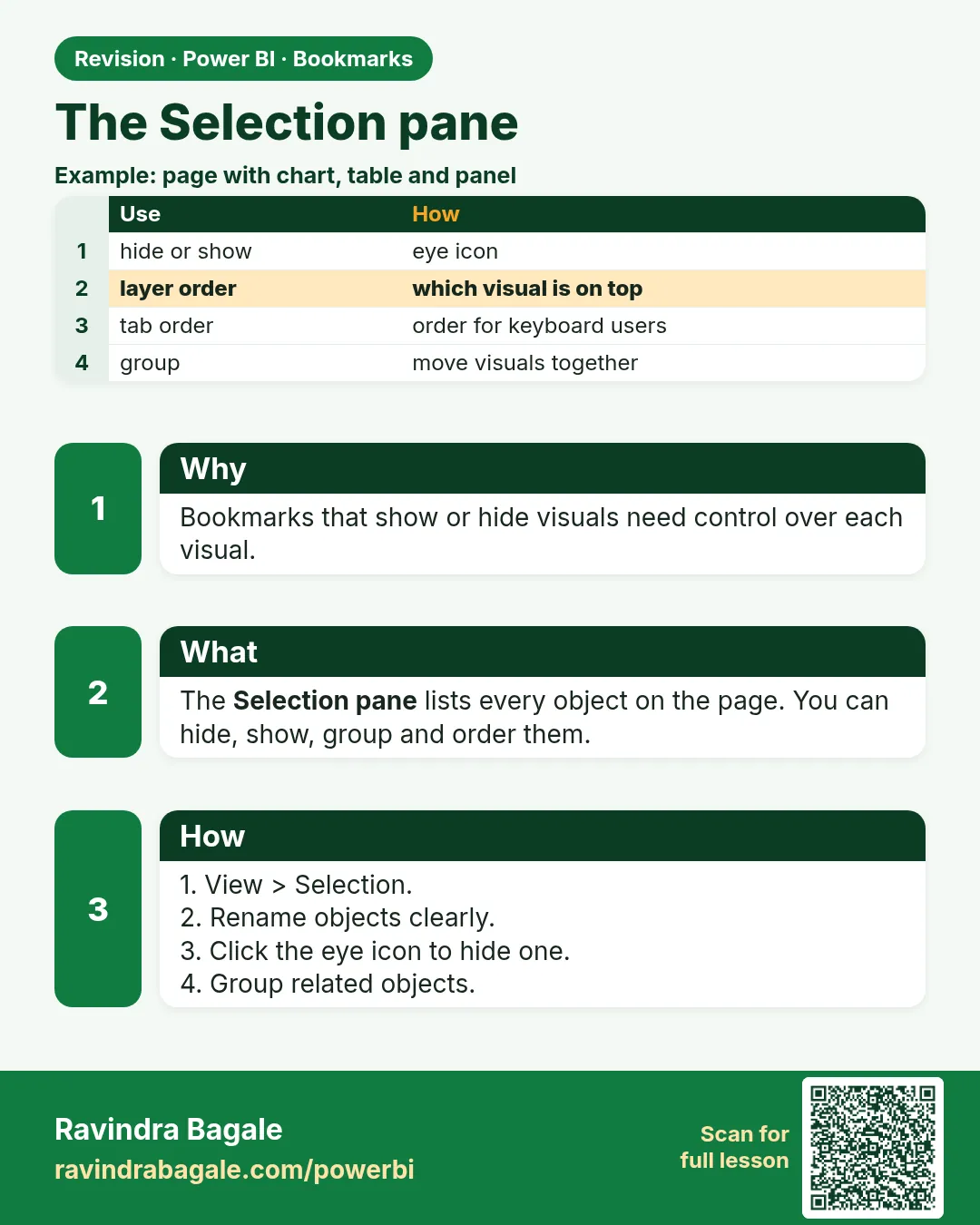
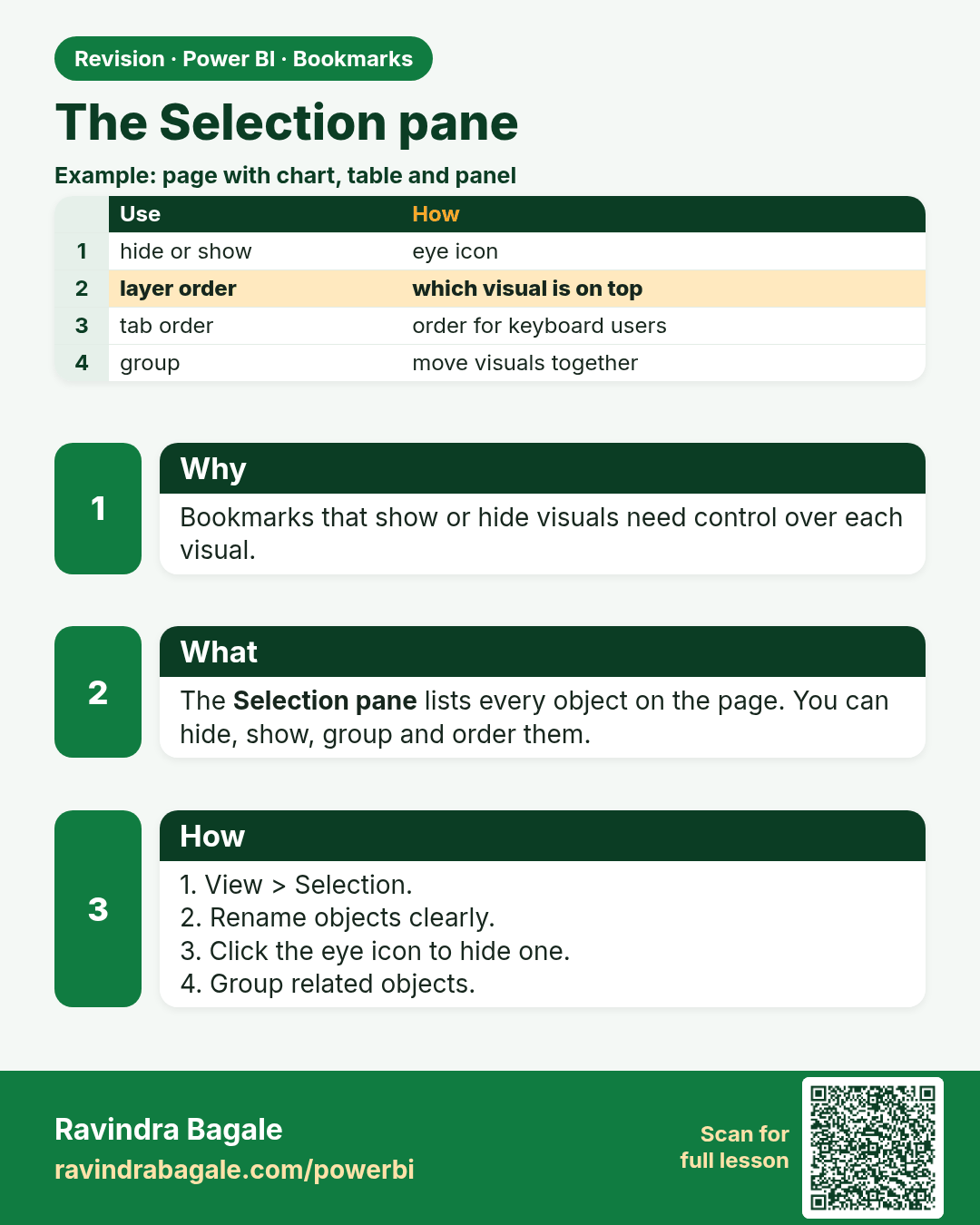
The Selection pane. Bookmarks that show or hide visuals need control over each visual.
Revision card 3 of 8: The Selection pane · Download PNG · Open card page

Lesson: 19.3 The Selection Pane

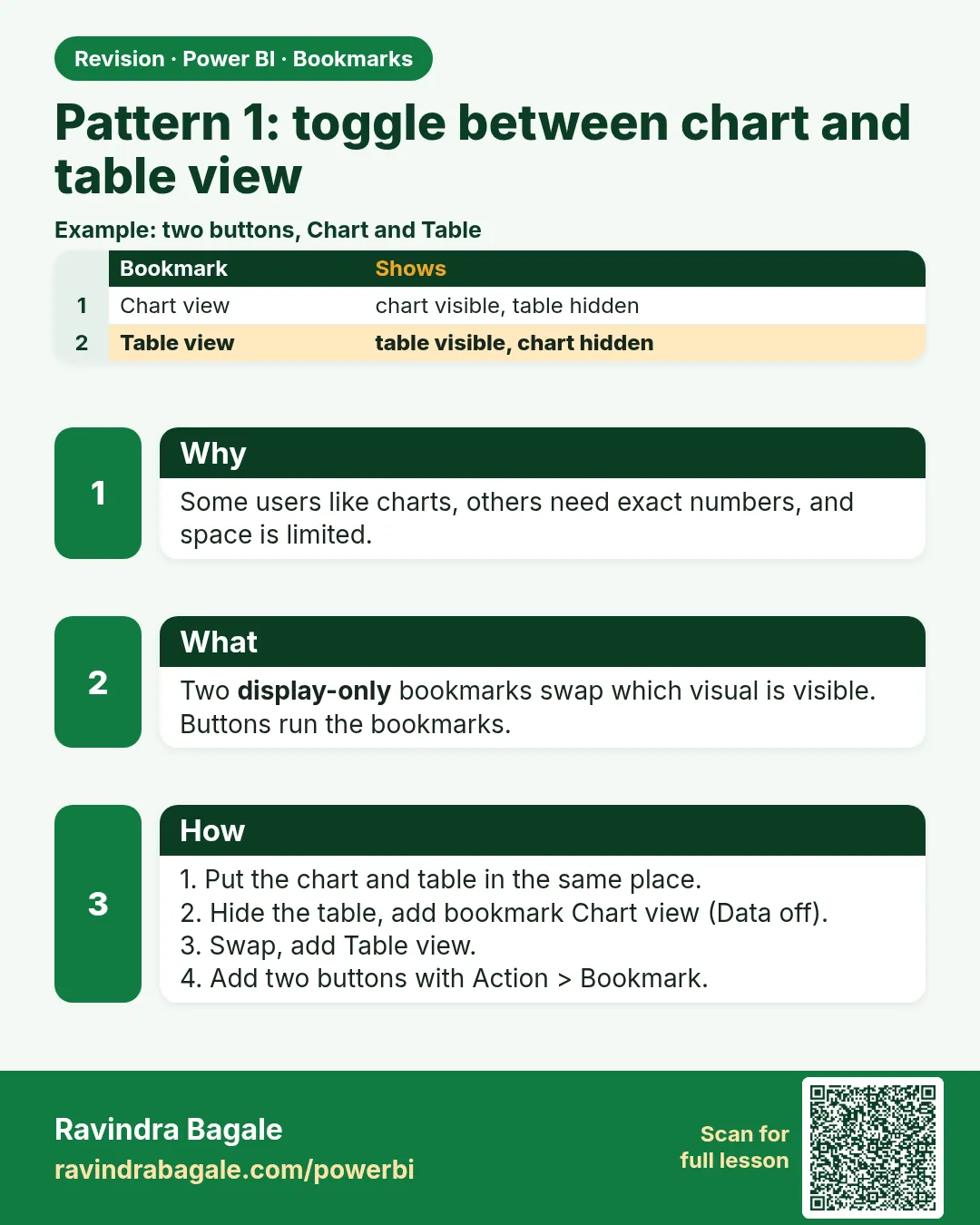
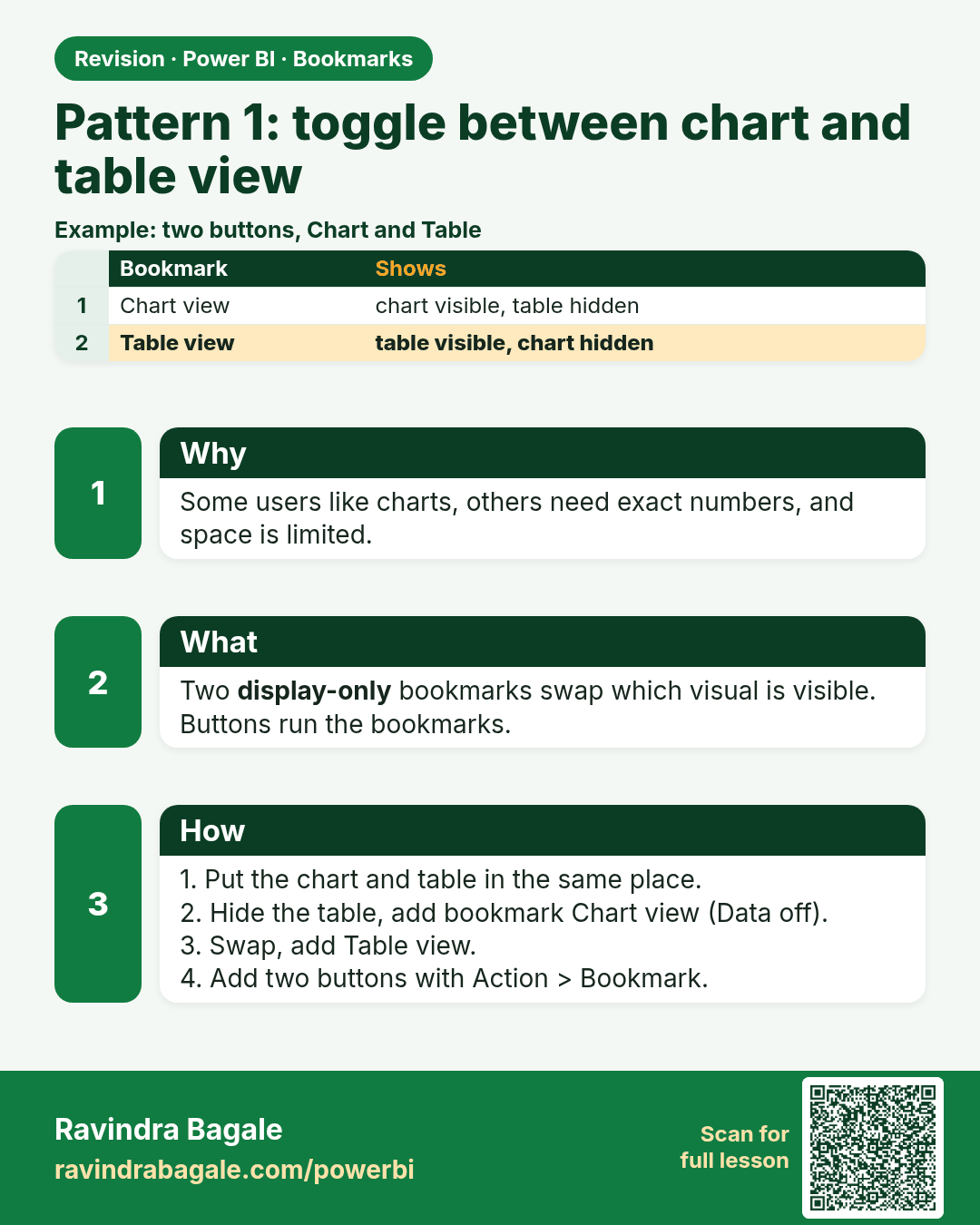
Pattern 1: toggle between chart and table view. Some users like charts, others need exact numbers, and space is limited.
Revision card 4 of 8: Pattern 1: toggle between chart and table view · Download PNG · Open card page

Lesson: 19.4 Pattern 1: Toggle Between Chart and Table View
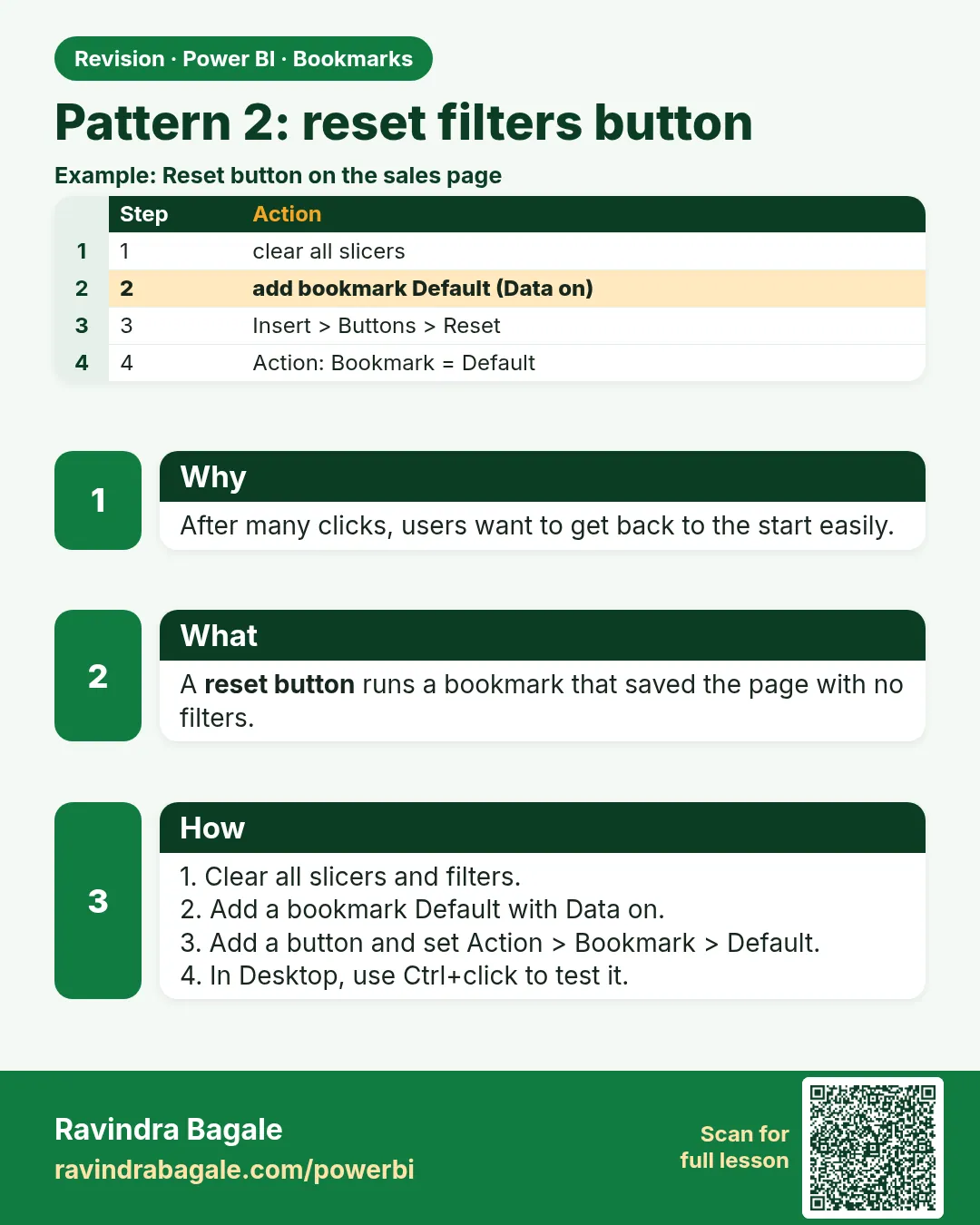
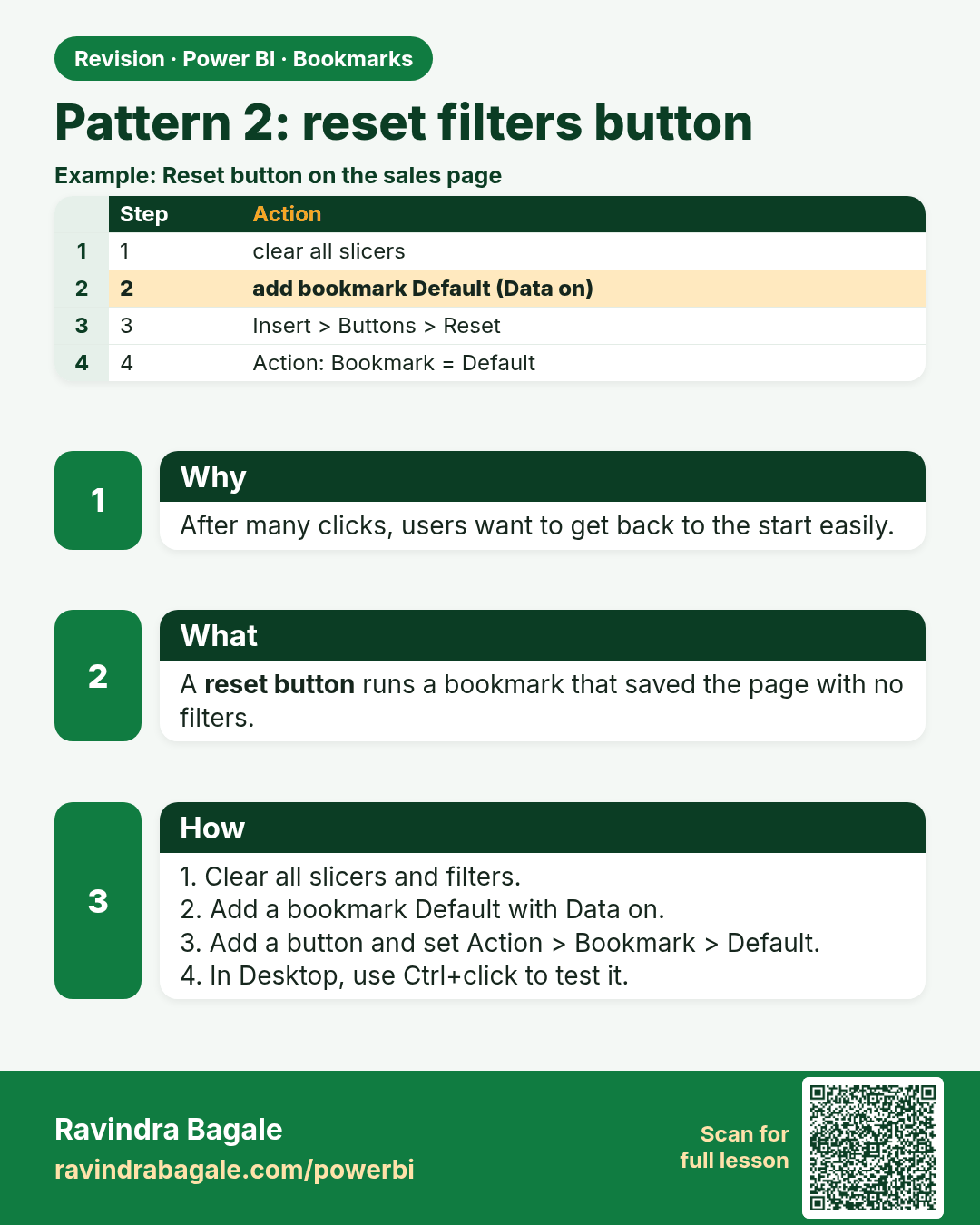
Pattern 2: reset filters button. After many clicks, users want to get back to the start easily.
Revision card 5 of 8: Pattern 2: reset filters button · Download PNG · Open card page

Lesson: 19.5 Pattern 2: Reset Filters Button
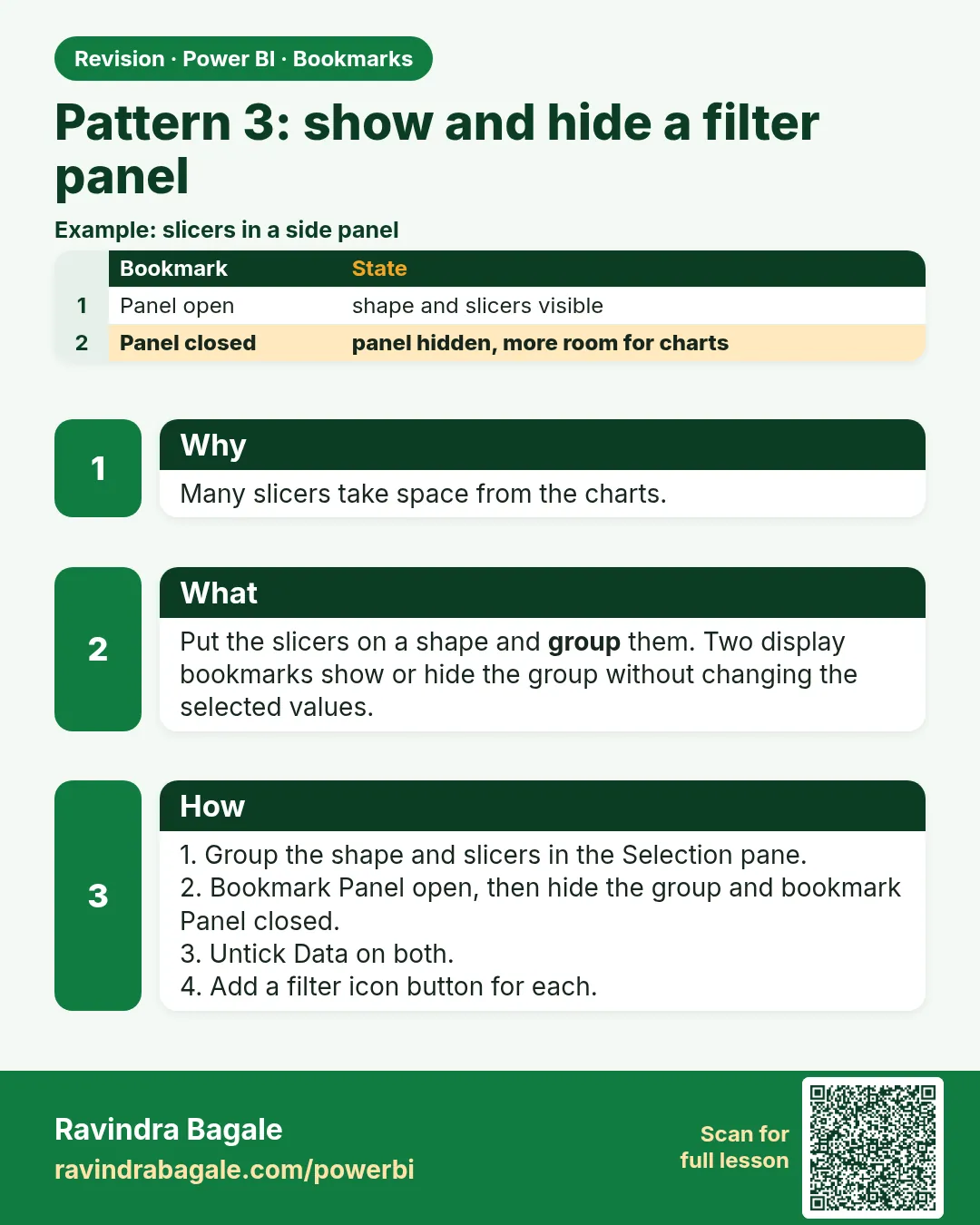
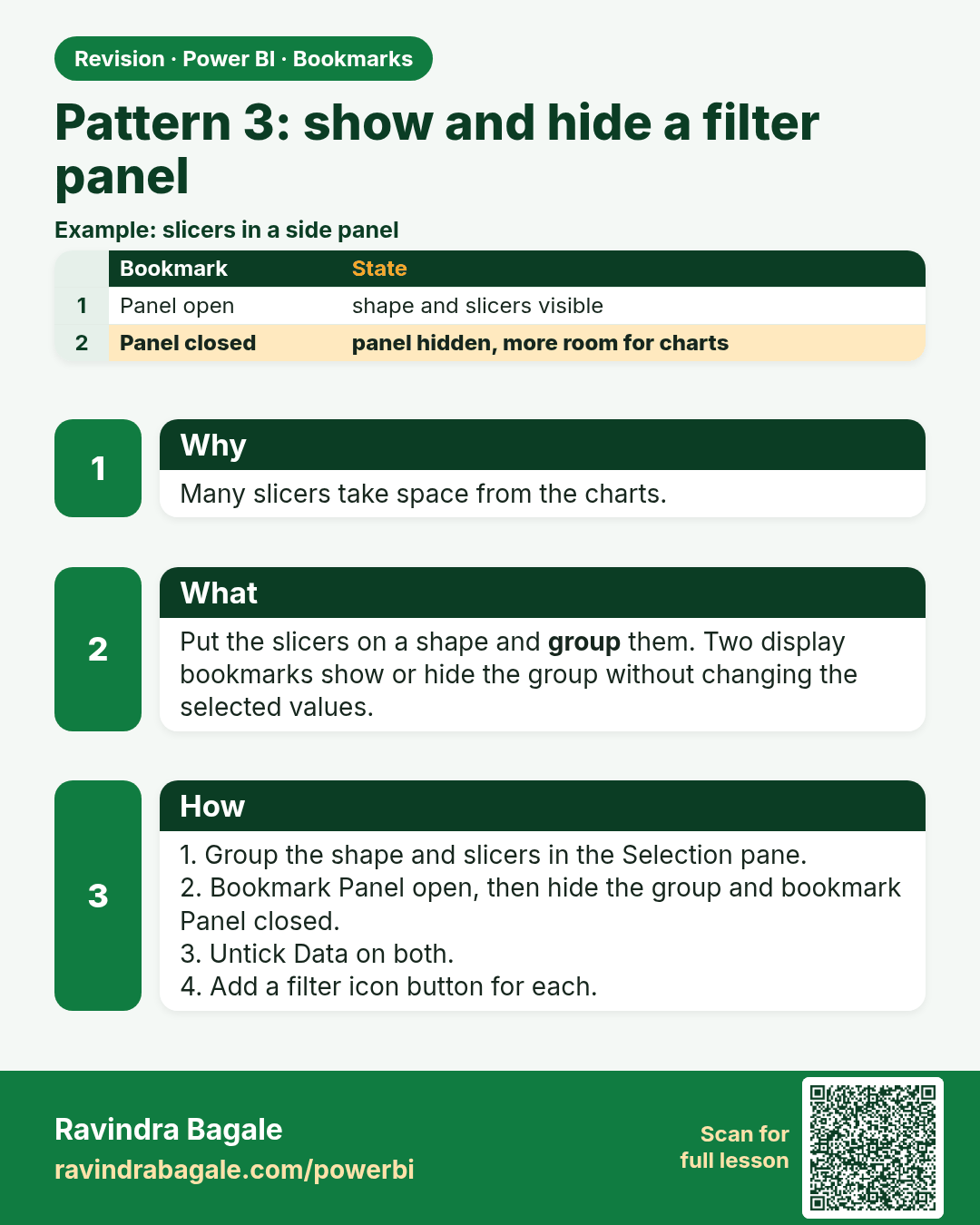
Pattern 3: show and hide a filter panel. Many slicers take space from the charts.
Revision card 6 of 8: Pattern 3: show and hide a filter panel · Download PNG · Open card page

Lesson: 19.6 Pattern 3: Show/Hide Filter Panel
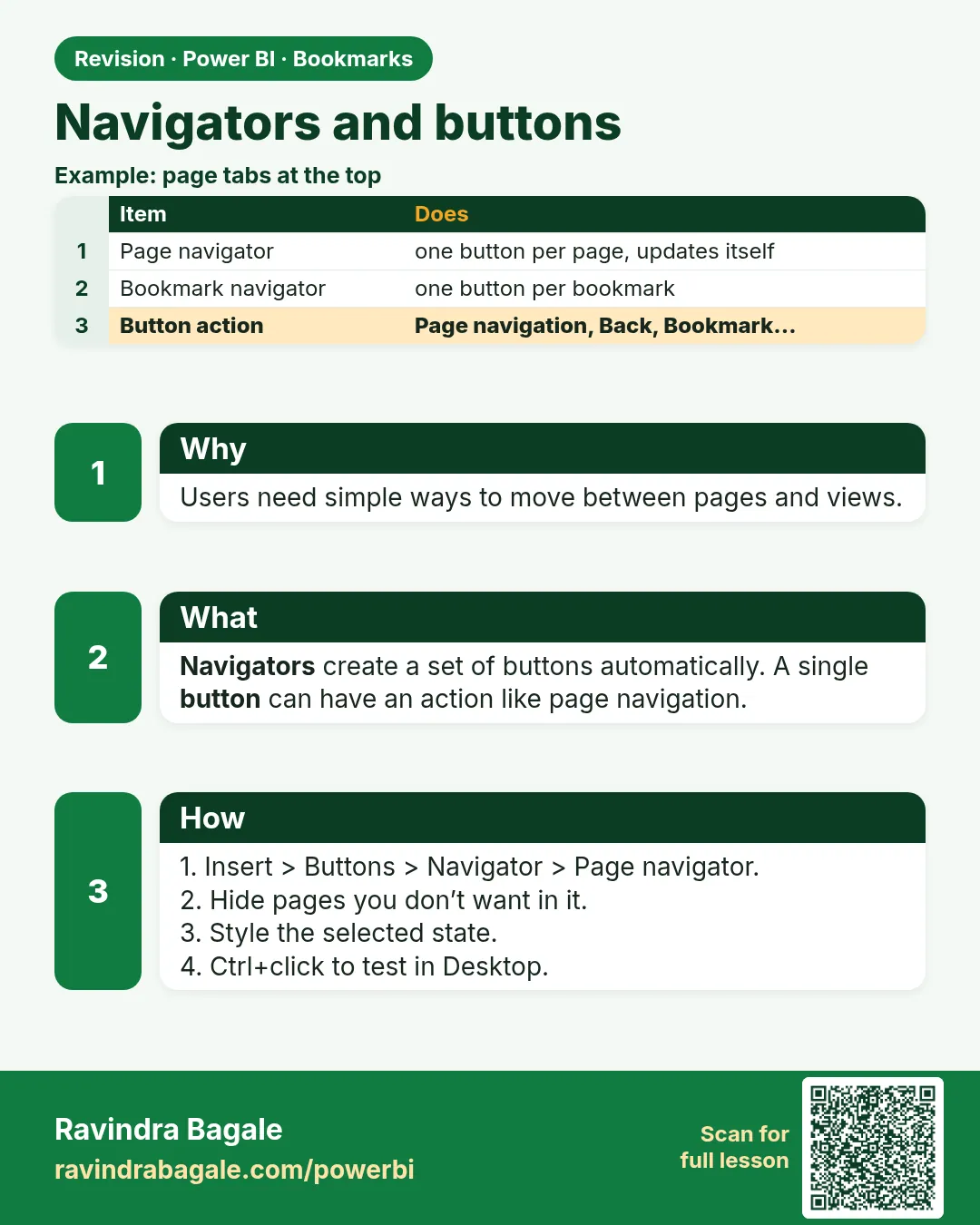
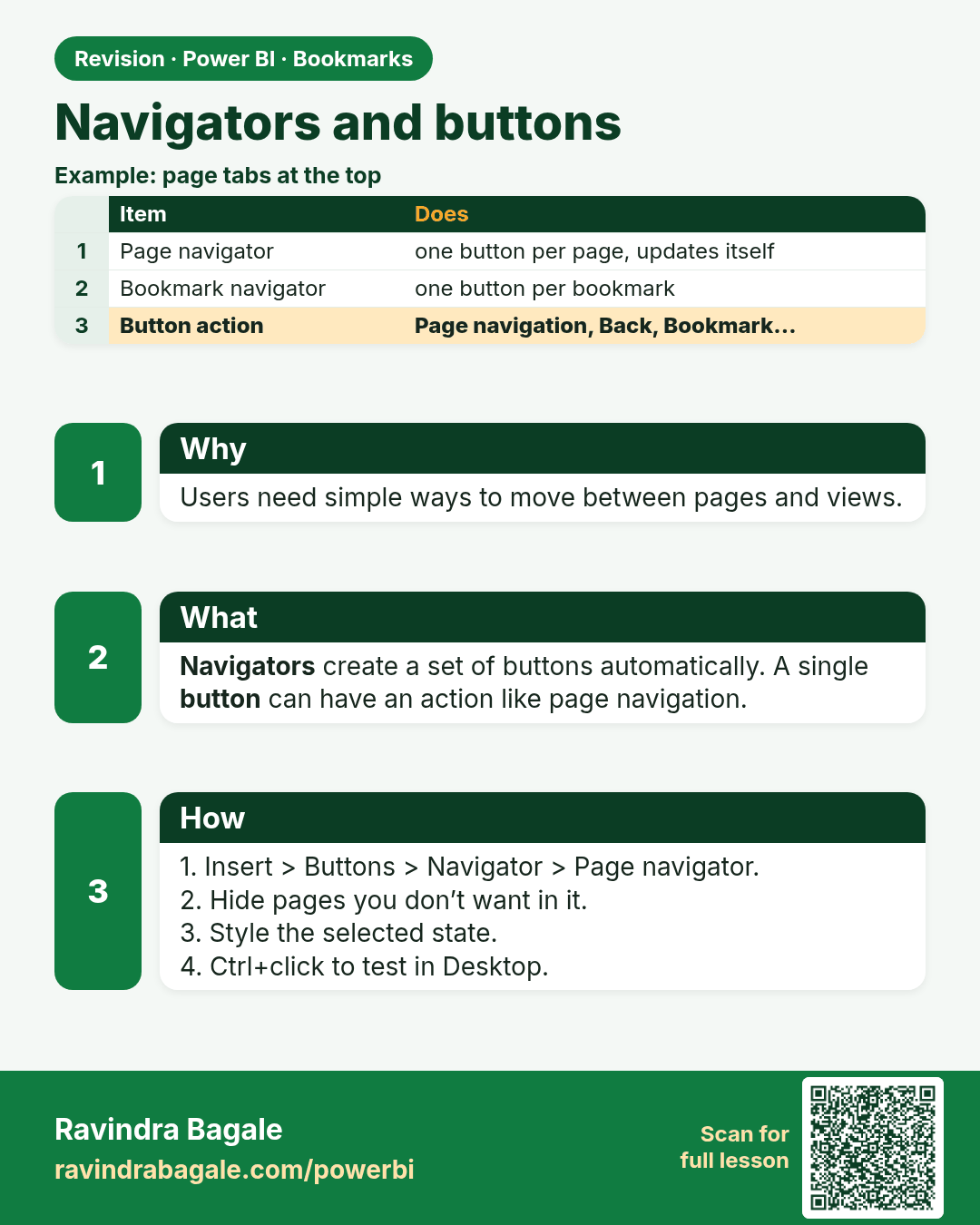
Navigators and buttons. Users need simple ways to move between pages and views.
Revision card 7 of 8: Navigators and buttons · Download PNG · Open card page

Lesson: 19.7 Navigators and Buttons
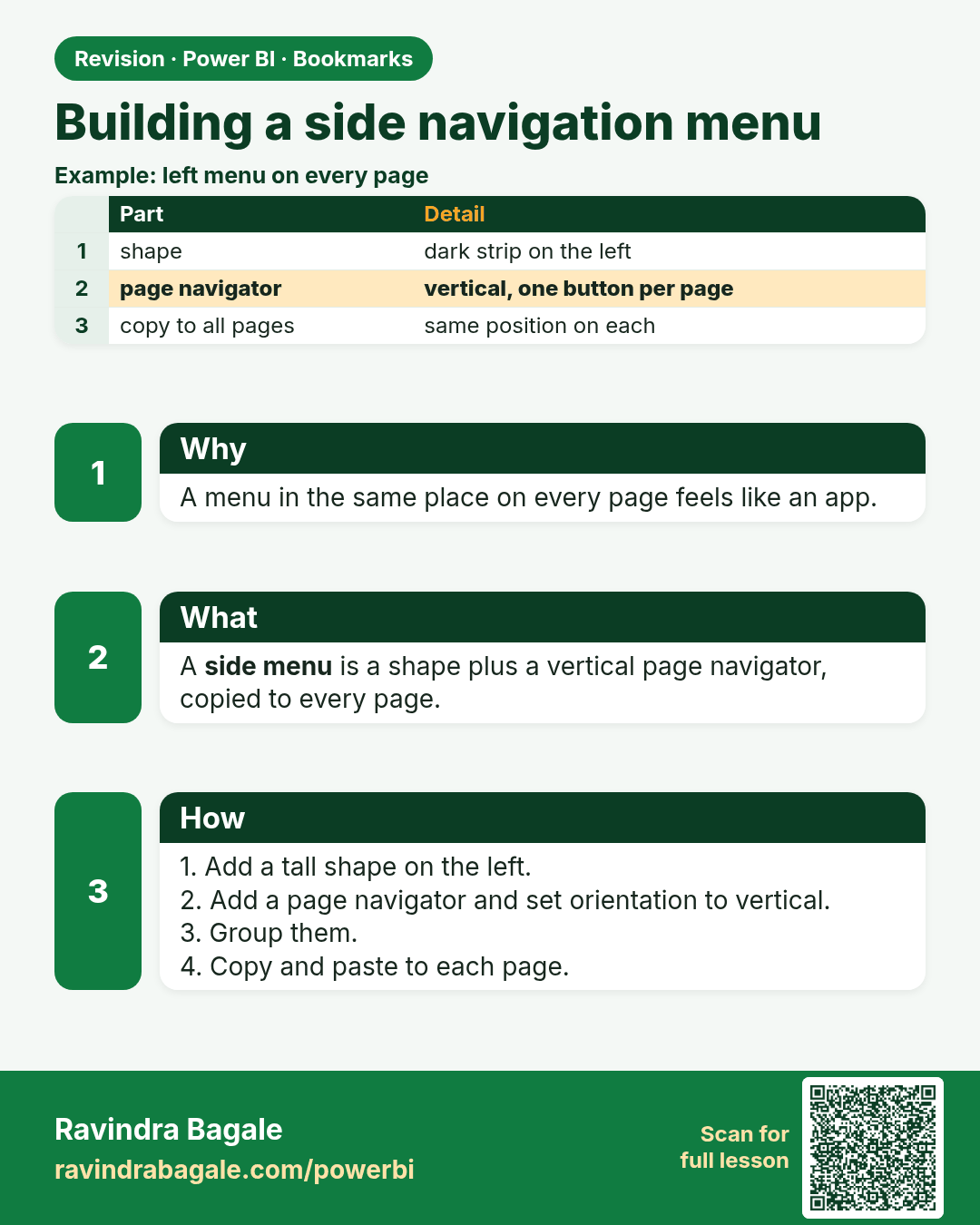
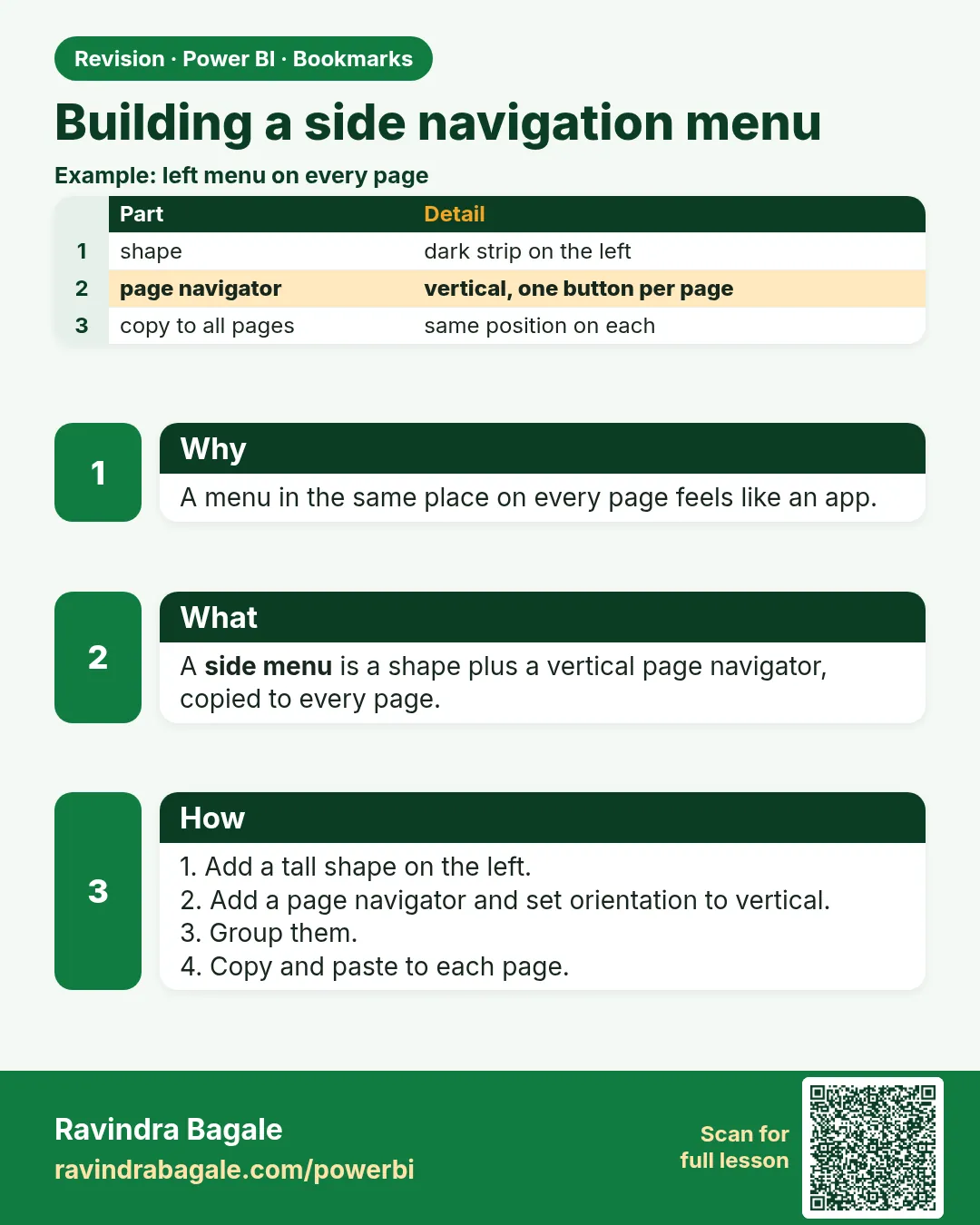
Building a side navigation menu. A menu in the same place on every page feels like an app.
Revision card 8 of 8: Building a side navigation menu · Download PNG · Open card page

Lesson: 19.8 Building a Side Navigation Menu

Interview cards
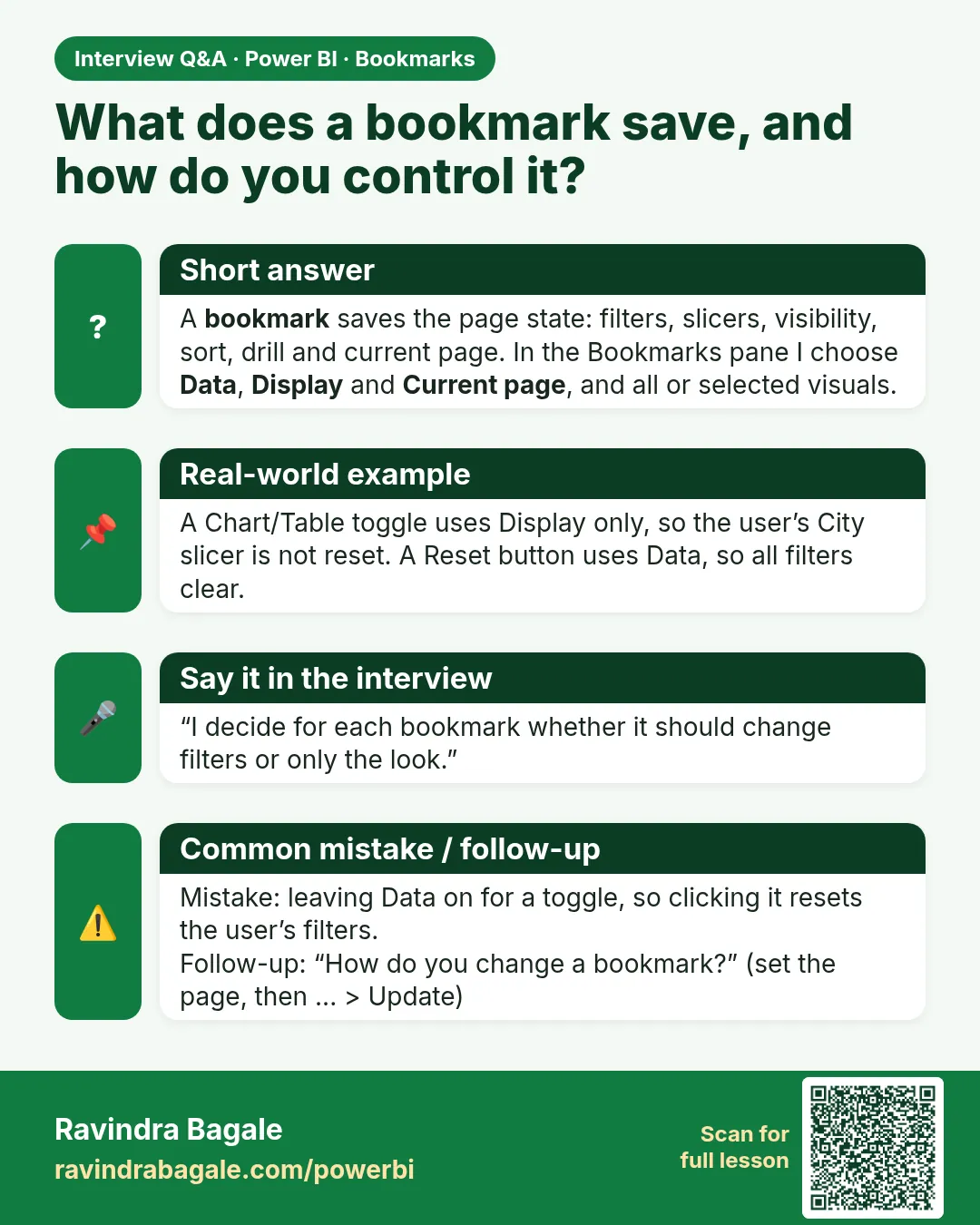
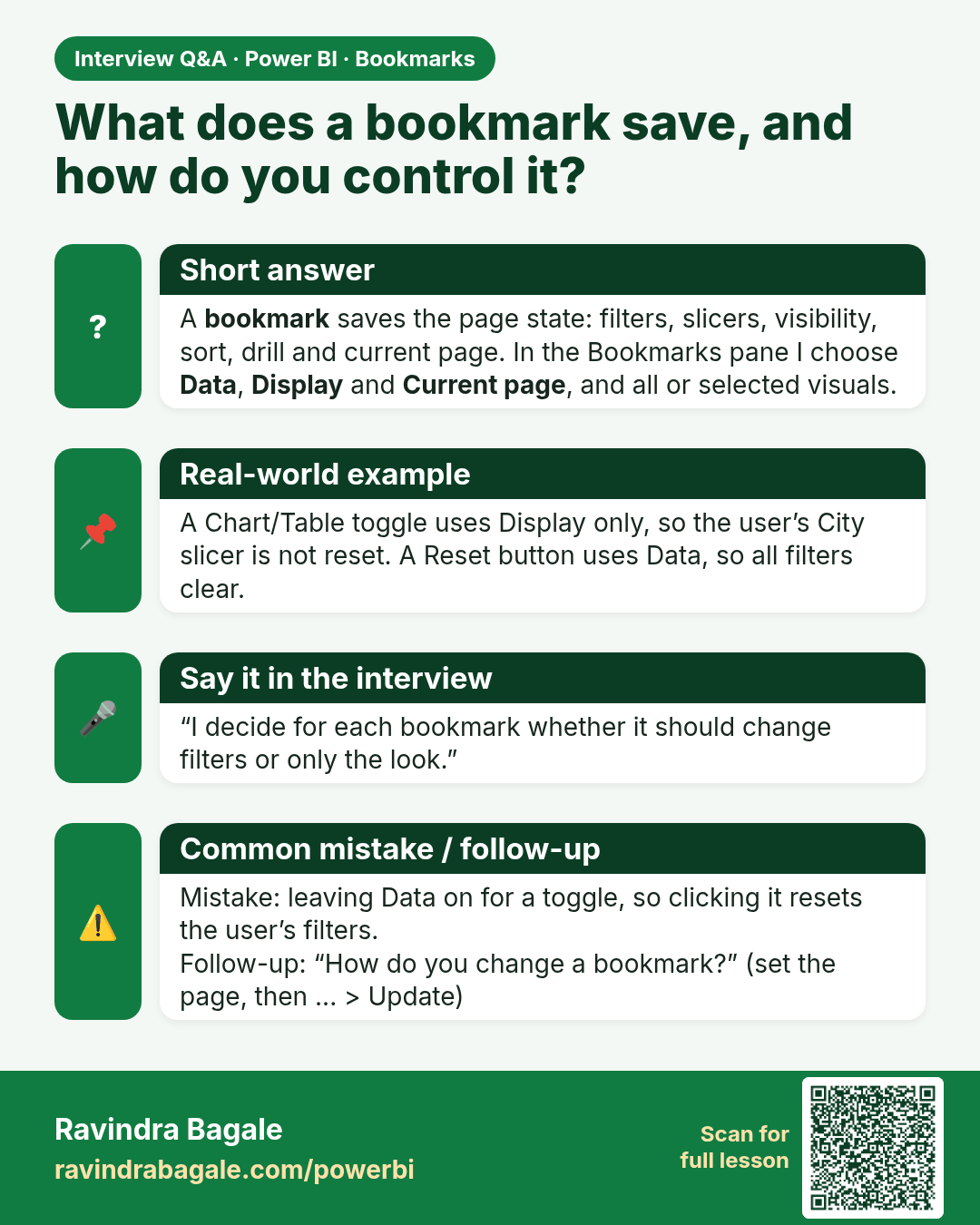
What does a bookmark save, and how do you control it? A bookmark saves the page state: filters, slicers, visibility, sort, drill and current page. In the Bookmarks pane I choose Data, Display and Current page, and all or selected visuals.
Interview card 1 of 1: What does a bookmark save, and how do you control it? · Download PNG · Open card page

Lesson: 19.1 What a Bookmark Saves

Comparison cards
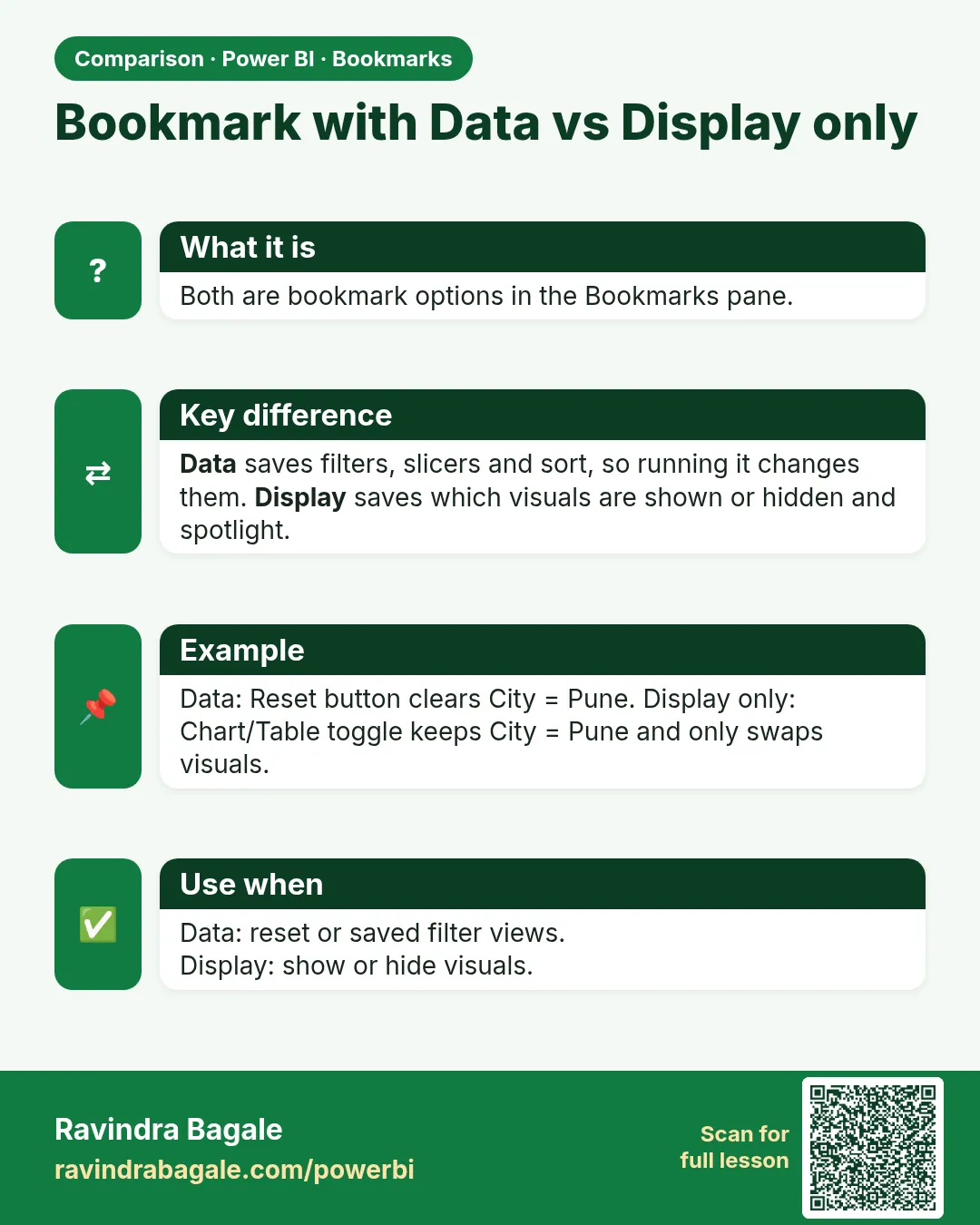
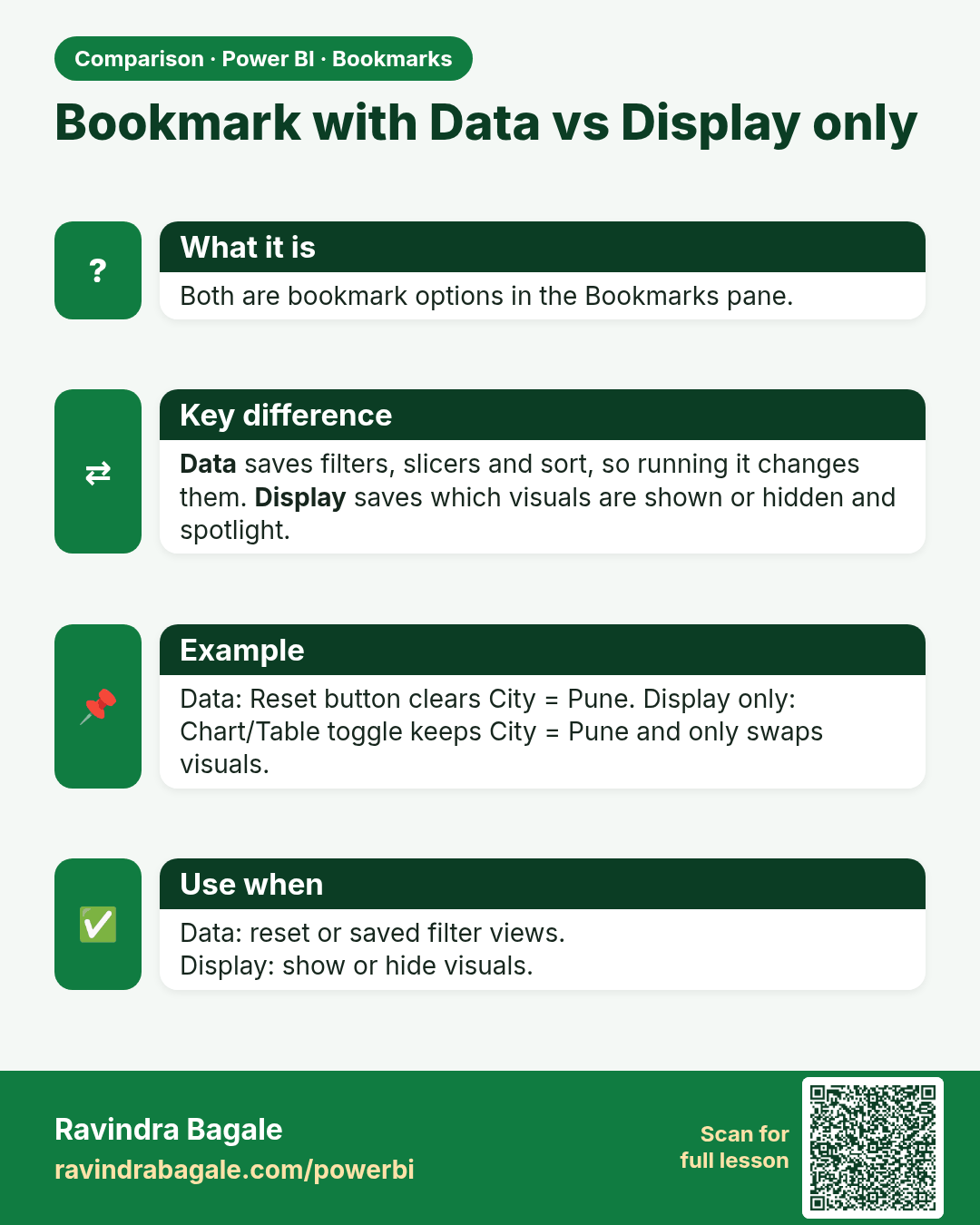
Bookmark with Data vs Display only. Both are bookmark options in the Bookmarks pane.
Comparison card 1 of 1: Bookmark with Data vs Display only · Download PNG · Open card page

Lesson: 19.4 Pattern 1: Toggle Between Chart and Table View