Ravindra BagaleCourses & study guides मराठी Track your progress

Ravi Sir's Cards › Power BI

10. Parameters in Power Query (and Other Kinds of Parameters): Cards

मराठी cards · Open the chapter

Revision cards
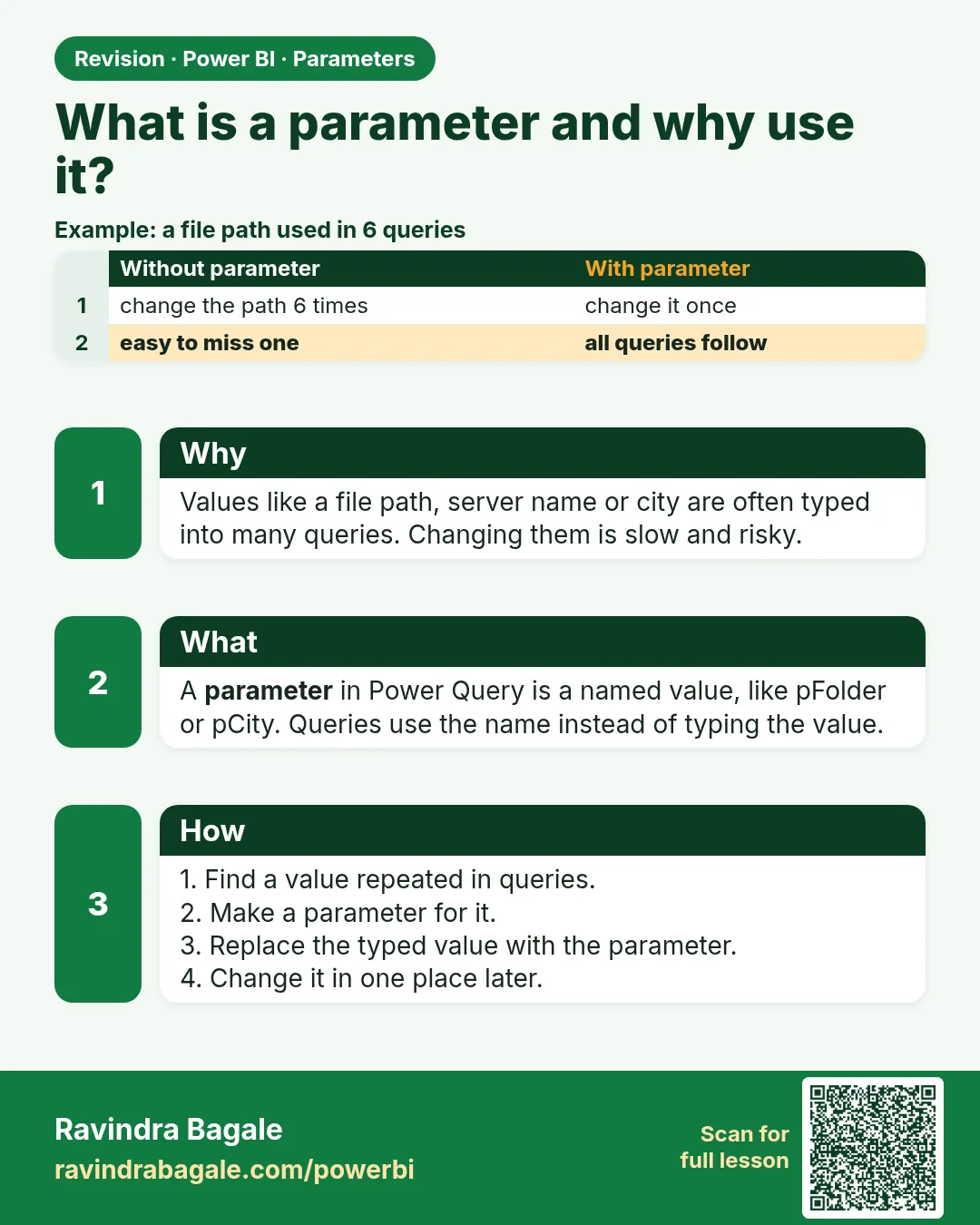
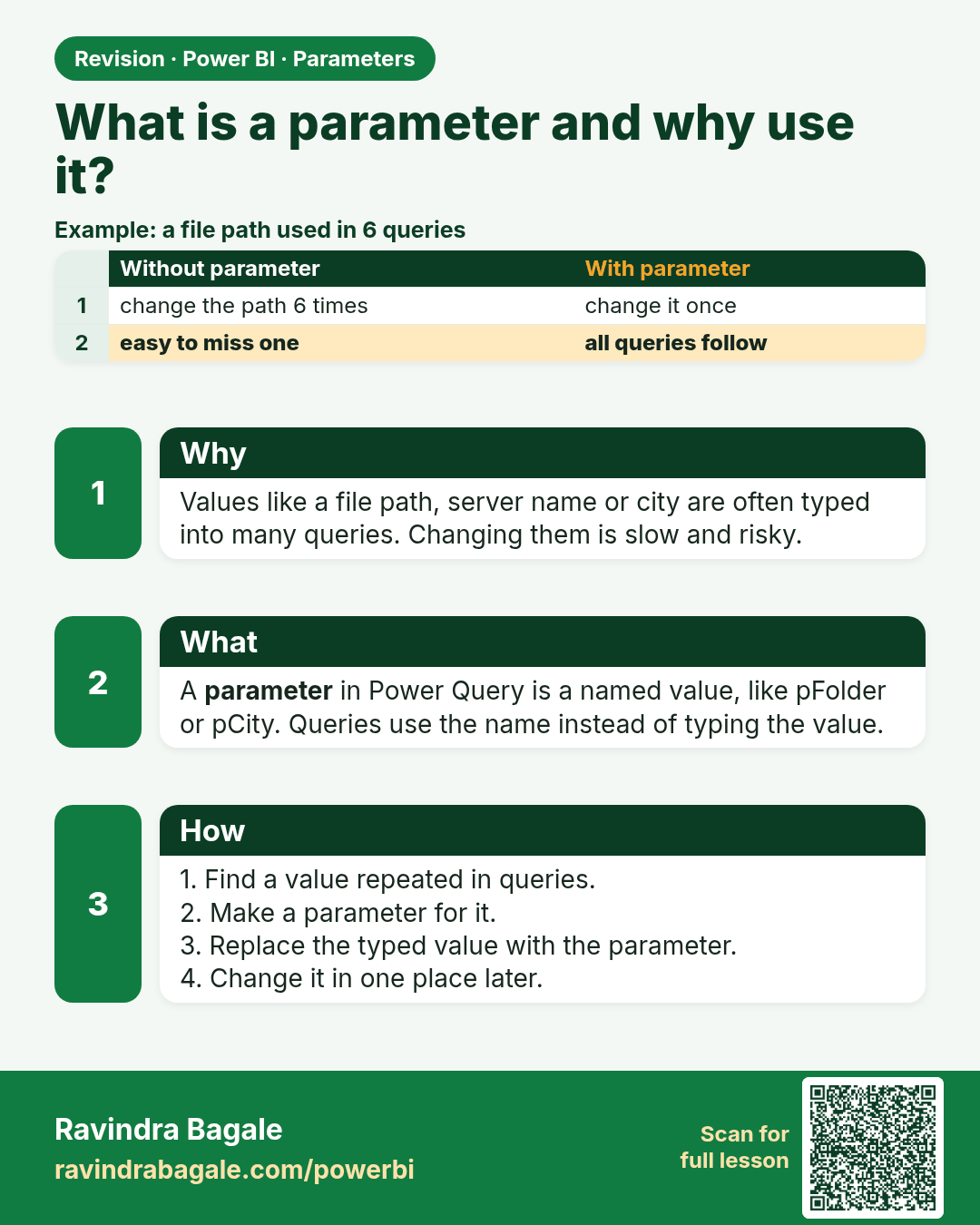
What is a parameter and why use it?. Values like a file path, server name or city are often typed into many queries. Changing them is slow and risky.
Revision card 1 of 9: What is a parameter and why use it? · Download PNG · Open card page

Lesson: 10.1 What Is a Parameter and Why Use It?
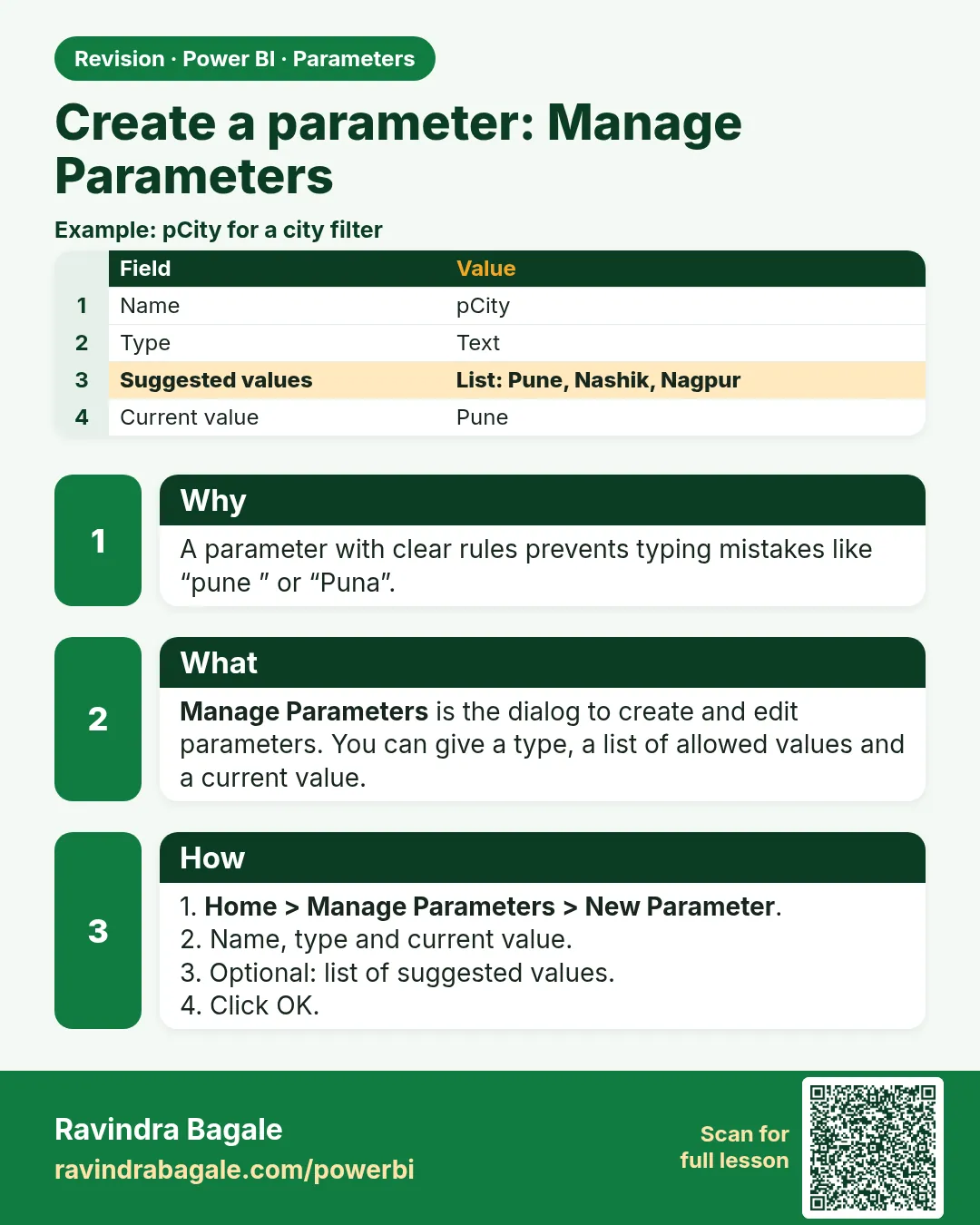
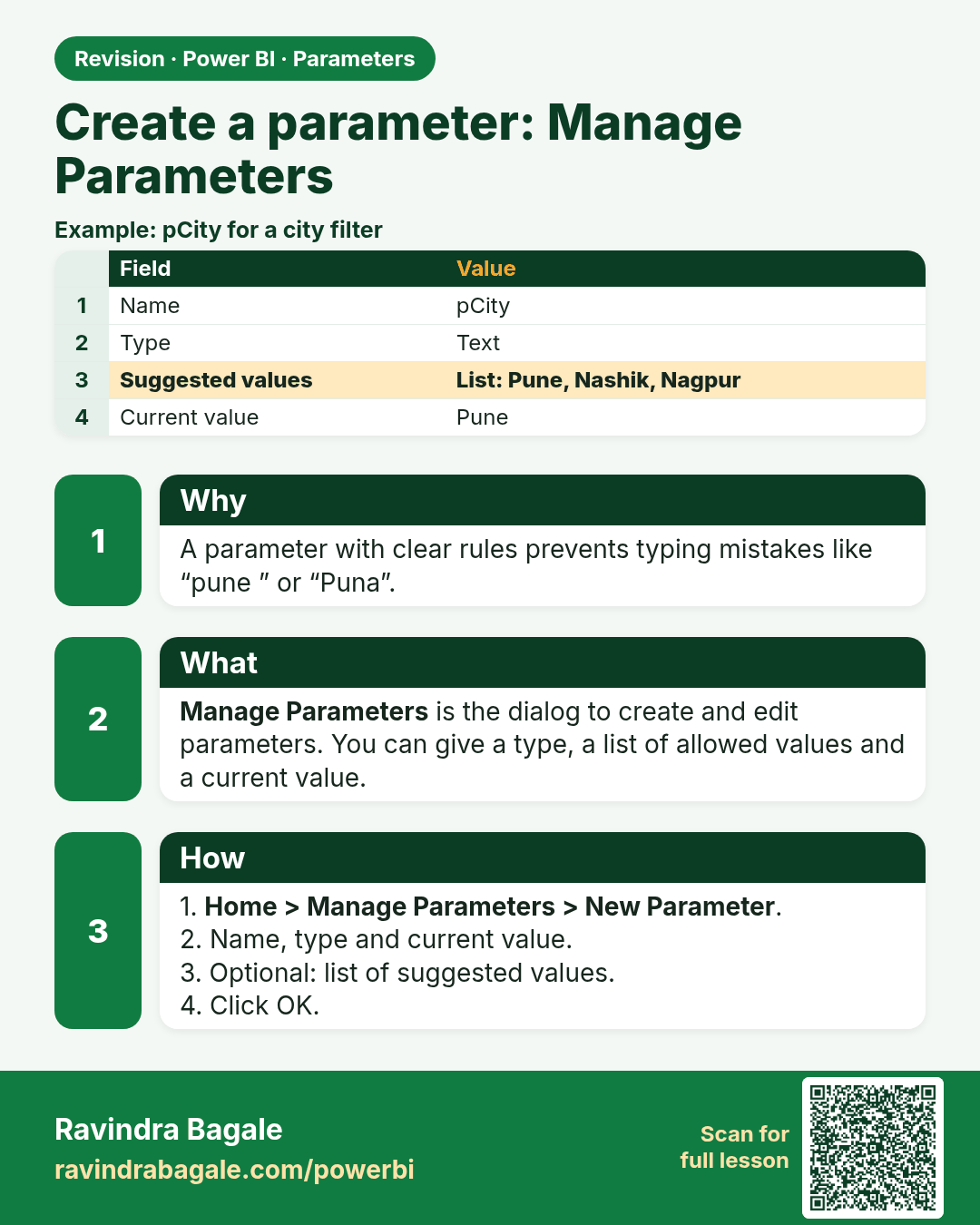
Create a parameter: Manage Parameters. A parameter with clear rules prevents typing mistakes like “pune ” or “Puna”.
Revision card 2 of 9: Create a parameter: Manage Parameters · Download PNG · Open card page

Lesson: 10.2 Creating a Parameter (Manage Parameters Dialog)
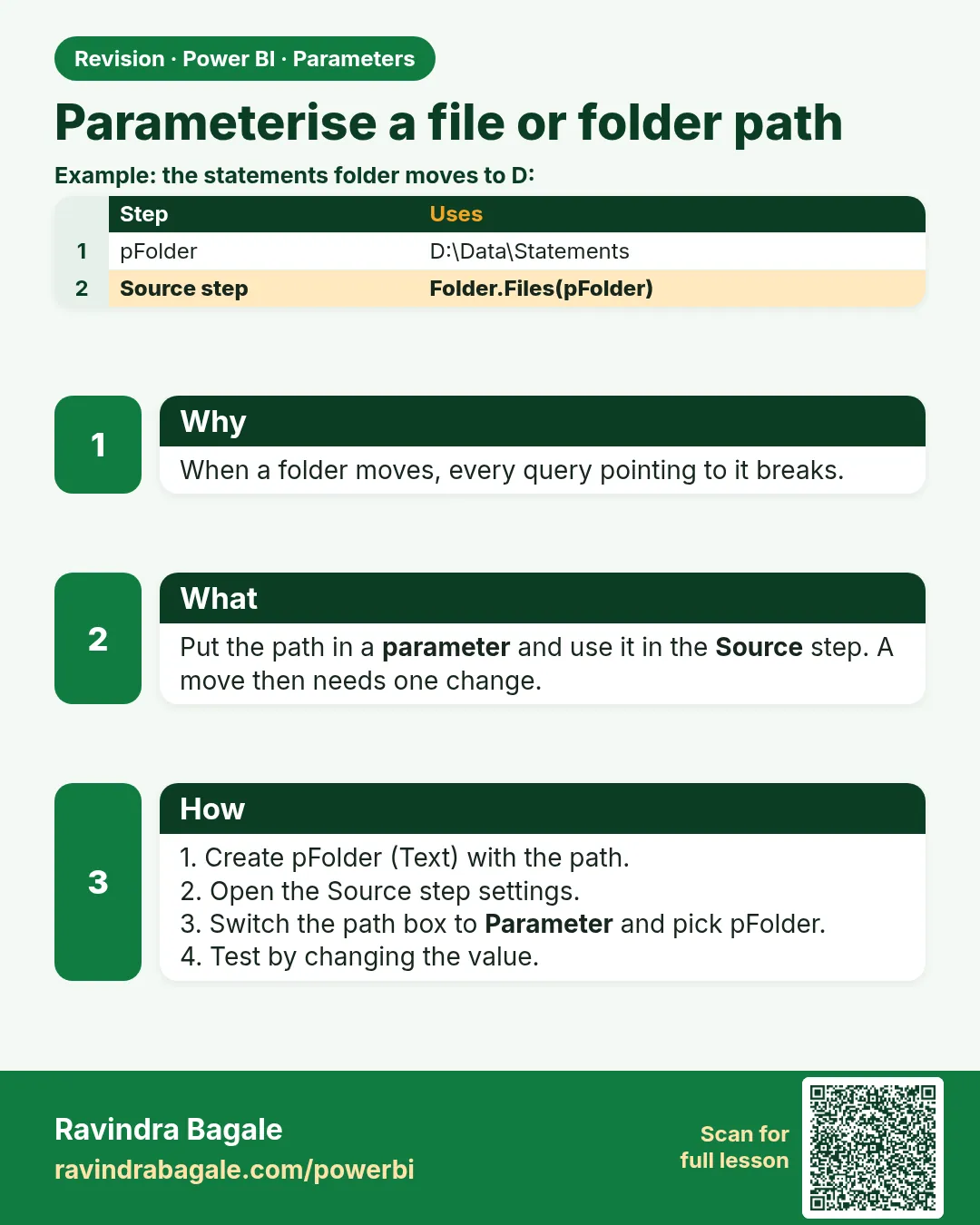
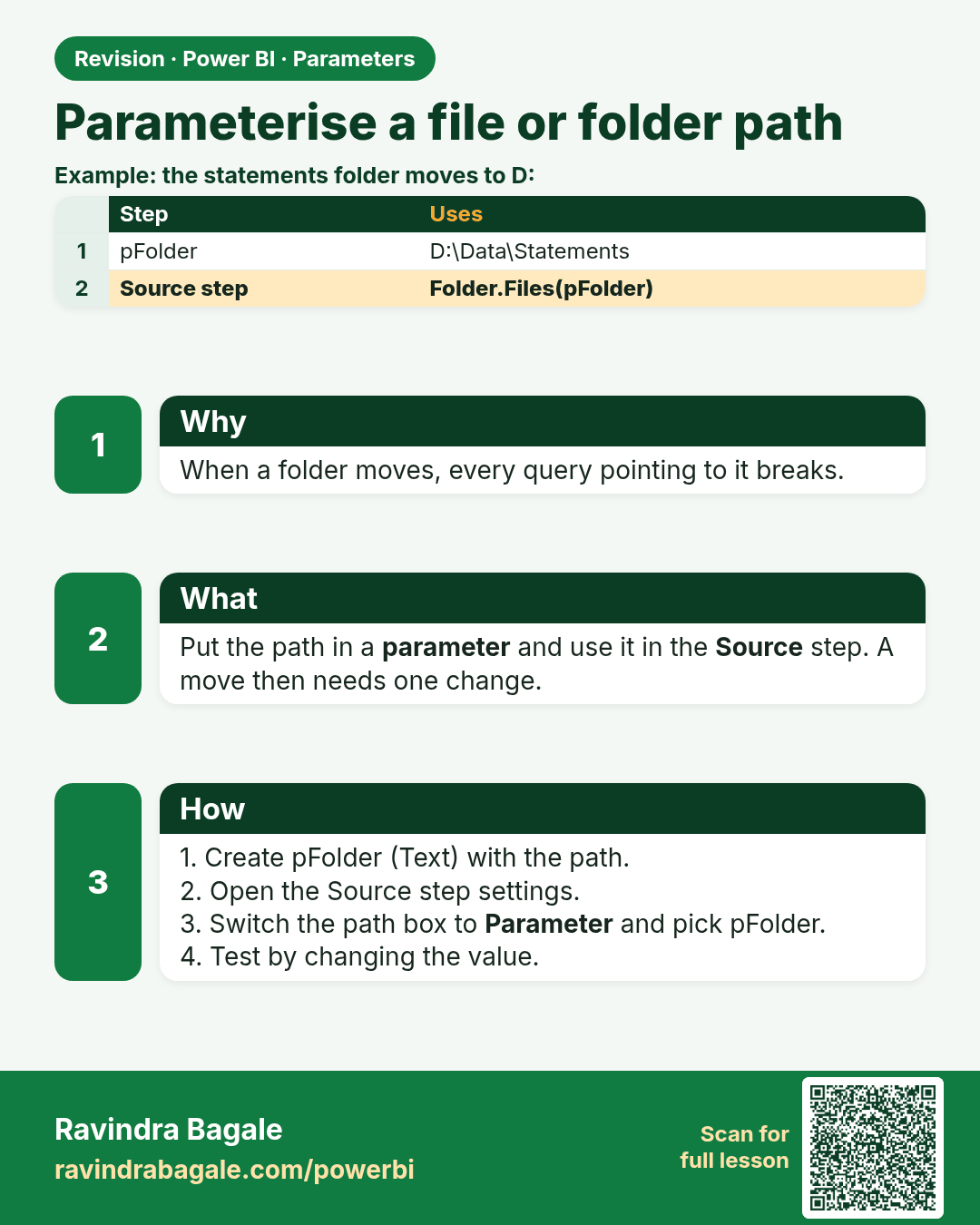
Parameterise a file or folder path. When a folder moves, every query pointing to it breaks.
Revision card 3 of 9: Parameterise a file or folder path · Download PNG · Open card page

Lesson: 10.3 Parameterising a File or Folder Path
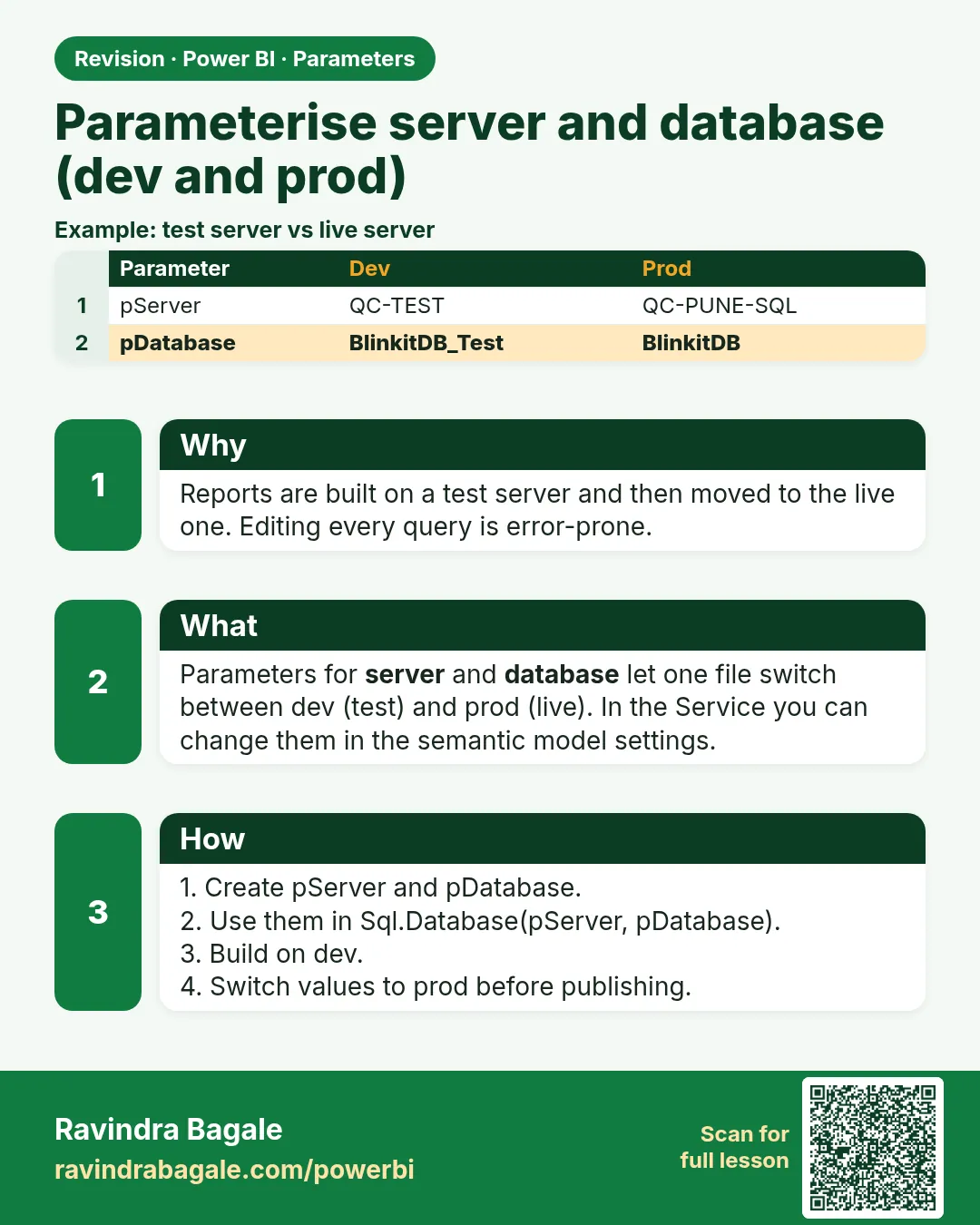
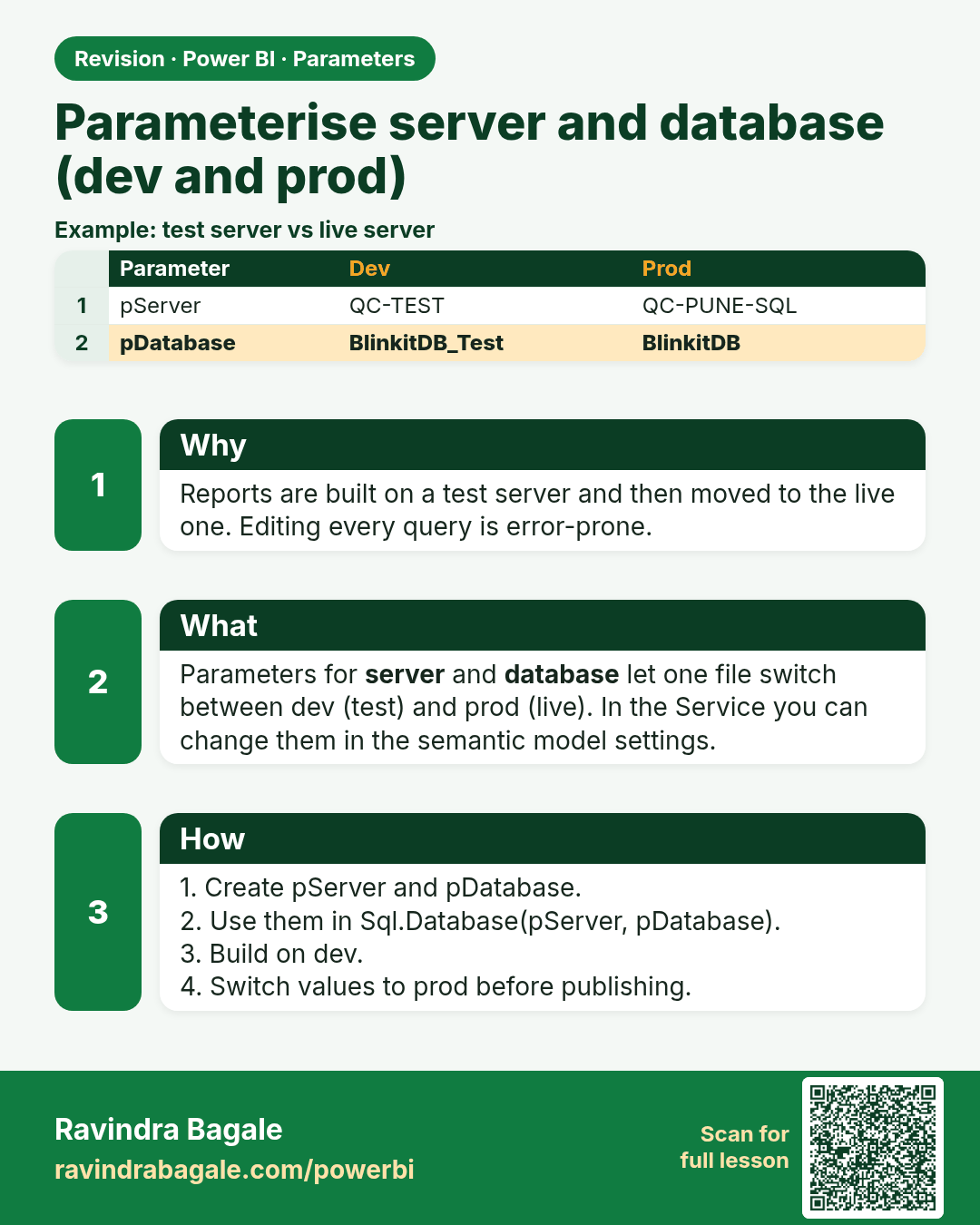
Parameterise server and database (dev and prod). Reports are built on a test server and then moved to the live one. Editing every query is error-prone.
Revision card 4 of 9: Parameterise server and database (dev and prod) · Download PNG · Open card page

Lesson: 10.4 Parameterising Server and Database (Dev → Prod)
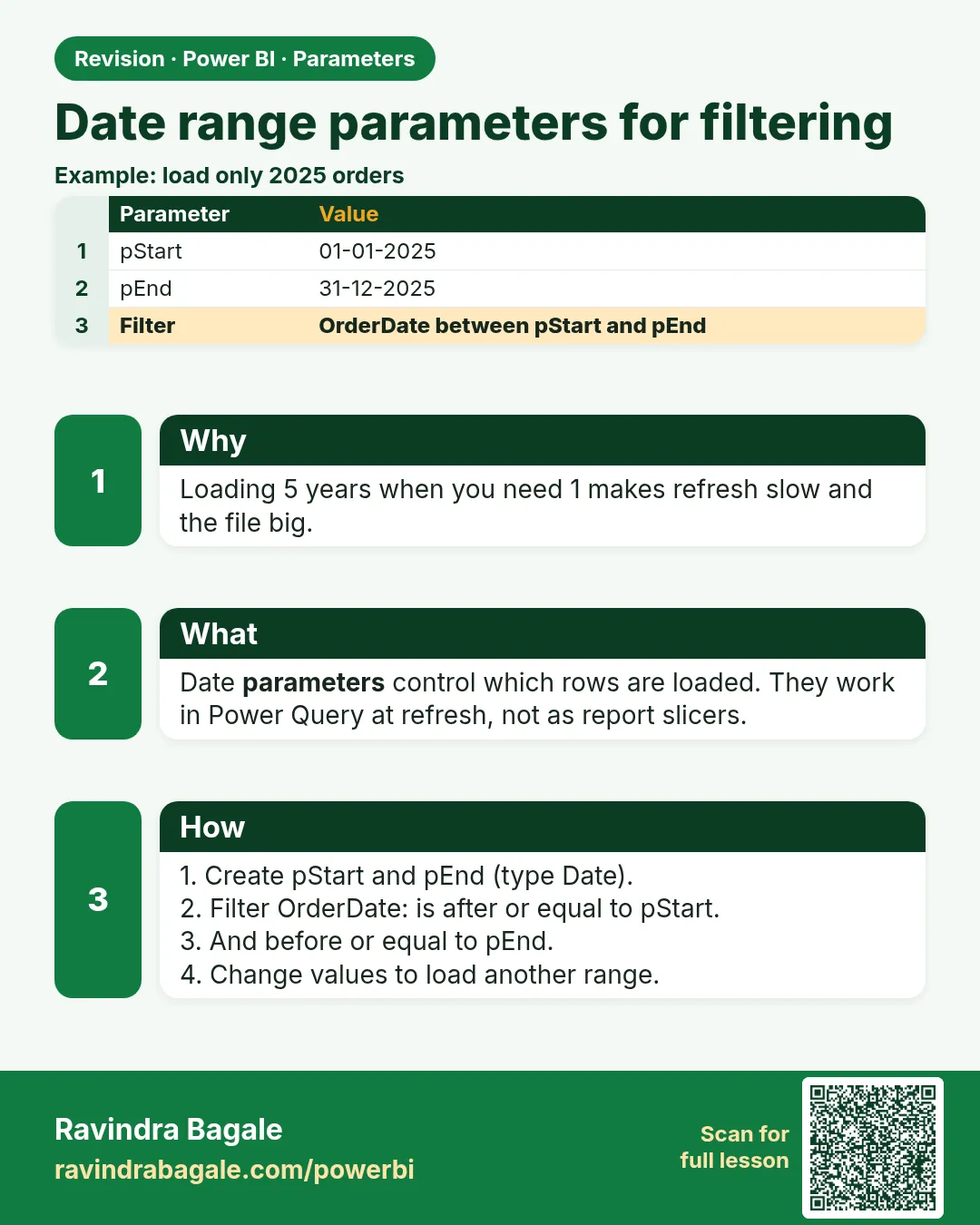
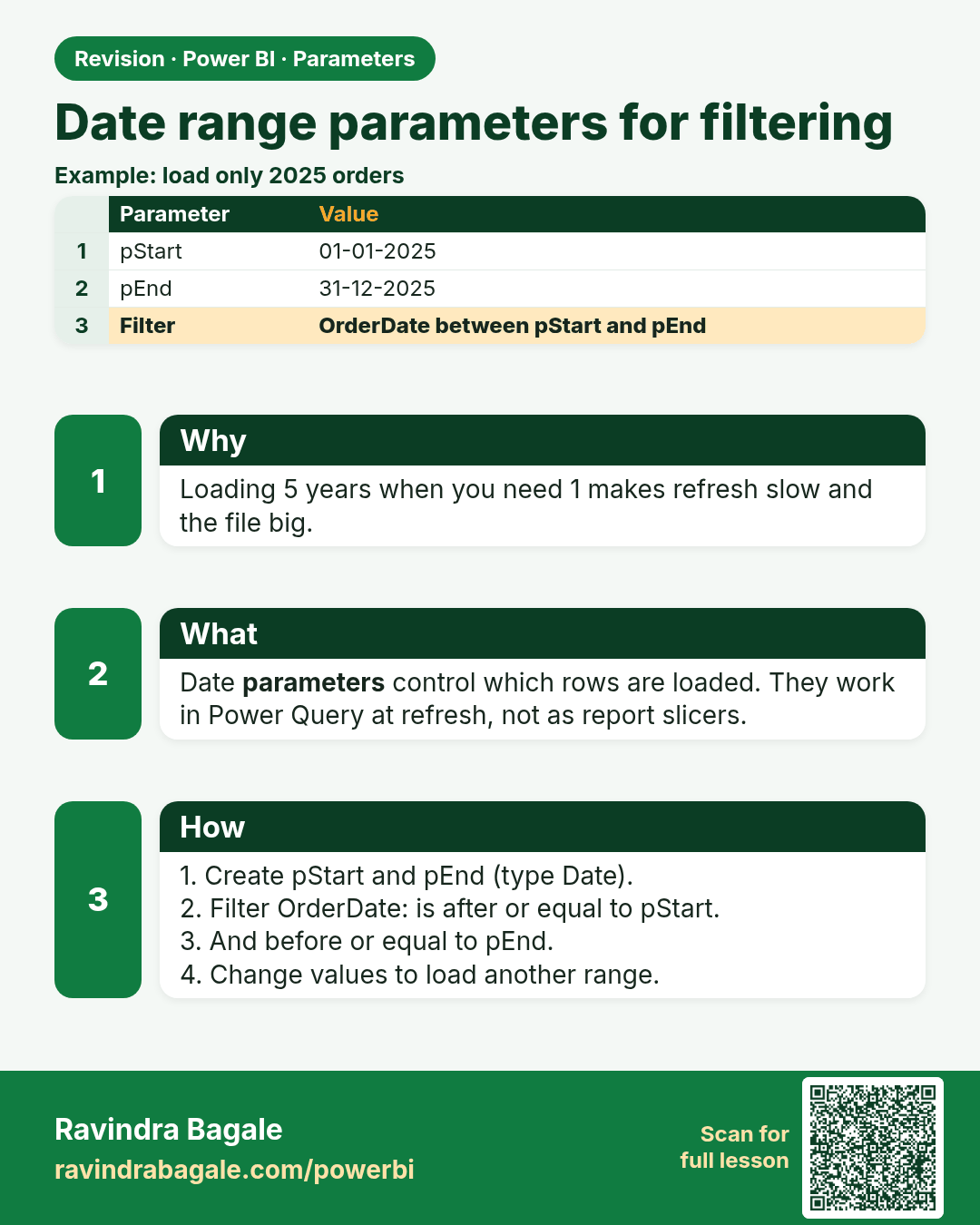
Date range parameters for filtering. Loading 5 years when you need 1 makes refresh slow and the file big.
Revision card 5 of 9: Date range parameters for filtering · Download PNG · Open card page

Lesson: 10.5 Date-range Parameters for Filtering
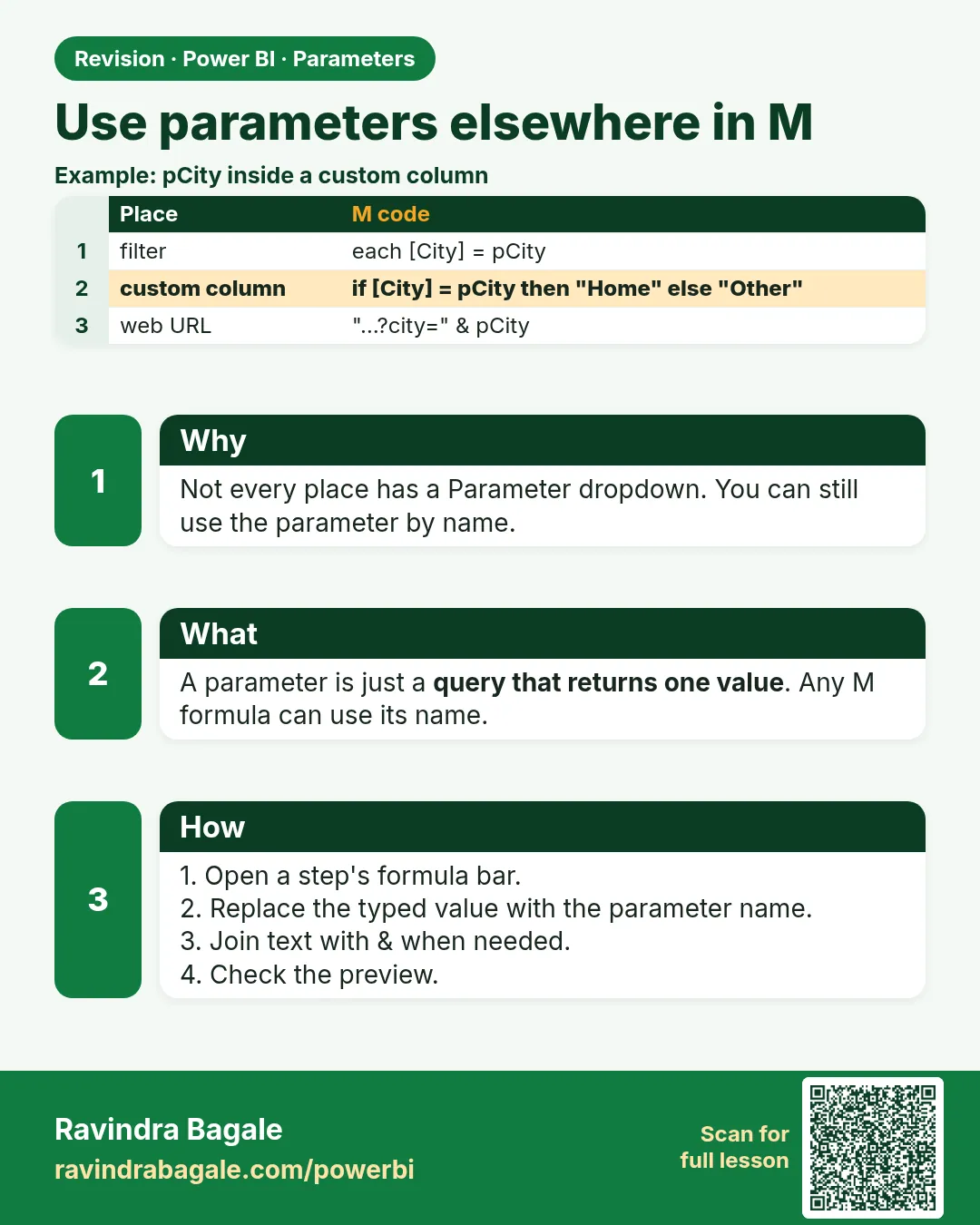
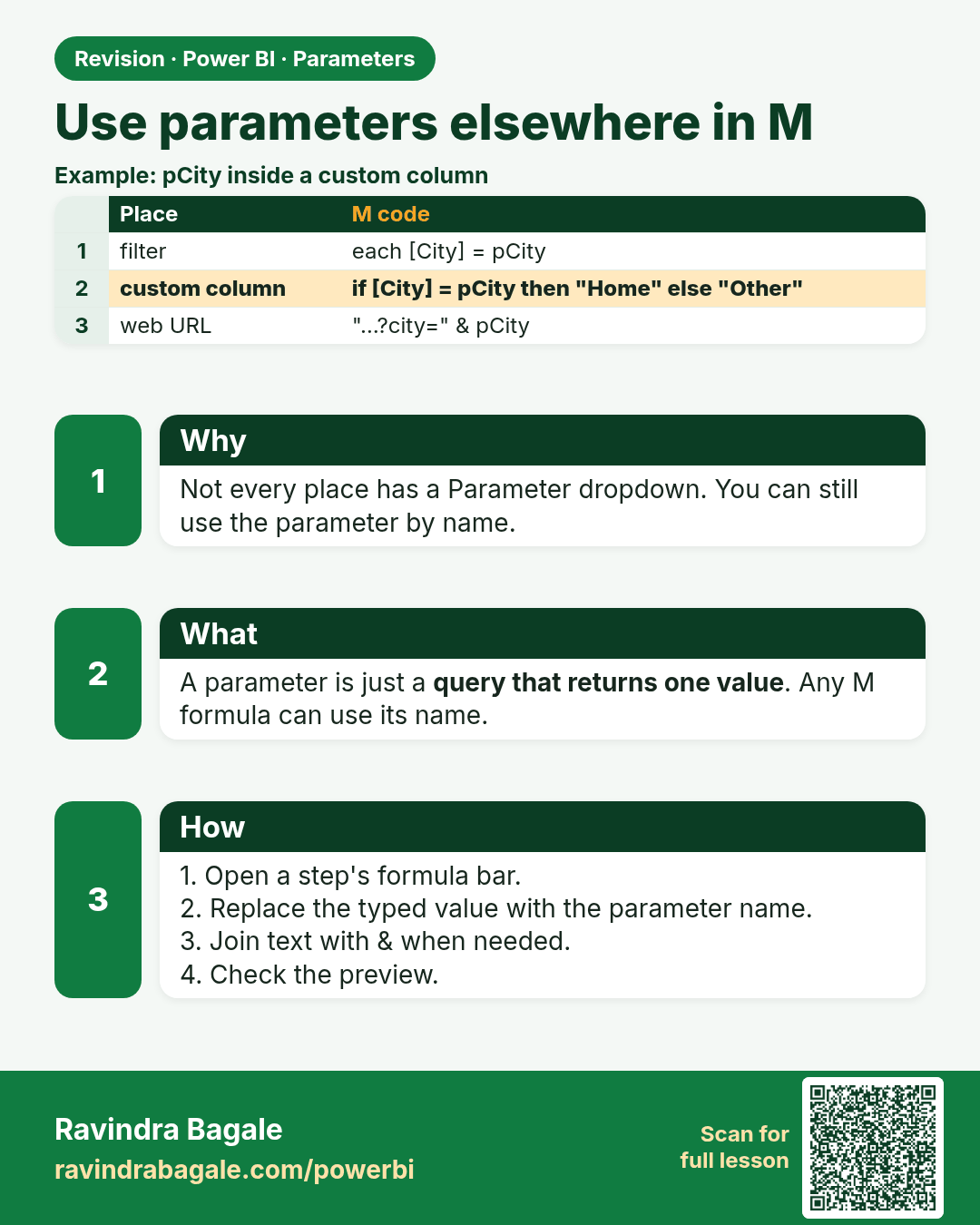
Use parameters elsewhere in M. Not every place has a Parameter dropdown. You can still use the parameter by name.
Revision card 6 of 9: Use parameters elsewhere in M · Download PNG · Open card page

Lesson: 10.6 Using Parameters Elsewhere in M
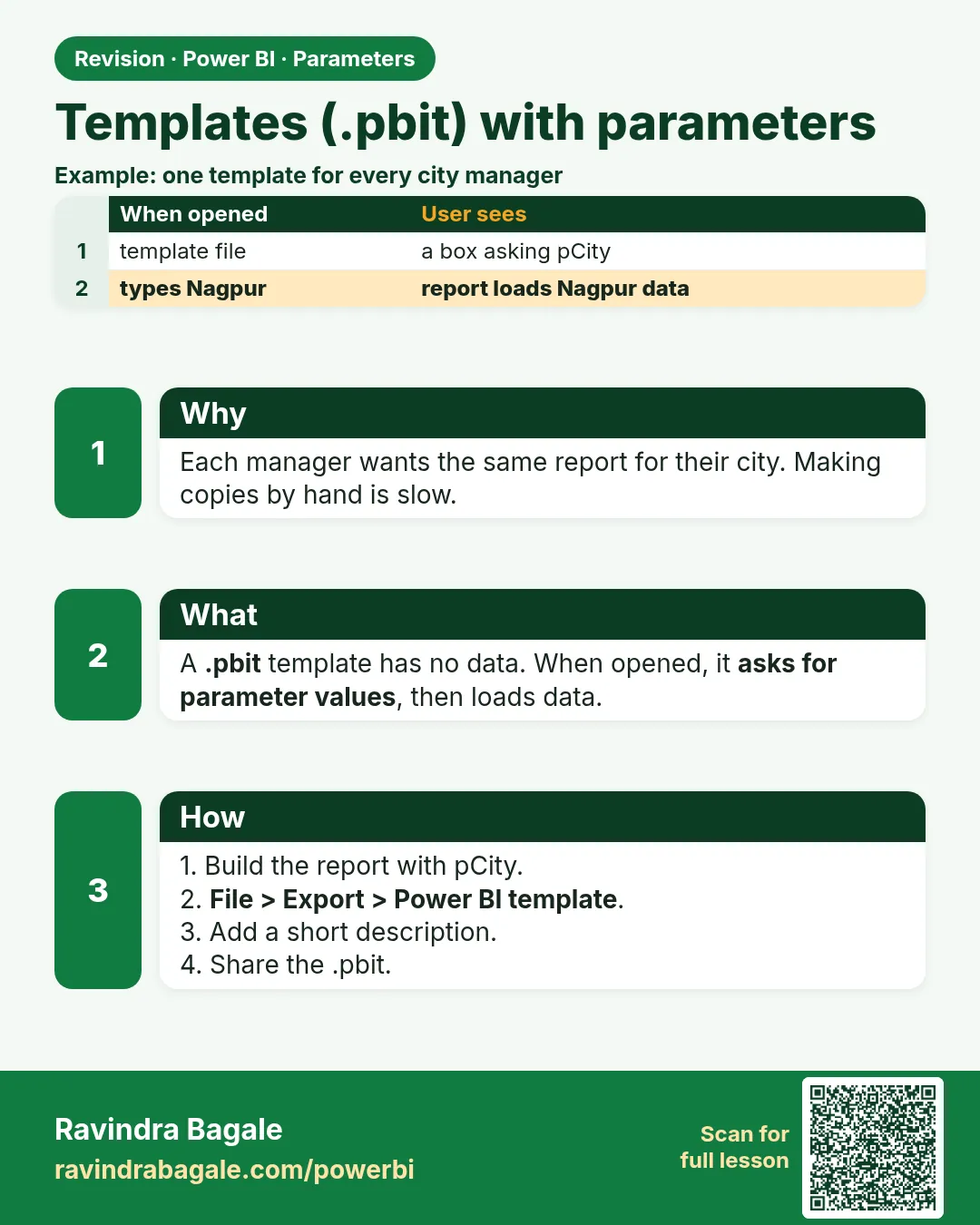
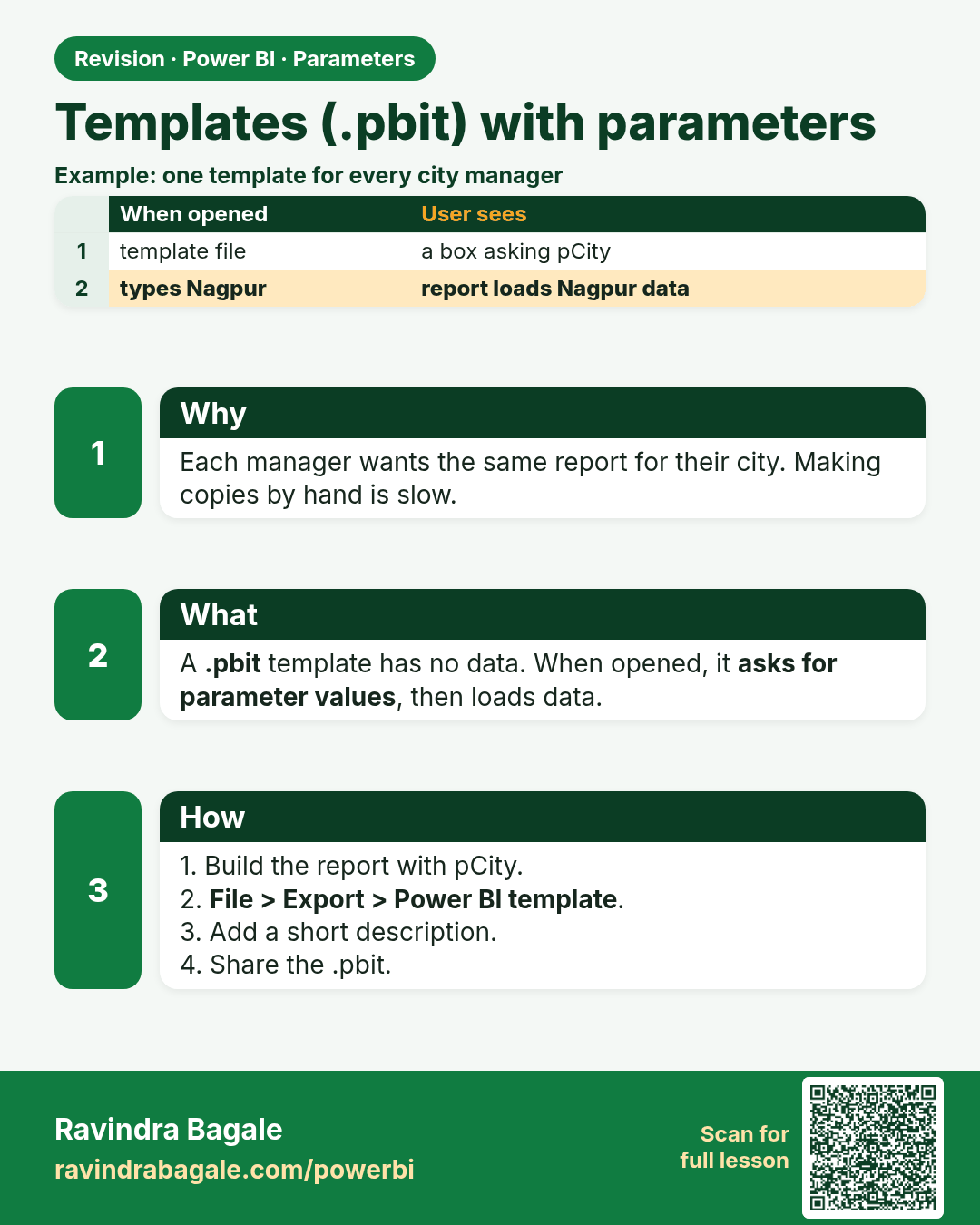
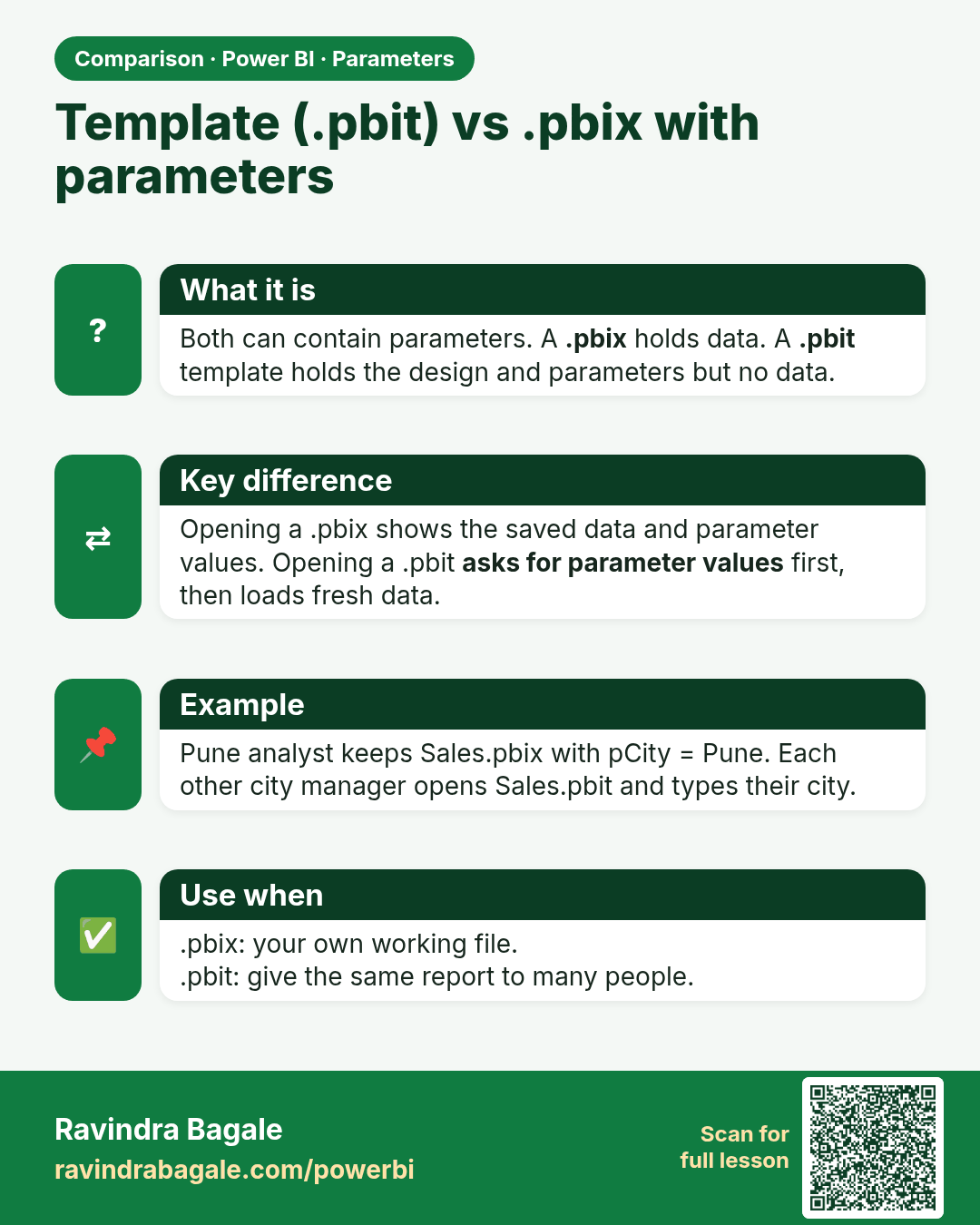
Templates (.pbit) with parameters. Each manager wants the same report for their city. Making copies by hand is slow.
Revision card 7 of 9: Templates (.pbit) with parameters · Download PNG · Open card page

Lesson: 10.7 Templates (.pbit) with Parameters
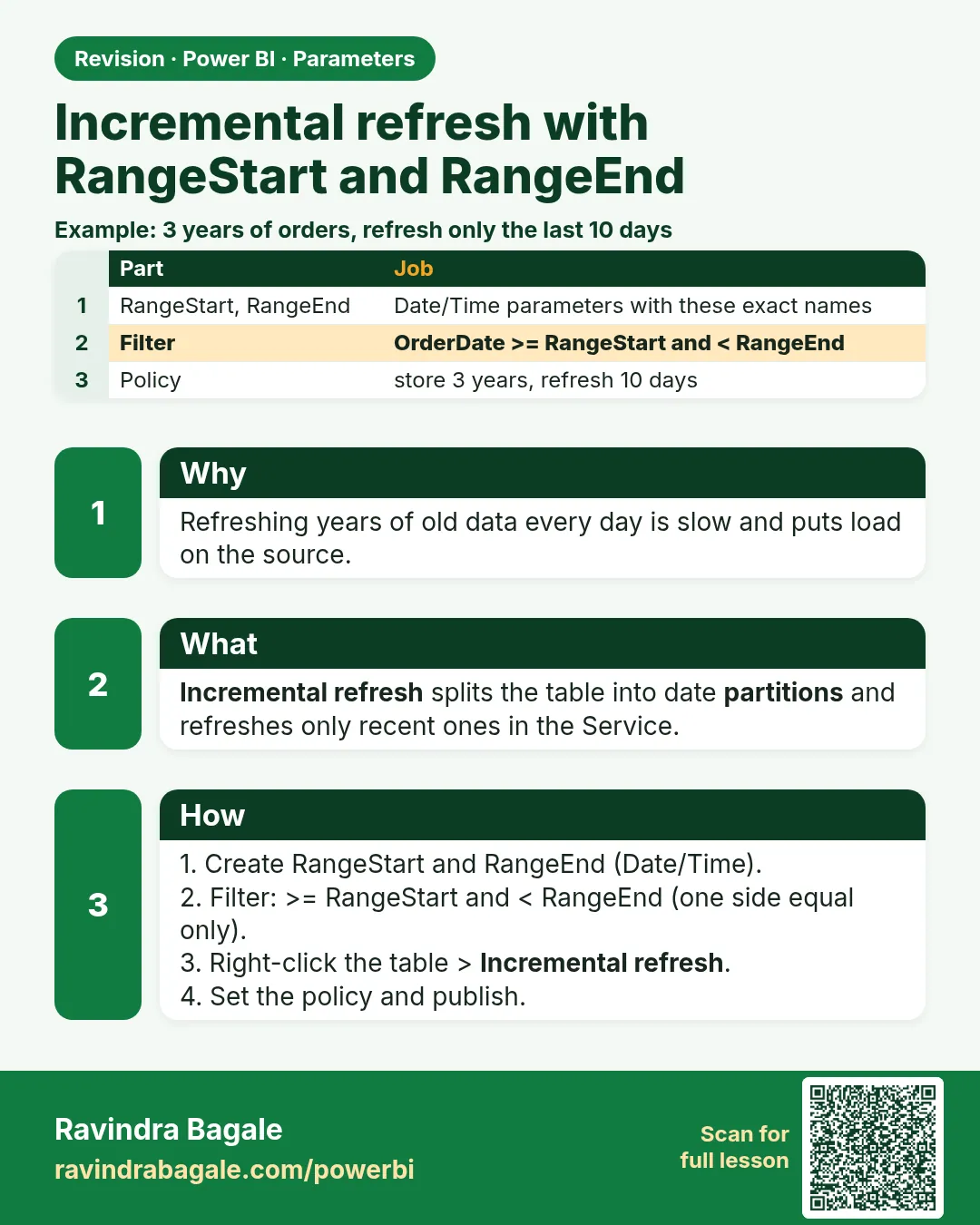
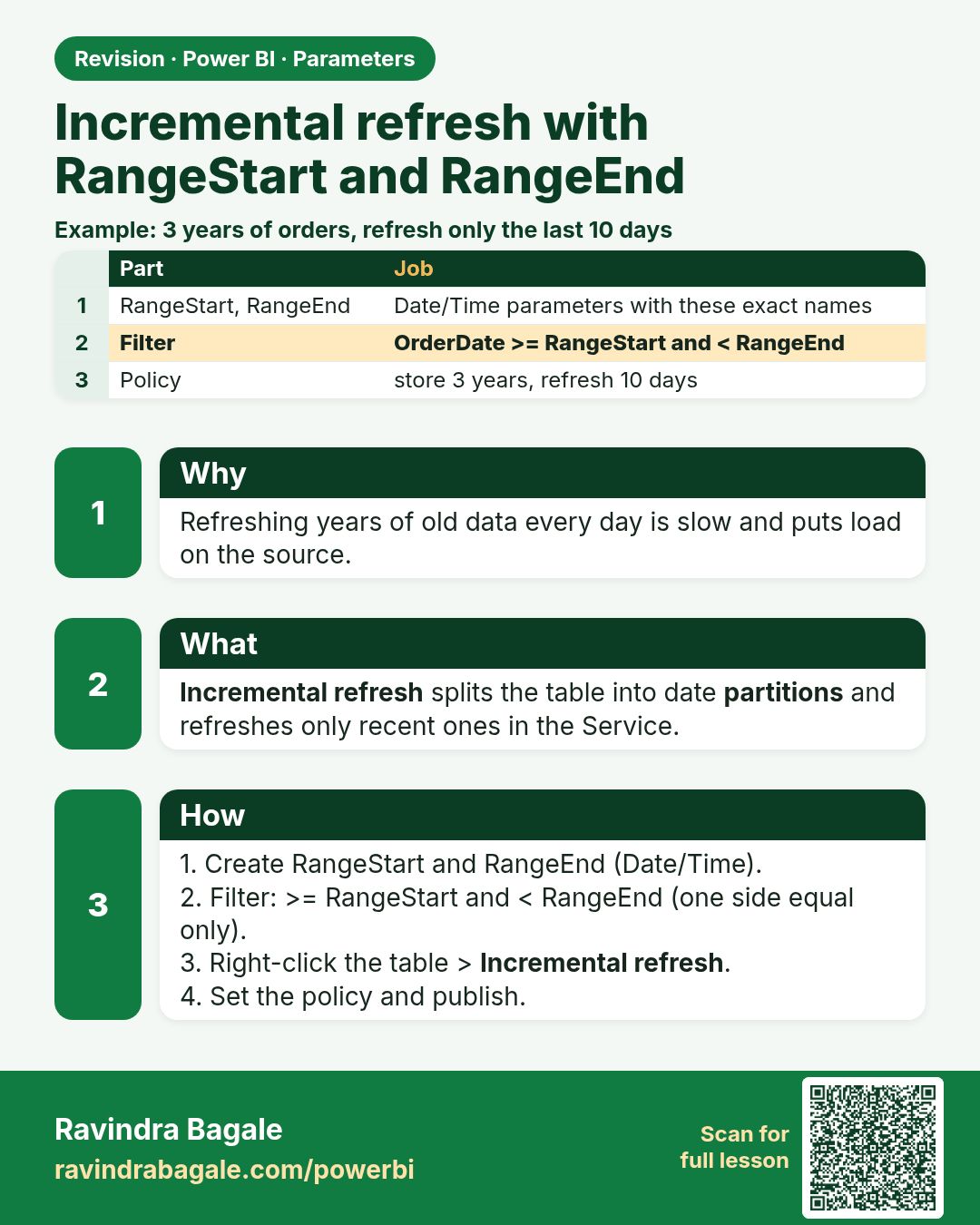
Incremental refresh with RangeStart and RangeEnd. Refreshing years of old data every day is slow and puts load on the source.
Revision card 8 of 9: Incremental refresh with RangeStart and RangeEnd · Download PNG · Open card page

Lesson: 10.8 Incremental Refresh with RangeStart and RangeEnd (Overview)
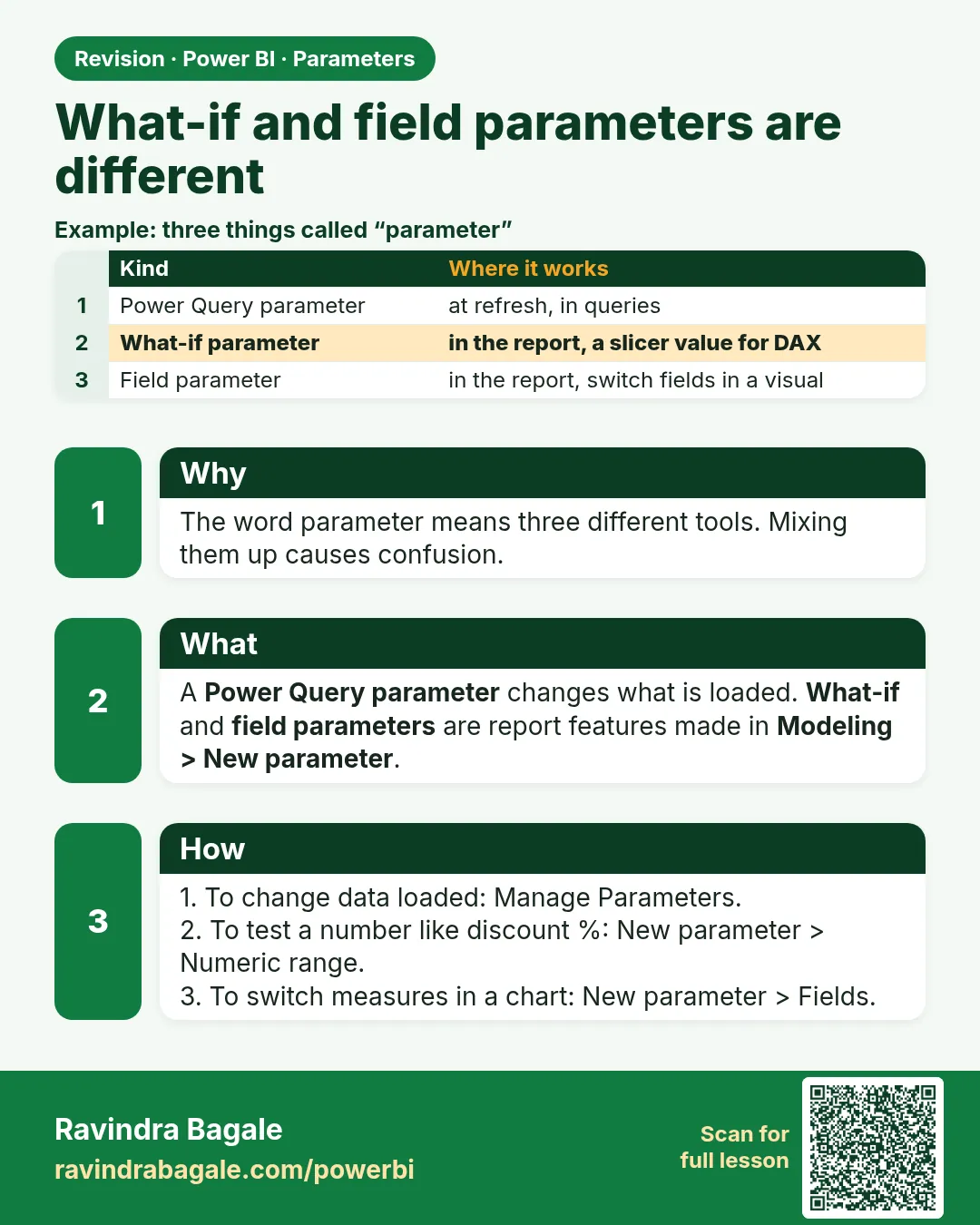
What-if and field parameters are different. The word parameter means three different tools. Mixing them up causes confusion.
Revision card 9 of 9: What-if and field parameters are different · Download PNG · Open card page

Lesson: 10.9 What-if Parameters and Field Parameters Are Different

Interview cards

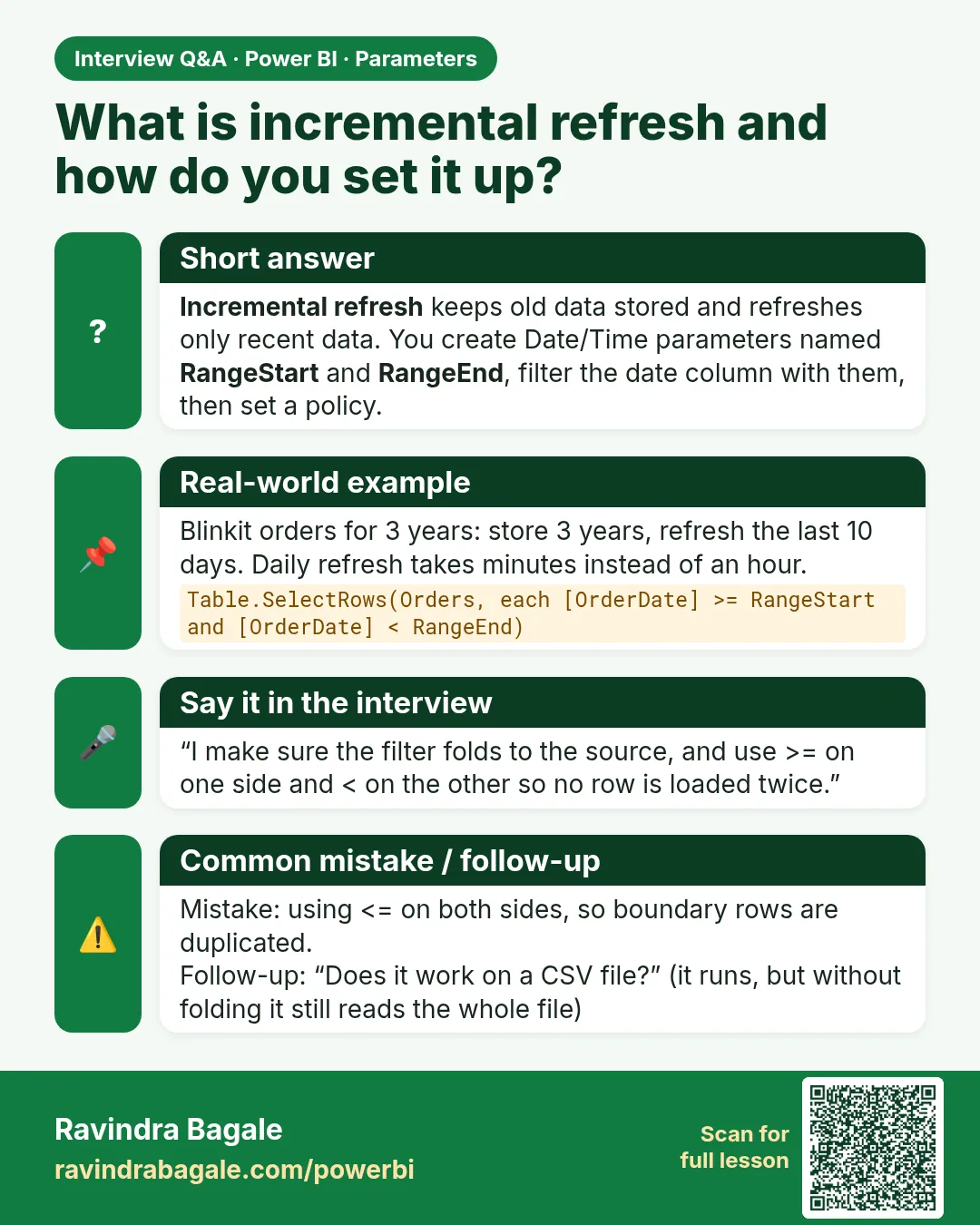
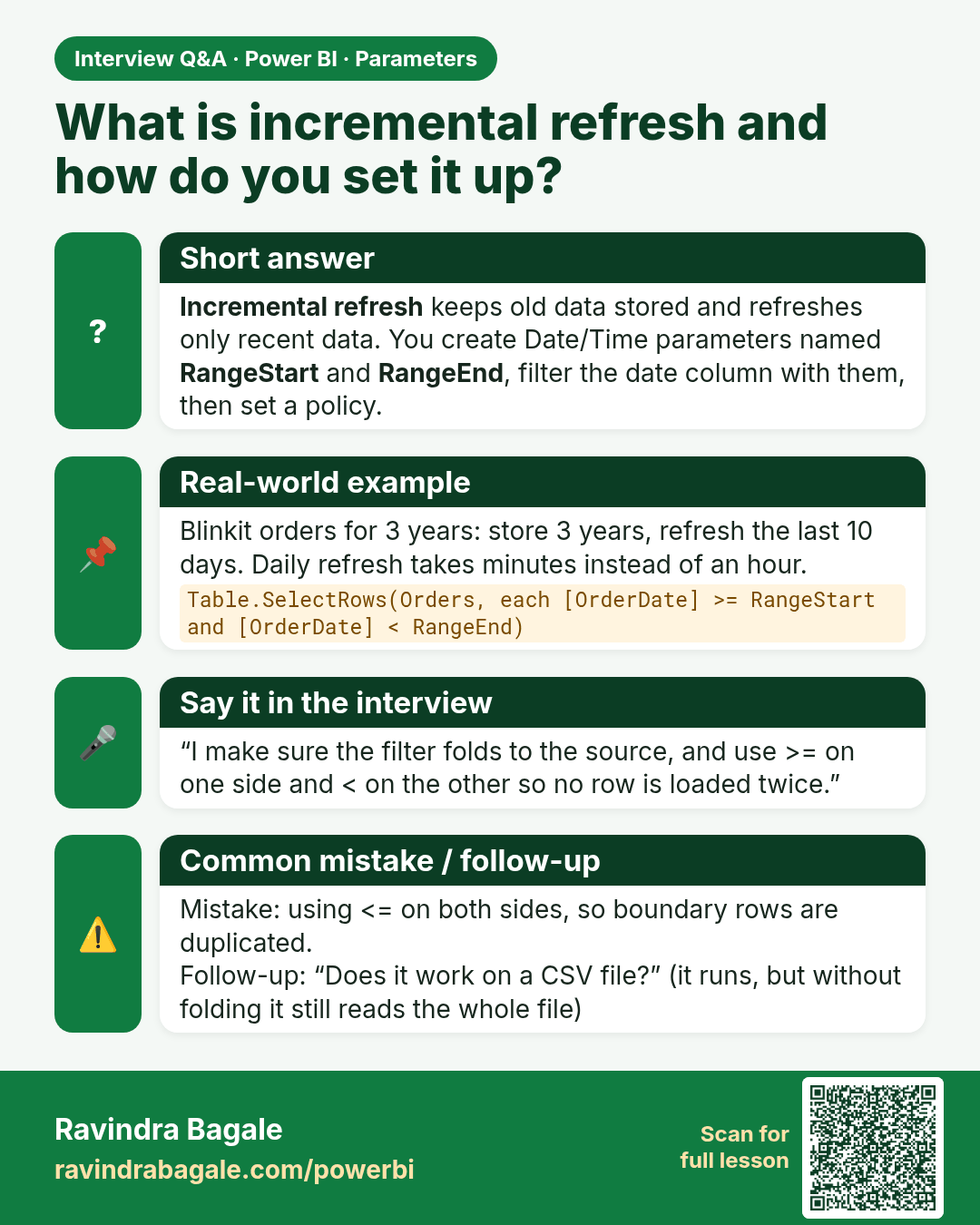
What is incremental refresh and how do you set it up? Incremental refresh keeps old data stored and refreshes only recent data. You create Date/Time parameters named RangeStart and RangeEnd, filter the date column with them, then set a policy.
Interview card 1 of 2: What is incremental refresh and how do you set it up? · Download PNG · Open card page

Lesson: 10.8 Incremental Refresh with RangeStart and RangeEnd (Overview)
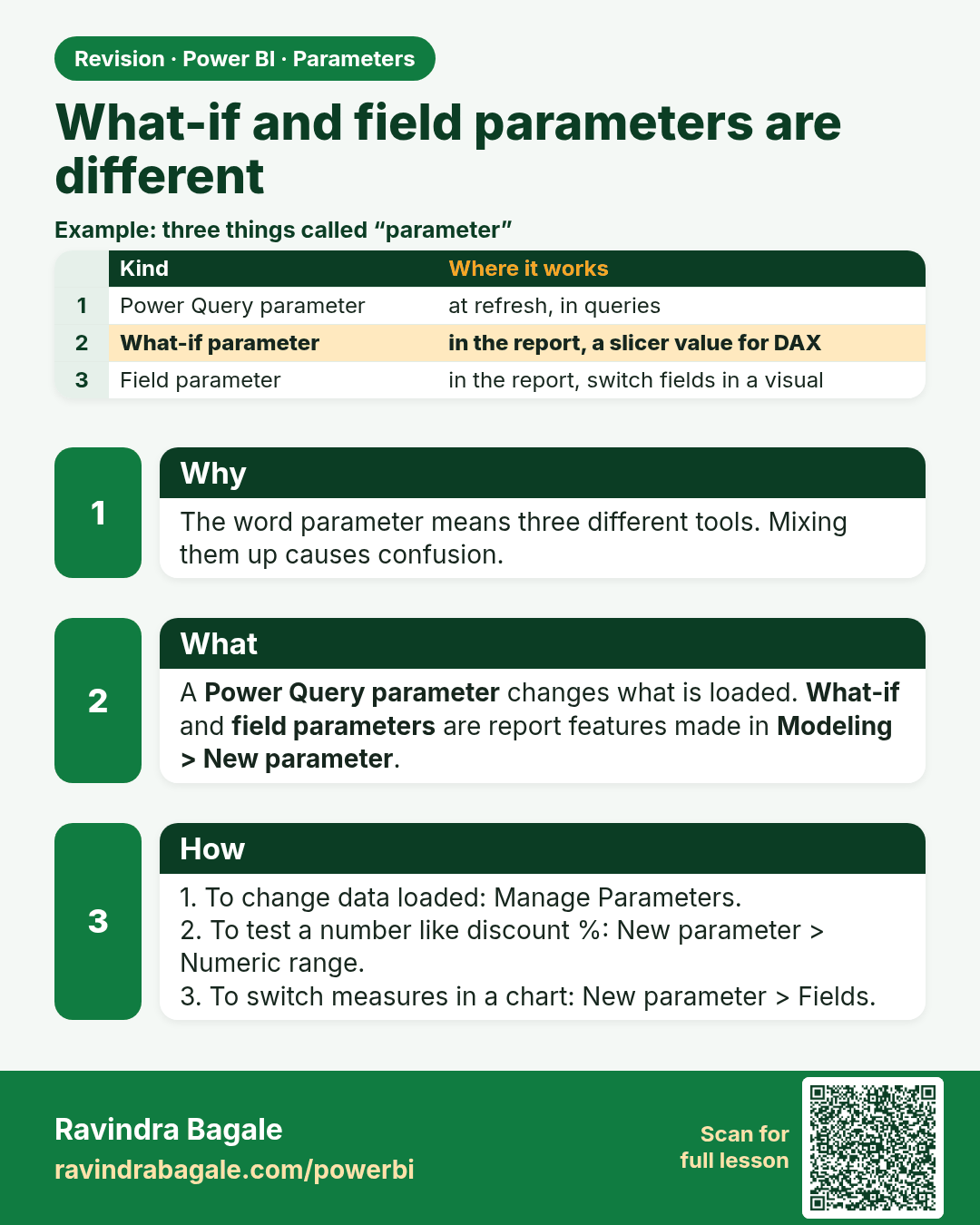
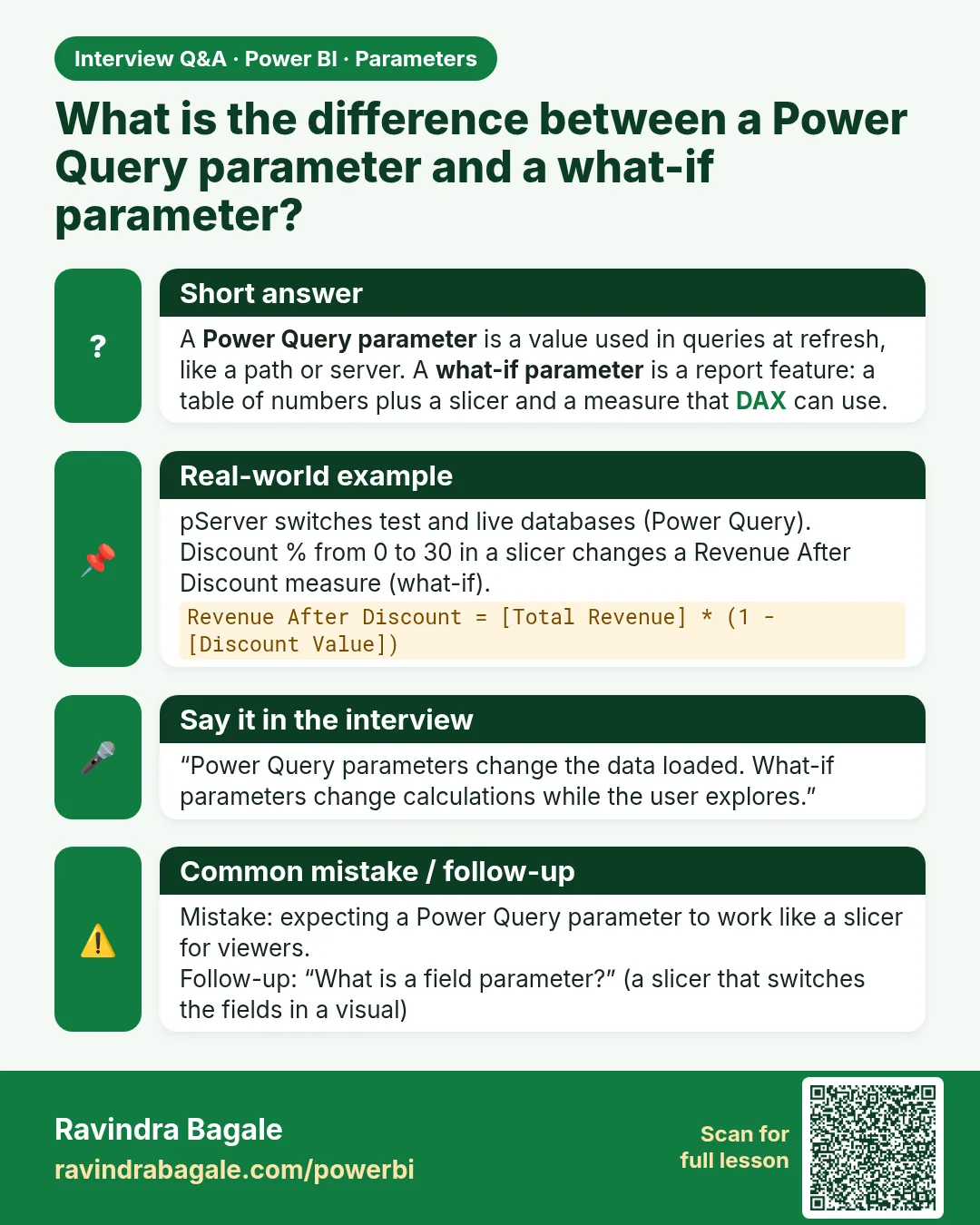
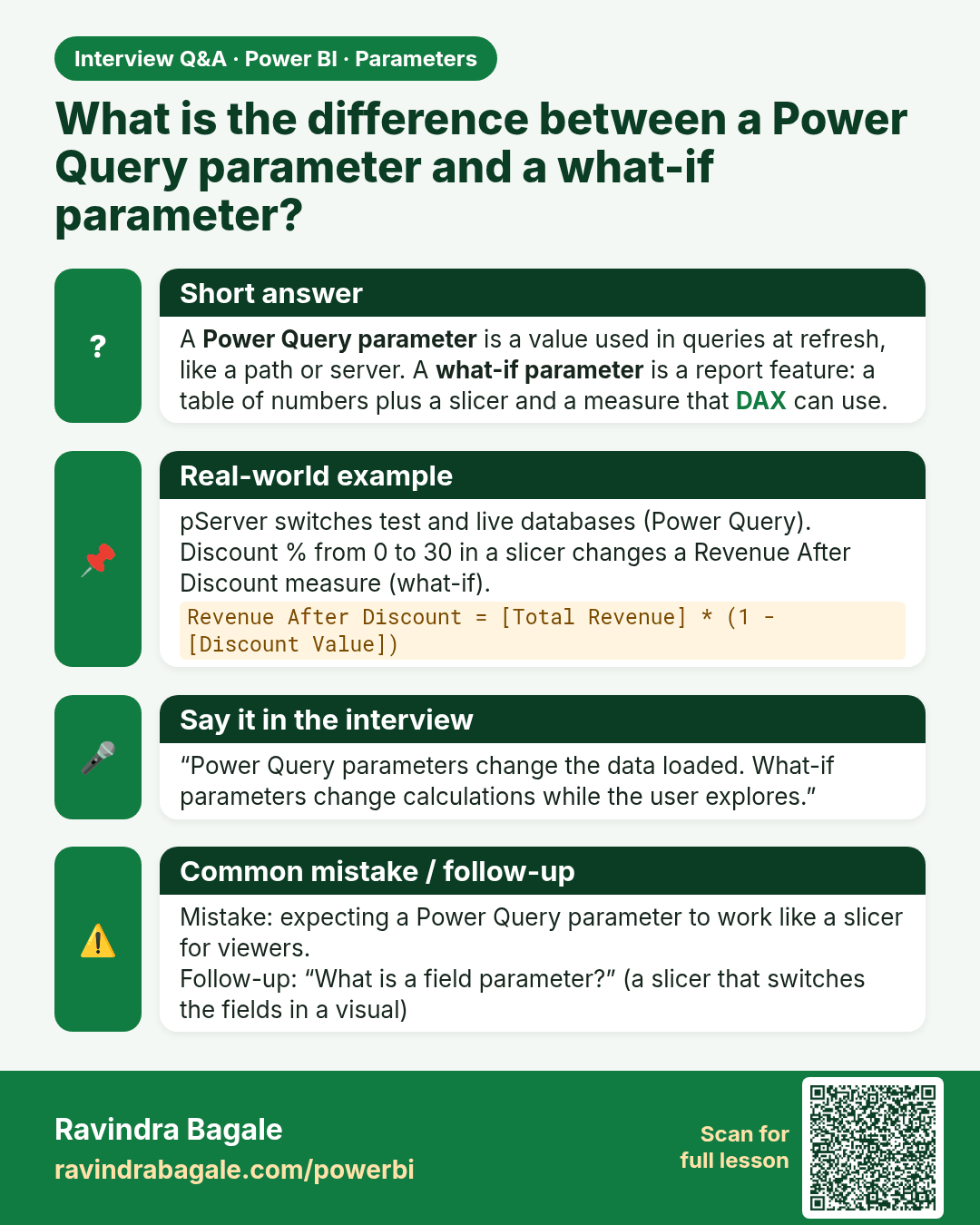
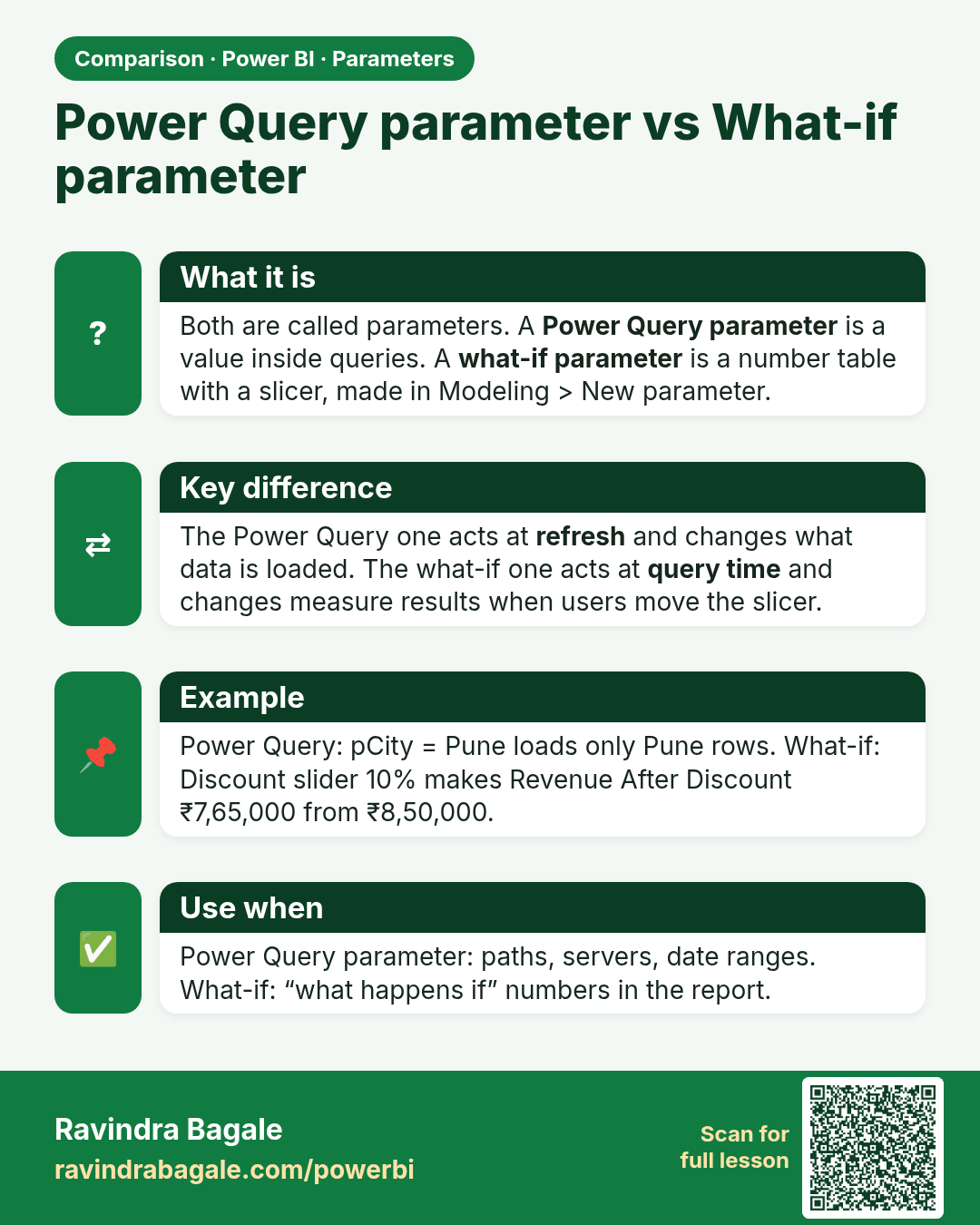
What is the difference between a Power Query parameter and a what-if parameter? A Power Query parameter is a value used in queries at refresh, like a path or server. A what-if parameter is a report feature: a table of numbers plus a slicer and a measure that DAX can use.
Interview card 2 of 2: What is the difference between a Power Query parameter and a what-if parameter? · Download PNG · Open card page

Lesson: 10.9 What-if Parameters and Field Parameters Are Different

Comparison cards
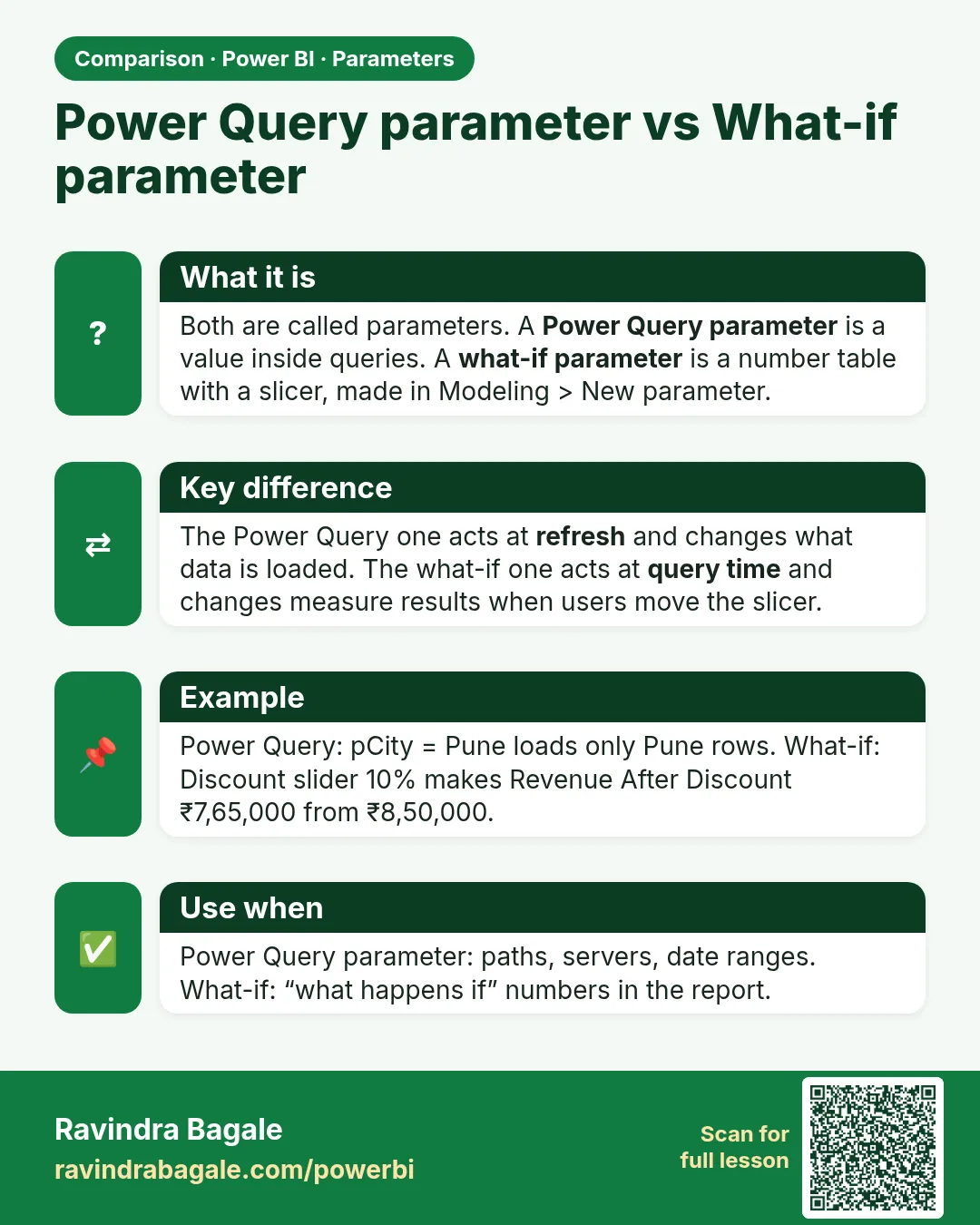
Power Query parameter vs What-if parameter. Both are called parameters. A Power Query parameter is a value inside queries. A what-if parameter is a number table with a slicer, made in Modeling > New parameter.
Comparison card 1 of 2: Power Query parameter vs What-if parameter · Download PNG · Open card page

Lesson: 10.9 What-if Parameters and Field Parameters Are Different
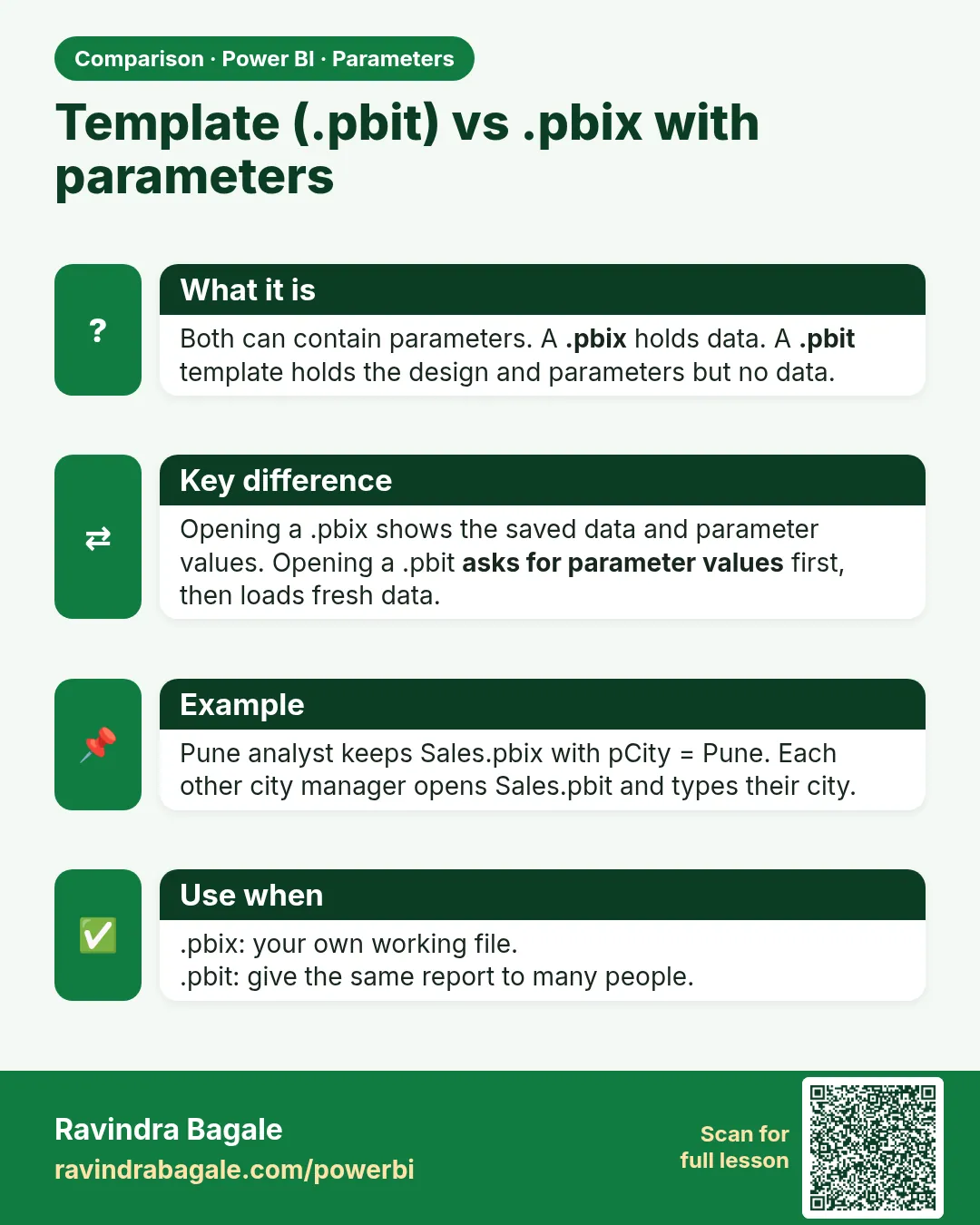
Template (.pbit) vs .pbix with parameters. Both can contain parameters. A .pbix holds data. A .pbit template holds the design and parameters but no data.
Comparison card 2 of 2: Template (.pbit) vs .pbix with parameters · Download PNG · Open card page

Lesson: 10.7 Templates (.pbit) with Parameters