10. Parameters in Power Query (and Other Kinds of Parameters)
10.7 Templates (.pbit) with Parameters
Start with a problem
Zoya, Shraddha and Ravindra each want the city report with their own city and folder, without receiving each other's data.
Explain simply
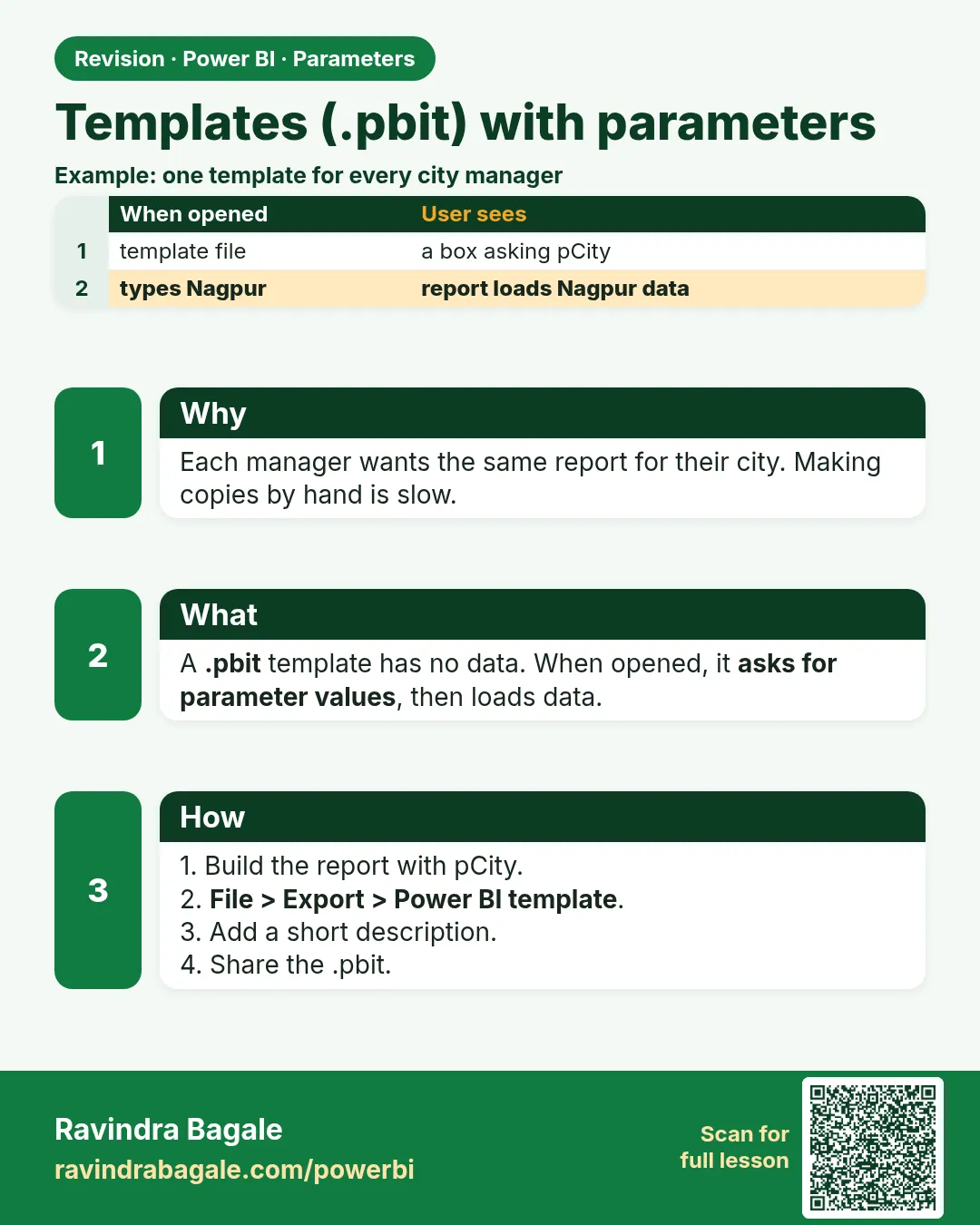
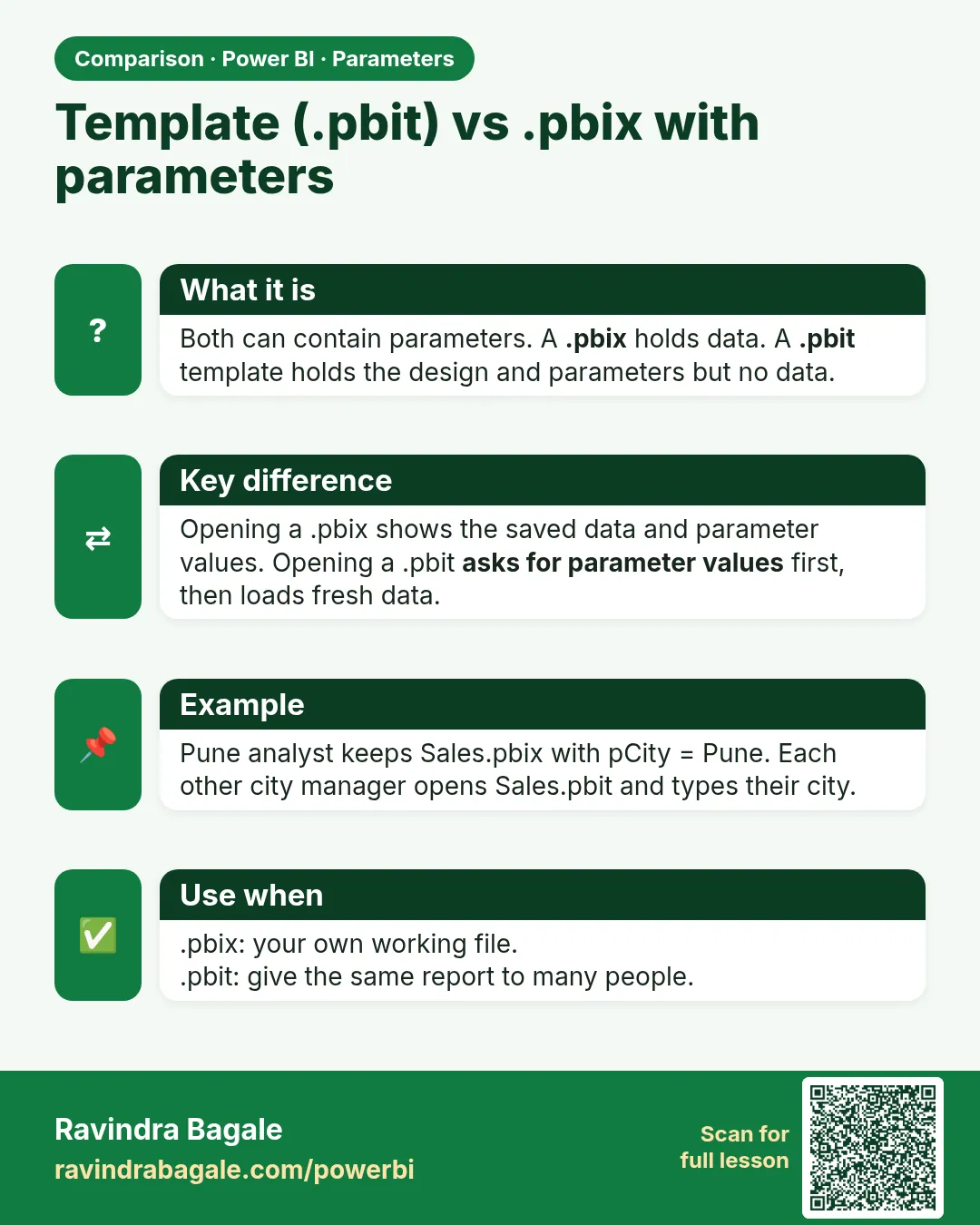
A template (.pbit) holds the report, model, queries and parameters but no data. When someone opens it, Power BI asks for the parameter values and loads their data.
Show the data
| Parameter | Description shown in the dialog | Zoya's value |
|---|---|---|
| FolderPath | Folder with your city's export files | D:\Kolhapur\Exports |
| SelectedCity | Your city (choose from the list) | Kolhapur |
About this data: This table uses columns: Parameter, Description shown in the dialog, Zoya's value. This table uses columns: Manager, SelectedCity, Orders, Total Amount (₹). This table uses columns: Wrong result, Reason, Correction. Values shown are the lesson examples already on this page (not a new dataset).
Fictional sample data. Practice file: visuals_orders_apr_may_2026.csv (source: src/practice/).
Demonstrate
- Build the report with parameters FolderPath and SelectedCity, each with a clear description. In Orders, filter City = SelectedCity (filter dialog › Parameter).
-
File › Export › Power BI template › description
Blinkit city report – choose your city› OK › saveCityReport.pbit.Your result should look like this:
Saved file CityReport.pbit (small: queries, model and visuals, no rows) -
Send the .pbit to the city managers.
-
Zoya opens it › the dialog shows each parameter › SelectedCity Kolhapur, FolderPath her folder › Load.
Your result should look like this:
Zoya's card ₹450 (orders 305 and 308) -
She saves the result as
Kolhapur Report.pbix.
Show the result
Your result should look like this (fictional sample):
| Manager | SelectedCity | Orders | Total Amount (₹) |
|---|---|---|---|
| Ravindra | Pune | 3 | 850 |
| Shraddha | Nashik | 3 | 800 |
| Zoya | Kolhapur | 2 | 450 |
Explain what happened
The template stored the design and the parameter definitions. On opening, Power BI asked for values and ran the queries, so each manager's file contains only the rows their filter allowed.
Explore further
- The template description appears in the opening dialog; keep it short and clear.
Detailed reference for this lesson:
A Power BI template contains the report, model, queries and parameters, pan no data. When someone opens it, Power BI asks for the parameter values and then loads the data.
Steps in Power BI
- Build the report with parameters
FolderPathandSelectedCity(add clear Descriptions). - File › Export › Power BI template › type a template description ("Blinkit city report – choose your city and data folder") › OK › save
Blinkit_City_Report.pbit. - Send the .pbit to city managers (for example Zoya for Kolhapur).
- When Zoya opens it, a dialog shows each parameter with its description. She selects Kolhapur, enters her folder path › Load.
- She saves the result as her own .pbix.
Ravindra Bagale's Tip
Friends, many students send a .pbit template and the receiver gets errors because the parameter's default value points to the sender's laptop. Give parameters clear descriptions and sensible defaults, and test the template yourself on another machine or folder before sharing. Clear?
Ravindra Bagale's Tip – मराठी
मित्रांनो, बरेच students .pbit template पाठवतात आणि घेणाऱ्याला errors येतात, कारण parameter ची default value पाठवणाऱ्याच्या laptop कडे point करते. Parameters ना स्पष्ट descriptions आणि योग्य defaults द्या, आणि share करण्याआधी दुसऱ्या machine वर किंवा folder मध्ये template स्वतः test करा. समजलं का?
Ravindra Bagale's Tip – हिंदी
दोस्तों, बहुत से students .pbit template भेजते हैं और पाने वाले को errors आते हैं, क्योंकि parameter की default value भेजने वाले के laptop की ओर point करती है. Parameters को साफ़ descriptions और सही defaults दो, और share करने से पहले दूसरी machine या folder पर template ख़ुद test करो. समझ आया?
Fix common mistakes
| Wrong result | Reason | Correction |
|---|---|---|
| The template opens with old data | Saved a .pbix, not an exported .pbit | File › Export › Power BI template |
| Users see a confusing Parameter1 prompt | No names or descriptions | Name and describe every parameter |
| Zoya's file shows all cities | SelectedCity is not used in any filter | Filter City = SelectedCity in the query |
Practise independently
Practice task
Shraddha opens the template and picks Nashik. How many orders, what total, and which stores appear?
Hints
- Nashik orders: 303, 304, 307.
Solution
3 orders, ₹800. Stores: College Road ₹500 (304 ₹150 + 307 ₹350) and Gangapur ₹300.
Think like a professional
Templates distribute a design; they do not secure data. If everyone uses one shared model, use RLS (Module 26).
 Revision card
 Comparison card