10. Parameters in Power Query (and Other Kinds of Parameters)
10.9 What-if Parameters and Field Parameters Are Different
Start with a problem
Shahrukh is asked in an interview: can a viewer change ServerName with a slicer? He mixes up the three kinds of parameter.
Explain simply
Power Query parameter: changes what is loaded, at refresh. What-if parameter: a number a viewer picks with a slicer, used in DAX. Field parameter: lets a viewer switch which field or measure a visual shows.
Show the data
| Need | Use |
|---|---|
| Load a different folder or server | Power Query parameter |
| Viewer tests a price change of 10% | What-if parameter |
| Viewer switches a chart between Sales and Orders | Field parameter |
About this data: This table uses columns: Need, Use. This table uses columns: Field parameter selection, Pune, Nashik, Kolhapur. This table uses columns: Power Query parameter, What-if parameter, Field parameter. This table uses columns: Wrong result, Reason, Correction. Values shown are the lesson examples already on this page (not a new dataset).
Fictional sample data. Practice file: visuals_orders_apr_may_2026.csv (source: src/practice/).
Demonstrate
- Power Query parameter: Power Query › Manage Parameters (lesson 10.2).
-
What-if: Modeling › New parameter › Numeric range › name
Price Change %, 0 to 0.2, increment 0.05, default 0.1 › add slicer to page.Your result should look like this:
New table and measure Price Change % and Price Change % Value (= 0.1) -
Measure
Sales After Change = [Total Sales] * (1 + [Price Change % Value]).Your result should look like this:
Card ₹2,100 × 1.10 = ₹2,310 -
Field parameter: Modeling › New parameter › Fields › add Total Sales and Total Orders › add slicer.
Your result should look like this:
Slicer Total Sales -
Put the field parameter on a bar chart's Y-axis with City on the X-axis.
Show the result
Your result should look like this (fictional sample):
| Field parameter selection | Pune | Nashik | Kolhapur |
|---|---|---|---|
| Total Sales (₹) | 850 | 800 | 450 |
| Total Orders | 3 | 3 | 2 |
Explain what happened
The Power Query parameter acts at refresh. The what-if slicer changes a DAX value at query time. The field parameter changes which measure the visual uses. Only the last two are in viewers' hands.
Explore further
- See Module 21 for what-if and field parameters in depth.
Detailed reference for this lesson:
| Power Query parameter | What-if parameter | Field parameter | |
|---|---|---|---|
| Created in | Power Query (Manage Parameters) | Modeling › New parameter › Numeric range | Modeling › New parameter › Fields |
| Changes | Which data is loaded (at refresh) | A number used in DAX at query time (slicer) | Which measure/column a visual shows |
| Viewer can change it in the report? | No (the author or dataset owner changes it) | Yes, with a slicer | Yes, with a slicer |
| Example | ServerName, FolderPath, StartDate | Delivery Fee Change % | Switch Sales / Orders / AOV |
| Covered in | This module | Module 21 | Module 21 |
Practice task
Create FolderPath, StartDate and SelectedCity (list from a query) parameters. Use them to load fakt one city's orders from 01-04-2025 (start of the Indian financial year). Export the report as a .pbit and open it punha to test the parameter prompts.
Ravindra Bagale's Tip
Friends, many students mix up the three kinds of "parameters" in interviews. Power Query parameters control data loading, what-if parameters create a number slicer for scenarios, and field parameters switch measures or fields in visuals. Name the right one in your answer. Practise, and it will feel very easy.
Ravindra Bagale's Tip – मराठी
मित्रांनो, बरेच students interviews मध्ये तीन प्रकारच्या "parameters" मध्ये गल्लत करतात. Power Query parameters data loading control करतात, what-if parameters scenarios साठी number slicer बनवतात, आणि field parameters visuals मधले measures किंवा fields बदलतात. उत्तरात योग्य त्याचं नाव घ्या. Practice करा, मग एकदम सोपं वाटेल.
Ravindra Bagale's Tip – हिंदी
दोस्तों, बहुत से students interviews में तीन तरह के "parameters" को आपस में मिला देते हैं. Power Query parameters data loading control करते हैं, what-if parameters scenarios के लिए number slicer बनाते हैं, और field parameters visuals में measures या fields बदलते हैं. जवाब में सही वाले का नाम लो. Practice करो, फिर बहुत आसान लगेगा.
Fix common mistakes
| Wrong result | Reason | Correction |
|---|---|---|
| Viewer cannot change ServerName | Power Query parameters are not report slicers | Expected: the author changes them |
| The what-if slicer moves but the card does not | The measure does not use [Price Change % Value] |
Reference the value measure |
| The field parameter slicer does nothing | The parameter field is not on the visual | Put the parameter field on the axis or values |
Practise independently
Practice task
With Price Change % = 0.05, what is Sales After Change for Nashik?
Hints
- Nashik Total Sales is ₹800.
Solution
₹800 × 1.05 = ₹840.
Think like a professional
In interviews, name the timing: refresh time (Power Query parameter), query time (what-if), or view time (field parameter).
Thodkyaat sangaycha tar (quick recap)
Keep paths, servers and dates in parameters, pick the right type, check Query Dependencies (which query depends on which) before renaming, and remember the difference between Power Query, what-if and field parameters. Now let us move on – data modelling!
Path, server आणि dates parameters मध्ये ठेवा, type बरोबर निवडा, rename करण्याआधी Query Dependencies (कोणती query कशावर अवलंबून आहे) बघा, आणि Power Query, what-if आणि field parameters मधला फरक लक्षात ठेवा. आता पुढे जाऊया – data modelling!
Path, server और dates parameters में रखिए, type सही चुनिए, rename करने से पहले Query Dependencies (कौन-सी query किस पर निर्भर है) देखिए, और Power Query, what-if और field parameters का फ़र्क याद रखिए. अब आगे बढ़ते हैं – data modelling!
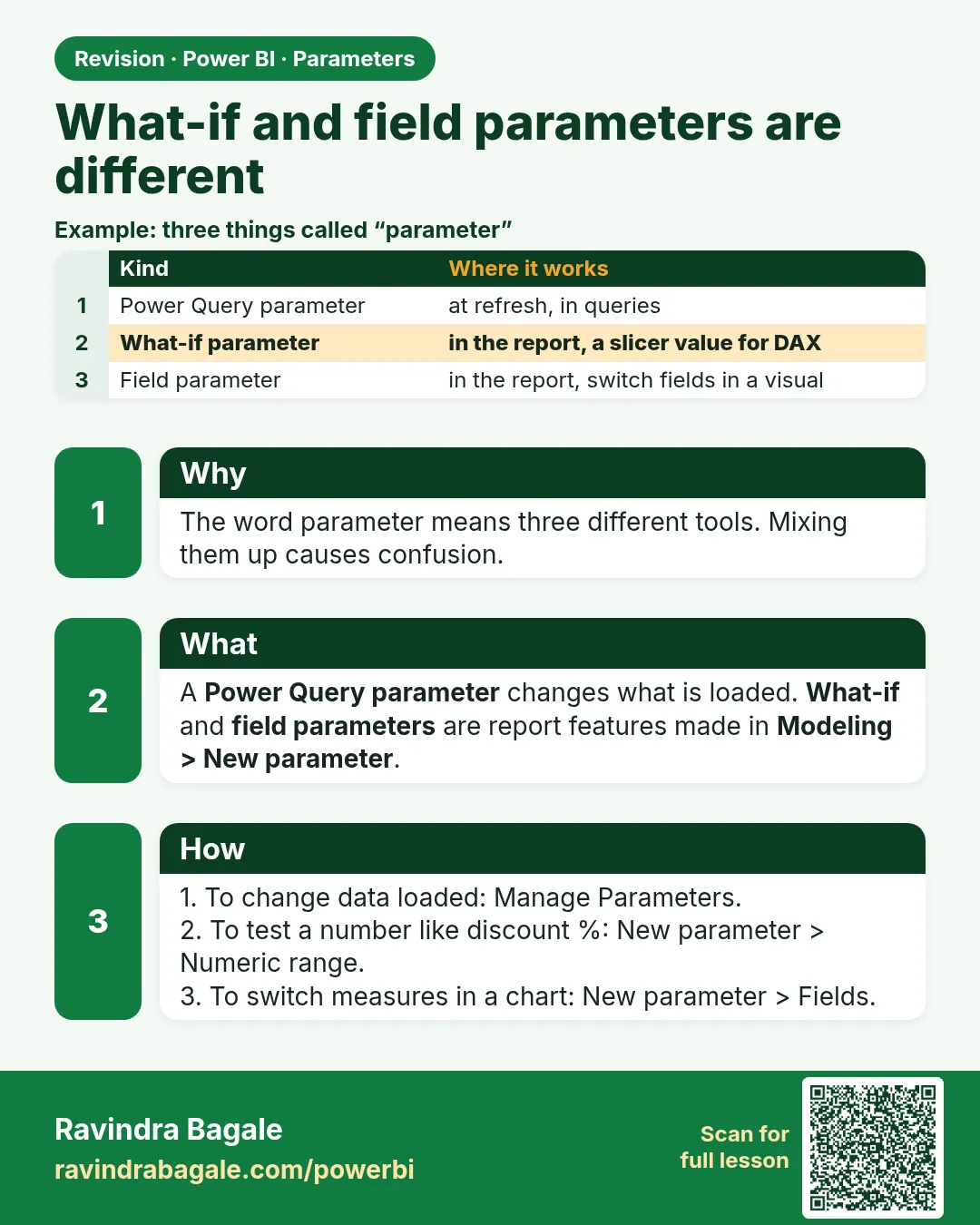 Revision card
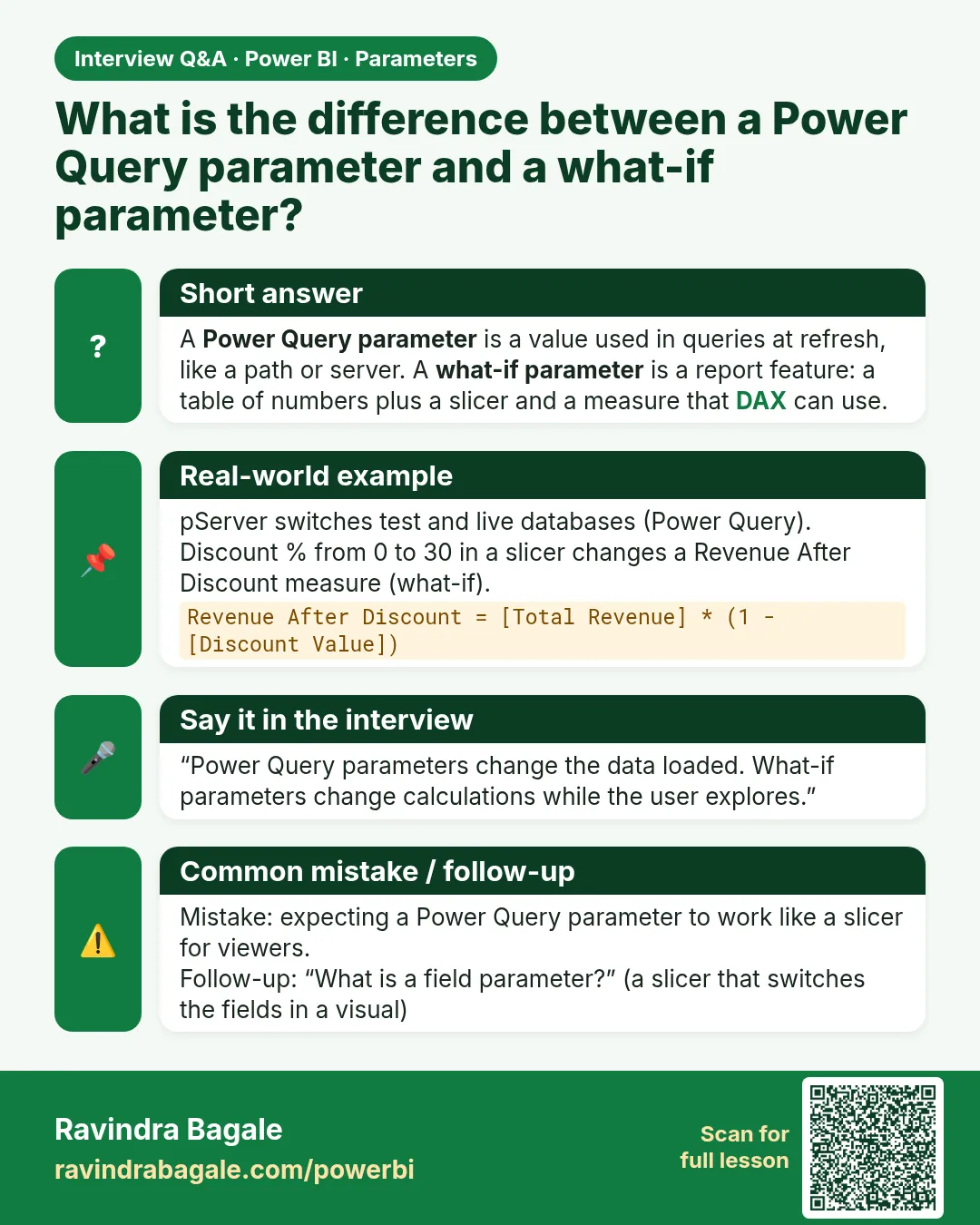 Interview card
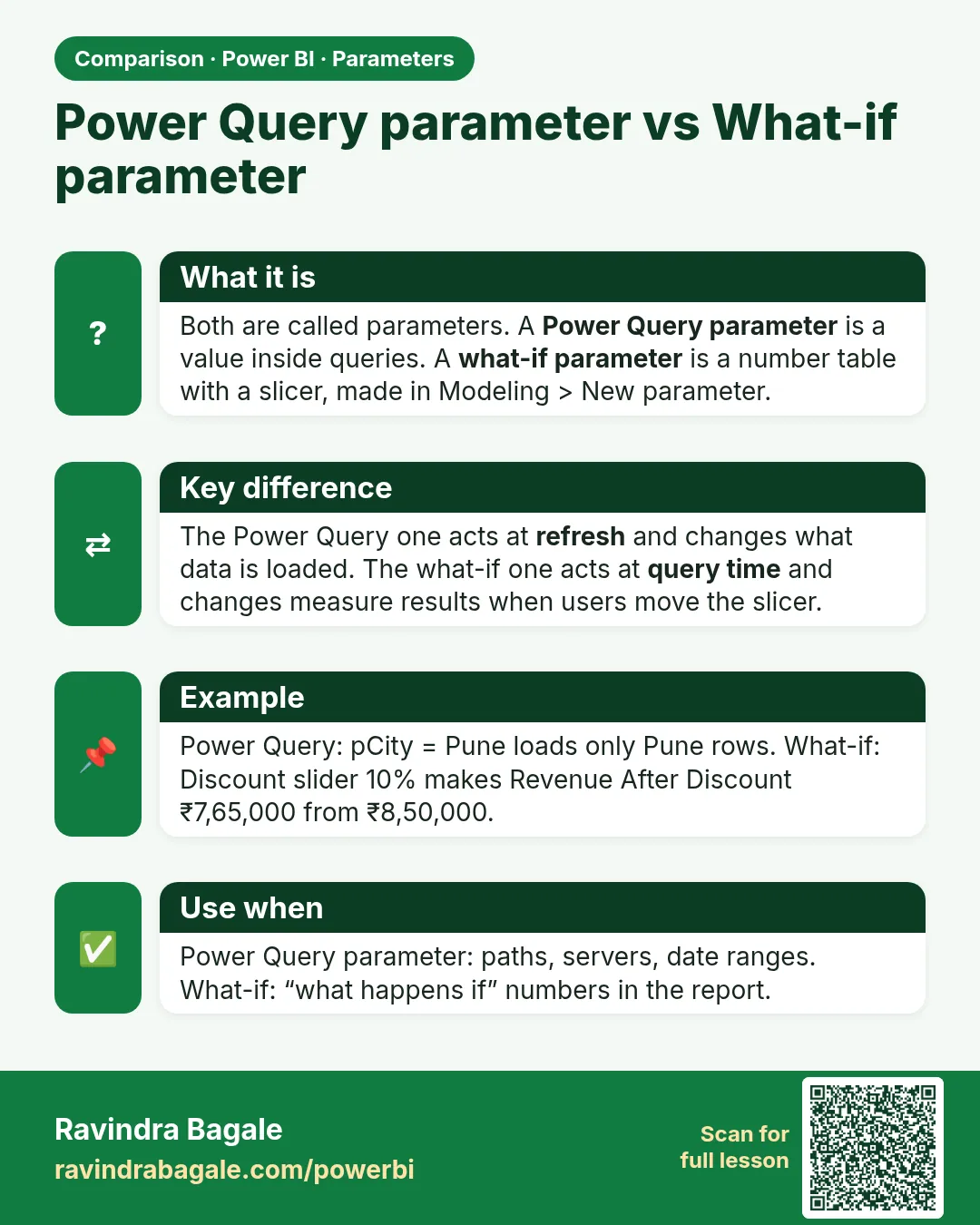 Comparison card