22.2 Basic and Advanced Filtering
Start with a problem
Ravina wants only orders worth ₹300 or more in her audit table.
Explain simply
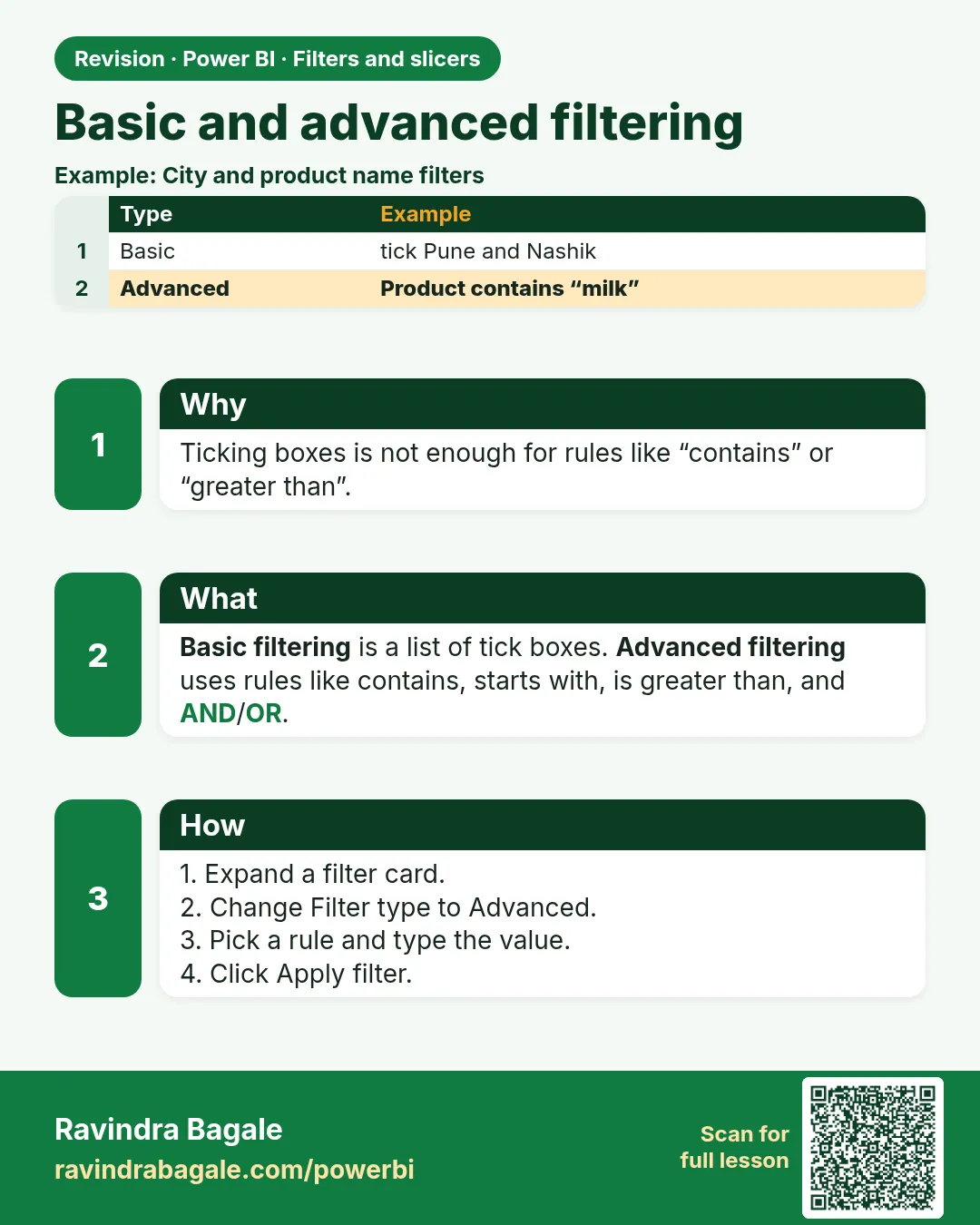
Basic filtering ticks values from a list. Advanced filtering uses conditions (is greater than, contains, is blank) combined with And/Or.
Show the data
| Order ID | Order Date | City | Store | Platform | Category | Amount (₹) | Delivery mins | Status |
|---|---|---|---|---|---|---|---|---|
| 301 | 06-Apr-2026 | Pune | Kothrud | Blinkit | Dairy | 400 | 8 | Delivered |
| 302 | 06-Apr-2026 | Pune | Baner | Amazon Now | Snacks | 200 | 12 | Delivered |
| 303 | 07-Apr-2026 | Nashik | Gangapur | Blinkit | Dairy | 300 | 14 | Delivered |
| 304 | 04-May-2026 | Nashik | College Road | Blinkit | Fruits | 150 | 9 | Delivered |
| 305 | 04-May-2026 | Kolhapur | Rajarampuri | Amazon Now | Snacks | 450 | 7 | Delivered |
| 306 | 05-May-2026 | Pune | Kothrud | Blinkit | Fruits | 250 | 16 | Delivered |
| 307 | 05-May-2026 | Nashik | College Road | Amazon Now | Dairy | 350 | 11 | Delivered |
| 308 | 05-May-2026 | Kolhapur | Rajarampuri | Blinkit | Dairy | 0 | Cancelled |
About this data: This table uses columns: Order ID, Order Date, City, Store, Platform, Category, Amount (₹), Delivery mins, Status. This table uses columns: Filter, Orders, Total (₹). This table uses columns: Type, Options, Example. This table uses columns: Wrong result, Reason, Correction. Values shown are the lesson examples already on this page (not a new dataset).
Fictional sample data. Practice file: visuals_orders_apr_may_2026.csv (source: src/practice/).
Demonstrate
- Select the table › Filters pane ›
Amount› Filter type Advanced filtering. - Show items when the value is greater than or equal to 300 › Apply filter.
- Add
Categoryas Basic filtering › tick Dairy only.
Show the result
Your result should look like this (fictional sample):
| Filter | Orders | Total (₹) |
|---|---|---|
| Amount ≥ 300 | 301, 303, 305, 307 | 1,500 |
| + Category = Dairy | 301, 303, 307 | 1,050 |
Explain what happened
Advanced filter keeps rows meeting the condition; the basic filter then keeps only Dairy rows.
Explore further
- Text conditions: contains, starts with; useful for store names.
Detailed reference for this lesson:
| Type | Options | Example |
|---|---|---|
| Basic filtering | Tick values; search box; Select all; Require single selection | City is Pune, Mumbai |
| Advanced filtering | Text: contains, does not contain, starts with, does not start with, is, is not, is blank, is not blank, is empty, is not empty. Numbers: is less than, is greater than or equal to …. Two conditions with And/Or. Click Apply filter | Product Name contains "Misal" Or contains "Poha" |
Ravindra Bagale's Tip
A common mistake is using Basic filtering to untick "(Blank)" and forgetting that the filter now hides new values that arrive later. For rules like "City is not blank", use Advanced filtering, which keeps working as new values appear. This matters for both exams and interviews.
Ravindra Bagale's Tip – मराठी
एक common चूक म्हणजे Basic filtering ने "(Blank)" untick करणं आणि आता तो filter नंतर येणाऱ्या नवीन values पण लपवतो हे विसरणं. "City is not blank" सारख्या rules साठी Advanced filtering वापरा, जो नवीन values आल्या तरी चालू राहतो. हे exam आणि interview दोन्हीसाठी important आहे.
Ravindra Bagale's Tip – हिंदी
एक common गलती है Basic filtering से "(Blank)" untick करना और भूल जाना कि अब वह filter बाद में आने वाली नई values को भी छिपा देता है. "City is not blank" जैसे rules के लिए Advanced filtering इस्तेमाल करो, जो नई values आने पर भी काम करता रहता है. यह exam और interview दोनों के लिए ज़रूरी है.
Fix common mistakes
| Wrong result | Reason | Correction |
|---|---|---|
| 308 appears with ₹0 | Condition typed > -1 | Use ≥ 300 |
| Filter does nothing | Applied to a different visual | Select the visual first |
| Or used by mistake | And/Or option | Check the logic selector |
Practise independently
Practice task
Advanced filter Amount < 200. Which orders remain?
Hints
- Include the cancelled ₹0 order.
Solution
304 (₹150) and 308 (₹0) – total ₹150.
Think like a professional
Filters on raw columns are fine for audit lists; for KPIs, put logic in measures so it is visible and reusable.
 Revision card