Ravindra BagaleCourses & study guides मराठी Track your progress

Ravi Sir's Cards › Power BI

18. Tooltips: Cards

मराठी cards · Open the chapter

Revision cards
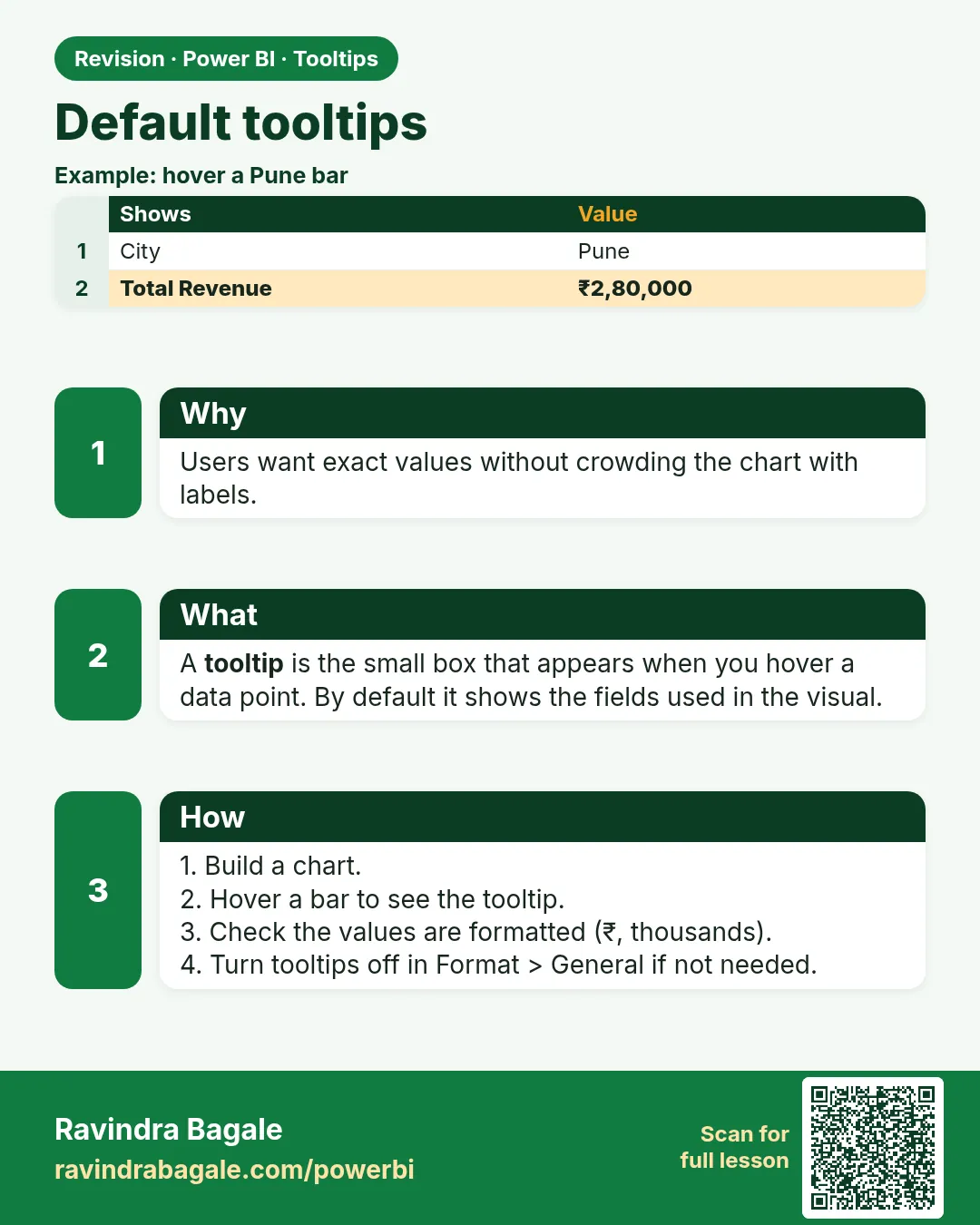
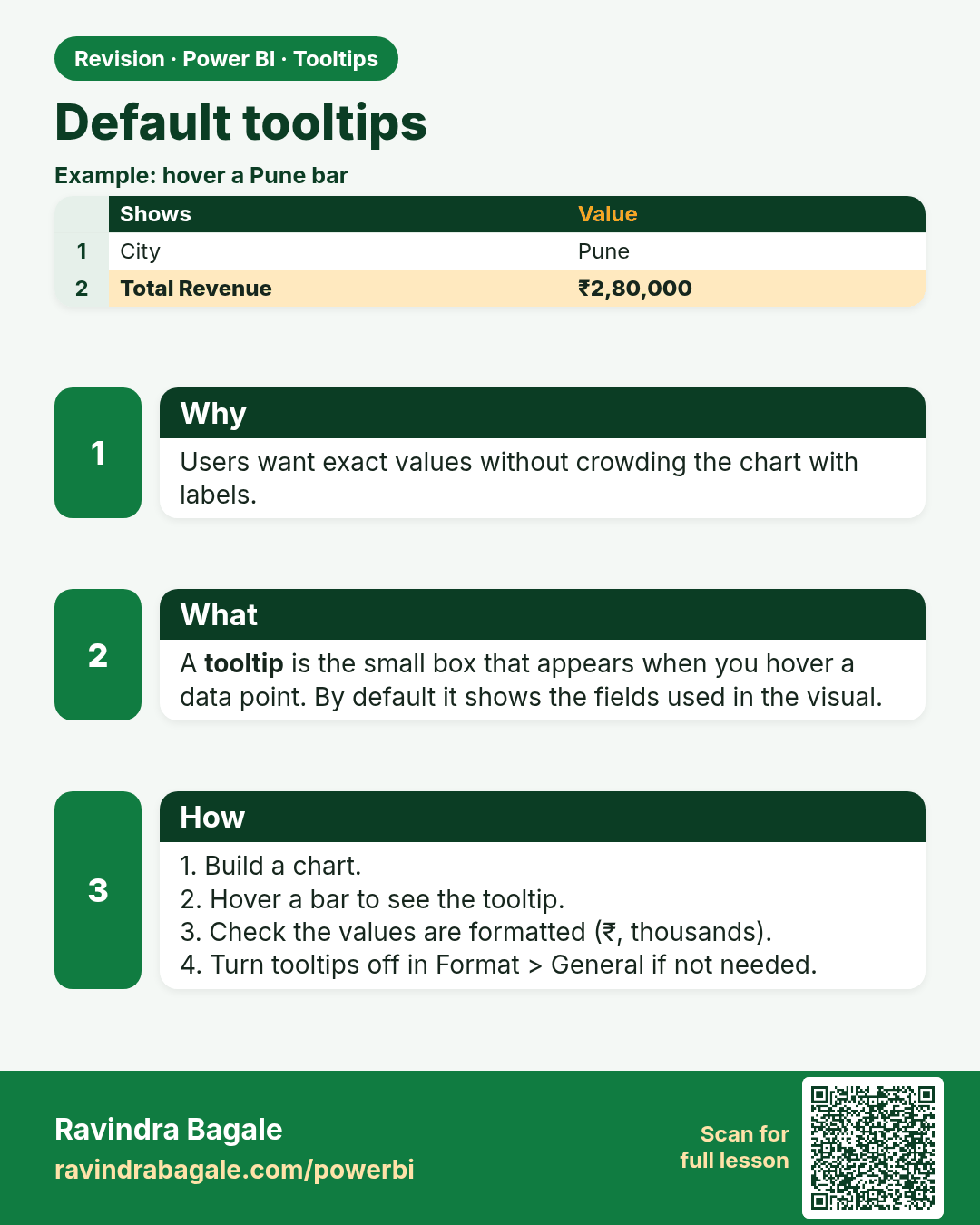
Default tooltips. Users want exact values without crowding the chart with labels.
Revision card 1 of 5: Default tooltips · Download PNG · Open card page

Lesson: 18.1 Default Tooltips

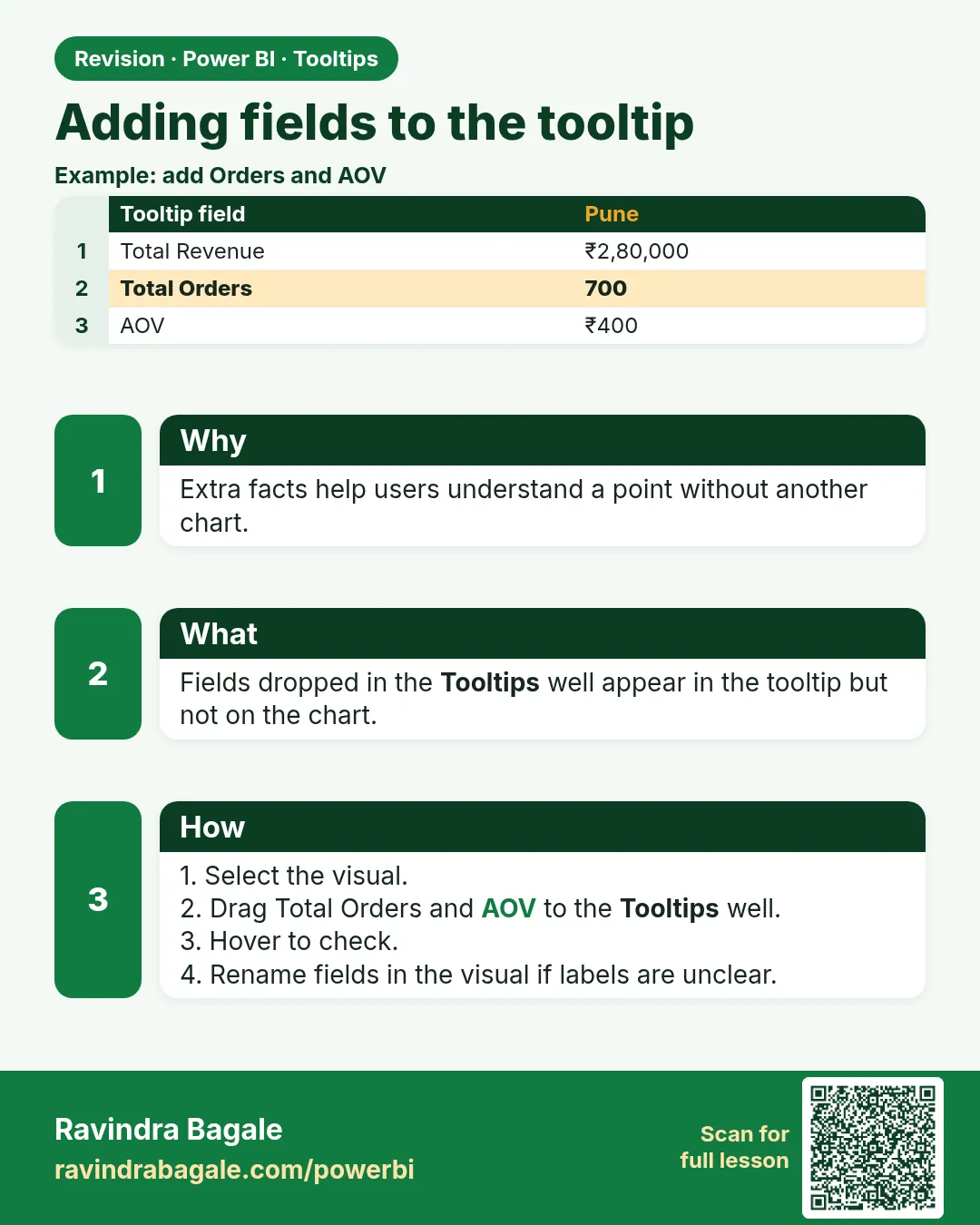
Adding fields to the tooltip. Extra facts help users understand a point without another chart.
Revision card 2 of 5: Adding fields to the tooltip · Download PNG · Open card page

Lesson: 18.2 Adding Fields to the Tooltip
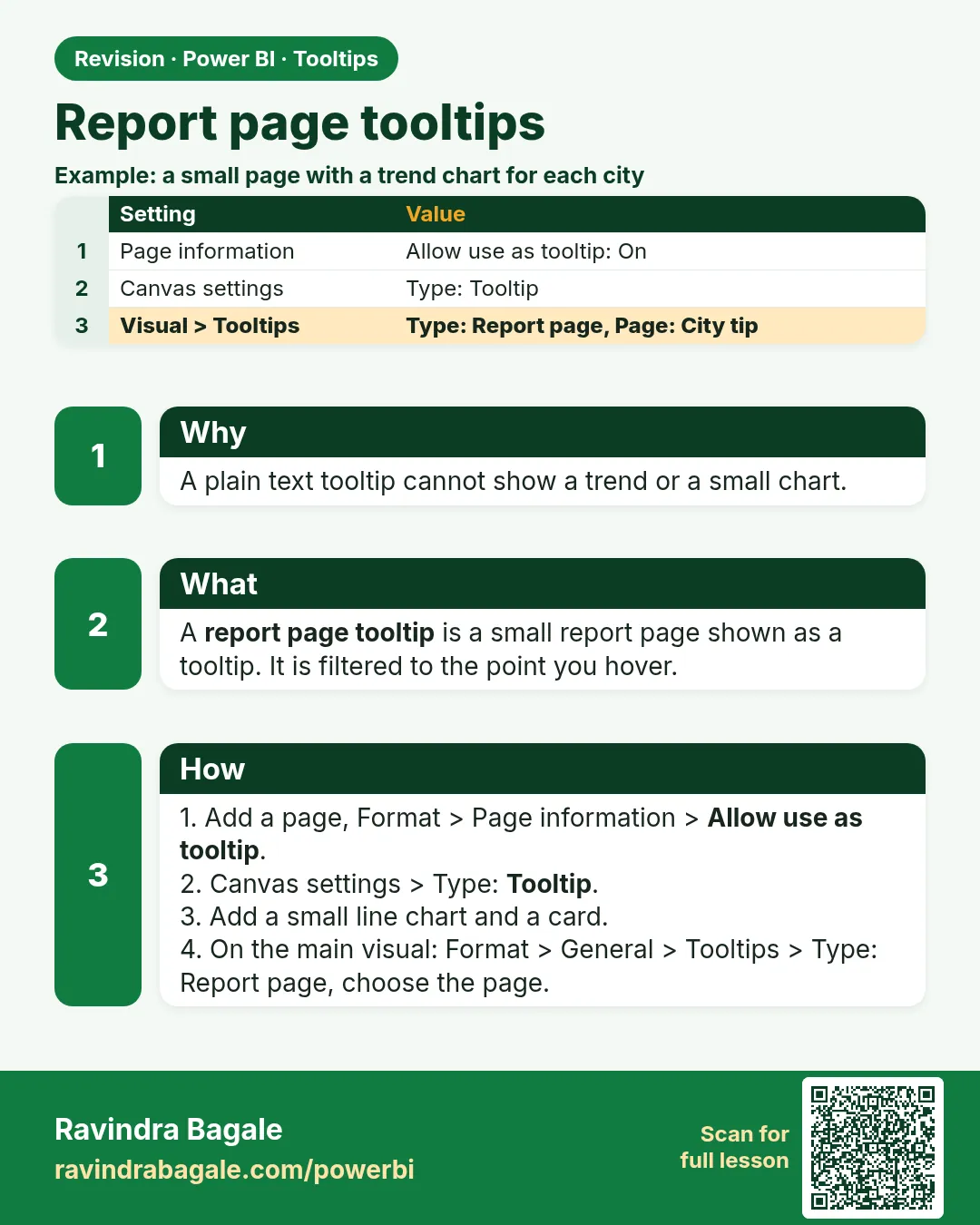
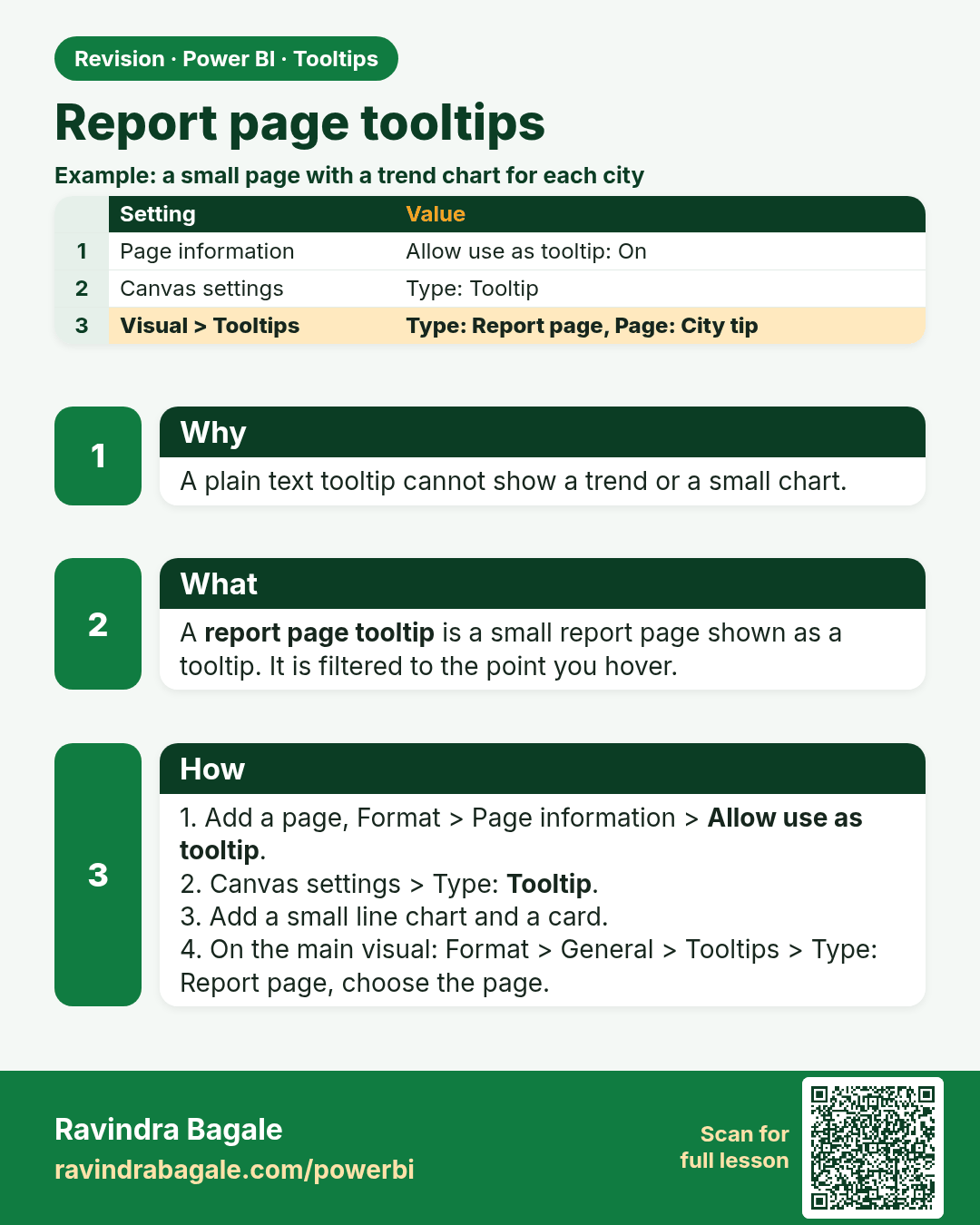
Report page tooltips. A plain text tooltip cannot show a trend or a small chart.
Revision card 3 of 5: Report page tooltips · Download PNG · Open card page

Lesson: 18.3 Report Page Tooltips

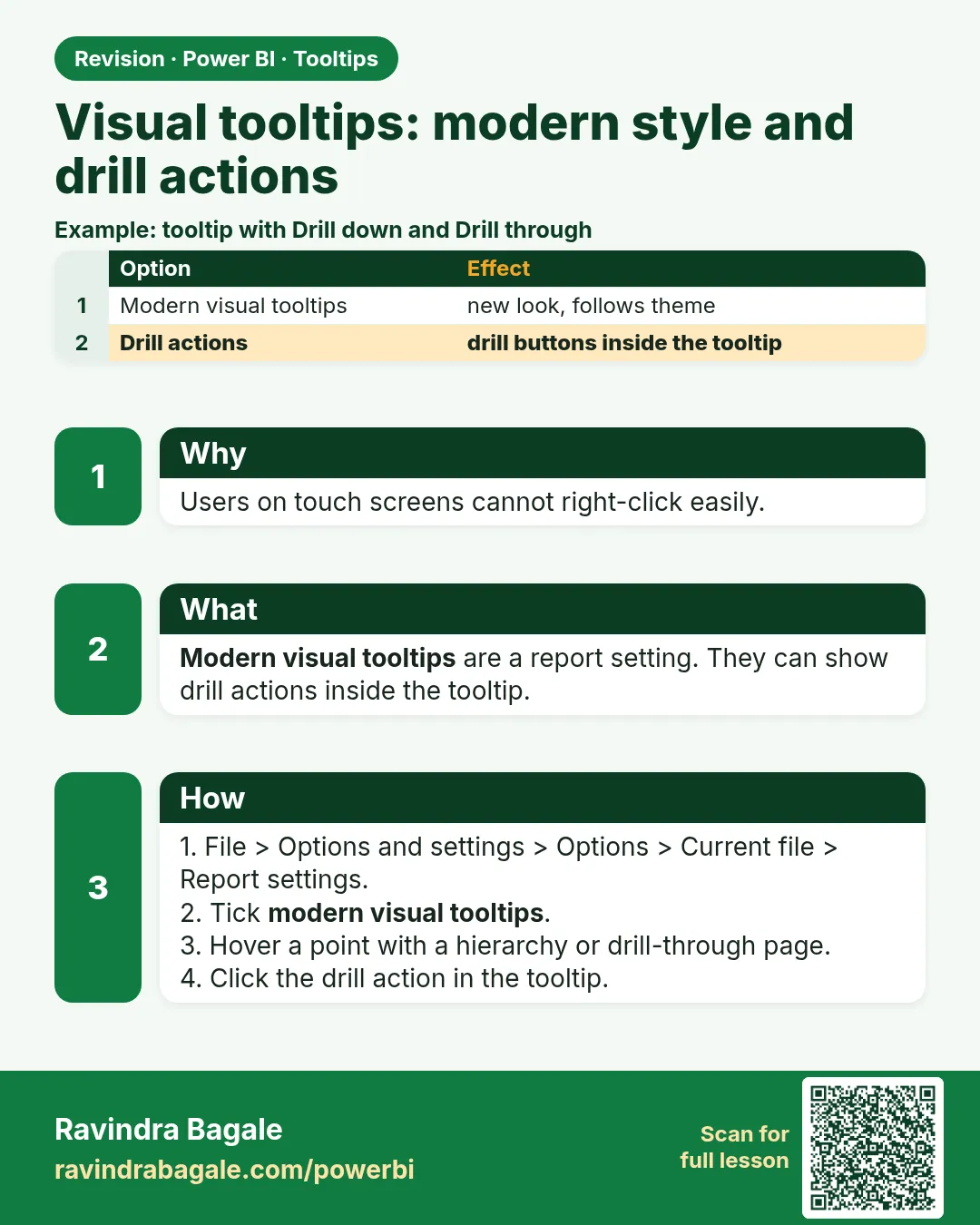
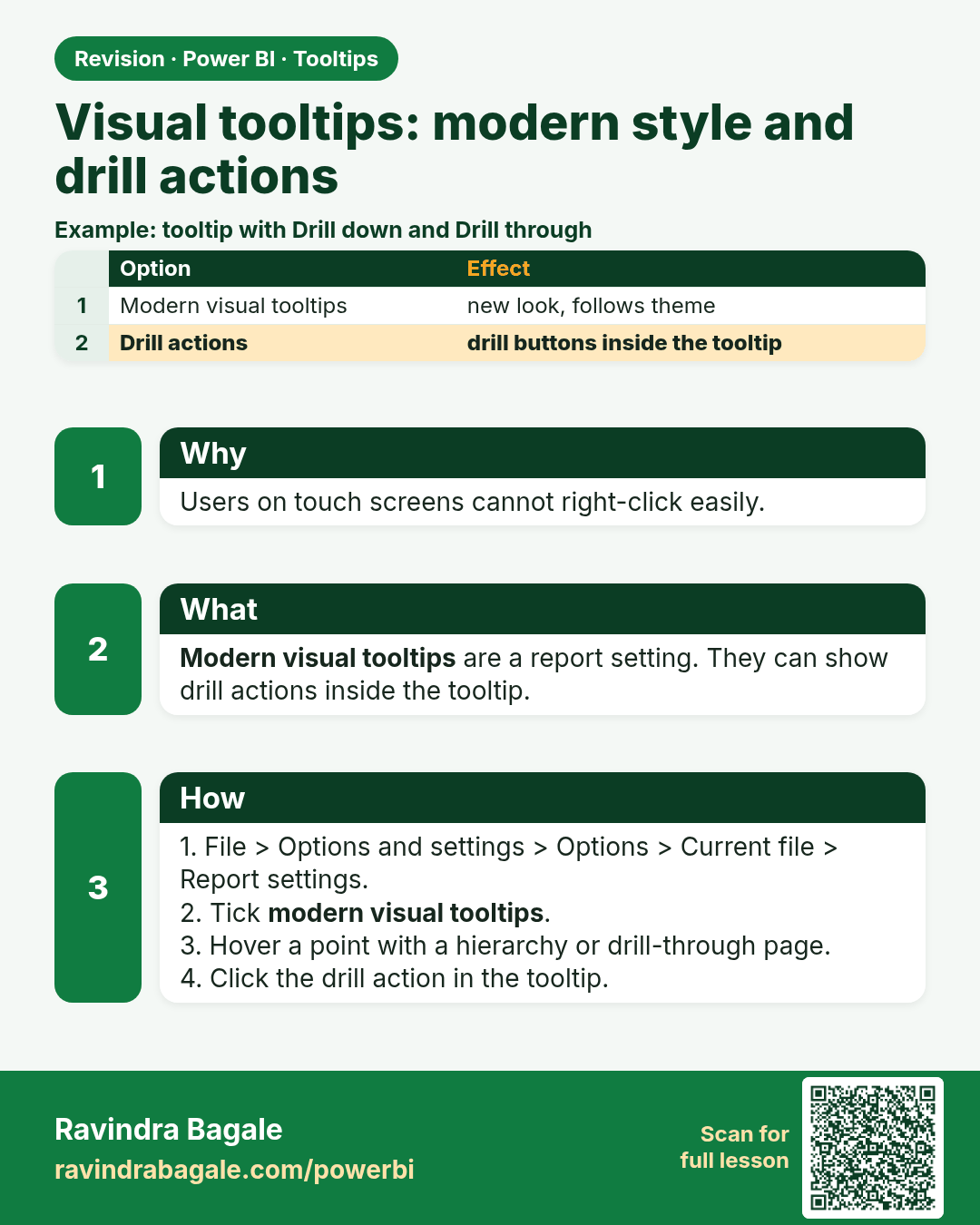
Visual tooltips: modern style and drill actions. Users on touch screens cannot right-click easily.
Revision card 4 of 5: Visual tooltips: modern style and drill actions · Download PNG · Open card page

Lesson: 18.4 Visual Tooltips: Modern Style and Drill Actions
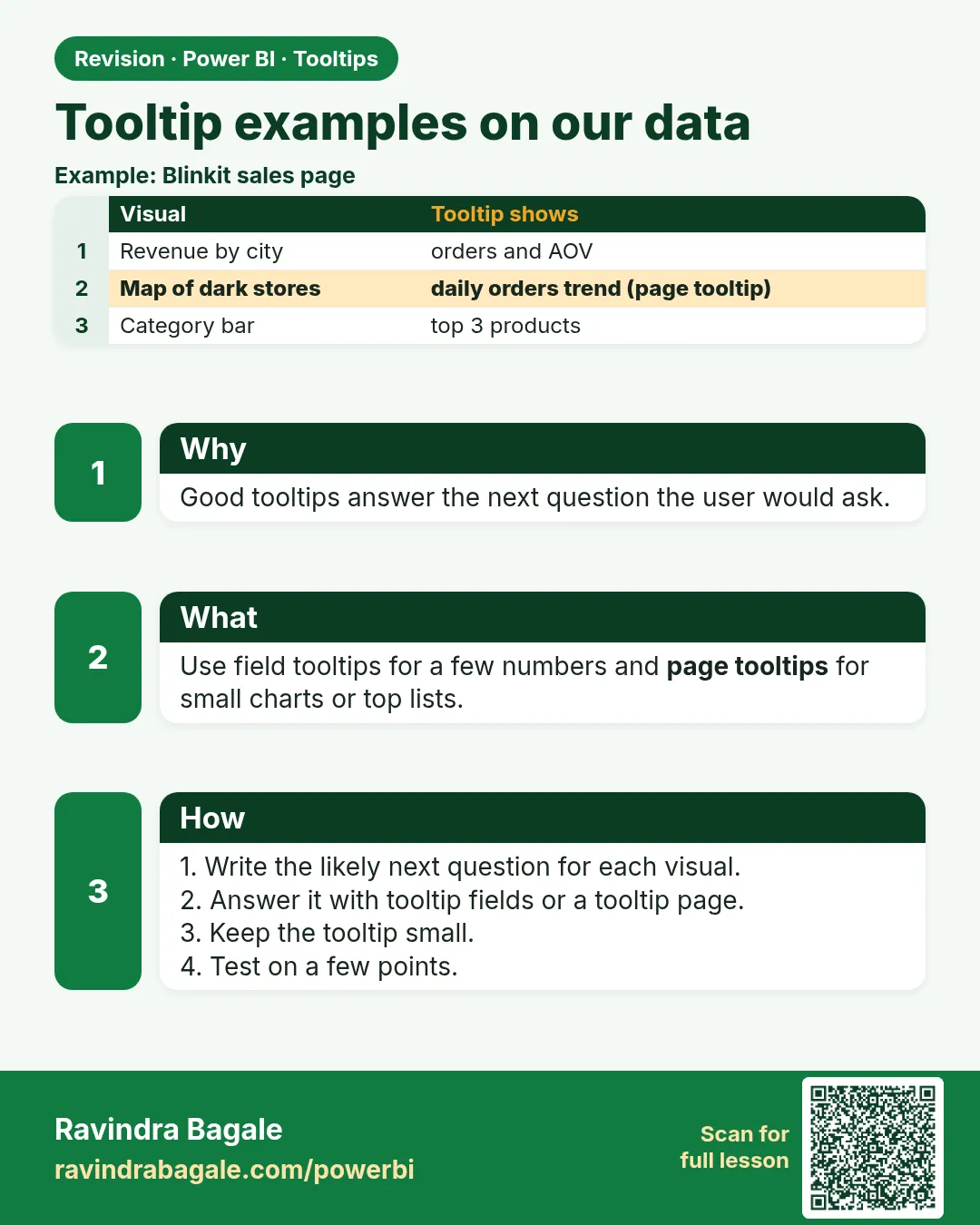
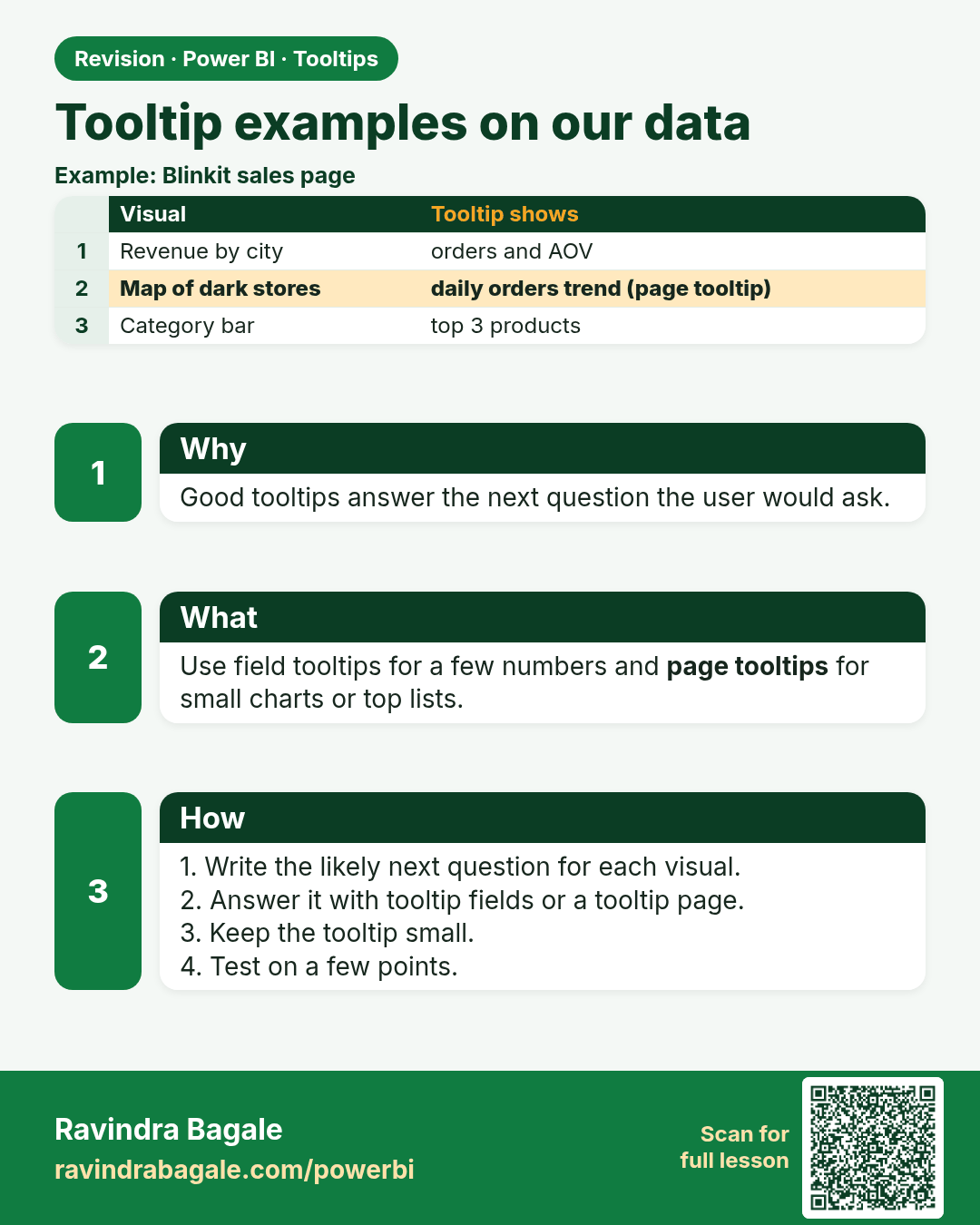
Tooltip examples on our data. Good tooltips answer the next question the user would ask.
Revision card 5 of 5: Tooltip examples on our data · Download PNG · Open card page

Lesson: 18.5 Tooltip Examples on Our Data

Interview cards
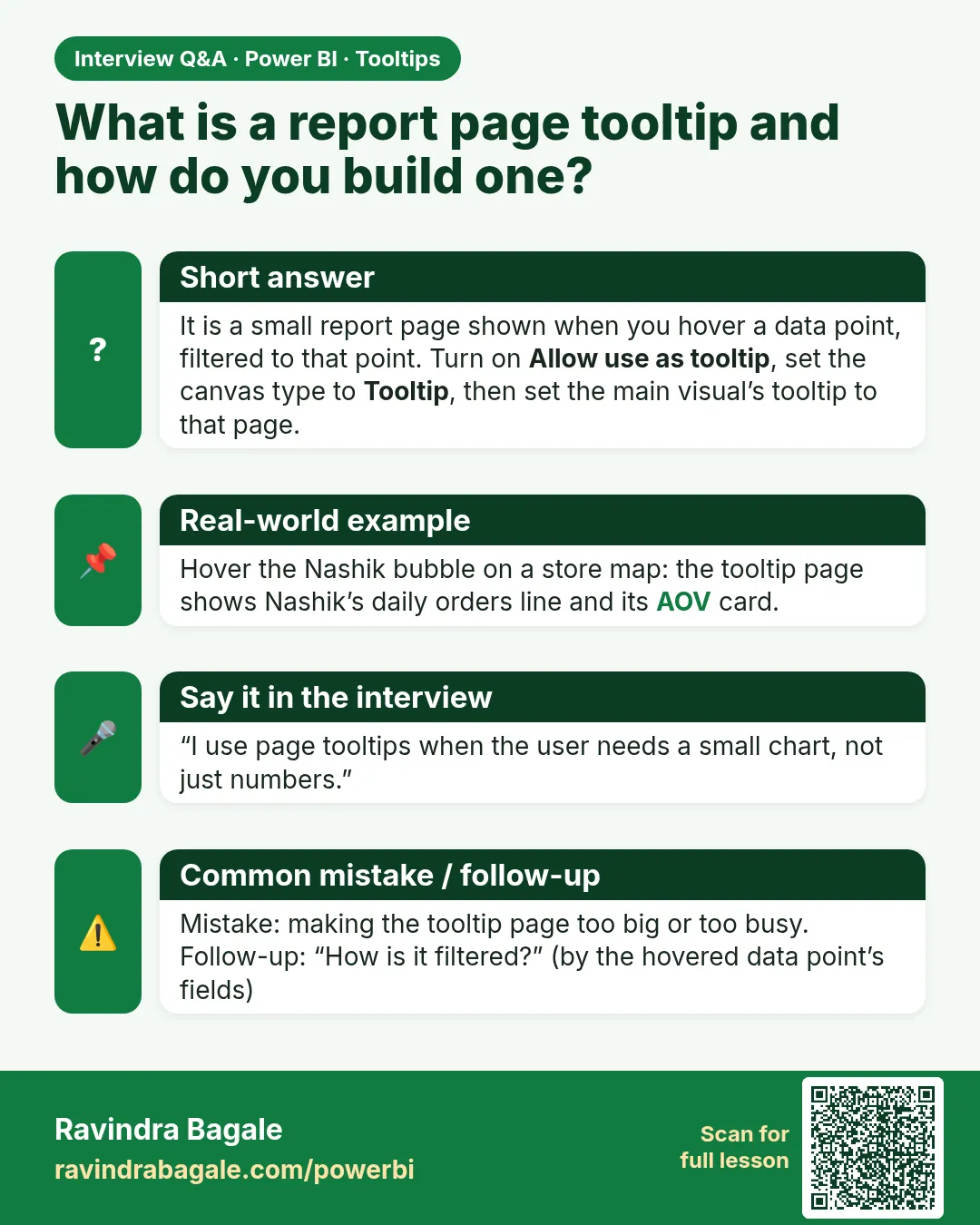
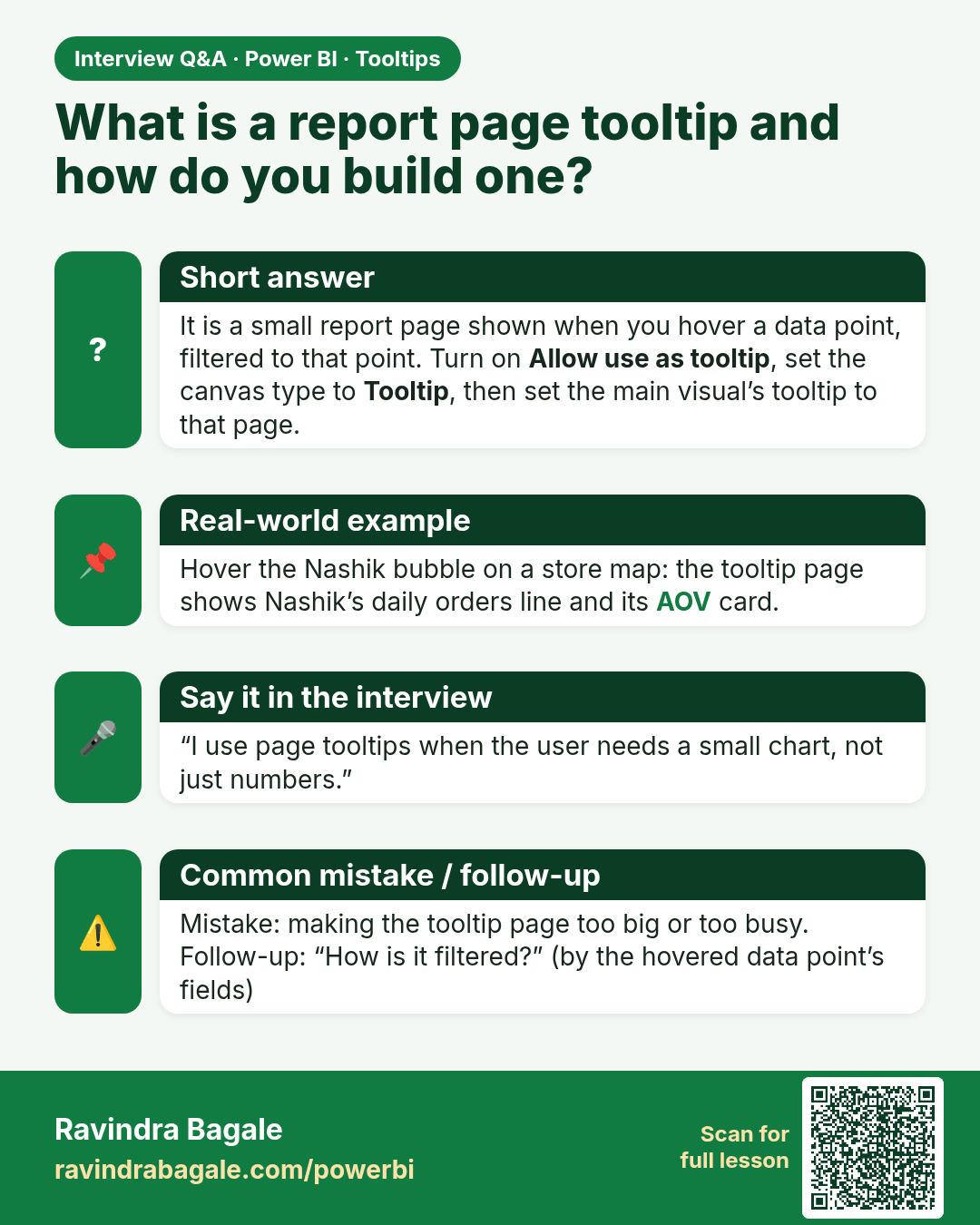
What is a report page tooltip and how do you build one? It is a small report page shown when you hover a data point, filtered to that point. Turn on Allow use as tooltip, set the canvas type to Tooltip, then set the main visual’s tooltip to that page.
Interview card 1 of 1: What is a report page tooltip and how do you build one? · Download PNG · Open card page

Lesson: 18.3 Report Page Tooltips

Comparison cards
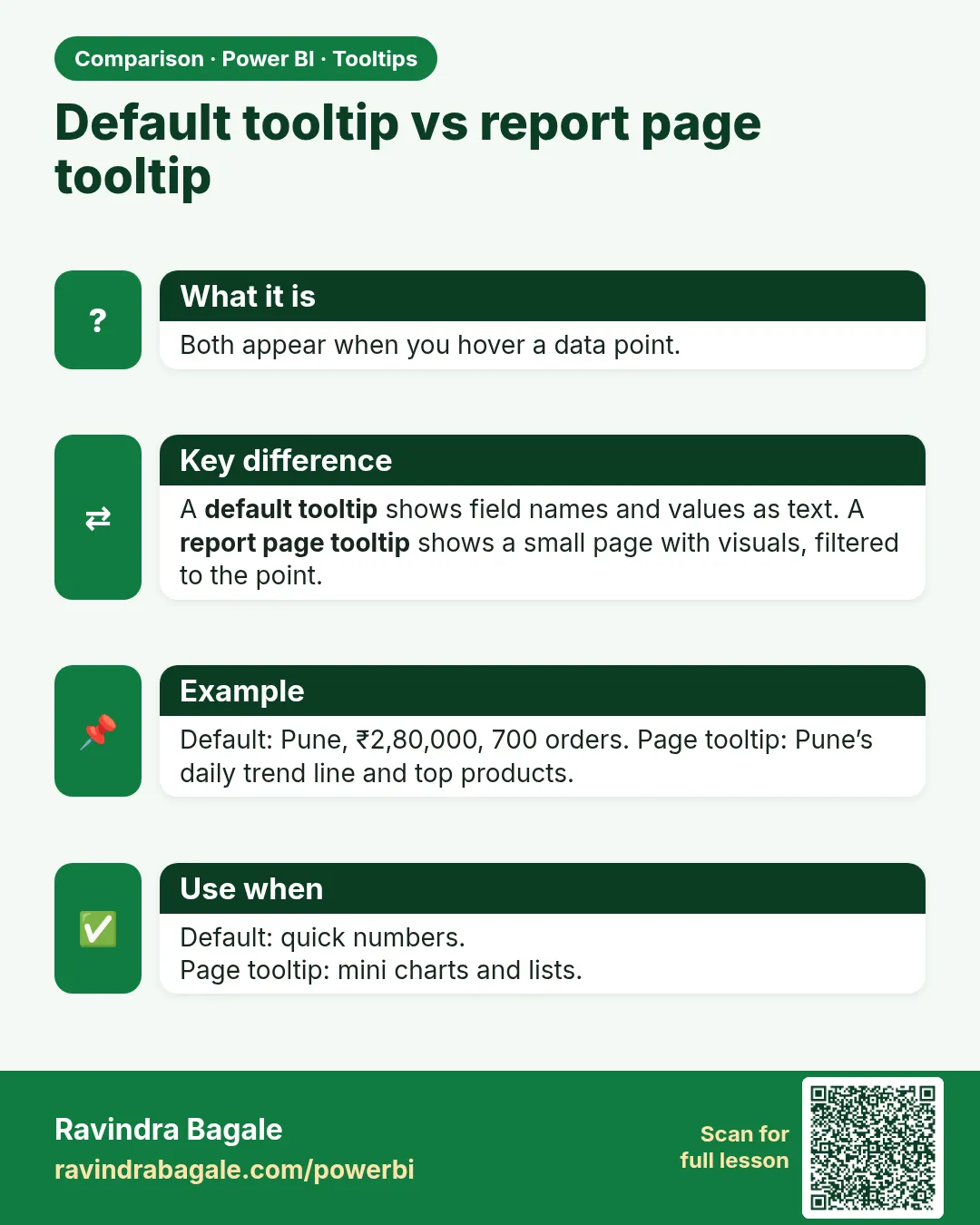
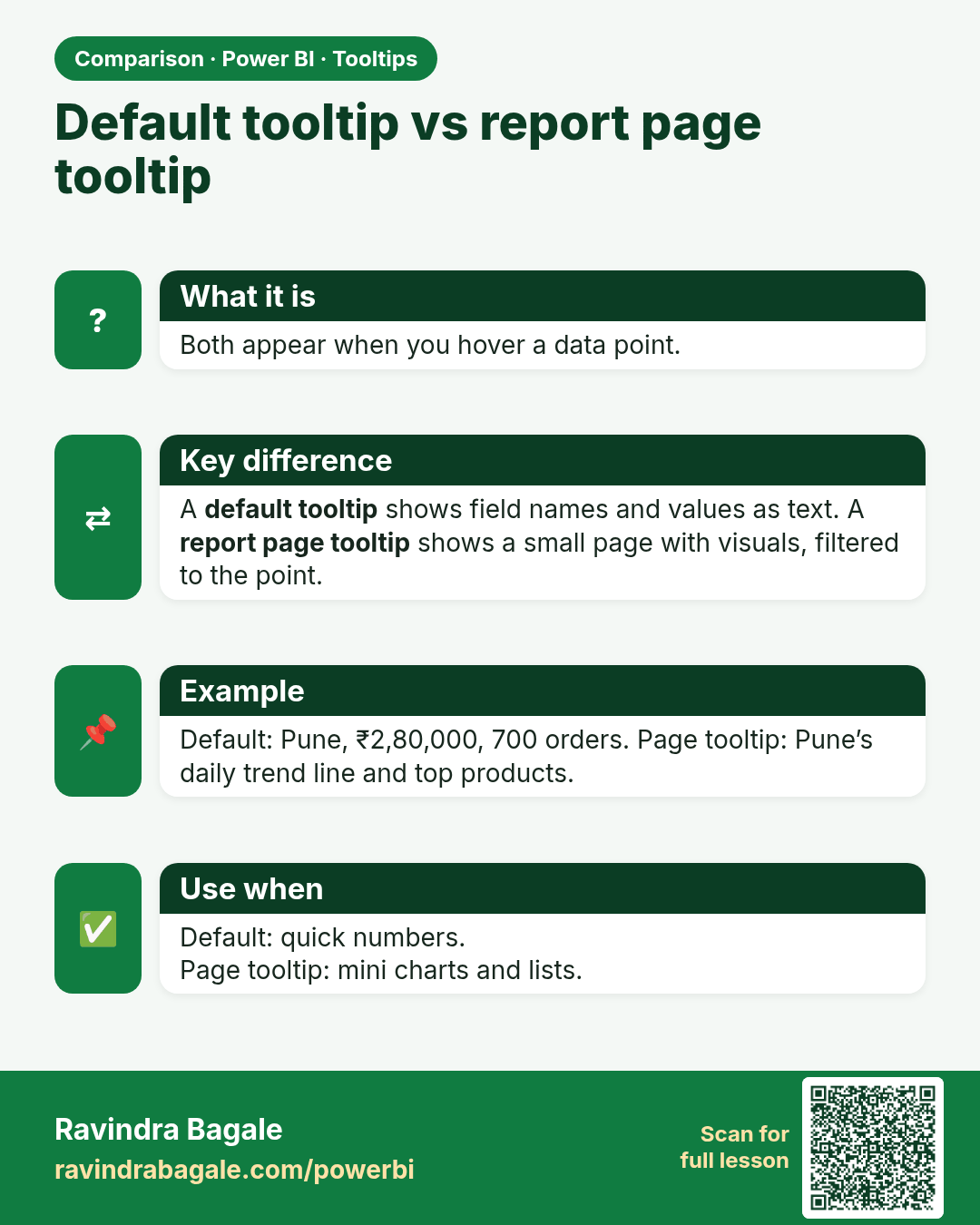
Default tooltip vs report page tooltip. Both appear when you hover a data point.
Comparison card 1 of 1: Default tooltip vs report page tooltip · Download PNG · Open card page

Lesson: 18.3 Report Page Tooltips