18.1 Default Tooltips
Quick answer: the short, self-contained version of this lesson is the guide Power BI Report Page Tooltips.
Start with a problem
Ruhi hovers over the Nashik bar and sees only City: Nashik, Total Sales: 800. She wants to know what that box is and where it comes from.
Explain simply
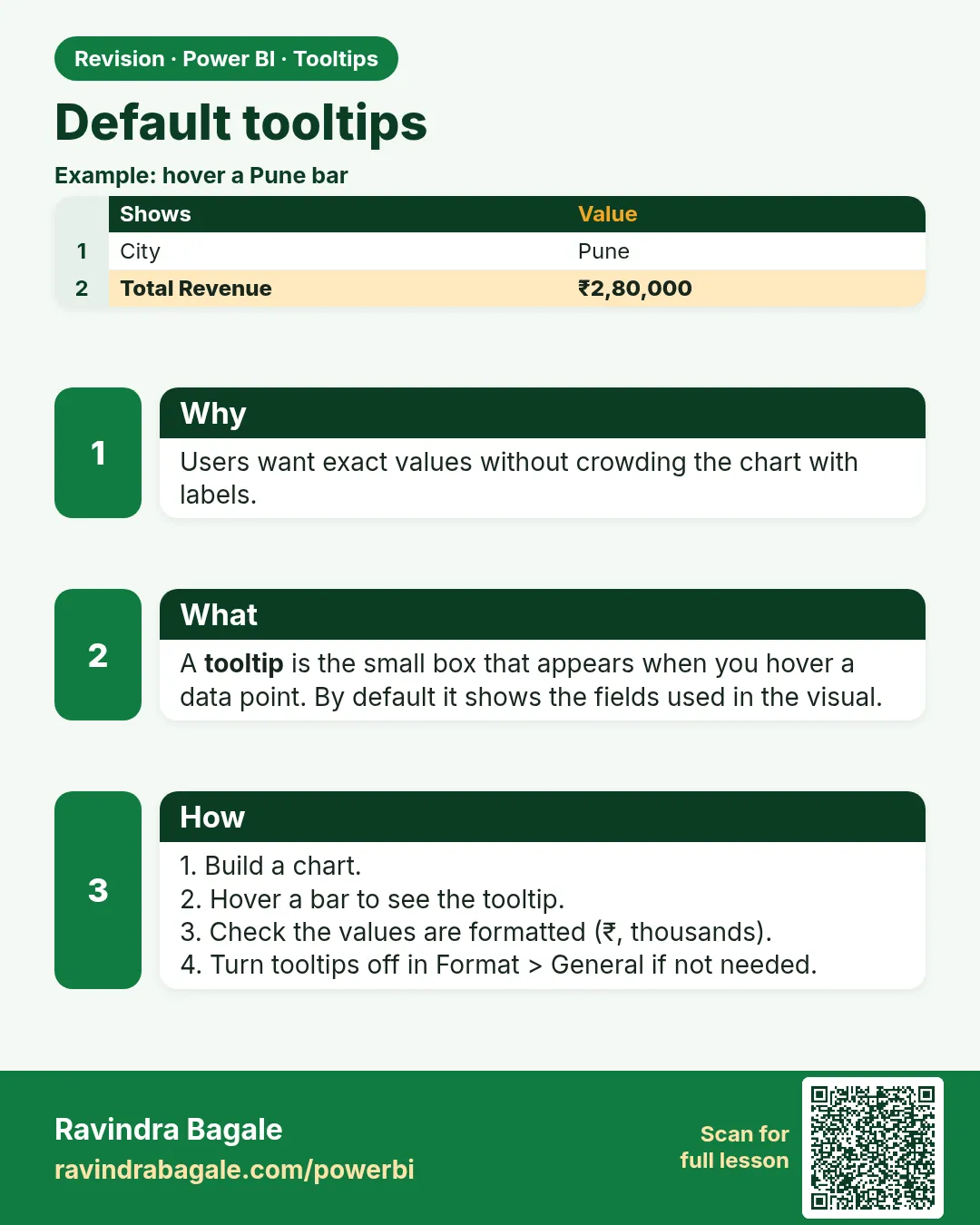
A tooltip is the small box that appears when you hover over a data point. By default it shows the fields already used in the visual.
Show the data
| City | Total Sales (₹) |
|---|---|
| Pune | 850 |
| Nashik | 800 |
| Kolhapur | 450 |
| Total | 2,100 |
About this data: This table uses columns: City, Total Sales (₹). This table uses columns: Hover, Default tooltip. This table uses columns: Wrong result, Reason, Correction. Values shown are the lesson examples already on this page (not a new dataset).
Fictional sample data. Practice file: visuals_orders_apr_may_2026.csv (source: src/practice/).
Demonstrate
- Hover the Nashik bar in Total Sales by City.
- Read the default tooltip.
- Format › General › Tooltips › turn Off, hover again, then turn it back On.
Show the result
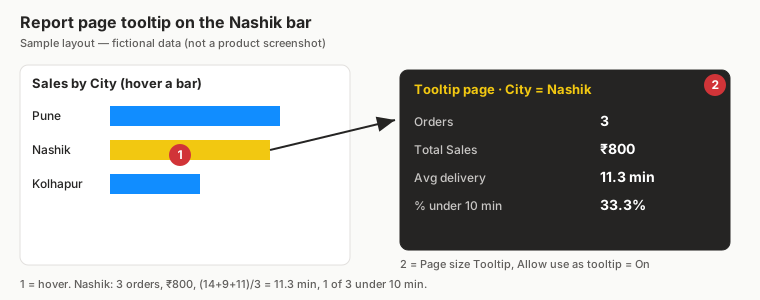
Your result should look like this (fictional sample):
| Hover | Default tooltip |
|---|---|
| Nashik | City: Nashik · Total Sales: 800 |
Explain what happened
The tooltip evaluates the visual's fields for the hovered point – the same filter context as the bar.
Explore further
- Add more fields (18.2) or a whole report page (18.3).
Detailed reference for this lesson:
A tooltip is the small box that appears when you hover over a data point. By default it shows the fields in the visual: hover over the Pune bar in "Orders by City" and you see City: Pune and Total Orders: ….
Ravindra Bagale's Tip
Friends, many students leave default tooltips showing raw field names like "Sum of Amount". Rename the fields in the visual (double-click in the field well) or use well-named measures, so tooltips read clearly. Remember this rule.
Ravindra Bagale's Tip – मराठी
मित्रांनो, बरेच students default tooltips मध्ये "Sum of Amount" सारखी कच्ची field names तशीच ठेवतात. Visual मध्ये fields rename करा (field well मध्ये double-click) किंवा चांगली नावं असलेले measures वापरा, म्हणजे tooltips स्पष्ट वाचता येतील. हा नियम लक्षात ठेवा.
Ravindra Bagale's Tip – हिंदी
दोस्तों, बहुत से students default tooltips में "Sum of Amount" जैसे कच्चे field names वैसे ही छोड़ देते हैं. Visual में fields का नाम बदलो (field well में double-click) या अच्छे नाम वाले measures इस्तेमाल करो, ताकि tooltips साफ़ पढ़े जा सकें. यह नियम याद रखो.
Fix common mistakes
| Wrong result | Reason | Correction |
|---|---|---|
| Tooltip shows Sum of Amount | Implicit measure | Use the explicit Total Sales measure |
| No tooltip appears | Tooltips turned off | Format › General › Tooltips On |
| Tooltip values unformatted | Measure format not set | Set format in Measure tools |
Practise independently
Practice task
Hover the Kolhapur bar. What does the default tooltip show?
Hints
- Kolhapur total includes the ₹0 cancelled order.
Solution
City: Kolhapur · Total Sales: 450.
Think like a professional
Tooltips add context without clutter. Treat them as part of the design, not an afterthought.
 Revision card