Ravindra BagaleCourses & study guides मराठी Track your progress

Ravi Sir's Cards › Power BI

17. Drill Through: Cards

मराठी cards · Open the chapter

Revision cards
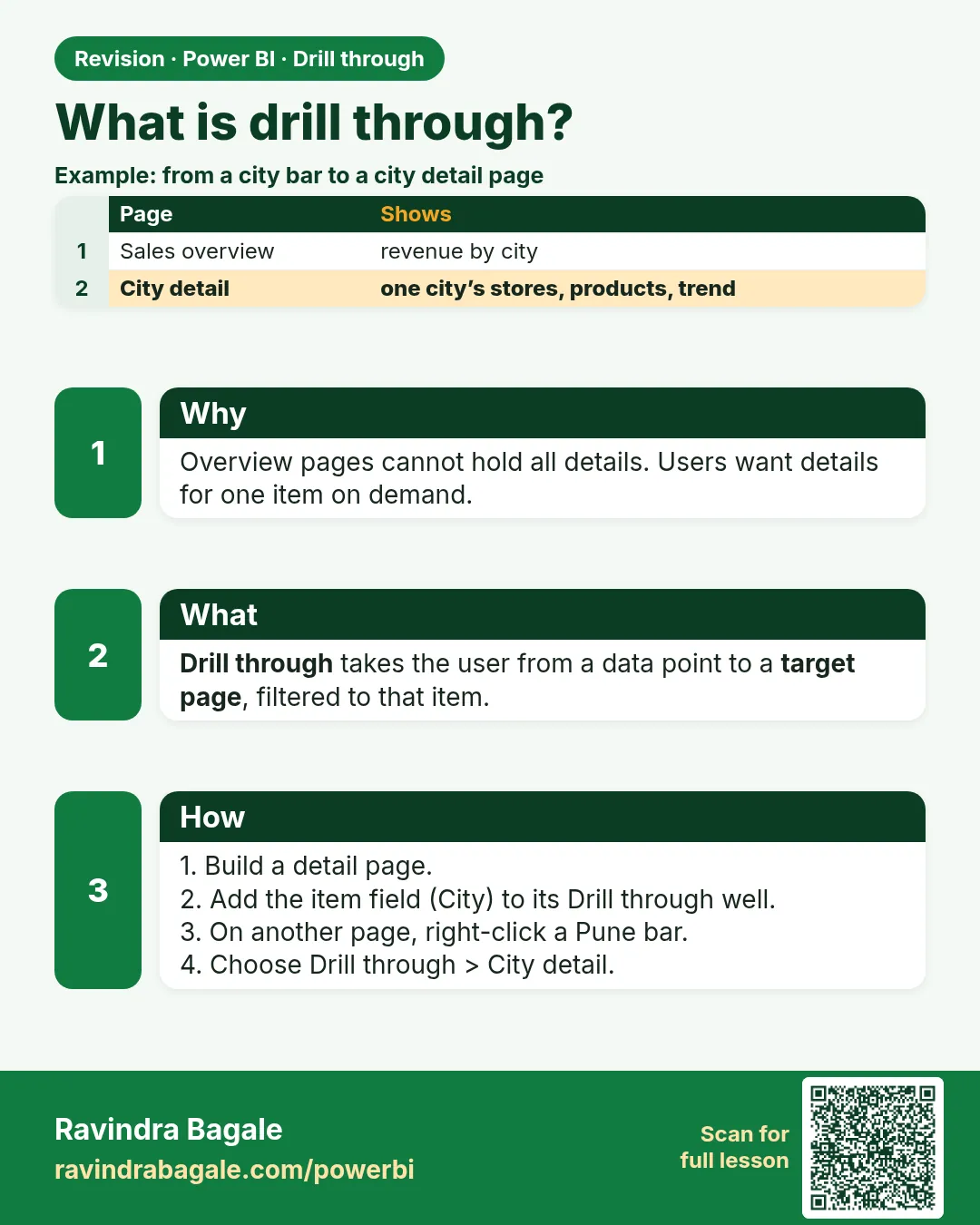
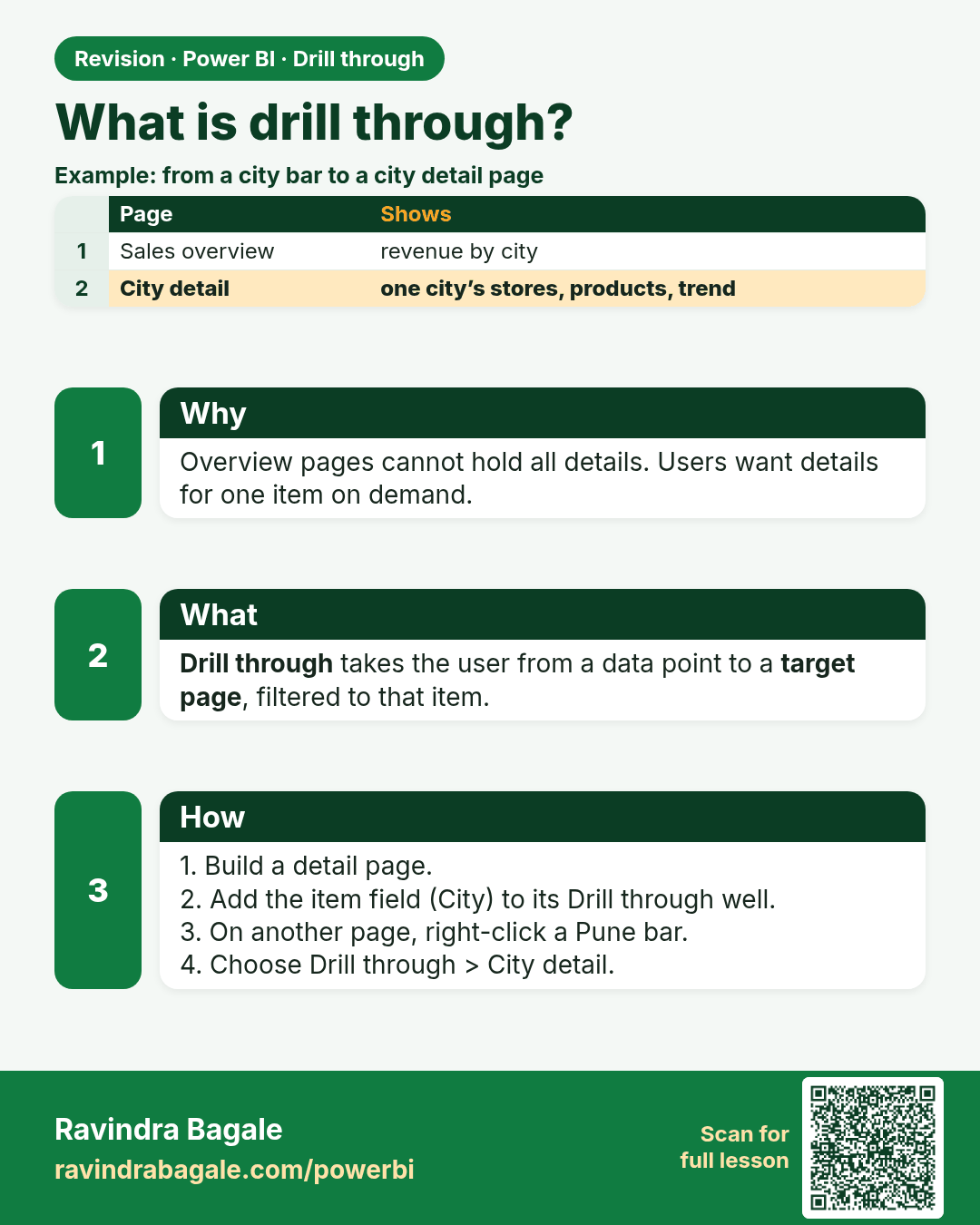
What is drill through?. Overview pages cannot hold all details. Users want details for one item on demand.
Revision card 1 of 5: What is drill through? · Download PNG · Open card page

Lesson: 17.1 What Is Drill Through?
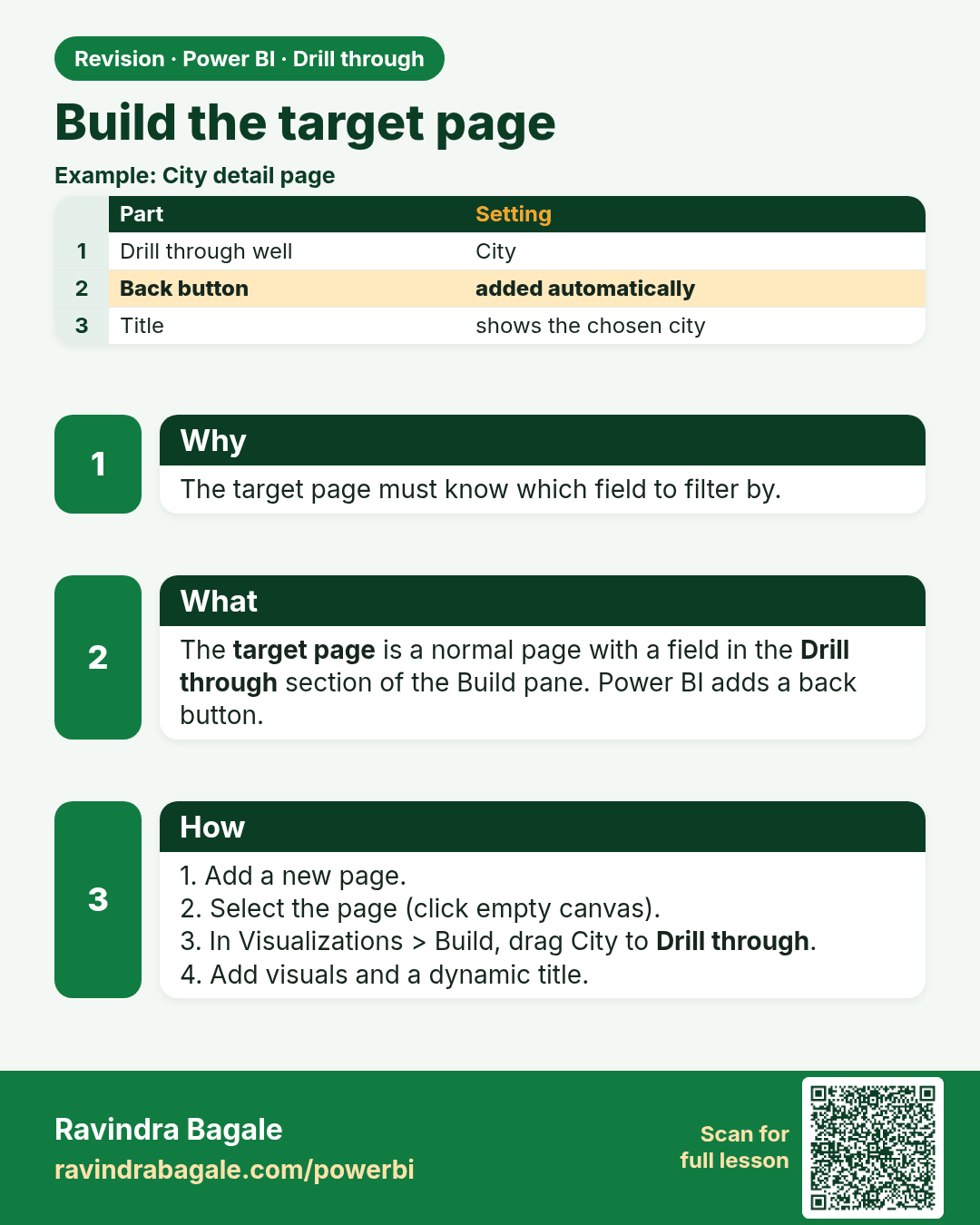
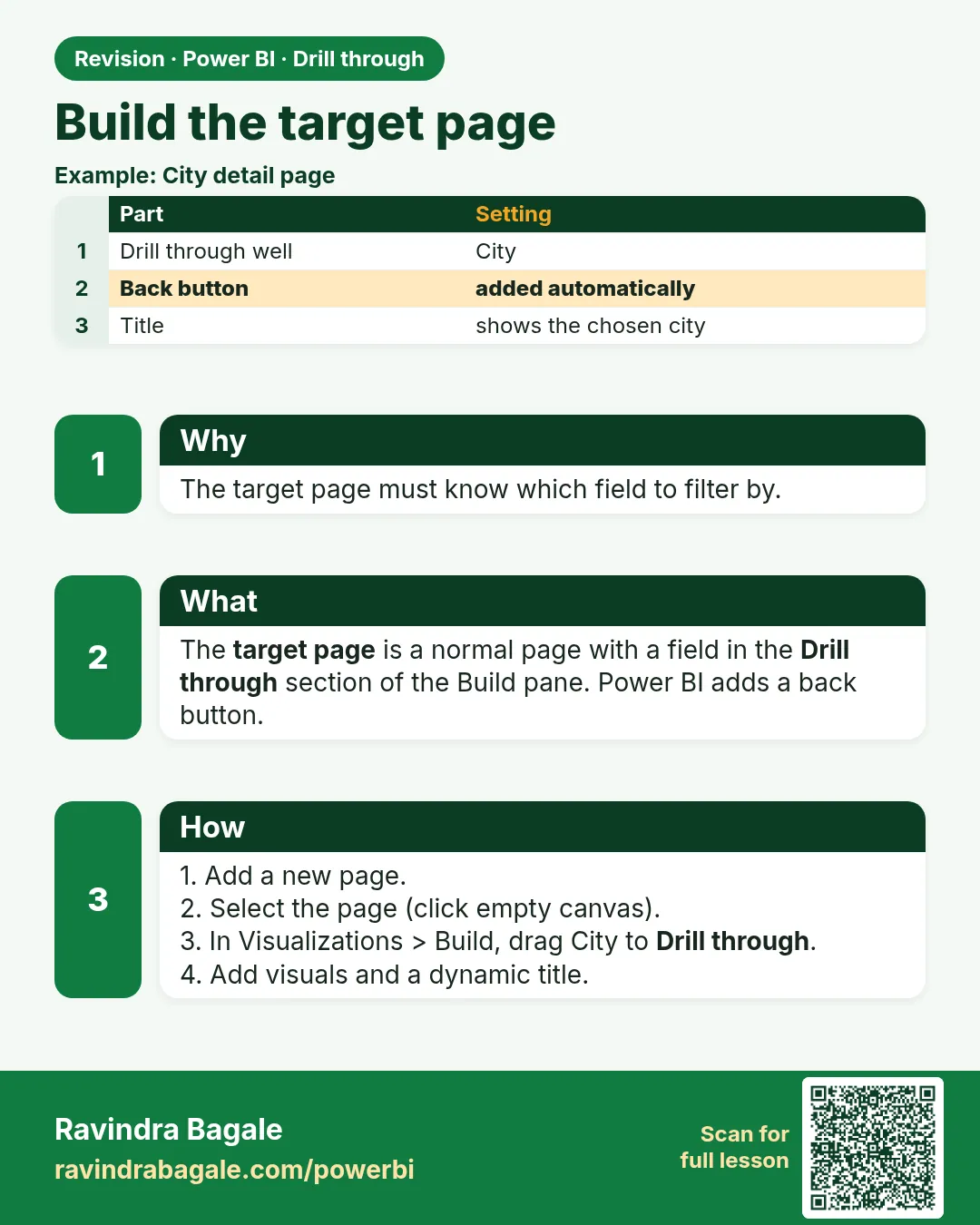
Build the target page. The target page must know which field to filter by.
Revision card 2 of 5: Build the target page · Download PNG · Open card page

Lesson: 17.2 Build the Target Page

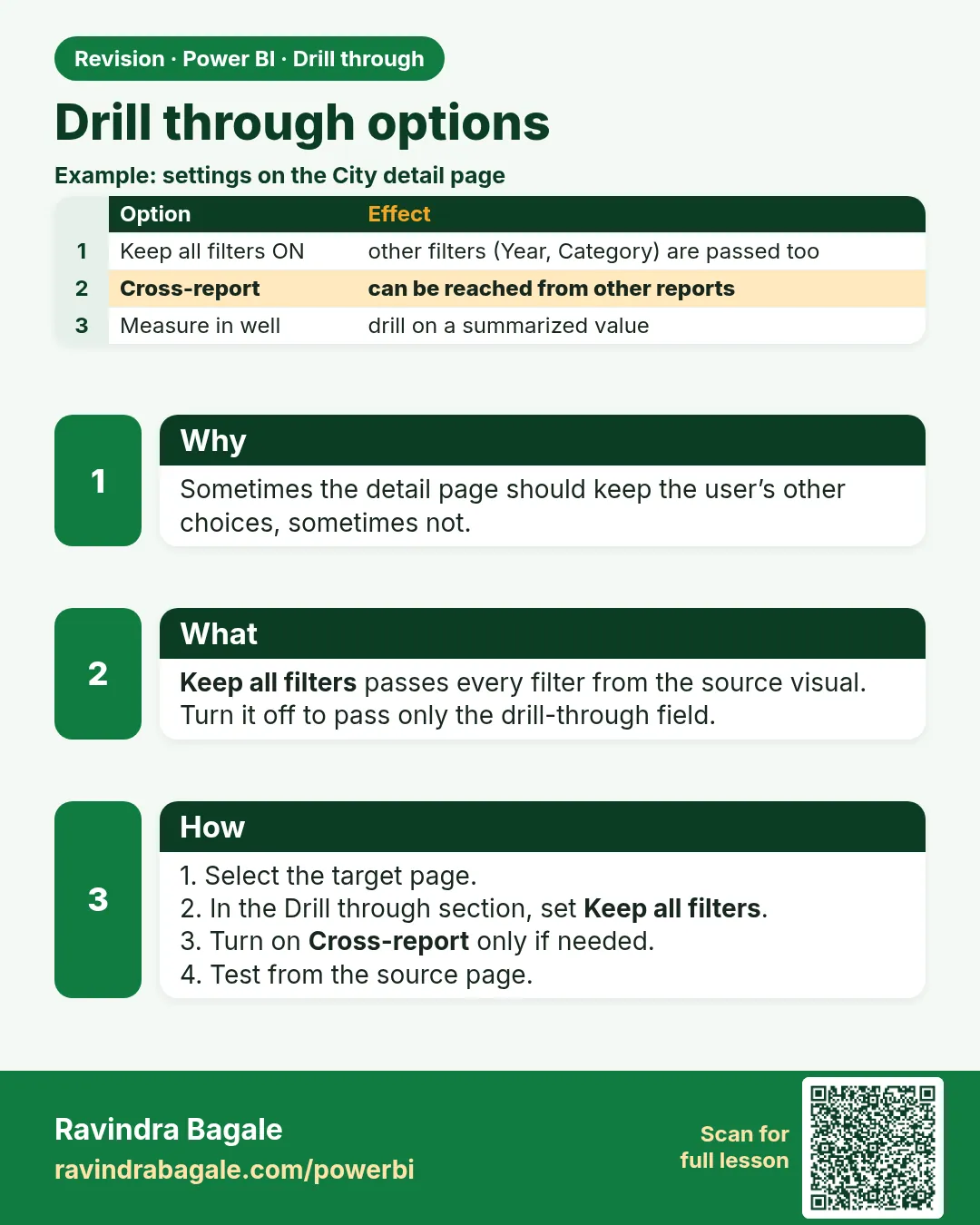
Drill through options. Sometimes the detail page should keep the user’s other choices, sometimes not.
Revision card 3 of 5: Drill through options · Download PNG · Open card page

Lesson: 17.3 Drill-through Options
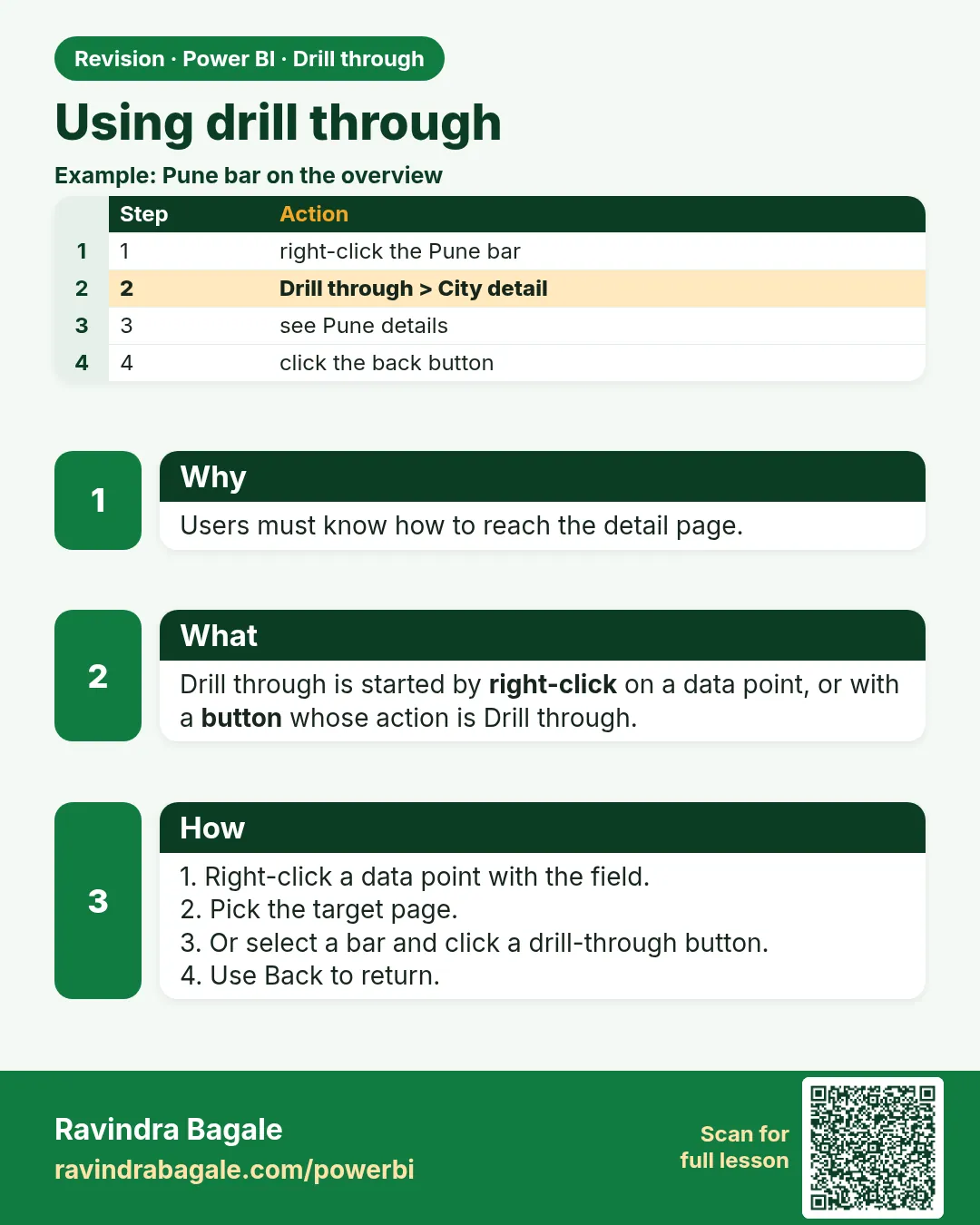
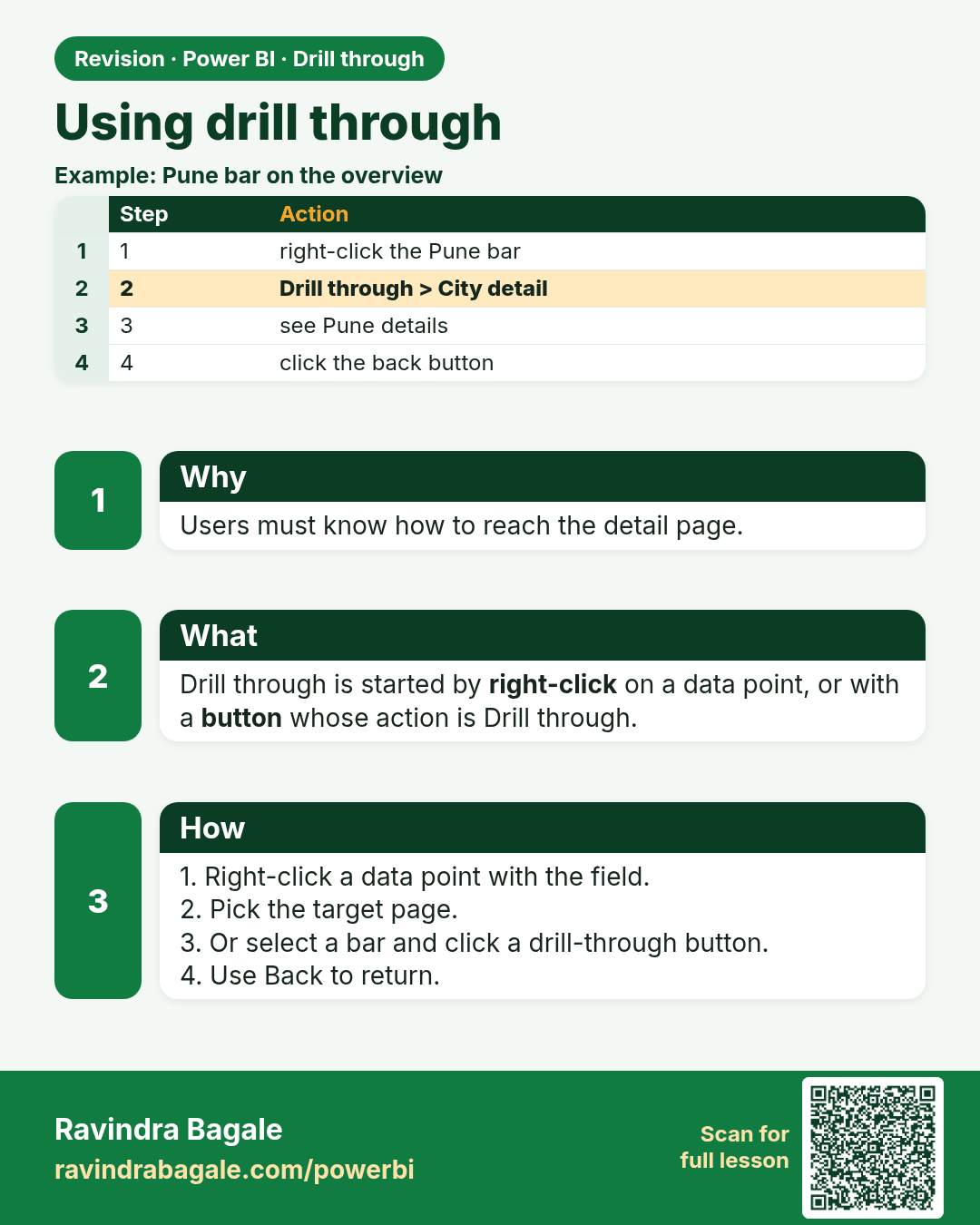
Using drill through. Users must know how to reach the detail page.
Revision card 4 of 5: Using drill through · Download PNG · Open card page

Lesson: 17.4 Using Drill Through

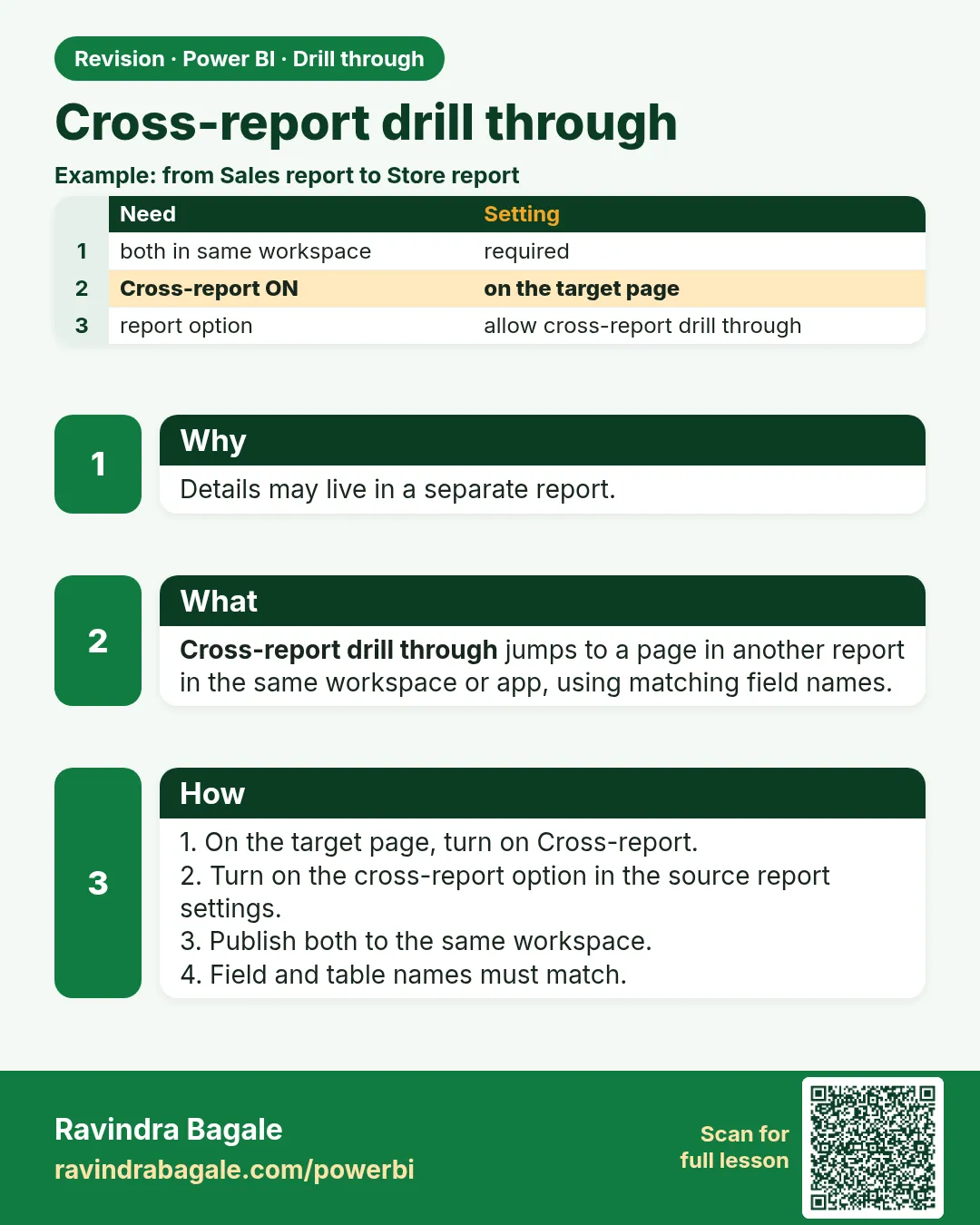
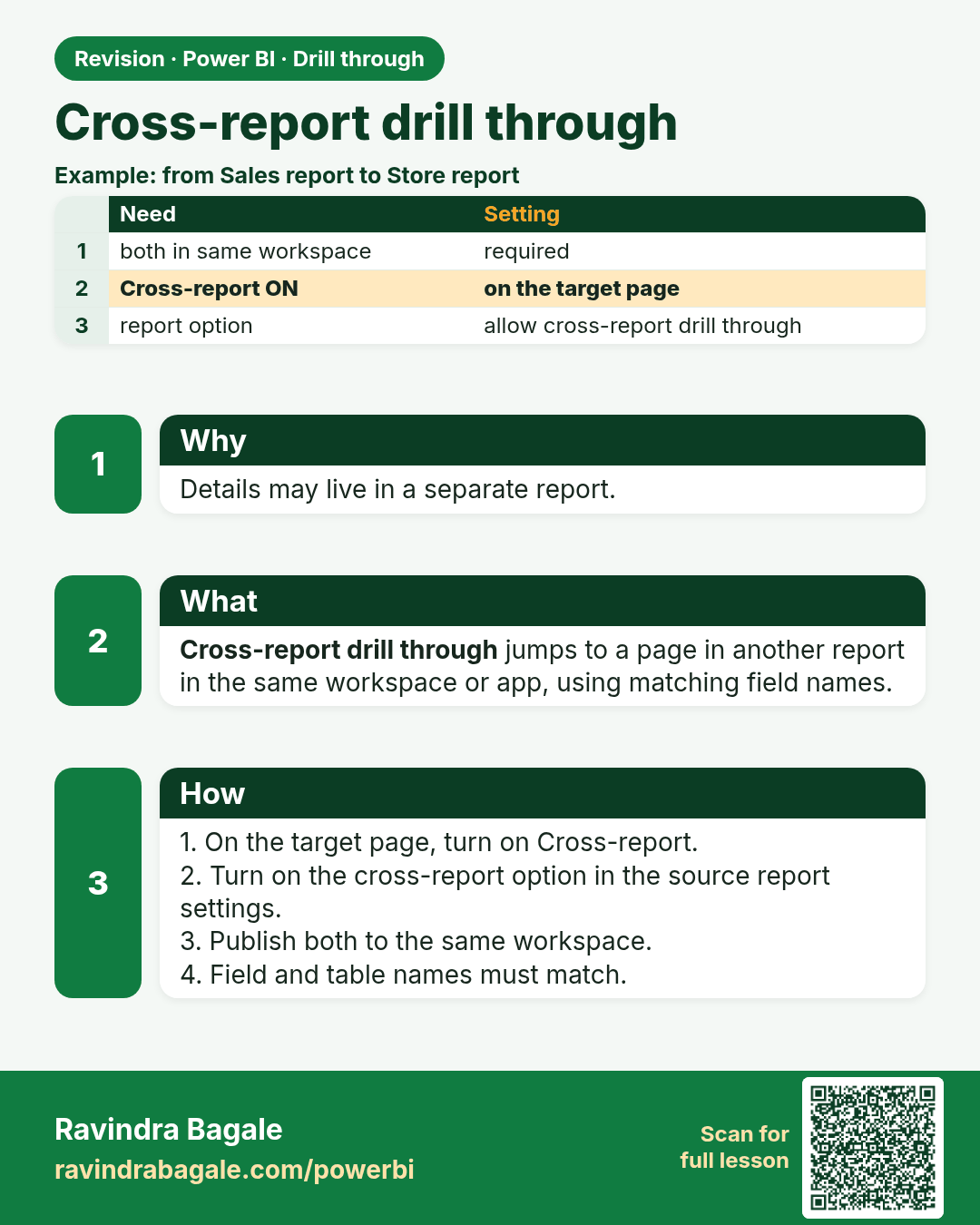
Cross-report drill through. Details may live in a separate report.
Revision card 5 of 5: Cross-report drill through · Download PNG · Open card page

Lesson: 17.5 Cross-report Drill Through (Brief)

Interview cards
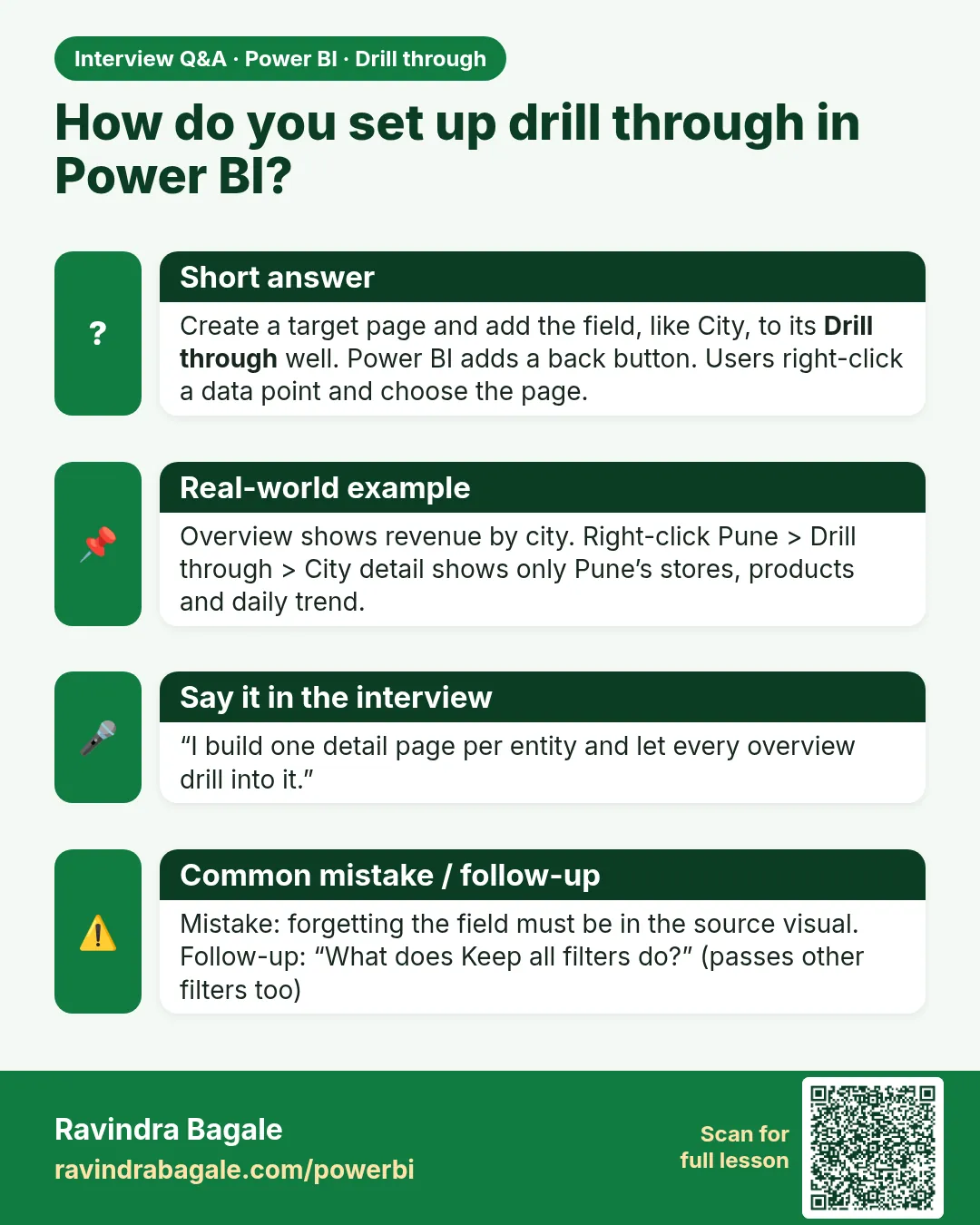
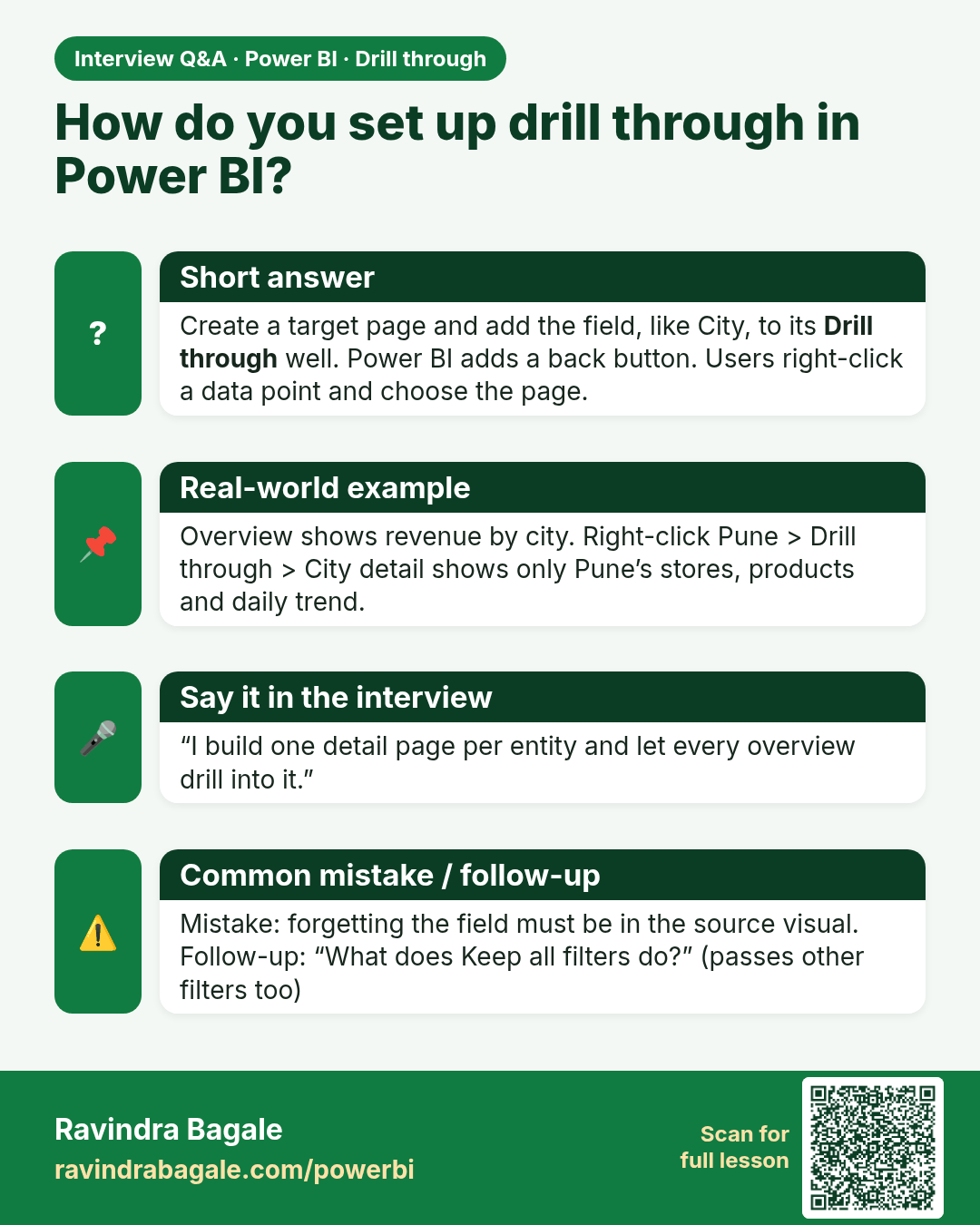
How do you set up drill through in Power BI? Create a target page and add the field, like City, to its Drill through well. Power BI adds a back button. Users right-click a data point and choose the page.
Interview card 1 of 1: How do you set up drill through in Power BI? · Download PNG · Open card page

Lesson: 17.1 What Is Drill Through?

Comparison cards
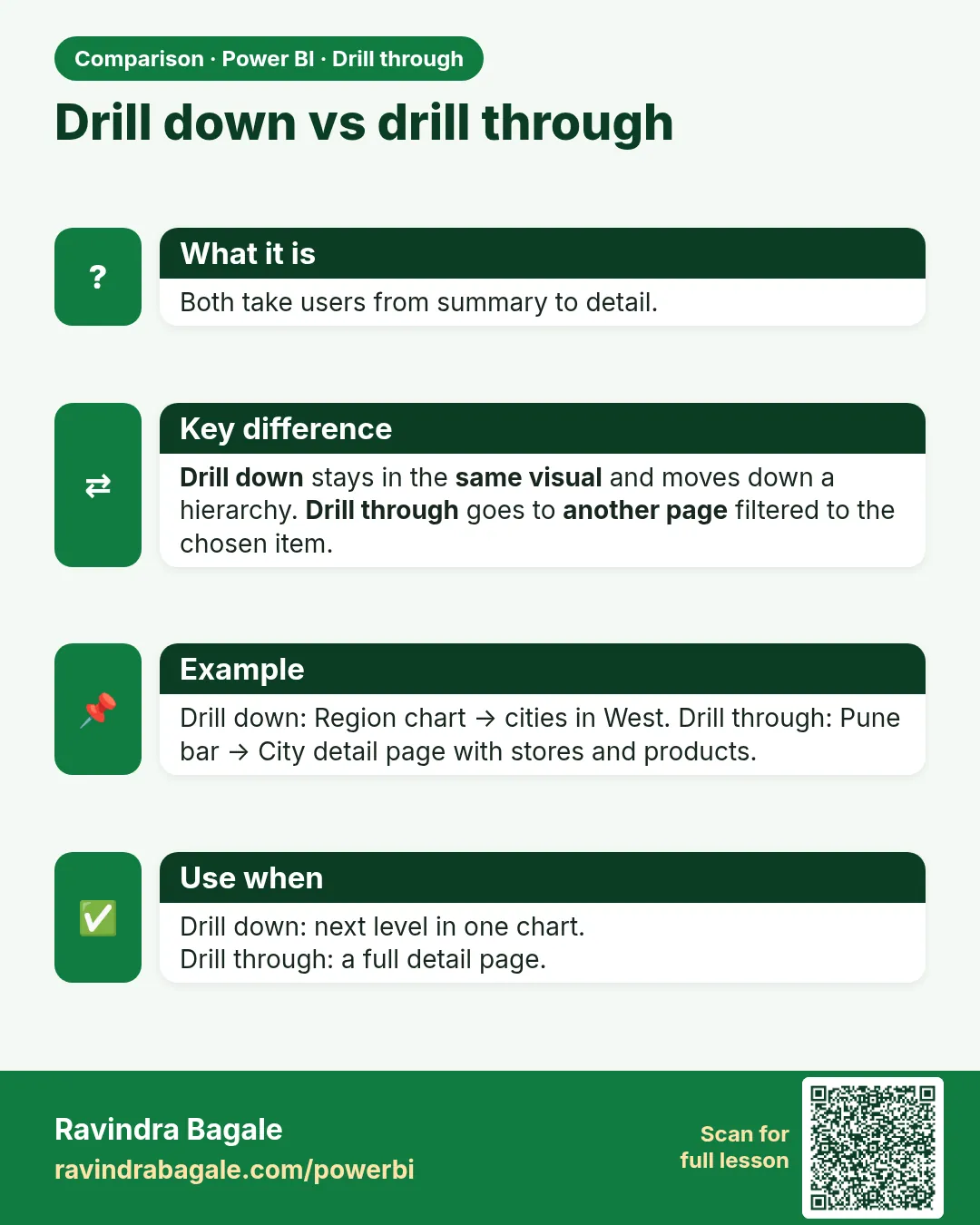
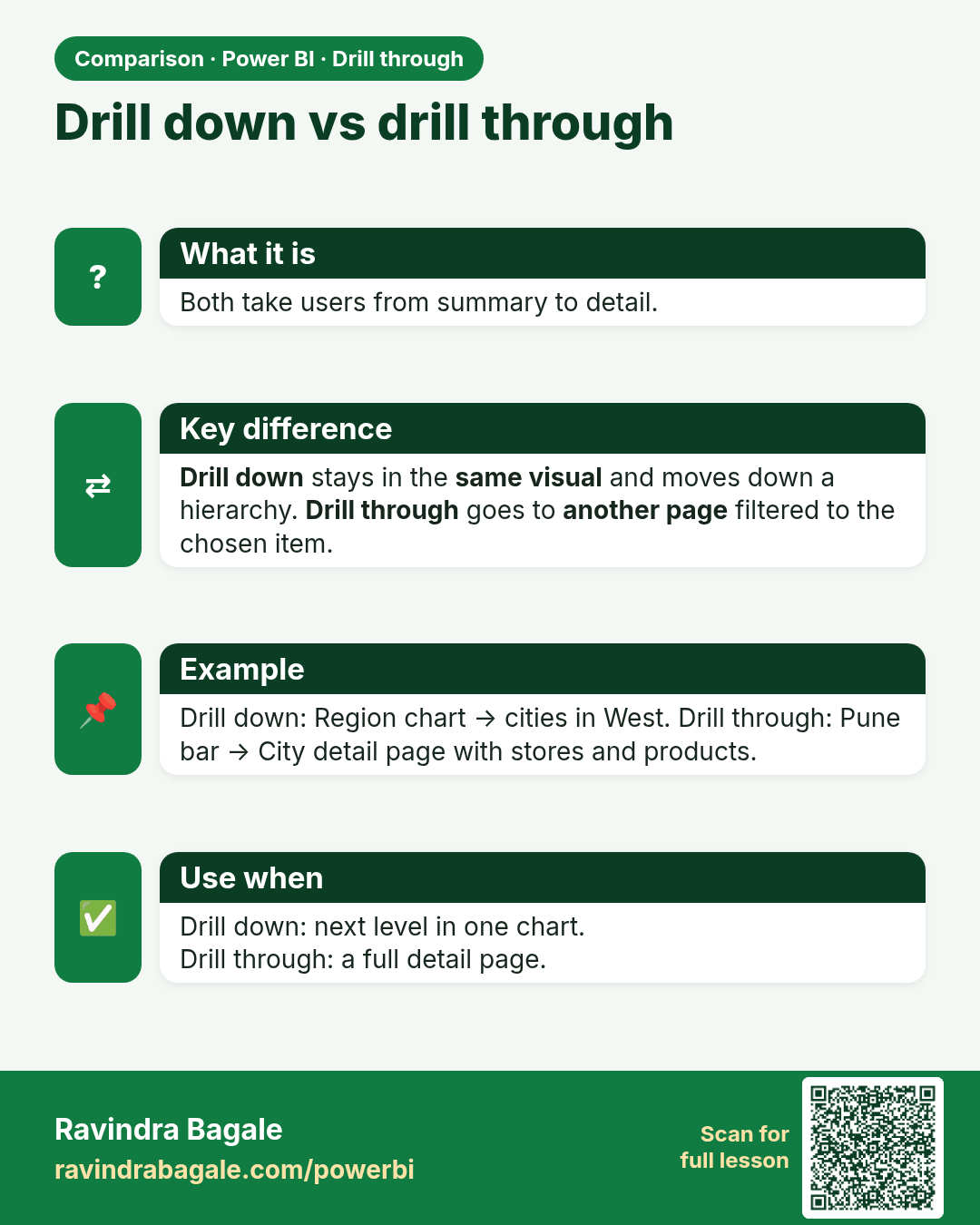
Drill down vs drill through. Both take users from summary to detail.
Comparison card 1 of 1: Drill down vs drill through · Download PNG · Open card page

Lesson: 17.1 What Is Drill Through?