17.5 Cross-report Drill Through (Brief)
Start with a problem
Ravindra has an Operations report and a separate Finance report. From a city bar in Operations, he wants to open the Finance city page.
Explain simply
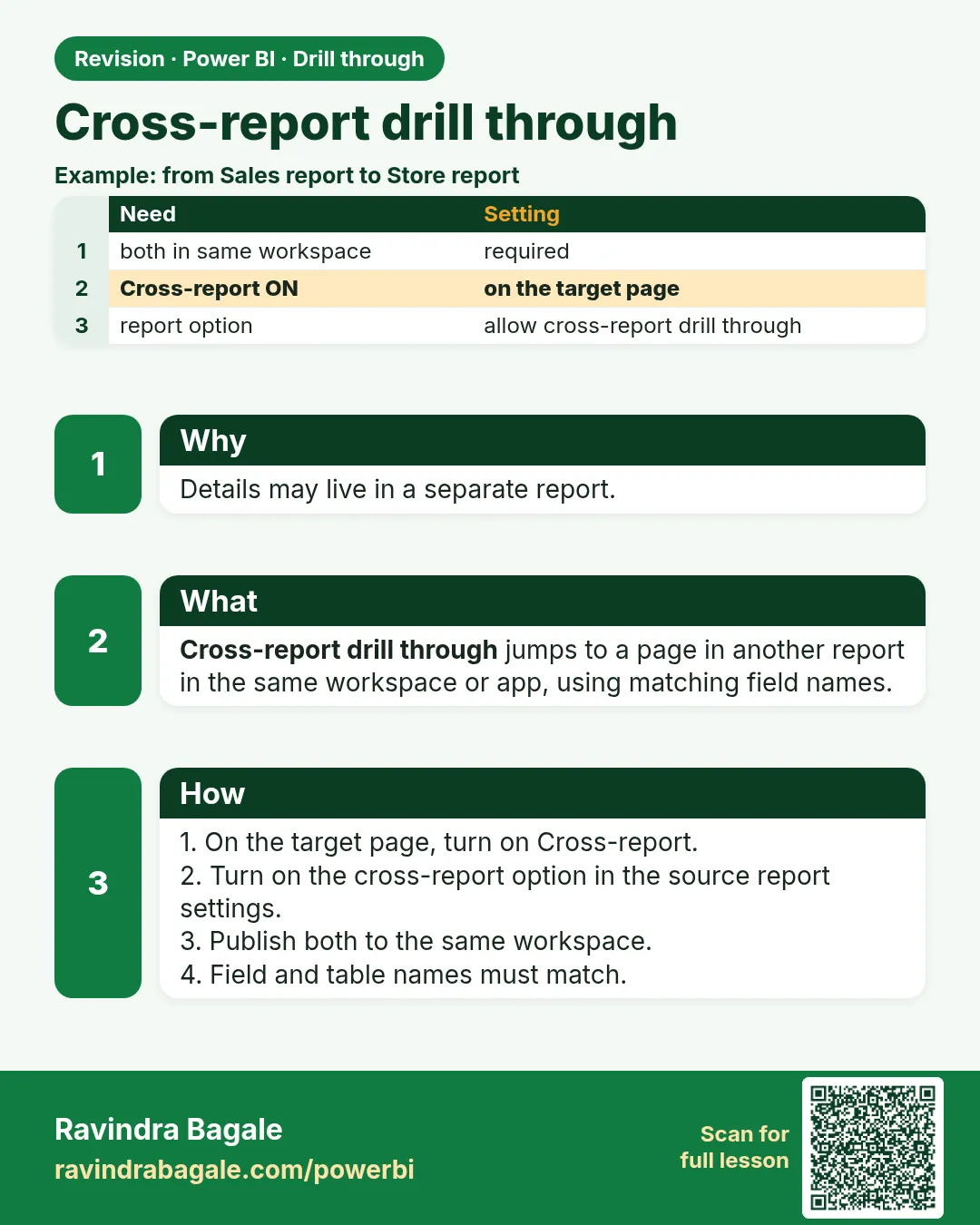
Cross-report drill-through lets a visual in one report open a drill-through page in another report in the same workspace or app. Field names and tables must match in both models.
Show the data
| Report | Has | Setting |
|---|---|---|
| Operations (source) | City bar chart | Allow drill-through targets from other reports |
| Finance (target) | City finance page with City in Drill through | Cross-report = On |
About this data: This table uses columns: Report, Has, Setting. This table uses columns: Action, Opens. This table uses columns: Wrong result, Reason, Correction. Values shown are the lesson examples already on this page (not a new dataset).
Fictional sample data. Practice file: visuals_orders_apr_may_2026.csv (source: src/practice/).
Demonstrate
- In Finance, on the target page Drill through well, turn Cross-report On. Publish to the workspace.
- In Operations: File › Options and settings › Options › Current File › Report settings › tick Allow visuals in this report to use drill-through targets from other reports.
- Publish Operations to the same workspace.
- In the Service, right-click Pune › Drill through › City finance (Finance).
Show the result
Your result should look like this (fictional sample):
| Action | Opens |
|---|---|
| Right-click Pune in Operations | Finance report, City finance page, filtered to Pune |
Explain what happened
The Service finds pages in other reports in the same workspace whose drill-through field matches the clicked field by table and column name.
Explore further
- Works in the Service; test after publishing.
Detailed reference for this lesson:
- In the target report, turn Cross-report On in the page's Drill through well, and publish it to the same workspace.
- In the source report: File › Options and settings › Options › Current File › Report settings › tick Allow visuals in this report to use drill-through targets from other reports.
- Publish both to the same workspace (or app). In the Service, right-click › Drill through shows the page with the other report's name.
- The field names/tables must match (same table and column names) in both models.
Ravindra Bagale's Tip
Friends, pay attention: adding a measure, or a field from a different table than the one in the source visual, stops drill through from appearing. For cross-report drill through, both reports must be in the same workspace or app, and the field names and tables must match exactly. Test it after publishing, not only in Desktop. Don't worry – after doing it two or three times, it becomes a habit.
Ravindra Bagale's Tip – मराठी
मित्रांनो, लक्ष द्या: measure, किंवा source visual पेक्षा वेगळ्या table मधलं field जोडलं तर drill through दिसणं बंद होतं. Cross-report drill through साठी दोन्ही reports एकाच workspace किंवा app मध्ये असायला हवेत, आणि field names आणि tables अगदी तंतोतंत जुळायला हवेत. फक्त Desktop मध्ये नाही, publish केल्यानंतरही test करा. घाबरू नका, दोन-तीन वेळा केलं की सवय होते.
Ravindra Bagale's Tip – हिंदी
दोस्तों, ध्यान दो: measure, या source visual से अलग table का field जोड़ने पर drill through दिखना बंद हो जाता है. Cross-report drill through के लिए दोनों reports एक ही workspace या app में होनी चाहिए, और field names और tables बिल्कुल मेल खाने चाहिए. सिर्फ़ Desktop में नहीं, publish करने के बाद भी test करो. घबराओ मत, दो-तीन बार करने पर आदत हो जाती है.
Practice task
Now look at this: build a Product Details drill-through page with Product Name as the drill field (Keep all filters On). Show orders by city, AOV, and a daily trend. Add a drill-through button on the Executive page that is disabled until one product is selected.
Fix common mistakes
| Wrong result | Reason | Correction |
|---|---|---|
| Target not listed | Different workspace | Publish both to the same workspace or app |
| Target listed but blank | Table/column names differ | Use the same table and column names |
| Works in Desktop? | Cross-report needs the Service | Test in the Service |
Practise independently
Practice task
List three conditions for cross-report drill-through to appear.
Hints
- Workspace, settings, names.
Solution
Same workspace/app; Cross-report On (target) and Allow targets from other reports (source); matching table and column names.
Think like a professional
Cross-report links let teams own separate reports while users move between them smoothly – a good architecture point in interviews.
Thodkyaat sangaycha tar (quick recap)
Use the same field on the source visual and the target page, hide the target page, keep the Back button, and set Keep all filters after thinking about it. Now let us move on to tooltips.
Source visual आणि target page वर एकच field वापरा, target page hide करा, Back button ठेवा, आणि Keep all filters विचार करून set करा. आता पुढे जाऊया tooltips कडे.
Source visual और target page पर एक ही field इस्तेमाल कीजिए, target page hide कीजिए, Back button रखिए, और Keep all filters सोच-समझकर set कीजिए. अब आगे बढ़ते हैं tooltips की ओर.
 Revision card