6.6 Reference vs Duplicate
Quick answer: the short, self-contained version of this lesson is the guide Power Query Duplicate vs Reference.
Start with a problem
Raja needs a Stores table (one row per store) built from the cleaned Orders query. If he copies the query, every future fix must be made twice.
Explain simply
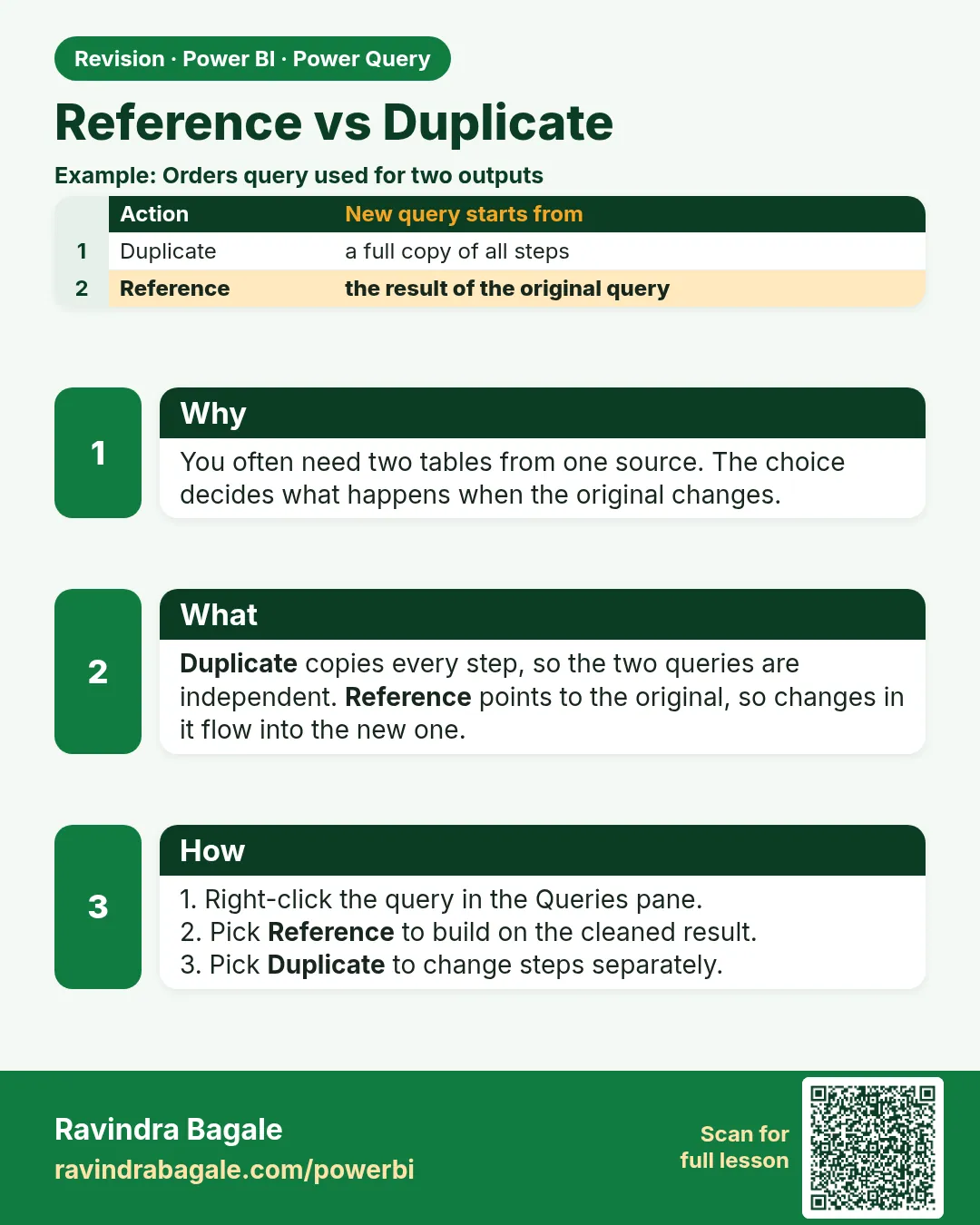
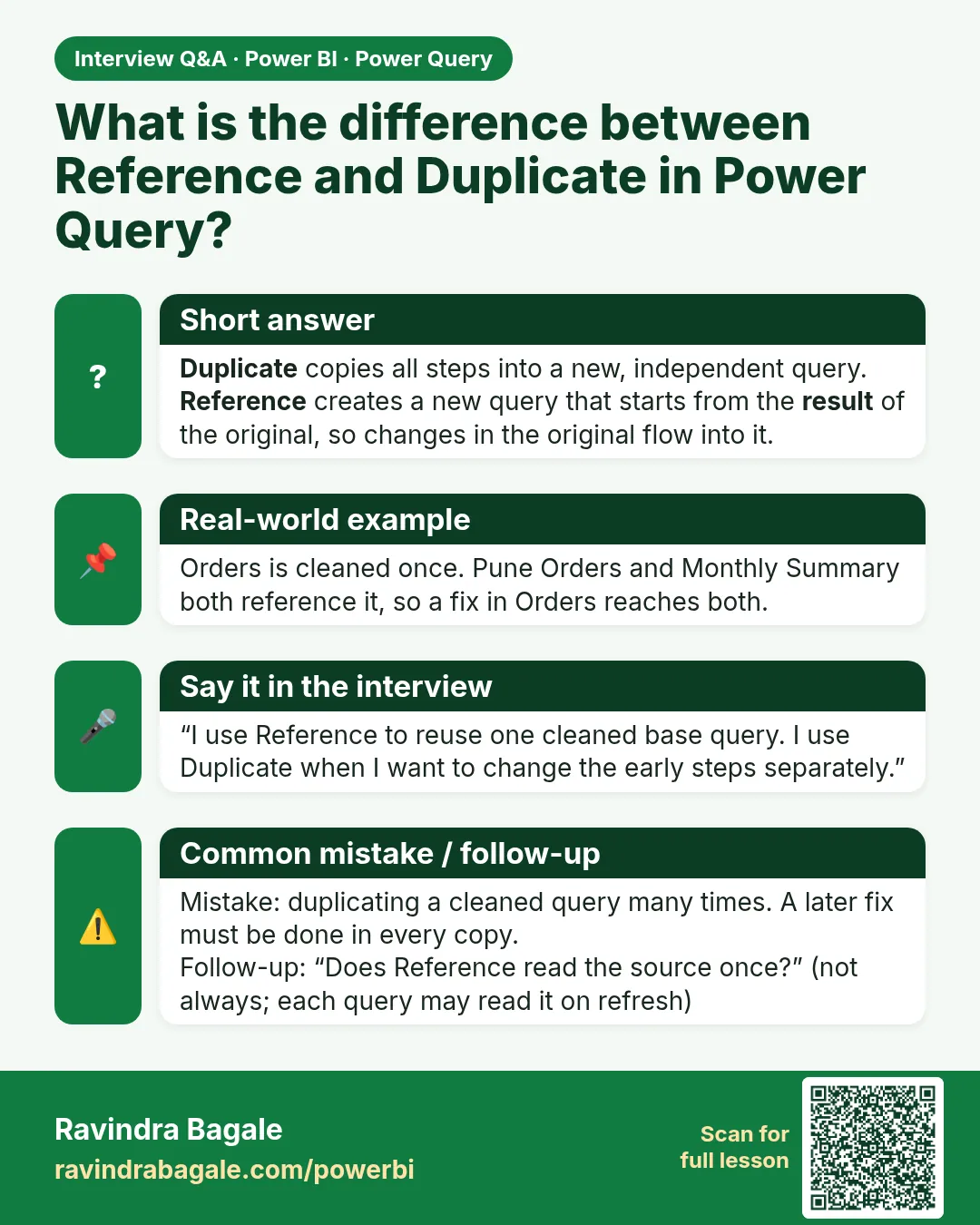
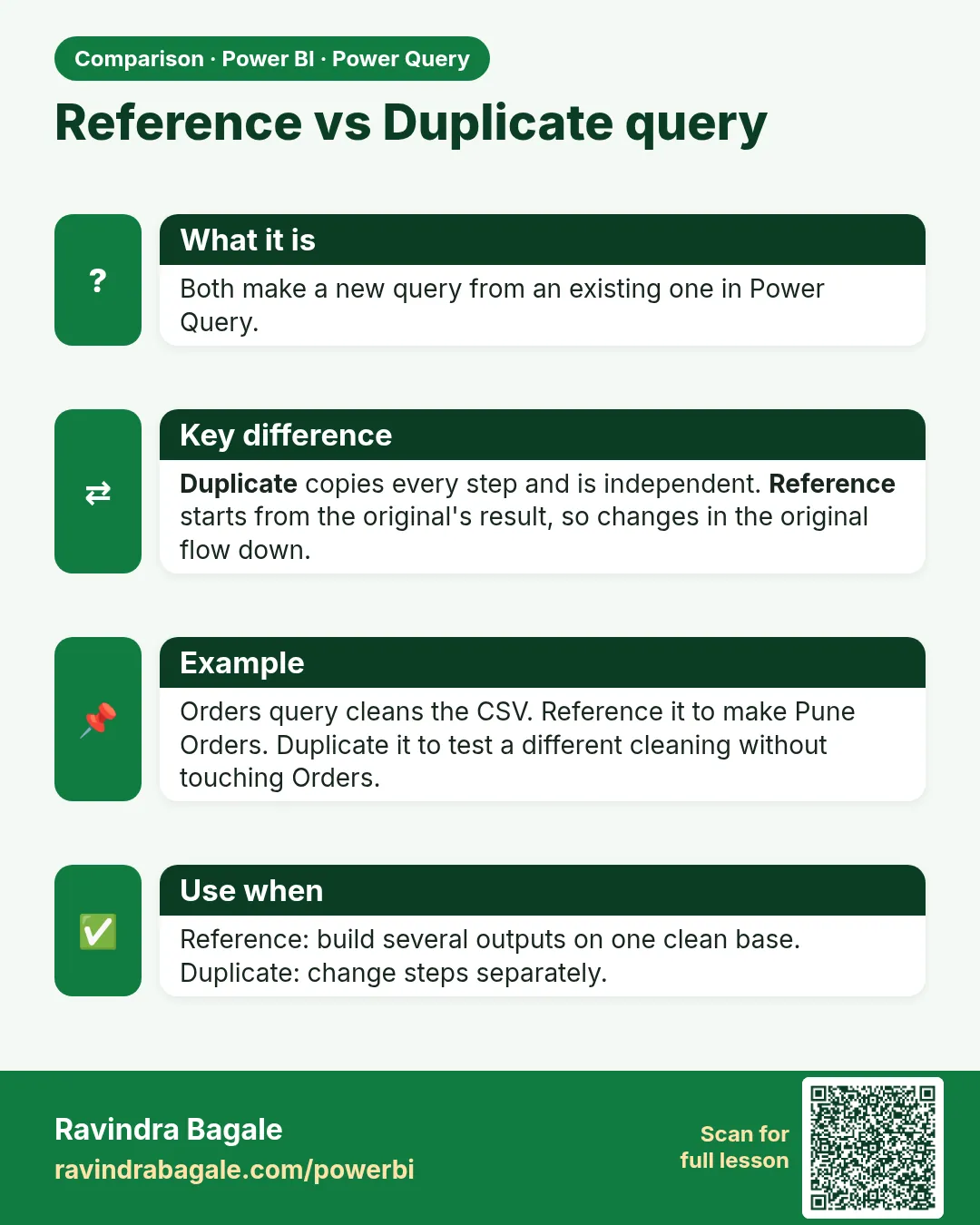
Reference builds a new query on the output of another query; fixes flow through. Duplicate copies all steps into an independent query.
Show the data
Orders (clean, from 6.5 and Module 7):
| Order ID | Order Date (Date) | Store | Amount (Fixed decimal) |
|---|---|---|---|
| BLK-401 | 06-Apr-2026 | Kothrud | 1,250 |
| BLK-402 | 06-Apr-2026 | Baner | 980 |
| BLK-403 | 07-Apr-2026 | Kothrud | 450 |
| BLK-404 | 07-Apr-2026 | Baner | 320 |
| Total (4 rows) | 3,000 |
About this data: This table uses columns: Order ID, Order Date (Date), Store, Amount (Fixed decimal). This table uses columns: Query, Source, Rows. This table uses columns: Wrong result, Reason, Correction. Values shown are the lesson examples already on this page (not a new dataset).
Fictional sample data. Practice file: pq_raw_pune_export.csv (source: src/practice/).
Demonstrate
- Right-click Orders in the Queries pane › Reference. Rename the new query
Stores. -
In Stores: right-click Store › Remove Other Columns.
Your result should look like this:
Store Kothrud Baner Kothrud Baner -
Right-click Store › Remove Duplicates.
Your result should look like this:
Store Kothrud Baner -
Go back to Orders and add a step (for example filter out Baner); return to Stores and see it change. Then delete that test step.
Show the result
Your result should look like this (fictional sample):
| Query | Source | Rows |
|---|---|---|
| Orders | CSV file | 4 |
| Stores | = Orders (Reference) | 2 |
Explain what happened
Stores starts with Source = Orders, so it always uses the latest clean Orders output.
Explore further
- Use Duplicate only for a fully independent experiment.
Detailed reference for this lesson:
Right-click a query in the Queries pane:
- Duplicate – copies all the steps into a new independent query.
- Reference – creates a new query whose source is the output of the original query. Changes to the original flow into the reference.
Use Reference to create, for example, a DarkStore dimension from a big flat orders file: reference the file query, keep the store columns, remove duplicates.
Ravindra Bagale's Tip
Friends, many students use Duplicate when they meant Reference, and then fix the same cleaning bug in two queries. Use Reference when a query should build on another query's cleaned result. Use Duplicate only when you want a fully independent copy. Keep this in mind!
Ravindra Bagale's Tip – मराठी
मित्रांनो, बऱ्याच students ना Reference हवं असतं पण ते Duplicate वापरतात, आणि मग एकच cleaning bug दोन queries मध्ये दुरुस्त करत बसतात. एखादी query दुसऱ्या query च्या clean result वर उभी करायची असेल तर Reference वापरा. पूर्णपणे स्वतंत्र copy हवी असेल तरच Duplicate वापरा. लक्षात ठेवा!
Ravindra Bagale's Tip – हिंदी
दोस्तों, बहुत से students को Reference चाहिए होता है पर वे Duplicate इस्तेमाल कर लेते हैं, और फिर एक ही cleaning bug दो queries में ठीक करते रहते हैं. जब किसी query को दूसरी query के clean result पर बनाना हो, तो Reference इस्तेमाल करो. Duplicate तभी जब पूरी तरह अलग copy चाहिए. ध्यान रखना!
Fix common mistakes
| Wrong result | Reason | Correction |
|---|---|---|
| Bug fixed in Orders still visible in Stores | Used Duplicate | Rebuild Stores with Reference |
| Stores has 4 rows | Forgot Remove Duplicates | Remove duplicates on Store |
| Circular reference error | Orders also referenced Stores | Keep a one-way flow |
Practise independently
Practice task
Build a Dates list from Orders the same way. How many rows?
Hints
- 06-Apr and 07-Apr.
Solution
2 rows: 06-Apr-2026 and 07-Apr-2026.
Think like a professional
Reference chains (raw, then clean, then dimension) are how real projects stay maintainable.
 Revision card
 Interview card
 Comparison card