6.1 What is Power Query?
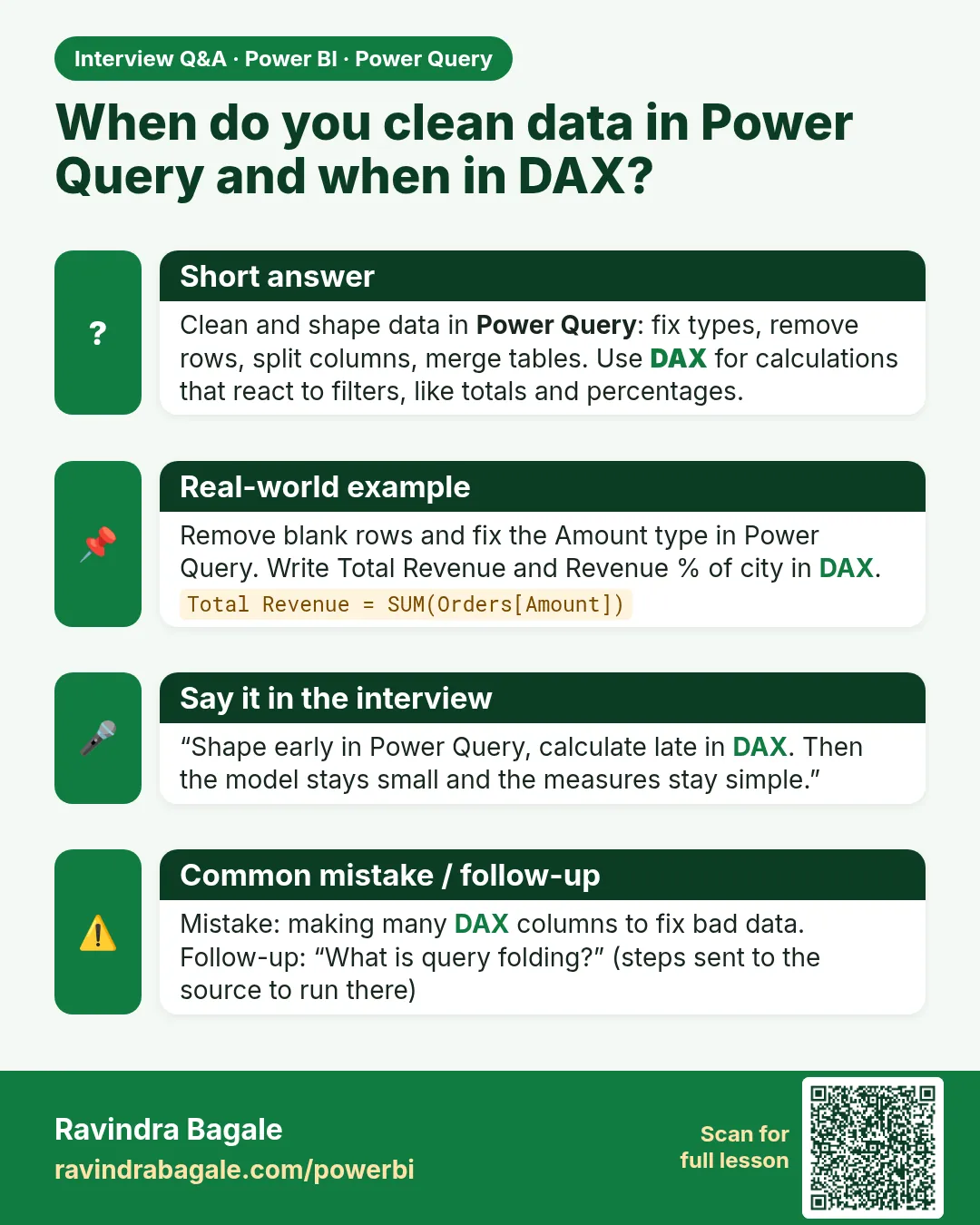
Quick answer: the short, self-contained version of this lesson is the guide Power Query vs DAX: What Goes Where.
Start with a problem
Every morning Ravindra receives the Blinkit Pune export. It has two title rows, a Total row, a duplicate order and amounts typed as text ("₹1,250"). He fixes it by hand in Excel every day, and tomorrow the same mess arrives again.
Explain simply
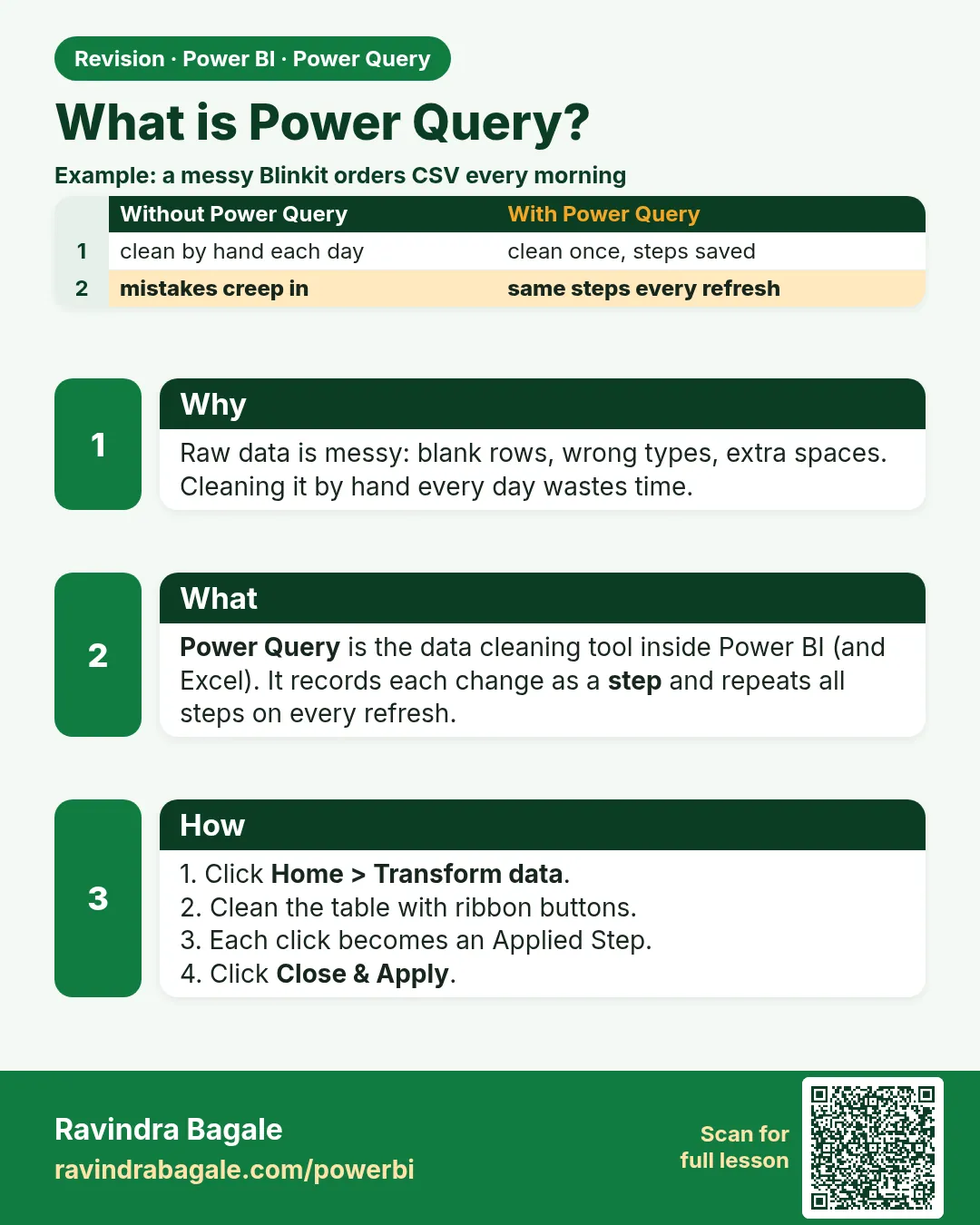
Power Query is the data-preparation tool inside Power BI. You clean the data once with clicks. Power Query records each click as a step and repeats all the steps on every refresh. The source file is never changed.
Show the data
Before – the raw file as Power Query first shows it:
| Column1 | Column2 | Column3 | Column4 |
|---|---|---|---|
| Blinkit Pune daily export (fictional practice data) | |||
| Generated 08-04-2026 07:00 IST | |||
| Order ID | Order Date | Store | Amount |
| BLK-401 | 06-04-2026 | "Kothrud " | ₹1,250 |
| BLK-402 | 06-04-2026 | baner | ₹980 |
| BLK-403 | 07-04-2026 | KOTHRUD | ₹450 |
| BLK-403 | 07-04-2026 | KOTHRUD | ₹450 |
| BLK-404 | Baner | ₹320 | |
| Total | ₹3,450 |
About this data: This table uses columns: Column1, Column2, Column3, Column4. This table uses columns: Rows, Columns, Header names. This table uses columns: First row now, Rows. This table uses columns: Headers, Rows. Values shown are the lesson examples already on this page (not a new dataset).
Fictional sample data. Practice file: pq_raw_pune_export.csv (source: src/practice/).
Demonstrate
- Home › Get data › Text/CSV › choose
pq_raw_pune_export.csv› click Transform data (not Load). -
If Power Query added Promoted Headers and Changed Type steps automatically, delete both with the ✕ in Applied Steps.
Your result should look like this:
Rows Columns Header names 9 4 Column1 … Column4 -
Home › Remove Rows › Remove Top Rows › 2 › OK.
Your result should look like this:
First row now Rows Order ID, Order Date, Store, Amount 7 -
Home › Use First Row as Headers.
Your result should look like this:
Headers Rows Order ID, Order Date, Store, Amount 6 (5 orders + Total) -
Open the CSV in Notepad: it still has the title rows. Power Query did not change the file.
Show the result
Your result should look like this (fictional sample):
After the first three steps:
| Order ID | Order Date | Store | Amount |
|---|---|---|---|
| BLK-401 | 06-04-2026 | "Kothrud " | ₹1,250 |
| BLK-402 | 06-04-2026 | baner | ₹980 |
| BLK-403 | 07-04-2026 | KOTHRUD | ₹450 |
| BLK-403 | 07-04-2026 | KOTHRUD | ₹450 |
| BLK-404 | Baner | ₹320 | |
| Total | ₹3,450 |
Explain what happened
Power Query read the file and applied three recorded steps: Source, Removed Top Rows, Promoted Headers. Next refresh, a new file with the same layout gets the same steps automatically. Lessons 6.4–6.5 and Module 7 finish the cleaning (expected final result: 4 orders, ₹3,000).
Explore further
- Power Query also exists in Excel, Dataflows and Fabric – the skills transfer.
Detailed reference for this lesson:
Power Query is the data preparation (ETL) engine inside Power BI – and also inside Excel, Dataflows and Fabric. Every action you do with the mouse is recorded as a step written in the M language. When you refresh, Power Query replays all the steps on the latest data. So you clean the data once, and the process repeats automatically.
Open it with Home › Transform data.
Ravindra Bagale's Tip
Friends, many students think Power Query changes the source file. It never does. It records steps and replays them on every refresh. Keep this in mind: clean in Power Query and leave your raw source untouched.
Ravindra Bagale's Tip – मराठी
मित्रांनो, बऱ्याच students ना वाटतं Power Query source file बदलतो. तो कधीच बदलत नाही. तो steps record करतो आणि प्रत्येक refresh ला ते पुन्हा चालवतो. हे लक्षात ठेवा: Power Query मध्ये clean करा आणि raw source ला हात लावू नका.
Ravindra Bagale's Tip – हिंदी
दोस्तों, बहुत से students सोचते हैं कि Power Query source file बदल देता है. वह कभी नहीं बदलता. वह steps record करता है और हर refresh पर उन्हें दोबारा चलाता है. यह याद रखो: Power Query में clean करो और raw source को मत छेड़ो.
Fix common mistakes
| Wrong result | Reason | Correction |
|---|---|---|
| The CSV on disk lost its title rows | Expected? No – Power Query never edits the source | Re-open the file: it is unchanged; only the query output is clean |
| Headers are Blinkit Pune daily export… | Auto Promoted Headers promoted the title row | Delete the automatic steps, remove 2 top rows, then promote |
| ₹ shows as ₹ | File origin read as Windows-1252 | In the Source step settings choose File Origin 65001: Unicode (UTF-8) |
Practise independently
Practice task
After the three steps, how many rows are left, and which row still does not belong?
Hints
- Count BLK rows plus one more.
Solution
6 rows: five order rows (BLK-403 appears twice) and the Total row, which you remove in Module 7.3.
Think like a professional
Say in interviews: I never fix source files by hand; I build repeatable Power Query steps. That sentence shows you understand automation.
 Revision card
 Interview card