6.11 Close & Apply and Enable Load
Start with a problem
Rani opens the Data pane and sees Raw_Pune, Orders and Stores. Raw_Pune with title rows confuses report builders.
Explain simply
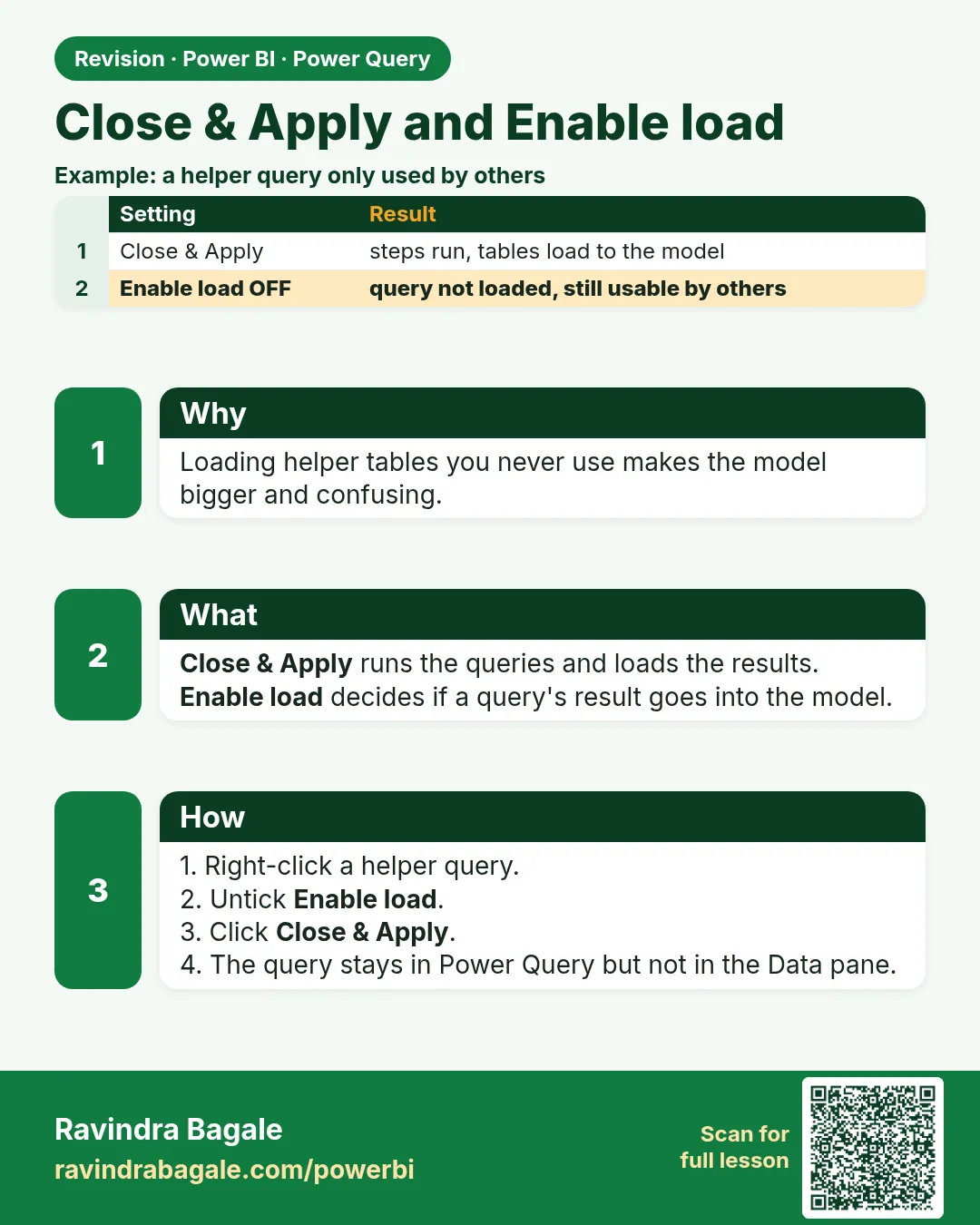
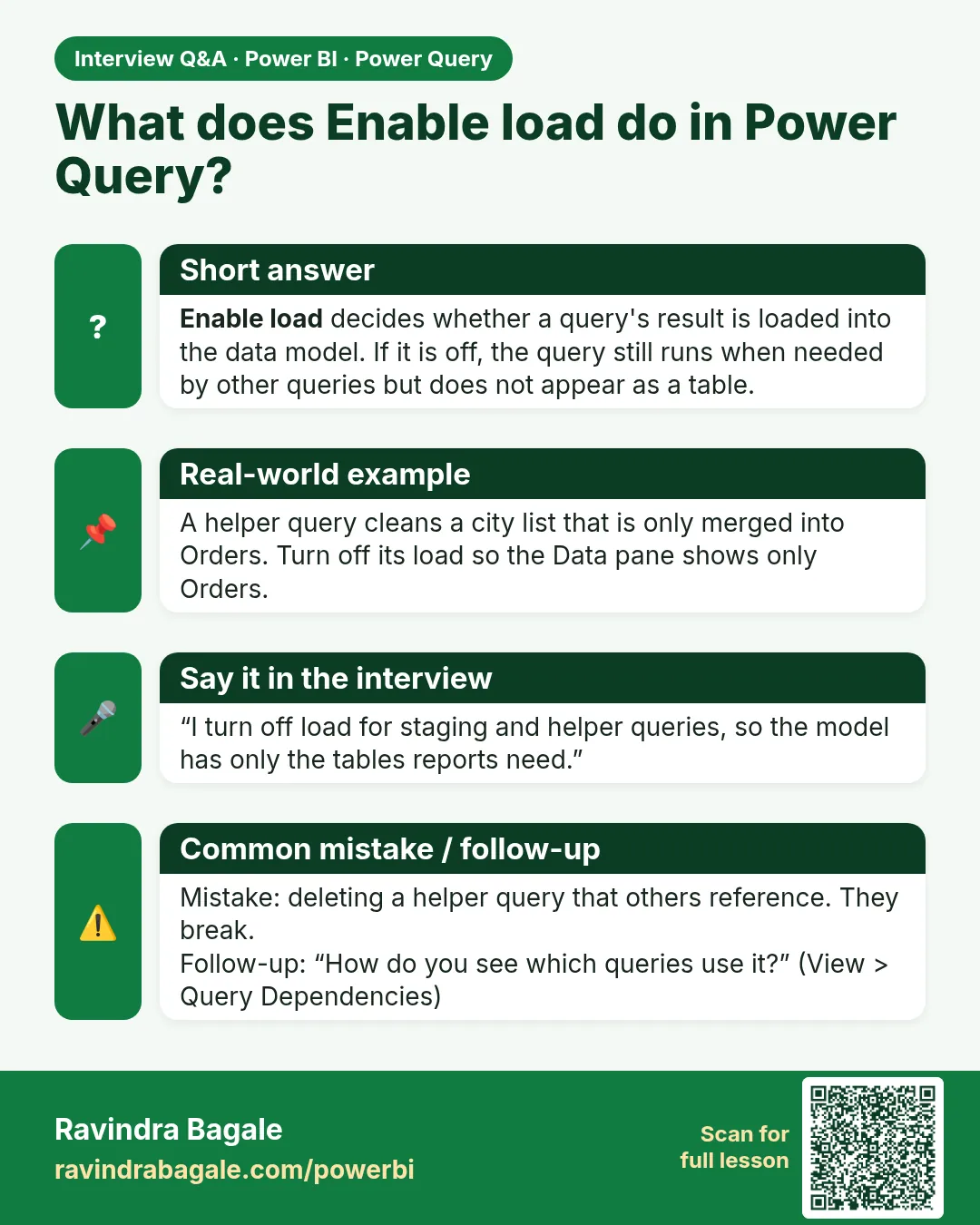
Close & Apply runs the queries and loads results into the model. Untick Enable load on helper/staging queries so they run but are not loaded.
Show the data
| Query | Enable load |
|---|---|
| Raw_Pune | Off |
| Orders | On |
| Stores | On |
About this data: This table uses columns: Query, Enable load. This table uses columns: Table in model, Rows, Check. This table uses columns: Wrong result, Reason, Correction. Values shown are the lesson examples already on this page (not a new dataset).
Fictional sample data. Practice file: pq_raw_pune_export.csv (source: src/practice/).
Demonstrate
- Right-click Raw_Pune › untick Enable load (it turns italic).
-
Home › Close & Apply.
Your result should look like this:
Data pane tables Orders, Stores -
Open Data view › Orders. Check the row count in the status bar.
Your result should look like this:
Orders 4 rows; Sum of Amount ₹3,000 -
Optionally untick Include in report refresh for a static lookup table.
Show the result
Your result should look like this (fictional sample):
| Table in model | Rows | Check |
|---|---|---|
| Orders | 4 | Sum Amount = ₹3,000 |
| Stores | 2 | Kothrud, Baner |
Explain what happened
Raw_Pune still runs (Orders needs it) but it is not stored in the model, keeping the model small and clean.
Explore further
- Compare row counts with the source after every Close & Apply.
Detailed reference for this lesson:
- Home › Close & Apply runs all queries and loads the results into the model.
- Right-click a helper query (e.g. a staging query used only for merges) and untick Enable load. It will still run, but it will not appear as a table in the model – keeping the model clean and small.
Practice task
Now look at this: create a staging query for Blinkit orders with Enable load turned off, reference it to build the final Orders query, and check the result in View › Query Dependencies.
Ravindra Bagale's Tip
Friends, many students load helper and staging queries into the model, which makes the Data pane messy and the model bigger. Right-click helper queries and untick Enable load. Also untick Include in report refresh for static lookup tables that never change. It's very simple – just make it a habit.
Ravindra Bagale's Tip – मराठी
मित्रांनो, बरेच students helper आणि staging queries model मध्ये load करतात, त्यामुळे Data pane गोंधळलेला दिसतो आणि model मोठं होतं. Helper queries वर right-click करून Enable load untick करा. कधीच न बदलणाऱ्या static lookup tables साठी Include in report refresh पण untick करा. एकदम simple आहे, फक्त सवय लावून घ्या.
Ravindra Bagale's Tip – हिंदी
दोस्तों, बहुत से students helper और staging queries को model में load कर देते हैं, जिससे Data pane बिखरा दिखता है और model बड़ा हो जाता है. Helper queries पर right-click करके Enable load untick करो. कभी न बदलने वाली static lookup tables के लिए Include in report refresh भी untick करो. बहुत आसान है, बस आदत बना लो.
Fix common mistakes
| Wrong result | Reason | Correction |
|---|---|---|
| Orders also disappears | Unticked load on the wrong query | Re-enable load on Orders |
| Changes not in report | Closed without Apply | Home › Close & Apply |
| Total ₹3,450 | Duplicate BLK-403 not removed | Remove duplicates (Module 7.4) |
Practise independently
Practice task
Why is ₹3,450 wrong for the cleaned Pune data?
Hints
- Look at BLK-403.
Solution
BLK-403 (₹450) appears twice; the true total is ₹3,000 for 4 orders.
Think like a professional
Reconcile totals with the source system after every load – include the check in your handover notes.
Thodkyaat sangaycha tar (quick recap)
Power Query does not change the source; it only records steps. Give steps good names, always check type detection, and remember the difference between Reference and Duplicate. Now let us move on – real data cleaning starts!
Power Query source बदलत नाही, फक्त steps record करतो; steps ना चांगली नावं द्या; type detection नेहमी check करा; आणि Reference vs Duplicate मधला फरक लक्षात ठेवा. आता पुढे जाऊया – खरं data cleaning सुरू!
Power Query source नहीं बदलता, सिर्फ़ steps record करता है; steps को अच्छे नाम दीजिए; type detection हमेशा check कीजिए; और Reference vs Duplicate का फ़र्क याद रखिए. अब आगे बढ़ते हैं – असली data cleaning शुरू!
 Revision card
 Interview card