Ravindra BagaleCourses & study guides मराठी Track your progress

Ravi Sir's Cards › Power BI

9. Get Data from Folder: Monthly Bank Statements Walkthrough: Cards

मराठी cards · Open the chapter

Revision cards
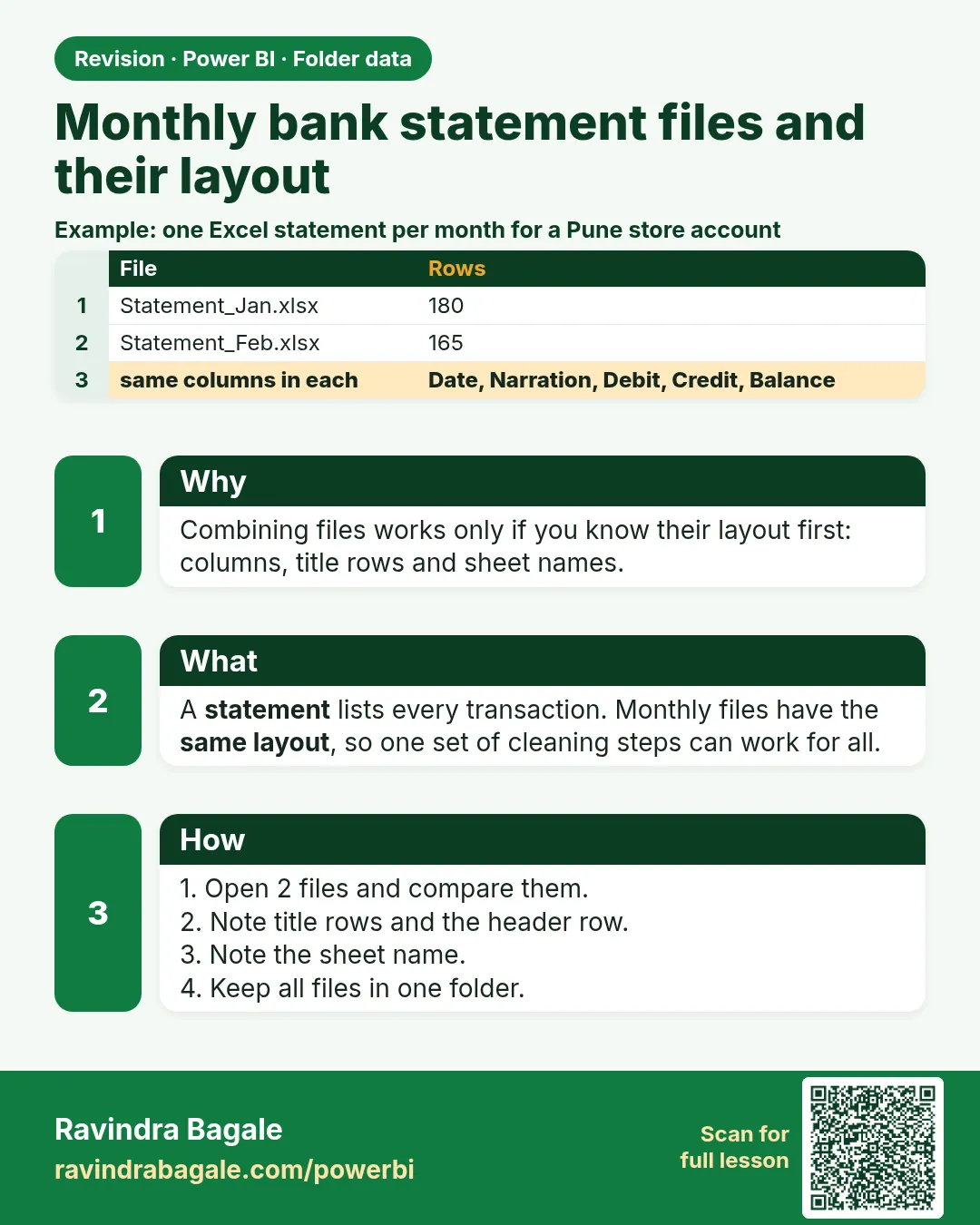
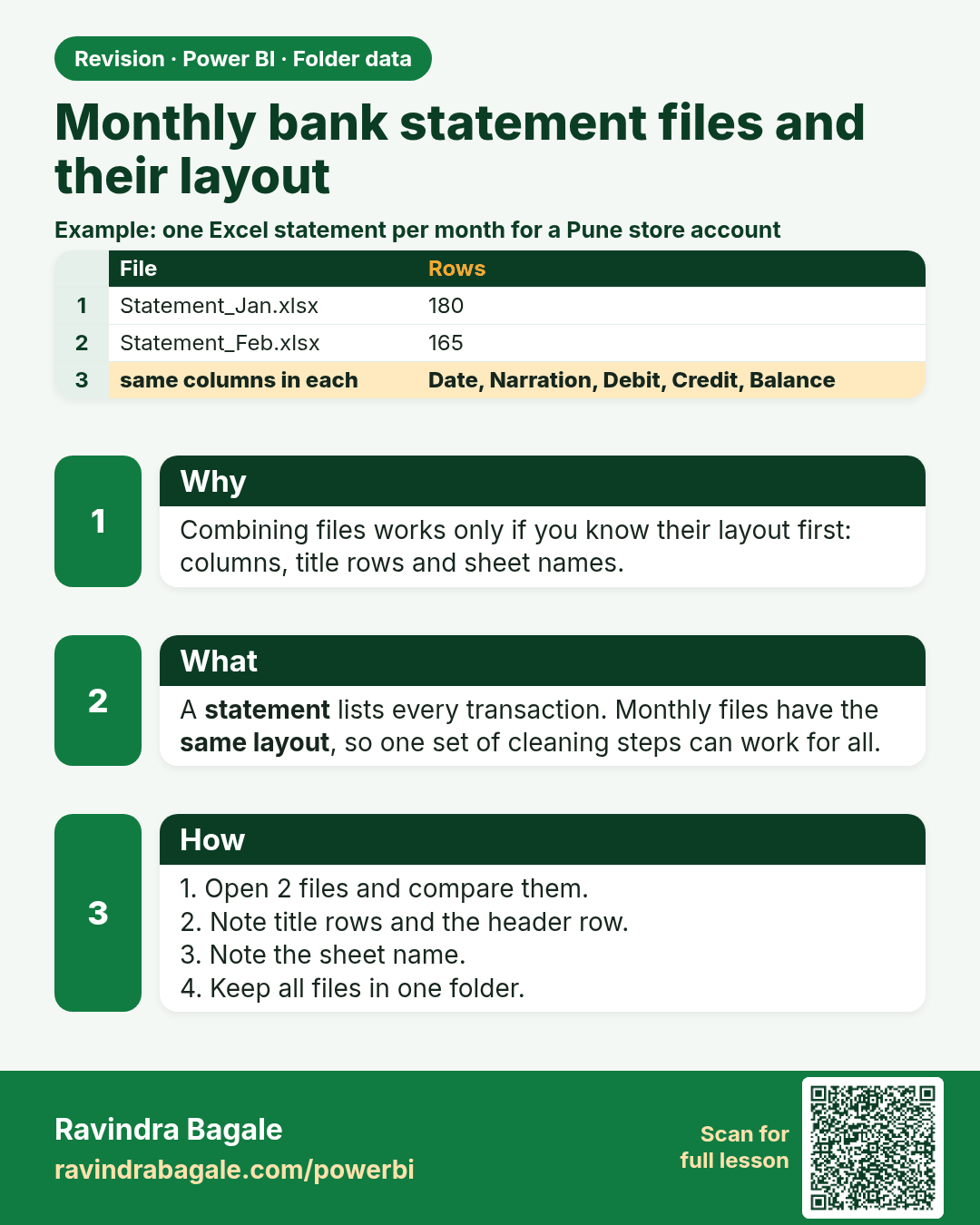
Monthly bank statement files and their layout. Combining files works only if you know their layout first: columns, title rows and sheet names.
Revision card 1 of 8: Monthly bank statement files and their layout · Download PNG · Open card page

Lesson: 9.1 The Files and Their Layout
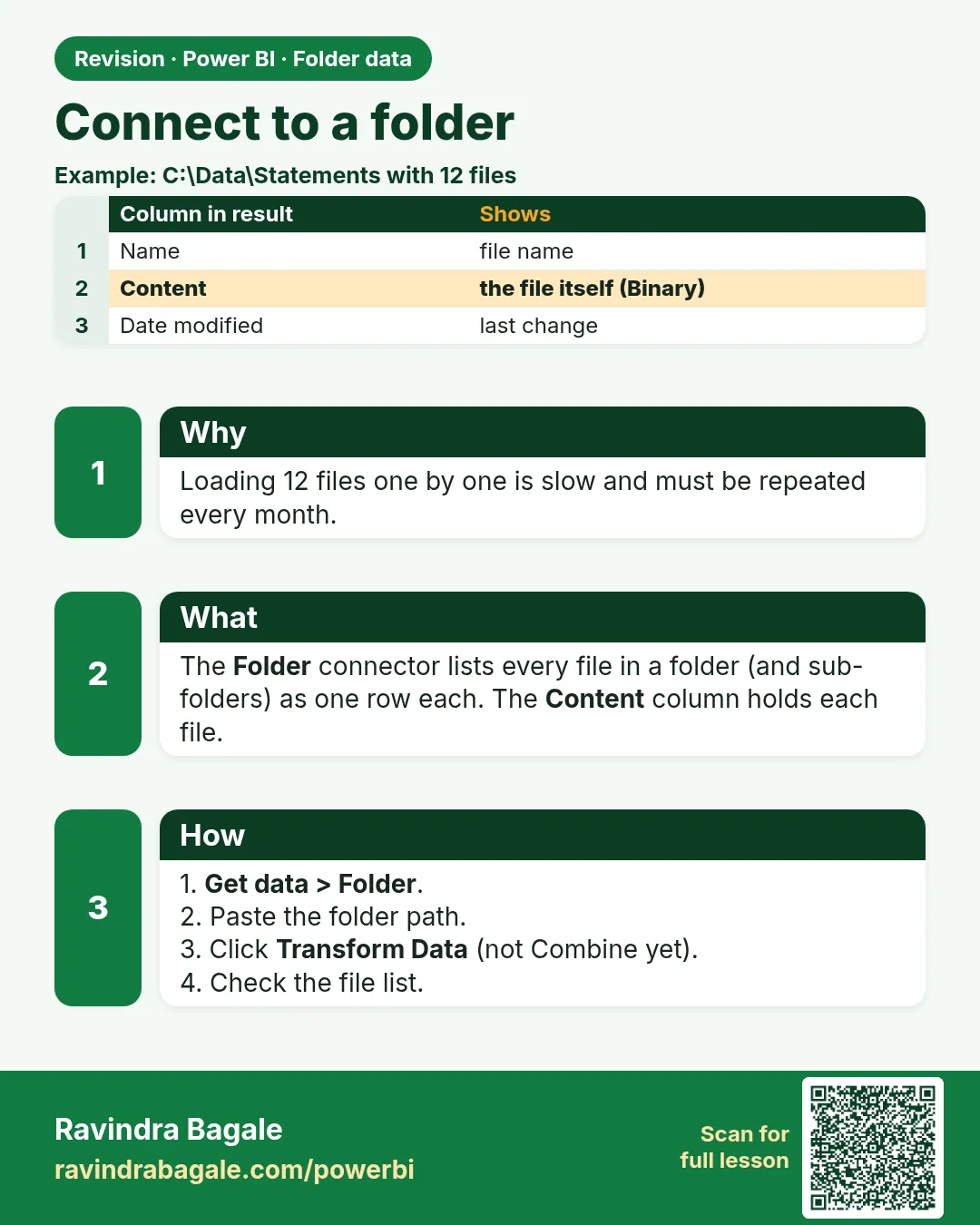
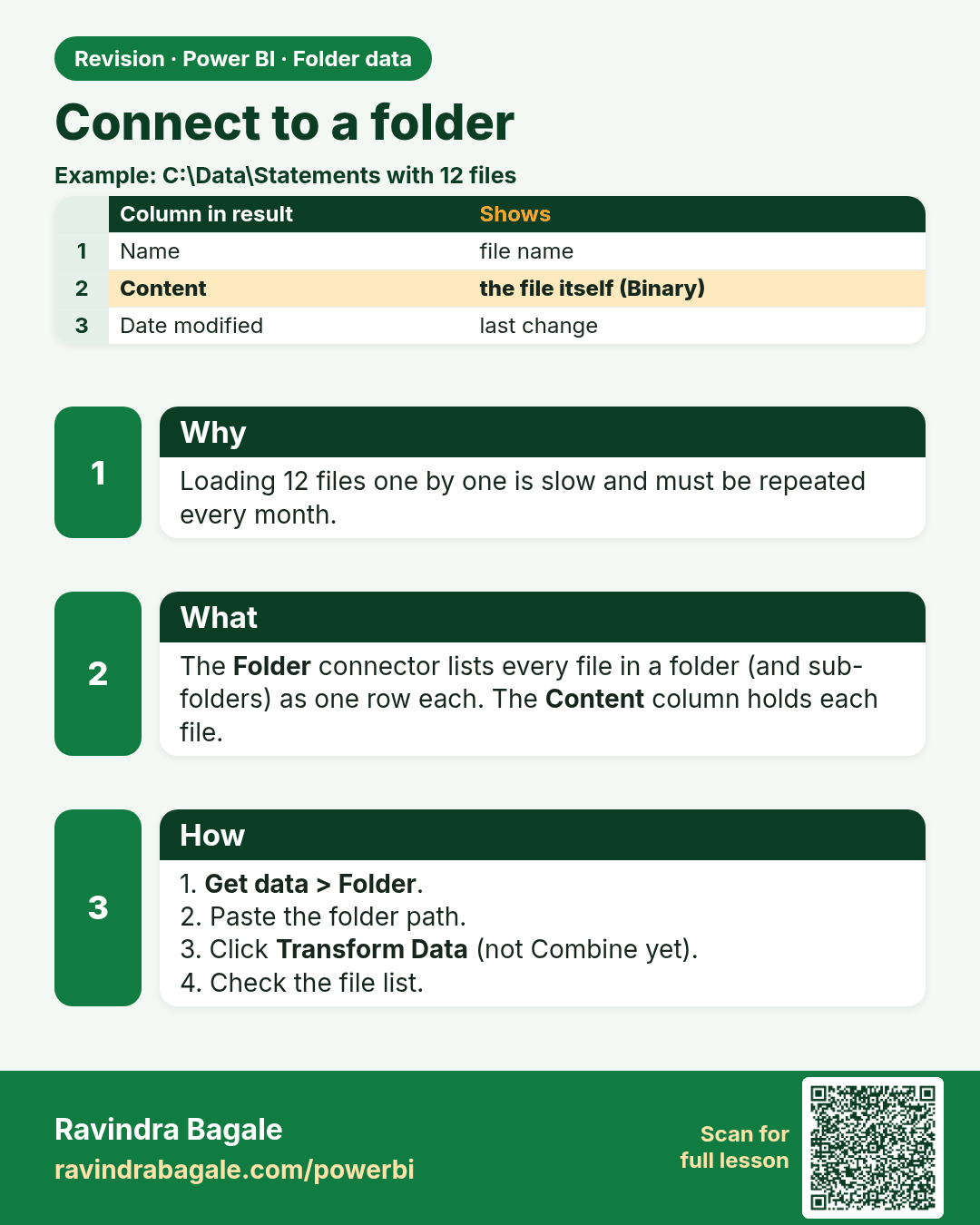
Connect to a folder. Loading 12 files one by one is slow and must be repeated every month.
Revision card 2 of 8: Connect to a folder · Download PNG · Open card page

Lesson: 9.2 Connect to the Folder

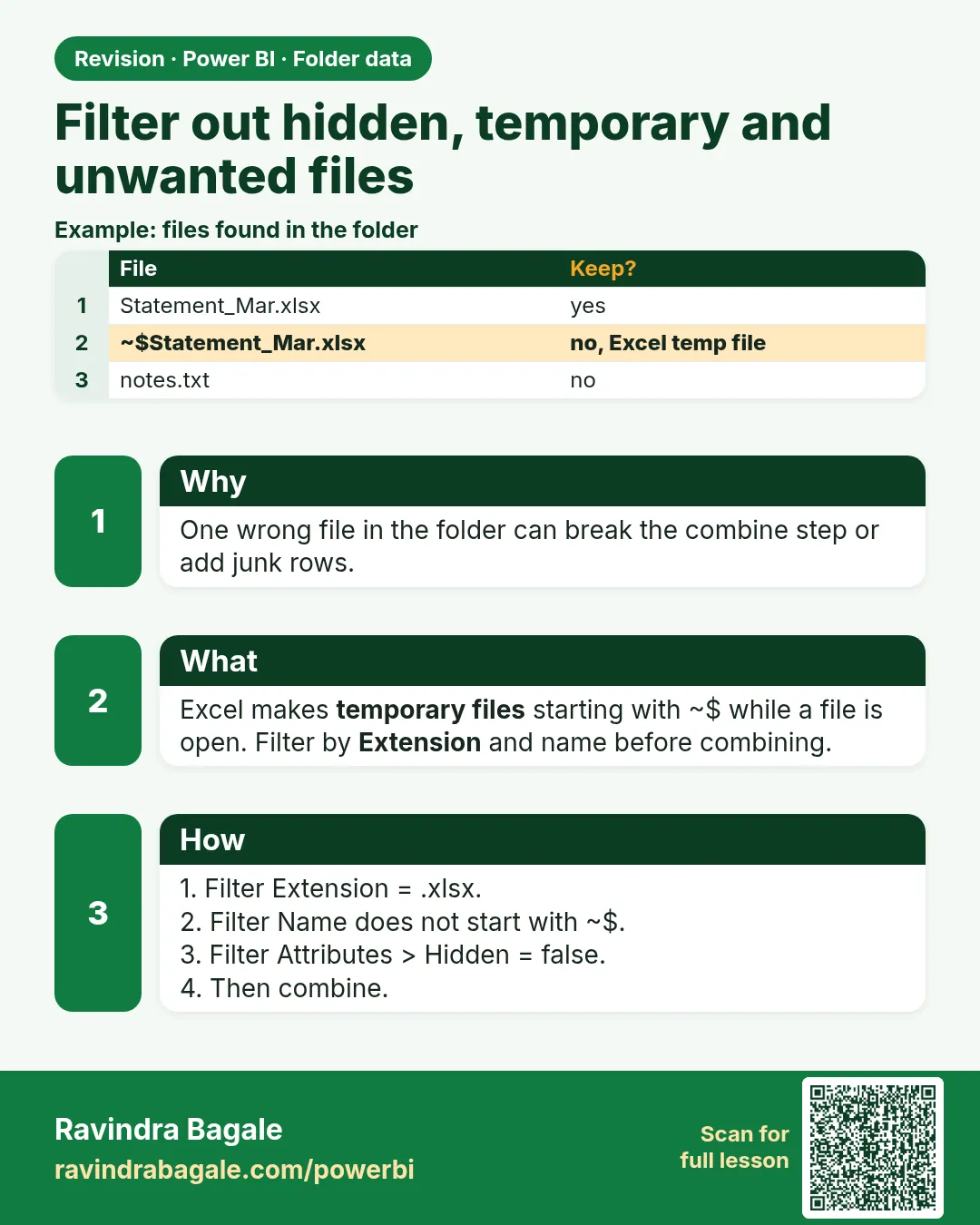
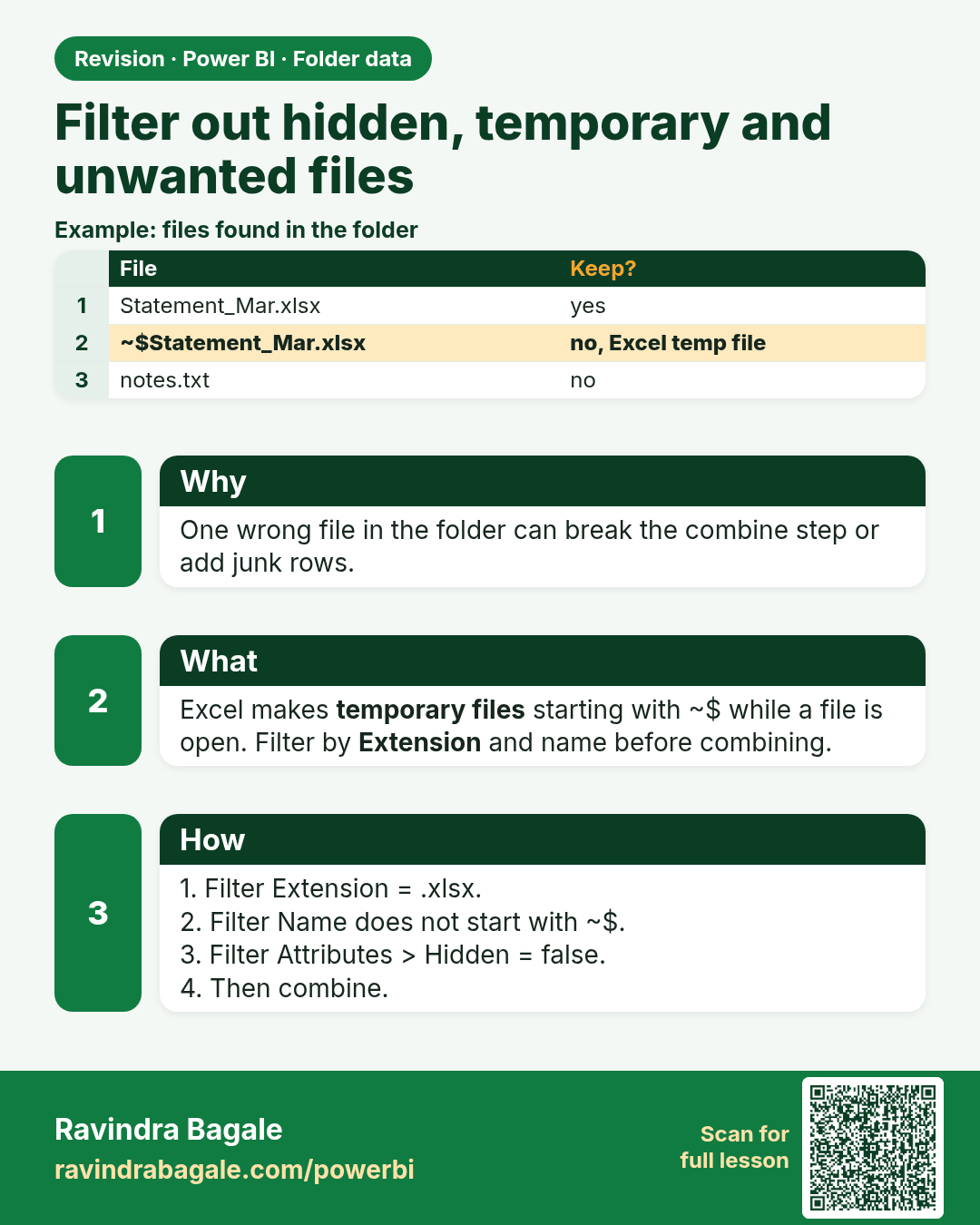
Filter out hidden, temporary and unwanted files. One wrong file in the folder can break the combine step or add junk rows.
Revision card 3 of 8: Filter out hidden, temporary and unwanted files · Download PNG · Open card page

Lesson: 9.3 Filter Out Hidden, Temporary and Unwanted Files
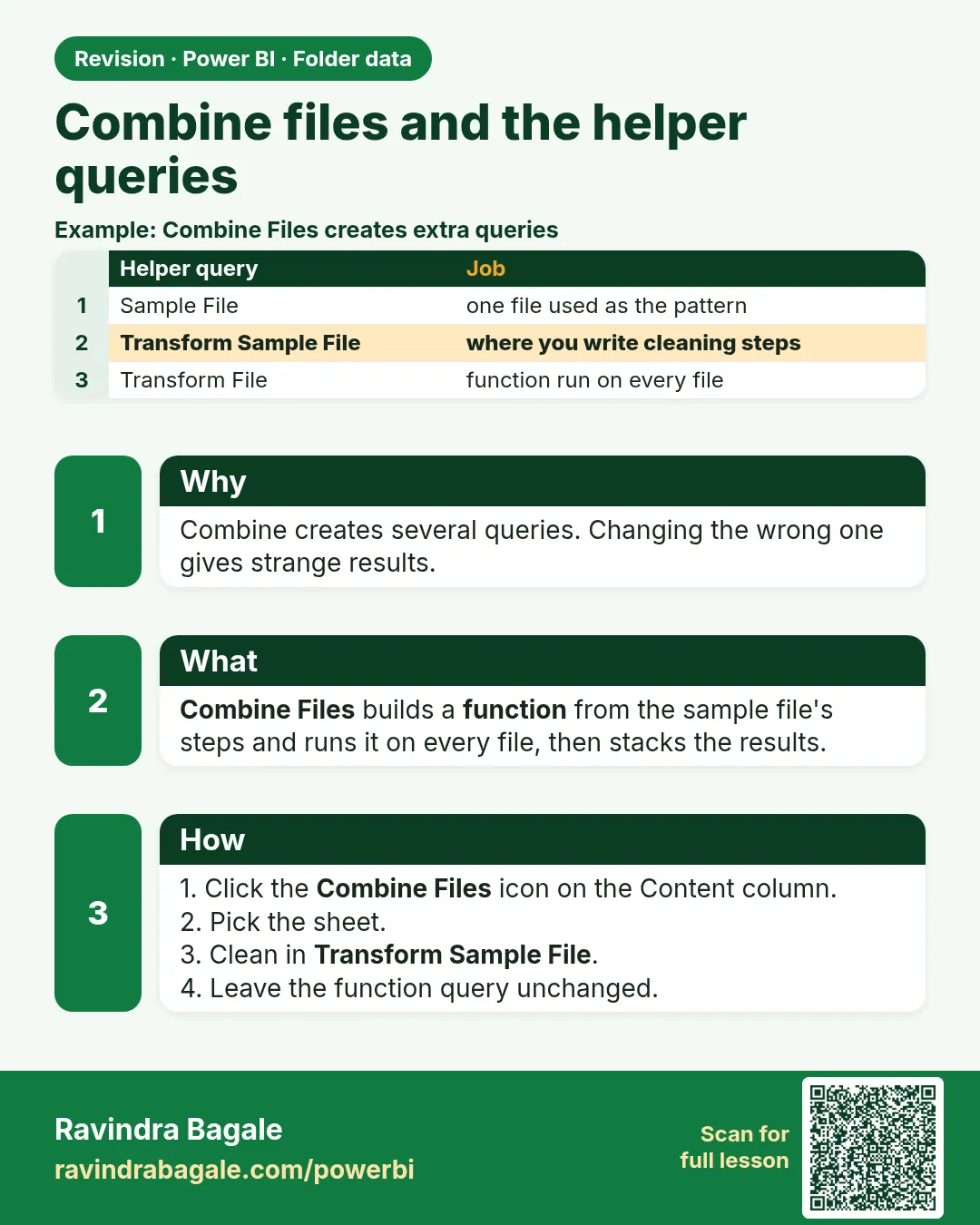
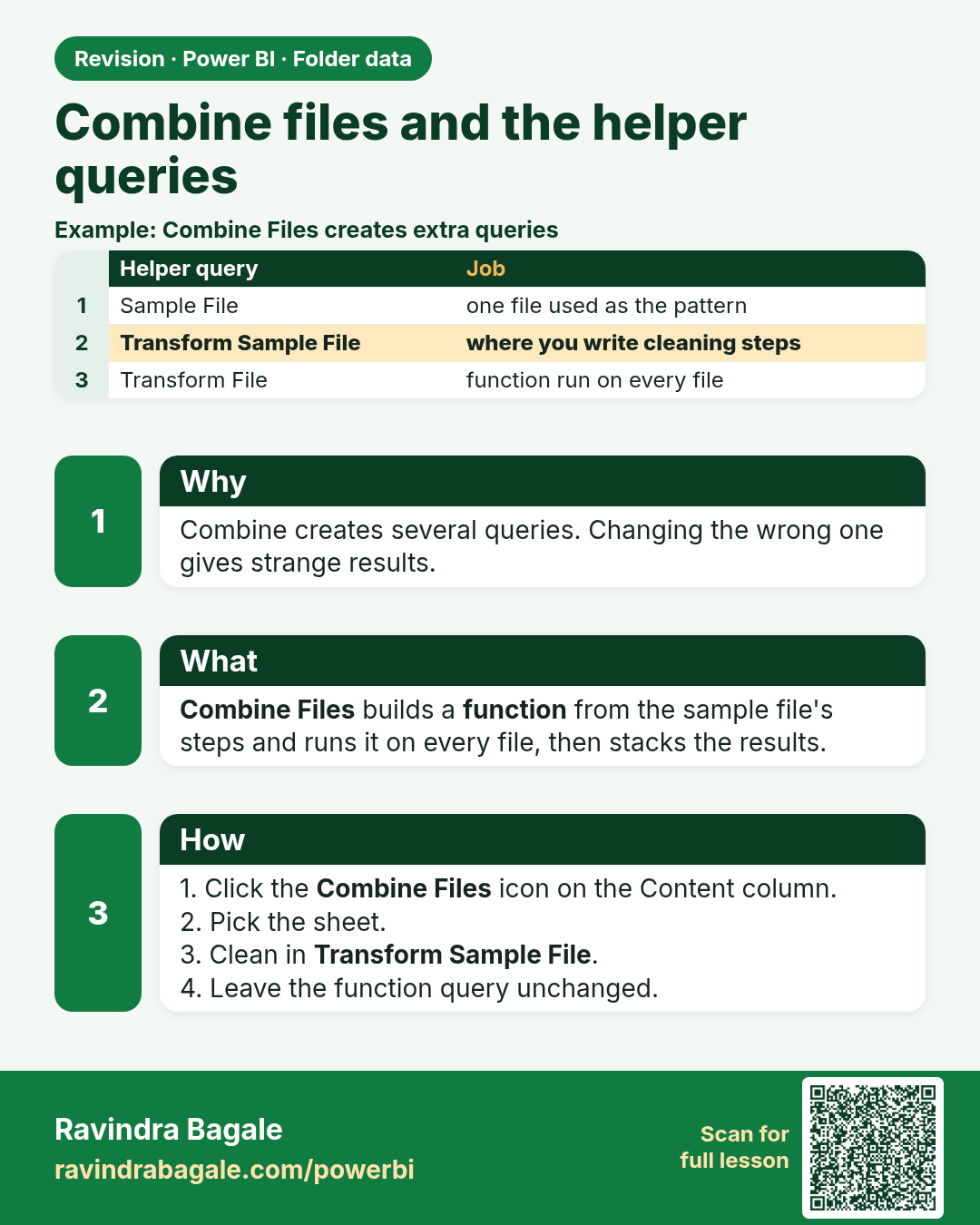
Combine files and the helper queries. Combine creates several queries. Changing the wrong one gives strange results.
Revision card 4 of 8: Combine files and the helper queries · Download PNG · Open card page

Lesson: 9.4 Combine Files and the Helper Queries
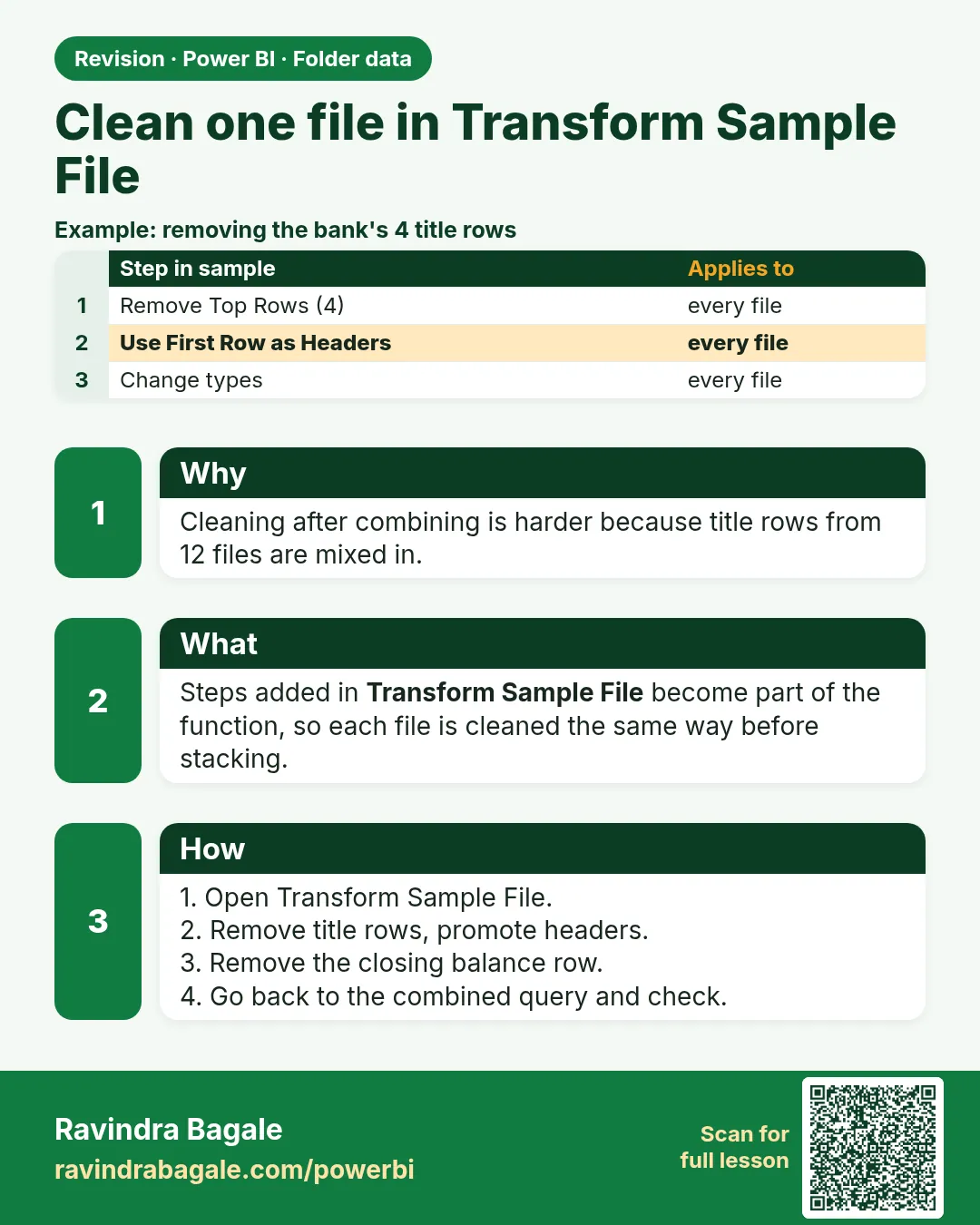
Clean one file in Transform Sample File. Cleaning after combining is harder because title rows from 12 files are mixed in.
Revision card 5 of 8: Clean one file in Transform Sample File · Download PNG · Open card page

Lesson: 9.5 Clean One File in Transform Sample File

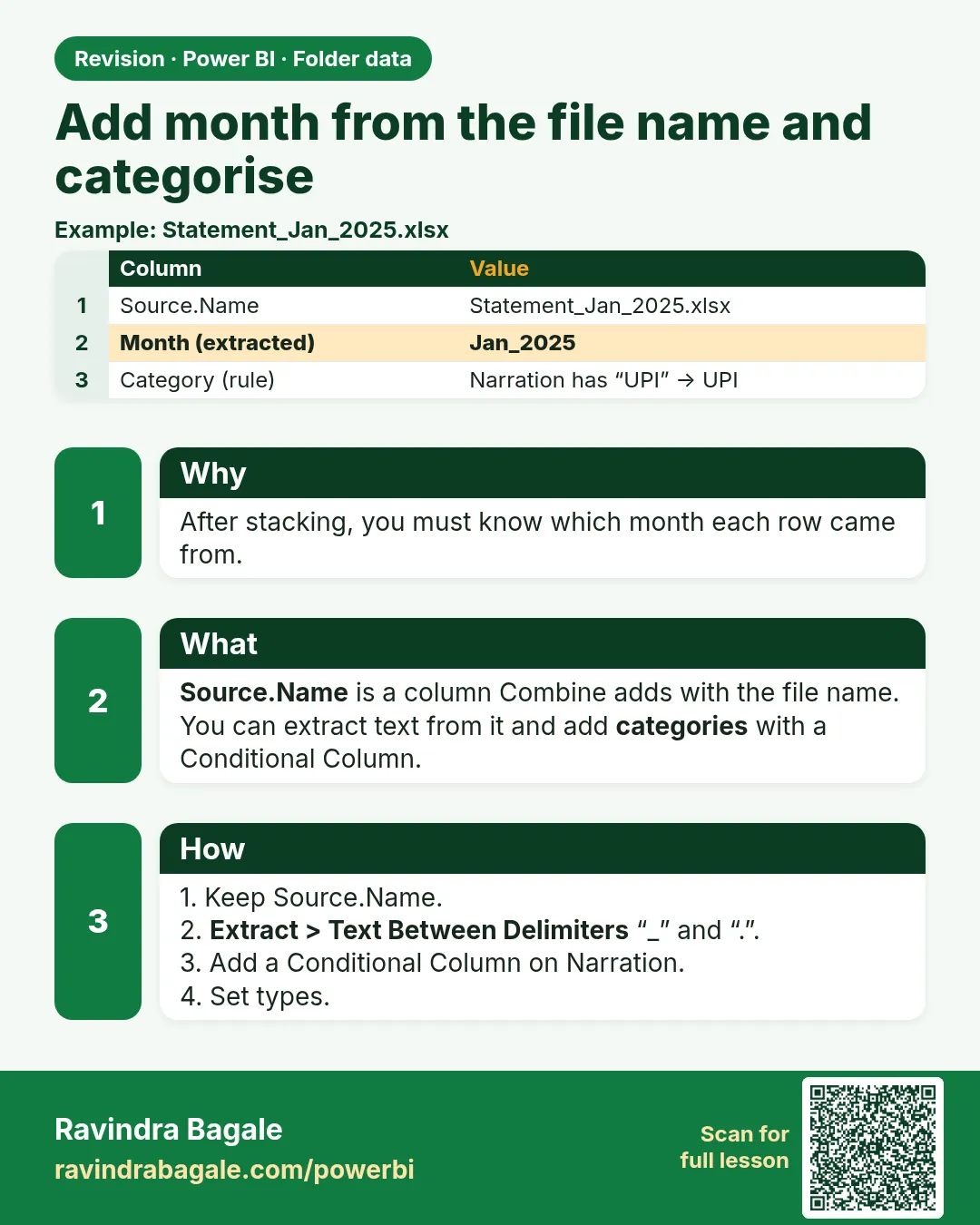
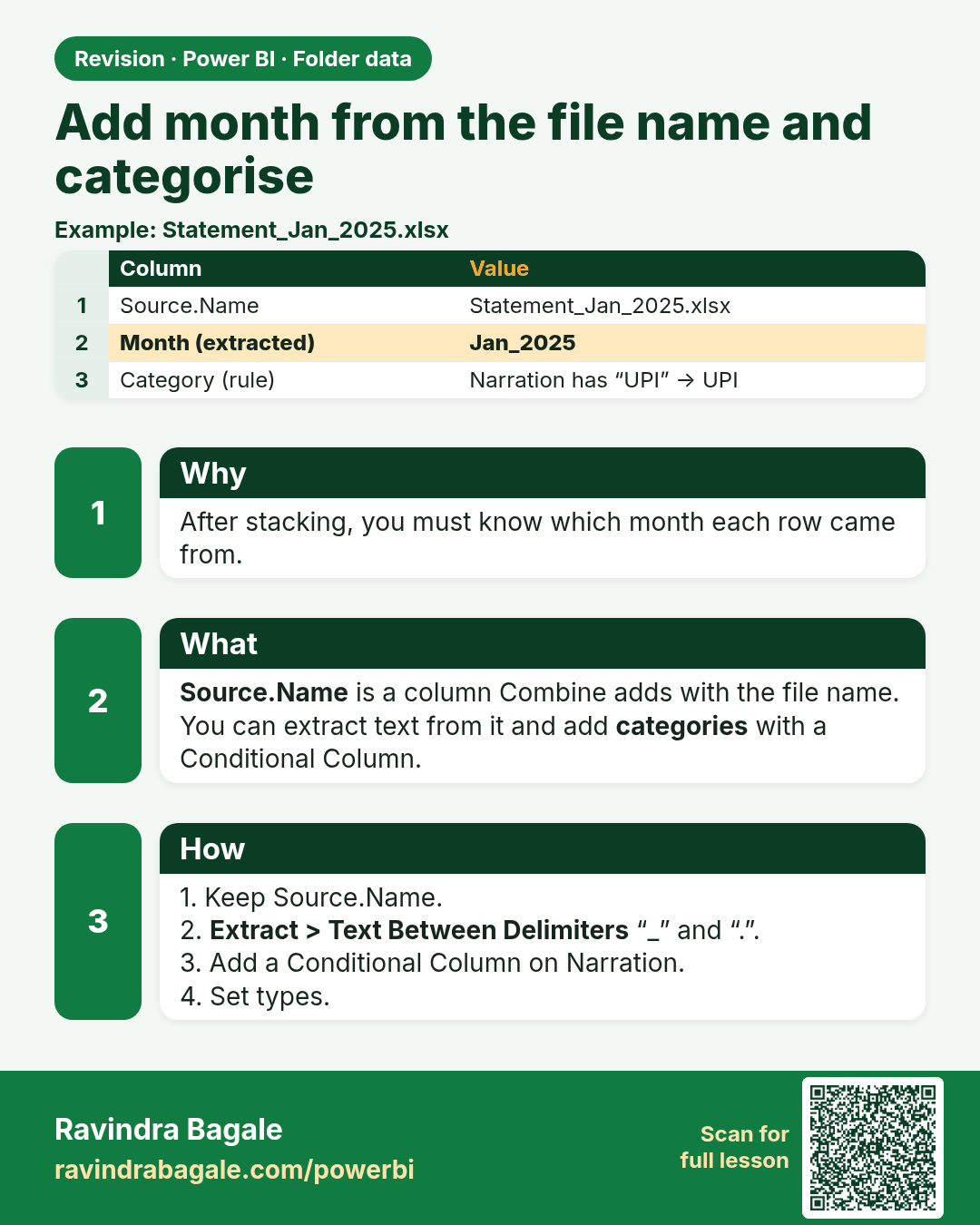
Add month from the file name and categorise. After stacking, you must know which month each row came from.
Revision card 6 of 8: Add month from the file name and categorise · Download PNG · Open card page

Lesson: 9.6 Add Month from Source.Name and Categorise Transactions

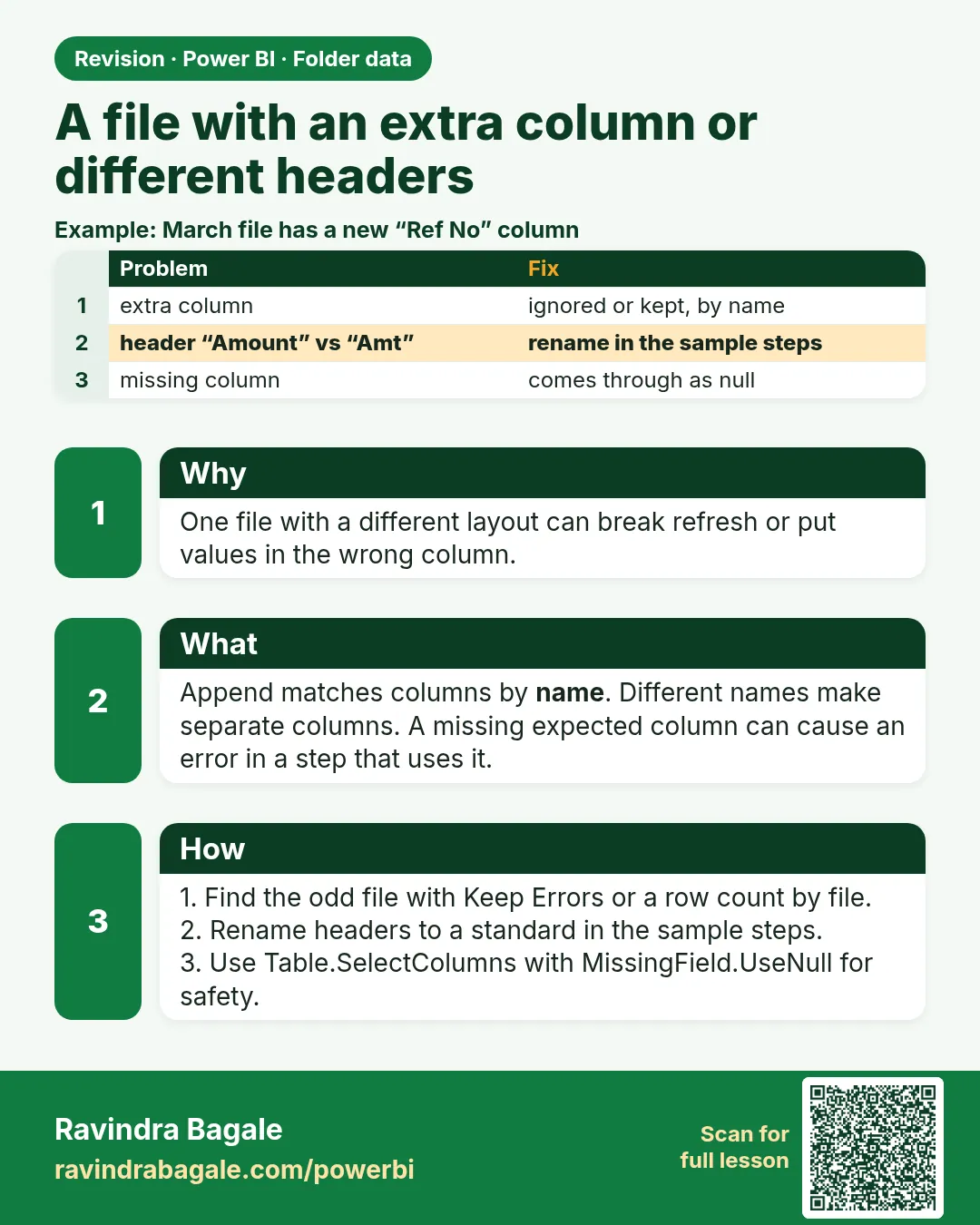
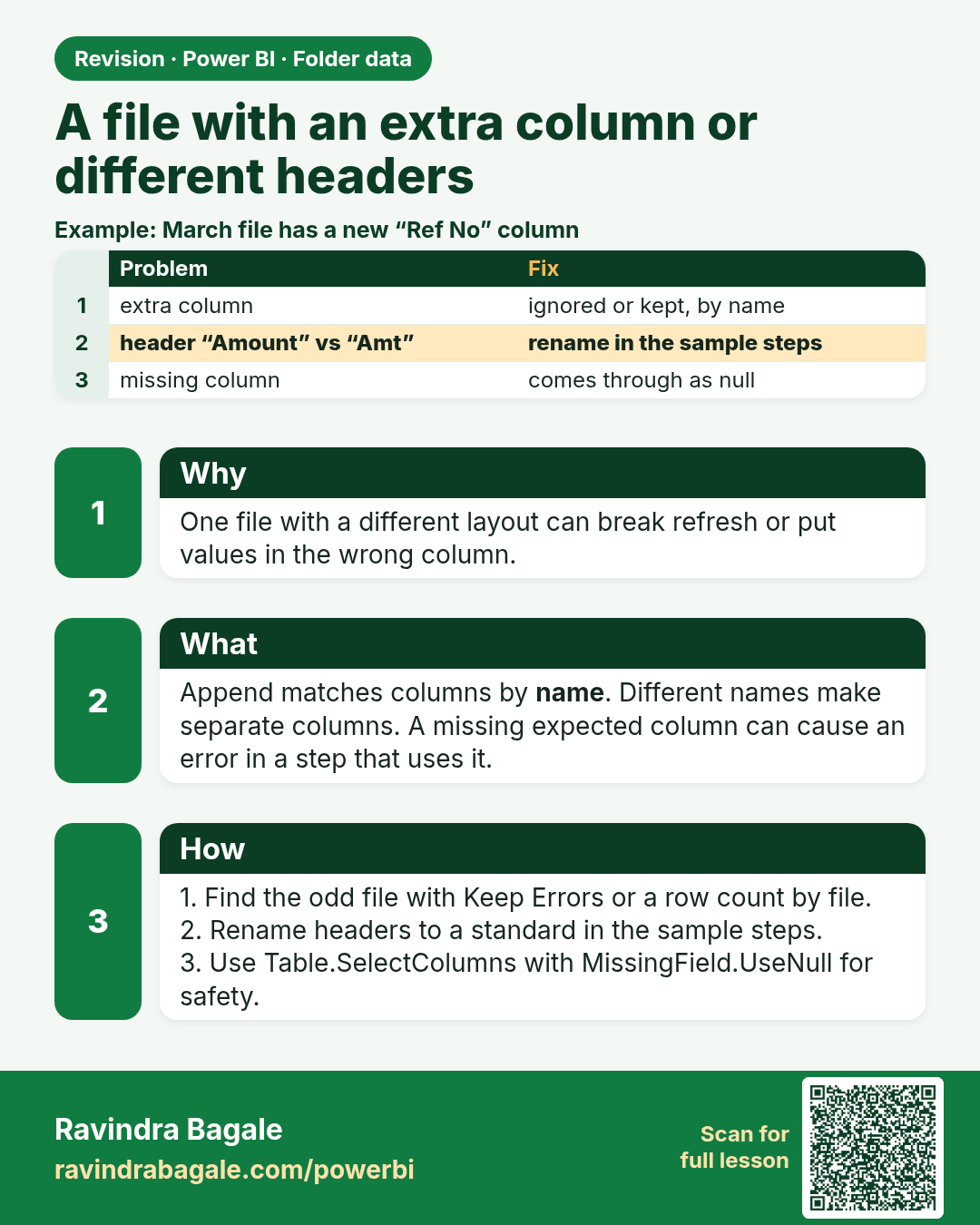
A file with an extra column or different headers. One file with a different layout can break refresh or put values in the wrong column.
Revision card 7 of 8: A file with an extra column or different headers · Download PNG · Open card page

Lesson: 9.7 A File with an Extra Column or Different Headers

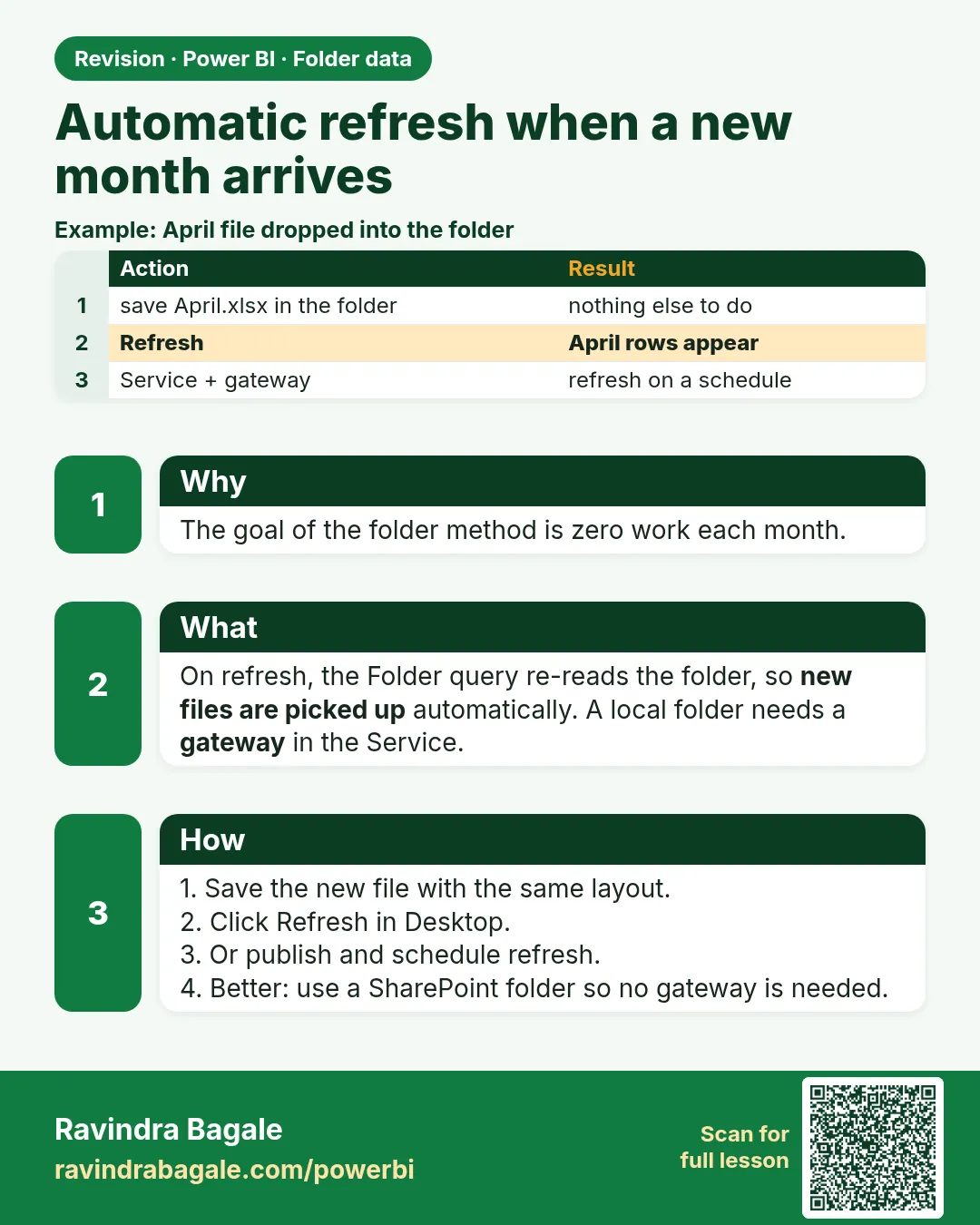
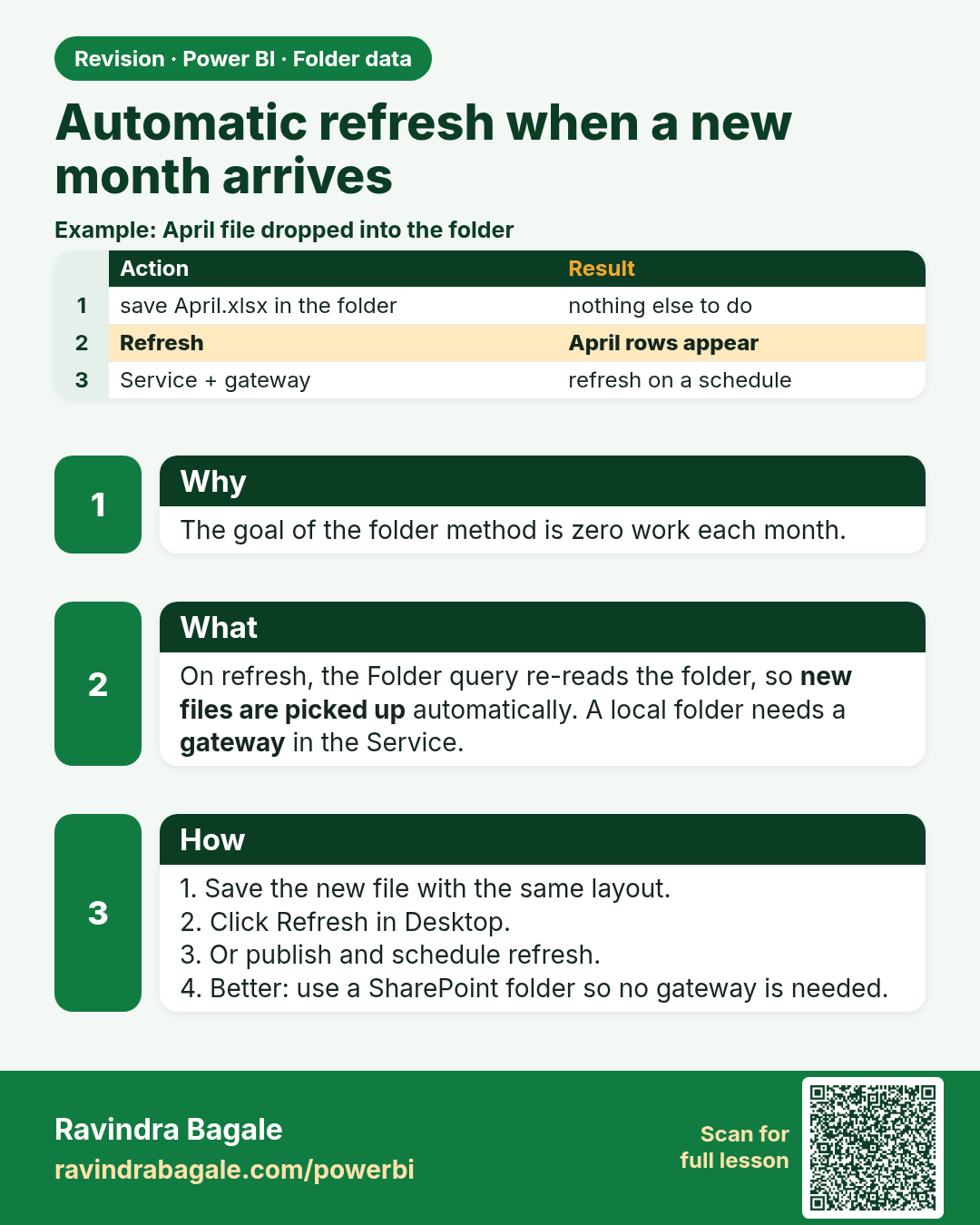
Automatic refresh when a new month arrives. The goal of the folder method is zero work each month.
Revision card 8 of 8: Automatic refresh when a new month arrives · Download PNG · Open card page

Lesson: 9.8 Automatic Refresh When a New Month Arrives

Interview cards

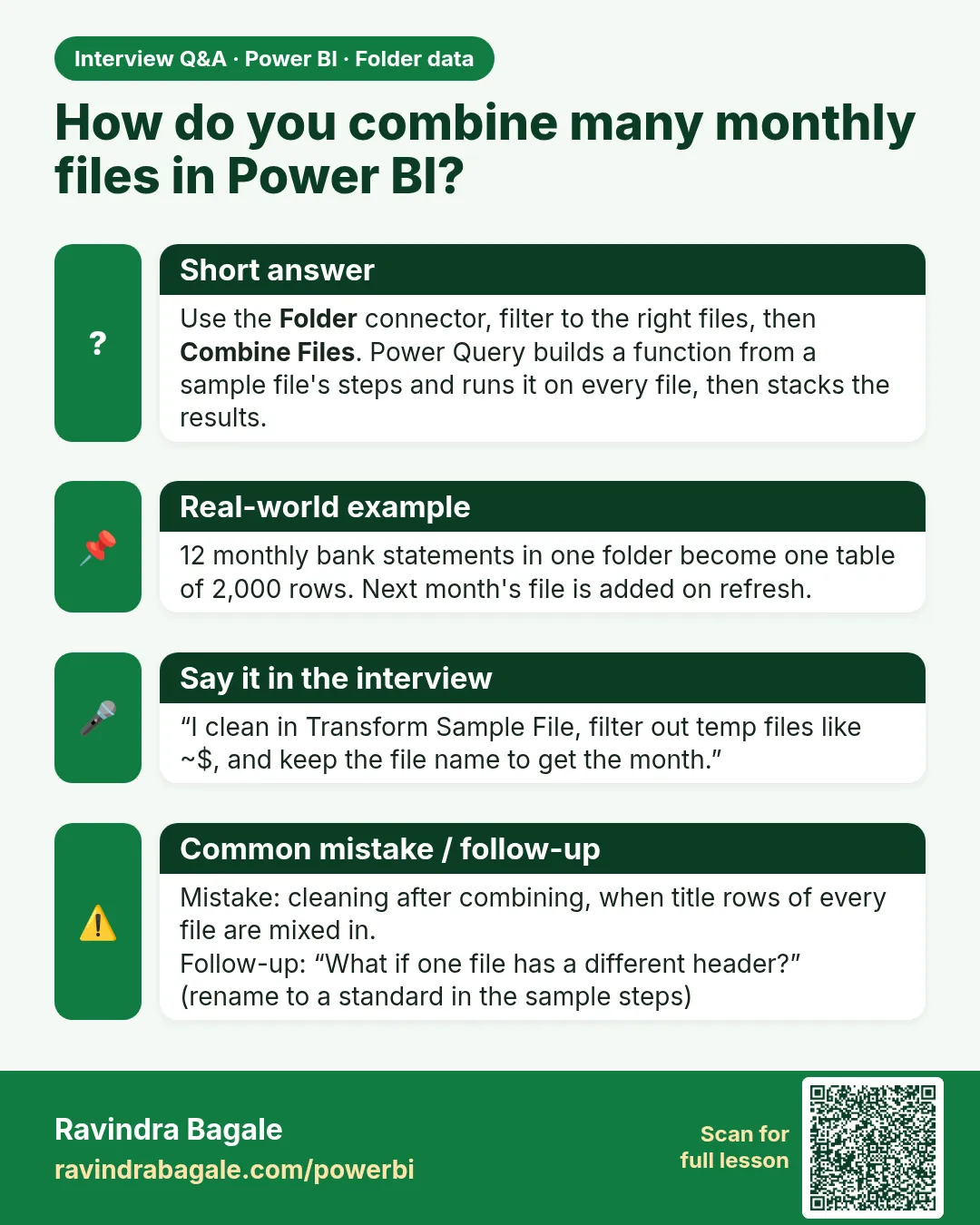
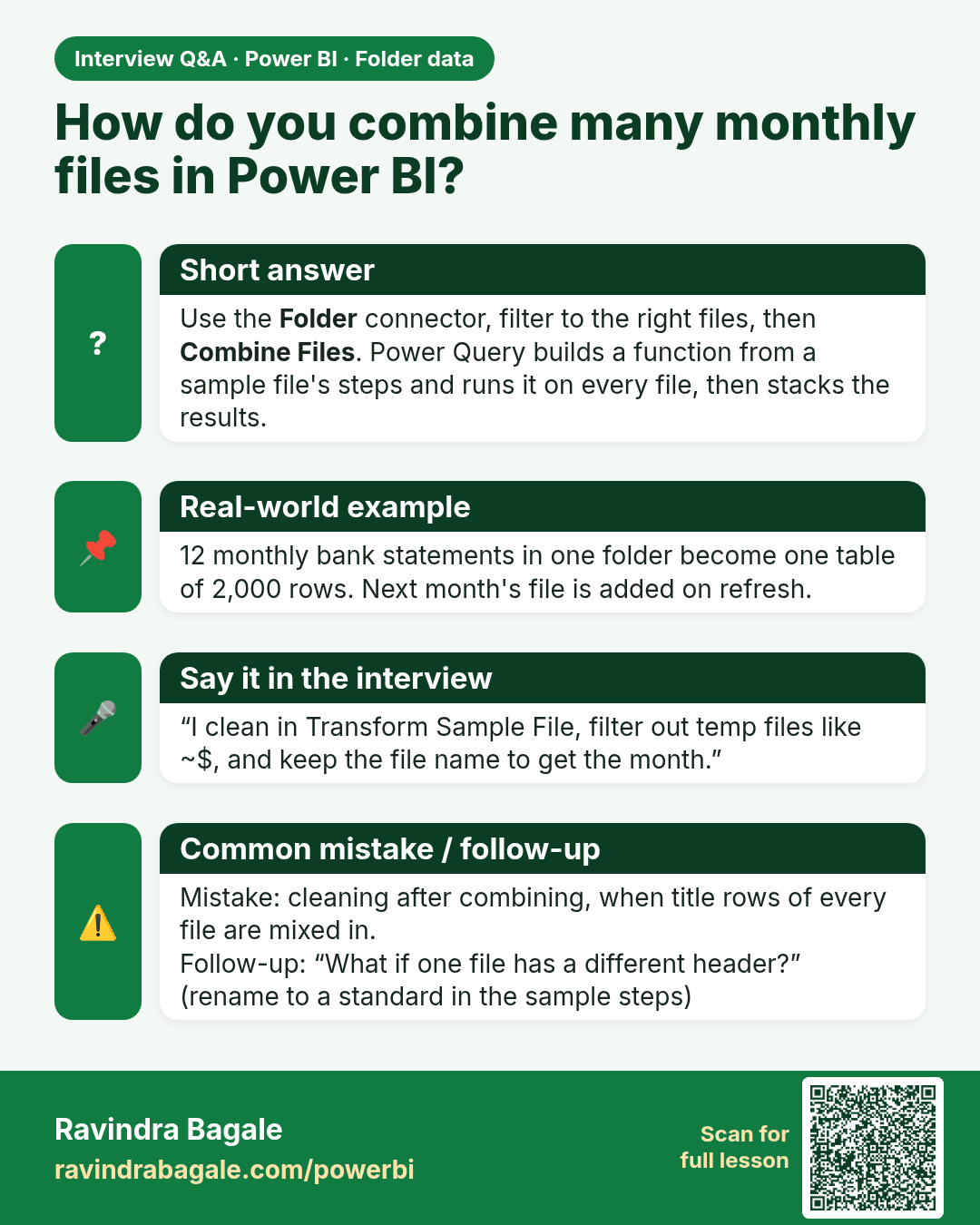
How do you combine many monthly files in Power BI? Use the Folder connector, filter to the right files, then Combine Files. Power Query builds a function from a sample file's steps and runs it on every file, then stacks the results.
Interview card 1 of 1: How do you combine many monthly files in Power BI? · Download PNG · Open card page

Lesson: 9.4 Combine Files and the Helper Queries
Comparison cards
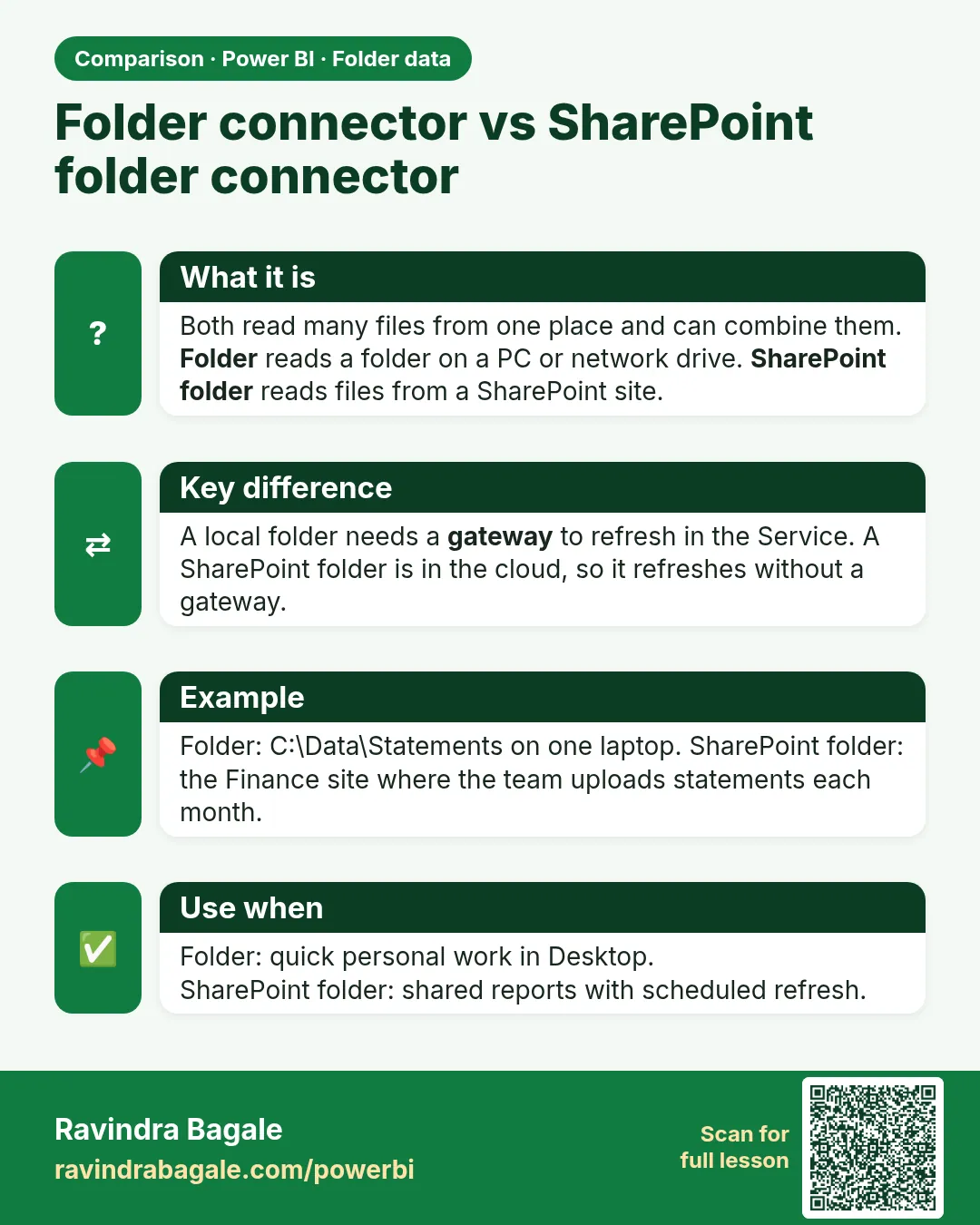
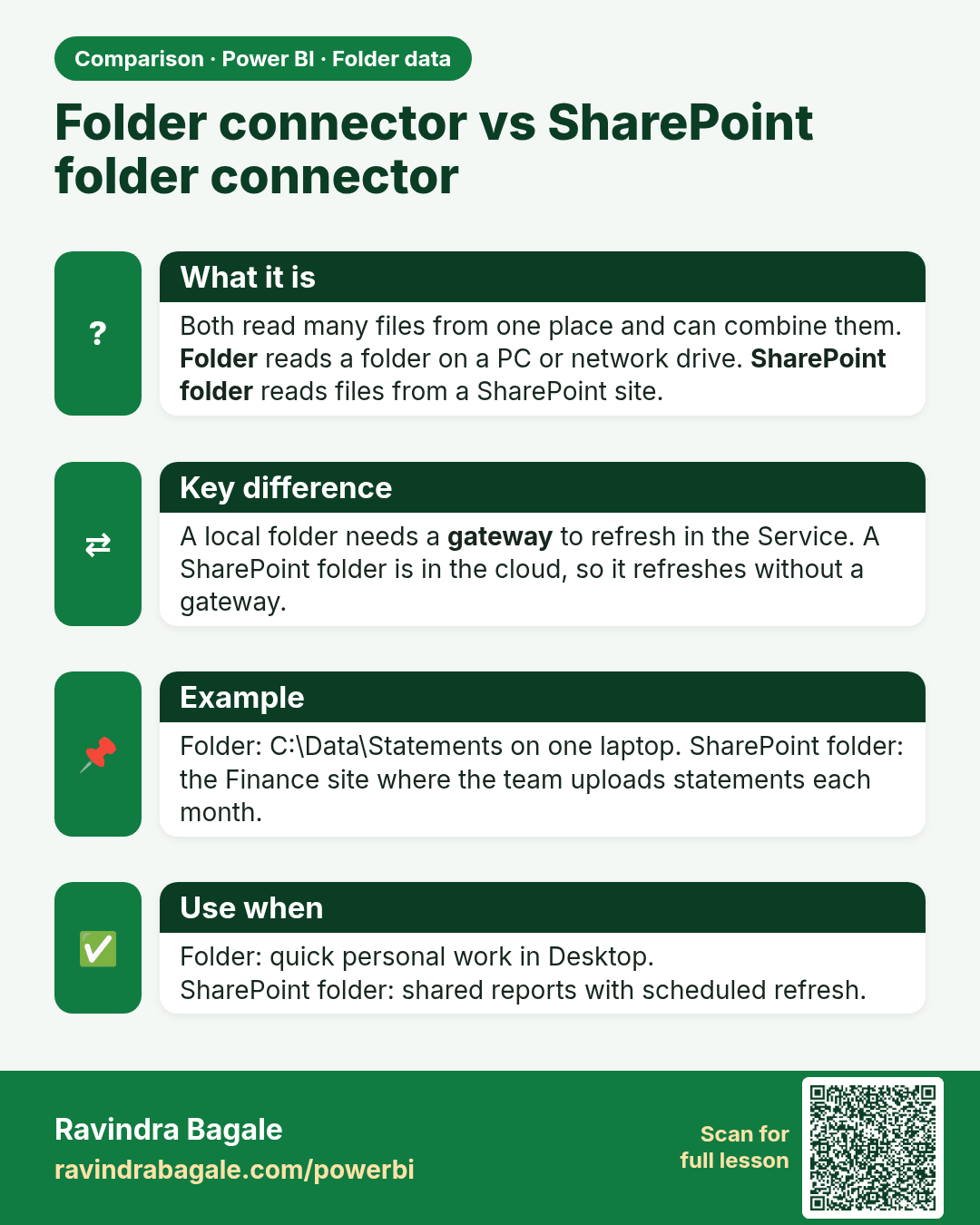
Folder connector vs SharePoint folder connector. Both read many files from one place and can combine them. Folder reads a folder on a PC or network drive. SharePoint folder reads files from a SharePoint site.
Comparison card 1 of 1: Folder connector vs SharePoint folder connector · Download PNG · Open card page

Lesson: 9.2 Connect to the Folder