Ravindra BagaleCourses & study guides मराठी Track your progress

Ravi Sir's Cards › Power BI

2. Installation and Interface Tour: Cards

मराठी cards · Open the chapter

Revision cards
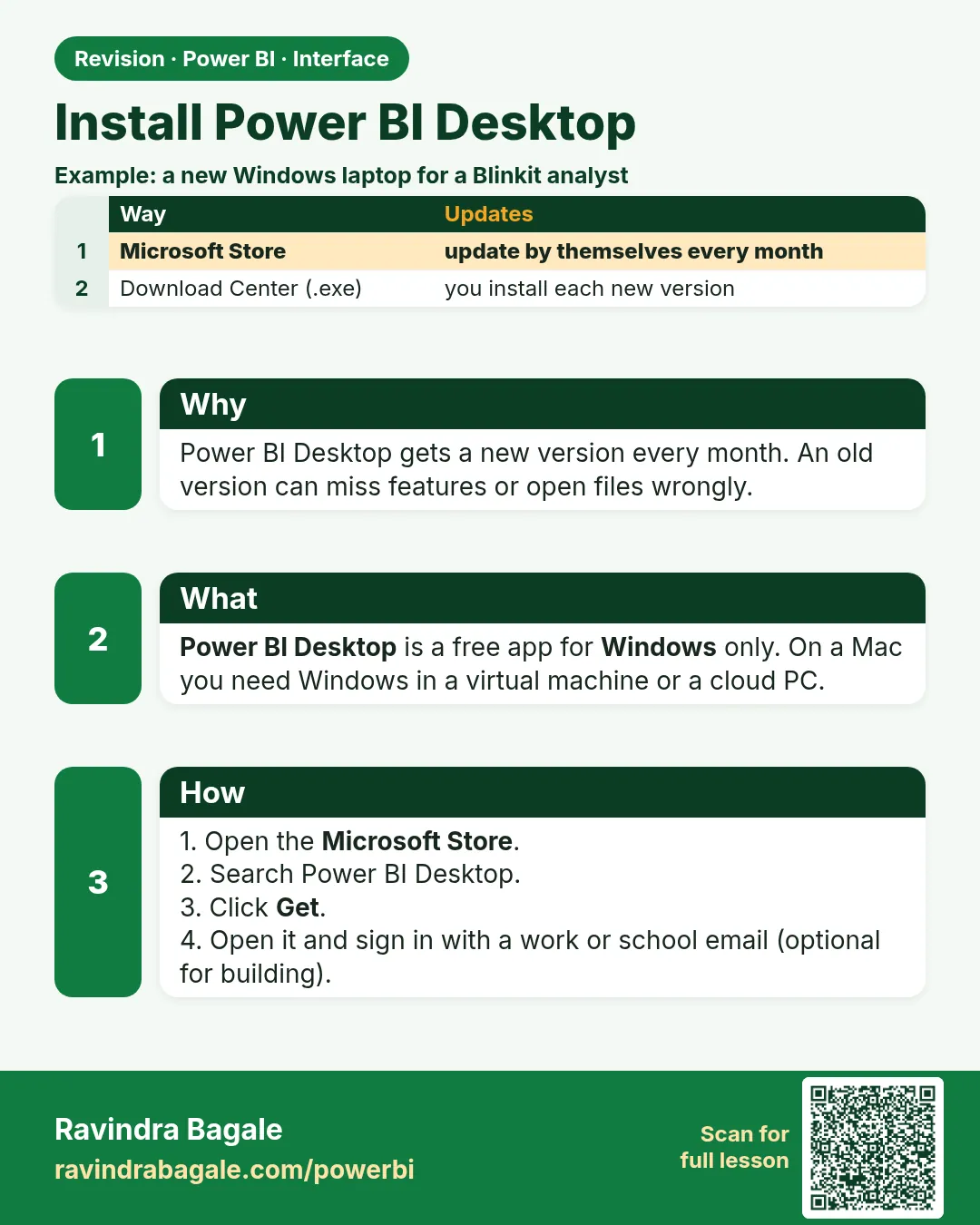
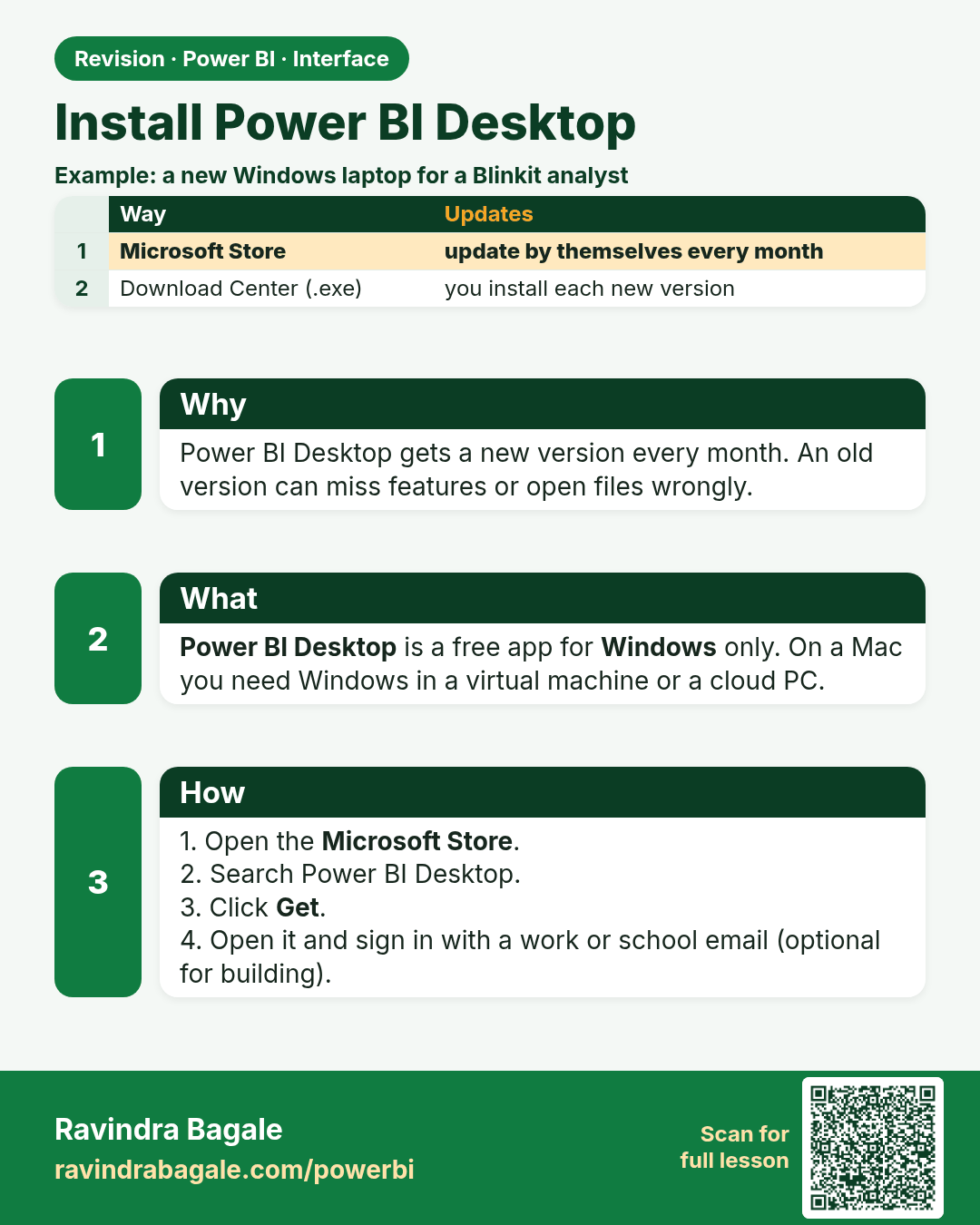
Install Power BI Desktop. Power BI Desktop gets a new version every month. An old version can miss features or open files wrongly.
Revision card 1 of 7: Install Power BI Desktop · Download PNG · Open card page

Lesson: 2.1 Installing Power BI Desktop
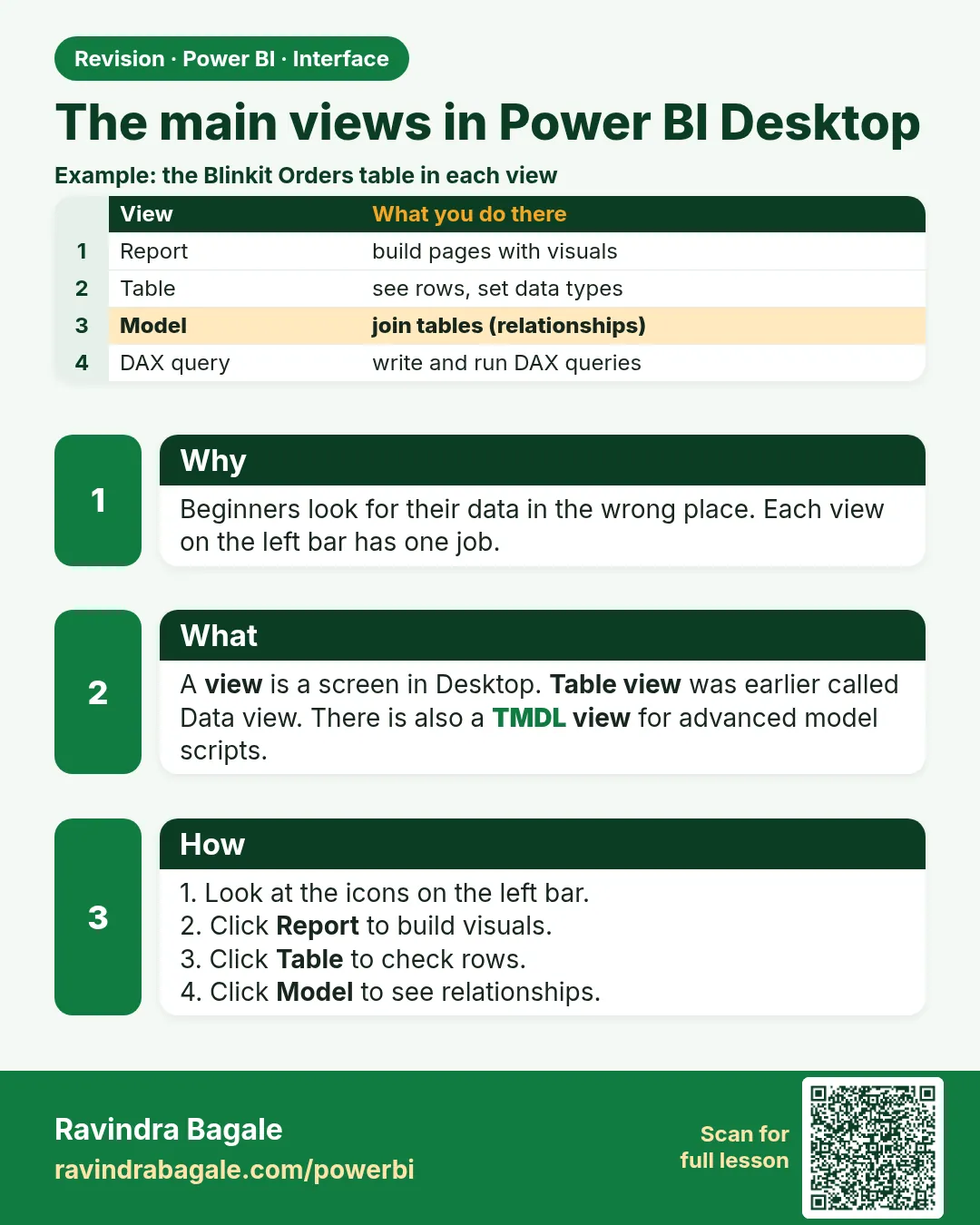
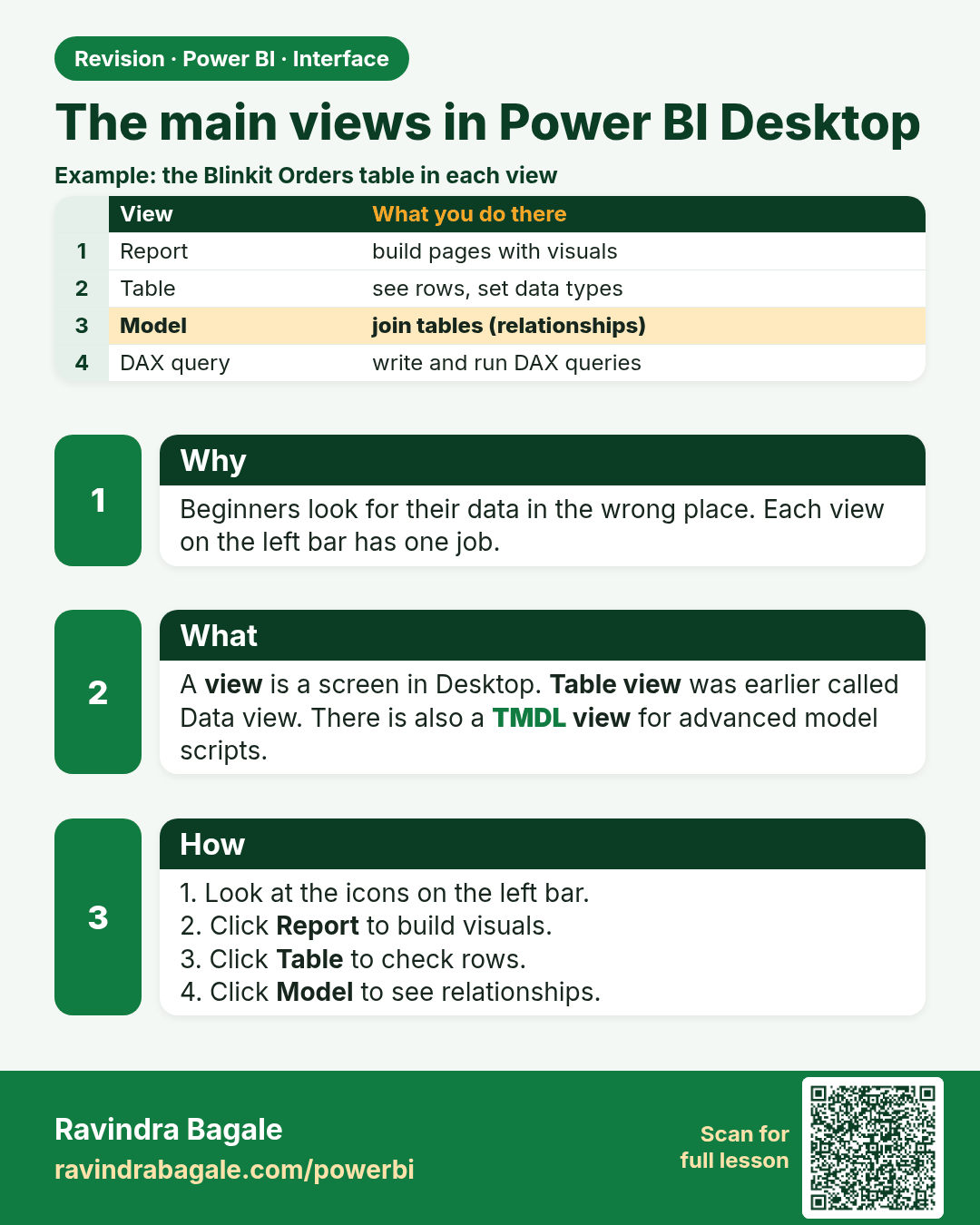
The main views in Power BI Desktop. Beginners look for their data in the wrong place. Each view on the left bar has one job.
Revision card 2 of 7: The main views in Power BI Desktop · Download PNG · Open card page

Lesson: 2.2 The Main Views

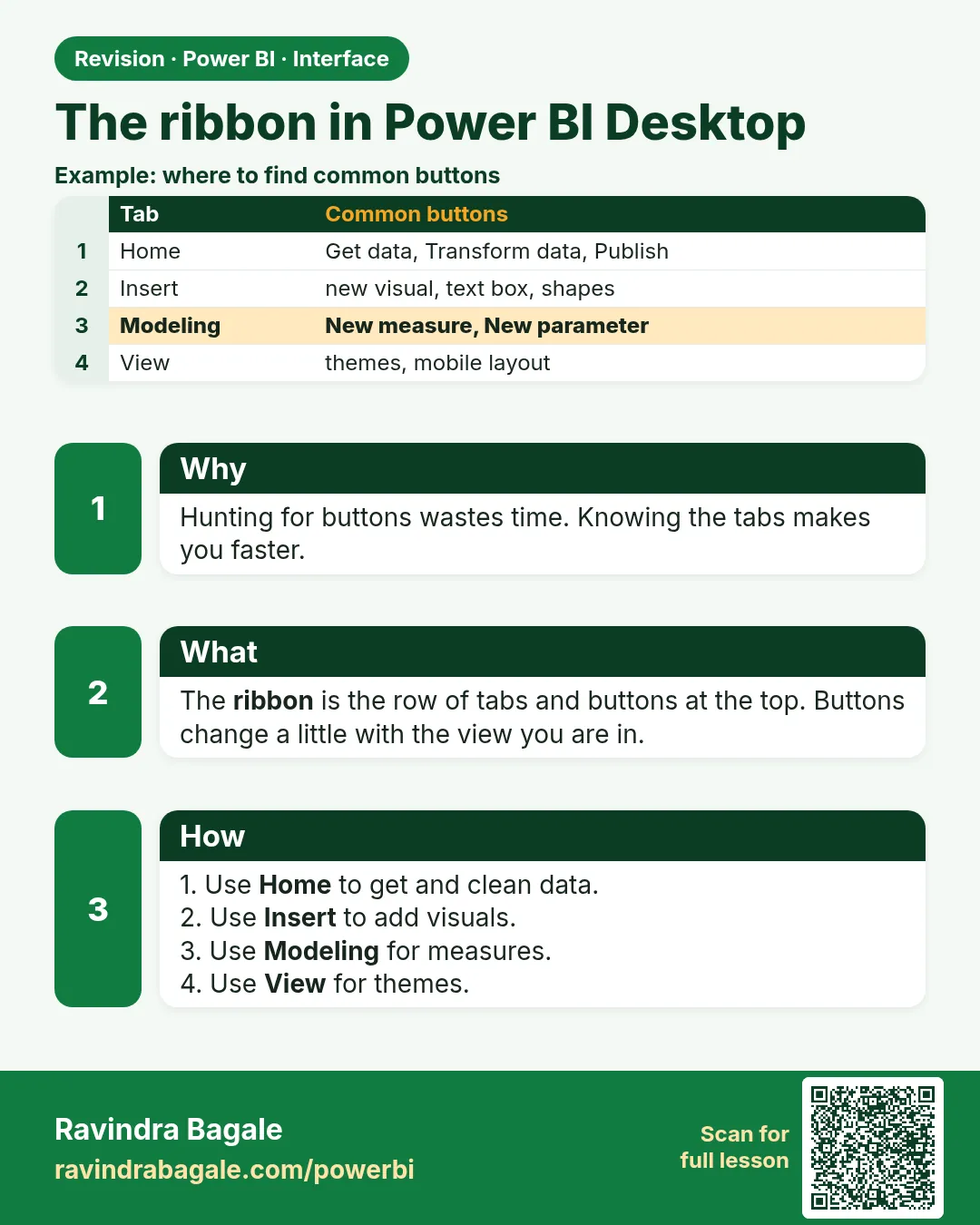
The ribbon in Power BI Desktop. Hunting for buttons wastes time. Knowing the tabs makes you faster.
Revision card 3 of 7: The ribbon in Power BI Desktop · Download PNG · Open card page

Lesson: 2.3 The Ribbon

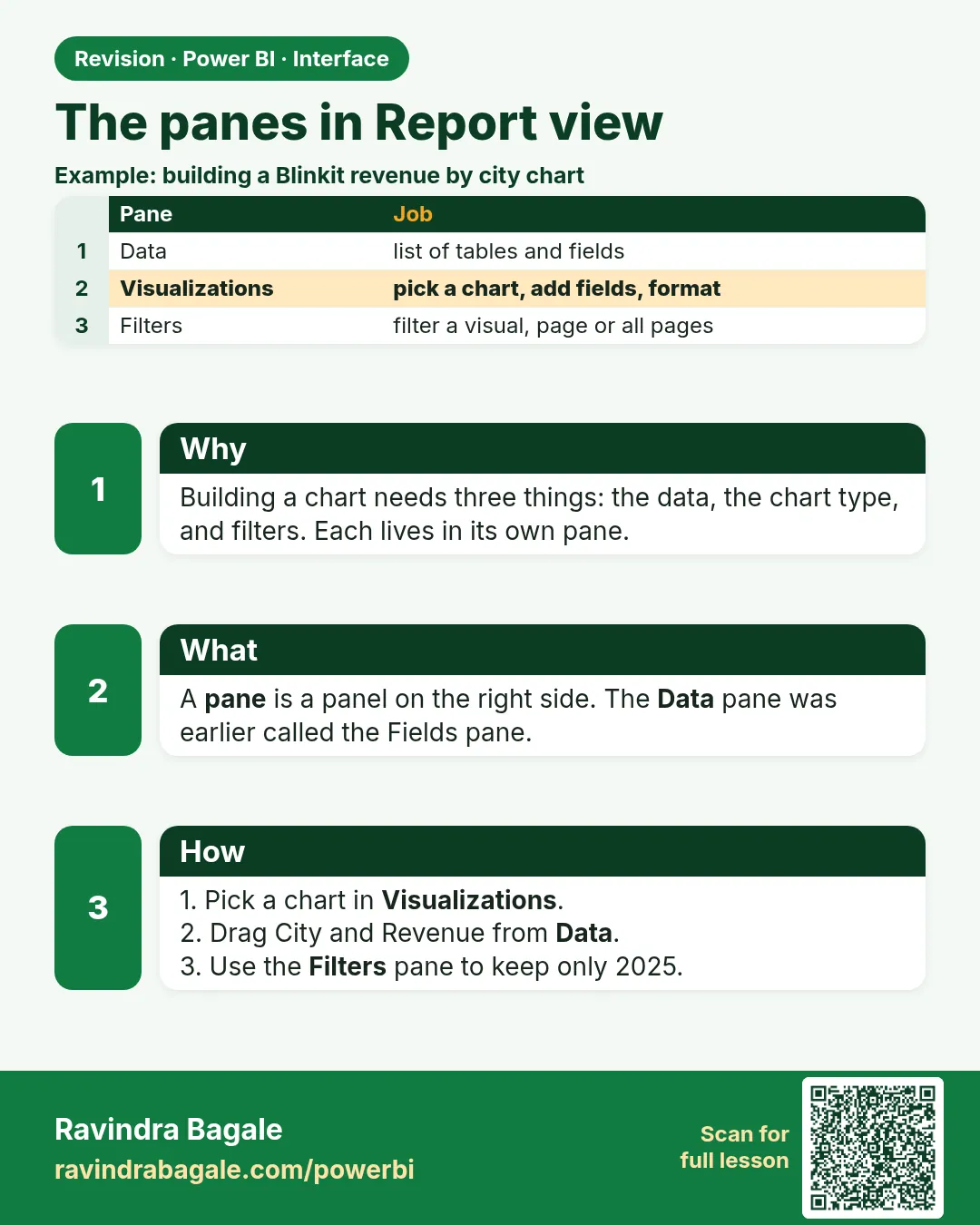
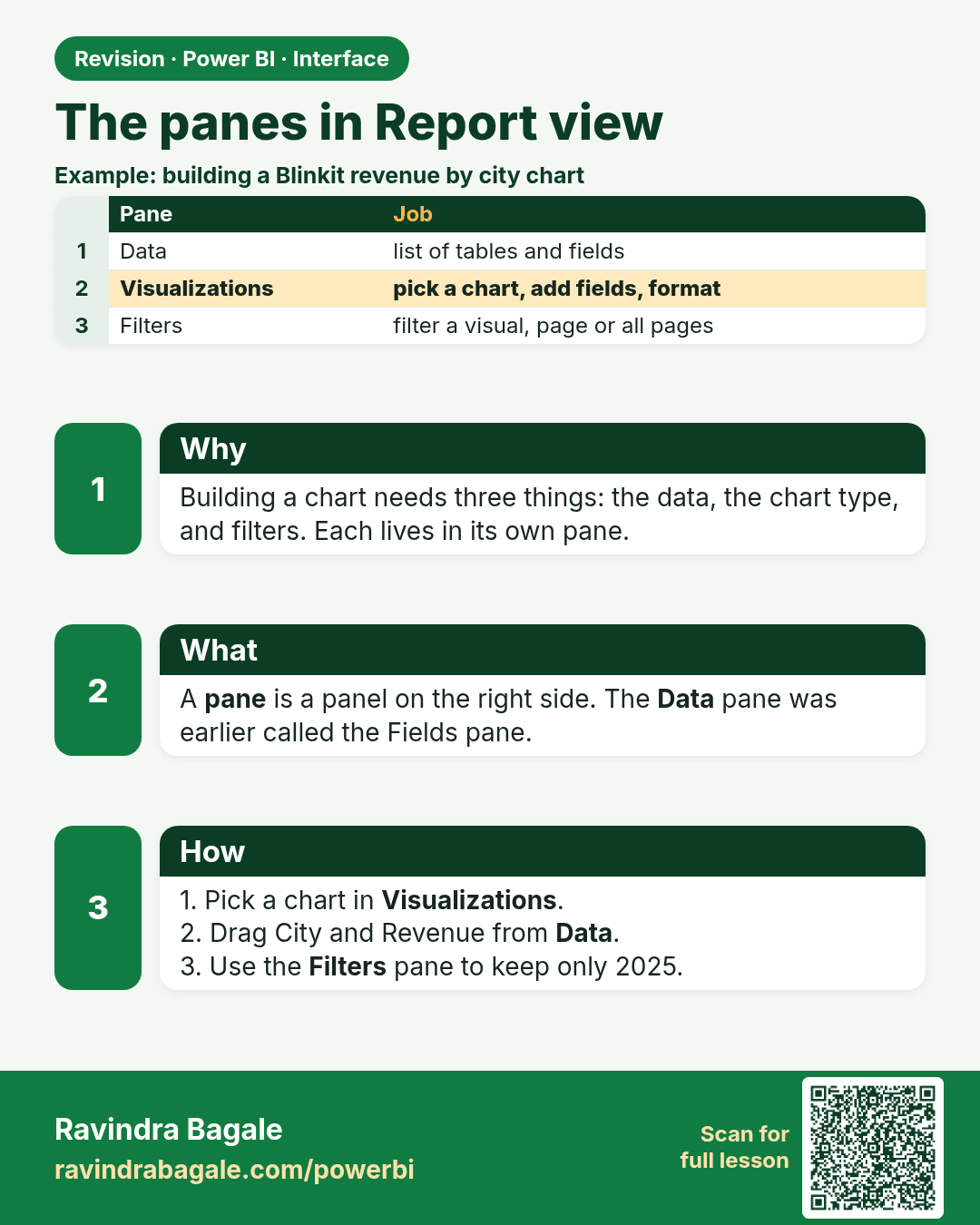
The panes in Report view. Building a chart needs three things: the data, the chart type, and filters. Each lives in its own pane.
Revision card 4 of 7: The panes in Report view · Download PNG · Open card page

Lesson: 2.4 The Panes in Report View
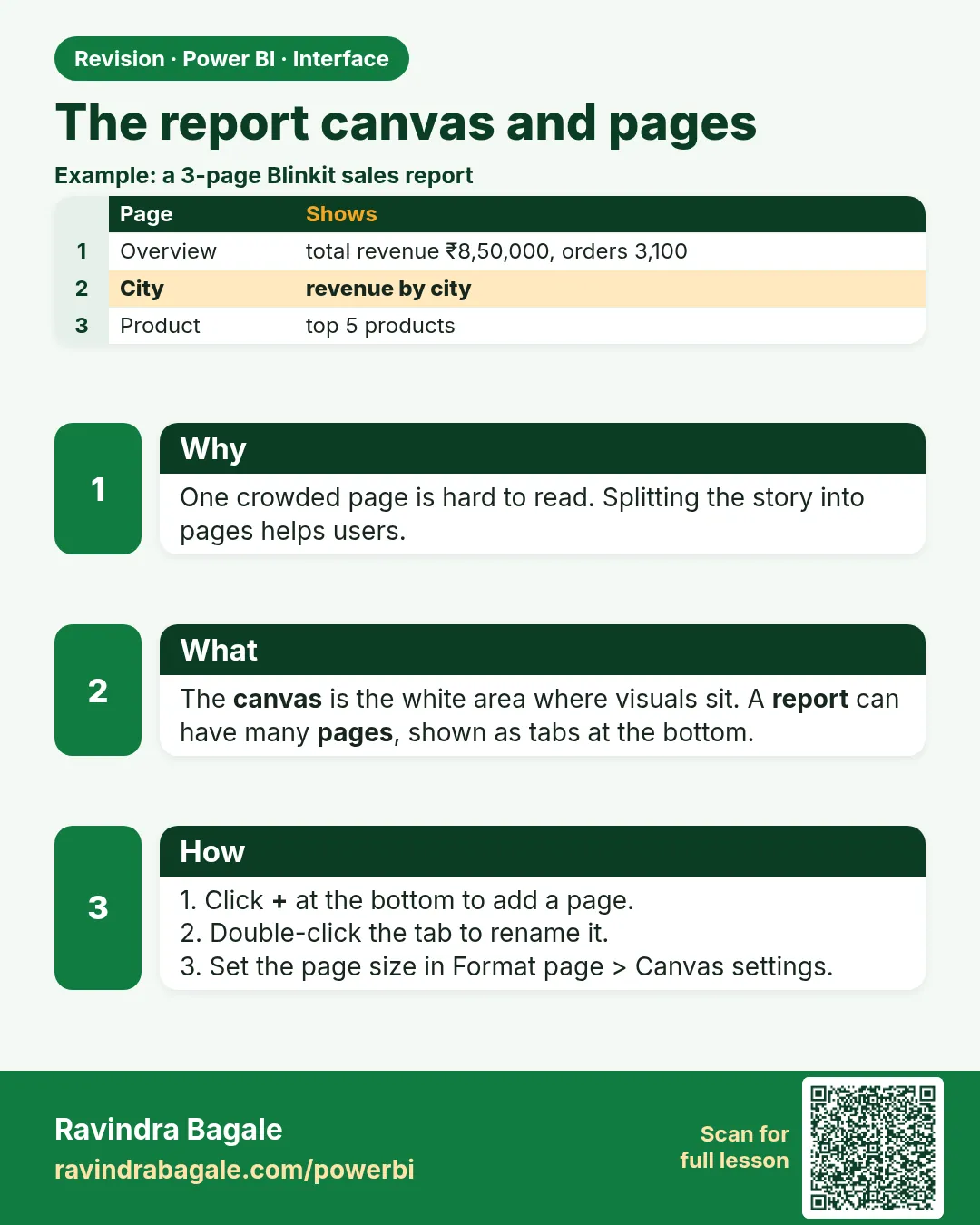
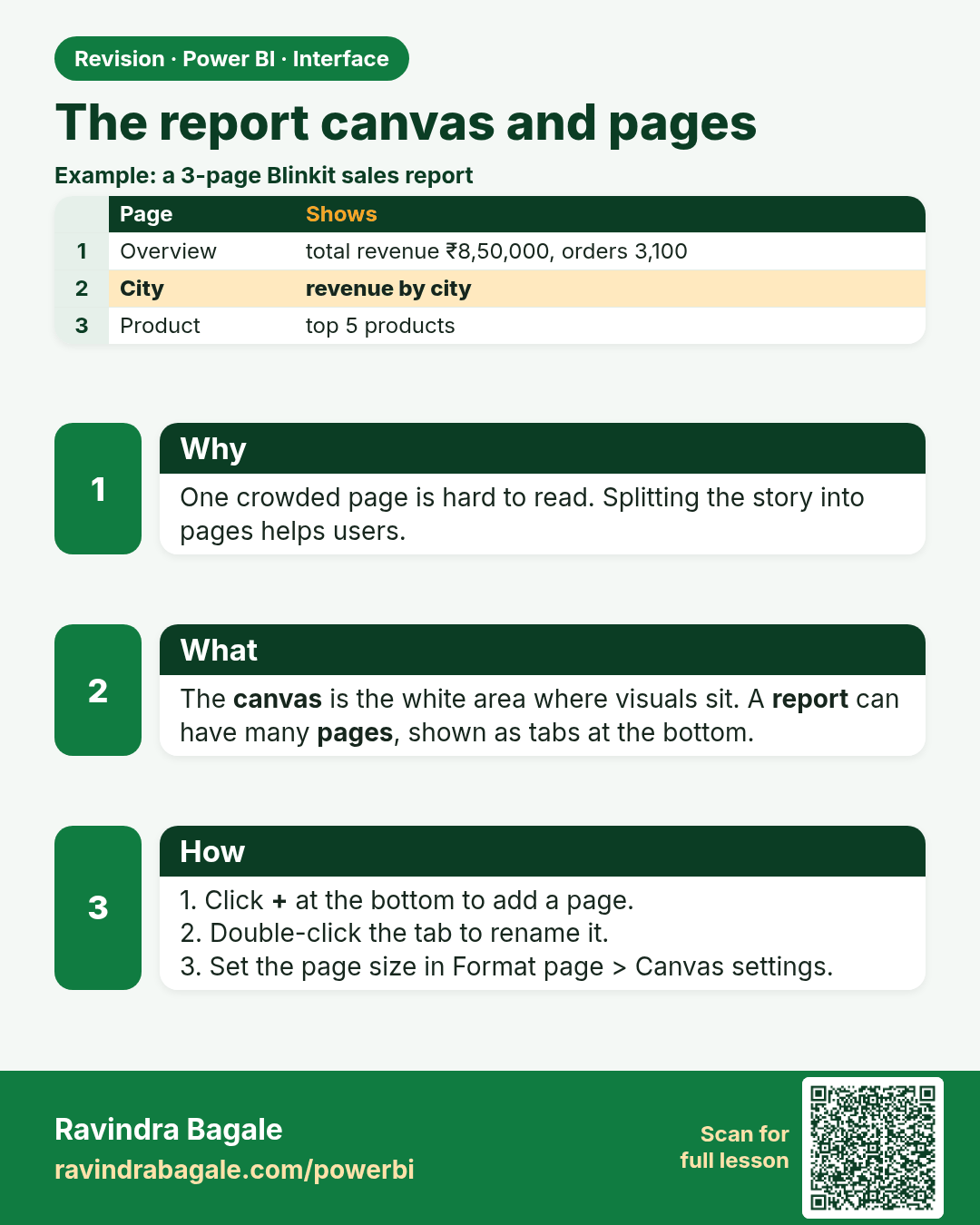
The report canvas and pages. One crowded page is hard to read. Splitting the story into pages helps users.
Revision card 5 of 7: The report canvas and pages · Download PNG · Open card page

Lesson: 2.5 The Report Canvas and Pages
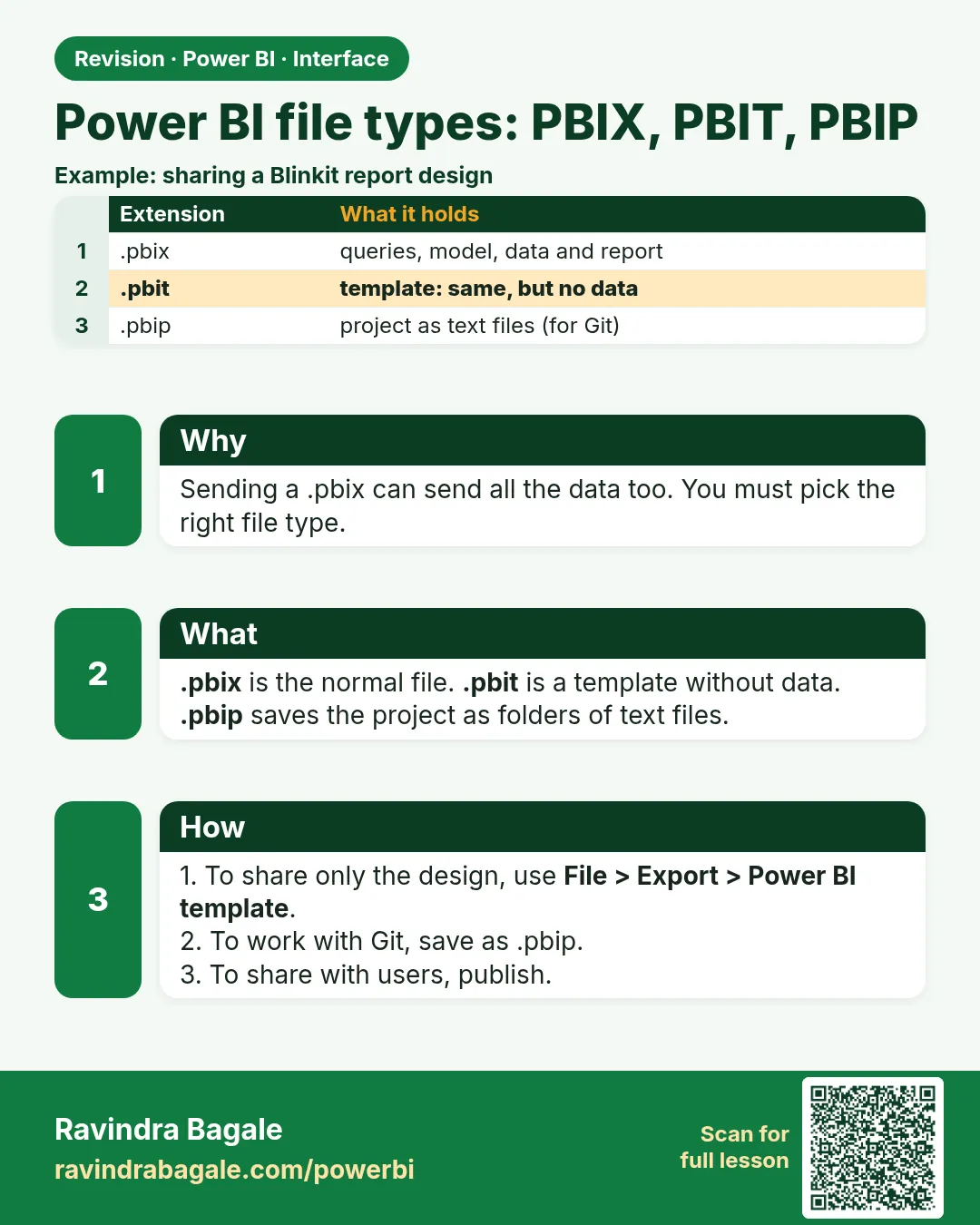
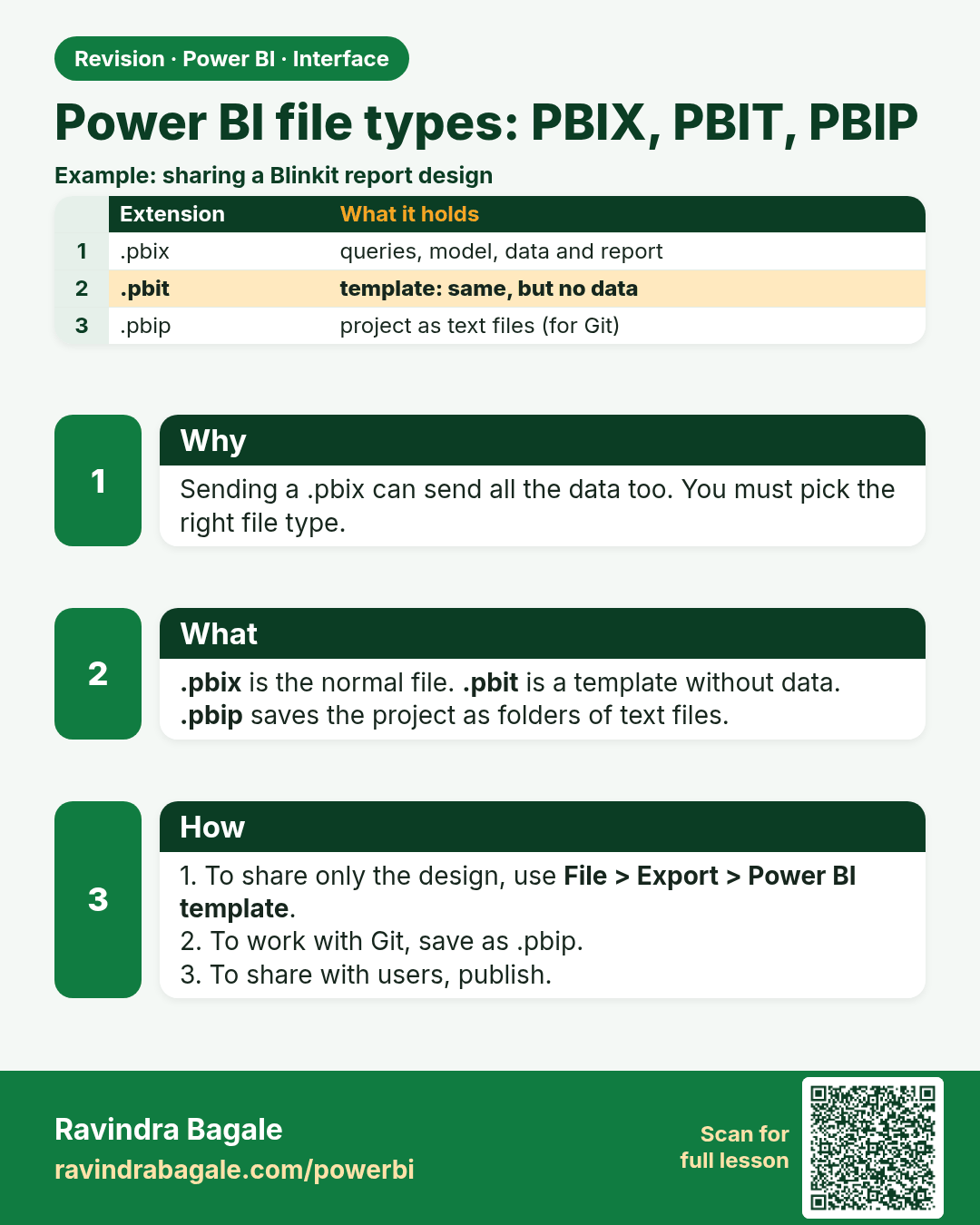
Power BI file types: PBIX, PBIT, PBIP. Sending a .pbix can send all the data too. You must pick the right file type.
Revision card 6 of 7: Power BI file types: PBIX, PBIT, PBIP · Download PNG · Open card page

Lesson: 2.6 Power BI File Types

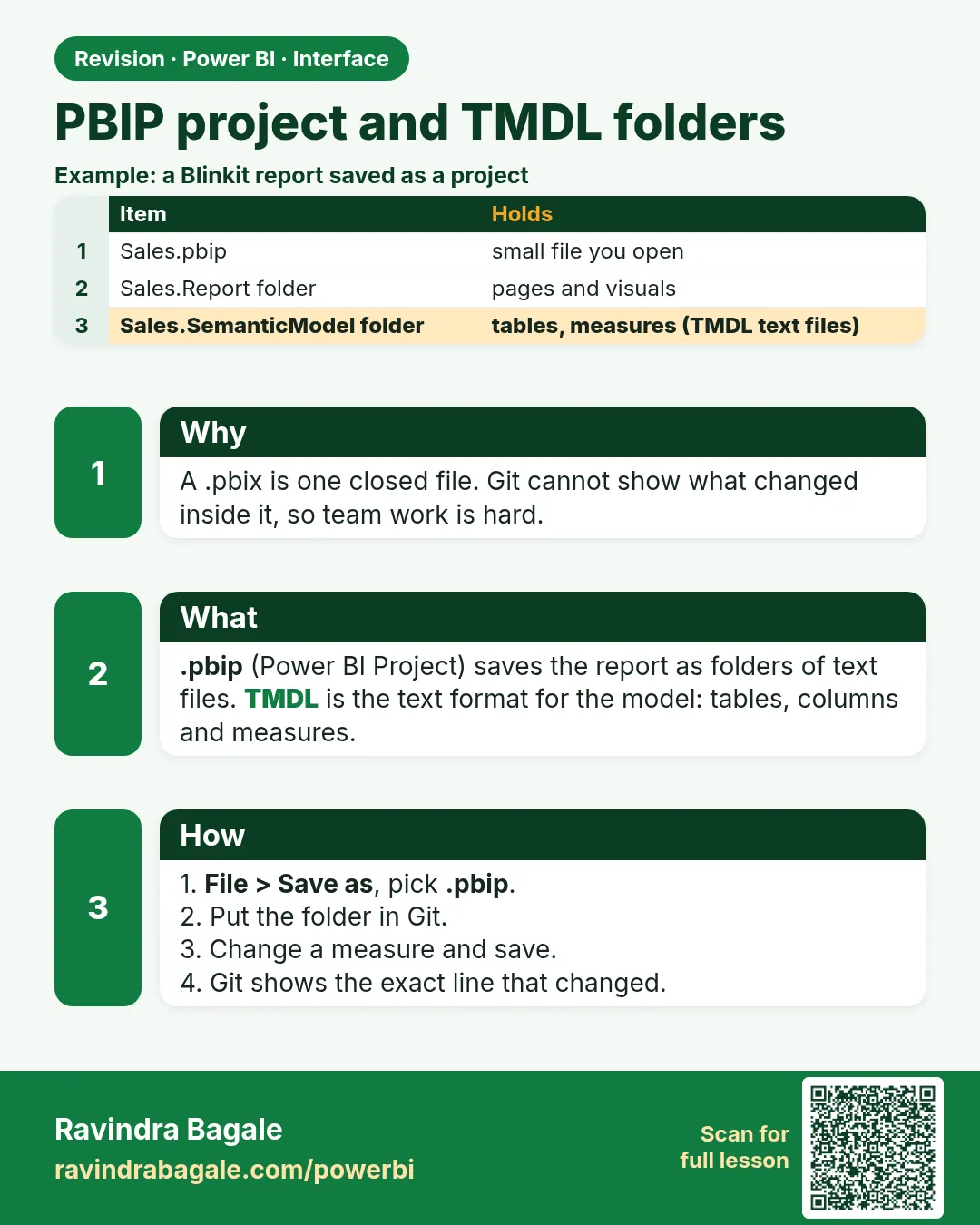
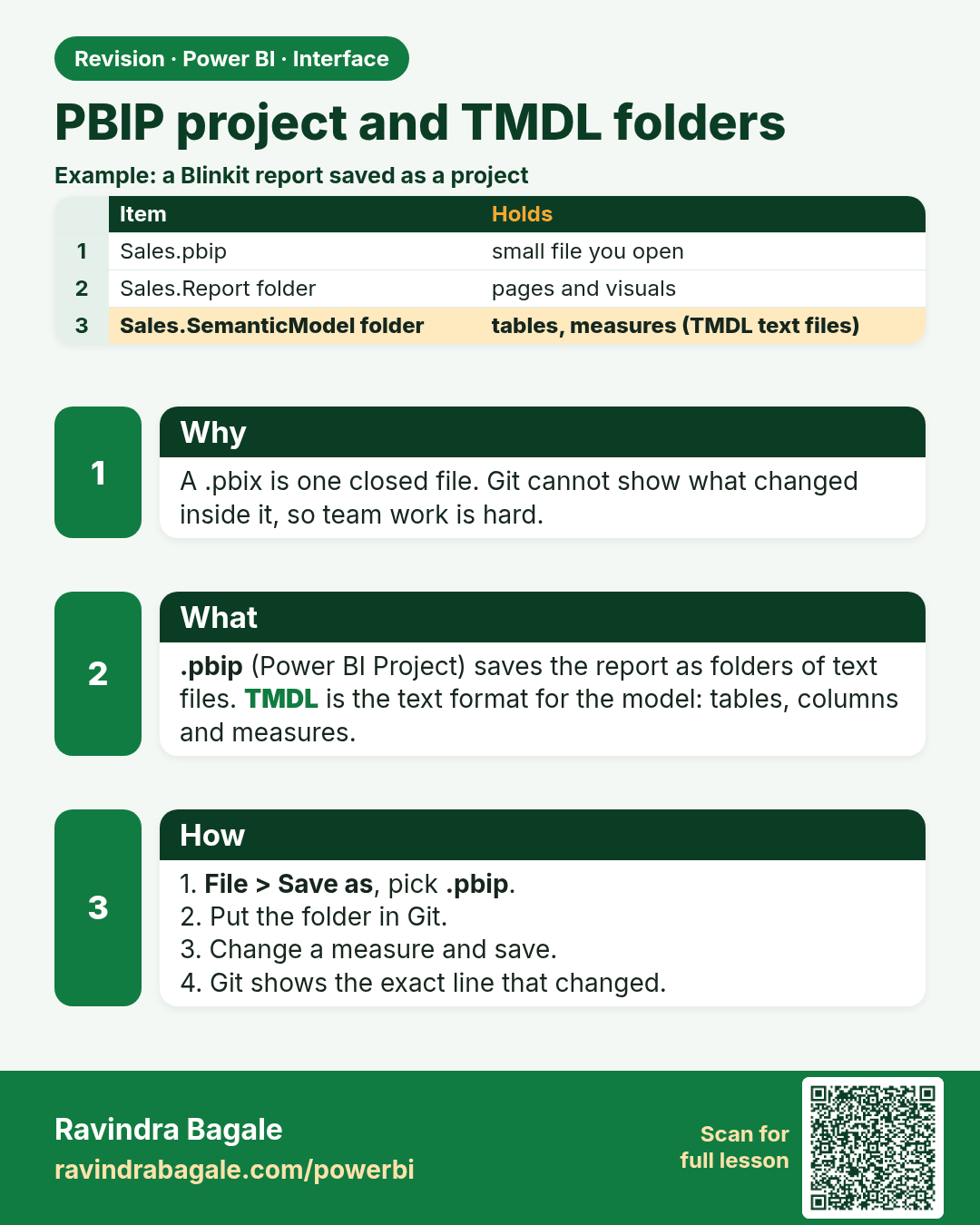
PBIP project and TMDL folders. A .pbix is one closed file. Git cannot show what changed inside it, so team work is hard.
Revision card 7 of 7: PBIP project and TMDL folders · Download PNG · Open card page

Lesson: 2.7 PBIX, PBIP and the TMDL Project Folders

Interview cards
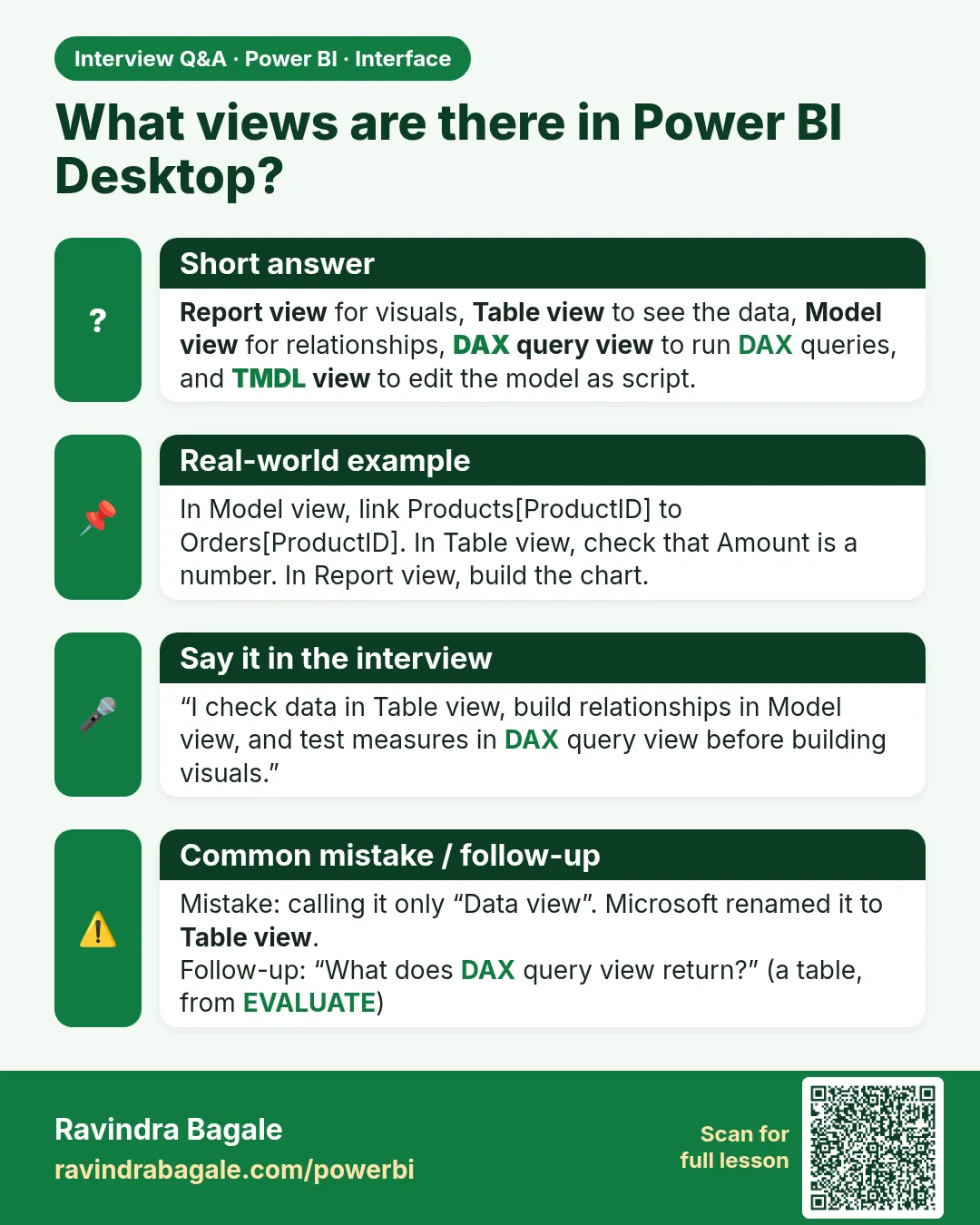
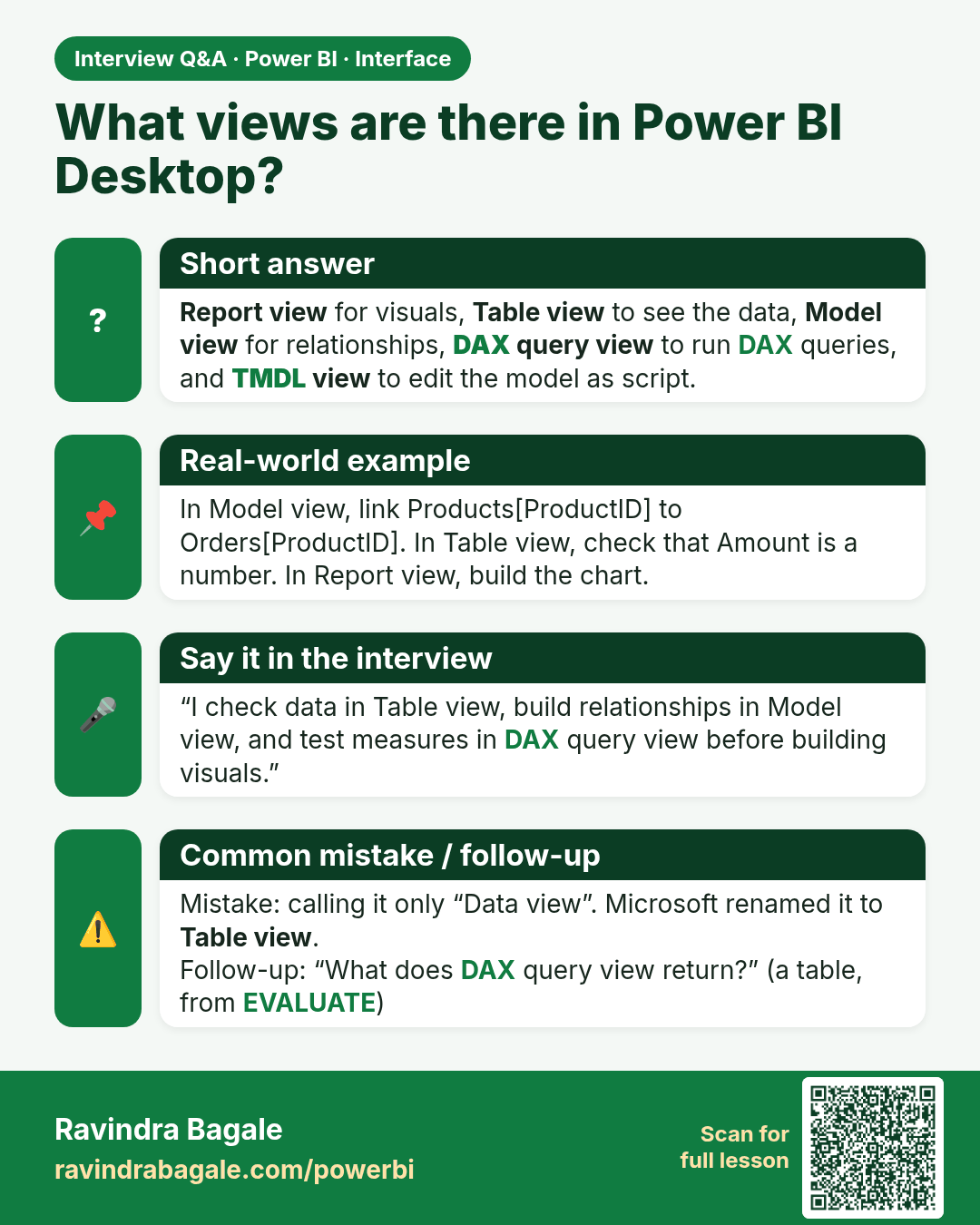
What views are there in Power BI Desktop? Report view for visuals, Table view to see the data, Model view for relationships, DAX query view to run DAX queries, and TMDL view to edit the model as script.
Interview card 1 of 2: What views are there in Power BI Desktop? · Download PNG · Open card page

Lesson: 2.2 The Main Views

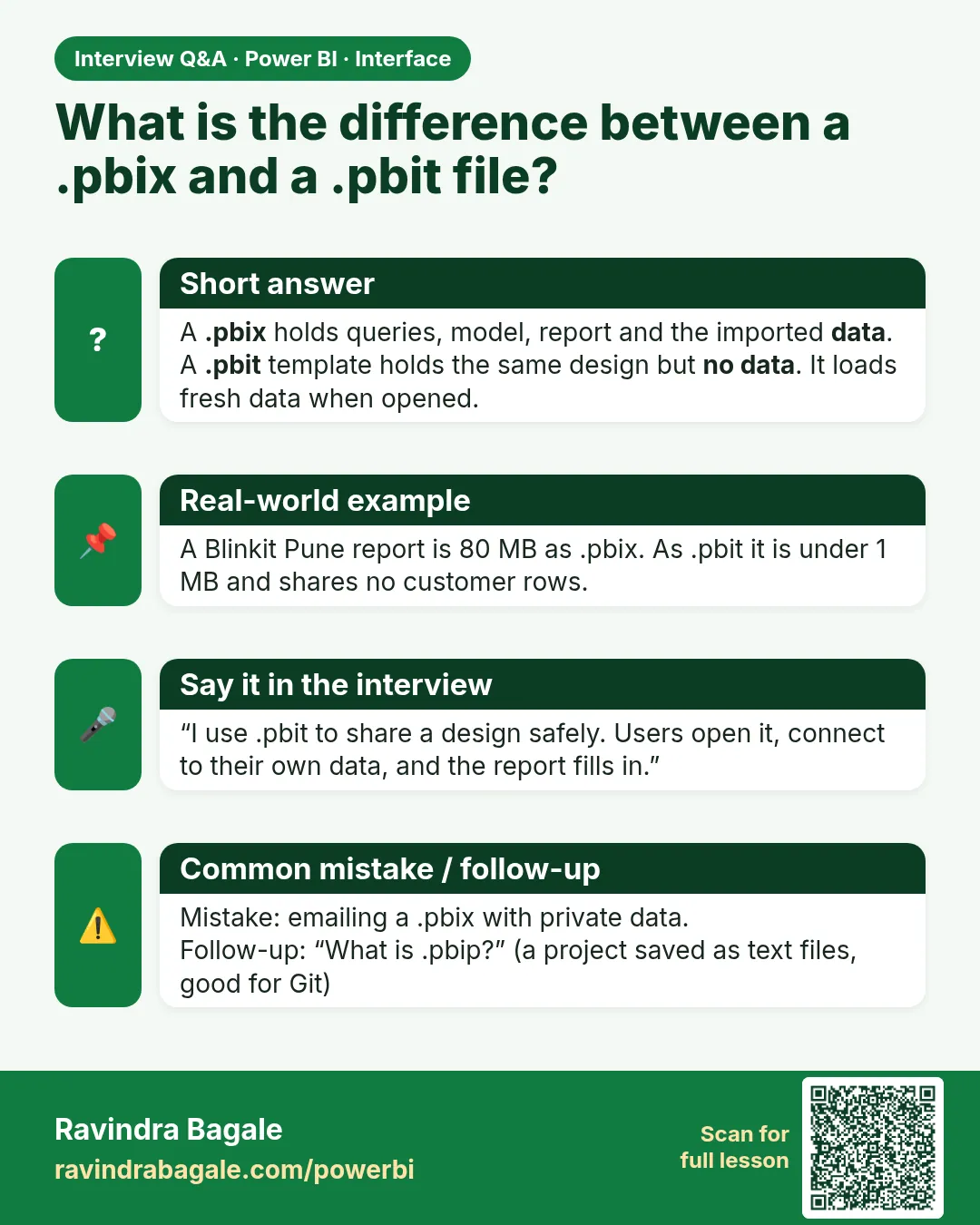
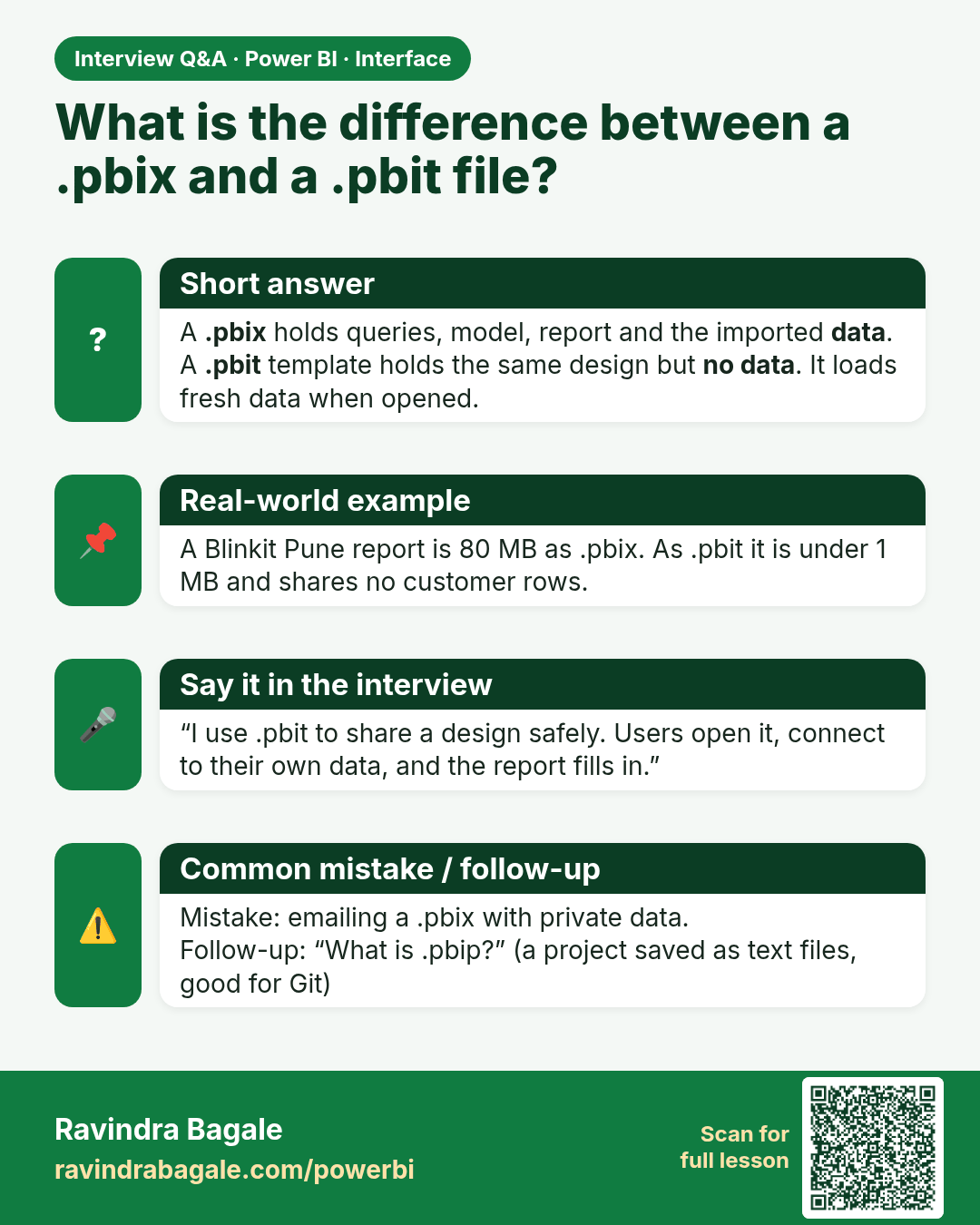
What is the difference between a .pbix and a .pbit file? A .pbix holds queries, model, report and the imported data. A .pbit template holds the same design but no data. It loads fresh data when opened.
Interview card 2 of 2: What is the difference between a .pbix and a .pbit file? · Download PNG · Open card page

Lesson: 2.6 Power BI File Types

Comparison cards
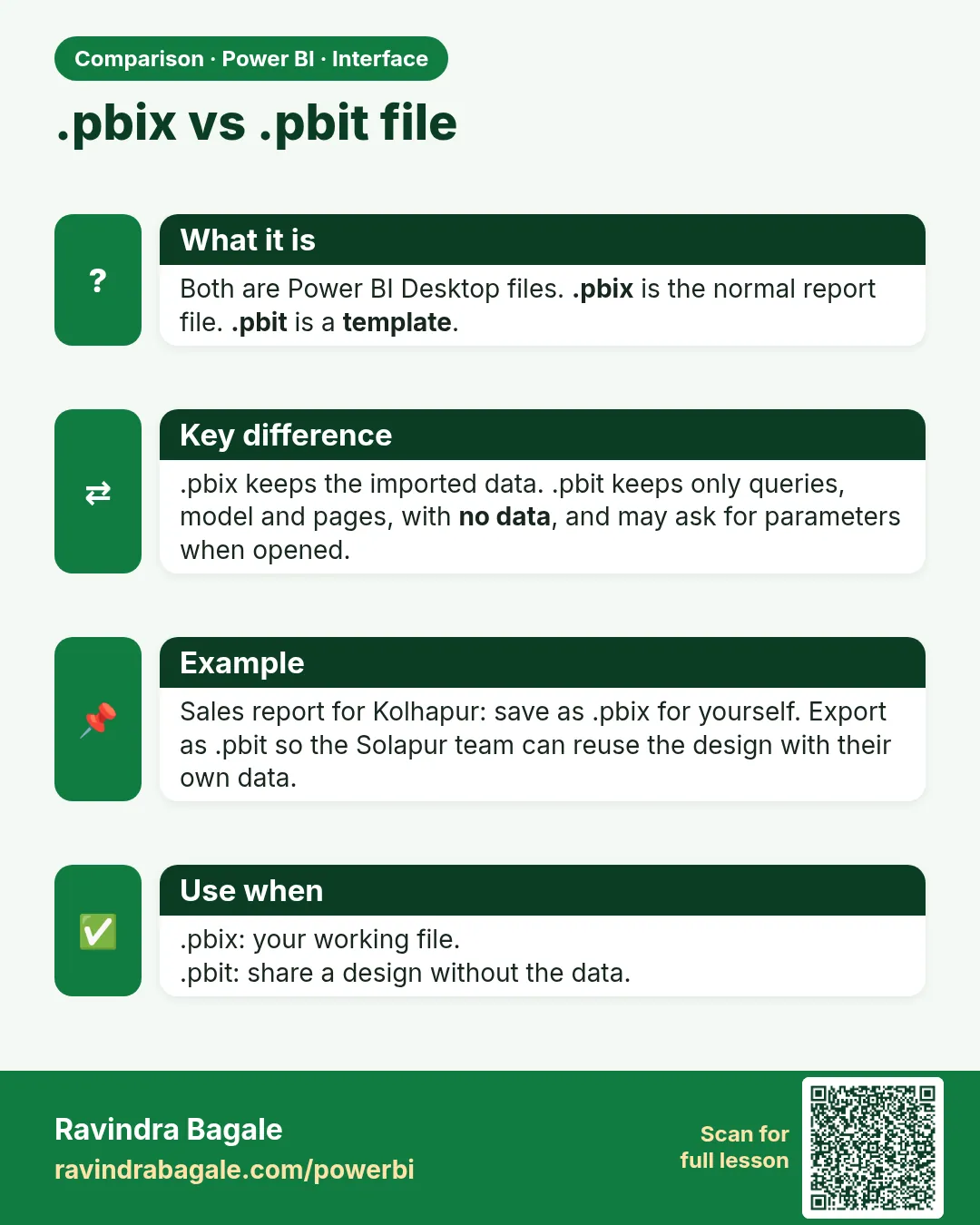
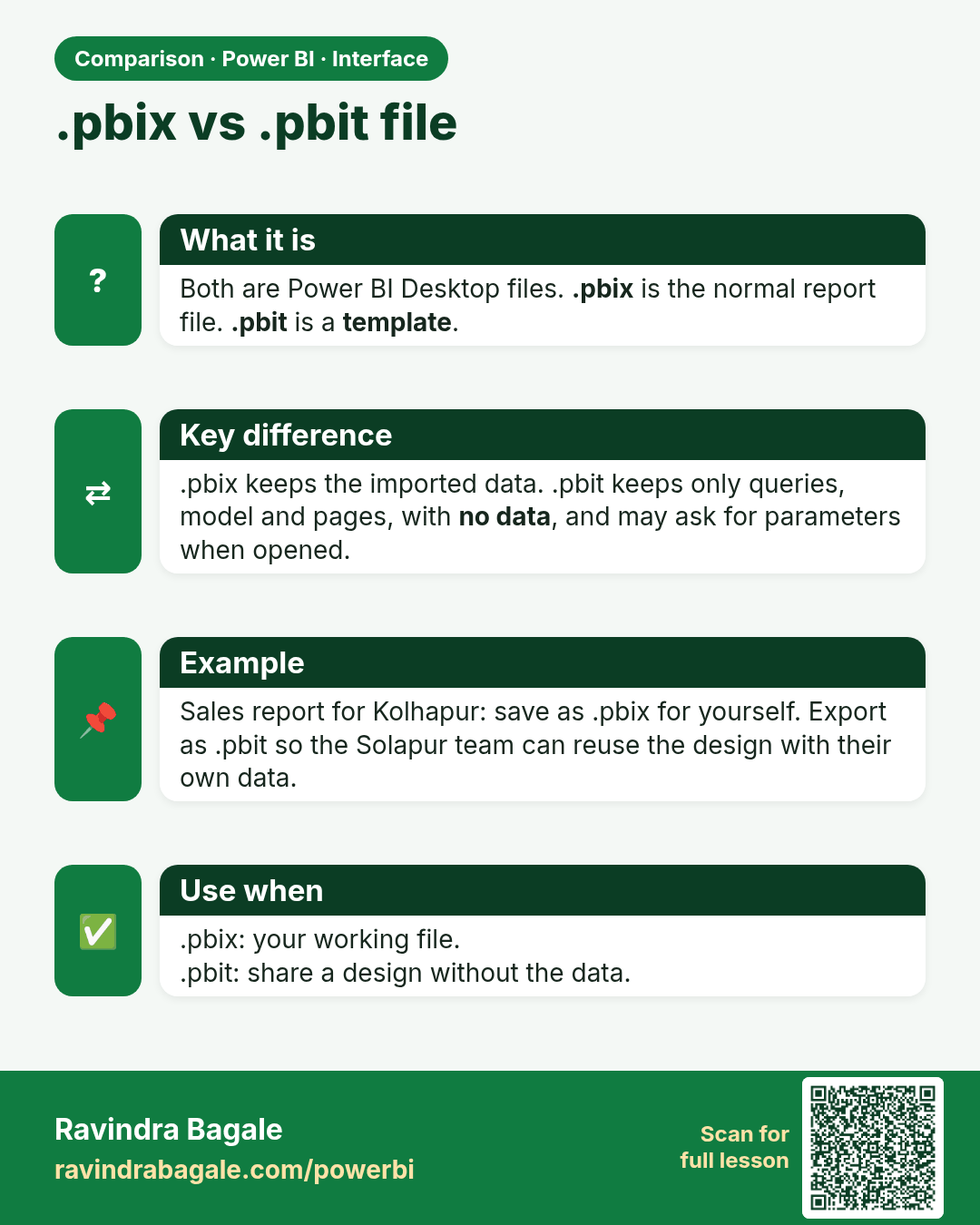
.pbix vs .pbit file. Both are Power BI Desktop files. .pbix is the normal report file. .pbit is a template.
Comparison card 1 of 2: .pbix vs .pbit file · Download PNG · Open card page

Lesson: 2.6 Power BI File Types

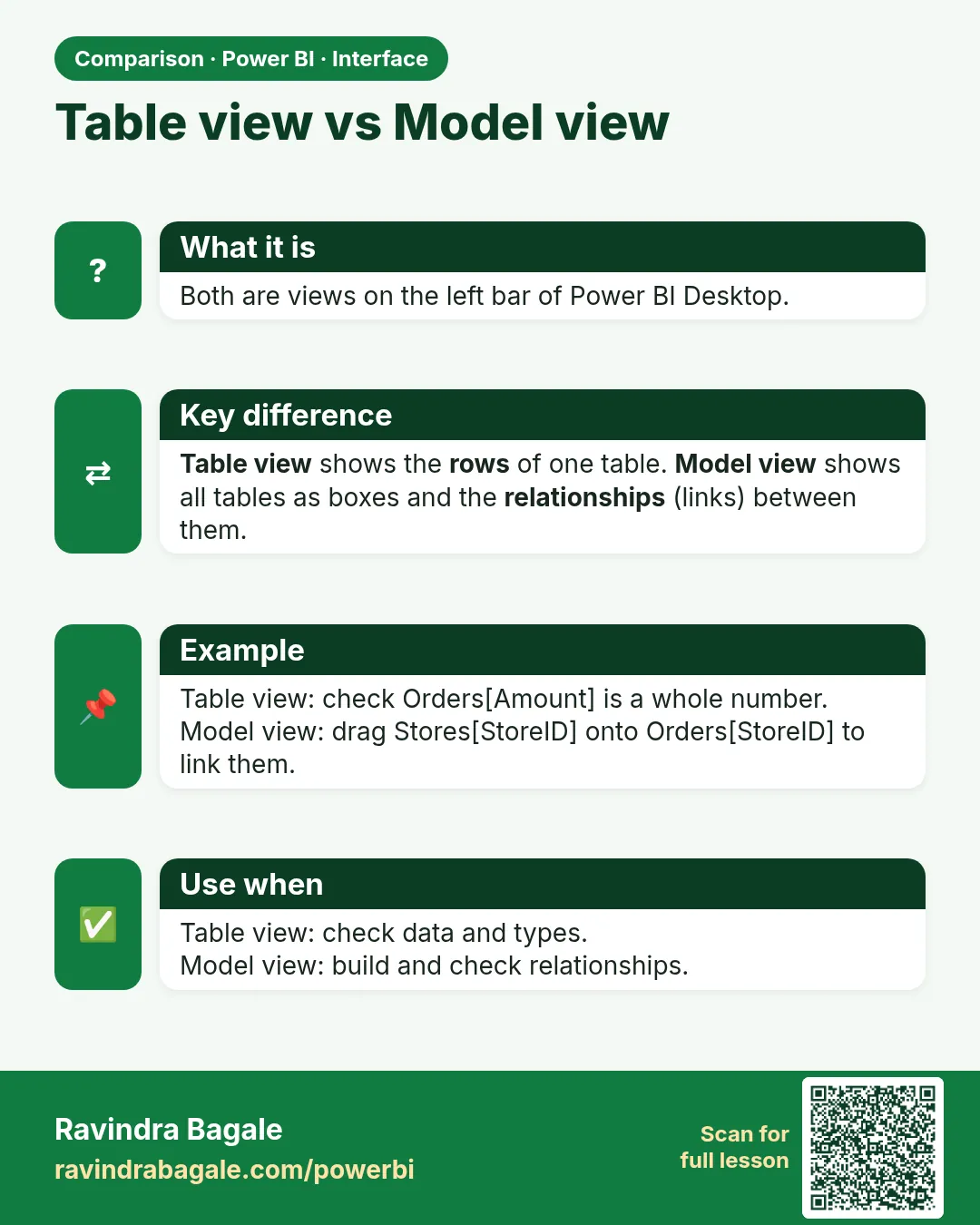
Table view vs Model view. Both are views on the left bar of Power BI Desktop.
Comparison card 2 of 2: Table view vs Model view · Download PNG · Open card page

Lesson: 2.2 The Main Views