20. Dynamic Text and Dynamic Colour (Conditional Formatting)
20.1 The fx Button
Start with a problem
Ruhi wants a chart title that changes with the slicer, but the Title box accepts only fixed text.
Explain simply
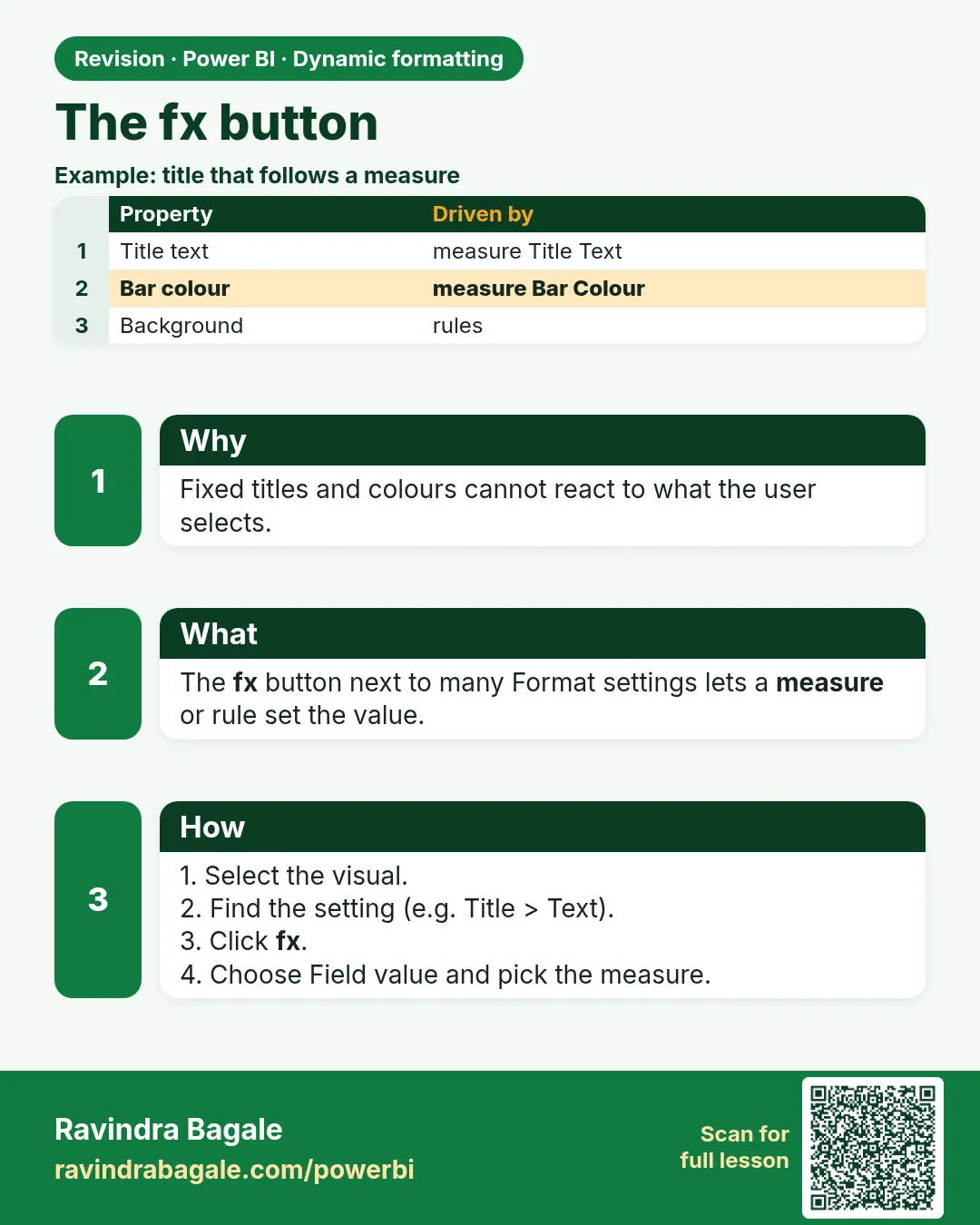
The fx button next to many format settings (title, colour, URL) lets a measure set that property. This is called conditional or dynamic formatting.
Show the data
| Setting | fx uses |
|---|---|
| Title text | Text measure |
| Bar colour | Colour measure or rules |
| Button text | Text measure |
About this data: This table uses columns: Setting, fx uses. This table uses columns: Slicer, Title. This table uses columns: Wrong result, Reason, Correction. Values shown are the lesson examples already on this page (not a new dataset).
Fictional sample data. Practice file: visuals_orders_apr_may_2026.csv (source: src/practice/).
Demonstrate
- Create
Title City = "Total Sales – " & SELECTEDVALUE(Orders[City], "All cities"). - Select the chart › Format › General › Title › Text › fx.
- Format style Field value › Based on field
Title City› OK. - Select Pune in the slicer.
Show the result
Your result should look like this (fictional sample):
| Slicer | Title |
|---|---|
| None | Total Sales – All cities |
| Pune | Total Sales – Pune |
Explain what happened
The title measure is evaluated in the visual's filter context; SELECTEDVALUE returns the single selected city or the fallback text.
Explore further
- The same fx pattern works for colours (20.6) and web URLs (20.7).
Detailed reference for this lesson:
Almost every text and colour setting in the Format pane has a small fx button. It means: "Take this value from a field or measure instead of typing it." Clicking fx opens a dialog. For titles you choose Format style: Field value and a measure that returns text. For colours you choose Gradient, Rules or Field value.
Ravindra Bagale's Tip
Friends, many students look for conditional formatting in the wrong place. Almost any property with a small fx button (titles, colours, backgrounds, font colours) can be driven by a measure. Look for fx before assuming something can't be dynamic. Clear?
Ravindra Bagale's Tip – मराठी
मित्रांनो, बरेच students conditional formatting चुकीच्या ठिकाणी शोधतात. छोटं fx button असलेली जवळजवळ कोणतीही property (titles, colours, backgrounds, font colours) measure ने चालवता येते. एखादी गोष्ट dynamic होऊ शकत नाही असं मानण्याआधी fx शोधा. समजलं का?
Ravindra Bagale's Tip – हिंदी
दोस्तों, बहुत से students conditional formatting गलत जगह ढूँढते हैं. छोटे fx button वाली लगभग कोई भी property (titles, colours, backgrounds, font colours) measure से चलाई जा सकती है. कोई चीज़ dynamic नहीं हो सकती यह मानने से पहले fx ढूँढो. समझ आया?
Fix common mistakes
| Wrong result | Reason | Correction |
|---|---|---|
| fx button missing | Property does not support fx | Use a text box with a dynamic value instead |
| Title shows (Blank) | No fallback in SELECTEDVALUE | Add the second argument |
| Title ignores slicer | Edit interactions None | Check interactions |
Practise independently
Practice task
What does the title show if Pune and Nashik are both selected?
Hints
- SELECTEDVALUE needs exactly one value.
Solution
Total Sales – All cities (the fallback). Section 20.3 shows how to list several cities.
Think like a professional
Dynamic titles prevent screenshots from being misread – the title always states the filter.
 Revision card