7. Data Cleaning A–Z in Power Query
7.18 Keep / Remove Rows, Sort and Filter
Start with a problem
Ravina needs the three biggest orders and only delivered orders for a review.
Explain simply
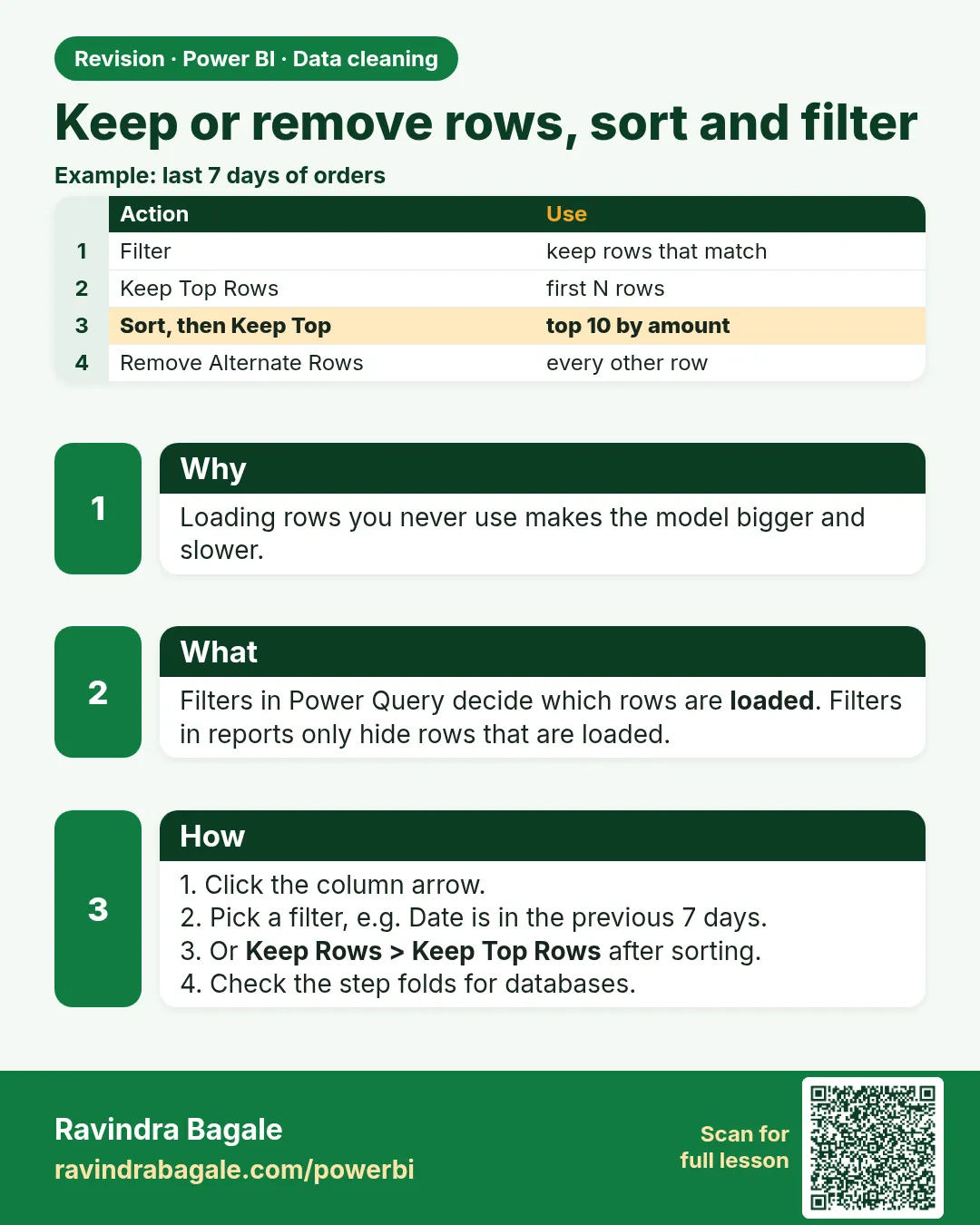
Keep Rows / Remove Rows (top, bottom, range, alternate, duplicates, errors), Sort and Filter shape which rows stay.
Show the data
| Order ID | Order Date | City | Store | Platform | Category | Amount (₹) | Delivery mins | Status |
|---|---|---|---|---|---|---|---|---|
| 301 | 06-Apr-2026 | Pune | Kothrud | Blinkit | Dairy | 400 | 8 | Delivered |
| 302 | 06-Apr-2026 | Pune | Baner | Amazon Now | Snacks | 200 | 12 | Delivered |
| 303 | 07-Apr-2026 | Nashik | Gangapur | Blinkit | Dairy | 300 | 14 | Delivered |
| 304 | 04-May-2026 | Nashik | College Road | Blinkit | Fruits | 150 | 9 | Delivered |
| 305 | 04-May-2026 | Kolhapur | Rajarampuri | Amazon Now | Snacks | 450 | 7 | Delivered |
| 306 | 05-May-2026 | Pune | Kothrud | Blinkit | Fruits | 250 | 16 | Delivered |
| 307 | 05-May-2026 | Nashik | College Road | Amazon Now | Dairy | 350 | 11 | Delivered |
| 308 | 05-May-2026 | Kolhapur | Rajarampuri | Blinkit | Dairy | 0 | Cancelled |
About this data: This table uses columns: Order ID, Order Date, City, Store, Platform, Category, Amount (₹), Delivery mins, Status. This table uses columns: Rows, Amount. This table uses columns: Order ID, City, Amount (₹). Values shown are the lesson examples already on this page (not a new dataset).
Fictional sample data. Practice file: visuals_orders_apr_may_2026.csv (source: src/practice/).
Demonstrate
-
Status filter › untick Cancelled.
Your result should look like this:
Rows Amount 7 2,100 -
Amount › Sort Descending.
Your result should look like this:
First rows 305 (450), 301 (400), 307 (350) -
Home › Keep Rows › Keep Top Rows › 3.
Your result should look like this:
Rows Amount 3 1,200
Show the result
Your result should look like this (fictional sample):
| Order ID | City | Amount (₹) |
|---|---|---|
| 305 | Kolhapur | 450 |
| 301 | Pune | 400 |
| 307 | Nashik | 350 |
Explain what happened
Filter removed cancelled 308; sort put the largest first; Keep Top Rows kept three.
Explore further
- Remove Alternate Rows helps with exports that repeat a header every other line.
Detailed reference for this lesson:
| Command (Home tab) | What it does | Quick-commerce example |
|---|---|---|
| Keep Rows › Keep Top Rows | First N rows | Keep the top 100 rows while testing a big file |
| Keep Rows › Keep Bottom Rows | Last N rows | Latest 50 rows of a log sorted by time |
| Keep Rows › Keep Range of Rows | From row X, N rows | Rows 11–60 of a report body |
| Keep Rows › Keep Duplicates / Keep Errors | Rows with duplicate values or errors | Investigation queries |
| Remove Rows › Remove Top / Bottom Rows | Drops title or footer rows | Remove 3 title rows (7.3) |
| Remove Rows › Remove Alternate Rows | Removes a repeating pattern | A PDF-to-Excel export with a blank line after every order |
| Remove Rows › Remove Duplicates / Blank Rows / Errors | Cleaning | See 7.4, 7.5, 7.15 |
| Sort Ascending / Descending | Orders rows | Sort by Order DateTime |
| Column filter arrow | Text/Number/Date filters | Date Filters › In the Previous › 12 Months; Text Filters › Does Not Contain "TEST" |
Remove Alternate Rows asks for First row to remove, Number of rows to remove and Number of rows to keep. For "order line, blank line, order line, blank line …" use 2, 1, 1.
Top100    = Table.FirstN(Source, 100),
RangeRows = Table.Range(Source, 10, 50),          // skip 10, keep 50
Alternate = Table.AlternateRows(Source, 1, 1, 1),  // offset, skip, take
NoTests   = Table.SelectRows(Source, each not Text.Contains([Customer Name], "TEST"))
Ravindra Bagale's Tip
Friends, remember: keeping Top Rows to make the editor faster and then forgetting to remove the step is a classic mistake: the model loads only 100 rows and every total is wrong. Use a parameter such as DevMode for development filtering, or delete the step before publishing. Check the row count in the model after loading. Don't worry – after doing it two or three times, it becomes a habit.
Ravindra Bagale's Tip – मराठी
मित्रांनो, लक्षात ठेवा: editor जलद व्हावा म्हणून Top Rows ठेवणं आणि मग तो step काढायला विसरणं ही classic चूक आहे: model फक्त 100 rows load करतं आणि प्रत्येक total चुकतो. Development filtering साठी DevMode सारखा parameter वापरा, किंवा publish करण्याआधी तो step delete करा. Load केल्यावर model मधला row count चेक करा. घाबरू नका, दोन-तीन वेळा केलं की सवय होते.
Ravindra Bagale's Tip – हिंदी
दोस्तों, याद रखो: editor तेज़ करने के लिए Top Rows रखना और फिर उस step को हटाना भूल जाना classic गलती है: model सिर्फ़ 100 rows load करता है और हर total गलत होता है. Development filtering के लिए DevMode जैसा parameter इस्तेमाल करो, या publish करने से पहले वह step delete करो. Load के बाद model में row count check करो. घबराओ मत, दो-तीन बार करने पर आदत हो जाती है.
Practice task
Filter the Orders query to remove test orders (Customer Name contains "TEST") and orders before 01-01-2025. Sort by Order DateTime descending and keep the top 20 rows in a duplicate query for a quick check.
Fix common mistakes
| Wrong result | Reason | Correction |
|---|---|---|
| Top 3 differs after refresh | No sort before Keep Top Rows | Sort first |
| Cancelled still counted | Filter applied after Keep Top | Filter first |
| Visual-level Top N would be better | Data permanently reduced | Keep all rows in the model; use Top N filter (22.4) for display |
Practise independently
Practice task
Keep Bottom Rows 2 after the descending sort. Which orders?
Hints
- Smallest delivered.
Solution
302 (₹200) and 304 (₹150) – the last two rows of the descending list.
Think like a professional
Reduce rows in Power Query only when the business never needs them; otherwise filter in the report.
 Revision card