26.5 Important Rules
Start with a problem
Shahrukh wonders why RLS did not apply to him (workspace Member) and why bi-directional filters break his role.
Explain simply
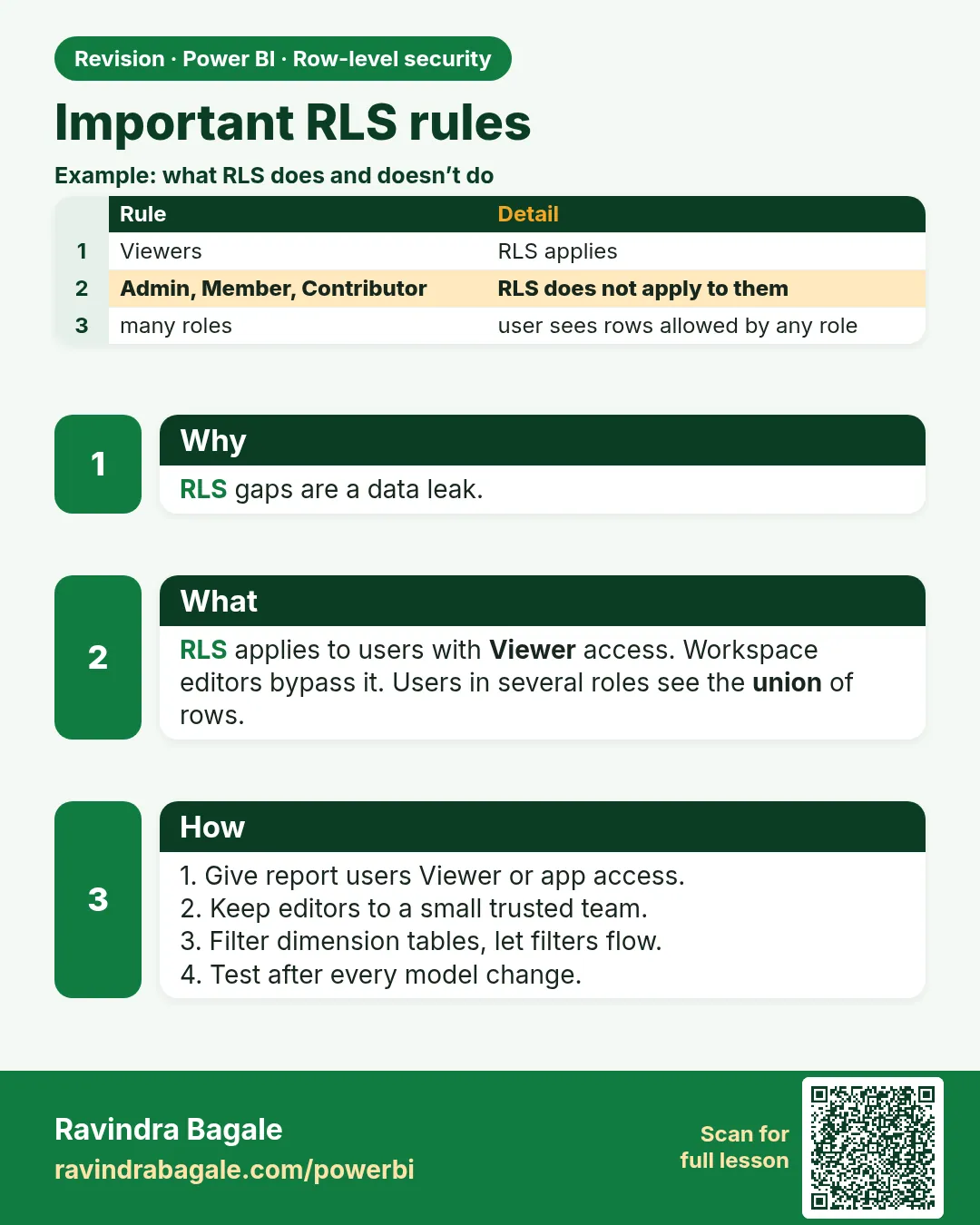
Key rules: RLS applies to Viewers (not Admin/Member/Contributor); roles combine with OR; filters flow along relationships; RLS cannot be removed by DAX.
Show the data
| Person | Workspace role | RLS applies? |
|---|---|---|
| Rani | Viewer | Yes |
| Shahrukh | Member | No |
About this data: This table uses columns: Person, Workspace role, RLS applies?. This table uses columns: Test, Result. This table uses columns: Wrong result, Reason, Correction. Values shown are the lesson examples already on this page (not a new dataset).
Fictional sample data. Practice file: visuals_orders_apr_may_2026.csv (source: src/practice/).
Demonstrate
- Change Shahrukh to Viewer for testing.
- Check relationships: Security, then City, then Orders single direction.
- Test a measure with ALL(Orders[City]) as Ravindra – still ₹850.
Show the result
Your result should look like this (fictional sample):
| Test | Result |
|---|---|
| Shahrukh as Member | All rows |
| Shahrukh as Viewer + Pune | ₹850 |
| ALL(City) as Ravindra | ₹850 |
Explain what happened
Edit roles are trusted; RLS filters are applied before measures run.
Explore further
- Apps: audience users are readers, so RLS applies.
Detailed reference for this lesson:
- RLS restricts viewers. Workspace Admins, Members and Contributors can see all data, regardless of roles. Share with end users via app or Viewer role.
- If a user belongs to multiple roles, permissions are combined (union) – they see everything any of their roles allow.
- RLS filters are applied before measures run;
ALL()in a measure cannot bypass RLS. - For Live connection reports, RLS is defined in the source semantic model (or Analysis Services), not in the thin report.
- Object-Level Security (OLS) hides entire tables or columns from certain roles; it is configured with external tools such as Tabular Editor.
- Keep security tables small and maintain them in a controlled source (e.g. a SharePoint list or database table).
Always test with real accounts
Mhanje asa: before go-live, test each role with actual test users in the Service. A mistake in an RLS rule can expose confidential data, or hide data the user should see.
Ravindra Bagale's Tip
Remember one thing: RLS does not apply to workspace Admins, Members and Contributors, and bi-directional relationships can leak or block filters in unexpected ways. Give consumers Viewer or app access, and review relationship directions whenever you add RLS. Keep this in mind!
Ravindra Bagale's Tip – मराठी
एक गोष्ट लक्षात ठेवा: workspace Admins, Members आणि Contributors ना RLS लागू होत नाही, आणि bi-directional relationships अनपेक्षित पद्धतीने filters गळू देऊ शकतात किंवा अडवू शकतात. यूजर्सना Viewer किंवा app access द्या, आणि RLS जोडताना प्रत्येक वेळी relationship directions चेक करा. लक्षात ठेवा!
Ravindra Bagale's Tip – हिंदी
एक बात याद रखो: workspace Admins, Members और Contributors पर RLS लागू नहीं होता, और bi-directional relationships अनचाहे तरीके से filters को लीक कर सकती हैं या रोक सकती हैं. देखने वालों को Viewer या app access दो, और RLS जोड़ते समय हर बार relationship directions check करो. ध्यान रखना!
Fix common mistakes
| Wrong result | Reason | Correction |
|---|---|---|
| Member sees all | Edit role | Viewer for restricted users |
| Role with two cities shows nothing | Used AND | Use OR / IN |
| Bi-di relationship leaks | Wrong direction | Use single direction and apply security filter setting carefully |
Practise independently
Practice task
Does CALCULATE([Total Sales], ALL(Orders)) show ₹2,100 to Ravindra?
Hints
- RLS first.
Solution
No – ₹850.
Think like a professional
Knowing who RLS applies to prevents embarrassing leaks.
 Revision card