5. Web Data, APIs and Google Sheets
5.7 Refreshing Web Data and Ethics
Start with a problem
Raja scheduled a scraping report to refresh every 30 minutes against a small public site that changes once a day.
Explain simply
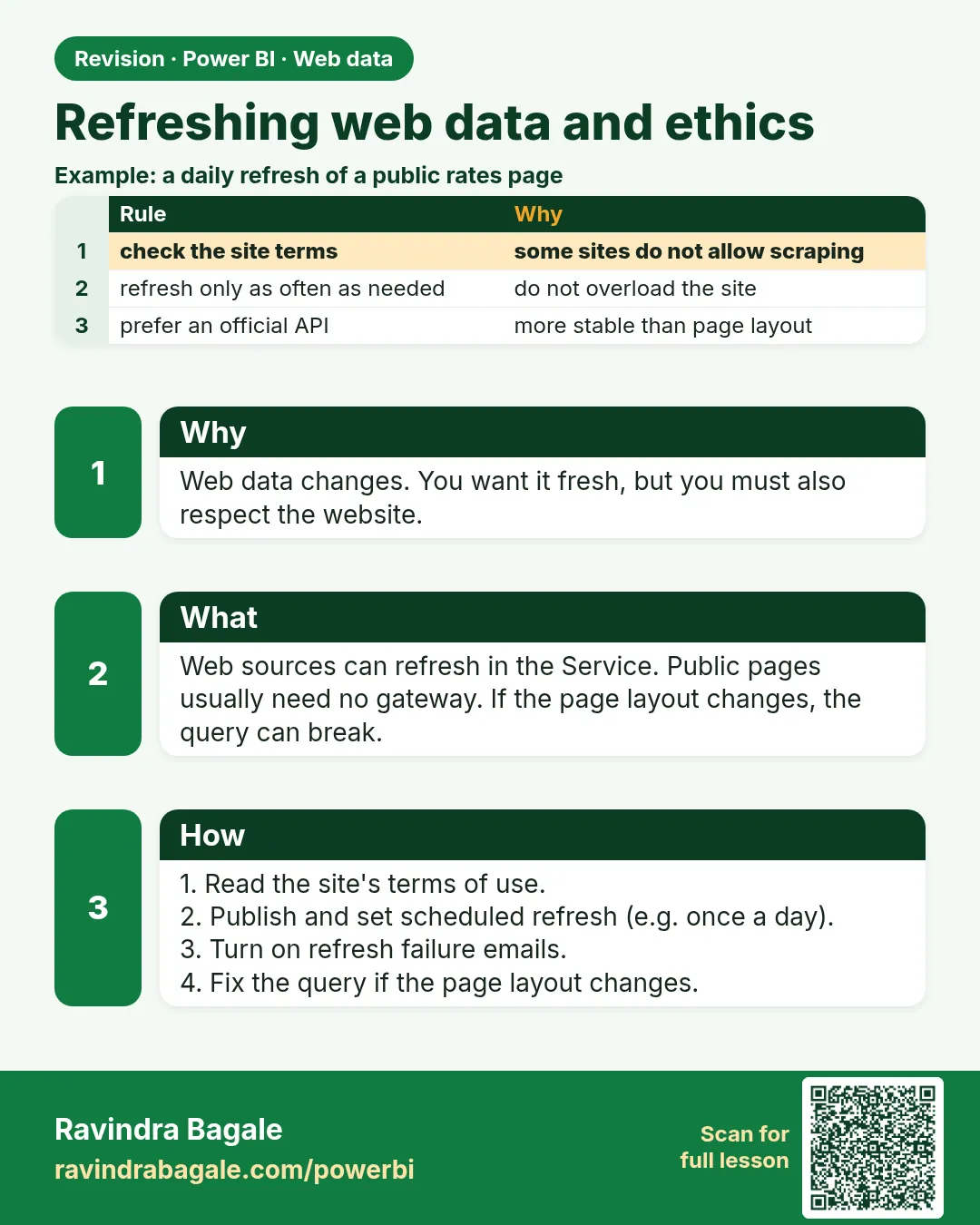
Public URLs and APIs refresh in the Service without a gateway. Refresh only as often as the data really changes, respect rate limits, robots.txt and terms of use, and never collect personal data without a lawful reason.
Show the data
| Setting | Value |
|---|---|
| Pages requested per refresh | 3 (pagination from 5.3) |
| Refresh every 30 minutes | 48 refreshes per day |
| Data actually changes | Once a day |
About this data: This table uses columns: Setting, Value. This table uses columns: Requests per day. Values shown are the lesson examples already on this page (not a new dataset).
Fictional sample data. Practice file: web_darkstores_page_1.json, web_darkstores_page_2.json, web_darkstores_page_3.json (source: src/practice/).
Demonstrate
-
Work out today's load: 3 pages × 48 refreshes.
Your result should look like this:
Requests per day 144 -
Change the schedule to once a day (07:00 IST).
Your result should look like this:
Requests per day 3 -
Open the site's terms of use and robots.txt; confirm automated access is allowed.
- Remove any personal fields you do not need.
- Test Refresh now in the Service and record the row count (5 stores).
Show the result
Your result should look like this (fictional sample):
| Schedule | Requests per day | Reduction |
|---|---|---|
| Every 30 minutes | 144 | — |
| Once a day | 3 | 97.9% fewer |
Explain what happened
The data changes daily, so 47 of 48 refreshes fetched nothing new. One daily refresh gives the same information with 141 fewer requests.
Explore further
- If the site offers an API or a download, prefer it to scraping.
Detailed reference for this lesson:
- Refresh: public URLs and APIs refresh in the Service without a gateway. Some HTML-scraping functions may need a gateway, and dynamic URLs need the RelativePath pattern (5.3). Test a refresh in the Service early.
- Rate limits: do not call an API or website thousands of times per refresh. Cache what you can and request only the pages you need.
- Legal and ethical note: Always read and follow a website's terms of use and its robots.txt guidance. Do not scrape sites that prohibit it, do not collect personal data without a lawful reason, and prefer official APIs or downloadable datasets. When in doubt, ask the data owner for permission.
Practice task
Write a short checklist (5 points) that you will follow before scraping any website for a college project.
Ravindra Bagale's Tip
I have seen some learners schedule a scraping report to refresh every half hour against a small website. Refresh only as often as the data really changes, respect robots.txt and the site's terms of use, and prefer an official API or downloadable file when one exists. It's very simple – just make it a habit.
Ravindra Bagale's Tip – मराठी
मी पाहिलं आहे की काही learners छोट्या website वर scraping report दर अर्ध्या तासाला refresh होईल असा schedule करतात. Data खरंच जितक्या वेळा बदलतो तितक्याच वेळा refresh करा, robots.txt आणि site च्या terms of use चा आदर करा, आणि official API किंवा downloadable file असेल तर तीच वापरा. एकदम simple आहे, फक्त सवय लावून घ्या.
Ravindra Bagale's Tip – हिंदी
मैंने देखा है कि कुछ learners किसी छोटी website पर scraping report को हर आधे घंटे refresh होने के लिए schedule कर देते हैं. उतनी ही बार refresh करो जितनी बार data सच में बदलता है, robots.txt और site की terms of use का सम्मान करो, और official API या downloadable file हो तो वही इस्तेमाल करो. बहुत आसान है, बस आदत बना लो.
Fix common mistakes
| Wrong result | Reason | Correction |
|---|---|---|
| Site blocks your IP | Too many requests | Refresh less often; follow rate limits |
| Legal complaint | Terms prohibit scraping | Read terms and robots.txt first |
| Refresh fails with a dynamic data source error | Dynamic URL | RelativePath pattern (5.3) |
Practise independently
Practice task
A site changes twice a day (09:00 and 17:00 IST). What schedule do you set, and how many requests per day with 3 pages?
Hints
- Refresh just after each change.
Solution
Two refreshes, for example 09:30 and 17:30 IST: 2 × 3 = 6 requests per day.
Think like a professional
Write a five-point checklist (terms, robots.txt, personal data, rate limits, refresh frequency) and follow it before any web project.
 Revision card