Ravindra BagaleCourses & study guides मराठी Track your progress

Ravi Sir's Cards › Power BI

1. Introduction to Business Intelligence and Power BI: Cards

मराठी cards · Open the chapter

Revision cards
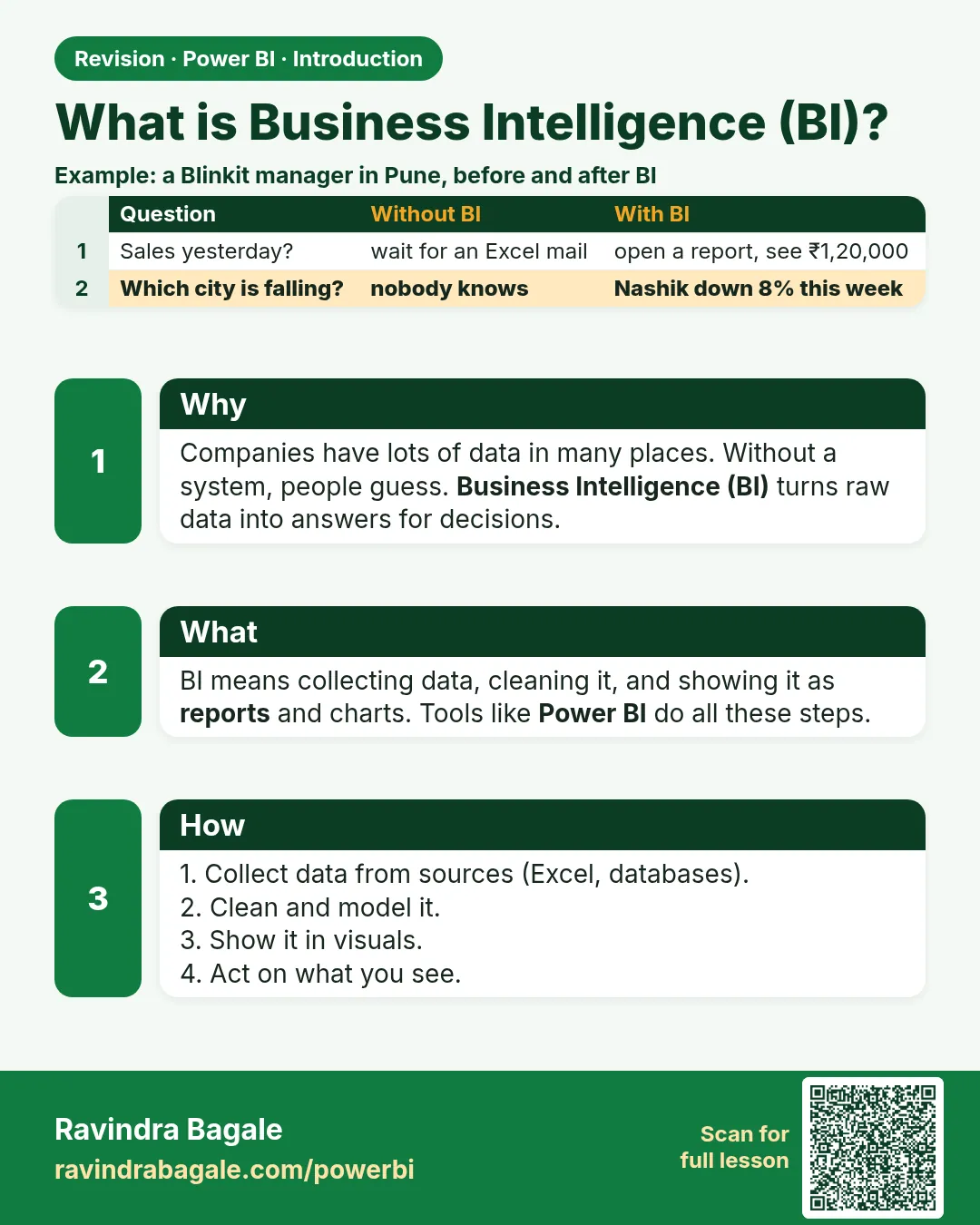
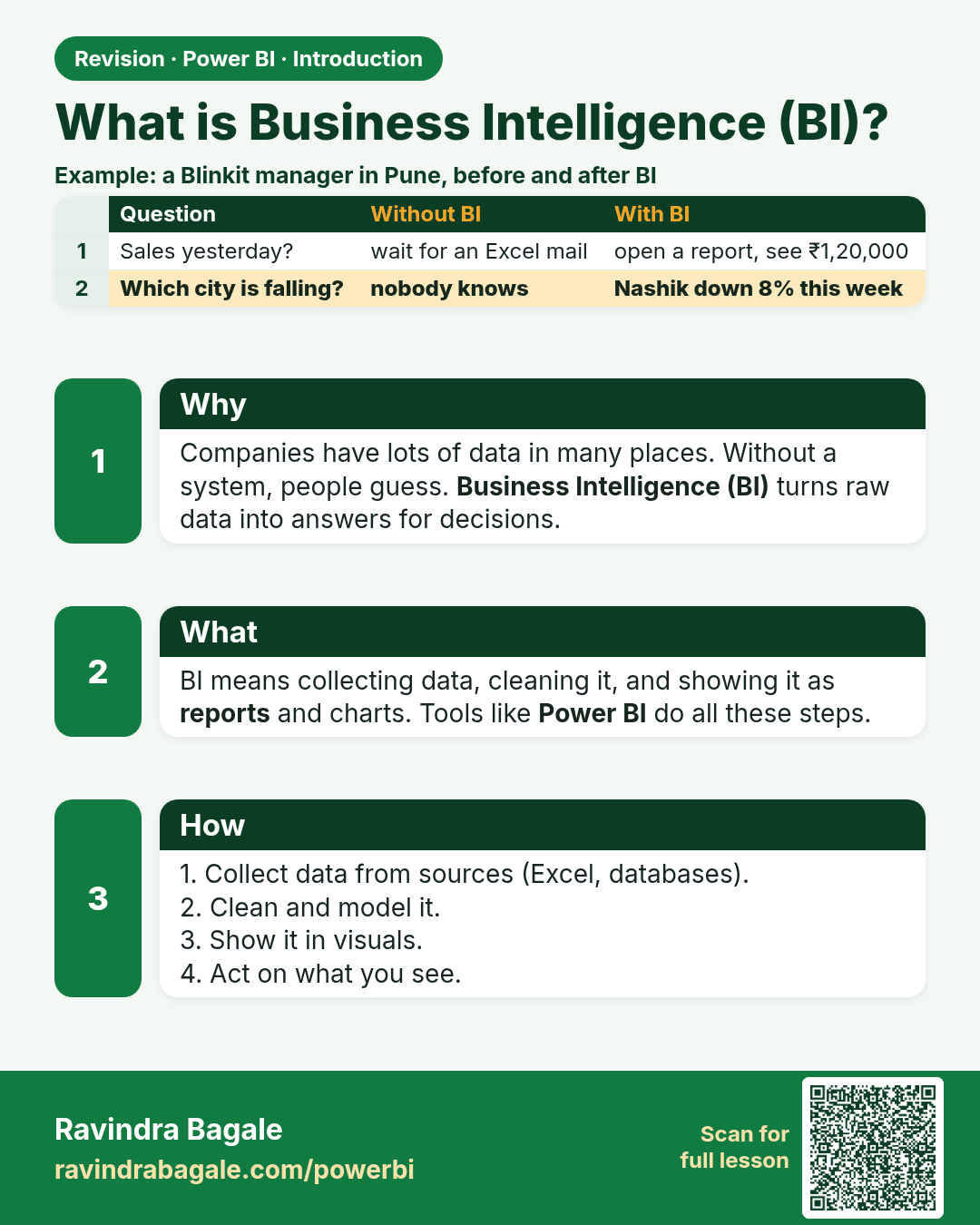
What is Business Intelligence (BI)?. Companies have lots of data in many places. Without a system, people guess. Business Intelligence (BI) turns raw data into answers for decisions.
Revision card 1 of 7: What is Business Intelligence (BI)? · Download PNG · Open card page

Lesson: 1.1 What is Business Intelligence?
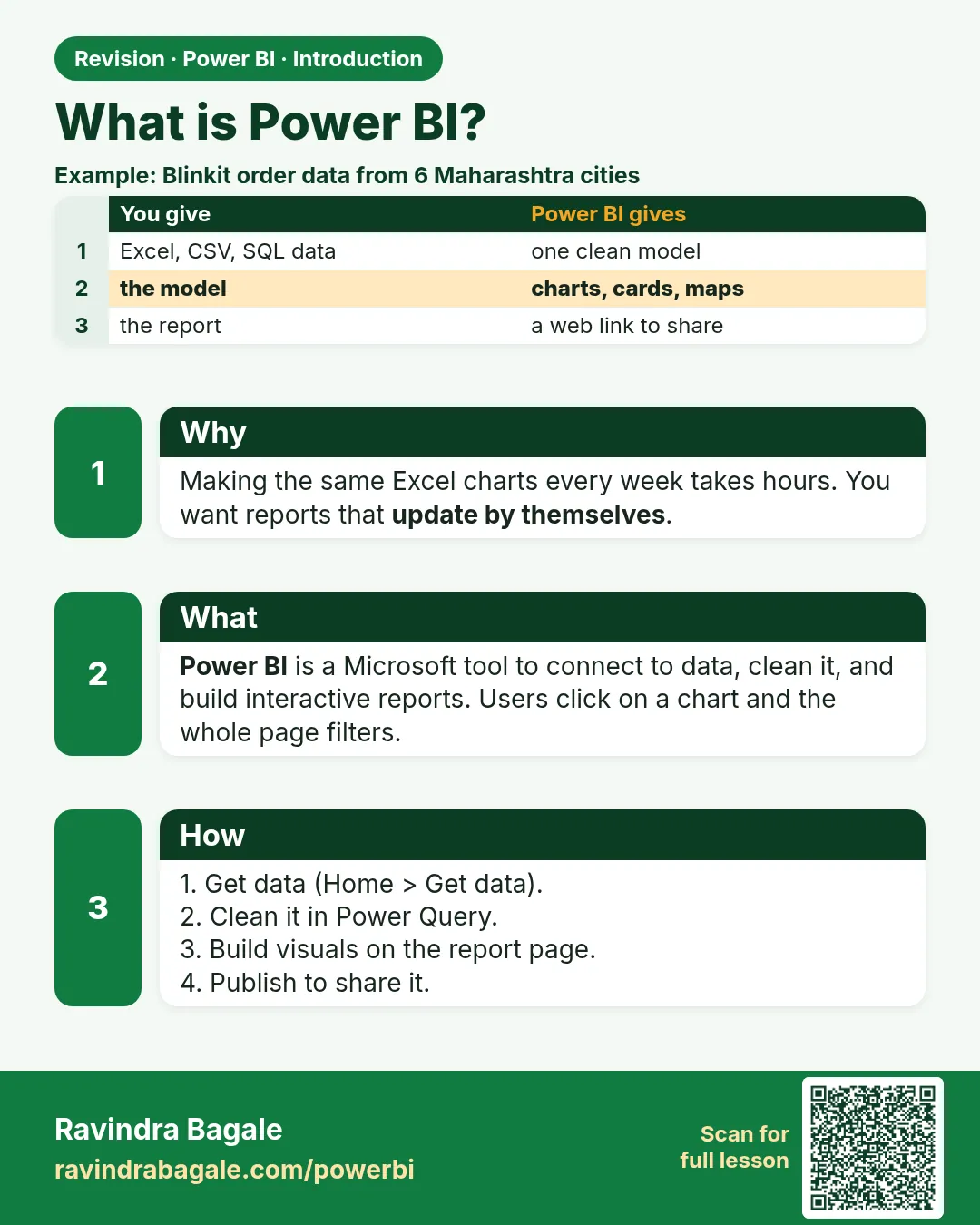
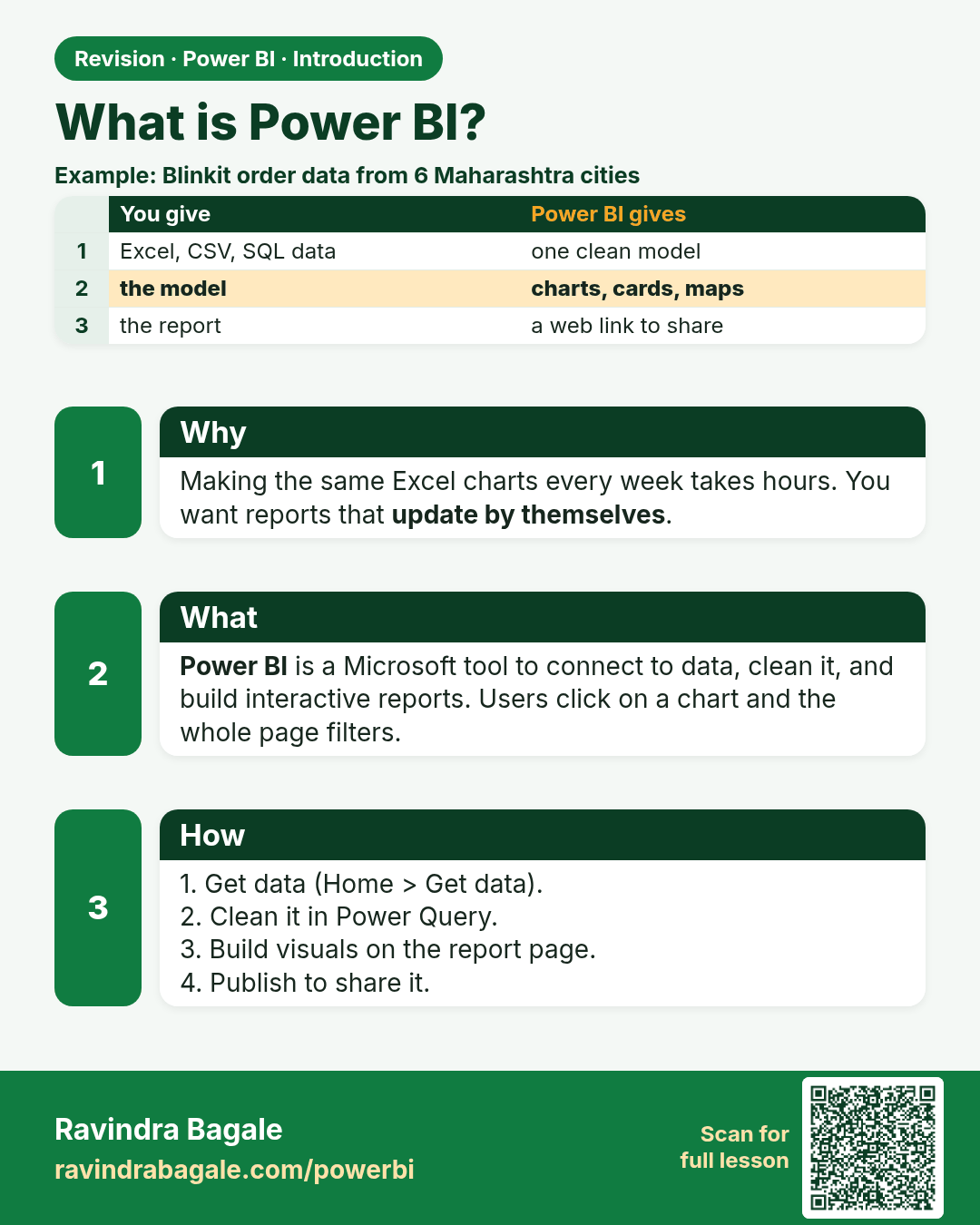
What is Power BI?. Making the same Excel charts every week takes hours. You want reports that update by themselves.
Revision card 2 of 7: What is Power BI? · Download PNG · Open card page

Lesson: 1.2 What is Power BI?

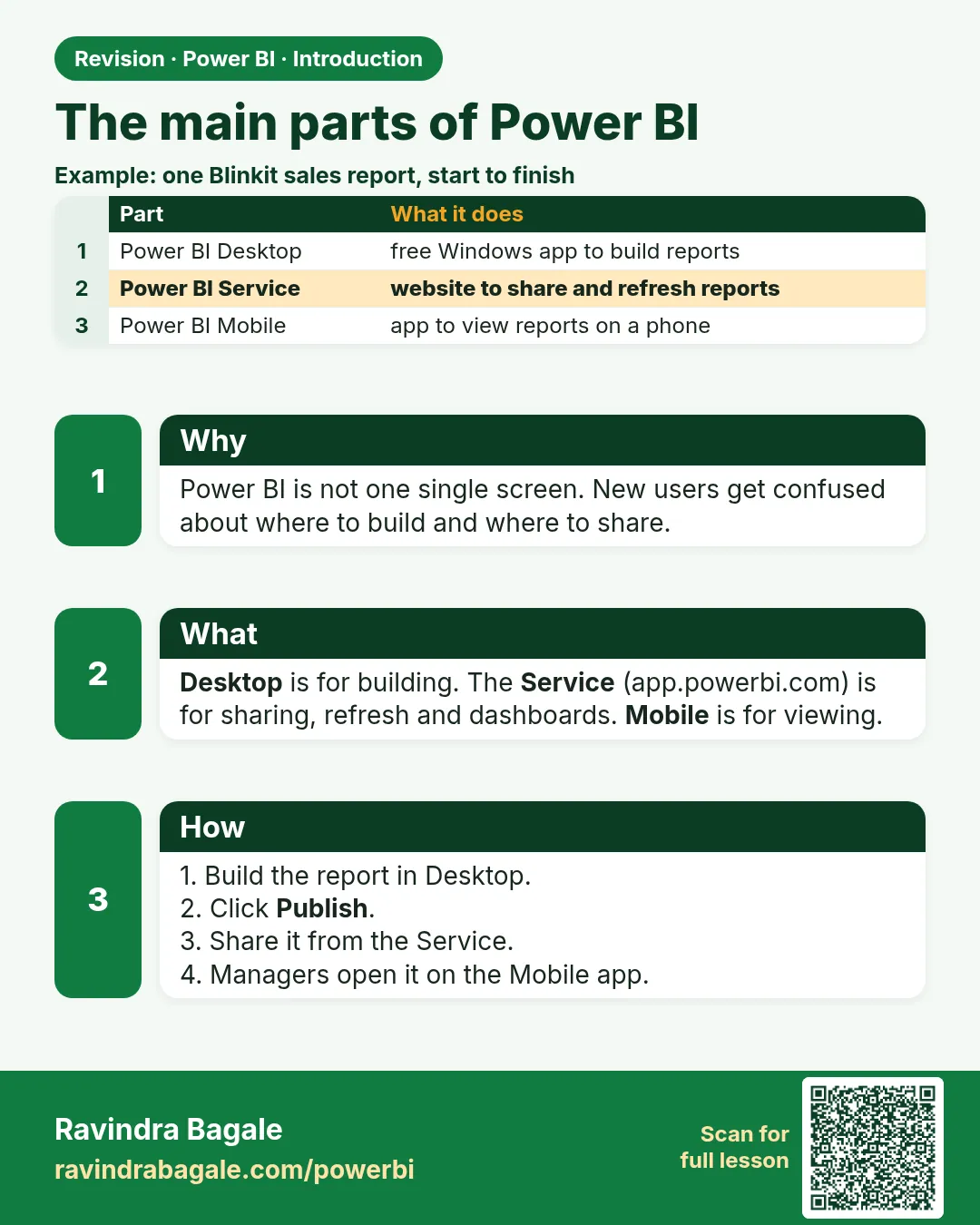
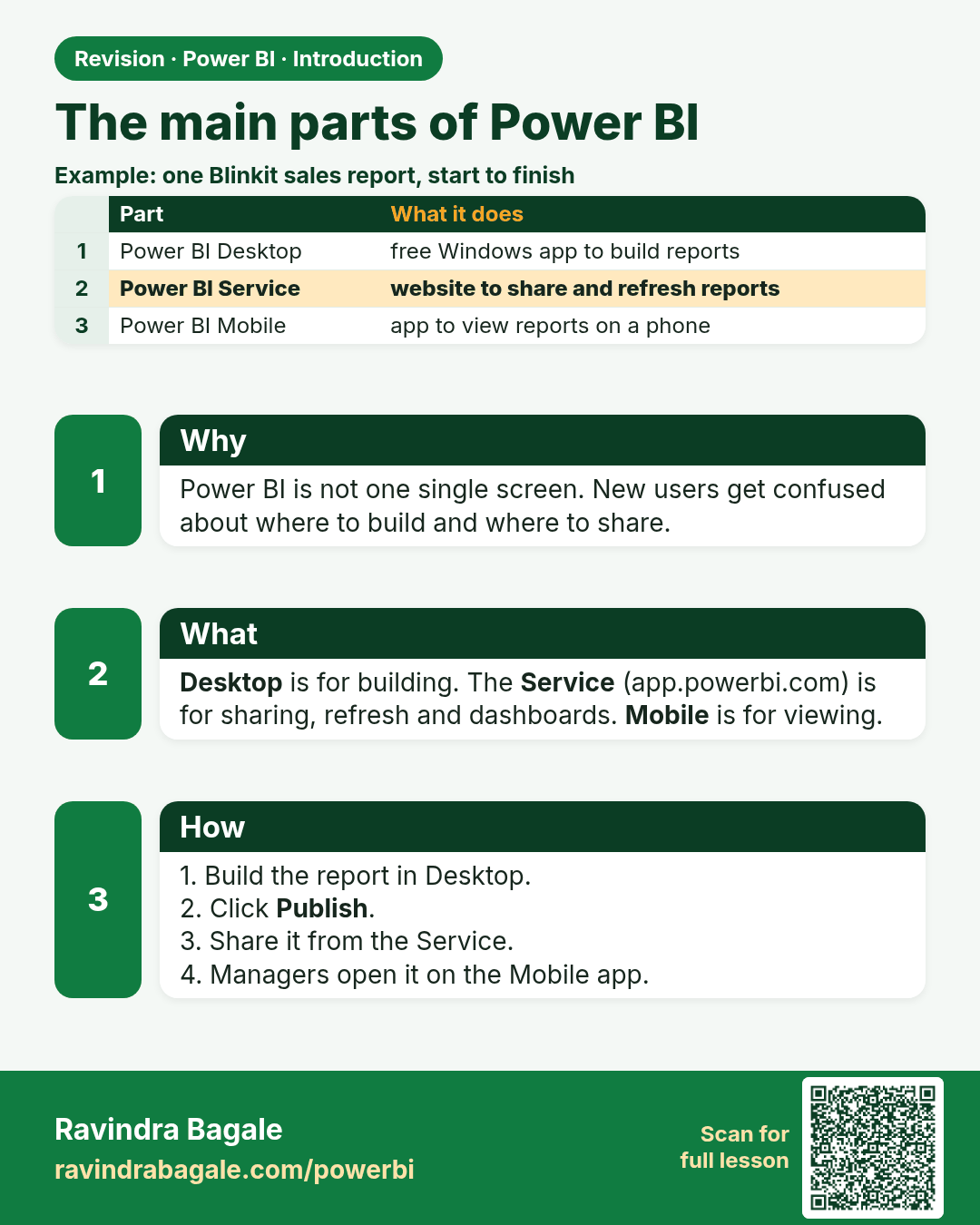
The main parts of Power BI. Power BI is not one single screen. New users get confused about where to build and where to share.
Revision card 3 of 7: The main parts of Power BI · Download PNG · Open card page

Lesson: 1.3 Components of Power BI

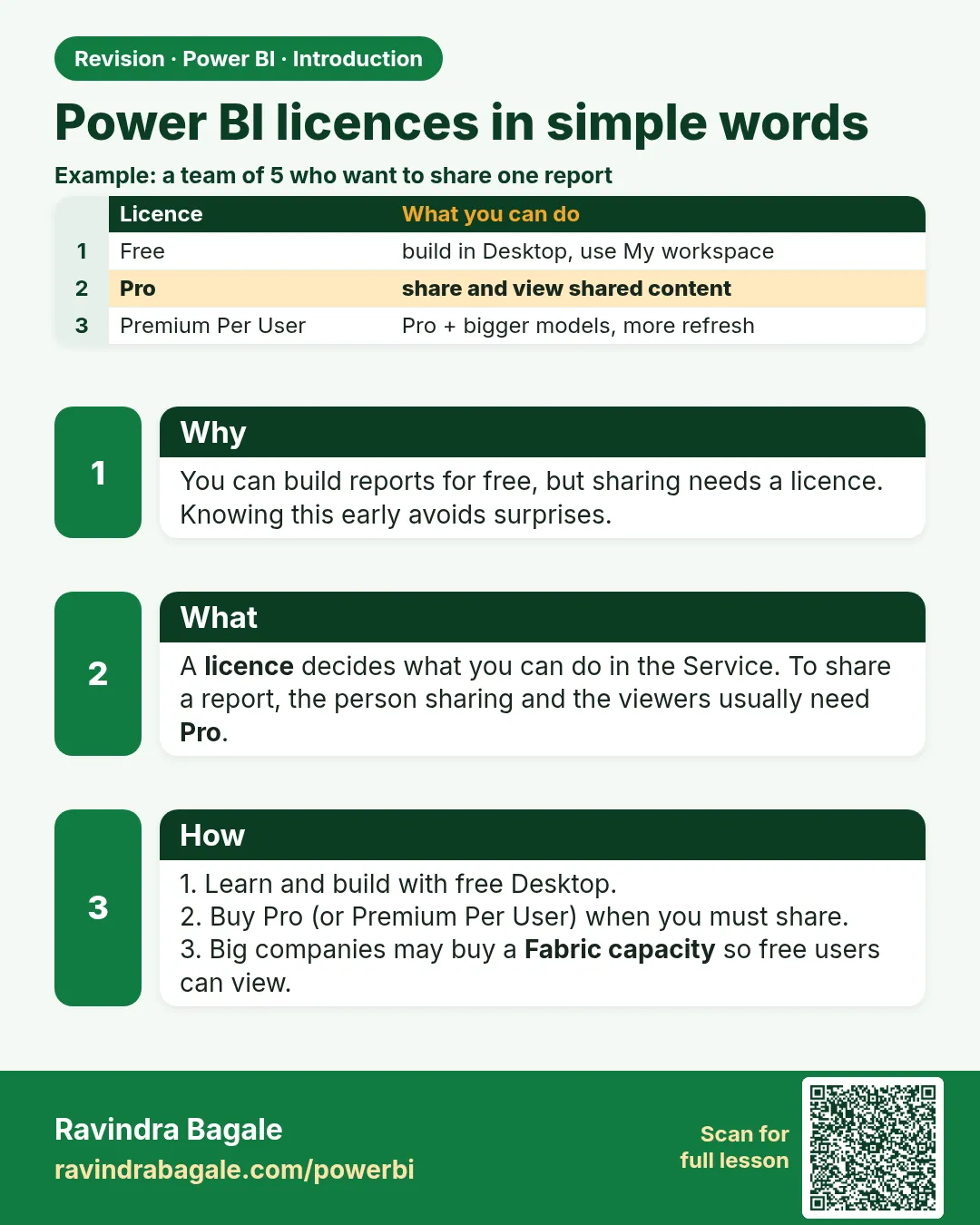
Power BI licences in simple words. You can build reports for free, but sharing needs a licence. Knowing this early avoids surprises.
Revision card 4 of 7: Power BI licences in simple words · Download PNG · Open card page

Lesson: 1.4 Licensing Overview (High Level)
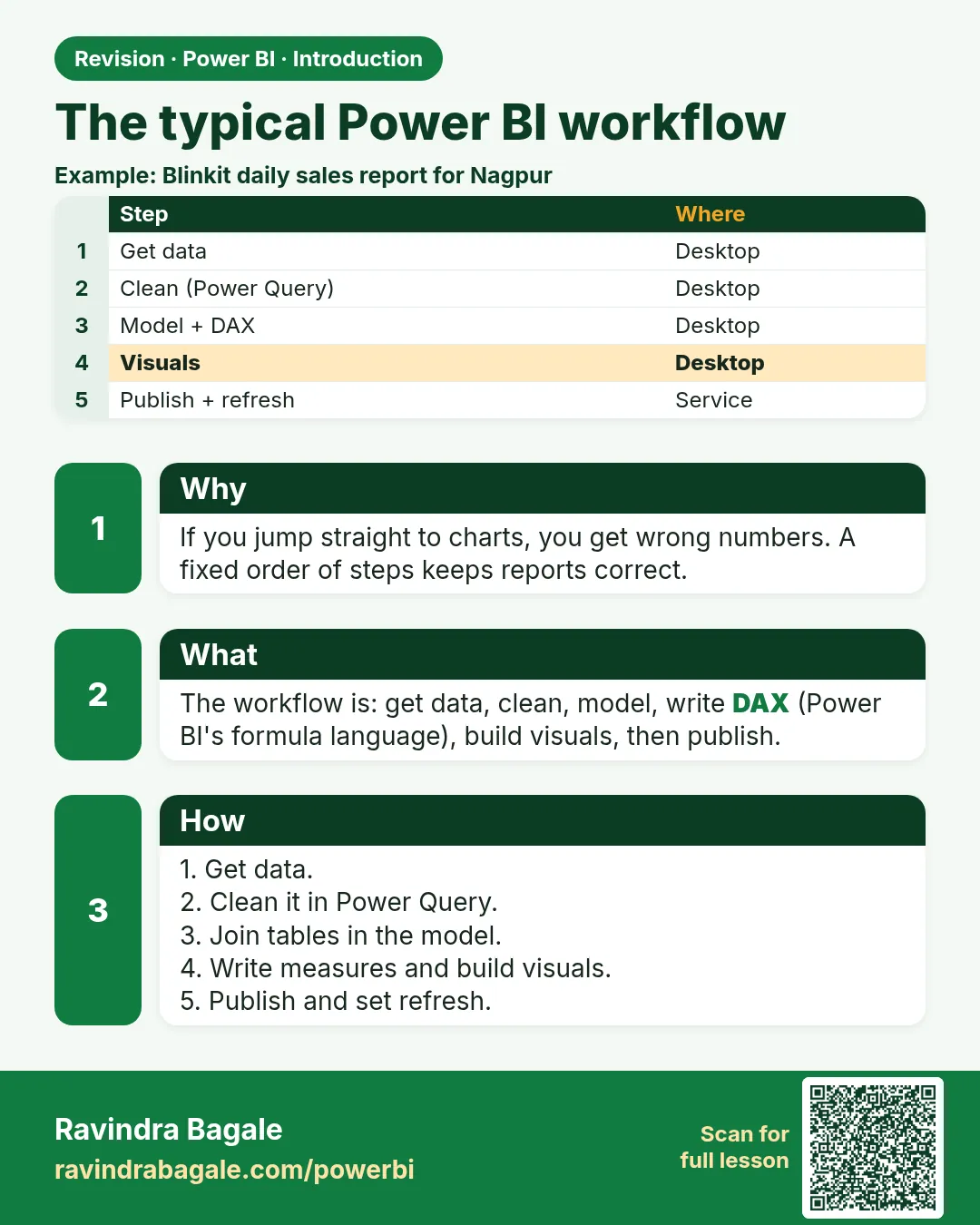
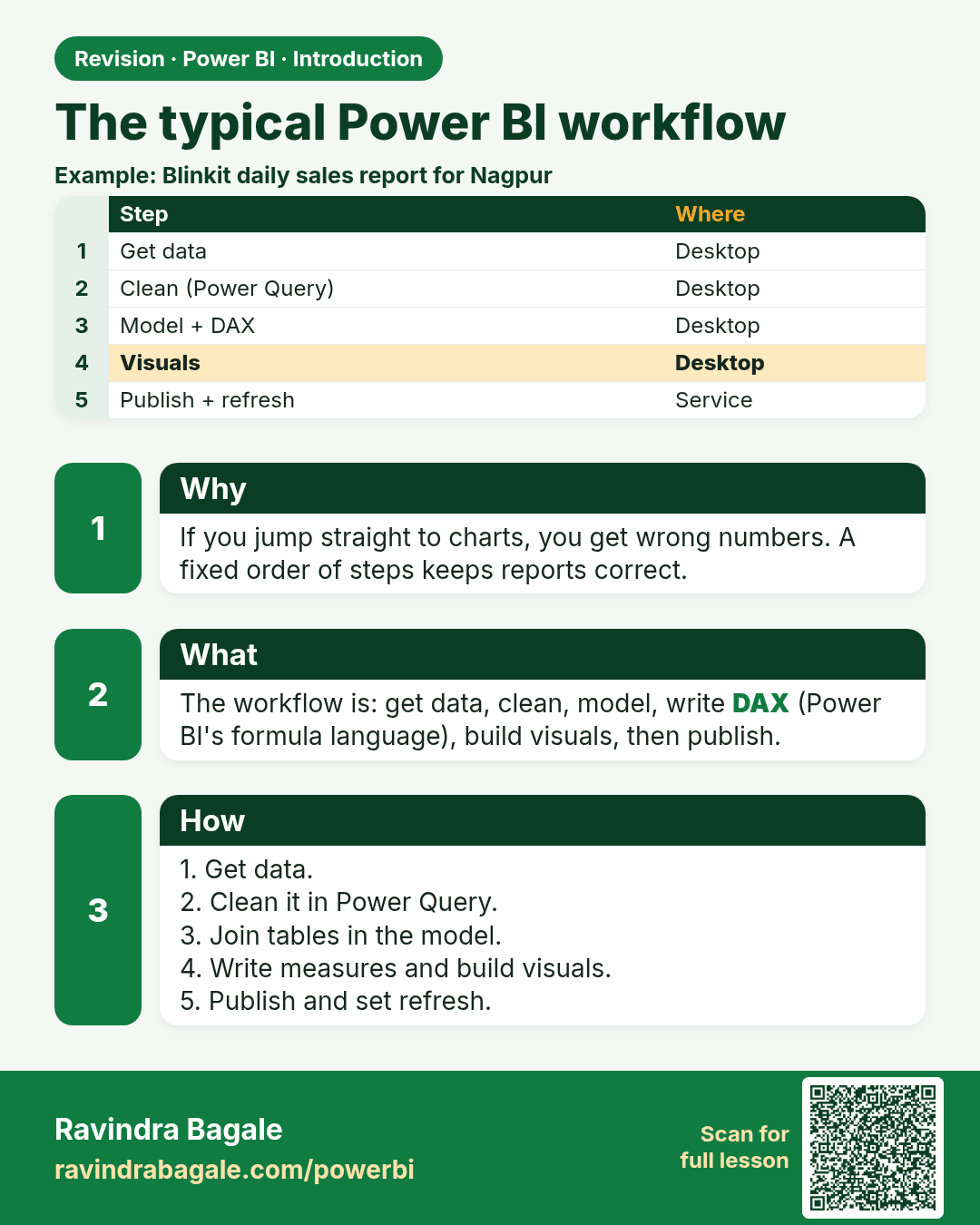
The typical Power BI workflow. If you jump straight to charts, you get wrong numbers. A fixed order of steps keeps reports correct.
Revision card 5 of 7: The typical Power BI workflow · Download PNG · Open card page

Lesson: 1.5 The Typical Power BI Workflow
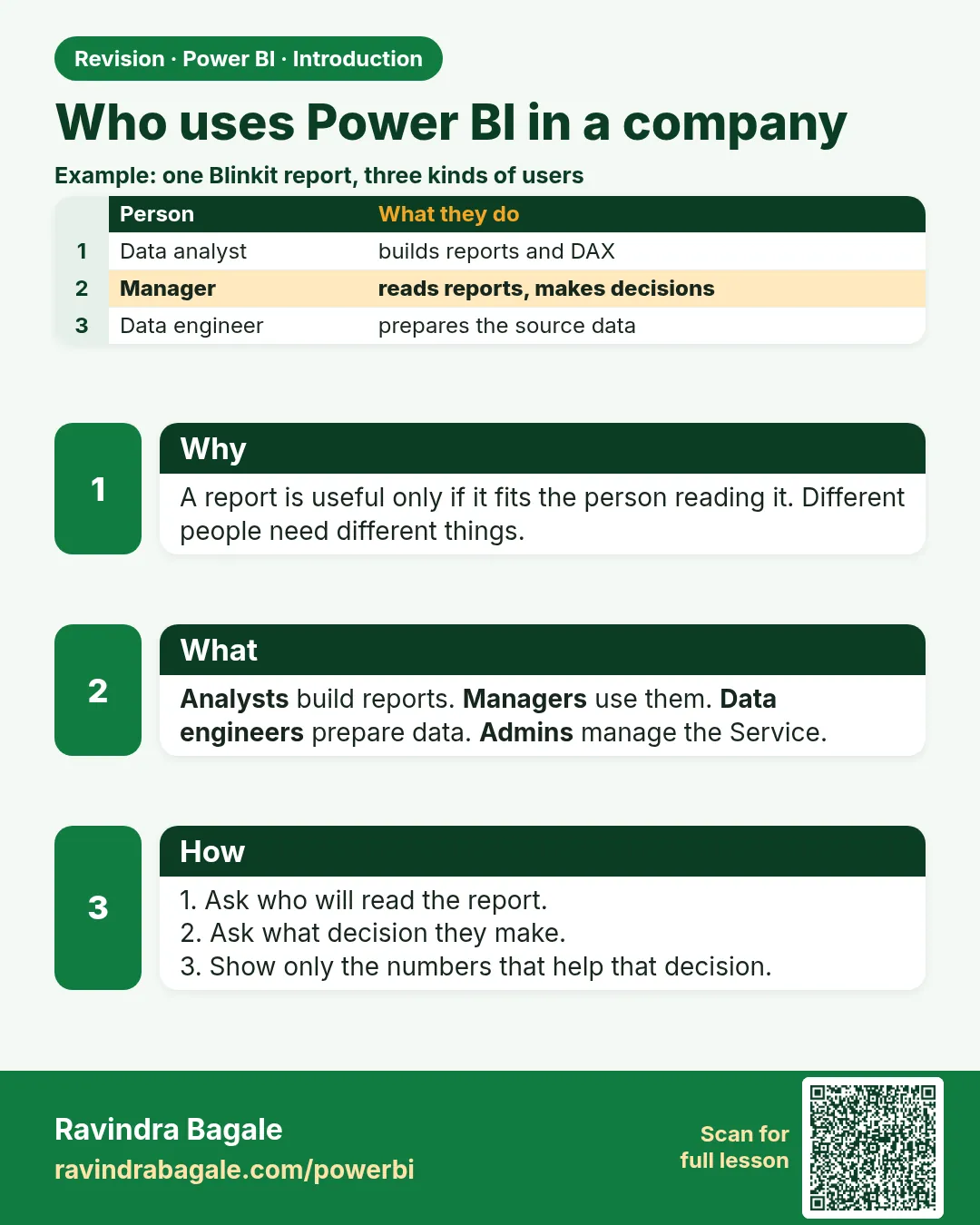
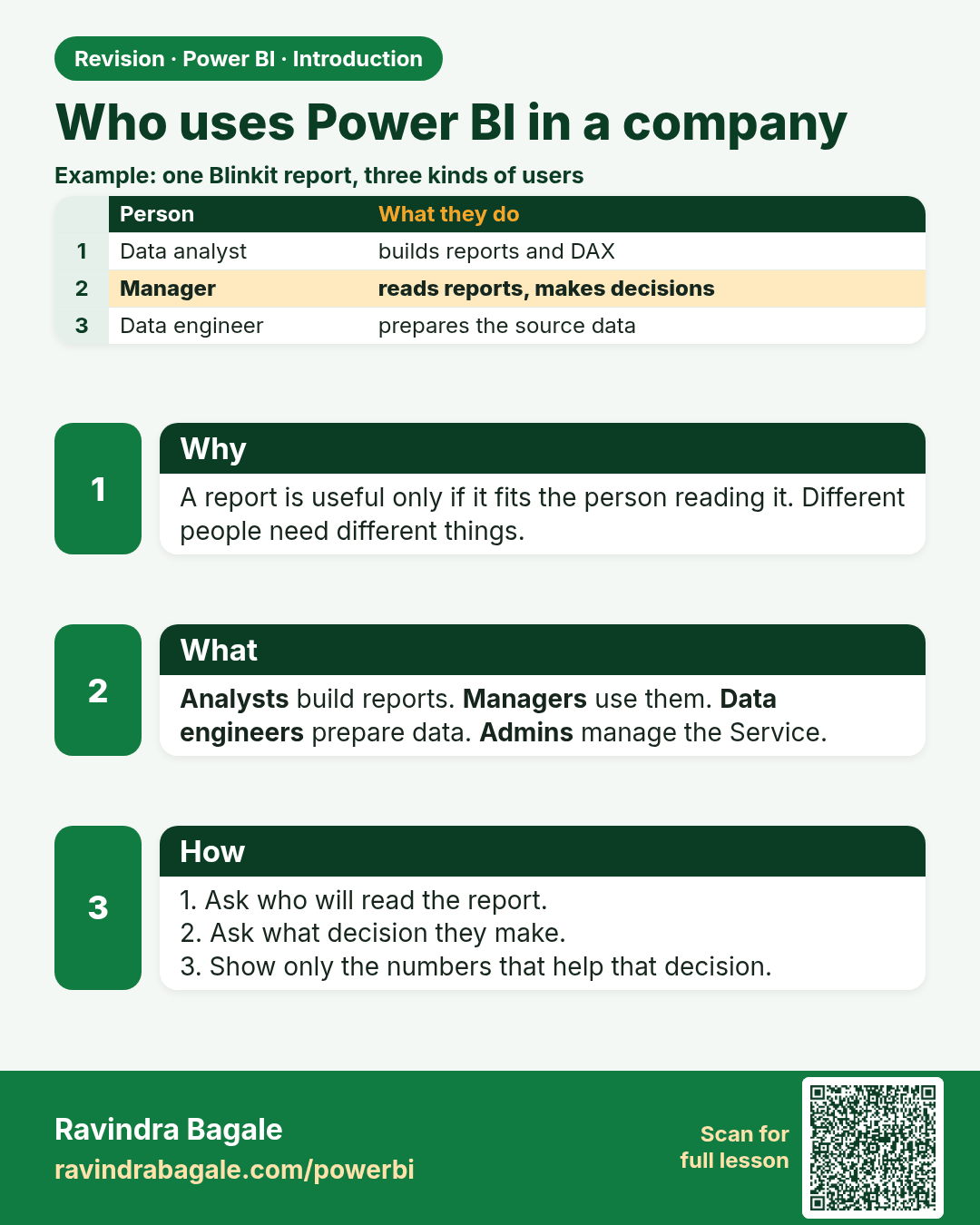
Who uses Power BI in a company. A report is useful only if it fits the person reading it. Different people need different things.
Revision card 6 of 7: Who uses Power BI in a company · Download PNG · Open card page

Lesson: 1.6 Who Uses Power BI in a Company?

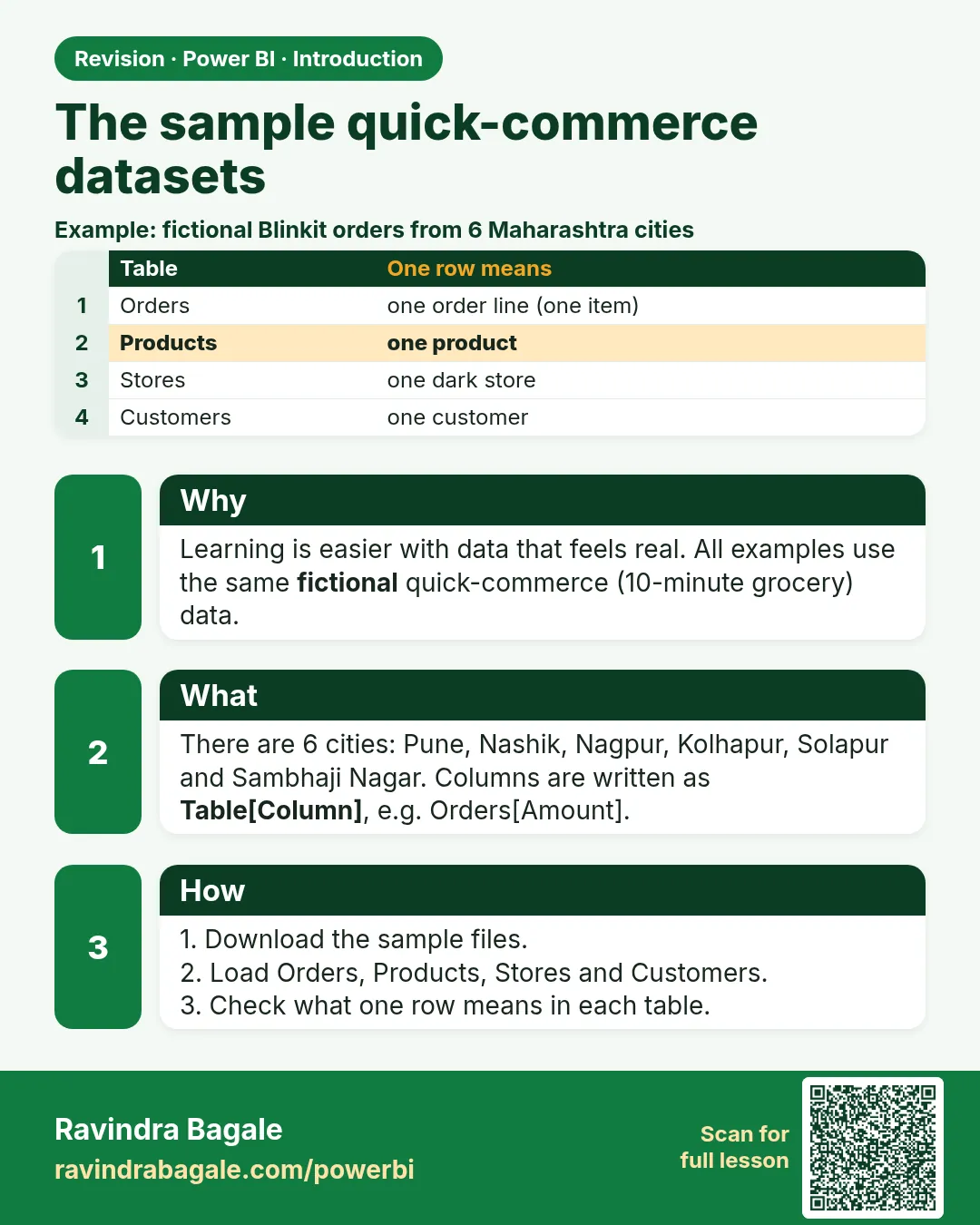
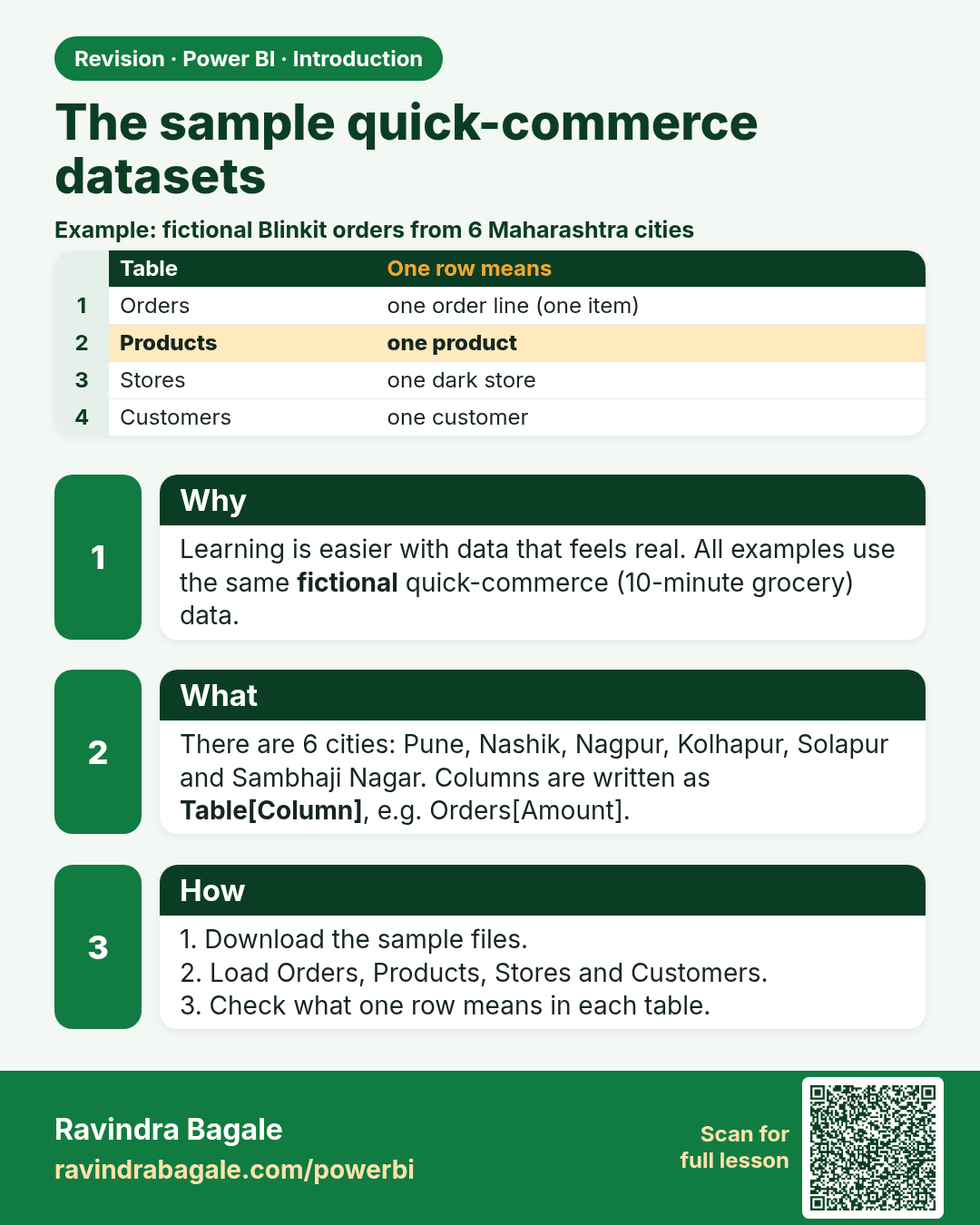
The sample quick-commerce datasets. Learning is easier with data that feels real. All examples use the same fictional quick-commerce (10-minute grocery) data.
Revision card 7 of 7: The sample quick-commerce datasets · Download PNG · Open card page

Lesson: 1.7 The Quick-Commerce Sample Datasets Used in This Guide

Interview cards

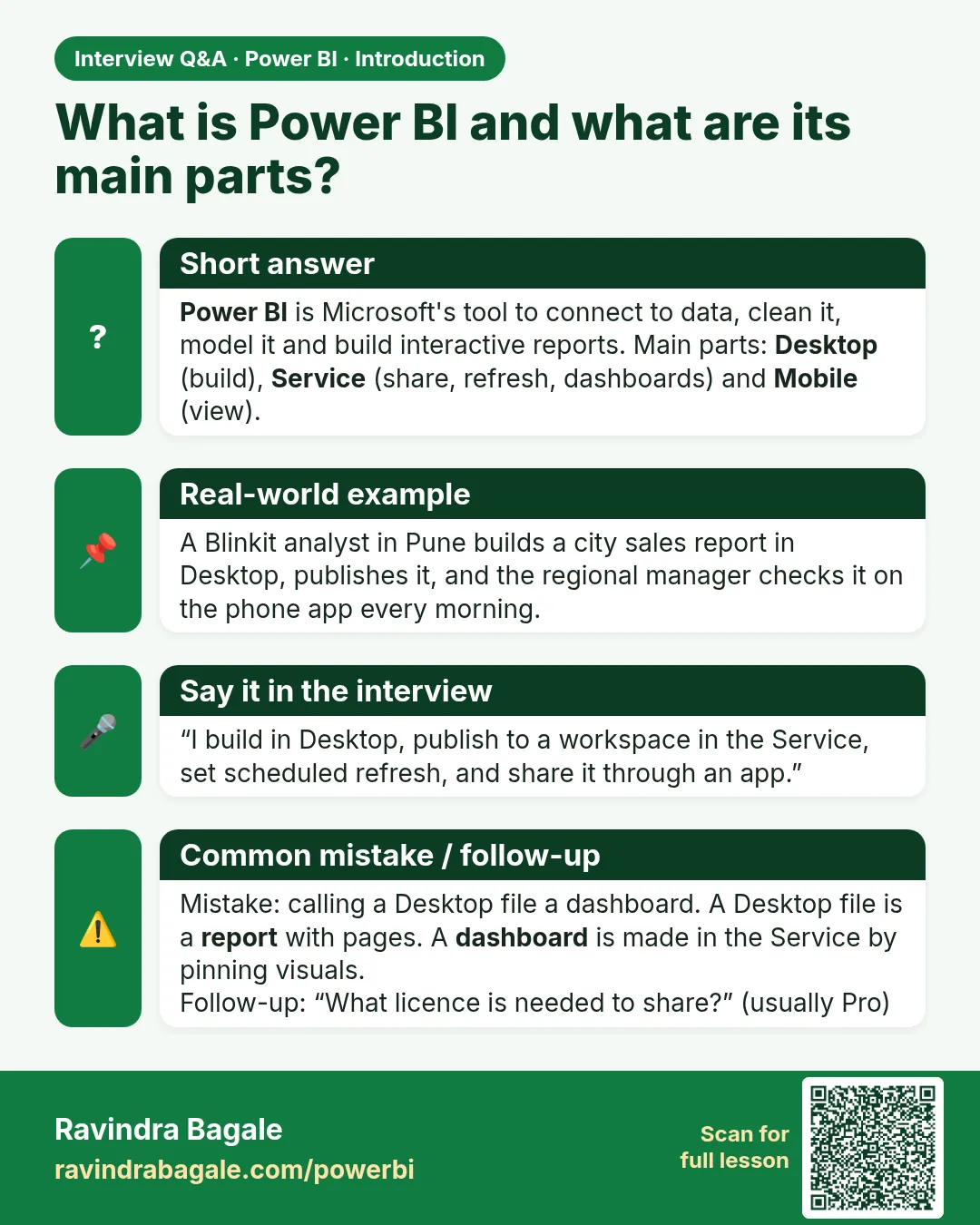
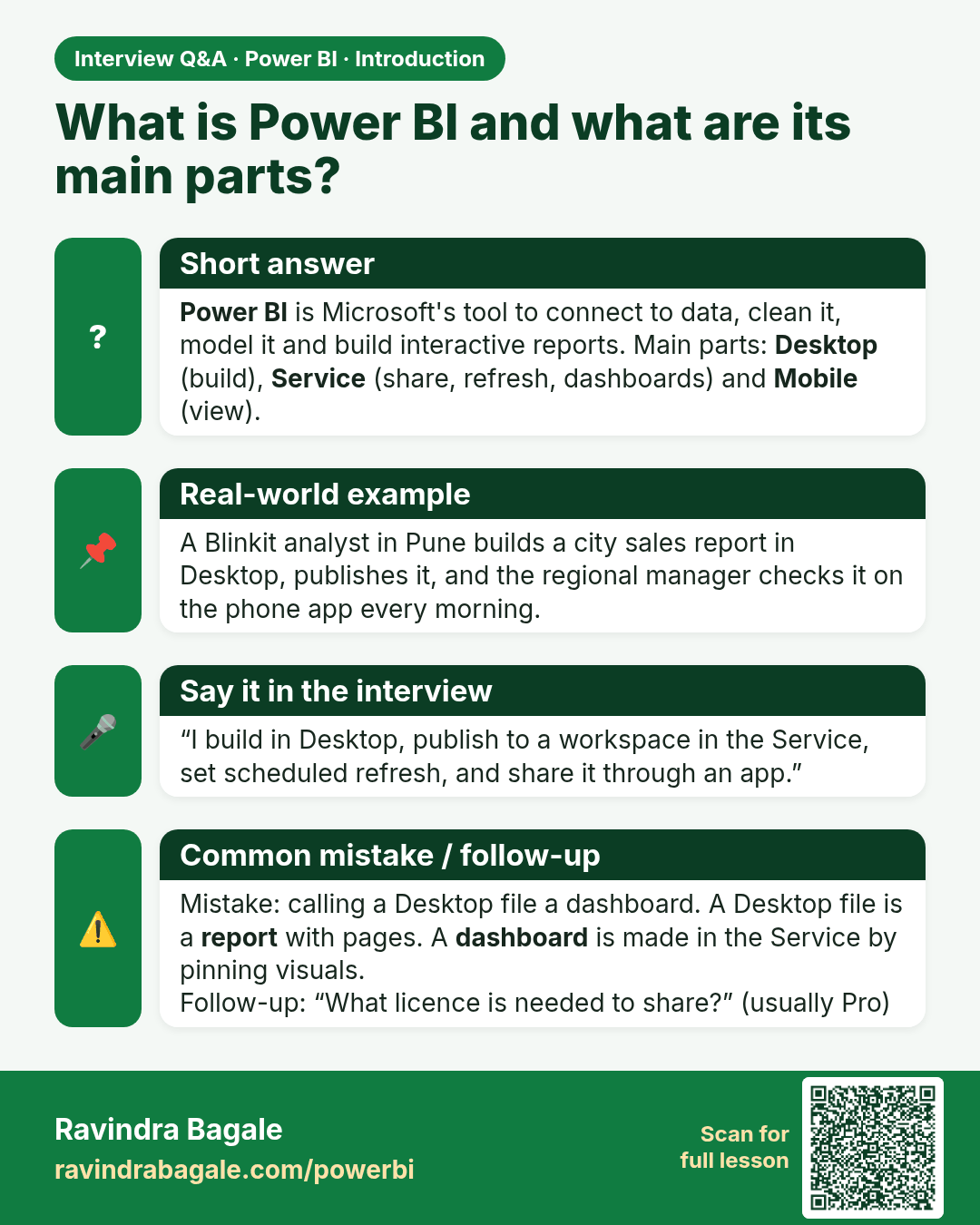
What is Power BI and what are its main parts? Power BI is Microsoft's tool to connect to data, clean it, model it and build interactive reports. Main parts: Desktop (build), Service (share, refresh, dashboards) and Mobile (view).
Interview card 1 of 2: What is Power BI and what are its main parts? · Download PNG · Open card page

Lesson: 1.2 What is Power BI?

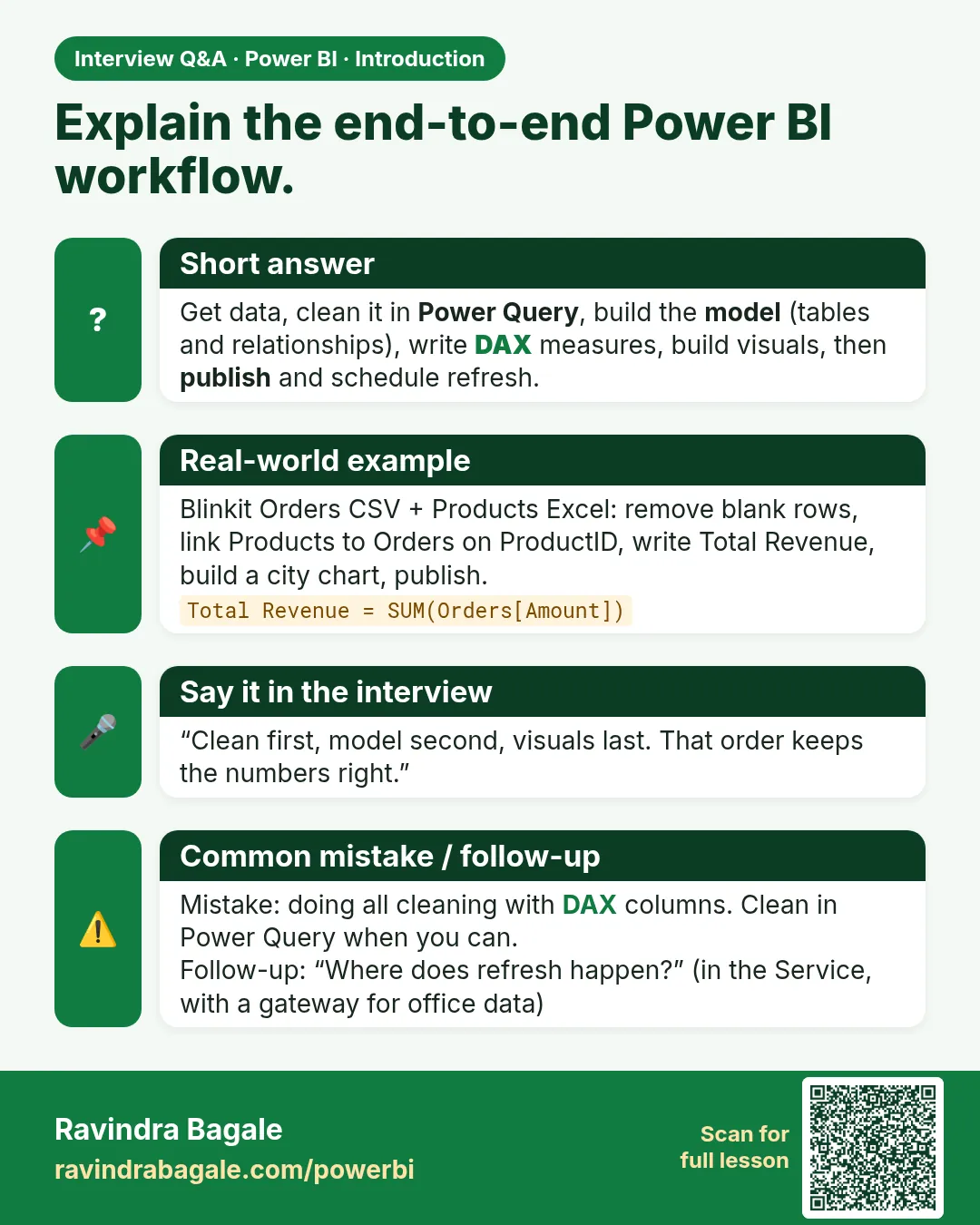
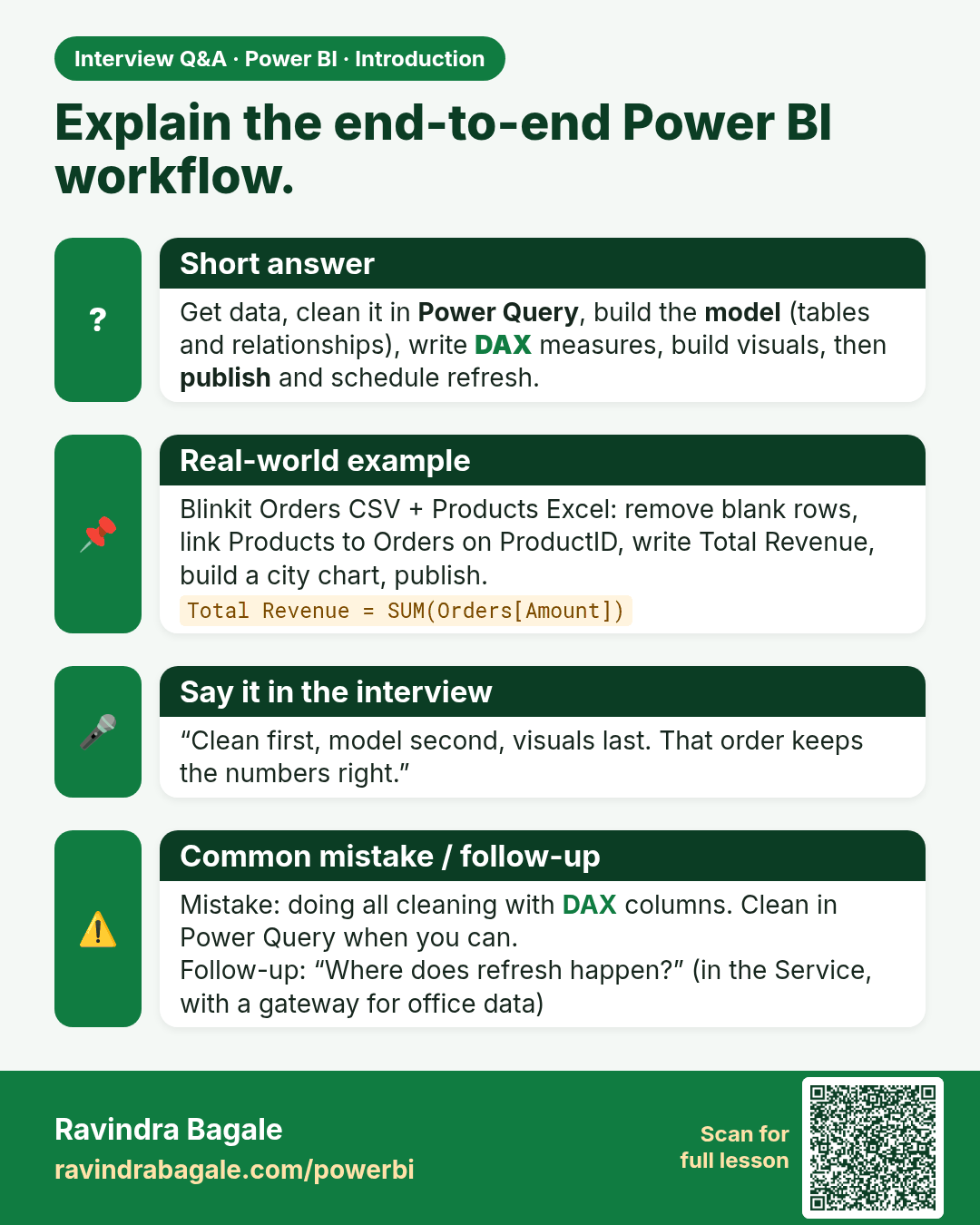
Explain the end-to-end Power BI workflow. Get data, clean it in Power Query, build the model (tables and relationships), write DAX measures, build visuals, then publish and schedule refresh.
Interview card 2 of 2: Explain the end-to-end Power BI workflow. · Download PNG · Open card page

Lesson: 1.5 The Typical Power BI Workflow
Comparison cards
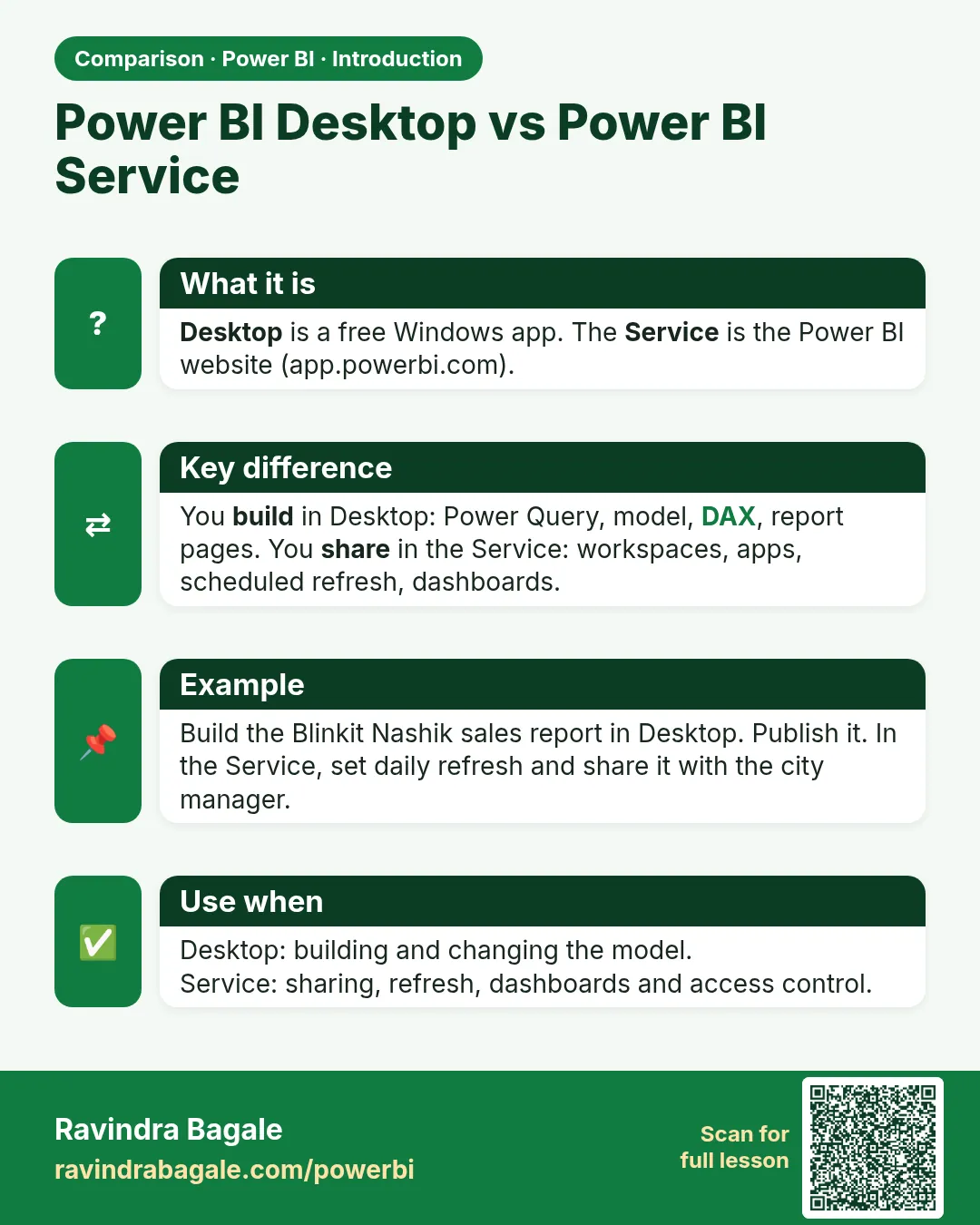
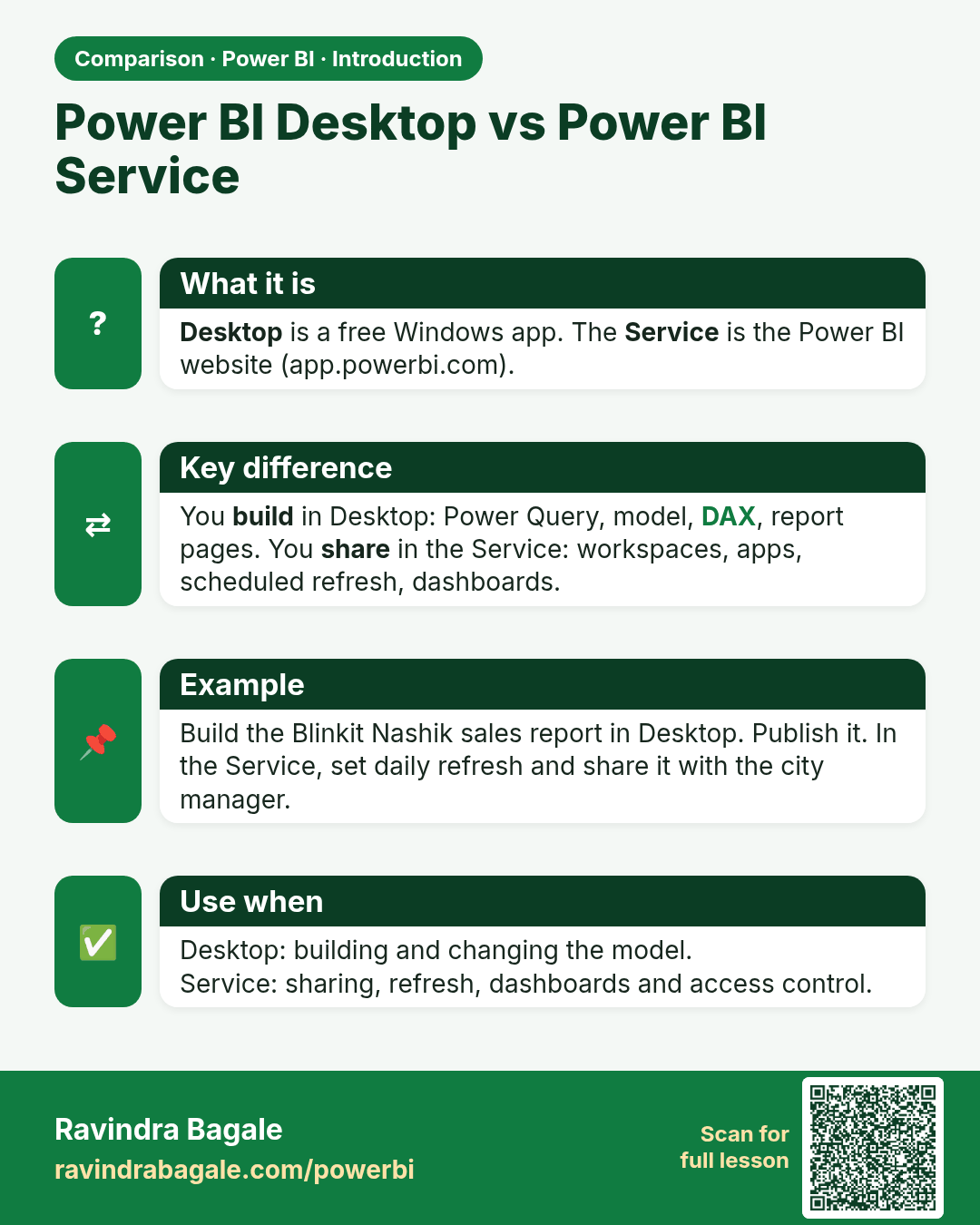
Power BI Desktop vs Power BI Service. Desktop is a free Windows app. The Service is the Power BI website (app.powerbi.com).
Comparison card 1 of 2: Power BI Desktop vs Power BI Service · Download PNG · Open card page

Lesson: 1.3 Components of Power BI

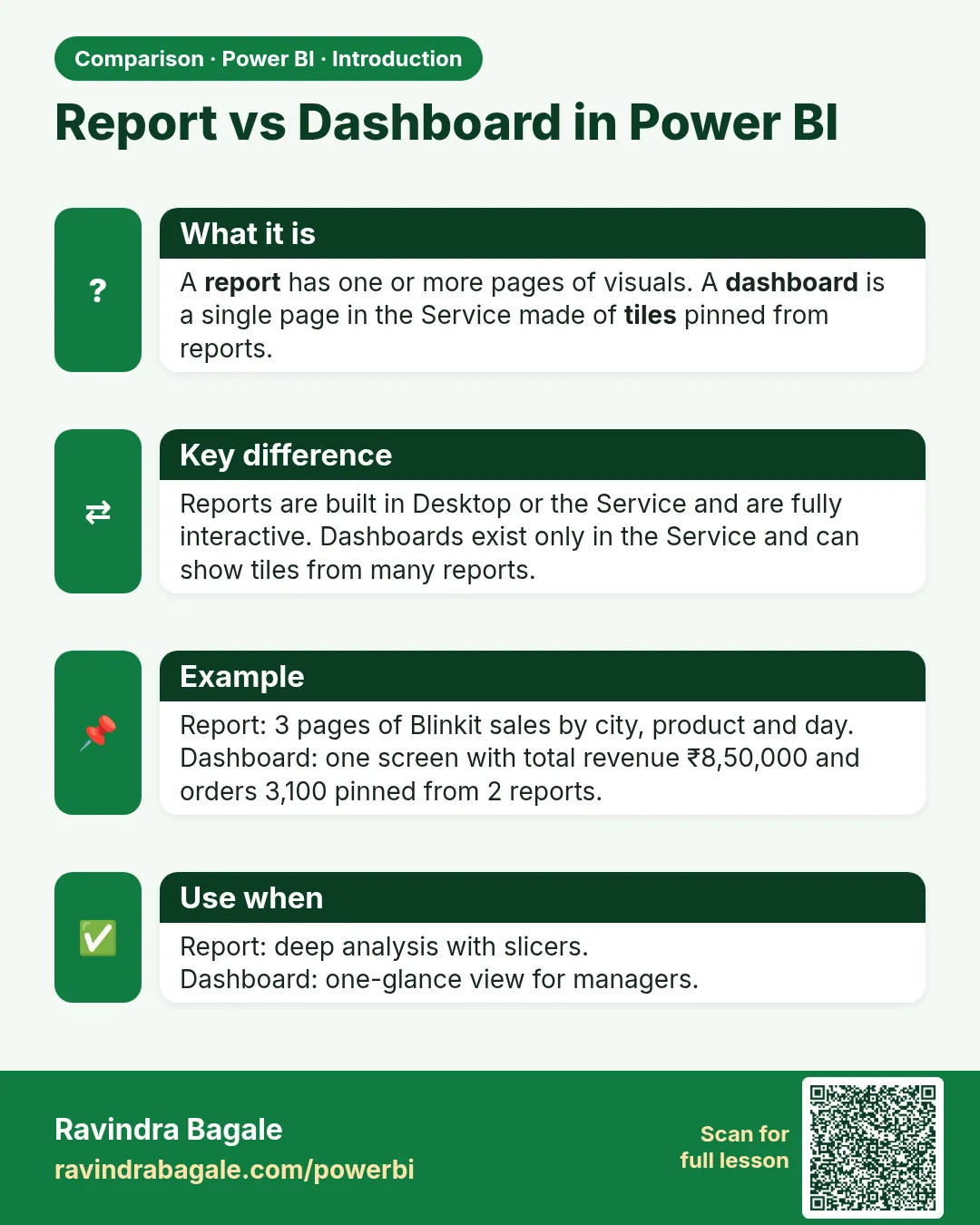
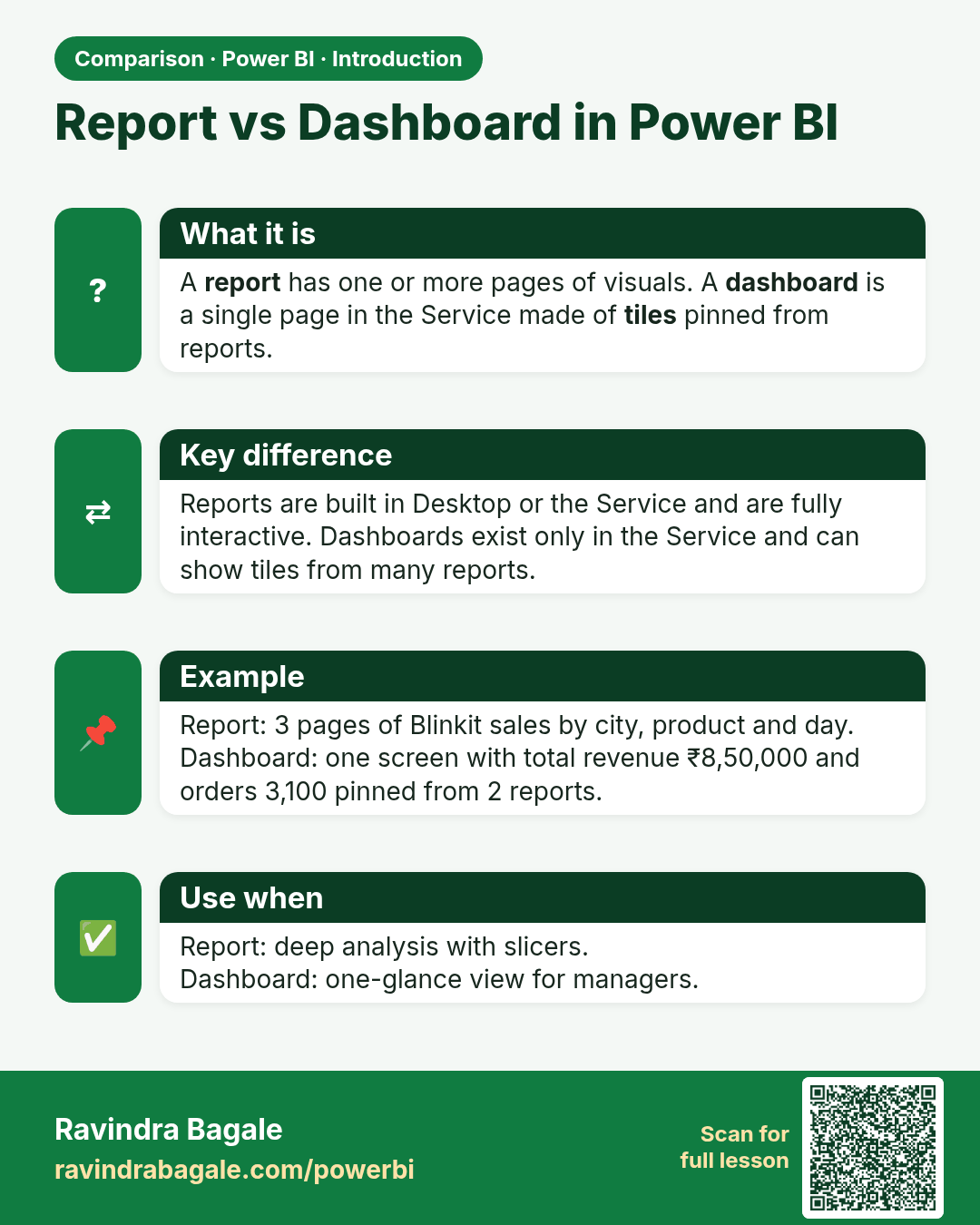
Report vs Dashboard in Power BI. A report has one or more pages of visuals. A dashboard is a single page in the Service made of tiles pinned from reports.
Comparison card 2 of 2: Report vs Dashboard in Power BI · Download PNG · Open card page

Lesson: 1.3 Components of Power BI