Power BI vs Tableau: Differences, Price and Which One to Choose (Easy Guide)
Both tools turn boring data into clear charts. This guide explains the difference in simple words, so you can pick the right one.
About a 12-minute read
Why read this first?
Many people ask one question before they start: "Should I learn Power BI or Tableau?" This guide answers it. Then you can start the Power BI course with a clear mind.
What you will learn
- What a BI tool does, in five simple steps
- How Power BI and Tableau are different
- What each one costs, with a calculator
- Which one fits your situation
How to use this guide
- Read the short answer in section 3.
- Try the cost calculator in section 4.
- Tap your situation in section 9.
- Take the quiz at the end to check yourself.
1. What is a BI tool?
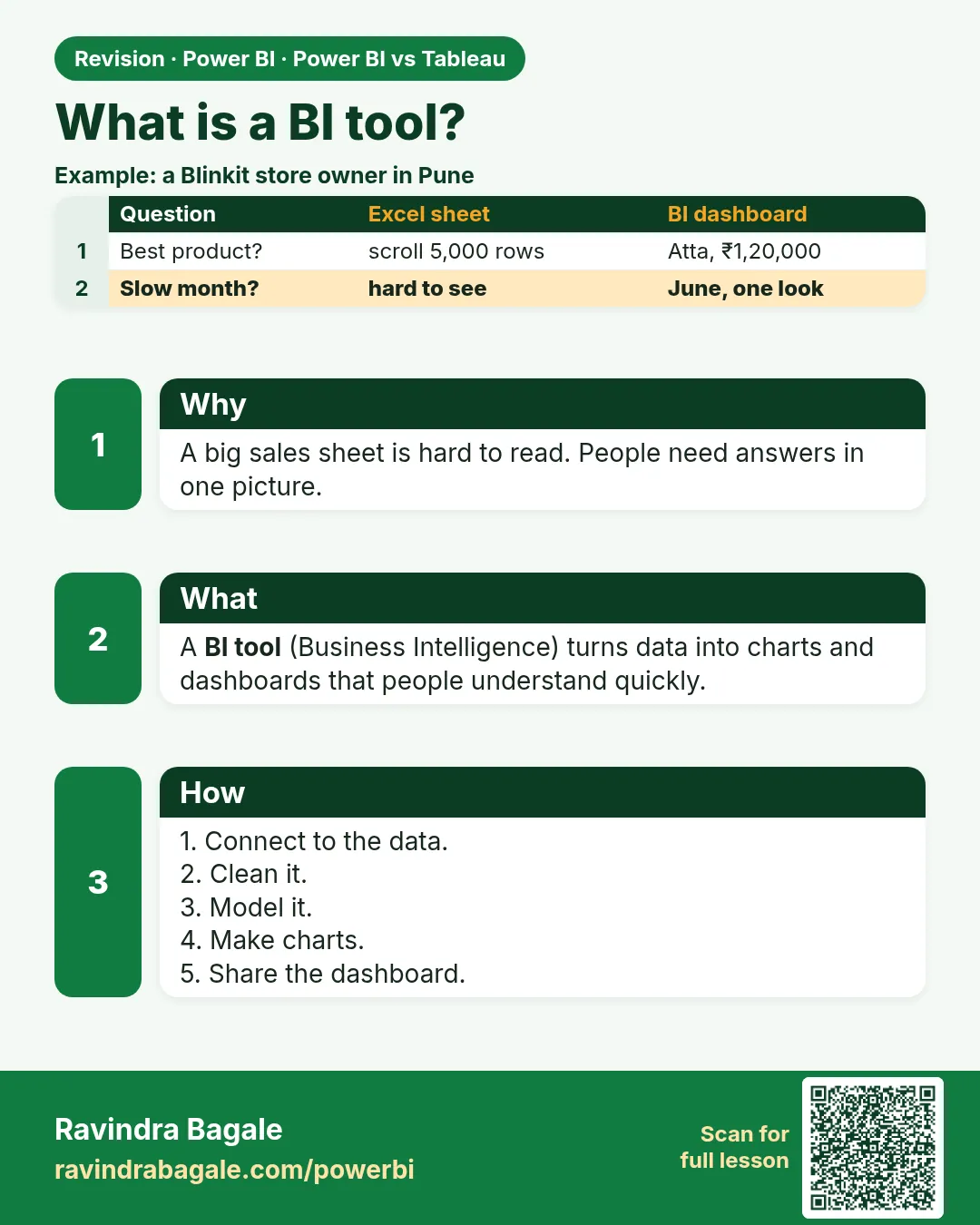
BI means Business Intelligence. A BI tool takes data (numbers in files and databases) and turns it into charts and dashboards that people can understand quickly.
Think of a shop owner with a big Excel sheet of sales. A BI tool can show, in one picture, which product sells best, which month was slow, and which city buys the most.
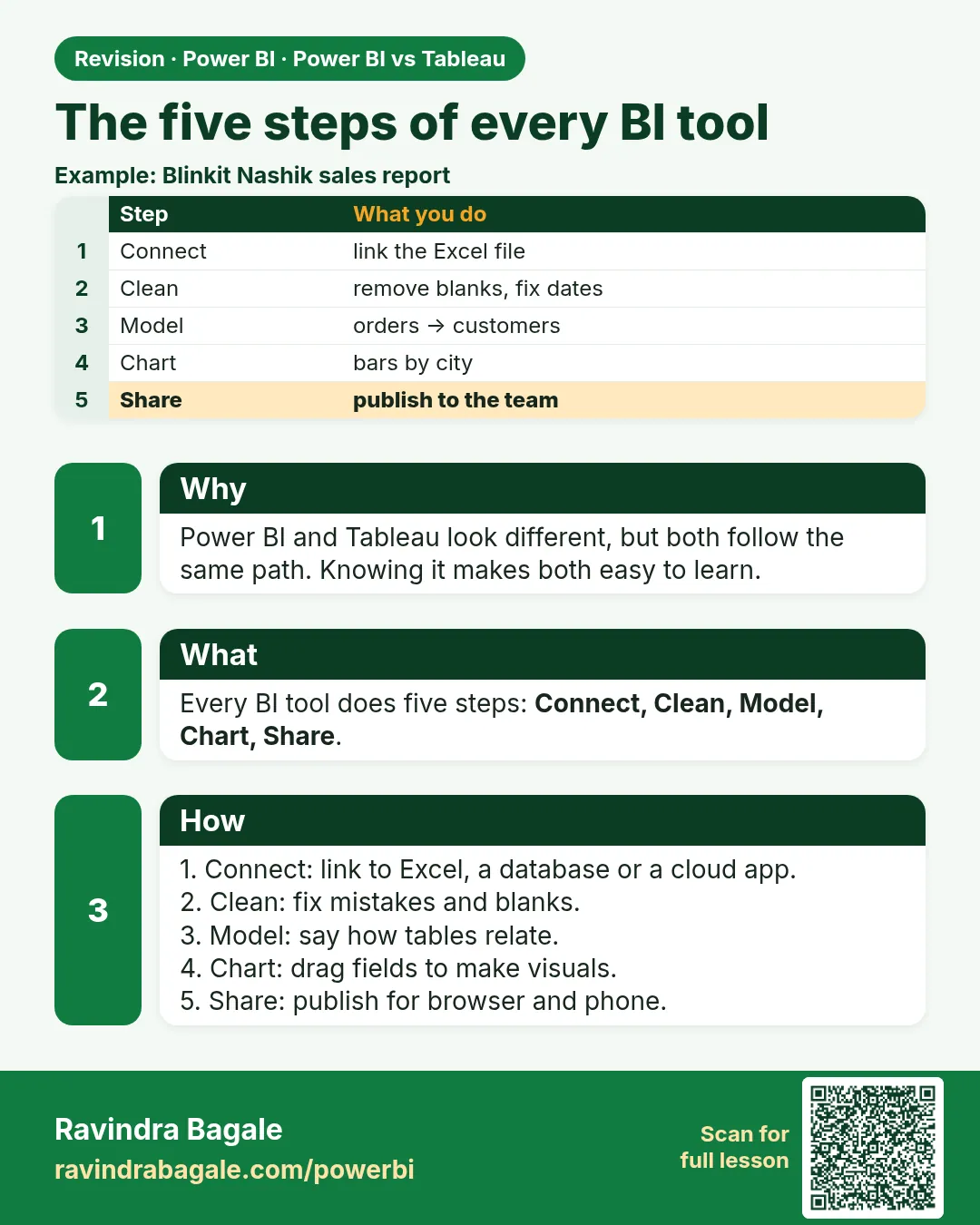
- Connect: link to your data (Excel, a database, a cloud app).
- Clean: fix mistakes, remove blanks, make dates and names consistent.
- Model: tell the tool how tables relate (for example, each order belongs to one customer).
- Chart: drag fields onto the page to make bars, lines, maps and tables.
- Share: publish so your team can open it in a browser or phone.
Power BI and Tableau both do all five steps. They just do them in different ways.
2. Meet the two tools
Power BI
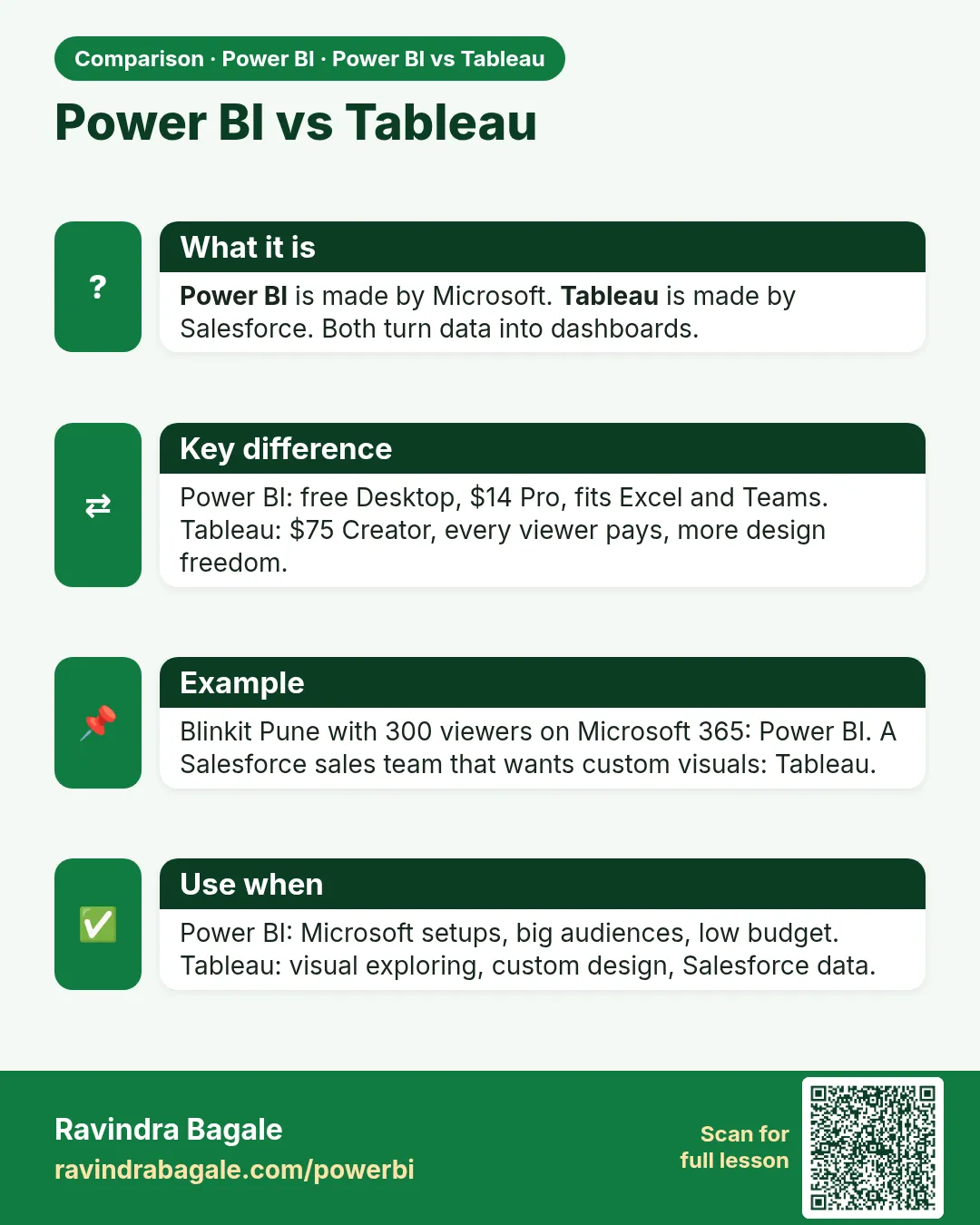
Made by Microsoft. You build reports in a free Windows app called Power BI Desktop, then publish them online to the Power BI service.
It works very well with Excel, Teams, SharePoint and Azure. It is now part of Microsoft Fabric, Microsoft's big data platform.
Tableau
Made by Salesforce. It is famous for "drag and drop" exploring: you drag a field onto the screen and a chart appears.
It works well with many data sources and with Salesforce. Newer versions add AI helpers through Tableau Next.
3. The short answer
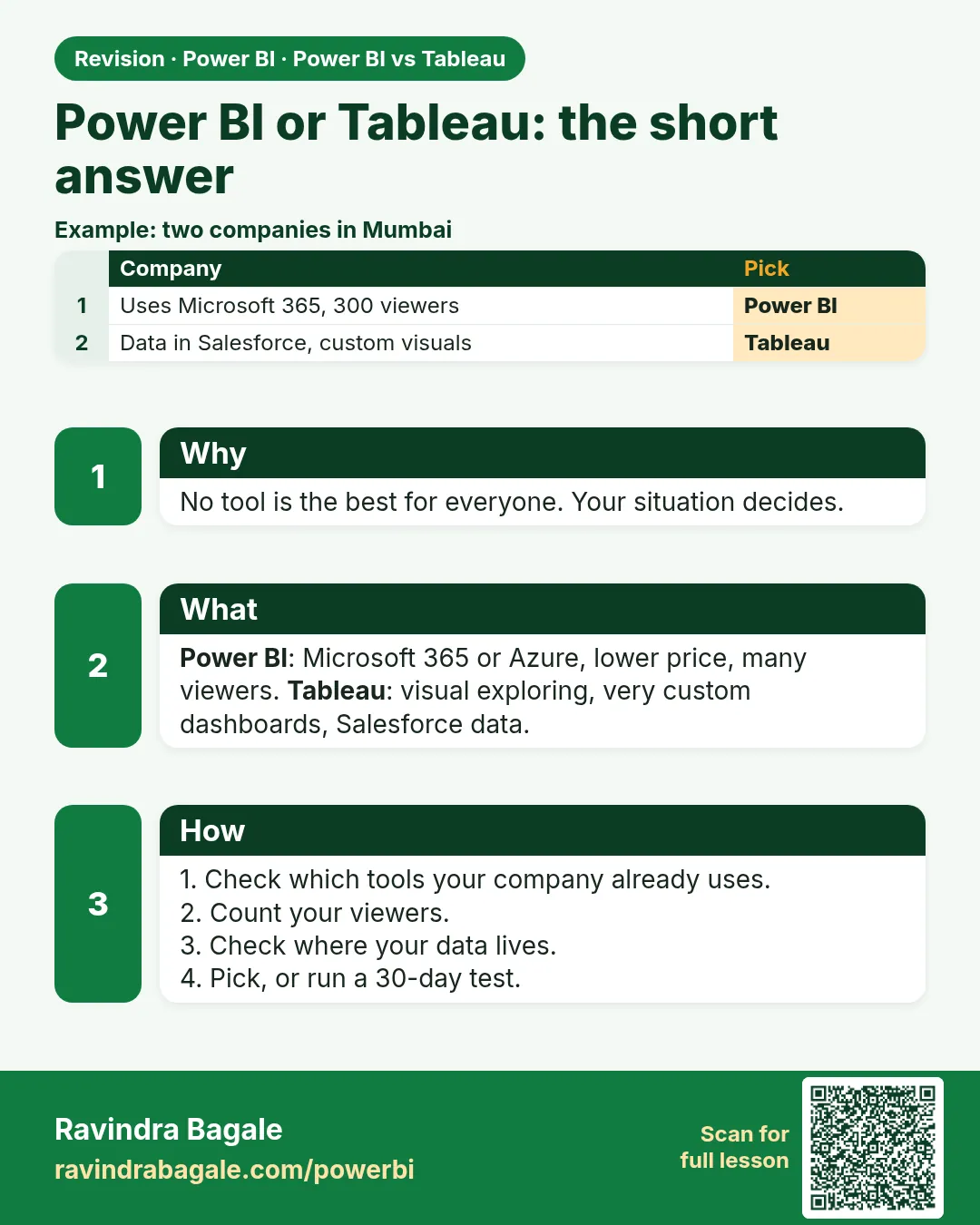
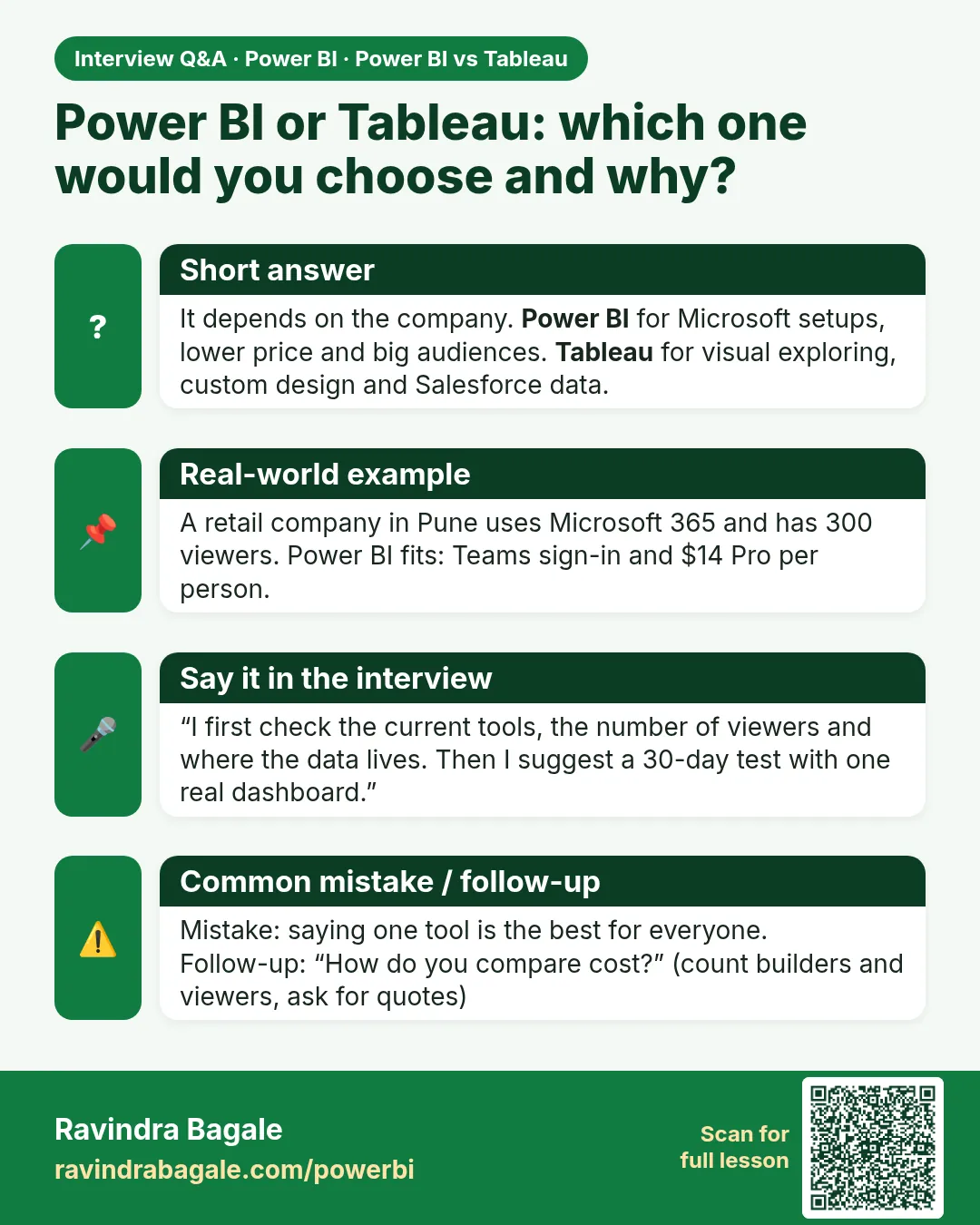
Pick Power BI if your company already uses Microsoft 365 or Azure, you want a lower price, or many people only need to view reports.
Pick Tableau if your analysts love exploring data visually, you want very custom-looking dashboards, or your data lives mostly in Salesforce.
Neither tool is "the best" for everyone. The rest of this guide shows you why, so you can decide with confidence.
4. Price: what will you really pay?
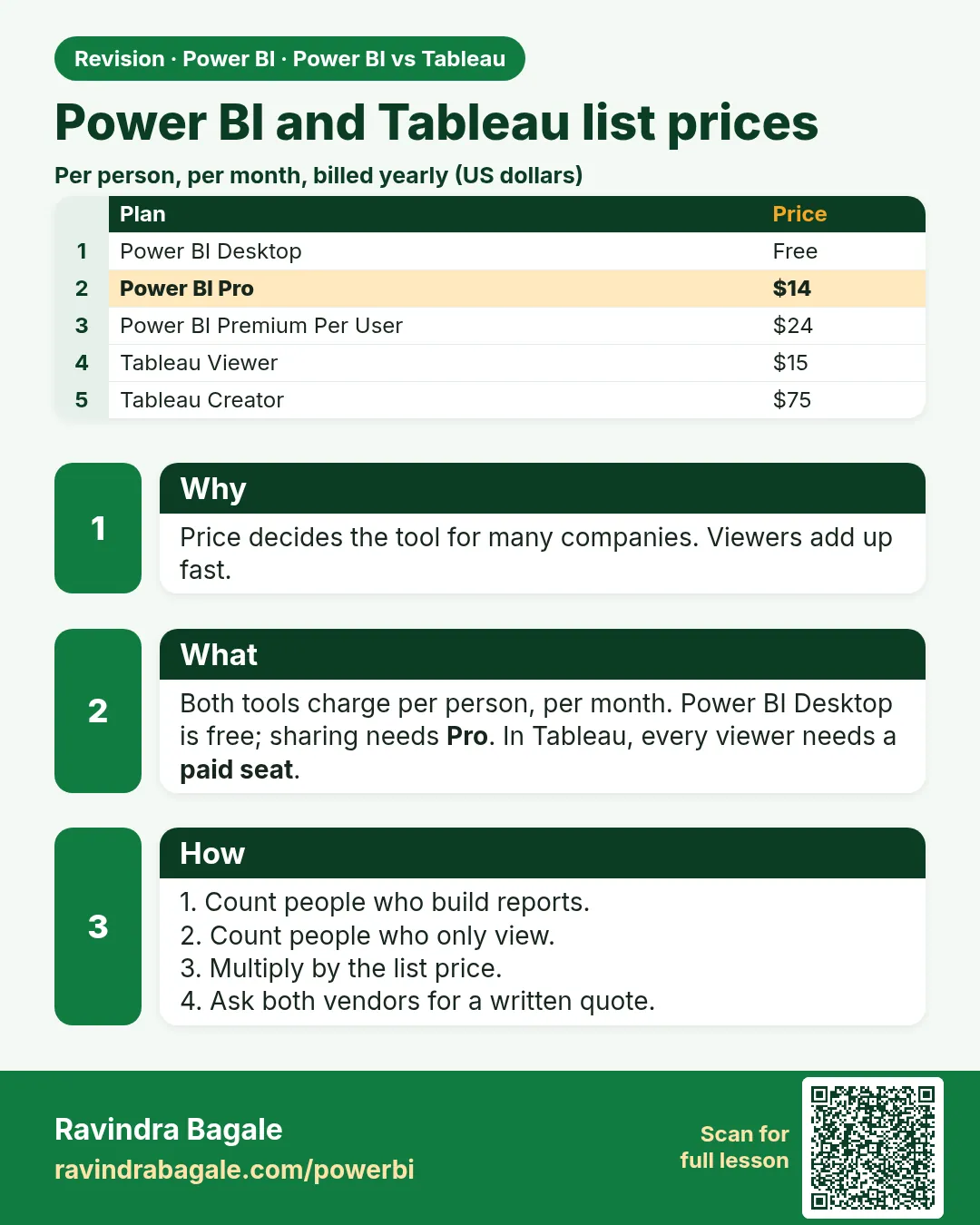
Both tools charge per person, per month. These are list prices in US dollars when billed yearly. Big companies often get discounts, so treat these as a starting point.
Price per person per month. Sources: EPC Group for Power BI, DashboardFox for Tableau. Check each vendor's site before you buy.
What the names mean
| Plan | Who it is for | What you can do |
|---|---|---|
| Power BI Desktop | One person learning | Build reports on your own computer. You cannot share them with others. |
| Power BI Pro | Most teams | Publish, share and work together. Viewers also need Pro in most setups. |
| Power BI Premium Per User | Power users | Everything in Pro plus bigger data, more refreshes and extra features. |
| Tableau Creator | Builders | Full tools: Desktop app, data preparation and publishing. |
| Tableau Explorer | Analysts | Edit and explore existing dashboards in the browser. |
| Tableau Viewer | Readers | Open and click through dashboards. No building. |
Try the cost calculator
Move the sliders to match your team. This gives a rough idea of the yearly cost at list price.
5. Feature by feature
Ease of learning
Power BI feels familiar if you know Excel. The menus, tables and formulas look similar. Tableau is easy to start (drag, drop, see a chart) but its more advanced calculations take time to learn too.
How the charts look
Both make good charts. Tableau gives you more freedom to build unusual, beautiful visuals. Power BI has great standard charts and you can add custom visuals from a store when you need something special.
Cleaning your data
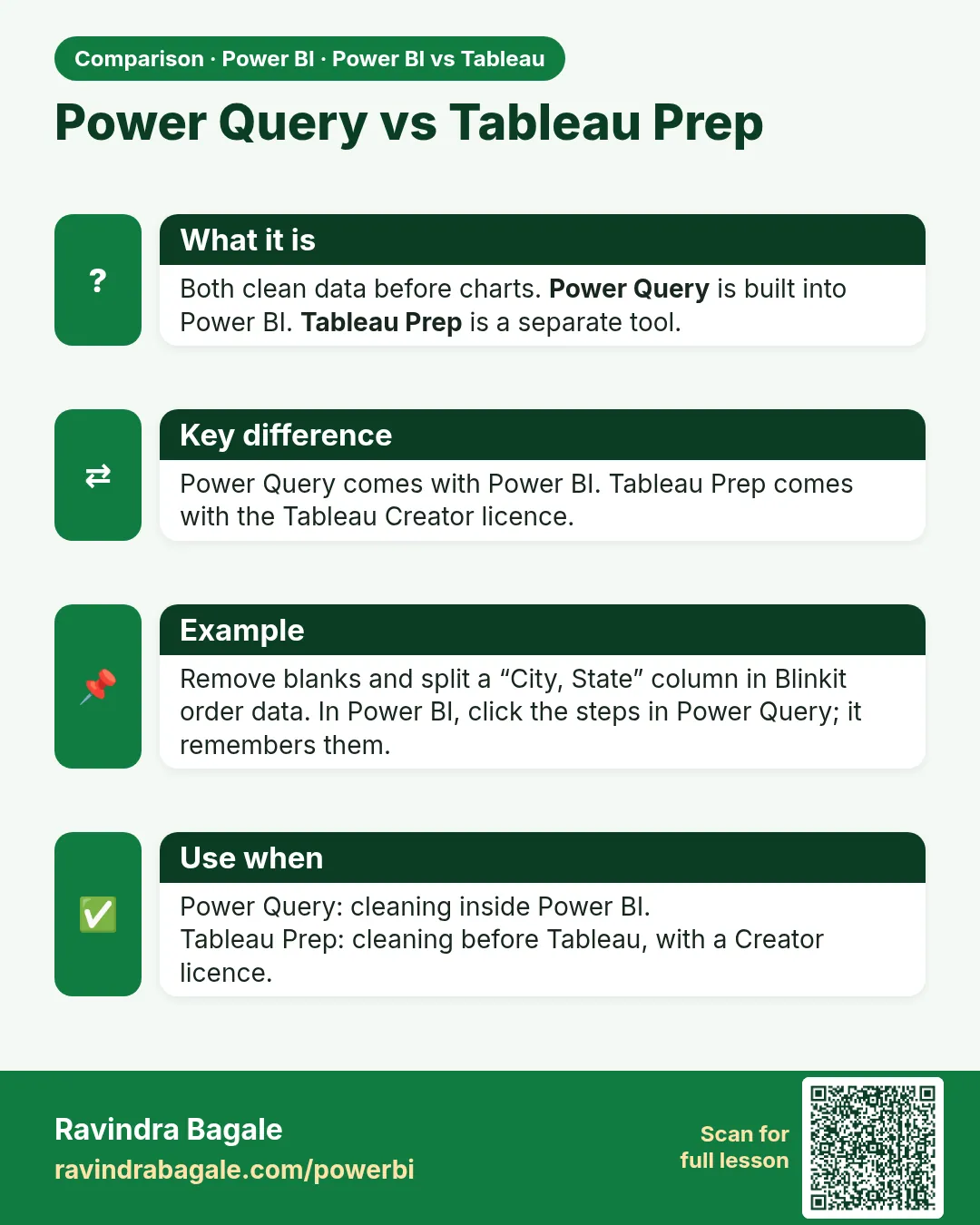
Power BI has Power Query built in. You click steps like "remove blanks" and "split column", and it remembers them. Tableau uses a separate tool called Tableau Prep, which comes with the Creator licence.
Connecting to data
Power BI is best with Microsoft sources (Excel, SQL Server, Azure, SharePoint). Tableau connects to a very wide range of sources, including many cloud data warehouses and Salesforce.
Big data
Both handle large data. Tableau often uses a fast copy of the data called an extract. Power BI can import data, query it live, or use a Fabric feature called Direct Lake that reads data straight from the lake.
Sharing and security
Both let you control who sees what, including row-level security (for example, each sales manager sees only their own region). Both have a cloud service and an on-premises option: Power BI Report Server and Tableau Server.
Quick comparison
| Question | Power BI | Tableau |
|---|---|---|
| Owner | Microsoft | Salesforce |
| Cheapest way to start | Free Desktop, then $14 Pro | $75 Creator, $15 Viewer |
| Best for | Microsoft companies, big audiences | Visual exploring, Salesforce data |
| Data cleaning | Power Query (built in) | Tableau Prep (separate) |
| Formulas | DAX | Calculated fields, LOD |
| Free option | Desktop (no sharing) | Tableau Public (data is public) |
6. Formulas: DAX vs Tableau
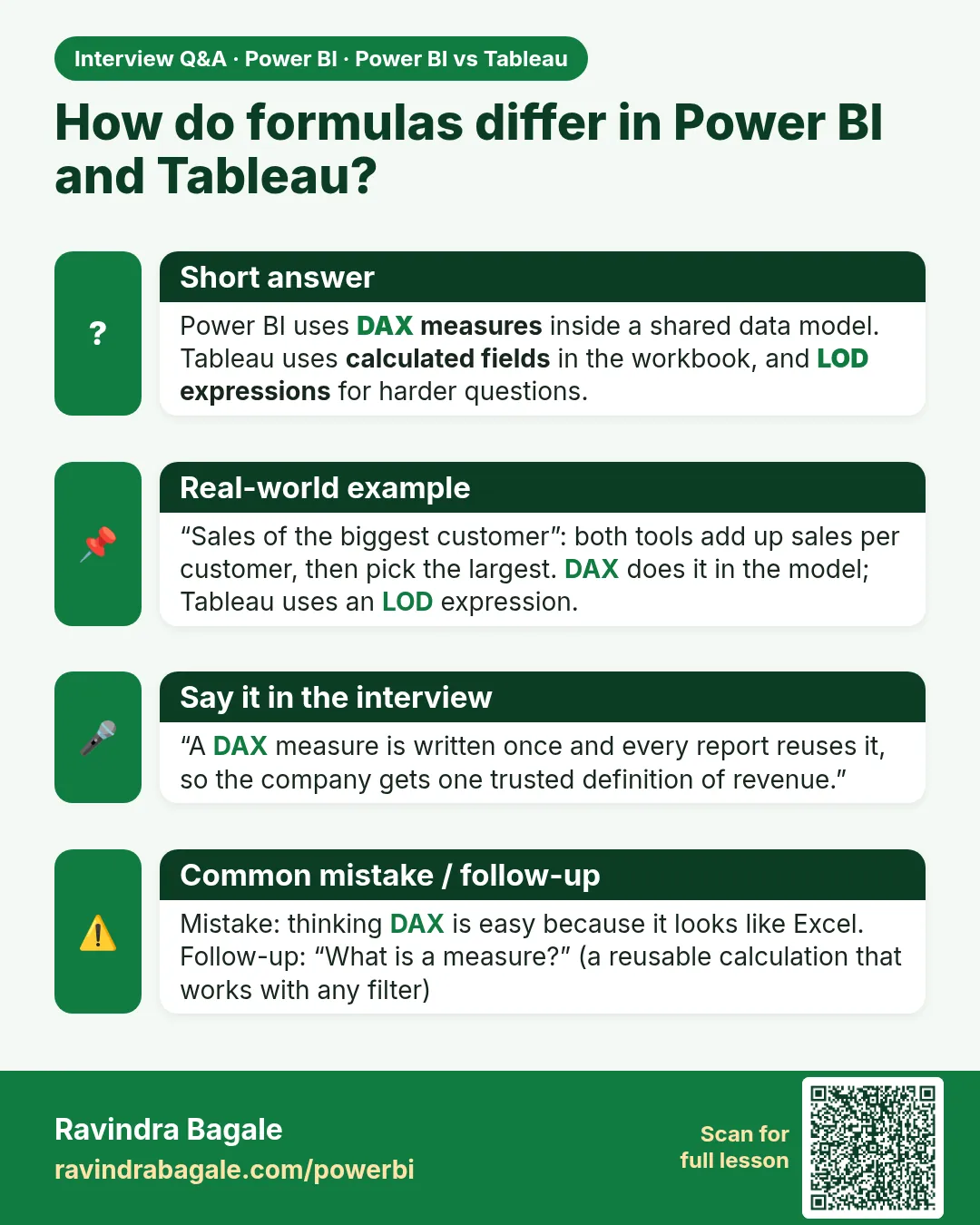
Sometimes a chart needs a calculation, like "total sales" or "sales compared to last year". Each tool has its own formula style.
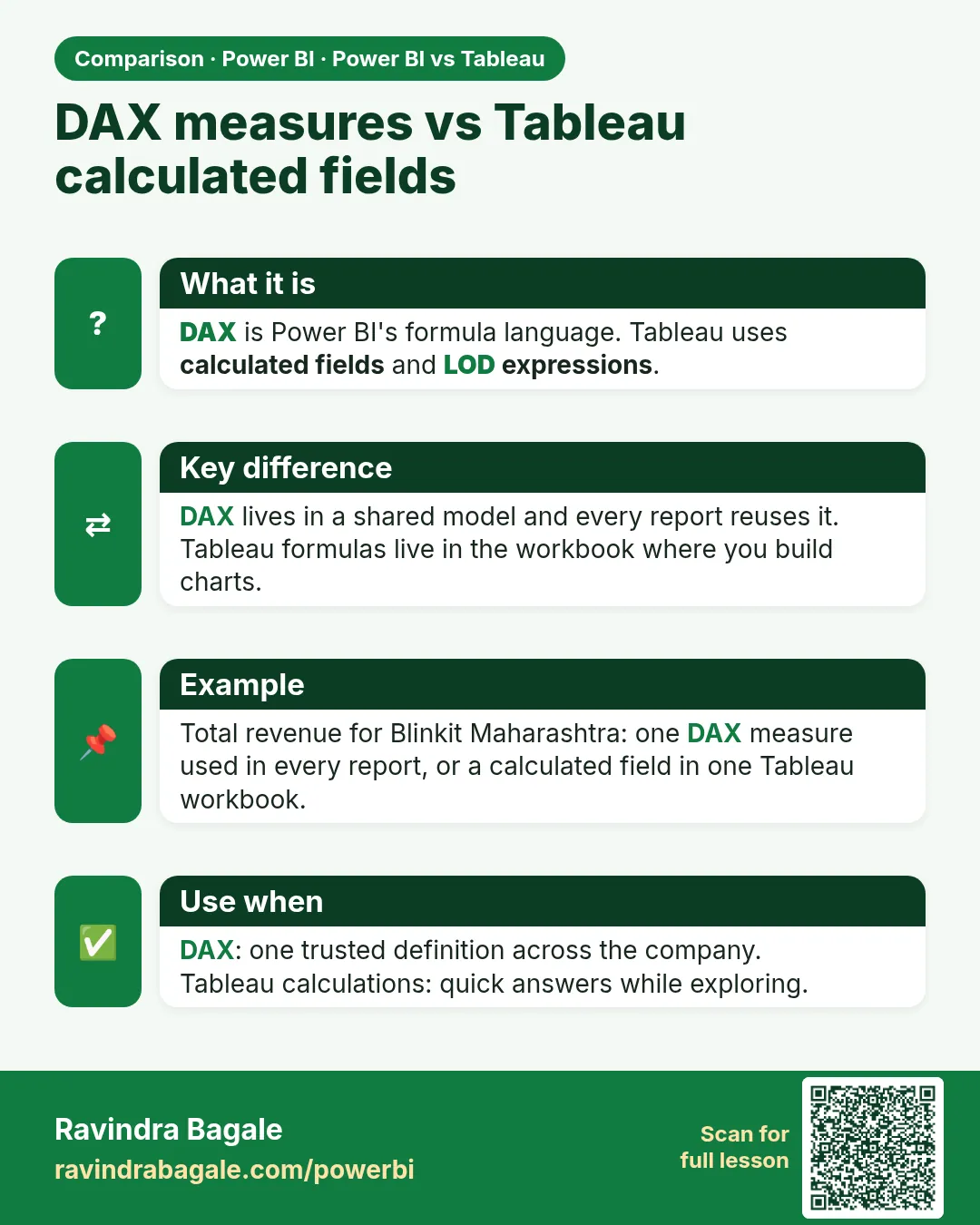
Power BI uses DAX
DAX works inside a shared data model. You write a formula once (called a measure) and every report can reuse it.
Good for: one trusted definition of "revenue" across the whole company.
Tableau uses calculated fields
You write formulas in the workbook where you build charts. For harder questions you use LOD expressions (they say "calculate at this level of detail").
Good for: quick answers while exploring.
DAX has a steeper learning curve than people expect, so plan some training time if you pick Power BI. Tableau's formulas are friendly at first and get harder for advanced cases.
7. AI features
Both tools now include AI helpers, but they help in different ways.
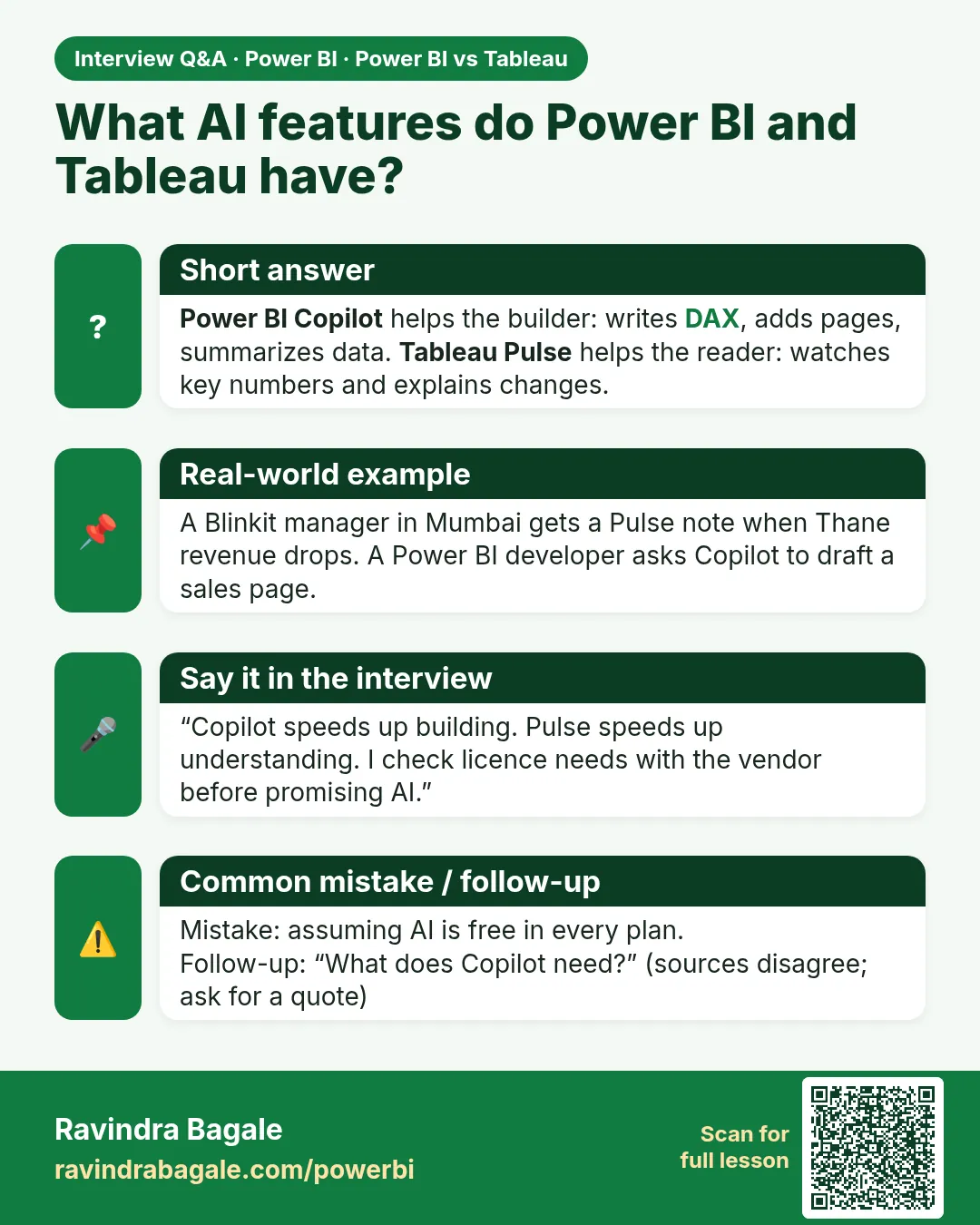
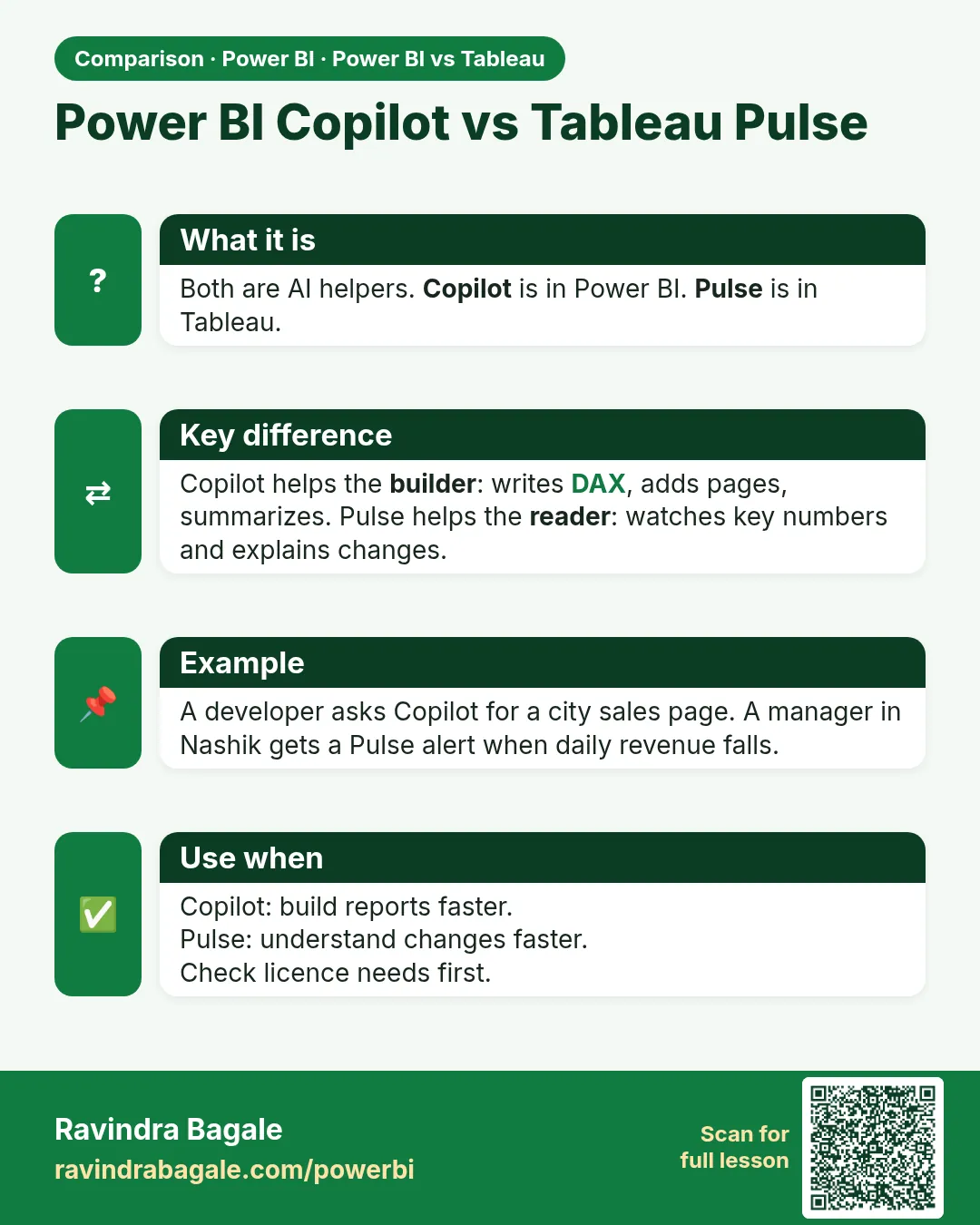
- Power BI Copilot can write formulas, create report pages from a short request, and summarize a report in plain language.
- Tableau Pulse keeps an eye on your important numbers and sends short AI explanations when they move.
- Tableau Next is Salesforce's newer version. It connects to Salesforce Data Cloud and AI agents.
8. Pros and cons
Power BI
Good:
- Low price and a free builder app
- Works smoothly with Excel, Teams and Azure
- One shared model means one version of the truth
- Data cleaning built in
- Huge community and many learning videos
Not so good:
- DAX is hard at first
- Licences are confusing (Pro, Premium, Fabric)
- Less control over fine design details
- Many new features assume you use Fabric
Tableau
Good:
- Fast, fun data exploring
- More design freedom for charts
- Works well across different clouds
- Strong link to Salesforce
- Cheap Viewer seats for readers
Not so good:
- Higher price per person
- Every viewer needs a paid seat
- Seats cannot be downgraded until renewal
- Some tools are separate or in higher tiers
9. Which one should you pick?
Tap the situation that sounds most like you.
Many companies use both: Power BI for internal reports and Tableau for polished customer-facing dashboards. This works, but you pay for two tools and train people twice. Do it on purpose, not by accident.
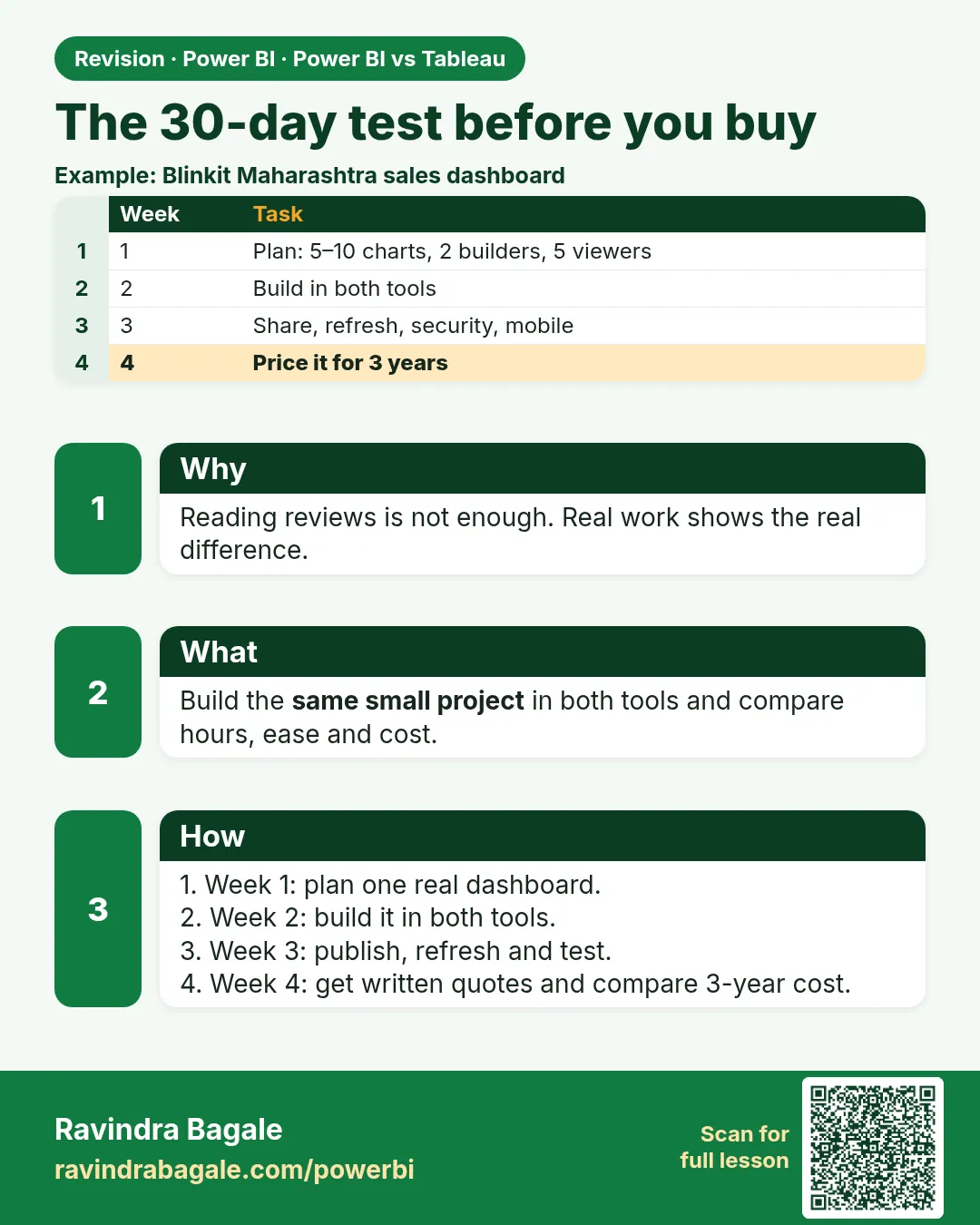
10. Try before you buy: a 30-day test
The best way to choose is to build the same small project in both tools.
- Week 1: Plan. Pick one real dashboard (5 to 10 charts) and the data behind it. Choose two builders and five viewers.
- Week 2: Build. Make the dashboard in both tools. Write down how many hours it took and what slowed you down.
- Week 3: Share. Publish it, set up daily refresh, and test security and mobile viewing. Ask for one change and see how easy it is.
- Week 4: Price it. Ask both vendors for a written quote for your real team. Include Fabric capacity, Tableau role mix and any AI add-ons. Compare the cost over three years.
11. Questions people ask
Which is easier for a beginner?
If you know Excel, Power BI usually feels easier. If you like dragging things on a canvas and seeing results straight away, Tableau feels natural. Try the free versions of both for an afternoon.
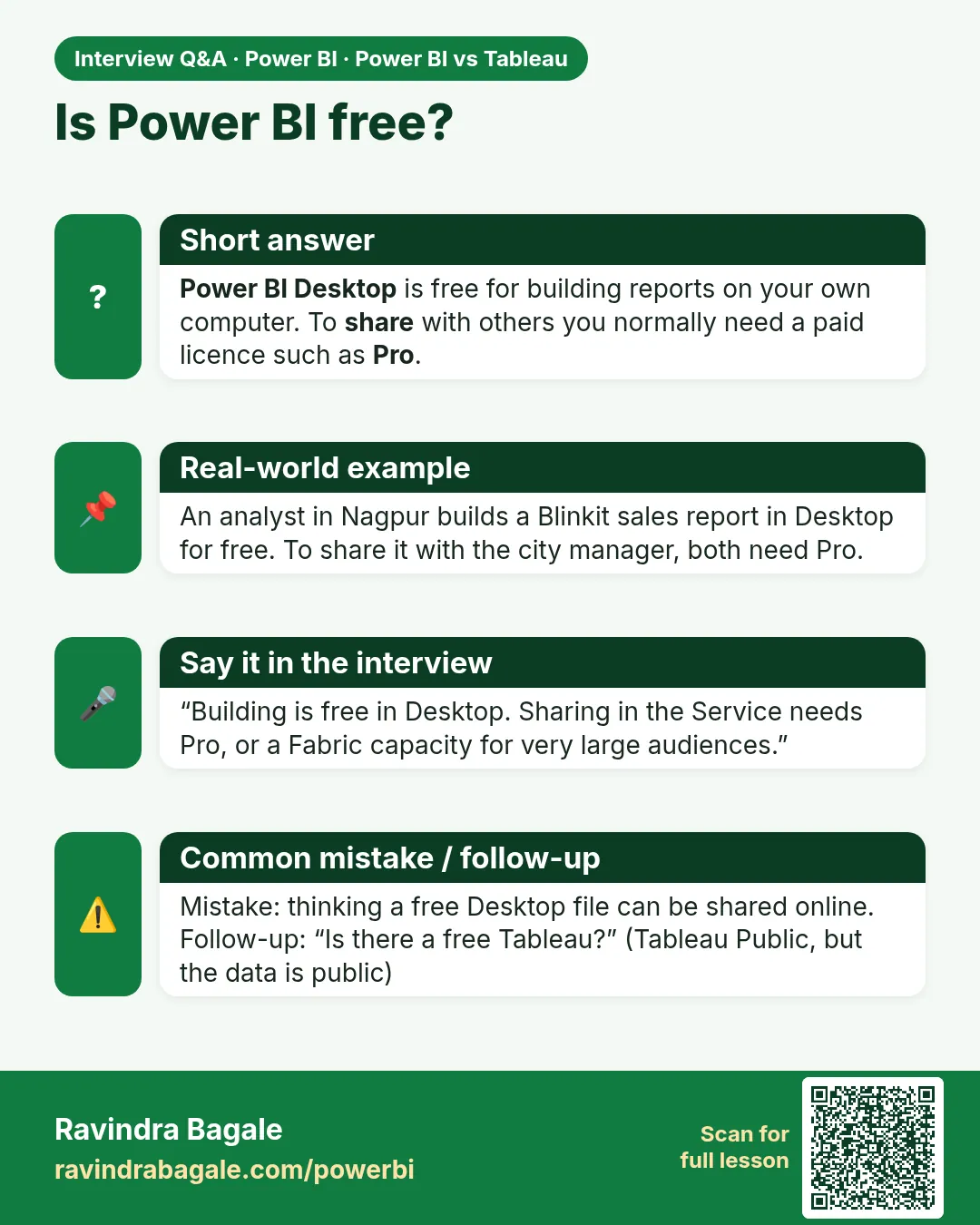
Is Power BI really free?
The Desktop app is free to build reports on your own computer. To share with other people you normally need a paid licence such as Pro.
Is there a free Tableau?
Tableau Public is free, but everything you publish is visible to everyone. Do not use it for private business data.
Which has better charts?
Tableau usually wins for custom, artistic visuals. Power BI is strong for everyday business reports, and it can reach a similar look with custom visuals and extra tools.
Which is better for large companies?
Both are used by large companies. Power BI often costs less for big audiences and fits Microsoft setups. Tableau suits companies with mixed cloud tools or heavy Salesforce use.
Can I switch later?
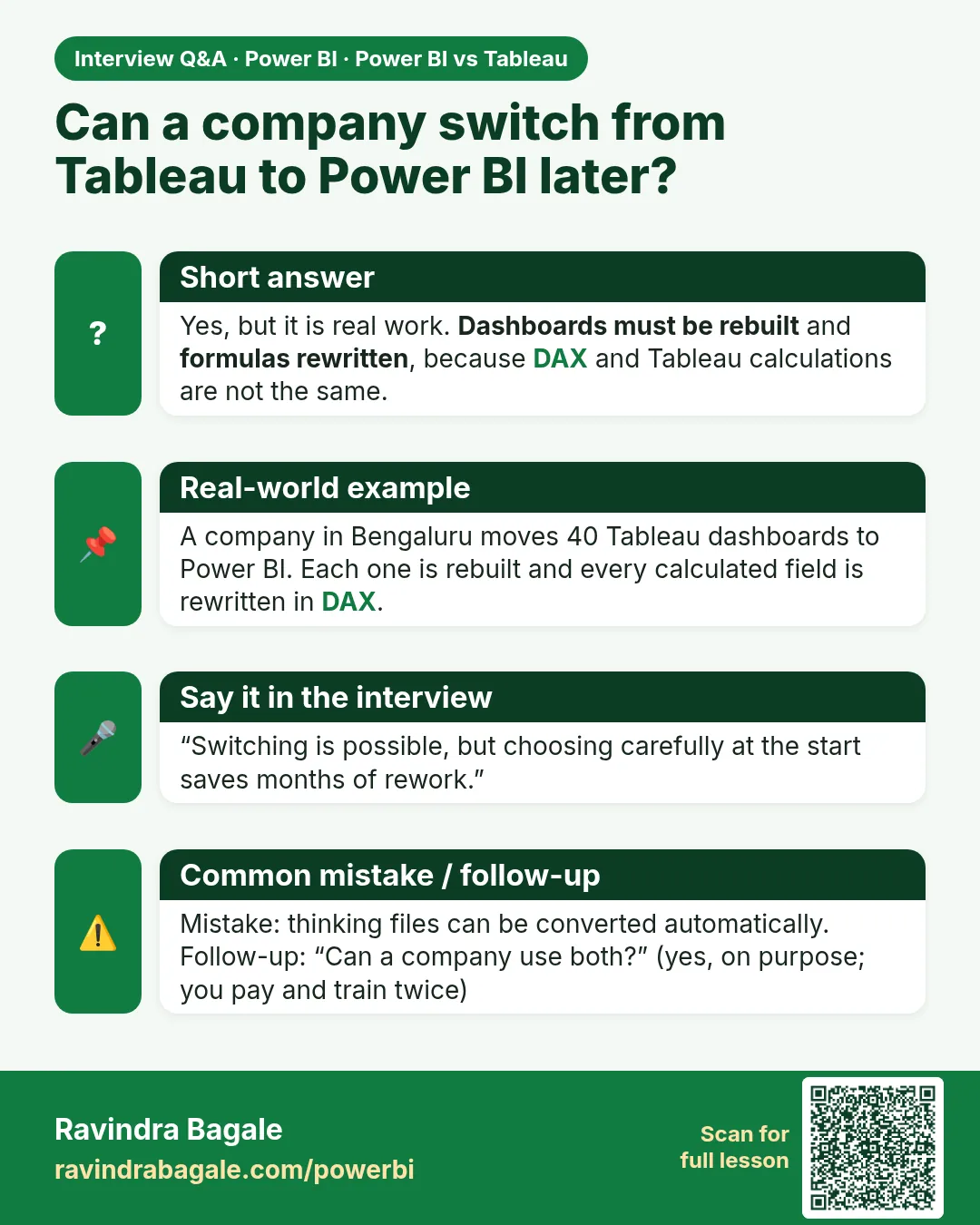
Yes, but it is real work. Dashboards must be rebuilt, and formulas need rewriting (DAX and Tableau calculations are not the same). Choosing carefully now saves time later.
Which one gets me a job faster?
Both are in demand. Power BI appears in a lot of job posts at companies that use Microsoft. Learning one well makes the other much easier to pick up.
12. Hard words explained
- Dashboard
- One page with several charts and numbers that give a quick picture of your business.
- Data model
- A map that tells the tool how your tables connect, such as customers to orders.
- Measure
- A reusable calculation, like total sales, that works with any filter.
- DAX
- The formula language used in Power BI.
- LOD expression
- A Tableau formula that calculates at a chosen level of detail.
- Extract
- A fast saved copy of data that Tableau can use instead of asking the source every time.
- Refresh
- Updating a report with the newest data.
- Row-level security
- A rule that shows each person only the rows of data they are allowed to see.
- Fabric
- Microsoft's all-in-one data platform. Power BI is the reporting part of it.
- Capacity
- A block of computing power you rent, so many people can view reports without each needing a personal licence.
Sources
Prices and feature notes come from third-party 2026 guides and may change. Confirm with Microsoft and Salesforce before you buy. Checked on 22 October 2026. All illustrations on this page were drawn for this guide.
- Power BI pricing and licensing 2026 (EPC Group)
- Power BI cost in 2026 (CloudNuro)
- Tableau pricing in 2026 (DashboardFox)
- Tableau pricing guide (Casrai)
- Power BI vs Tableau in 2026 (Coefficient)
- Power BI vs Tableau: complete 2026 comparison (Infomineo)
- Tableau vs Power BI 2026 (Tech Insider)
Next step: start the free Power BI course with How to Read This Book, or open the course outline.
 Revision card
 Revision card
 Revision card
 Revision card
 Revision card
 Interview card
 Interview card
 Interview card
 Interview card
 Interview card
 Comparison card
 Comparison card
 Comparison card
 Comparison card