21. Dynamic Charts: Field Parameters, What-if and Dynamic Top N
21.8 Field Parameters or a Calculation Group
Start with a problem
Amir's lead asks him: Should we use a field parameter or a calculation group for this page?
Explain simply
Field parameters let users choose which field or measure is shown. Calculation groups change how a measure is calculated (time shift, variance). They solve different problems and can be combined.
Show the data
| Need | Use |
|---|---|
| User picks Sales or Orders | Field parameter |
| Show Current / PM / MoM % for any measure | Calculation group |
| User picks metric and sees MoM | Both |
Fictional sample data. Practice file: visuals_orders_apr_may_2026.csv (source: src/practice/).
Demonstrate
- Write the user's sentence (I want to choose the metric vs I want PM for every metric).
- Choose field parameter for selection, calculation group for repeated logic.
- Build a matrix with the field parameter on Values and
Time Calcon Columns. - Pick Total Orders and check May.
Show the result
Your result should look like this (fictional sample):
| Metric chosen | Current | PM | MoM % |
|---|---|---|---|
| Total Orders (May) | 5 | 3 | +66.7% |
| Total Sales (May) | ₹1,200 | ₹900 | +33.3% |
Explain what happened
The field parameter decides the measure; the calculation group then modifies it per column.
Explore further
- Document both in the model description.
Detailed reference for this lesson:
Both are "switches", but they do different jobs. Do not mix up the two names in an interview.
दोन्ही "switches" आहेत, पण त्यांचं काम वेगळं आहे. Interview मध्ये ही दोन नावं गोंधळून सांगू नका.
दोनों "switches" हैं, लेकिन उनका काम अलग है. Interview में इन दोनों नामों को आपस में मत मिलाइए.
| Field parameter (sections 21.1 and 21.2) | Calculation group | |
|---|---|---|
| What the user picks | Which field or measure is on the visual | Which transformation hits the measure already on the visual |
| Example | Sales or Orders or Margin | The selected measure as Current, YTD or LY |
| Where it lives | A parameter table you can slice | Calculation items, SELECTEDMEASURE() |
| Beginner path | Modeling › New parameter › Fields | Model view › Calculation group |
| Measure explosion | Does not remove the need for base measures | Removes the copies (Sales YTD, Orders YTD, …) |
Use a field parameter when the audience must swap the topic of the chart. Use a calculation group when the topic stays and the time maths (or another repeated pattern) changes. You can use both: a field parameter chooses Sales versus Orders, and the calculation group chooses YTD versus LY of that choice. Test that combination. Some visuals evaluate the group on the sparkline or the total in a surprising way; read the result in query view if the total looks doubled.
Worked example. The Pune page has one column chart. A slicer Metric (field parameter) offers [Total Sales] and [Total Orders]. A second slicer Time calc offers Current and YTD. Raja selects Orders + YTD and sees the running orders for Pune. Shraddha selects Sales + Current and sees the month's rupees. Neither slicer replaces the city slicer. If YTD ignores Pune, the date relationship or the calculation item is wrong; do not "fix" it by removing the city filter.
Ravindra Bagale's Tip
A common mistake is a calculation group for a job that needed a field parameter: the user wanted Quantity instead of Sales, and you built YTD items only. They still cannot switch the base measure. Ask first: do they want to change the field, or the pattern? Then pick the tool. Remember this rule.
Ravindra Bagale's Tip – मराठी
एक common चूक म्हणजे field parameter चं काम असताना calculation group बनवणं: user ला Sales ऐवजी Quantity हवी होती, आणि तुम्ही फक्त YTD items बनवले. ते अजूनही base measure बदलू शकत नाहीत. आधी विचारा: field बदलायचाय की pattern? मग tool निवडा. हा नियम लक्षात ठेवा.
Ravindra Bagale's Tip – हिंदी
एक common गलती है field parameter वाले काम के लिए calculation group बनाना: user को Sales की जगह Quantity चाहिए थी, और तुमने सिर्फ़ YTD items बनाए. वे अब भी base measure नहीं बदल सकते. पहले पूछो: field बदलना है या pattern? फिर tool चुनो. यह नियम याद रखो.
Fix common mistakes
| Wrong result | Reason | Correction |
|---|---|---|
| Calculation group used just to pick metrics | Overkill | Use a field parameter |
| Six PM measures duplicated | No calculation group | Use one group |
| Confusing names in interview | Both called switches | Explain which vs how |
Practise independently
Practice task
A user wants to see YTD for Sales, Orders and AOV. Which tool?
Hints
- Same logic for many measures.
Solution
A calculation group with a YTD item.
Think like a professional
This decision question is common for senior roles. The which vs how answer is short and memorable.
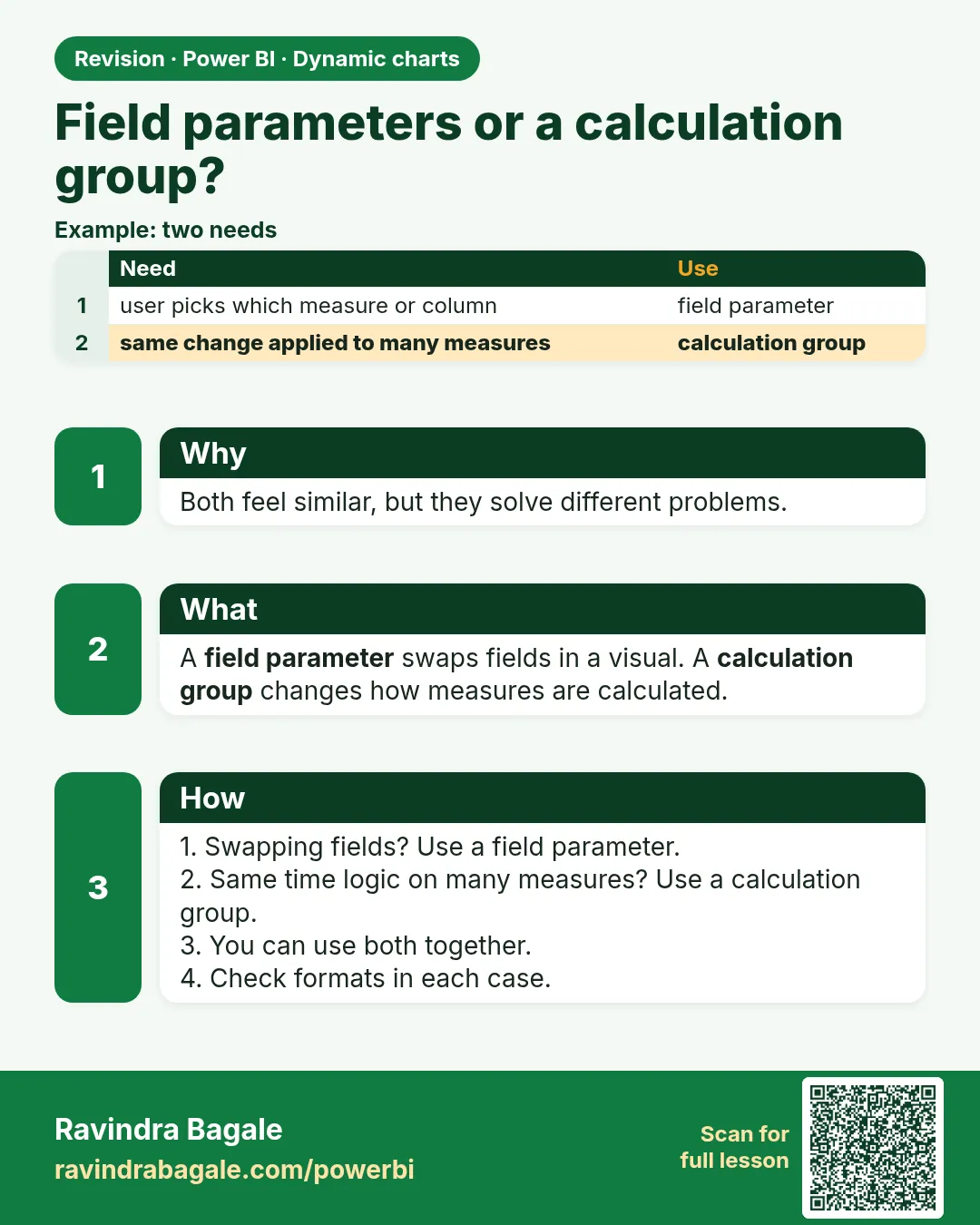 Revision card
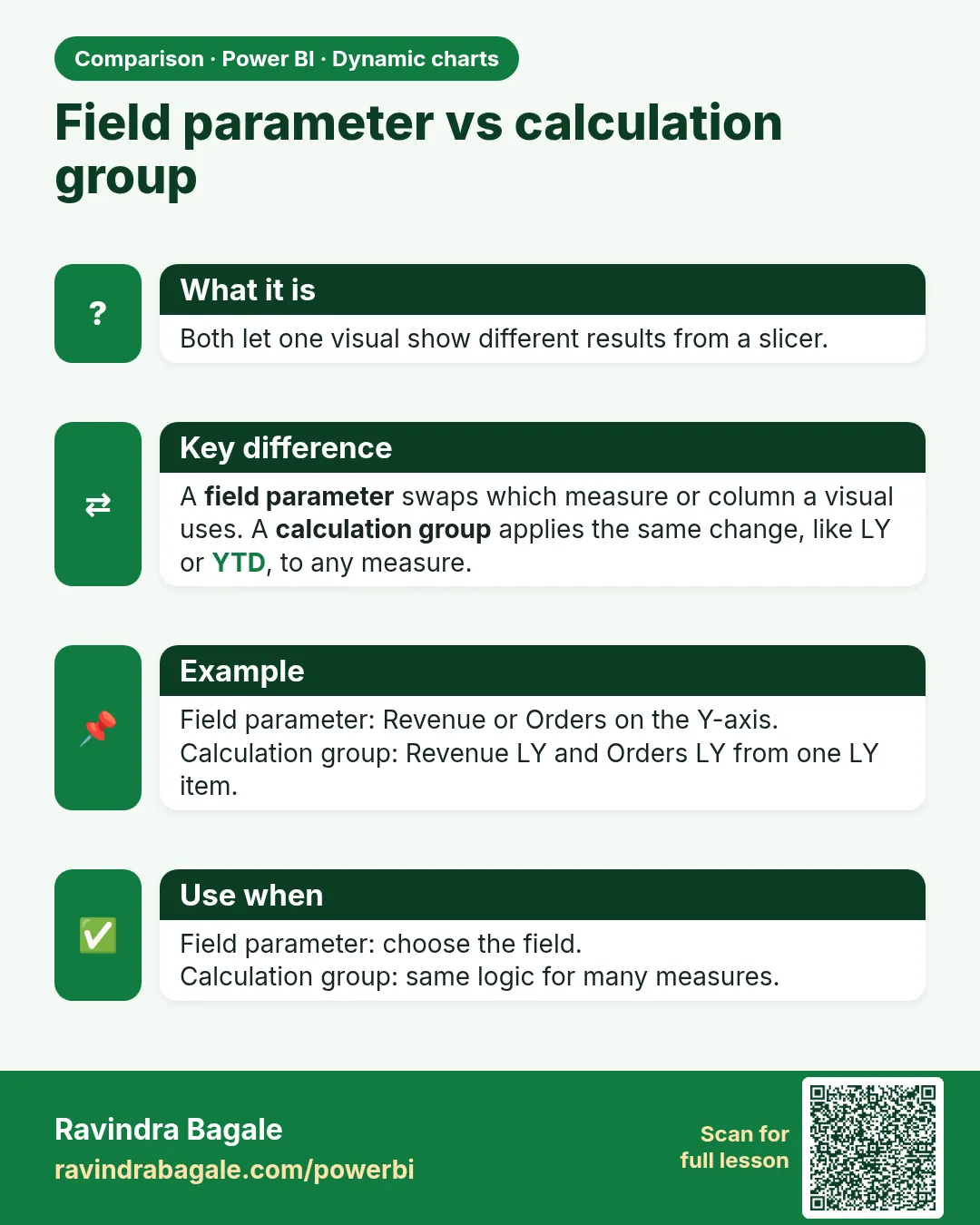 Comparison card